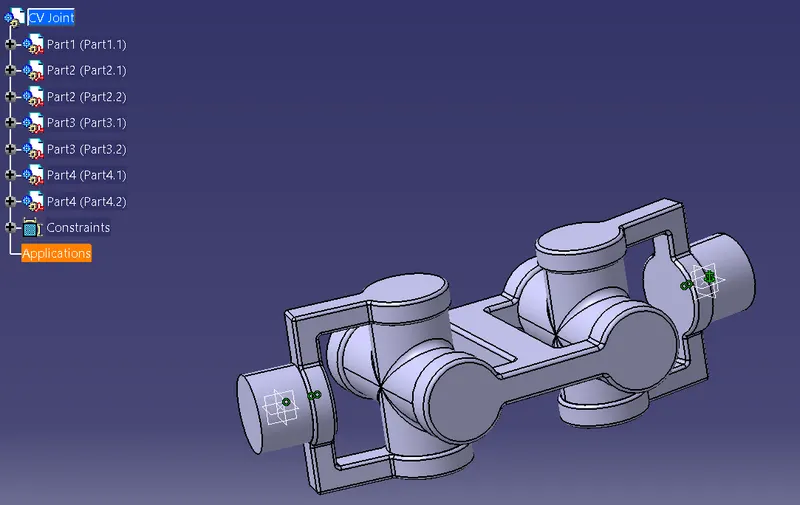
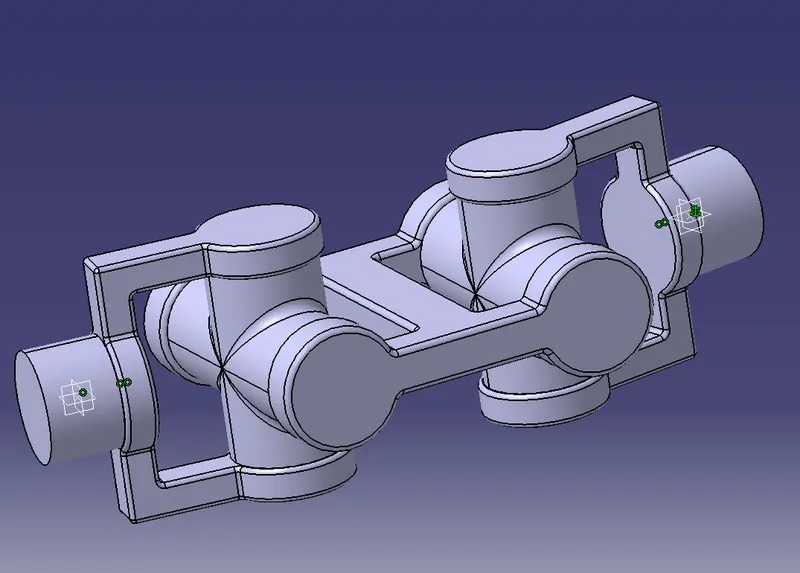
Week 11- Assembly Workbench
AIM:-To create 2 assemblies according to the content covered in the course videos. You will be provided with 2D diagrams of the components and you will have to first create the individual part files and then create a complete assembly of those part files in the assembly workbench. After creating the assembly make use of the drafting tools to create a 2D drawing similar to the one given in the assignment folder.
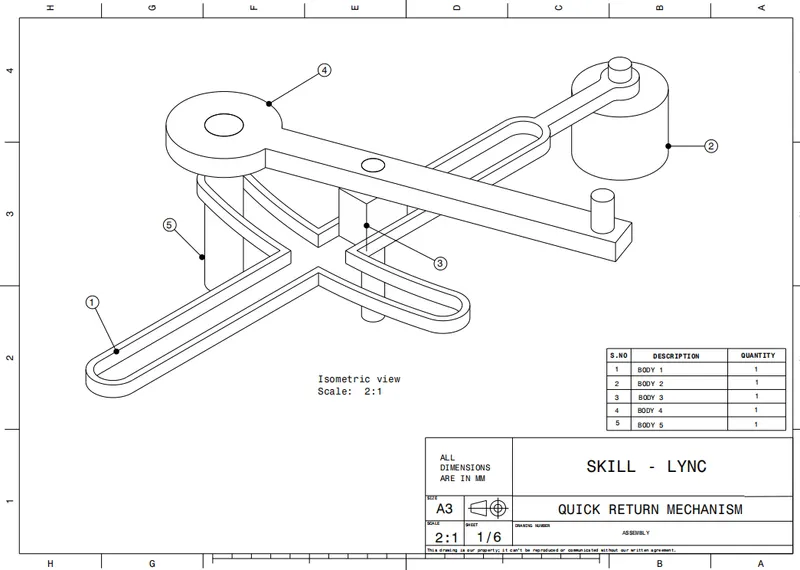
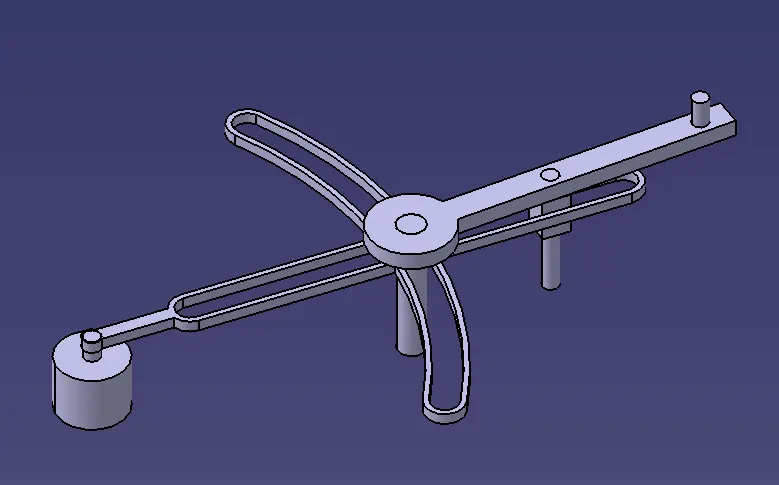
Quick return mechanism
2D drawing of Quick return mechanism
Body 1
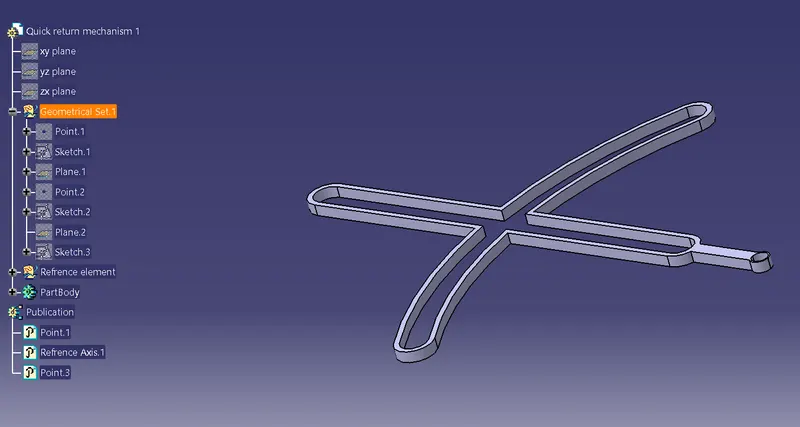
Body 2
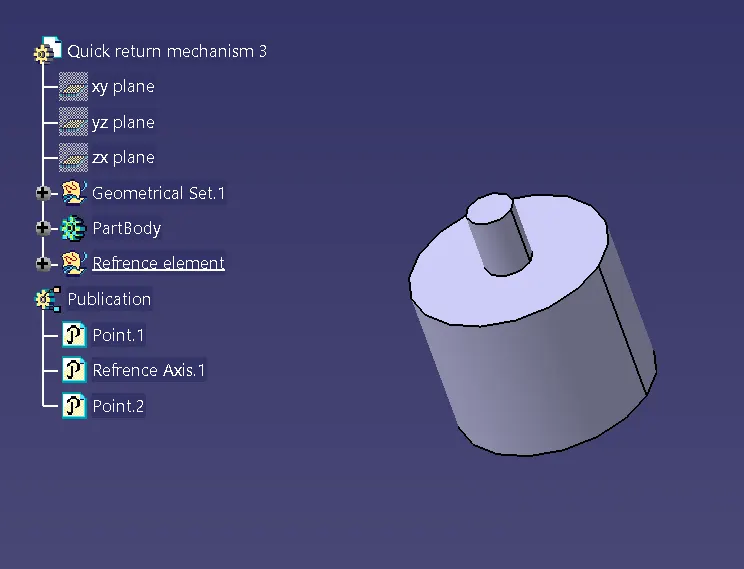
Body 3
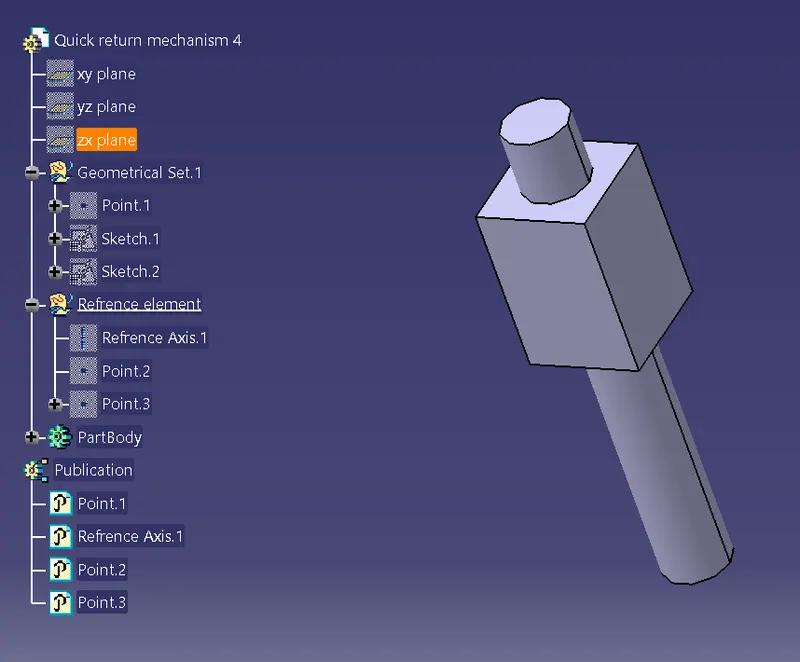
Body 4
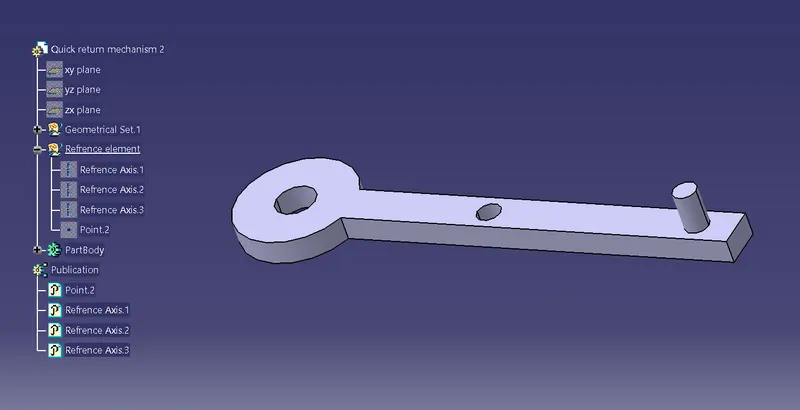
Body 5
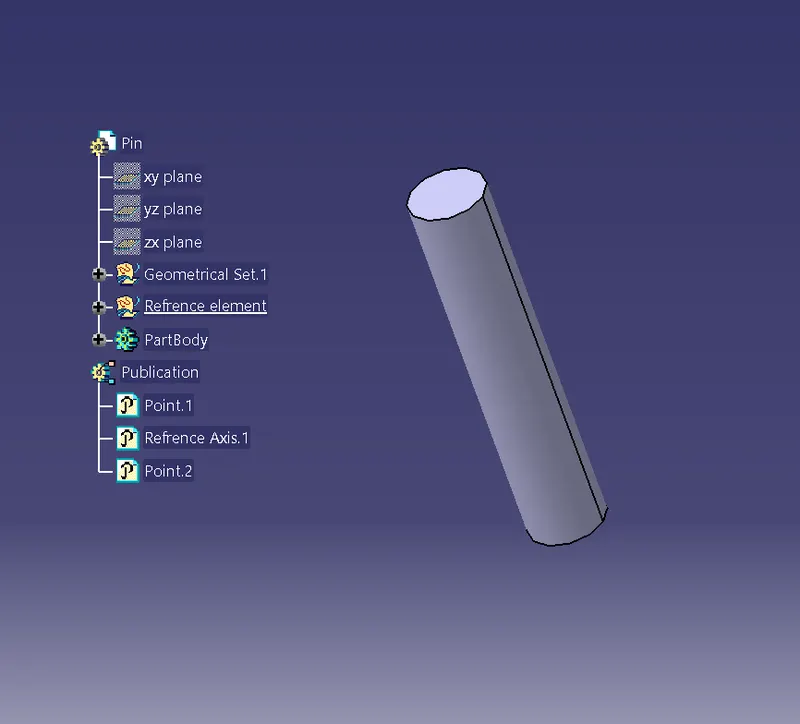
Construction of Quick return mechanism
- First, Sketch and then pad the body.
Body 1 construction
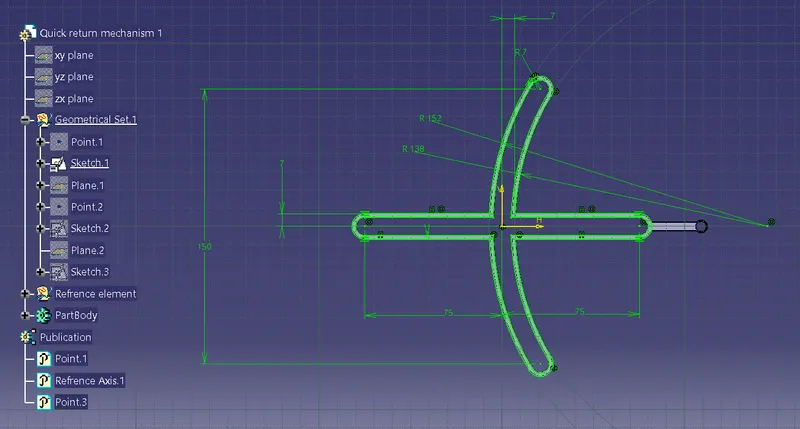
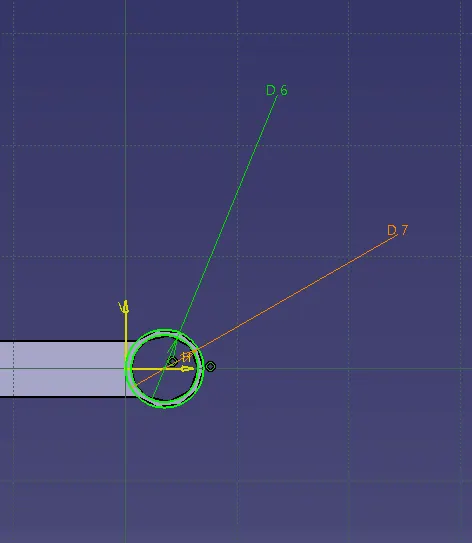
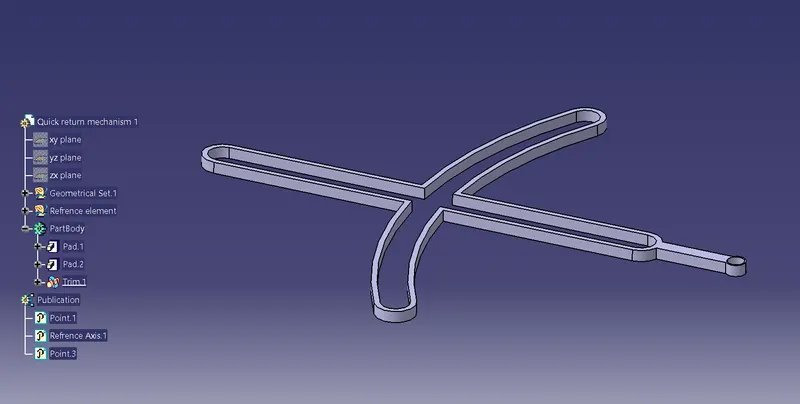
Body 2 construction
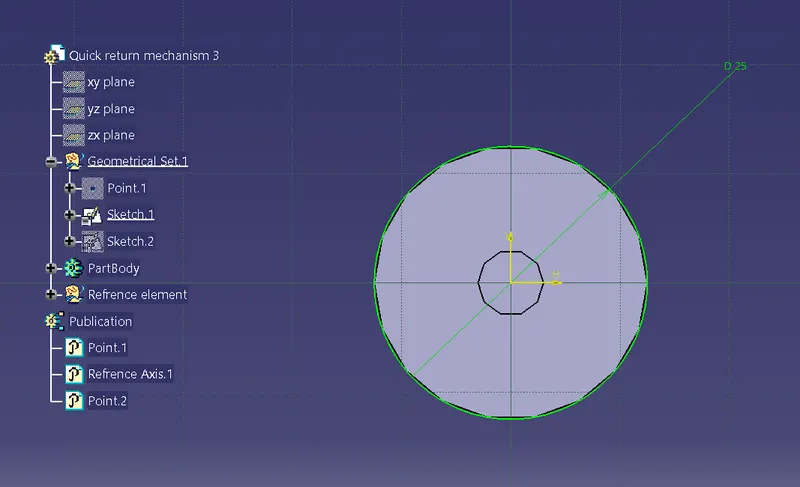
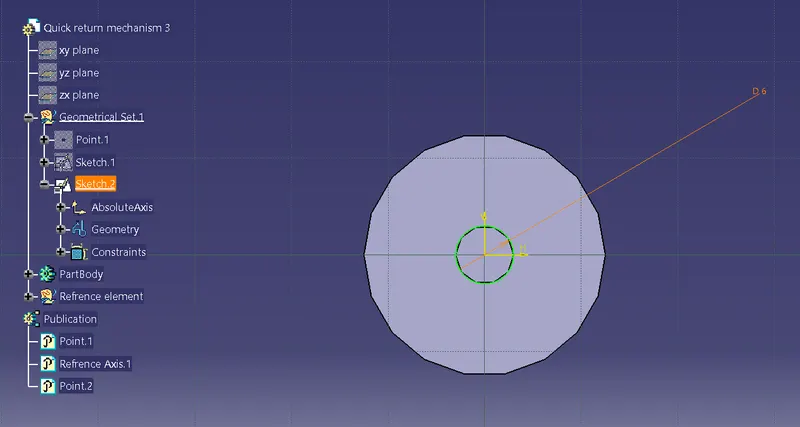
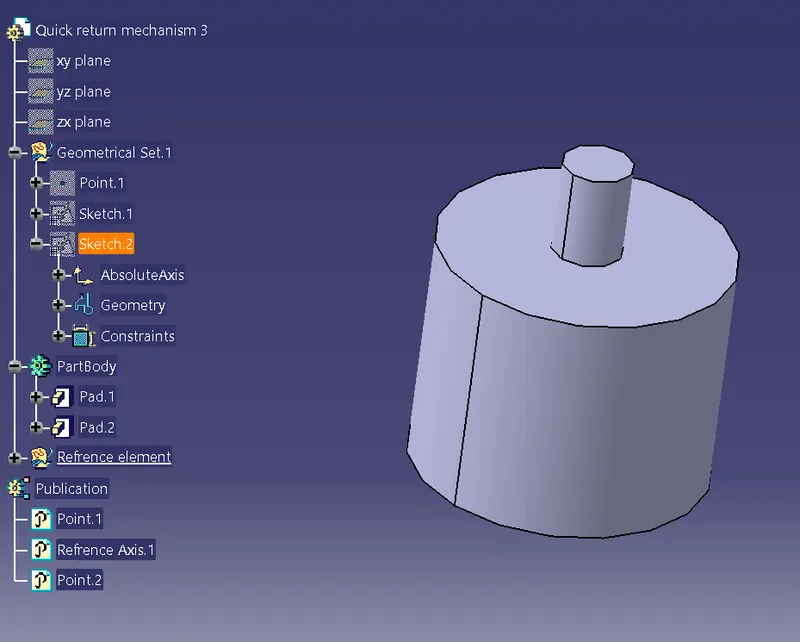
Body 3 construction
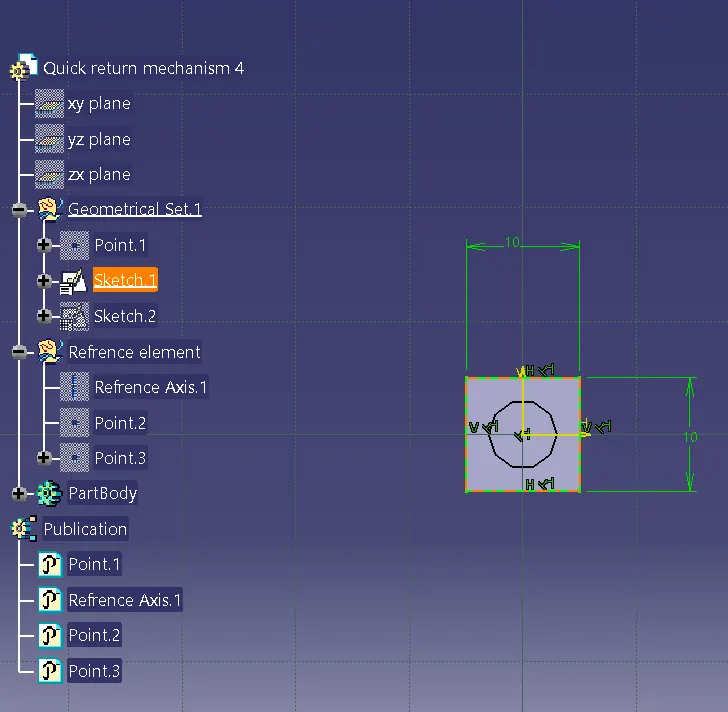
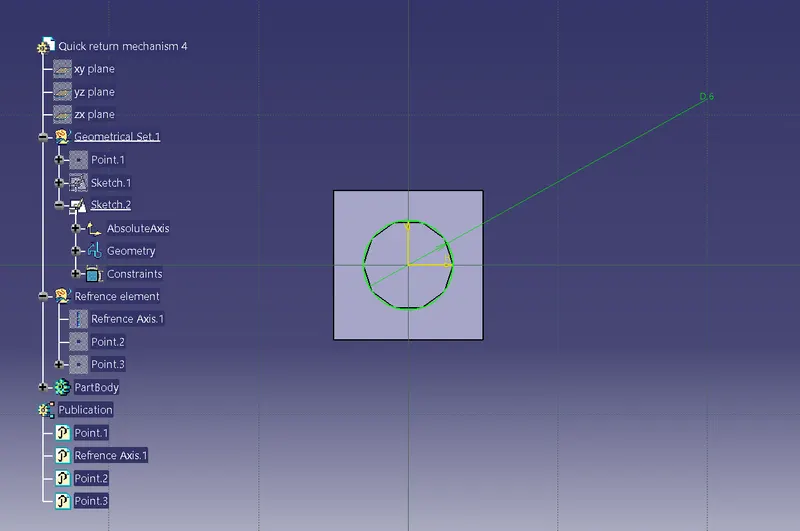
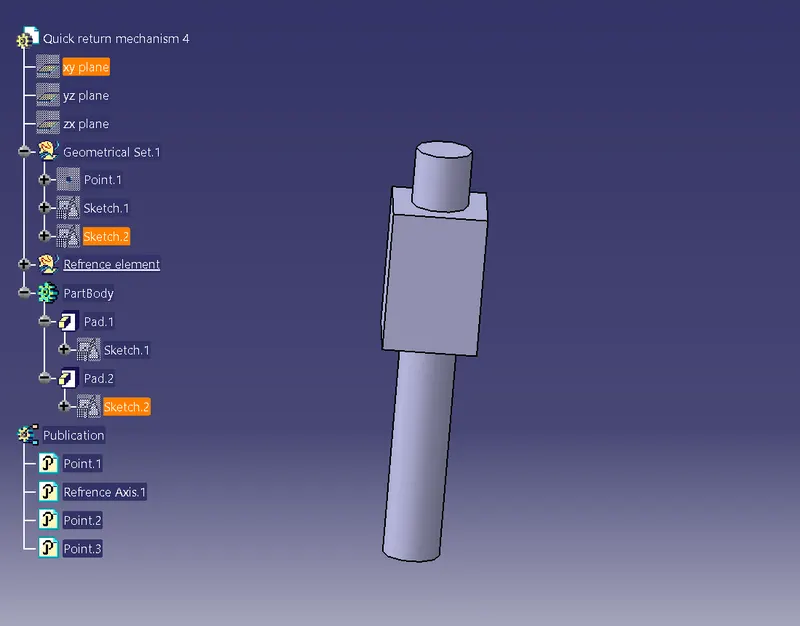
Body 4 construction
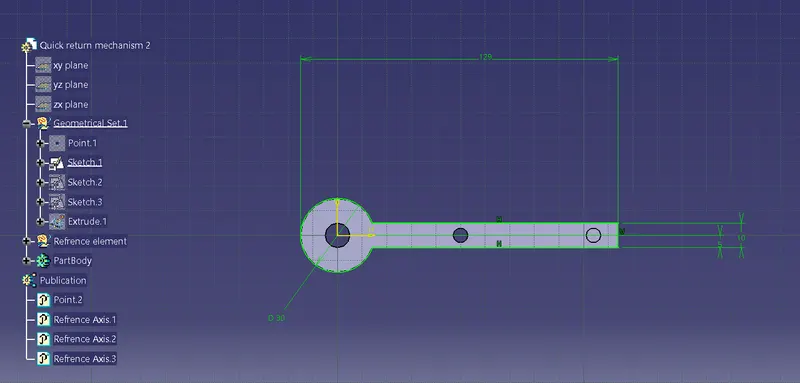
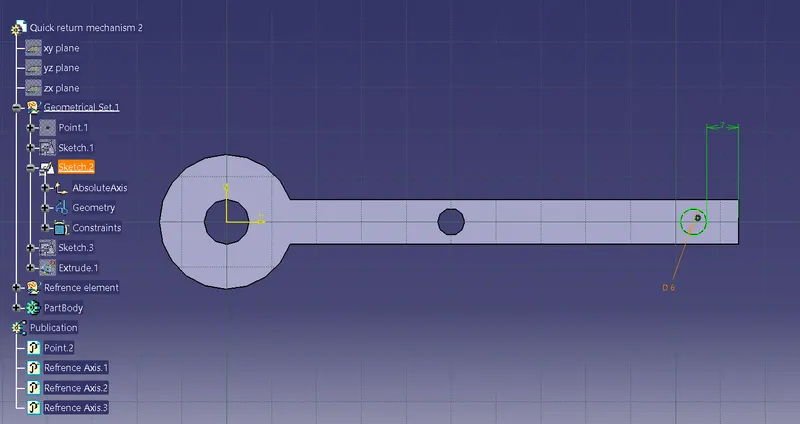
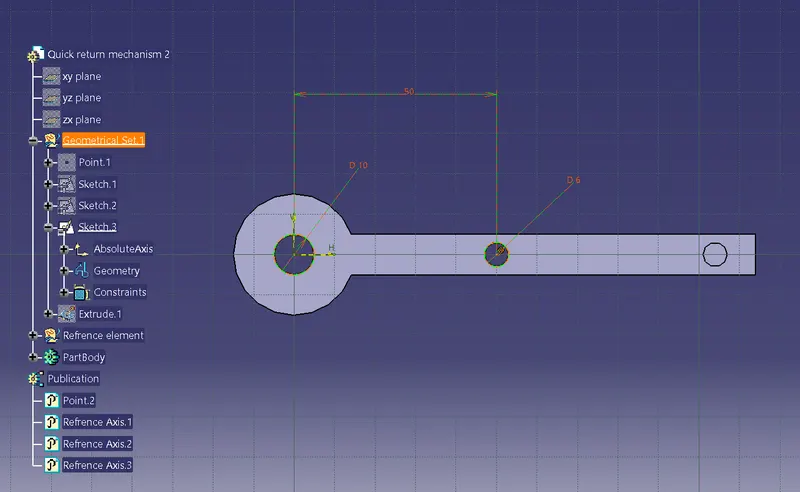
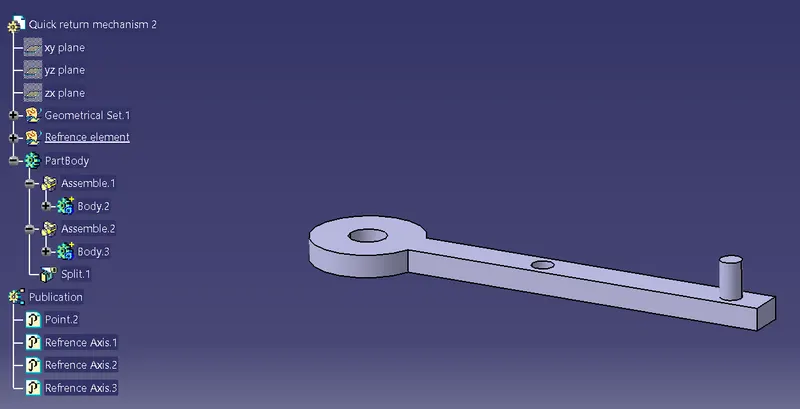
Body 5 construction
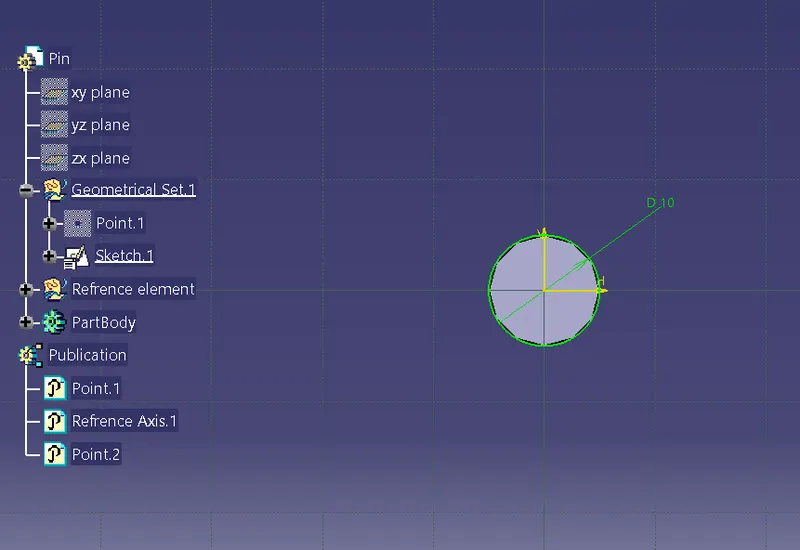
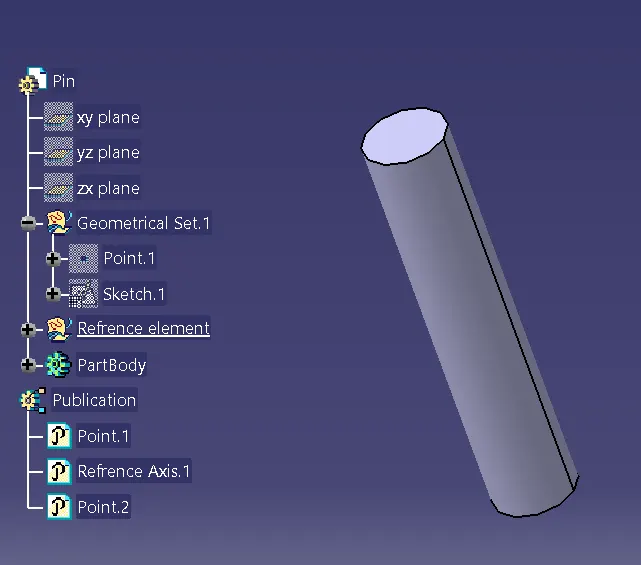
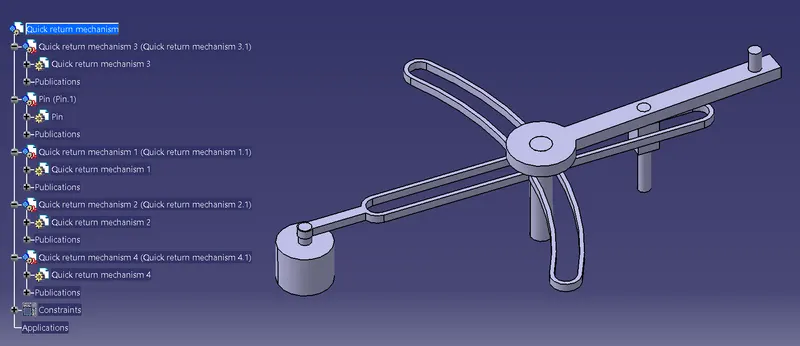
After creating the body go to the assembly workbench and assemble all the parts
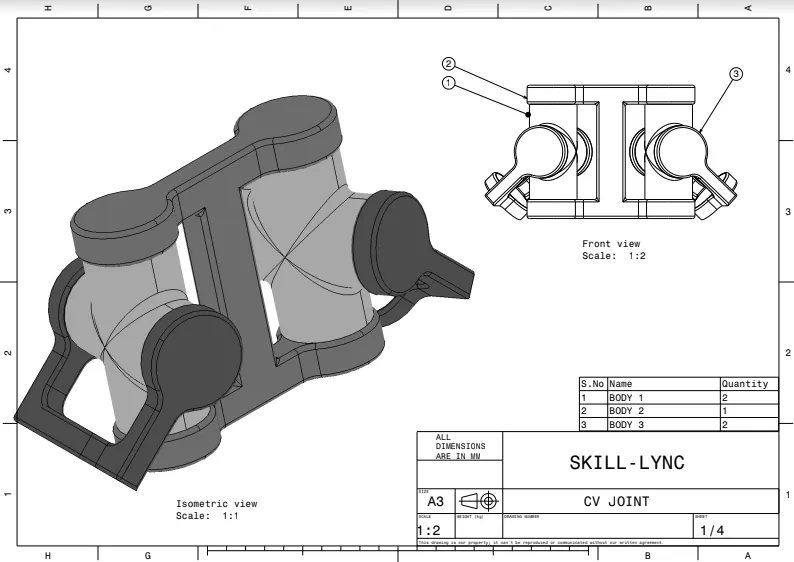
CV joint
2D drawing of CV joint
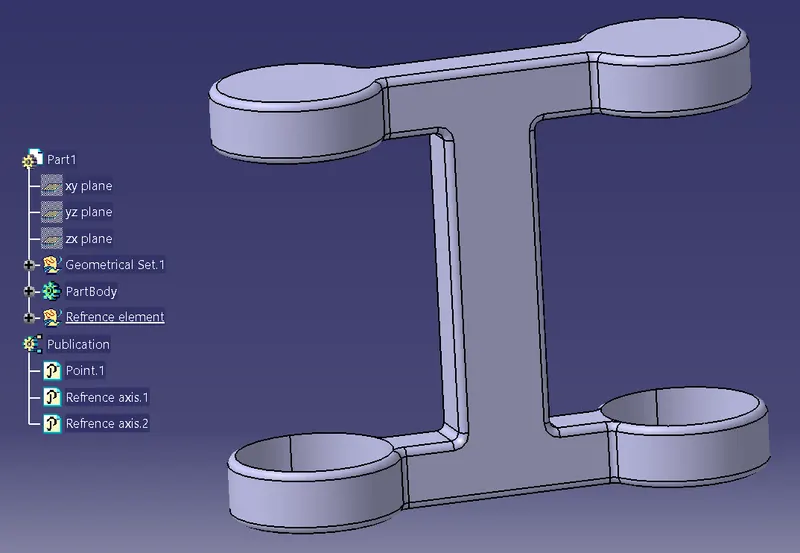
Body 1
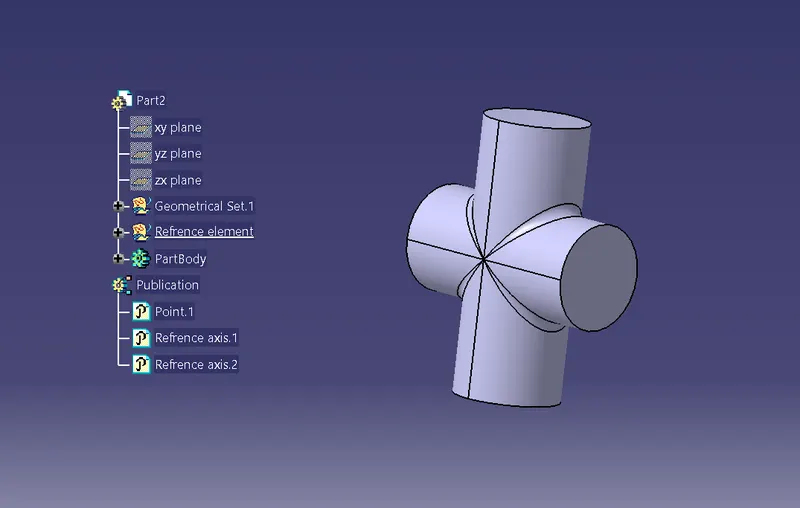
Body 2
Body 3
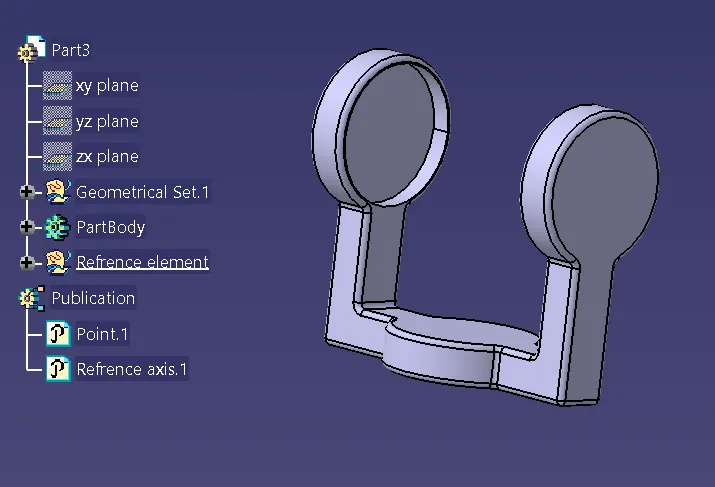
Body 4
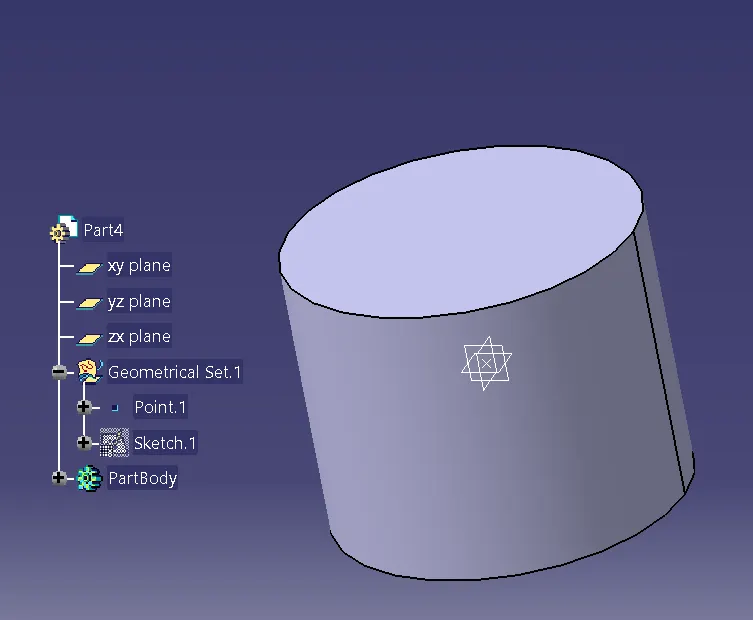
Construction of CV joint
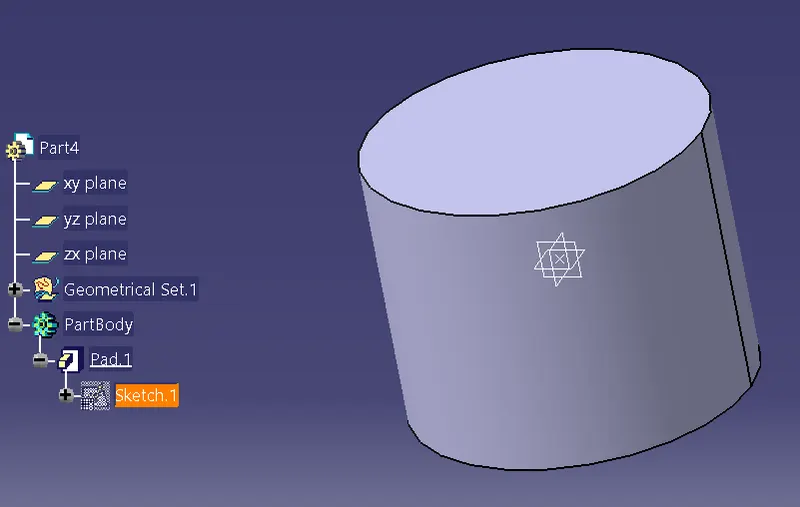
- First, Sketch and then pad the body.
Body 1 construction
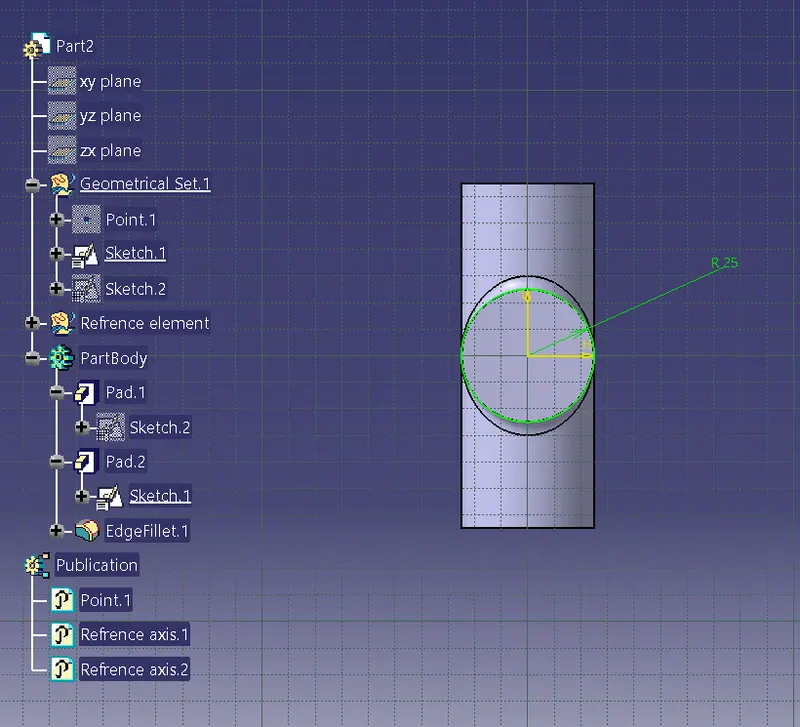
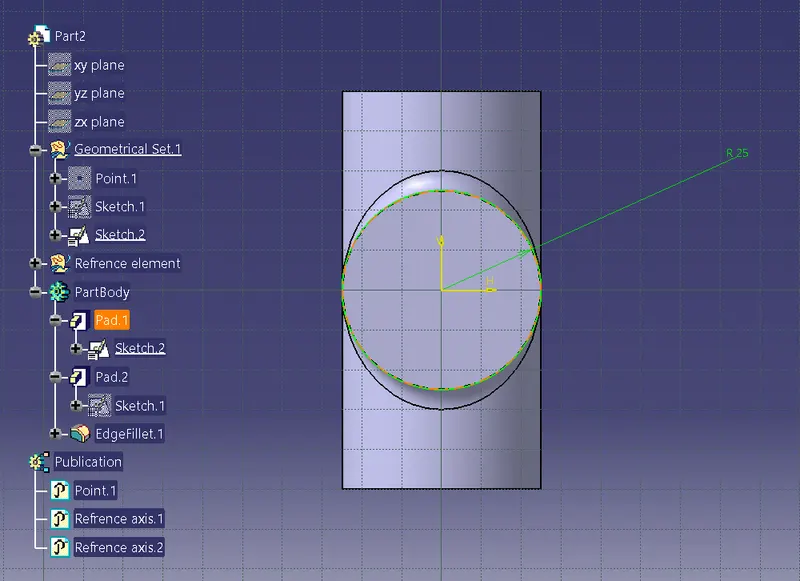
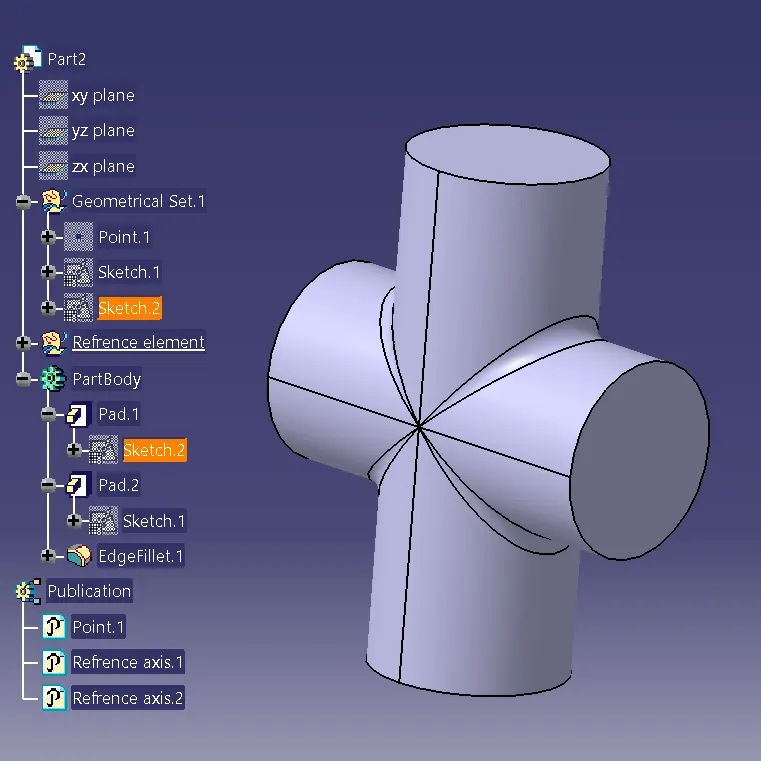
Body 2 construction
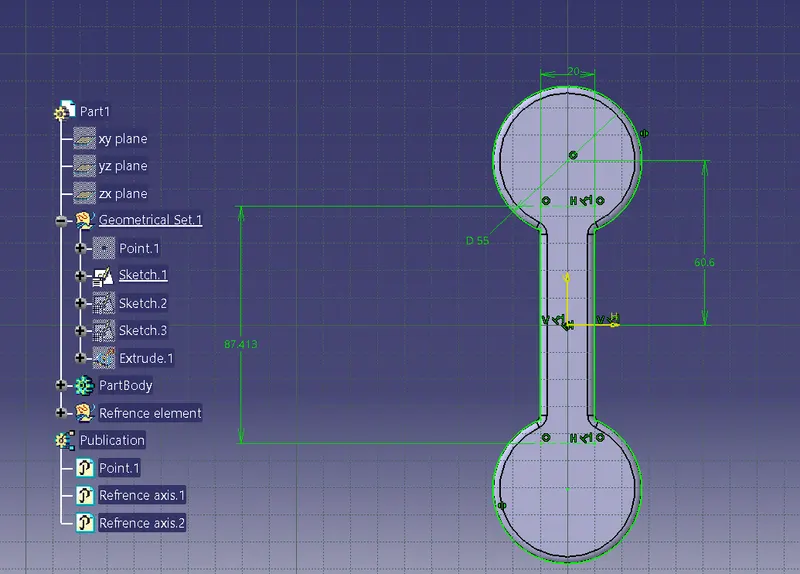
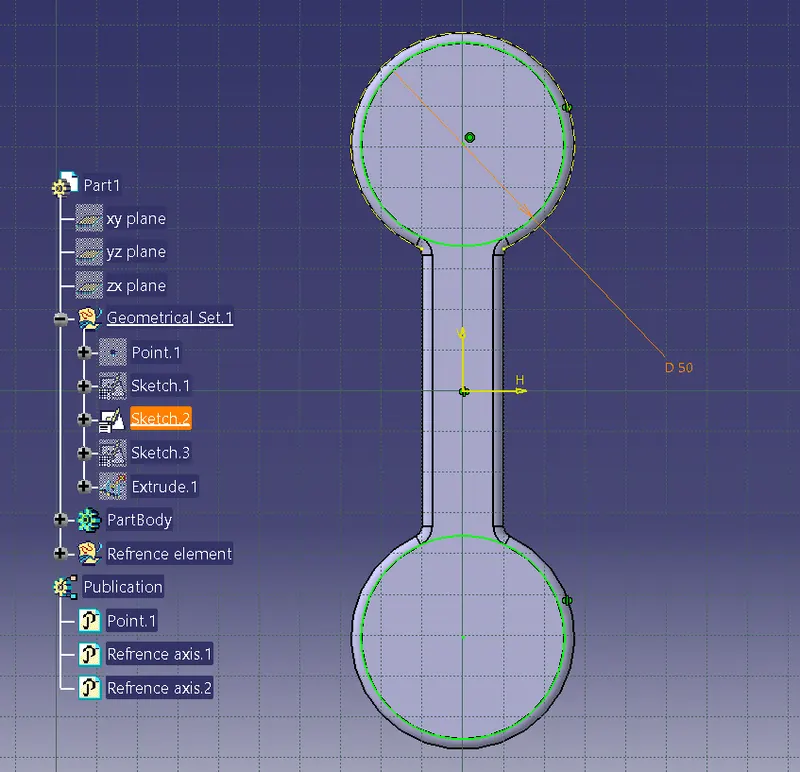
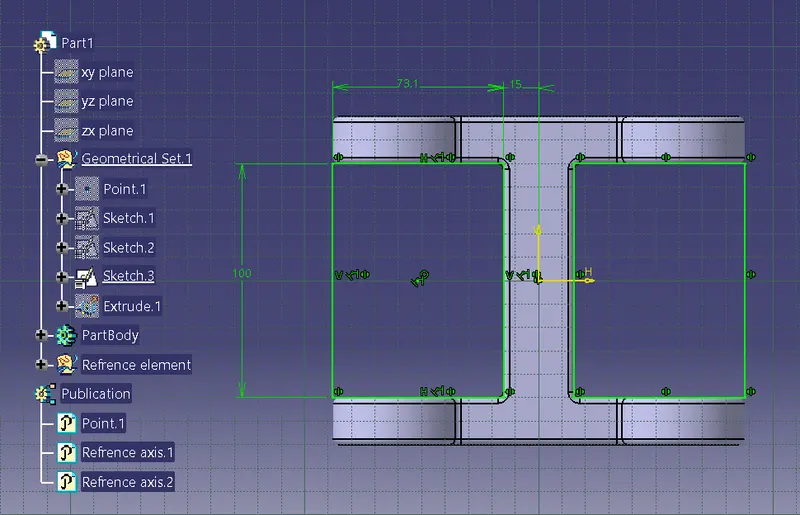
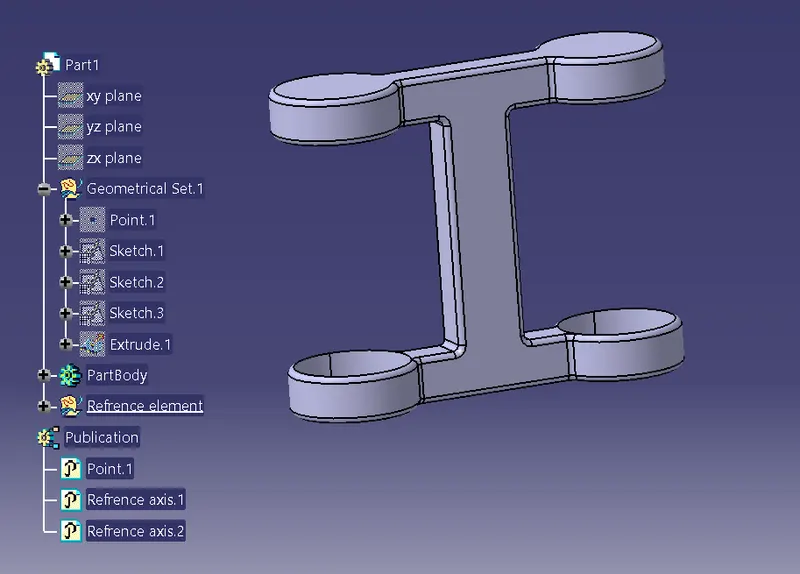
Body 3
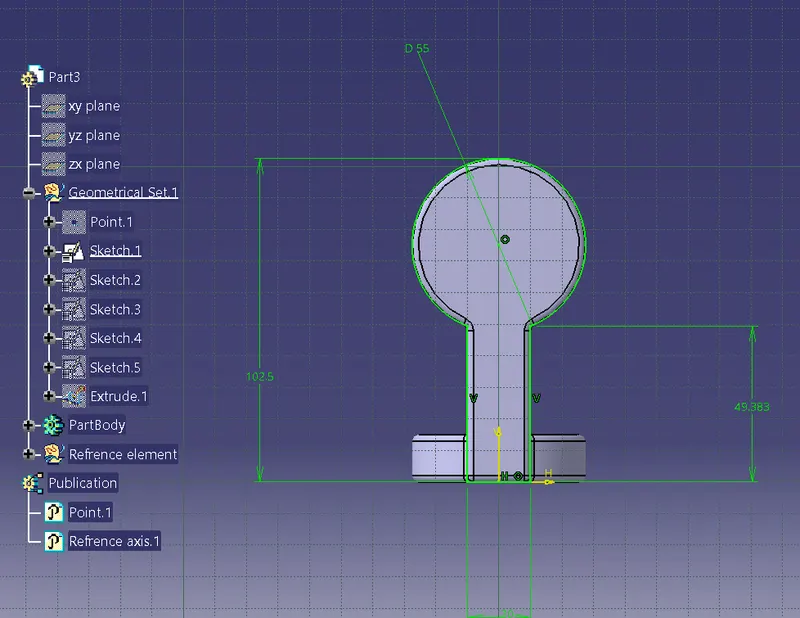
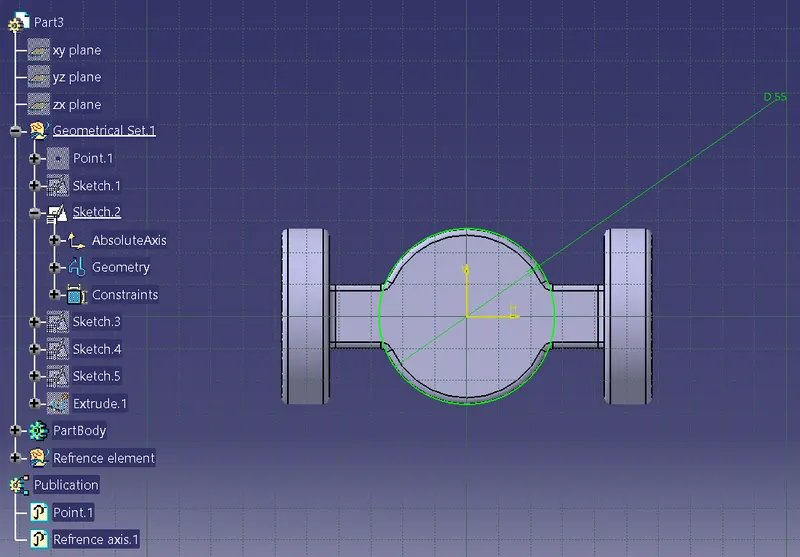
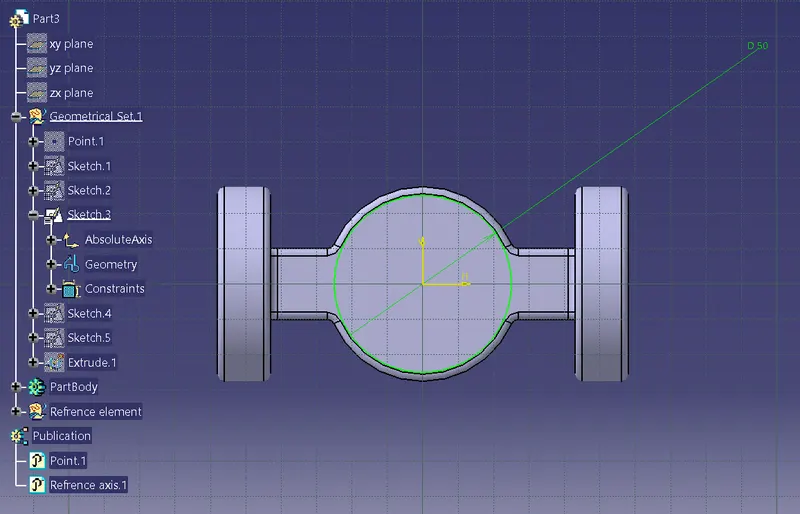
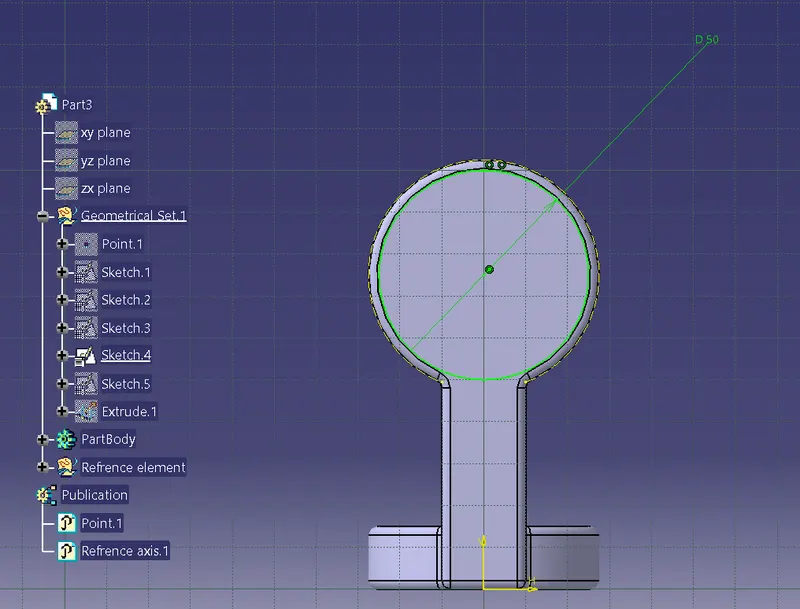
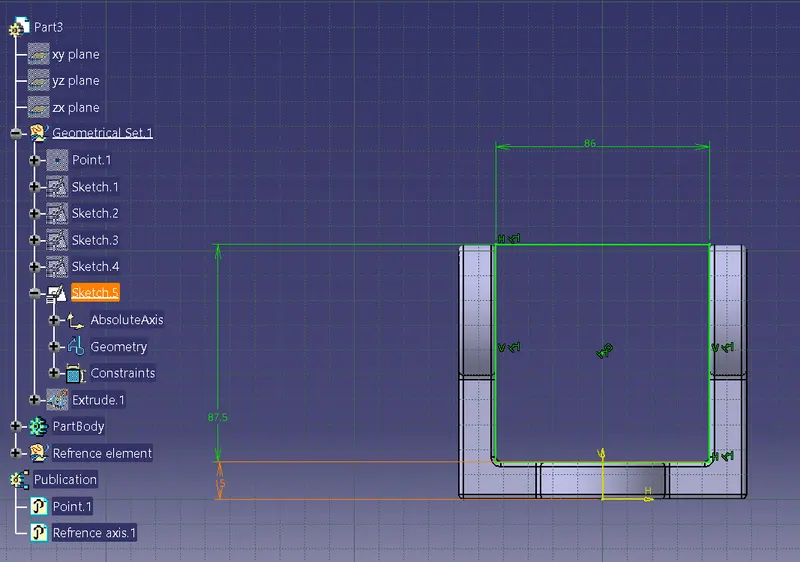
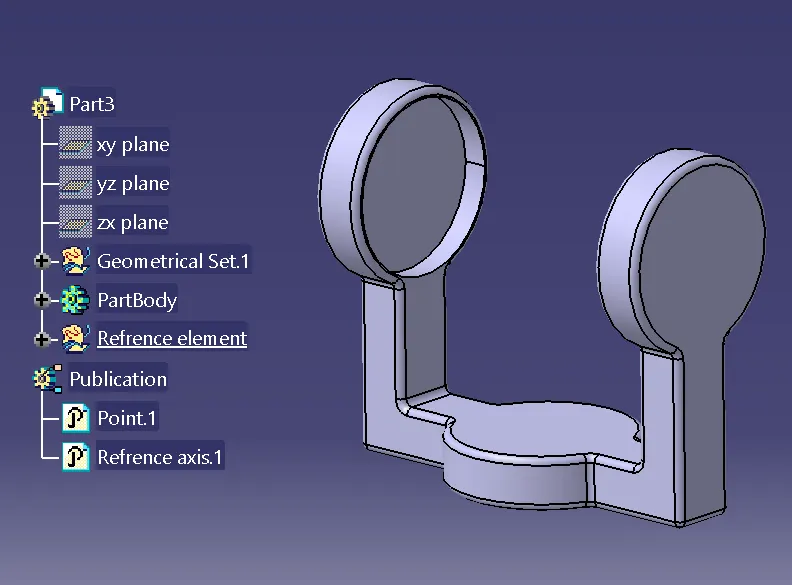
Body 4
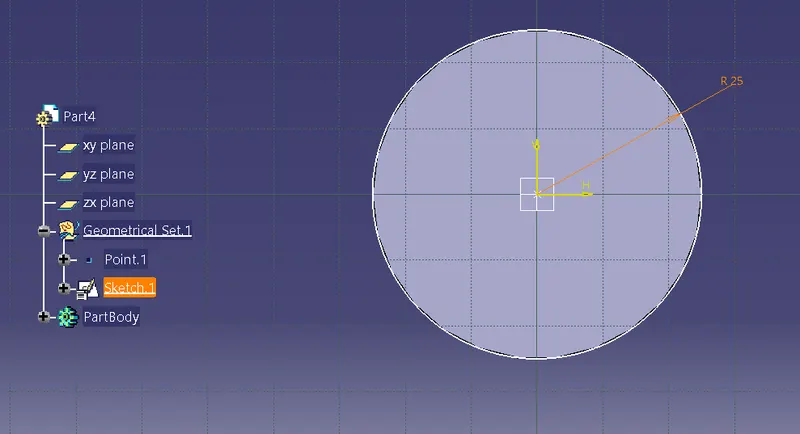
After creating the body go to the assembly workbench and assemble all the parts