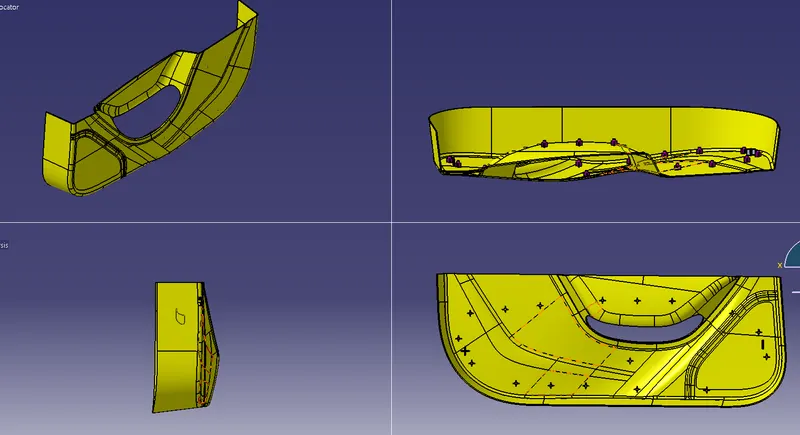
Week 10 - Challenge 3 - Door Trim Lower with Engineering Features
AIM
To create a HEAT STAKES and LOCATORS for the given DOOR TRIM.
PURPOSE OF HEAT STAKES
Heat staking also known as thermoplastic staking is the process of joining two dissimilar materials together. In heat staking we use local heating and cooling to raise the temperature of plastic components and allow plastic reforming to be carried out. This reforming can be used in a wide variety of applications.
STEP BY STEP PROCEDURE
1.First create a TOOLING AXIS for the given CLASS A SURFACE by creating a point on the class a surface.
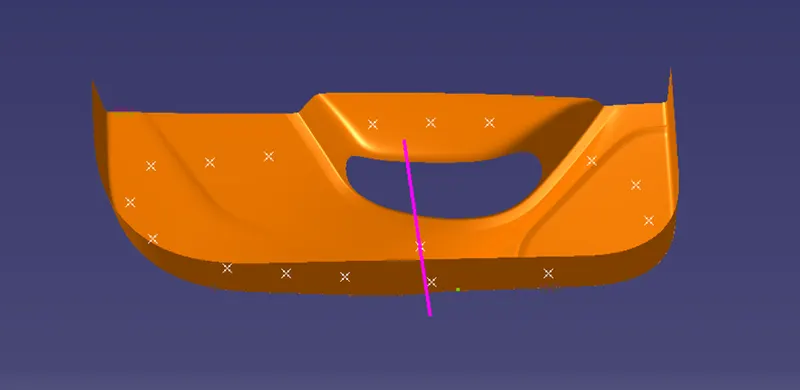
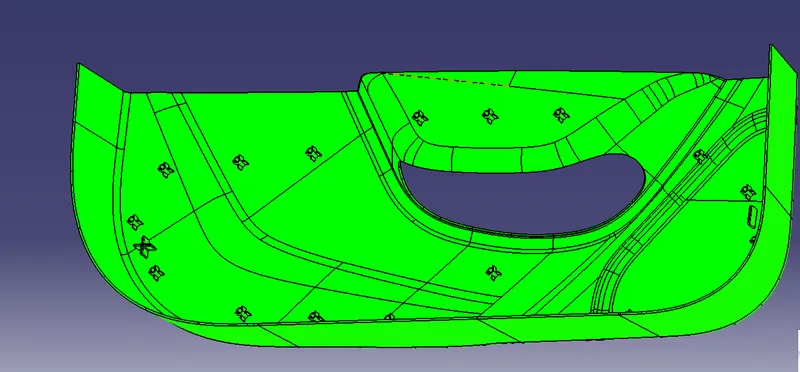
2.Then do a DRAFT ANALYSIS for the given CLASS A SURFACE by using the tooling line.
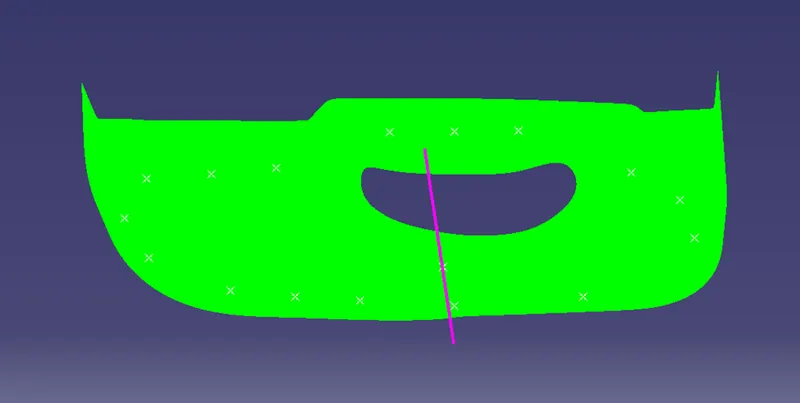
3. CLASS C SURFACE creation using boundary,sweep and extrpolate option.
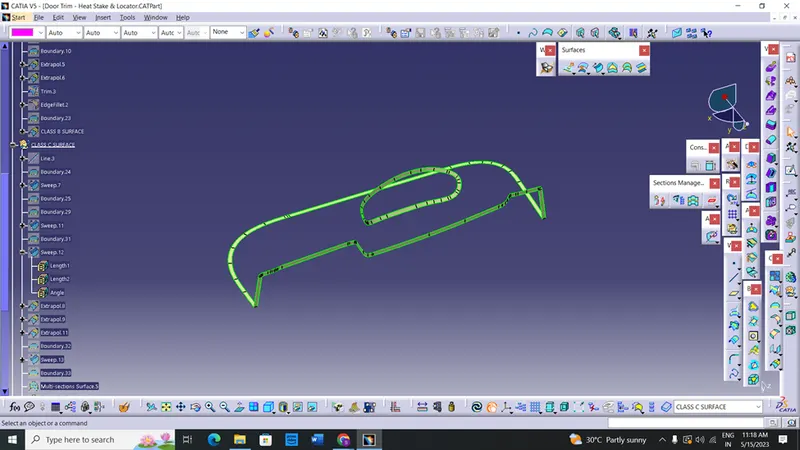
4.To create the class B surface, offset the class A surface inside as per our thickness requirement (here the thickness is 2.5mm, so I offset the class A to 2.5mm inside). Once the offset is created, we can observe some patches on the offset surface by taking the boundary for the offset surface, those patches are formed due to the fillets on the class A surface. We need to cover those patches with the help of the multi-section surfaces command by extracting the patch boundaries. Once all the patches on the offset are covered properly join all the patches with the offset surface, to get the replicated surface of the class A surface.
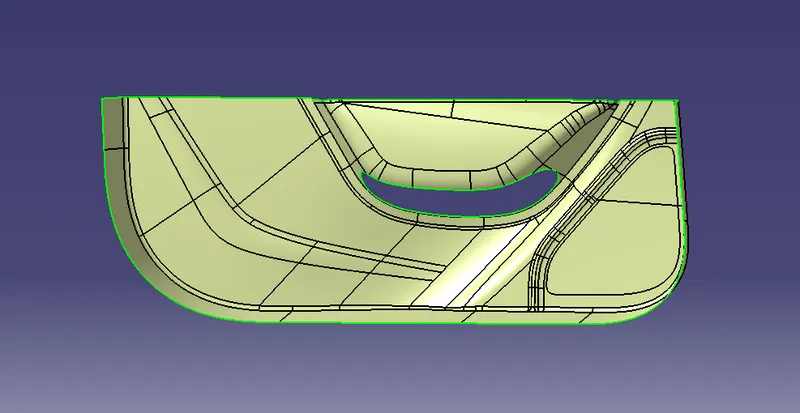
5.create a closed body and check wether there is any boundary was there.
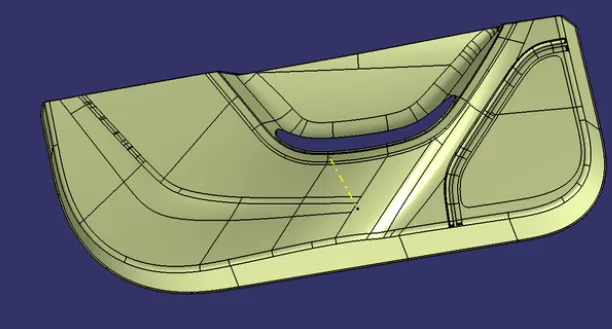
6.Then go to the part design and make a closed surface
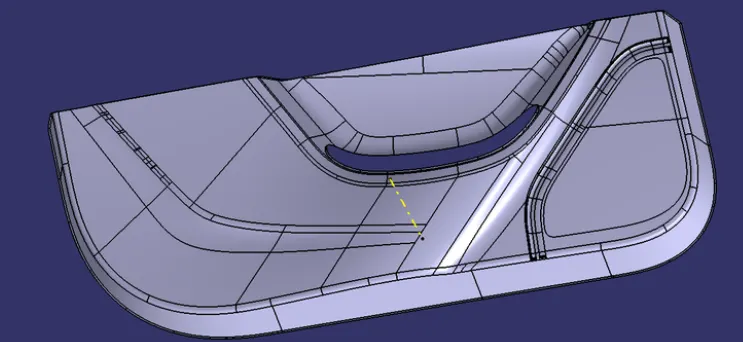
CREATION OF HEAT STAKES
- First create a two circles of DIAMETER 5 and 7.
- Then using the pad option give dimension as the 15mm and other direction as 5mm.
- Give fillet for the top surface.
- Then give draft for the inside and outside of the circle with reference element as the top surface.
- The draft value was 0.25 degree.
- Next step is to give supporter for the heat stakes.
- For that draw two line and extrude the line to the 10mm from the bottom of the round surface.
- Then using thick surface option thicken it to 1.3mm.
- There is a ribs inside the heat stakes for that use a boolean operation and union trim with the inner round part.
- For the ribs also we must give a draft.
- Before boolean operation give draft for the all sides of the ribs with 0.25 degre.
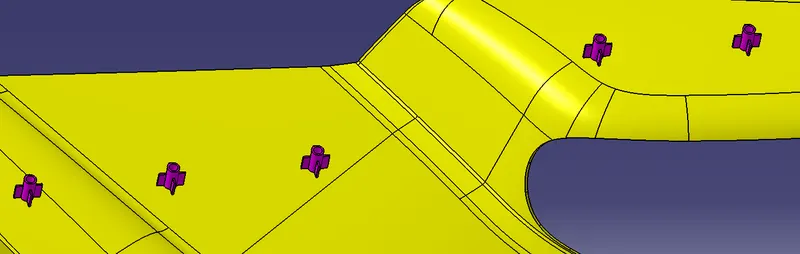
- Now we want to do this for all the points which is located in the class a surface.
- For that copy the heat stake body and paste special in the main part.
- Then by using a translate option point to point form the parent heat stake translate it to all the points.
- Then assemble all the heat stakes under one body.
- Then give a union trim for the assembled heat stakes and part body.
- Now the heat stakes creation was finished.
CREATION OF 4 WAY LOCATOR
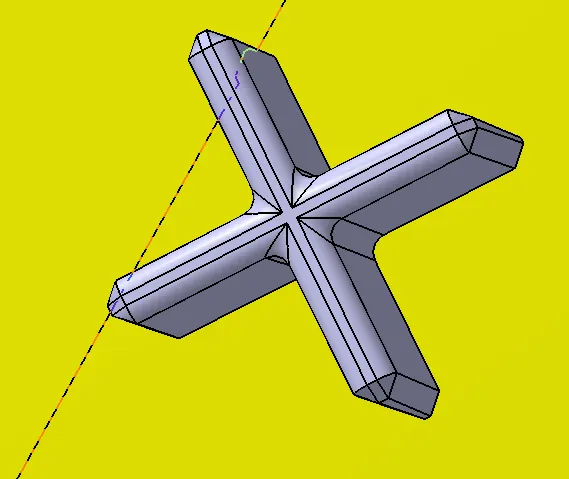
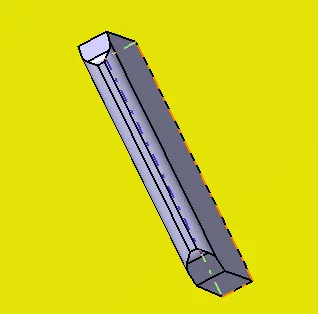
- For creating a 4 way and 2 way locator follow the same procedure which was folled in the heat stakes
CREATING DRAFT ANALYSIS
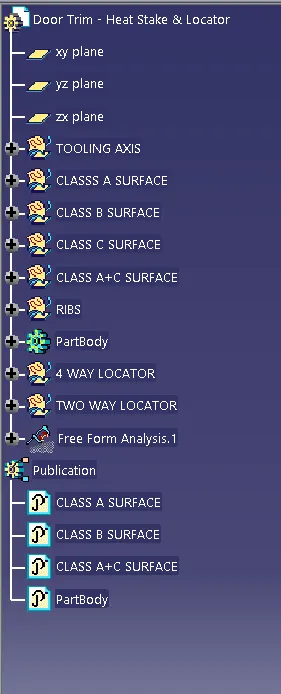
TREE STRUCTURE
FRONT,TOP AND SIDE VIEW