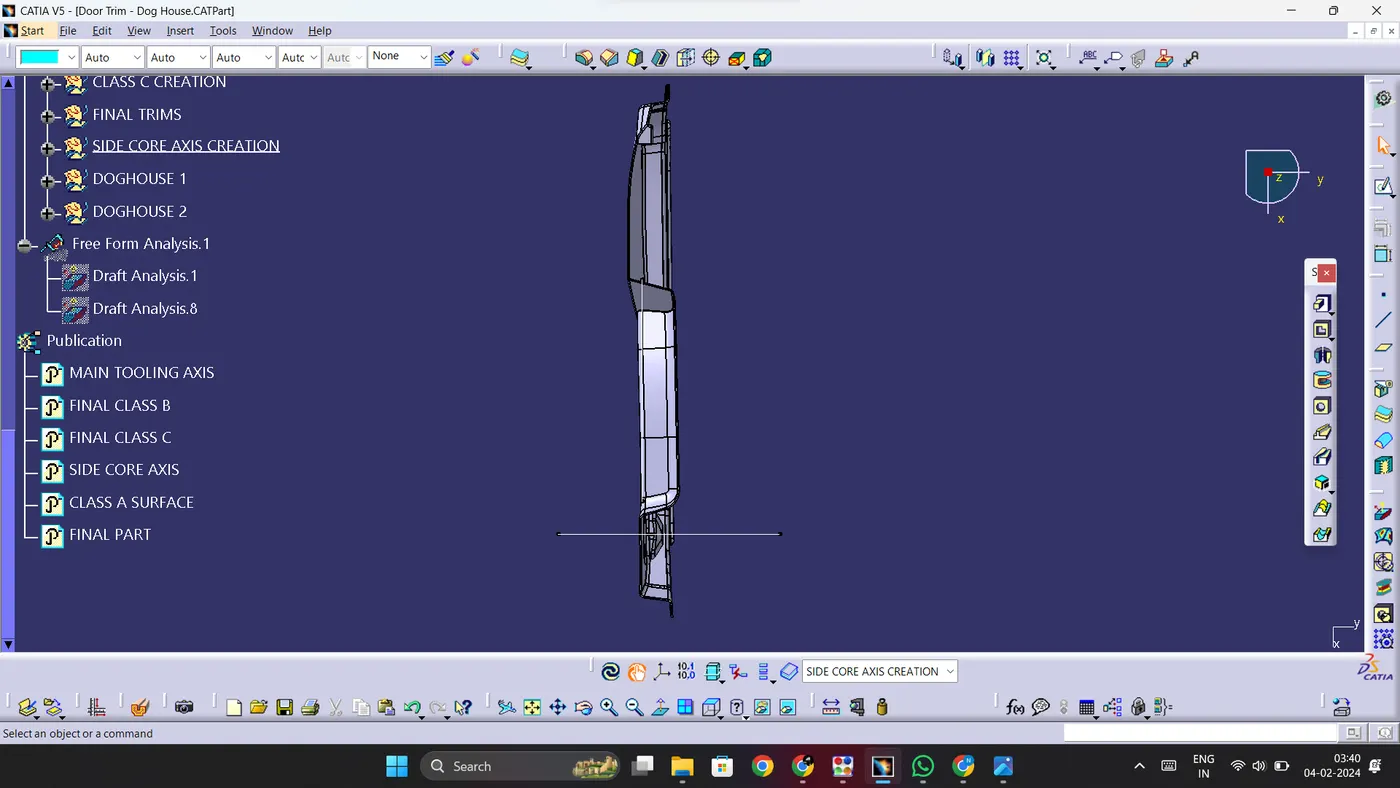
Week 10 - Challenge 2- Attachment Feature Creation (Dog House)
Week 10 - Challenge 2- Attachment Feature Creation (Dog House)
CREATION OF TOOLING AXIS:
1. Firstly, we need to analyse the class-A and figure out the best tooling direction to make sure all parts of the class-A surface can be easily tooled. In this case we can see that the tooling direction should be Y-direction.
2. We need to create an extract of a part of the class-A surface. Then we need a create a point on it. Then create a line at the point in Y-direction.
DRAFT ANALYSIS ON CLASS-A SURFACE:
1. Now we need to perform a feature draft analysis on the class-A surface. Select the draft analysis tool and click on the compass symbol. Then align the compass with the Tooling axis and lock the compass. Now simply click on the class-A surface.
2. The class A surface will obtain colours based on the draft angle. For a draft angle over 3 degrees, the colour is green. For a draft angle between 0 and 3 degrees, the colour is red and for a draft angle below 0 degrees, the colour is blue.
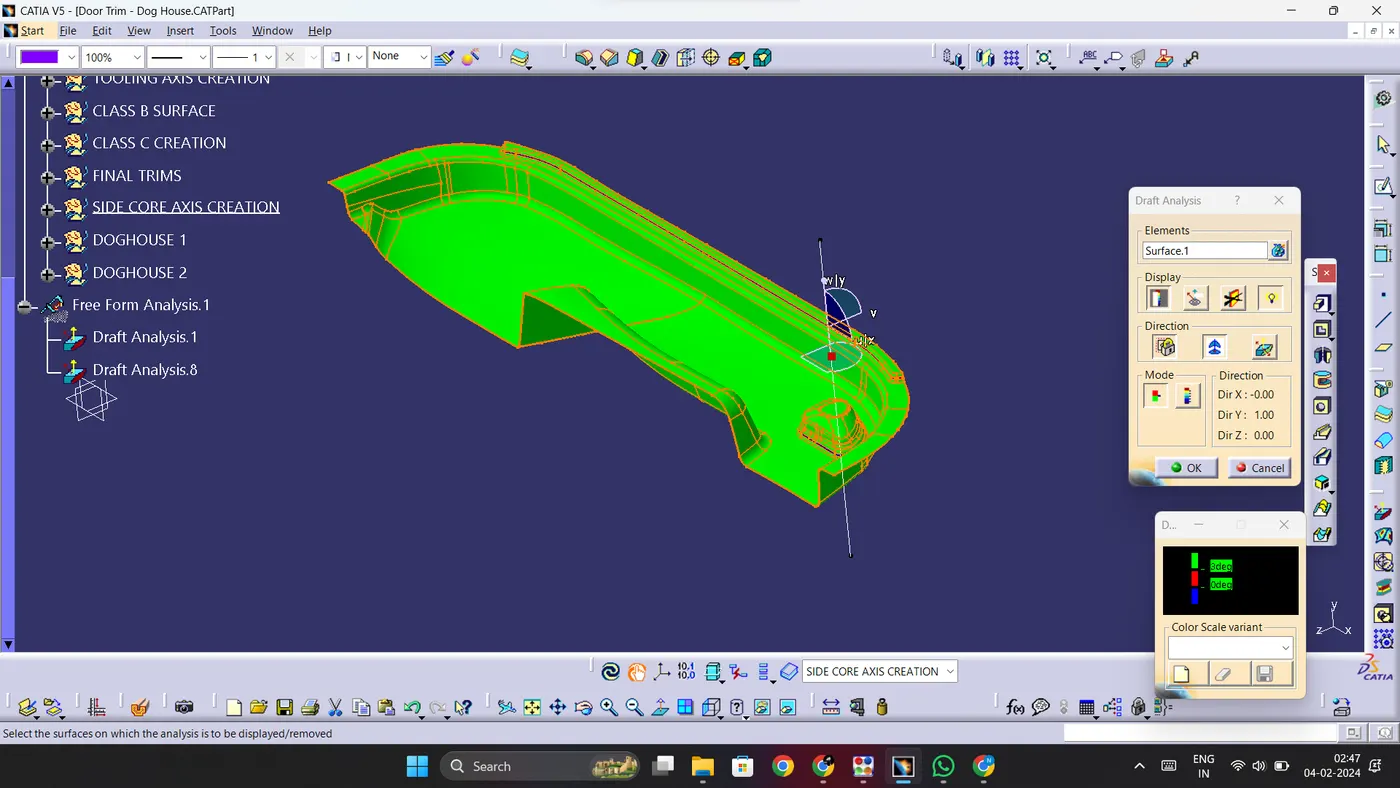
3. As you can see, some parts of the class-A do not have the required draft angle. Such deviations need to be reported to the class-A team.
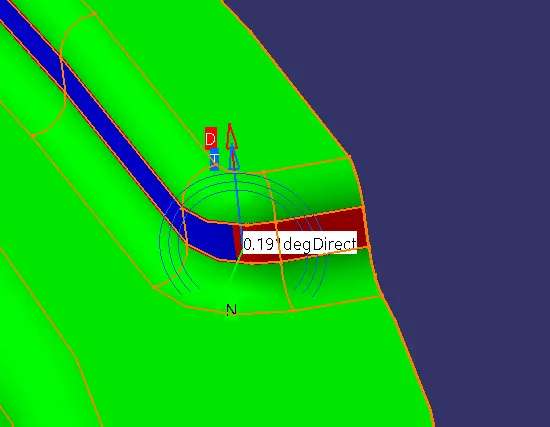
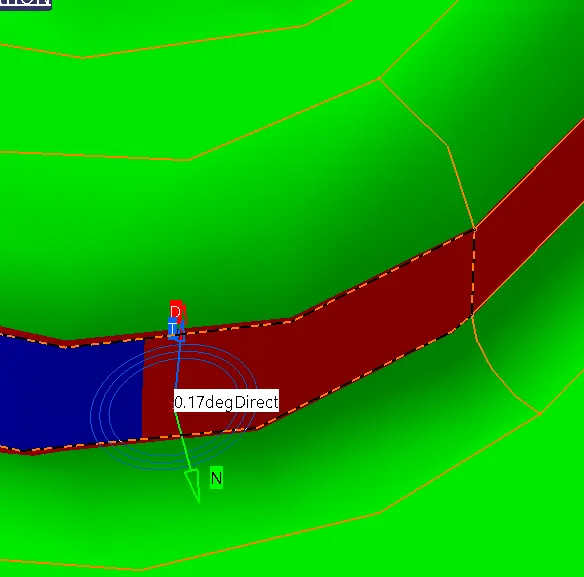
4.Here you can see the parts where the required draft angle has not been satisfied.
CREATION OF CLASS B SURFACE:
1. Now we need to create the class-B surface.
2. First we have to offset the given class-A by 2.5mm which is the thickness of the component.
3. Now some sections of the surface may be obtained as erroneous which means the offset will not be formed in certain regions.
4. We need to adjust that by using various tools such as Join, extract, trim, multi-sections surface, etc.
CREATION OF CLASS C SURFACE:
1. To create the class-C surface, we need to divide the class-A into required sections and obtain their boundaries.
2. After obtaining boundaries, we need to use commands such as sweep and multi-sections surfaces to obtain parts of the class-C surface.
3. Once this is done, we can trim together all the parts of the class-C surface together and obtain the final class-C. We need to keep in mind that this class-C surface needs to extend beyond the class-B surface.
Then we can obtain the part by simply inserting a new body and then using close surface tool from part workbench on the Class A+B+C surface.
CREATION OF SIDE CORE AXIS:
1. Doghouses require a side core in order to be tooled properly. The direction of the side core axis is perpendicular to the direction of the main tooling axis.
2. Create a line perpendicular to the main tooling axis at the same point. This line will act as the side core axis.
CREATION OF B-SIDE FEATURES:
1. Create a geometrical set and name is DOGHOUSE. Then insert a point and a plane and construct a positioned sketch on the plane in the shape of the top view of a doghouse.
2. Using sweep command, create a surface about 20mm in height and depth in such a way that it extends beyond the class-A surface.
3. Create a line and extrude it in such a way that the top of the doghouse can be closed and trim the extrude and the sweep together.
4. Now insert a new body and thicken the trim to a thickness of 2mm.
5. Now draft the inner surface of the body for 0.5 degrees with respect to side core axis. Extract the inner walls and isolate the extract.
6. After that, offset the isolated surface to a required distance in order to maintain the final thickess of the sink prevention base to be under 1mm.
7. Now extract the base surface of the main part and offset it to 4 mm. Now trim both the offsets together and go to part workbench. Then split the part with the surface.
8. Give drafts to the inner surfaces of the doghouse with respect to the side core axis. Then give fillets accordingly.
9. Repeat this process to construct the second doghouse.
DRAFT ANALYSIS ON B SIDE FEATURES WITH RESPECT TO MAIN TOOLING AXIS:
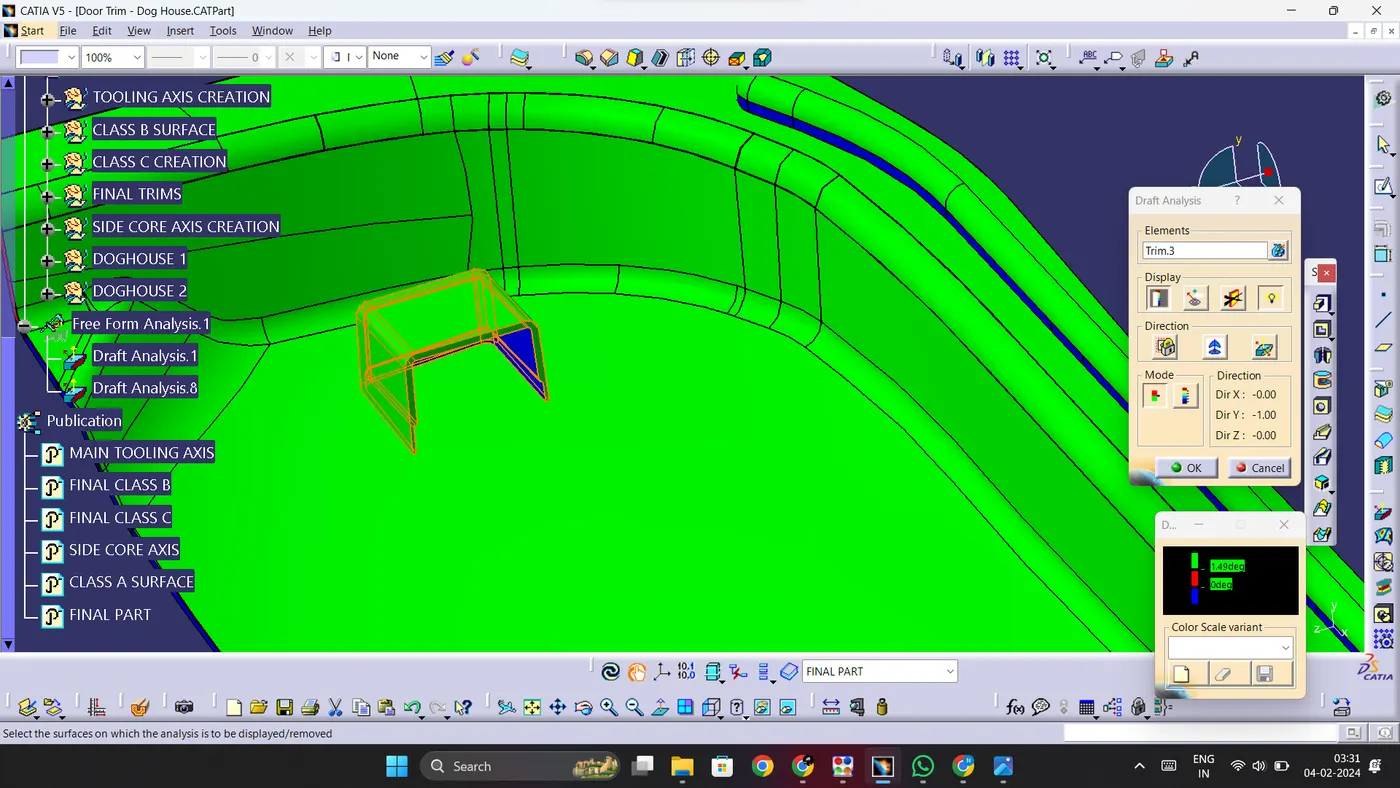
1. Perform draft analysis on the B-side features with respect to the main tooling axis.
2. The minimum draft angle has to be 1.5 degrees.
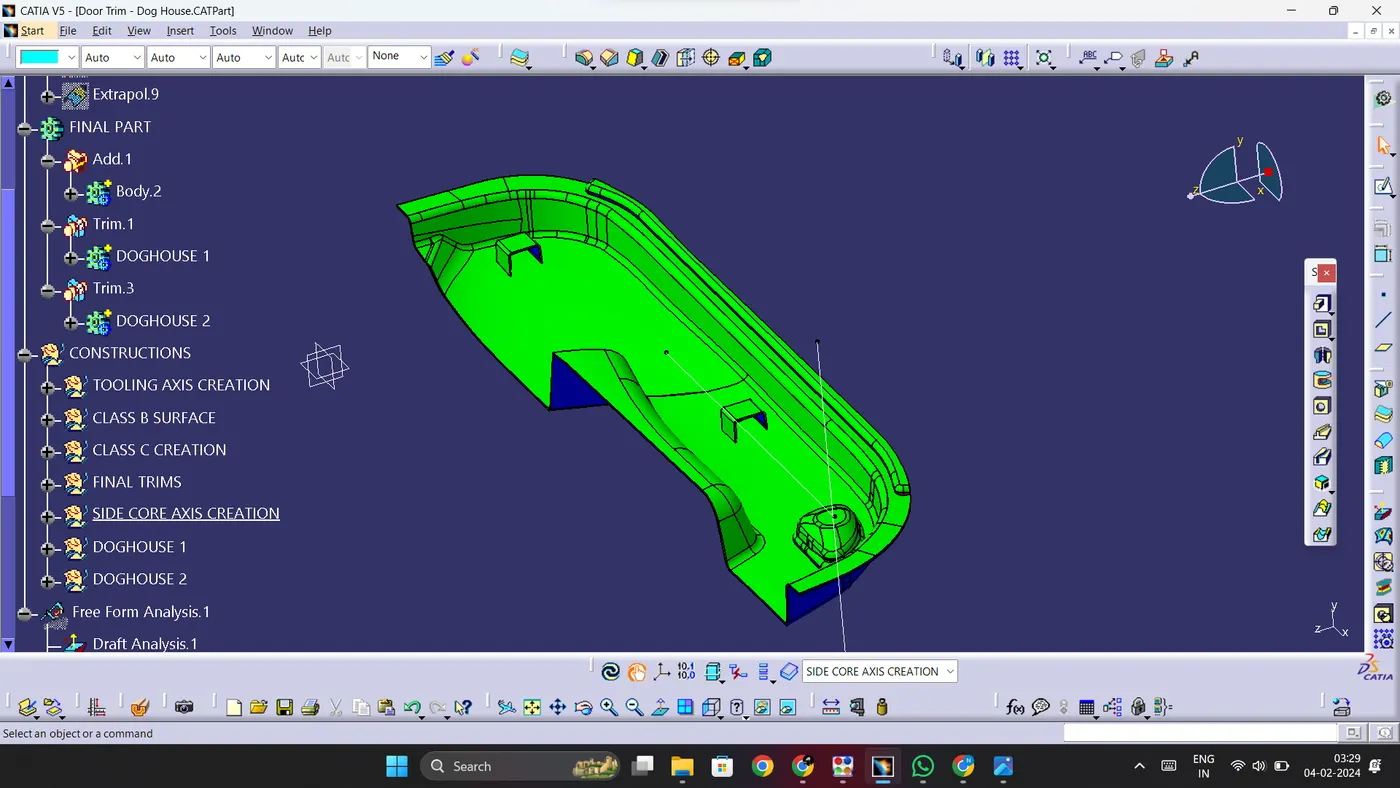
3. Any surface that clears this angle will have green colour.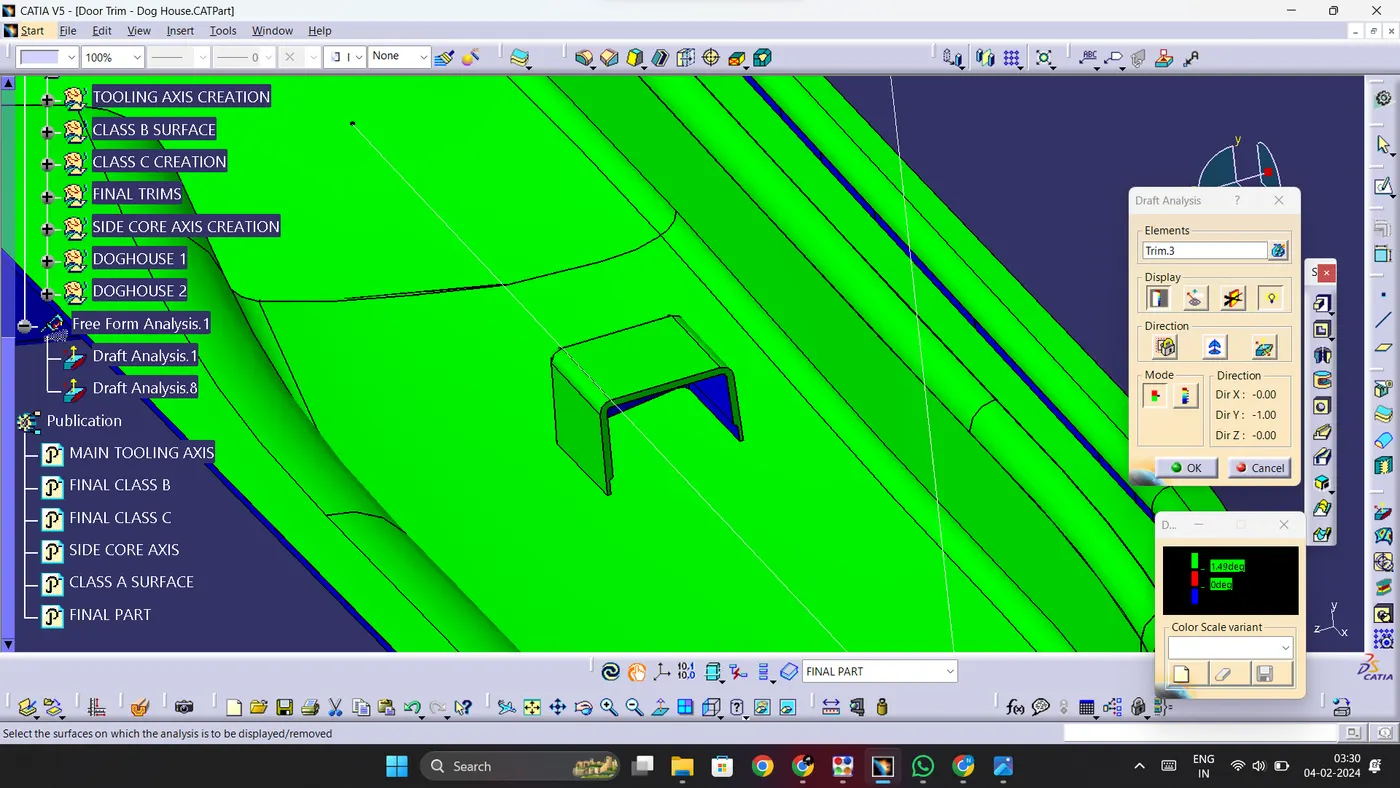
DRAFT ANALYSIS ON B SIDE FEATUES WITH RESPECT TO SIDE CORE AXIS:
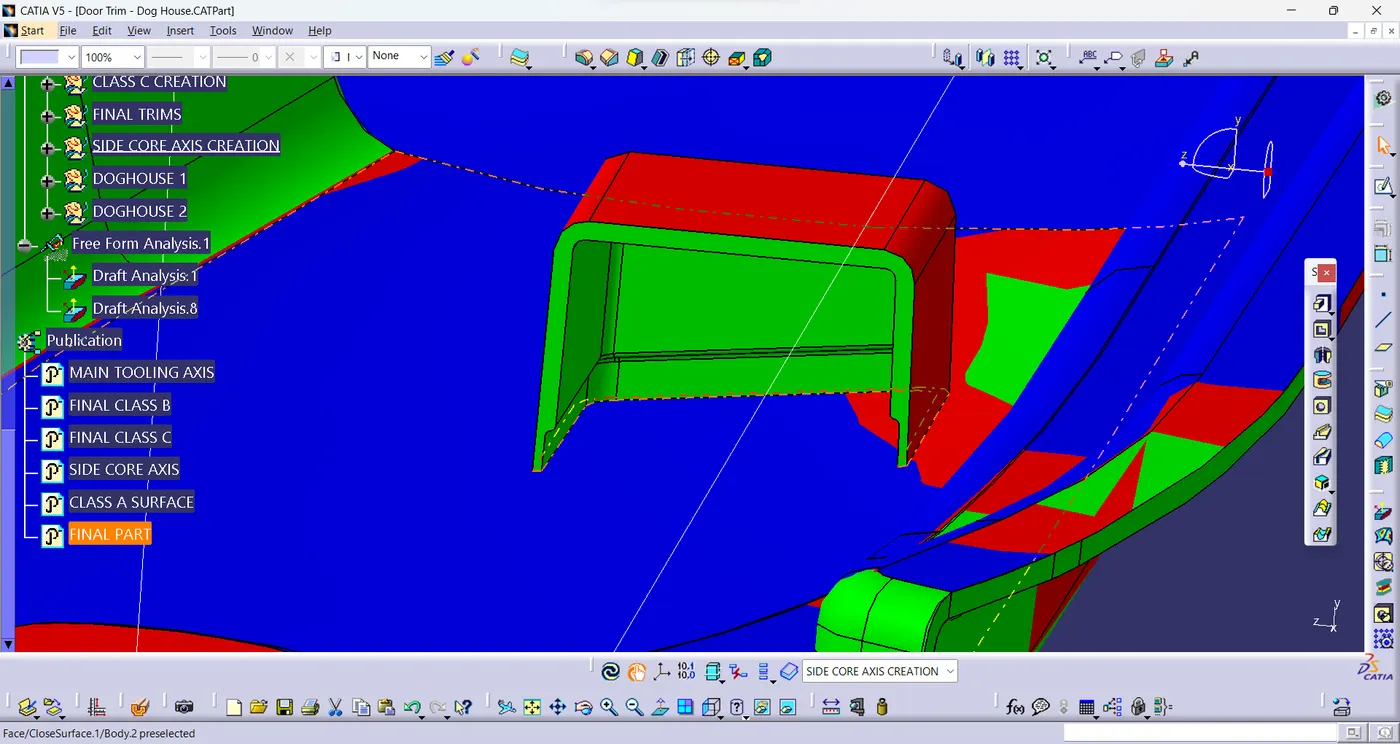
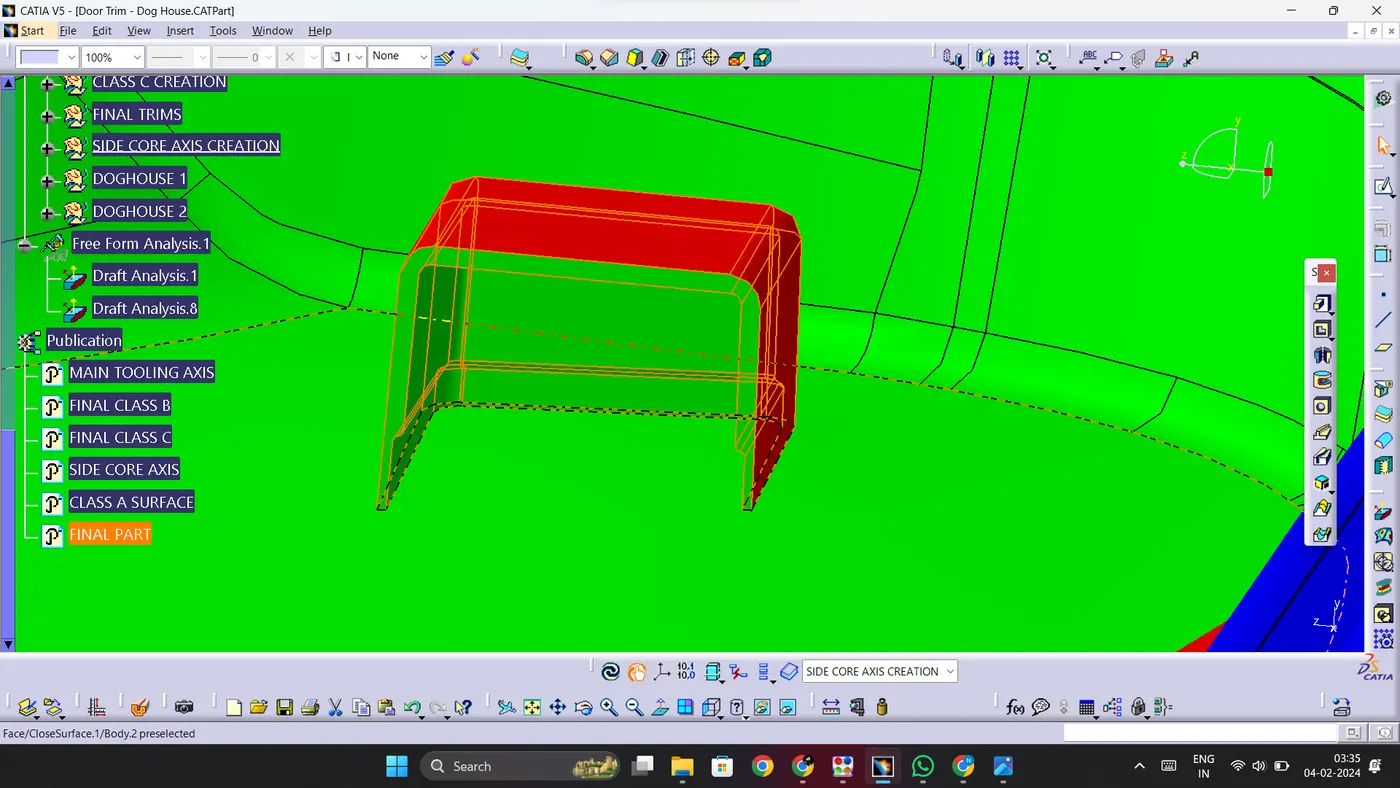
1. Now we need to perform draft analysis on the doghouses with respect to the side core axis.
2. For this, we need to take a draft angle of 0.5 degrees.
3. Any surface that clears this angle will have a green colour.
DRAFT ANALYSIS ON THE PART BODY:
1. Insert a new draft analysis and perform it on the obtained part body and make sure all the surfaces of the partbody are being cleared.
COMPLETED DESIGN IN VARIOUS ORIENTATIONS:
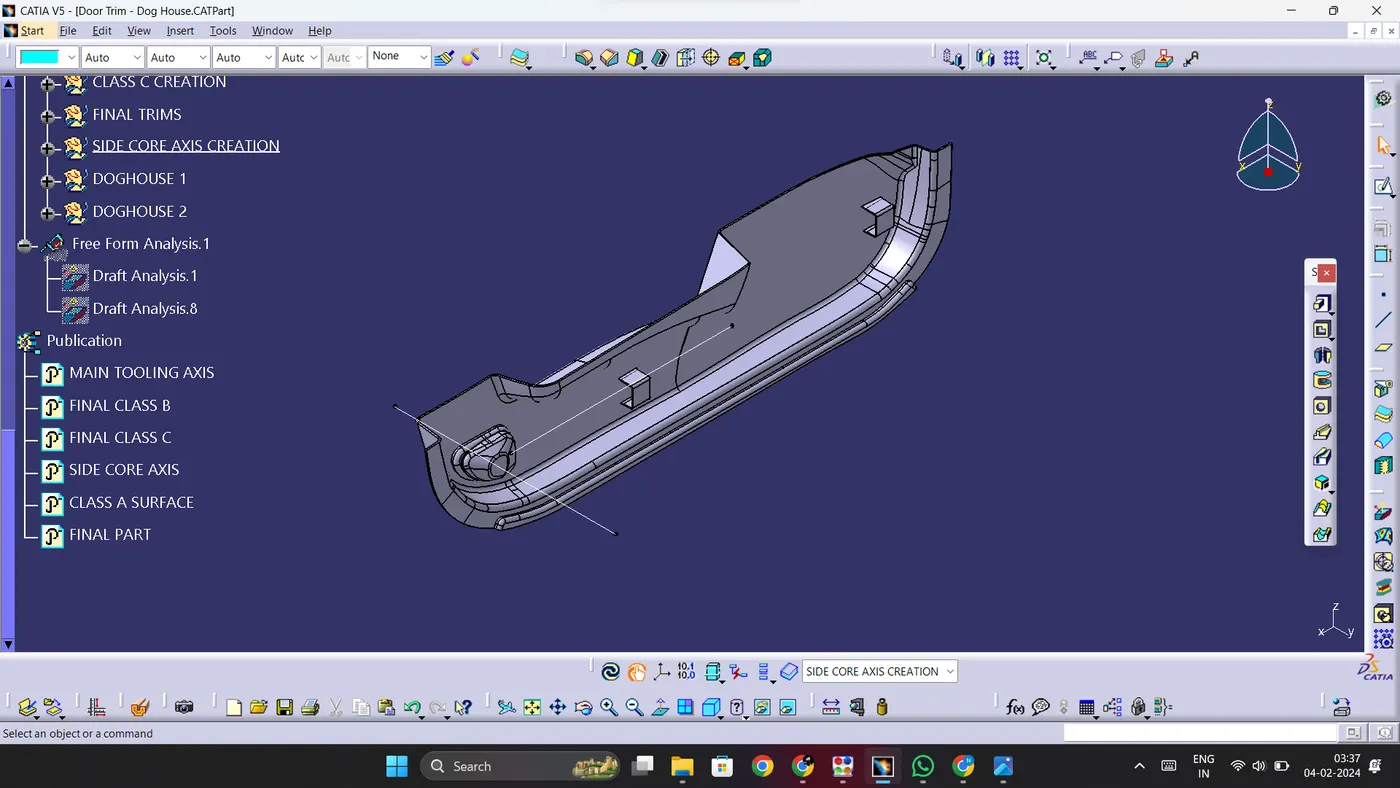
ISOMETRIC VIEW:
FRONT VIEW:
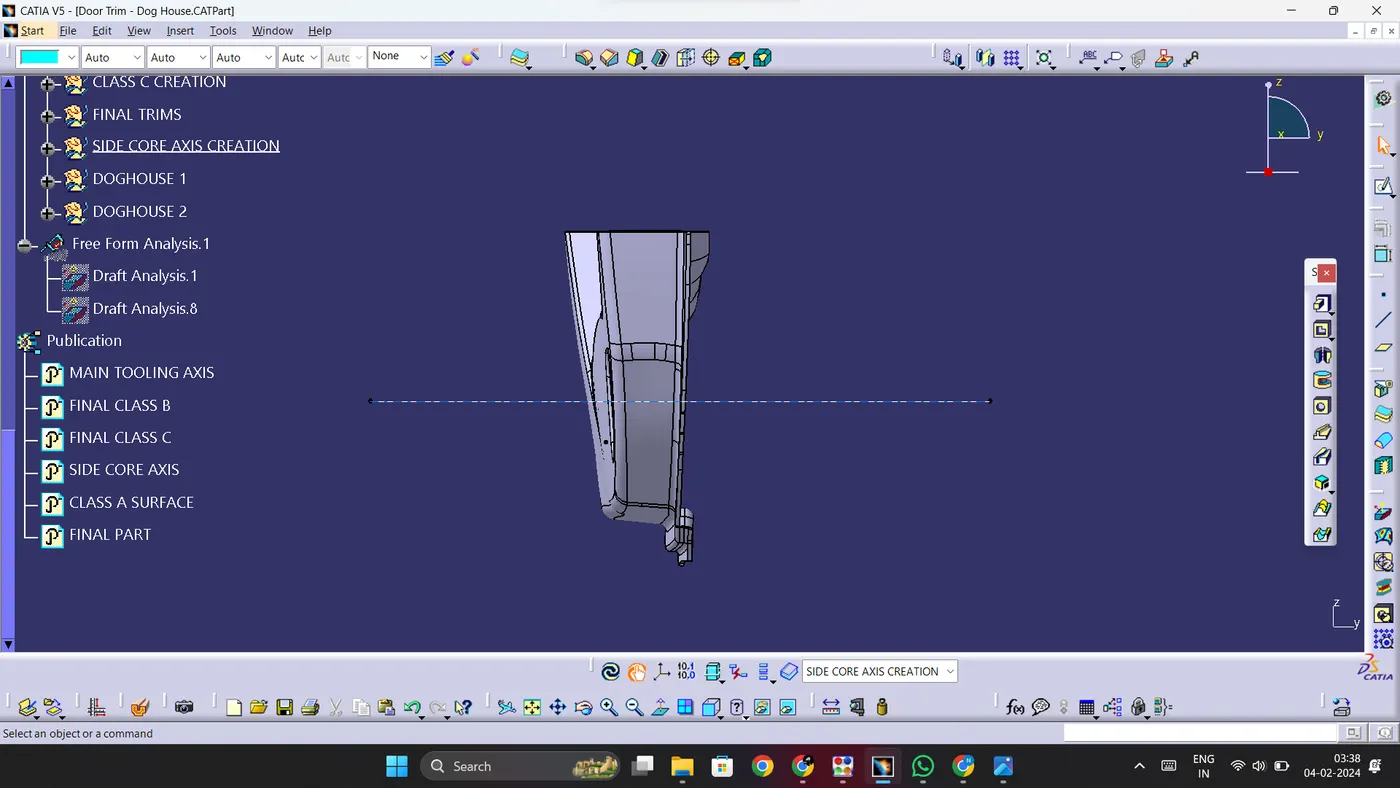
SIDE VIEW:
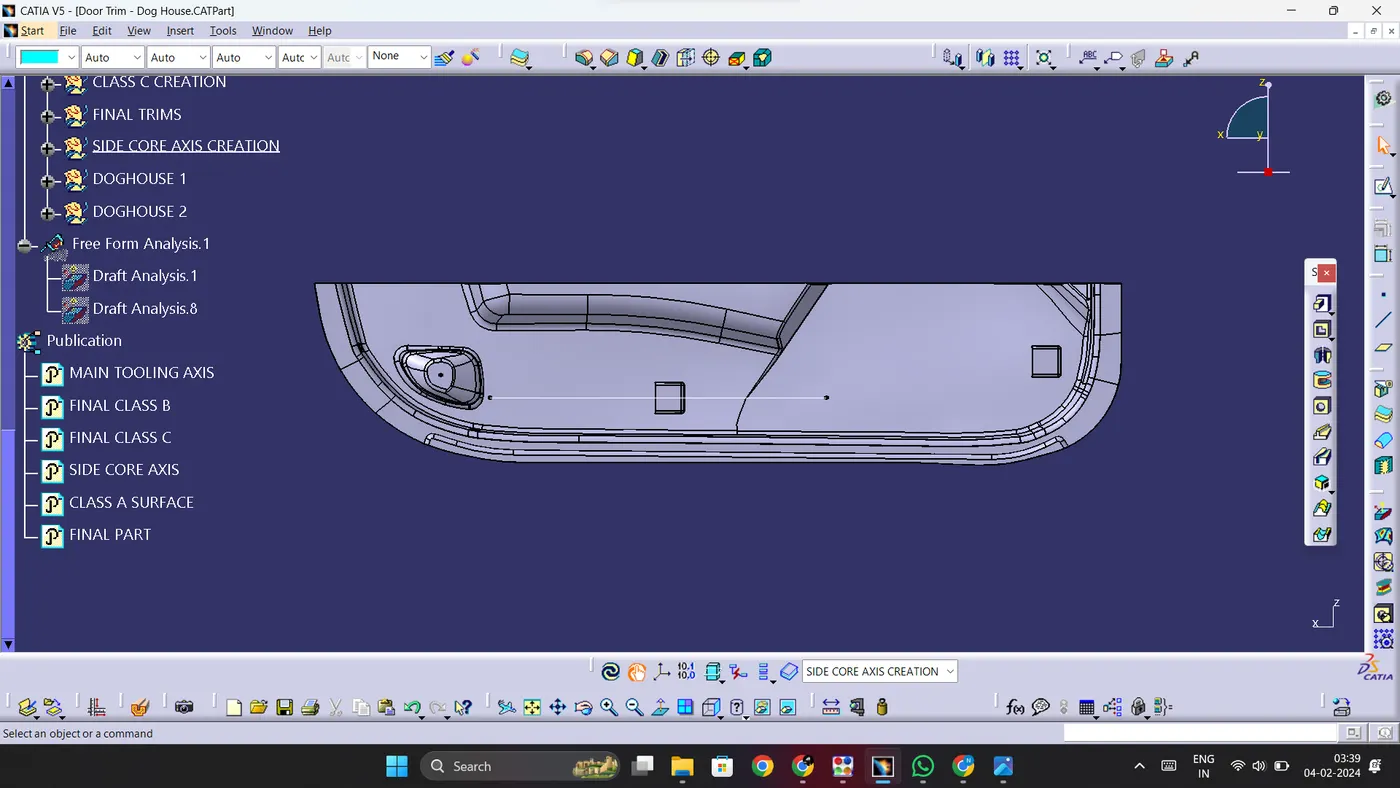
TOP VIEW: