Week 10 - Challenge 2- Attachment Feature Creation (Dog House)
Aim:
Create the Dog House for the Door Trim considering the design rules and thickness of component as 2.5 mm.
Introduction:
Dog House:
It is an engineering feature created on B surface of component. It is used as supporting feature. Other engineering features like screw boss, locatore are placed above dog house to increase the height.
It also helps to create fetures perpendicular to the tooling axes, and helps to avoid sink marks.
Tooling Axis Creation
- Main Tooling Axis:
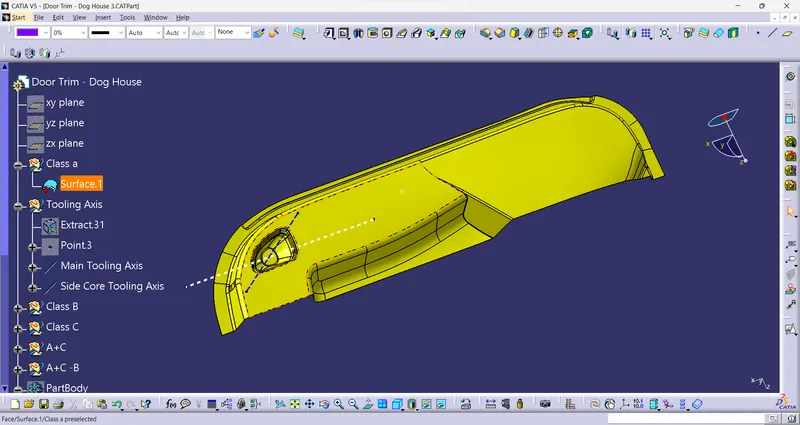
Tooling axis is the direction in which the mold will move. To to create a tooling axis, a visual inspection is done considering different direction (X,Y & Z direction). A direction is chosen in ehich maximum class a surface is visible.
And this direction will be the Tollingg direction. For this given surface, the surfaces are clearly visible in Y direction.
To create a axis, firstly select a flat surface and extract it. then create a point in the middle of the surface and insret a line passing thugh the point in direction.
This is the Main tooling axis for the given surface.
- Side Core Tooling axis:
As the Dog houses are gong to be cleared with side core, we need to create a sode core tooling axis. it shws the direction of movement of side core.
For this the side core tooling axis is in X-direction.
Drat Analysis of Class A Surface:
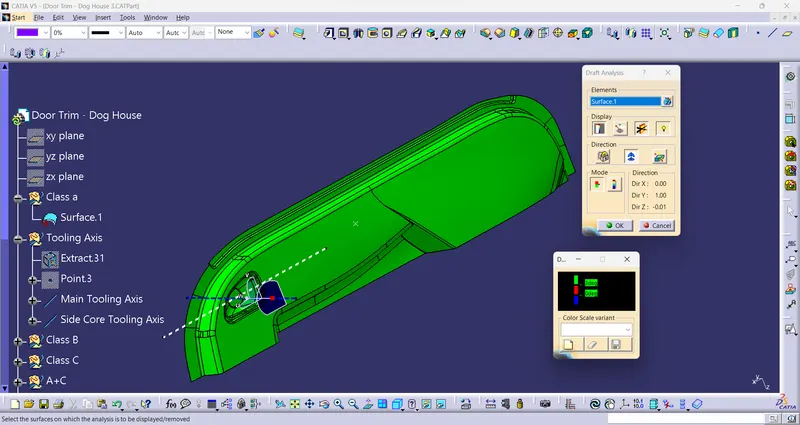
Creation of Solid Body:
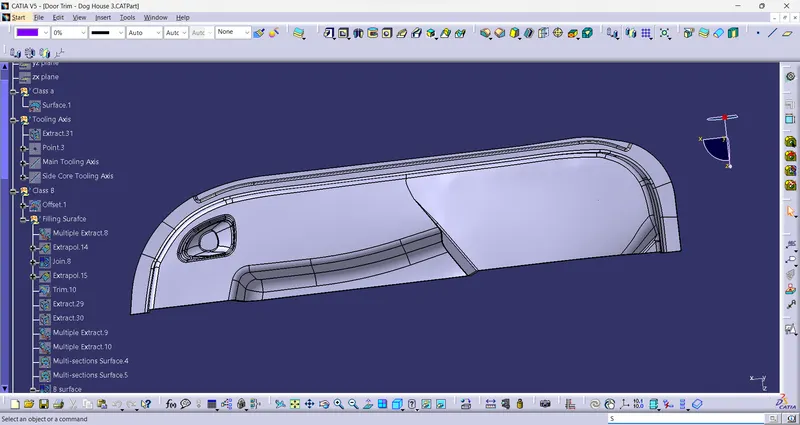
- The given suface is the input Class A surface.
- Chek the surface with boundary tool.
- To create a Class B surface, the given Class A offsetted t a distance of 2.5 mm.
- Due to offsetting, some fillets are not generated on the offsetted surface. We neeed to dill the gaps first.
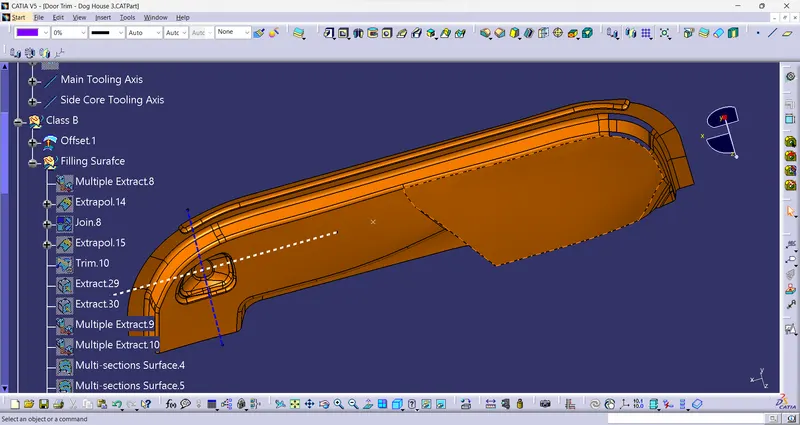
- To fill these gaps used multisection solid, spline, multiple extract and join commands were used.
- And the final surface is our Class B surface.
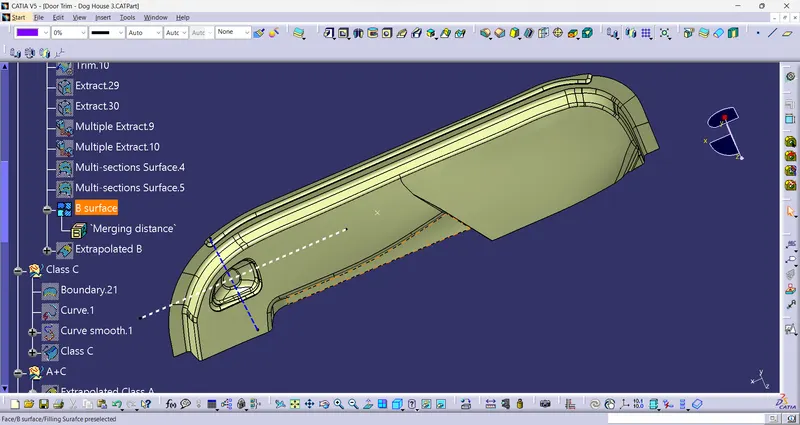
- For Clas C surface, swept the class A surface boundary using sweep with draft direction option with 3 degree draft.
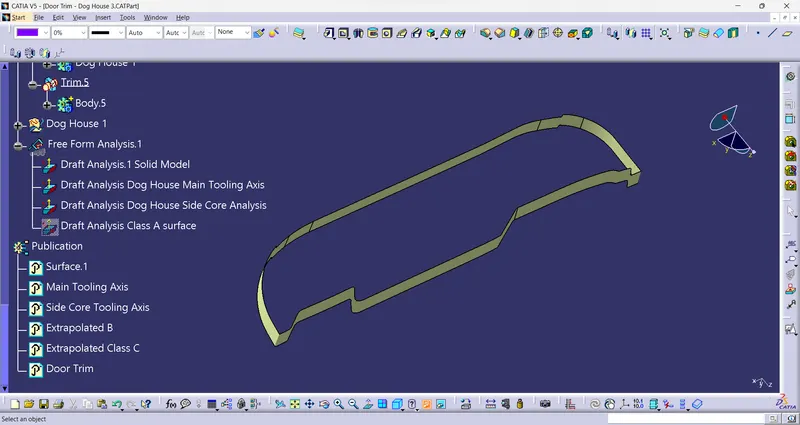
- The Class A and Class C surfaces are joined together using Join command.
- And this output is trimmed with the extrapoletd Class B surafces.
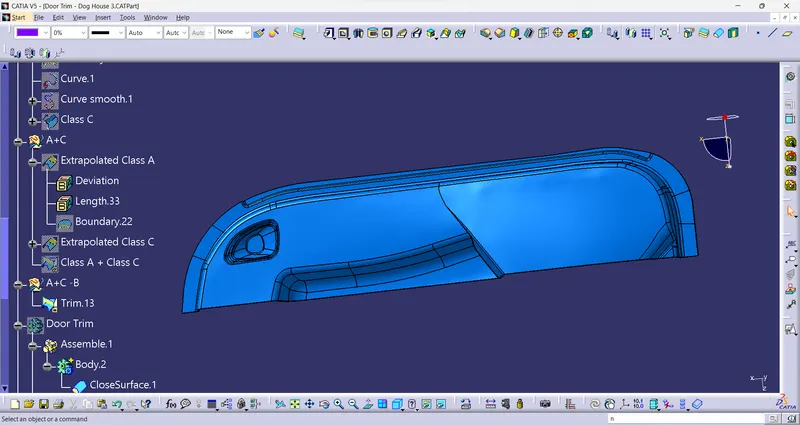
- By using close surface option from Part workbench, a solid model is created from given class A.
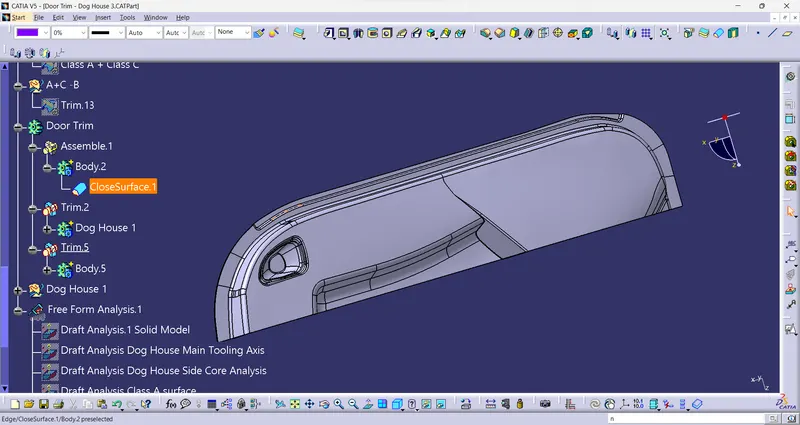
Creation of Dog House:
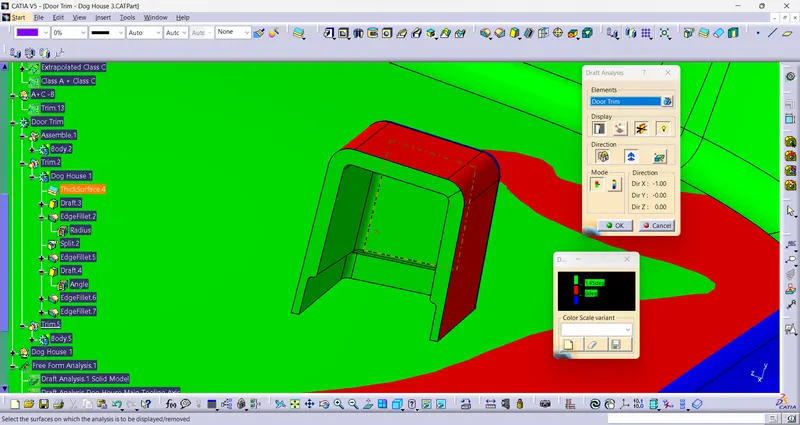
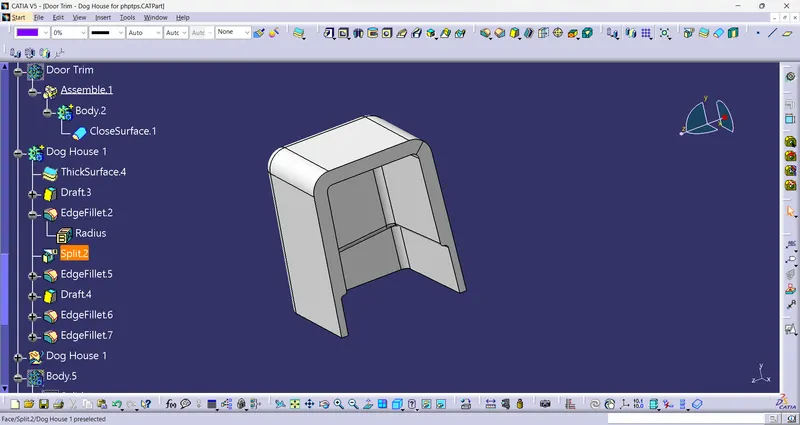
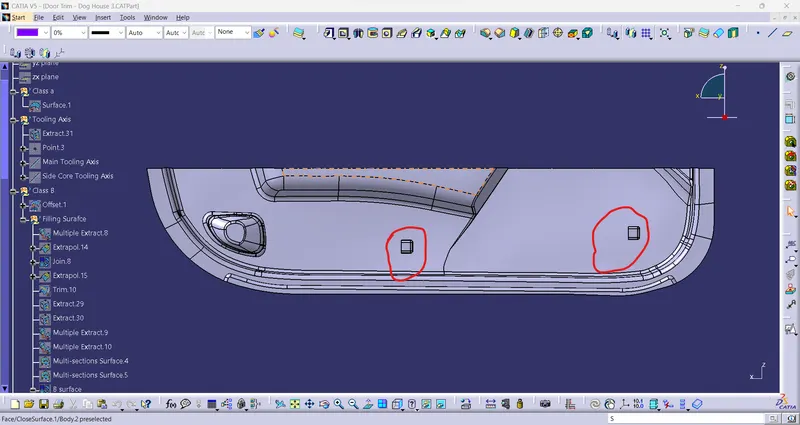
As per the design rules a dog house is cretaed at B surface. A draft of 0.5 degrees is povided to the th dog house.
And then it is assembled with the solid model.
Using point to point translate option 2nd dog house is created at another location.
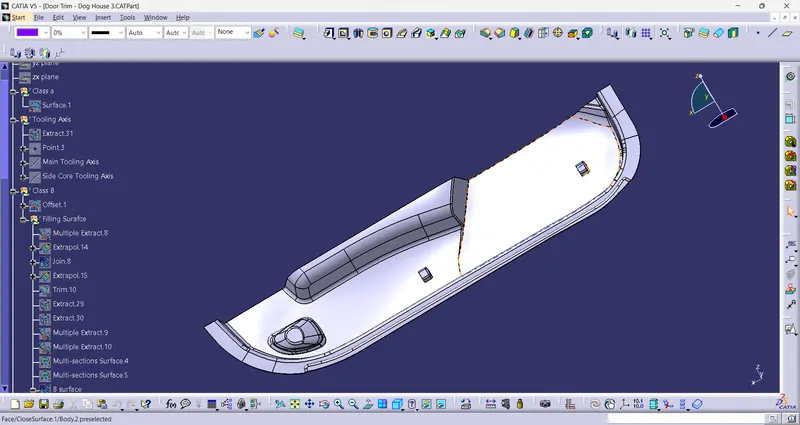
Draft Analysis of Final Plastic Component:
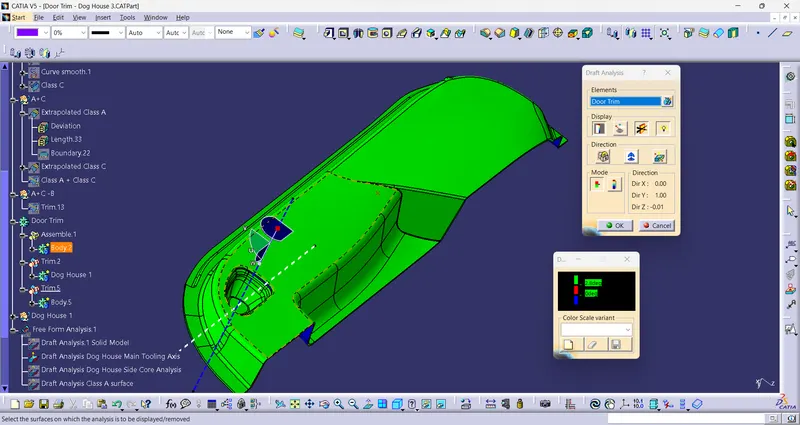
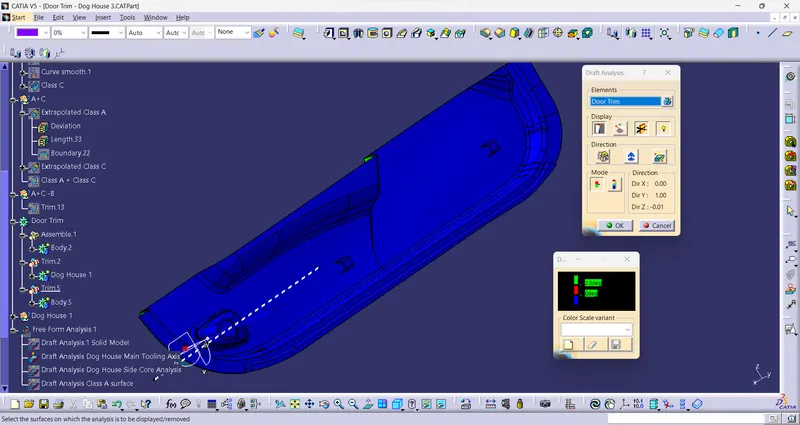
With Main Tooling Axis: