Week 10 Challenge
AIM OF THE EXPERIMENT: To determine the snow load acting on the bridge structure and perform analysis in Staad.Pro.
THEORY:-
Snow Load:-
Snow load is the downward force on a building's roof or camber of an highway by the weight of accumulated snow and ice. The roof or the entire structure can fail if the snow load exceeds the weight the building was designed to shoulder. Or if the building was poorly designed or constructed. It doesn't take a blizzard to cause problems.
Given Data
Span of bridge = 10.0 m
Width of carriage way = 12.0 m
Type of snow = Settled snow
Slope of deck = Flat (β <30 degree)
Depth of snow = 1250 mm=1.25m
Assumptions:
Size of Pier = 1m Diameter
Height of Pier = 10.0 m
Size of Cross beam = 1 m x 1 m
Size of main girder = 1.0 m x 2.0 m
Thickness of deck slab = 900 mm = 0.9 m
Thickness of parapet wall = 300 mm = 0.3 m
Calculations:
For the calculation of Snow load,
Density of snow (ρ) = 300 Kg/m3
Depth of snow (D) = 1250 mm = 1.25 m
Slope of floor/roof (β) = 0
Snow Load, S0 = β x D x ρ = 3 x 1.25 x 10 = 37.5 KN/m
Shape Coefficient from IS 875 Part 4,
For angle β < 300, μ = 0.8
Design Snow Load,
S = μ x S0 = 0.8 x 37.5 = 30 KN/m
PROCEDURES FOR STAAD PRO.
STEP 1:-
Model the Structure as per given question
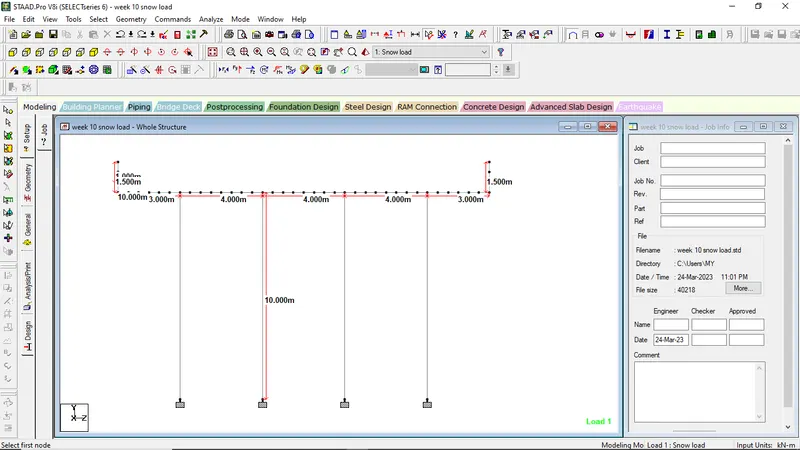
STEP 2:-
Assigning property to the member or elements
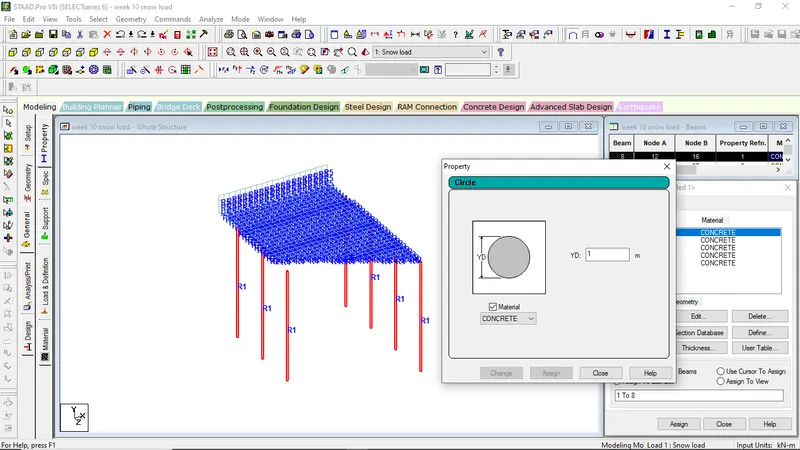
For Pier of 1m diameter
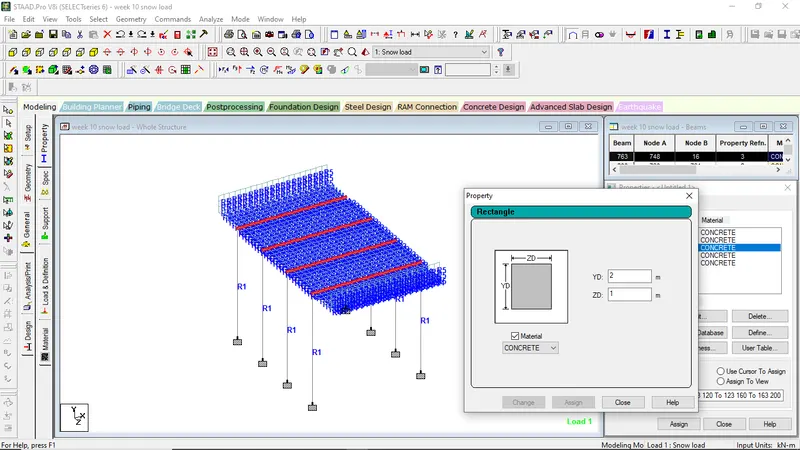
For main girders, rectangular section of 1m x 2m was taken
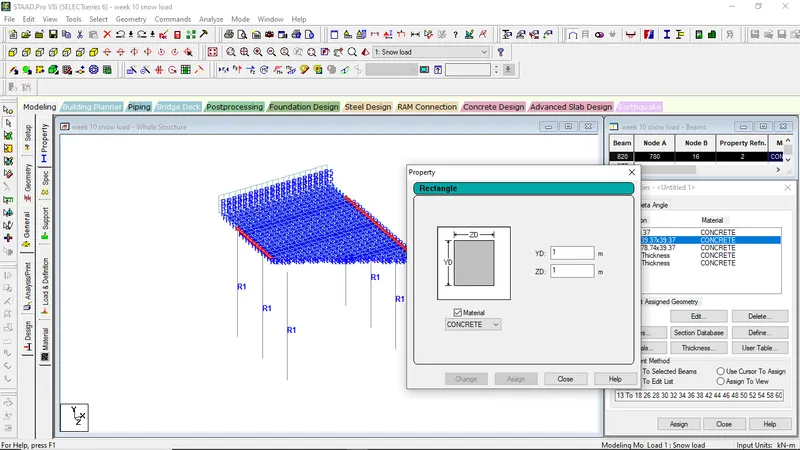
Rectangular section 1m x 1m was assigned for cross girders
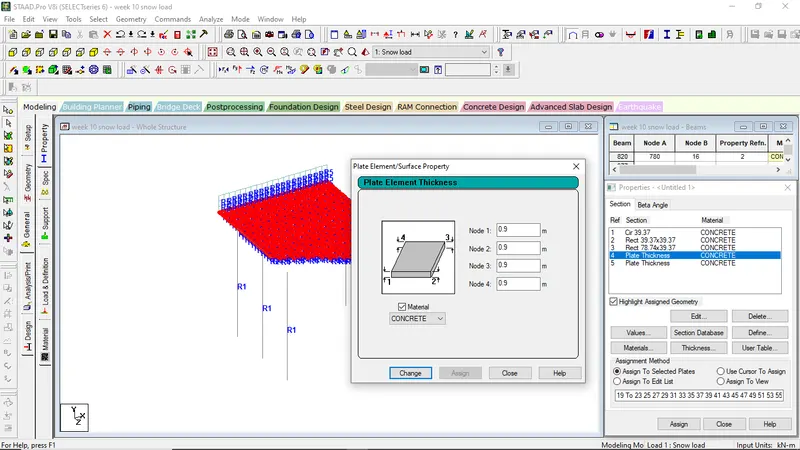
Plate element of thickness 0.9m was taken for the deck slab of the bridge
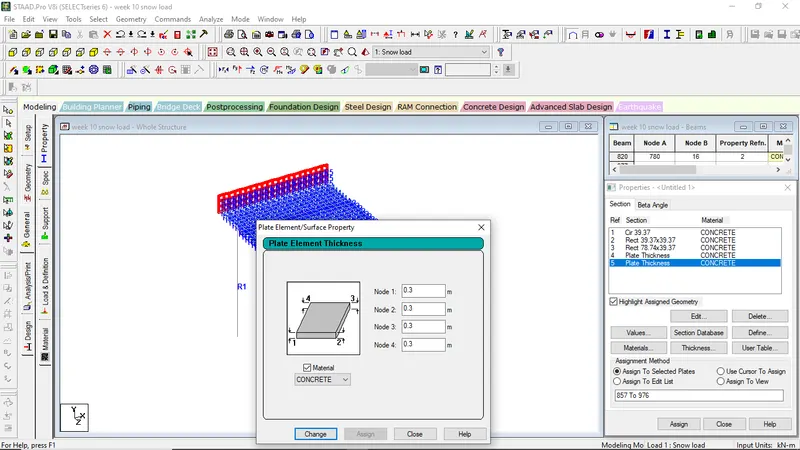
Plate element of thickness 0.3m was assigned for the crash barriers of the bridge
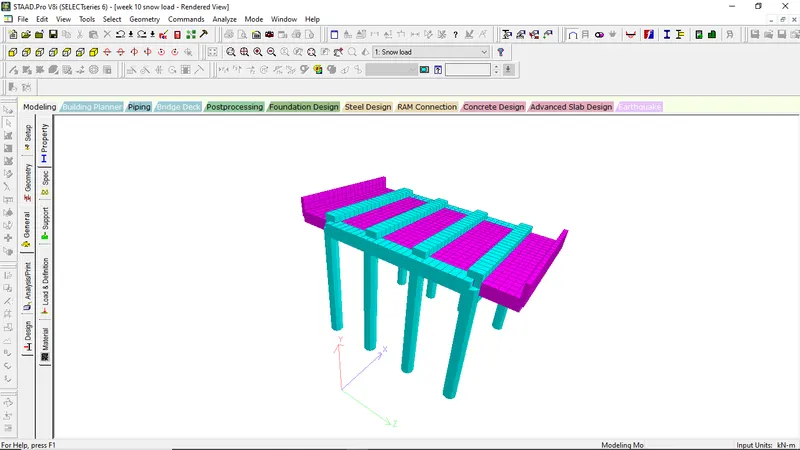
3-D VIEW OF THE BRIDGE MODEL
STEP-3
Assigning of supports to the bridge model
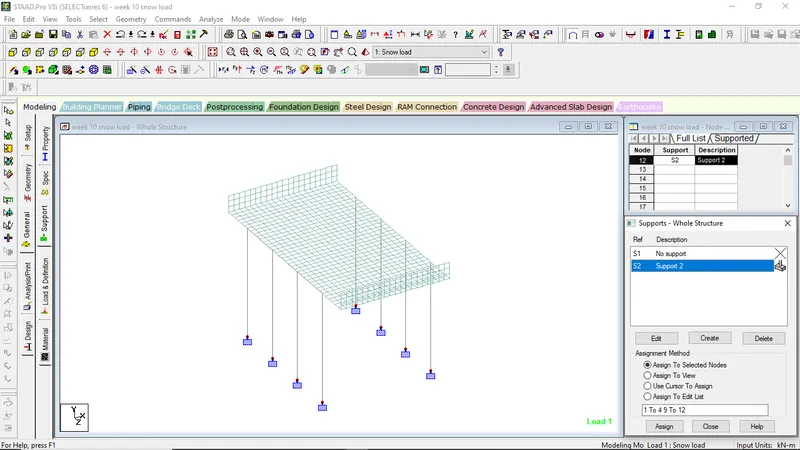
Fixed supports were assigned under the piers
STEP-4
Applications of Loadings to the Bridge model
APPLICATIONS OF SNOW LOAD
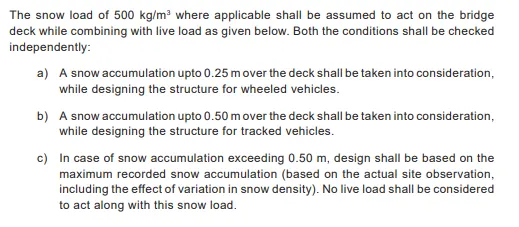
- Go to Load and Definations
- Select load case details, click add
- Rename as Snow load
- Go to the snow load, click add
- Go to the member load, put the value as -30kn/m-GY direction
- Assign it to the cross-girders
- Click on the snow load again, click add
- Go to the plate loads,
- Give the Loading value=-5Kn------since, 500 kg/m3
- Assign the plate loads to the deck slab unit
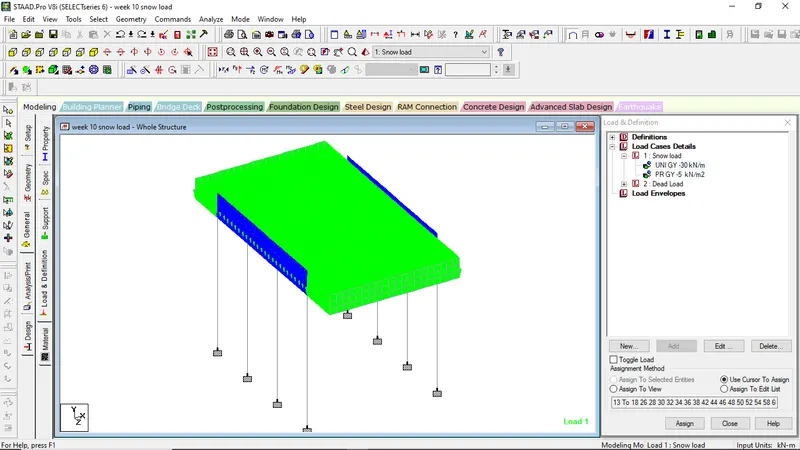
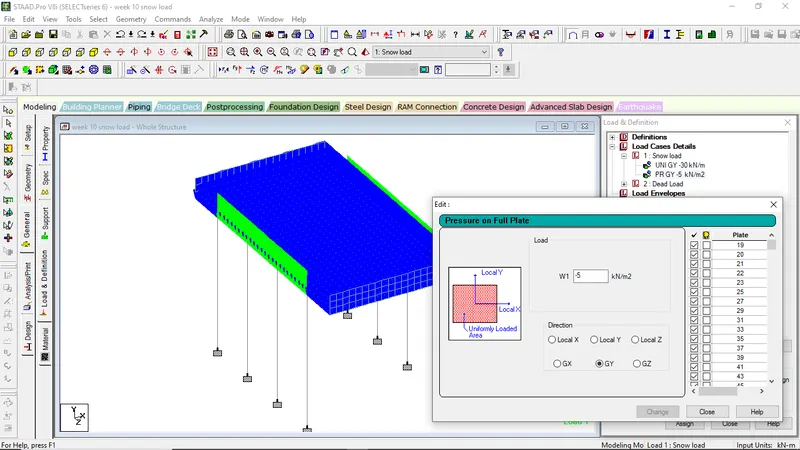
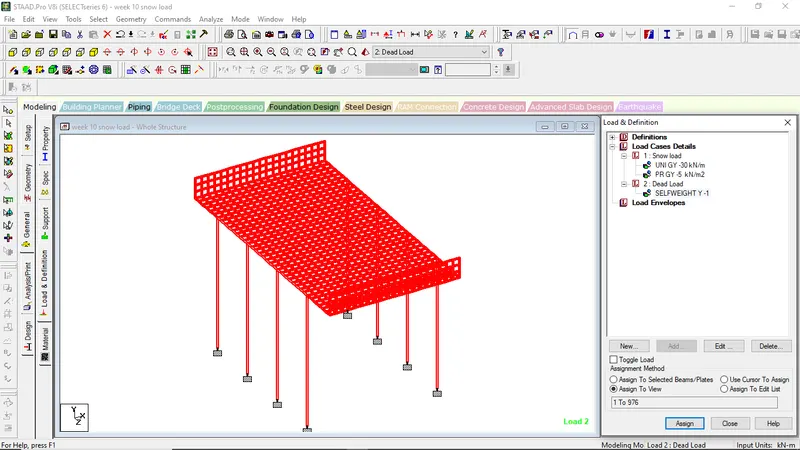
APPLICATION OF DEAD LOAD
- Go to Load Case Details, click add
- Rename as DL
- Click on DL, click add
- Click on self weight
- Assign to view
STEP-5
Analyzing the Model
- Go to Analysis/Print
- Select on no print
- Go to Analyze menu
- select run analysis
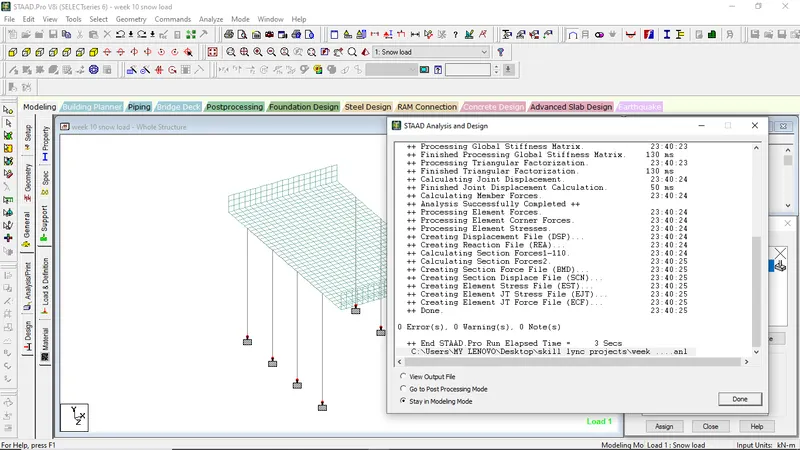
STEP-6
Go to Post-Processing Mode to get the final output or analytical results
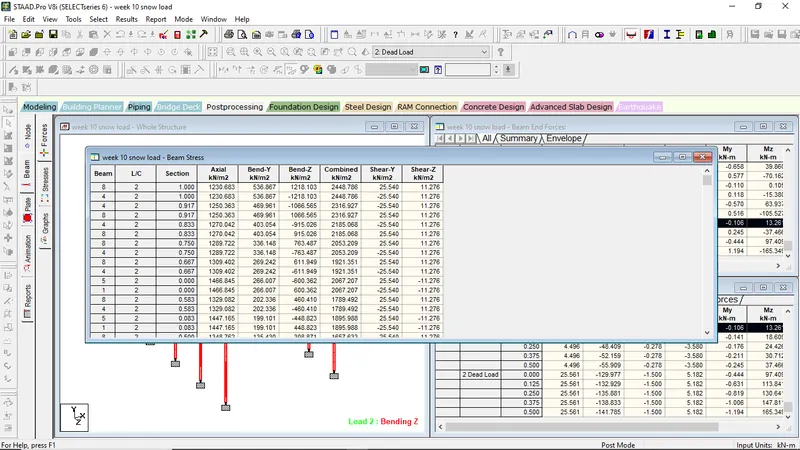
Value showing maximum beam stresses in the model
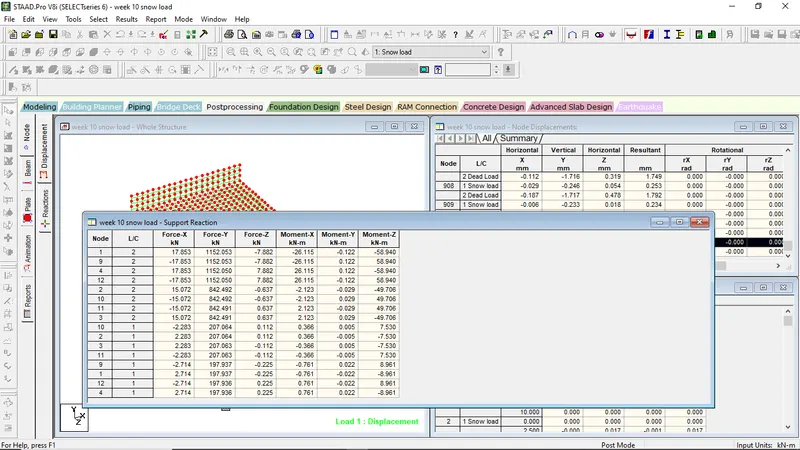
Figure showing the values of maximum support reactions
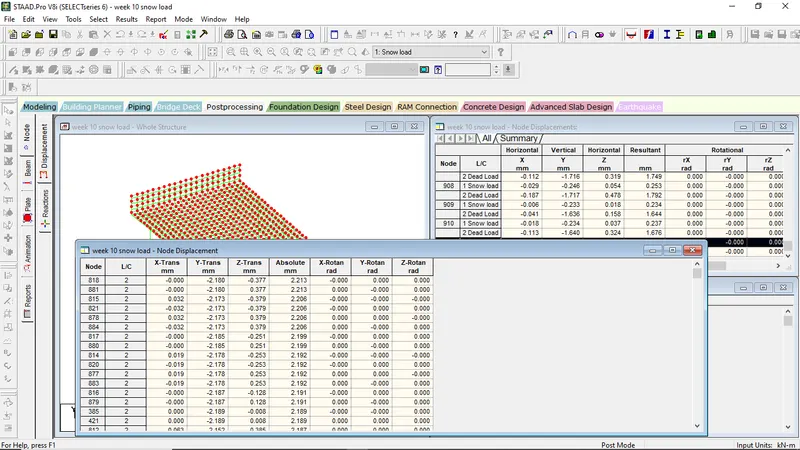
Figure showing the maximum node displacement
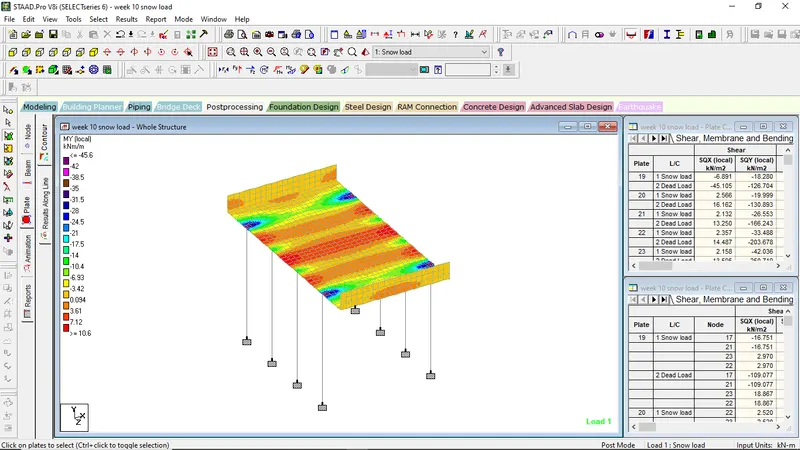
Plate Contours showing My local values for snow loads