Week 10 Challenge
AIM
To Design and analyse a bridge with Snow load using STAAD Pro. Software.
INTRODUCTION
As per the given data with standard formulas as per IS 875 Part 4 the Snow load is being calculated manually.
Density of snow = 2 KN/m3
So = Density of snow x depth of snow accumulation x span of bridge
= 2 x 1.25 x 10 = 25 KN/m
μ = 0.8 (Shape coefficient as per IS 875 Part 4)
S = μ x So
= 0.8 x 25 = 20 KN/m
PROCEDURE
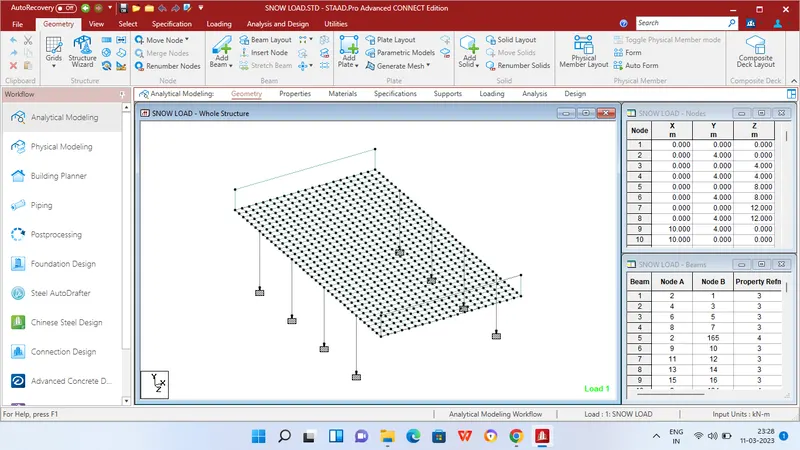
Step 1 - Create Nodes by entering the corresponding X/Y/Z values in the Node table for Creation of geometry for bridge structure with elements such as Piers,Rectangular Beams,Side walls,Deck slab etc.,
Step 2 - After creating the nodes connect those nodes with add beam option and add plates with add plates option in Deck slab areas.
Step 3 - Then Click specification tab and click fixed support tab
Step 4 - After that in create support dialog box add fixed support for all the piers in the geometry using assign for selected nodes option.
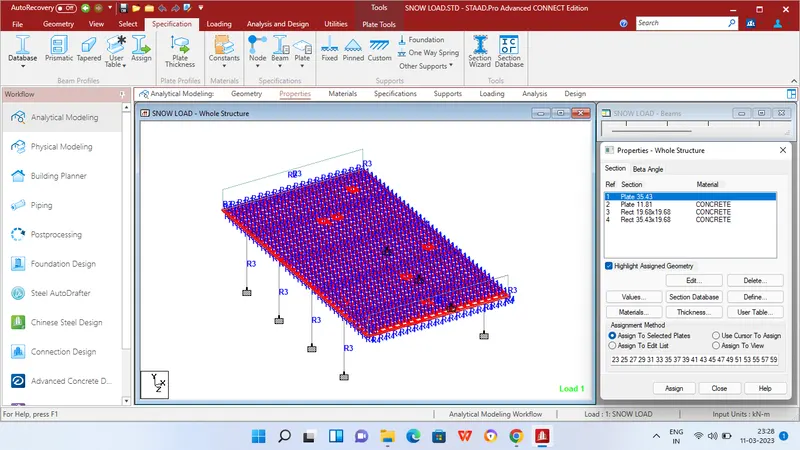
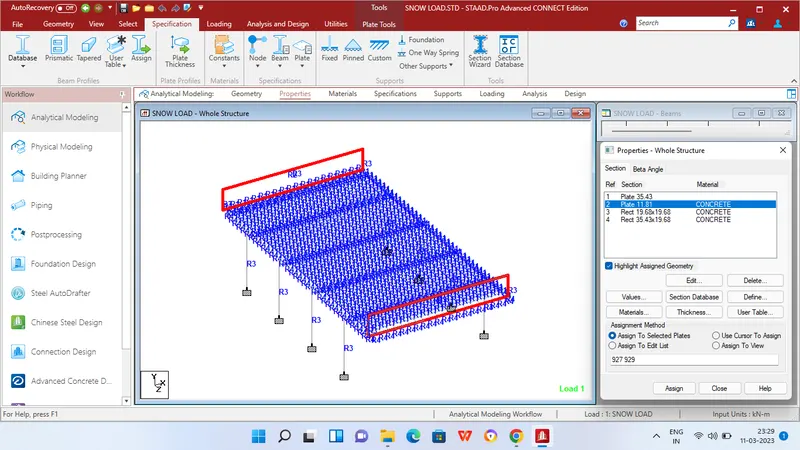
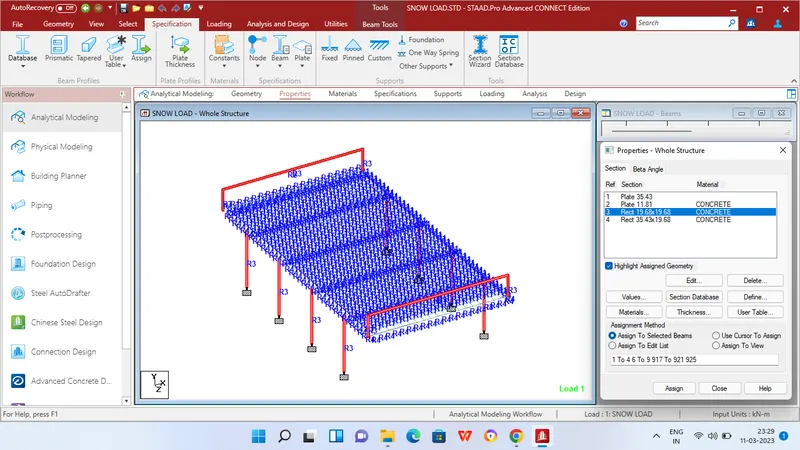
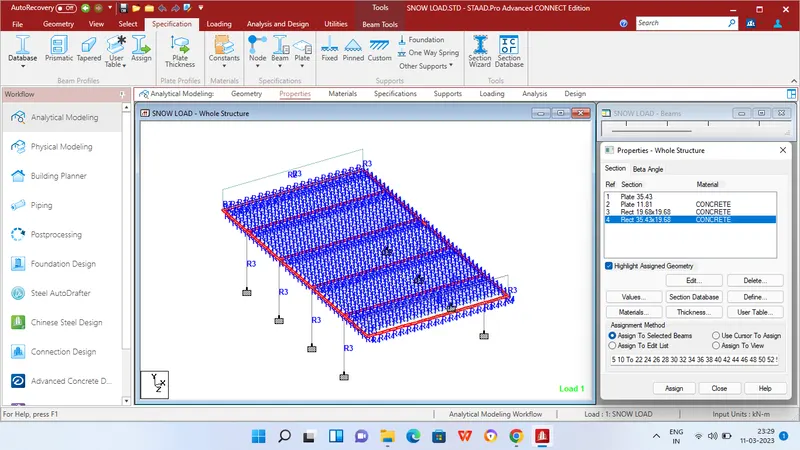
Step 5 - Then in Properties tab click Prismatic and add the Rectangle sections for beams - 900mm x 500mm,Piers = 500mm x 500mm,Deck slab - 900mm Thick concrete plate,Side wall - 300mm concrete plate.
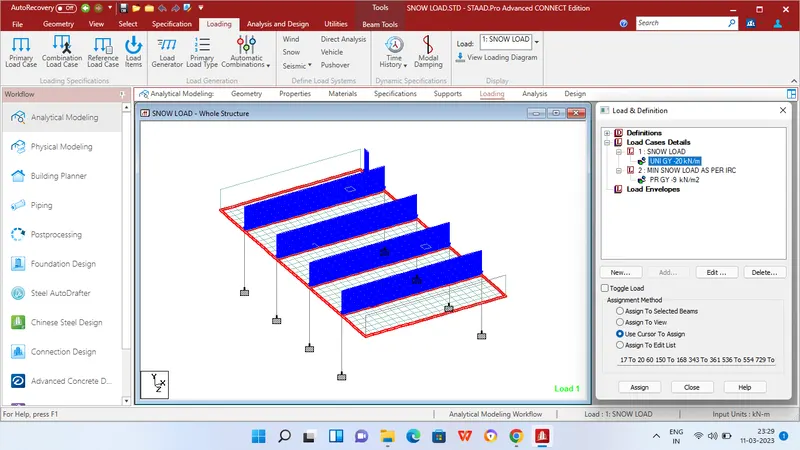
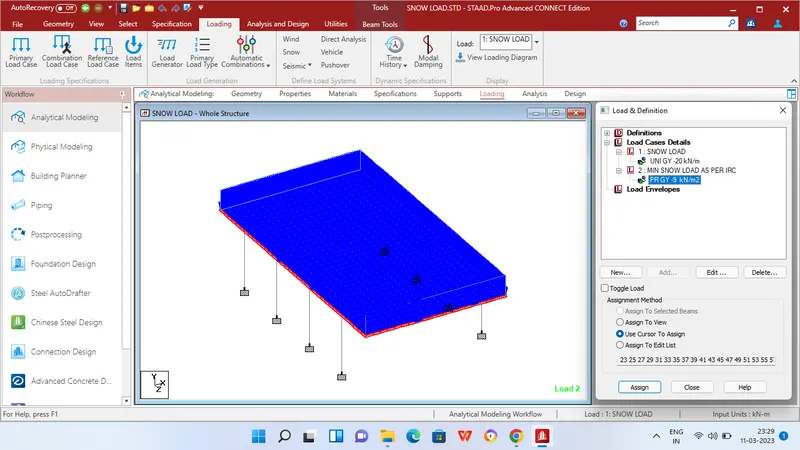
Step 6 - After adding the properties click Loading tab and add Snow load under Load cases.
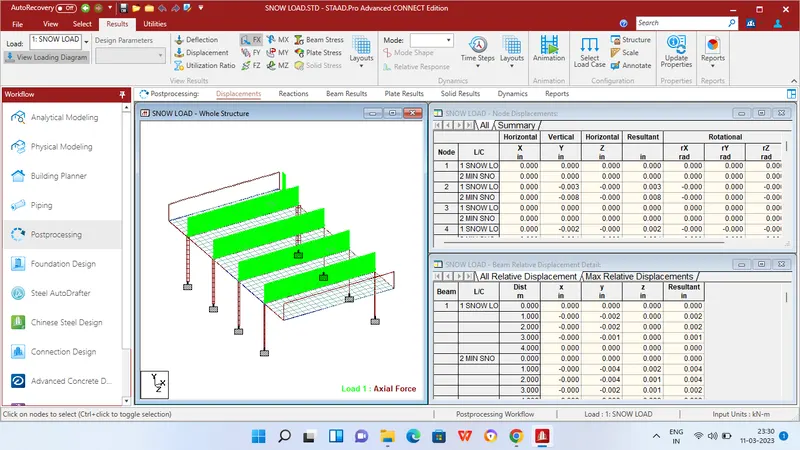
Step 7 - Then apply Uniforce member load of the calculated value = 20 KN/m and Minimum snow load as per IRC 9 KN/m plate load.
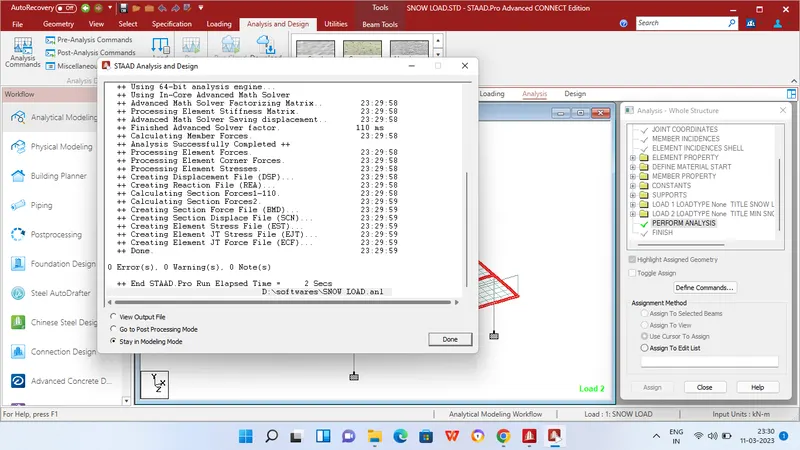
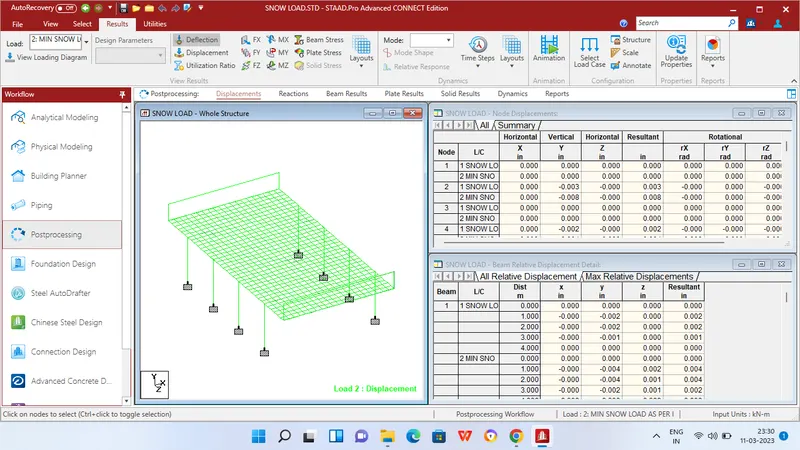
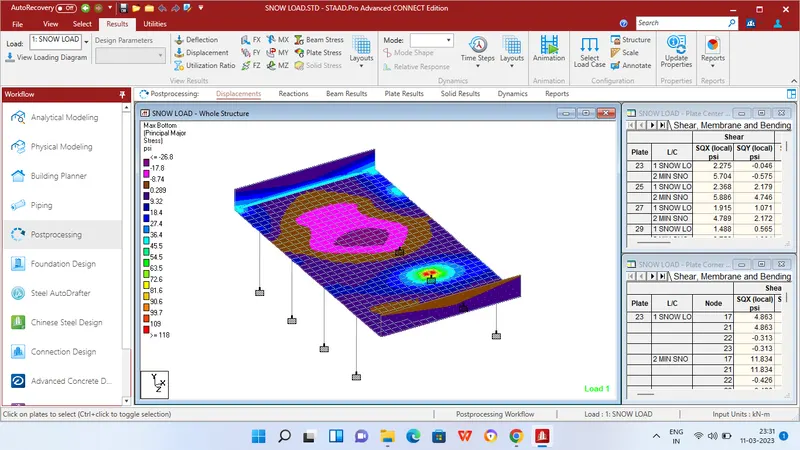
step 8 - Then in Analysis and design tab define commands for PERFORM ANALYSIS and click run analysis.
RESULTS
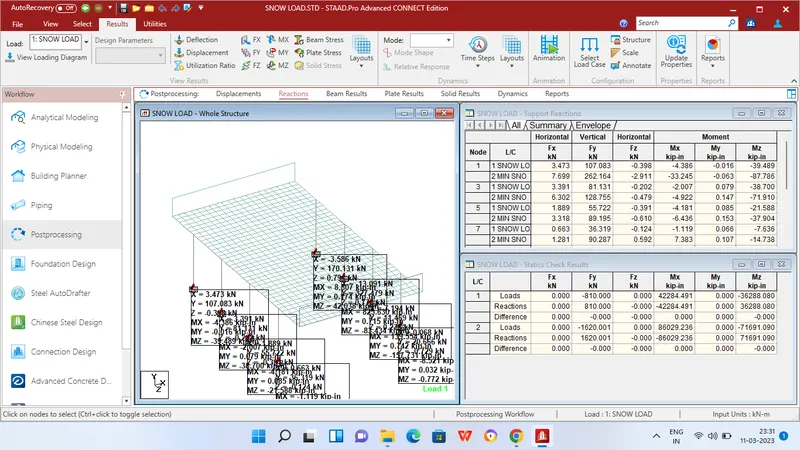
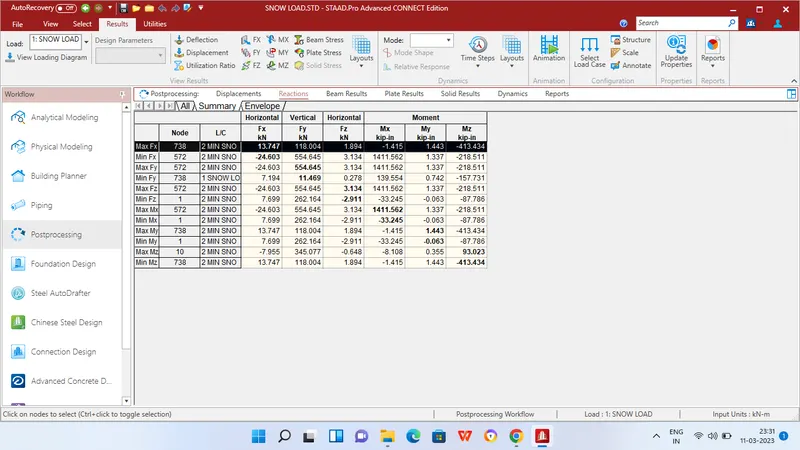
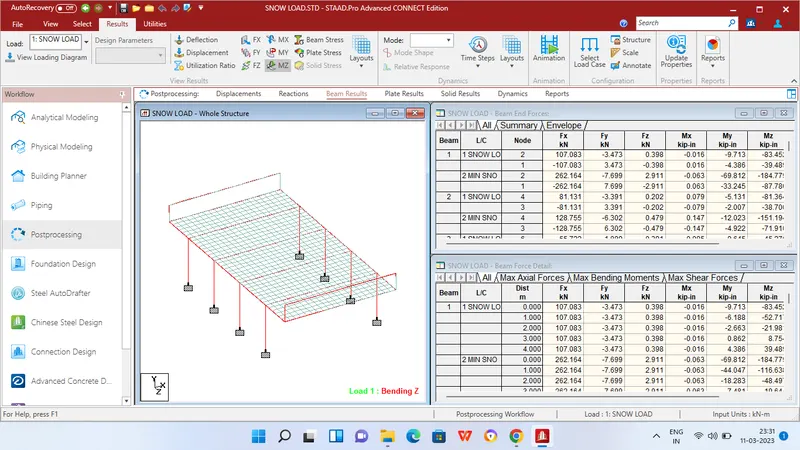
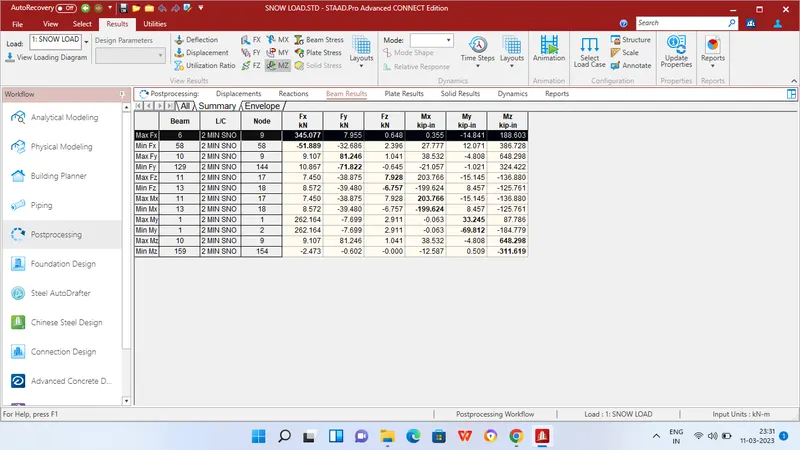
REPORT