Week 10 - Challenge 1- Attachment Feature Creation (Ribs & Screw Boss)
RIBS & SCREW BOSS CREATION
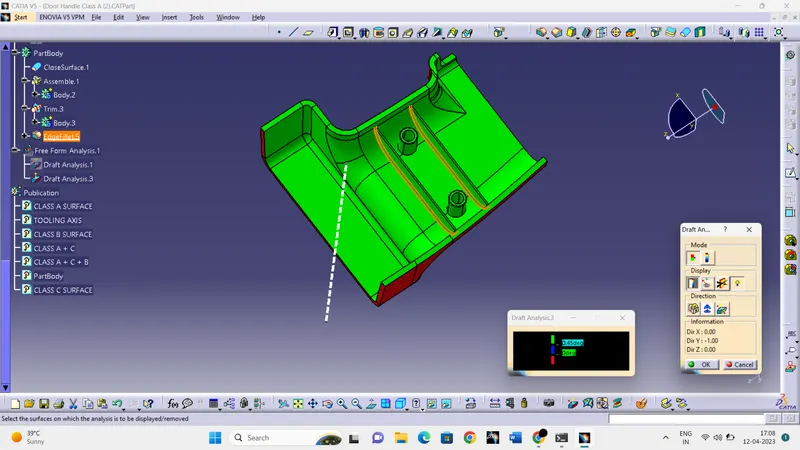
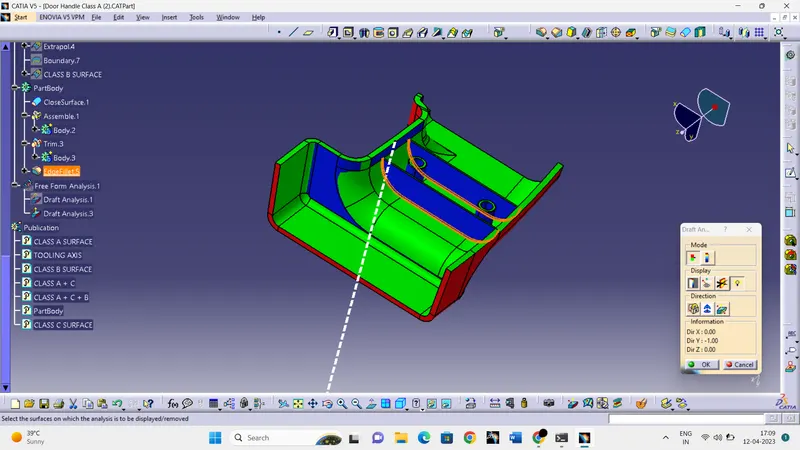
AIM:- To create the rib and screw boss for the door handle considering the design rules for the rib creation and screw boss creation and then perform the draft analysis for class A and final cmponent.
Objectives:-
- Creating a tooling axis using bisecting method.
- Performing draft analysis for Class A and final component.
- Creating Class B and Class C surface and finally join them to get a closed surface.
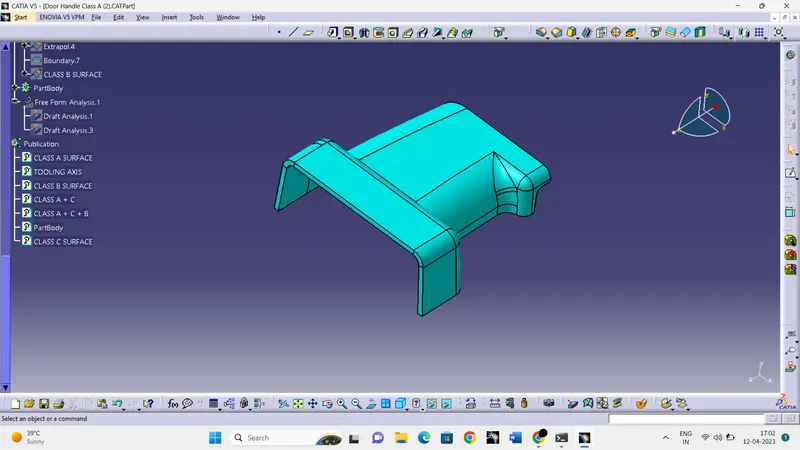
CLASS A SURFACE:- Following surface is given as the input for the component creation.
To continue design first we need to create a tooling axis for class A surface.
CREATION OF TOOLING AXIS:-
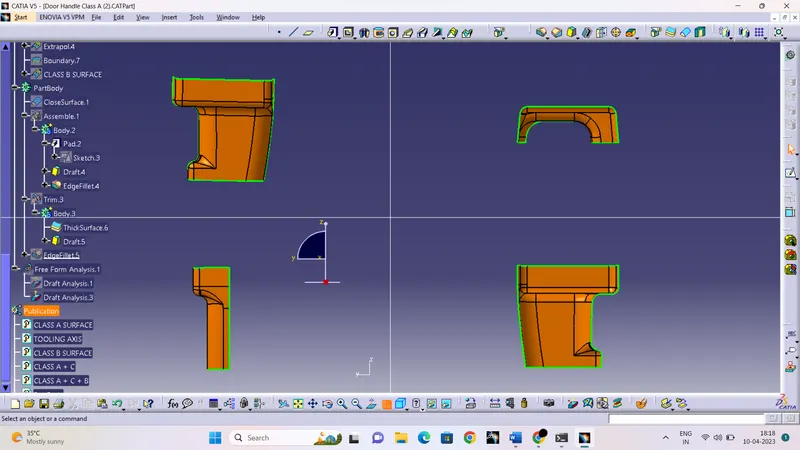
- First we have to analyze the given class A surface in all the direction to find the best possible tooling direction considering in mind to avoid the side cores.
- Extract a flat surface and create a axis system on a point.
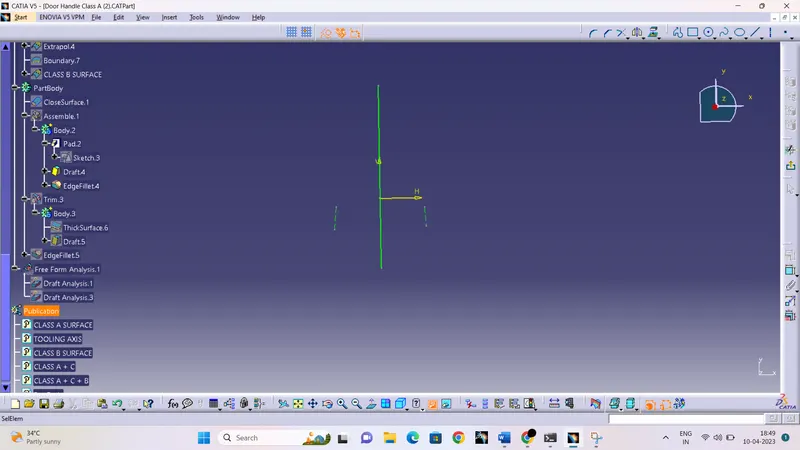
- Create a intersect using zx plane and zy plane and class A surface.
- Look possible portion in sketches which will not intersect the tooling axis and create a bisecting line.
- Final tooling axis is created using bisectine lines.
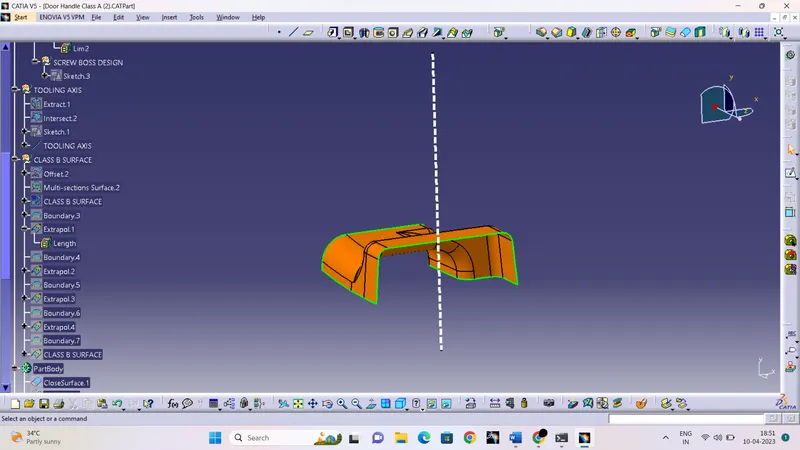
DRAFT ANALYSIS OF CLASS A SURFACE:-
DRAFT ANALYSIS RESULT ARE SHOIWN BELOW-
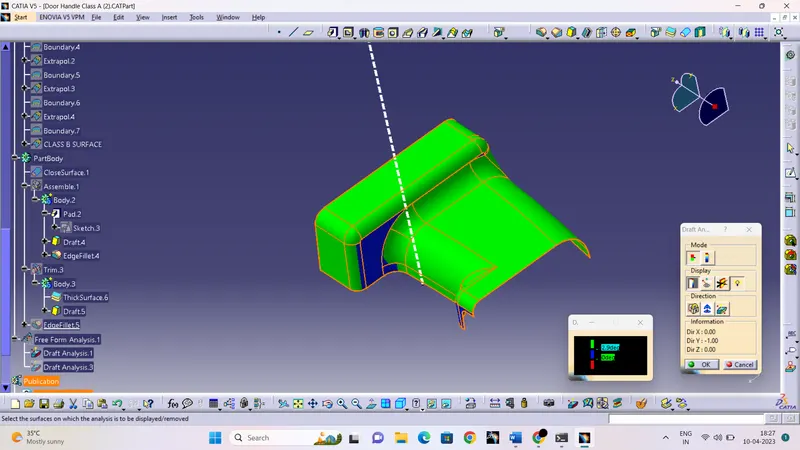
CREATION OF CLASS B SURFACE :-
- Offset the class A surace with the given thickness and fill the patches present in offset surface using different commands.
- Extrapolate the boundary surfaces of Class B surafce for trimming.
Purple colour shows the Class B surface and Orange colour shows the Class A surafce.
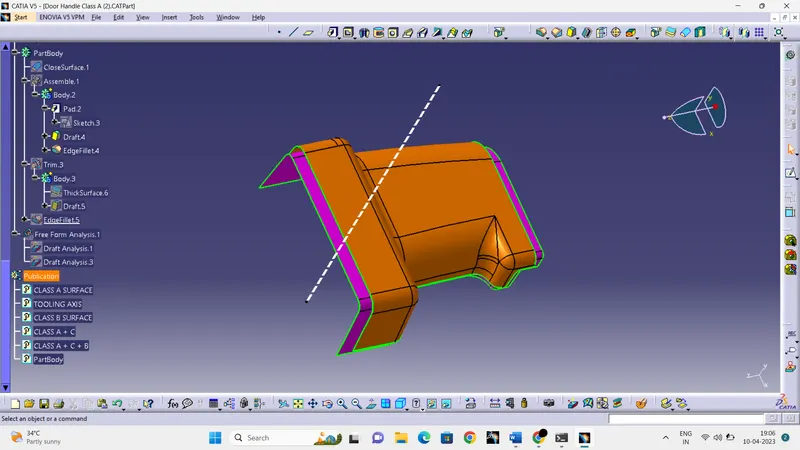
CREATION OF CLASS C SURFACE :-
- Create the boundary of class a surface and make a surface using sweep and mulisectionn command.
- then join all the corners and c surfaces.
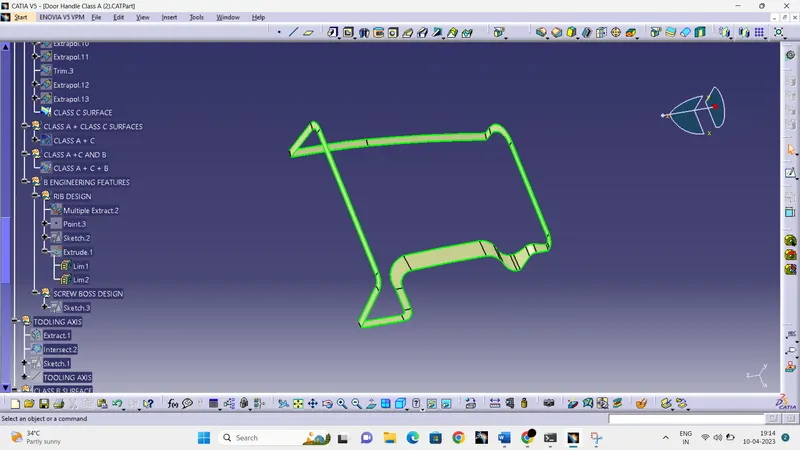
CLASS A + CLASS C SURFACES:-
- Now trim the Class A surface and CLASS C surfaces together to make it a single surface.
CLASS A +CLASS C + CLASS B SURFACES :-
- Finally, Trim the joined class A and Class c surafce with class B surface to get the final component
- Now, go to part design workbench and using close surface command make it a solid component.
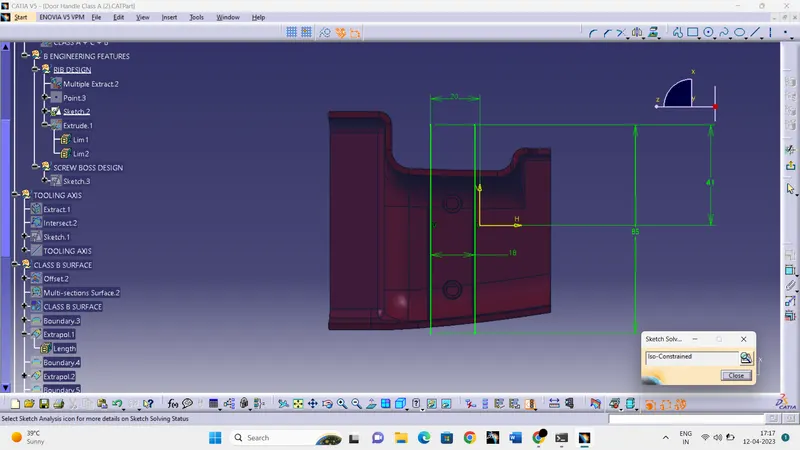
RIB CREATION:-
- Create a sketch on zx plane and extrude it according to design rules .
- Now use the thick surface command to give the thickness.
- Give the draft on both thickened surfaces.
- Use the union trim to give the required shape and assemble it with final component.
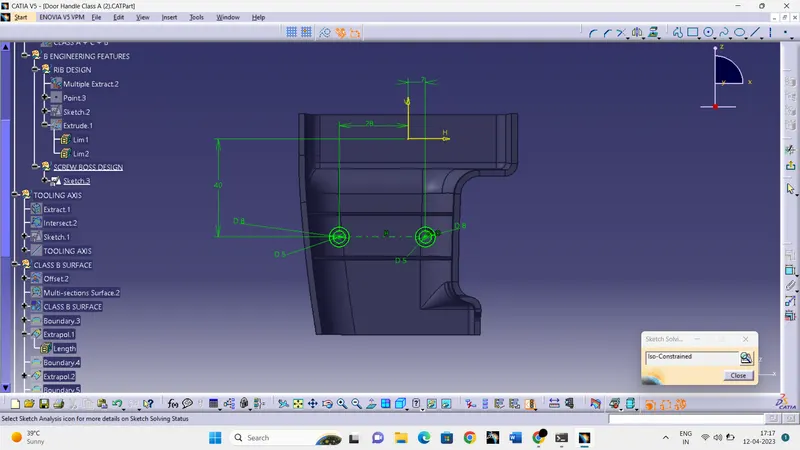
SCREW BOSS CREATION:-
- Sketch the profile of screw bosses on top plane.
- use extrude command for height.
- Give the draft on inside and outside surfaces
DRAFT ANALYSIS OF FINAL COMPONENT :-
- Draft analysis of rib and screw boss-