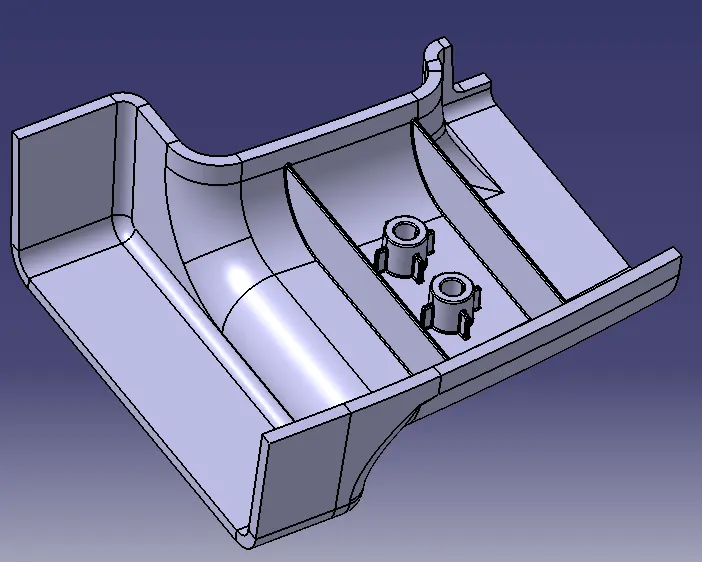
Week 10 - Challenge 1- Attachment Feature Creation (Ribs & Screw Boss)
Aim: Create the rib for the Drill Handle considering the design rules mentioned in the video.
Objectives:
-
Create the Screw boss for the Drill Handle considering the design rules mentioned in the video.
-
General Guidelines for Bosses:
- Draft - 0.5 degrees on the walls of boss
- Thickness - Typically 40%* of the nominal wall at the base.
- Height to Diameter Ratio - 3:1
- Radii - 0.25mm maximum radii.
Class A surface:
- Extracting the given surface to create Class A surface.
- Considering this exctracted surface as a Class A surface, class B and Class C sufaces will be created.
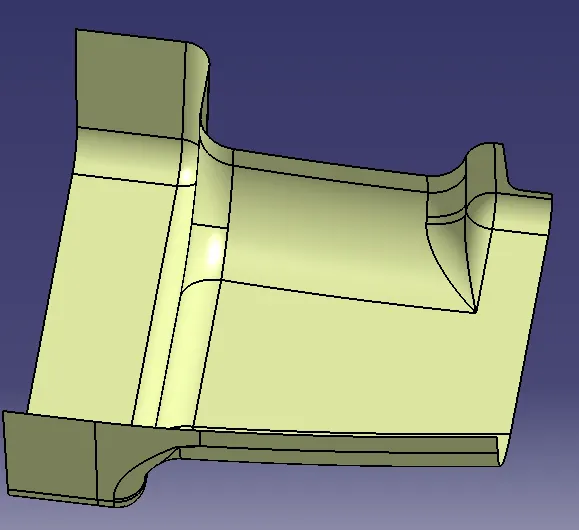
Tooling Direction:
- Considering the flat surface as a base for the part, creating the tooling axis at the middle of the surface perpendicular to the flat surface.
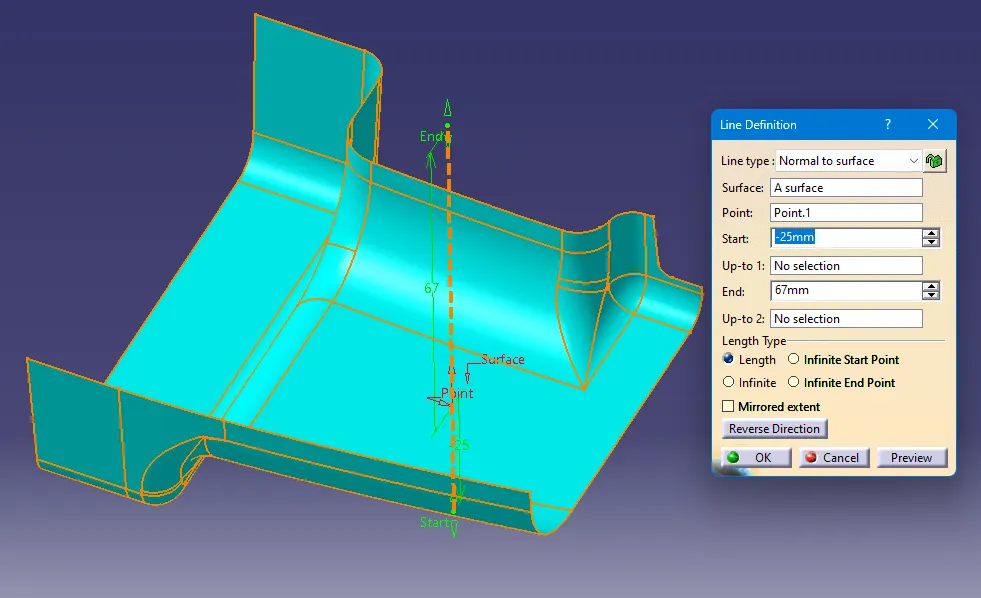
- This axis is also parallel to the side walls of the class A surface.
Class B surface:
- To create the class B surface we can go with two ways :
- By extracting and creating each surface and offsetting them as per the required thickness of the component.
- By offsetting the class A surface and optimizing the problems.
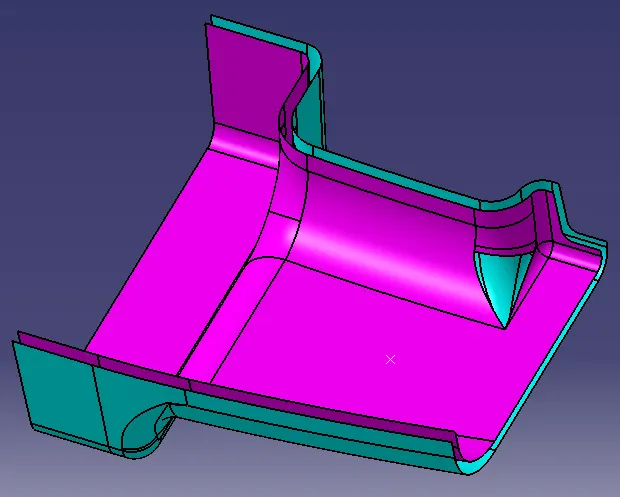
Optimizing the problem: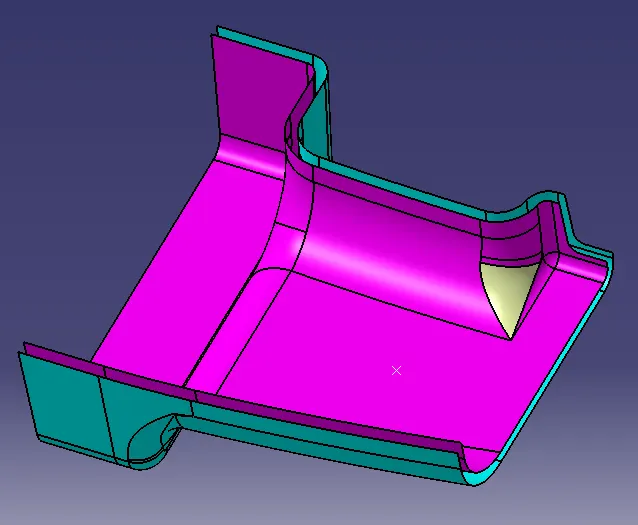
- Creating Class B surface
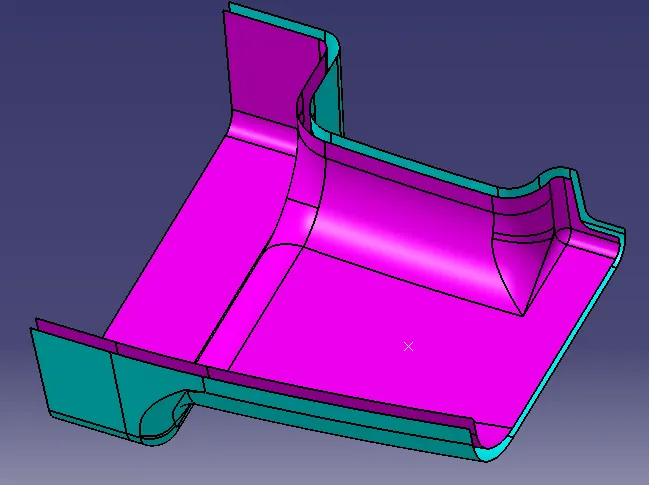
Class C suface:
- Class C surface can be created by extracting the boundary of the class A surface and sweeping the curve with the reference of the class A surface.
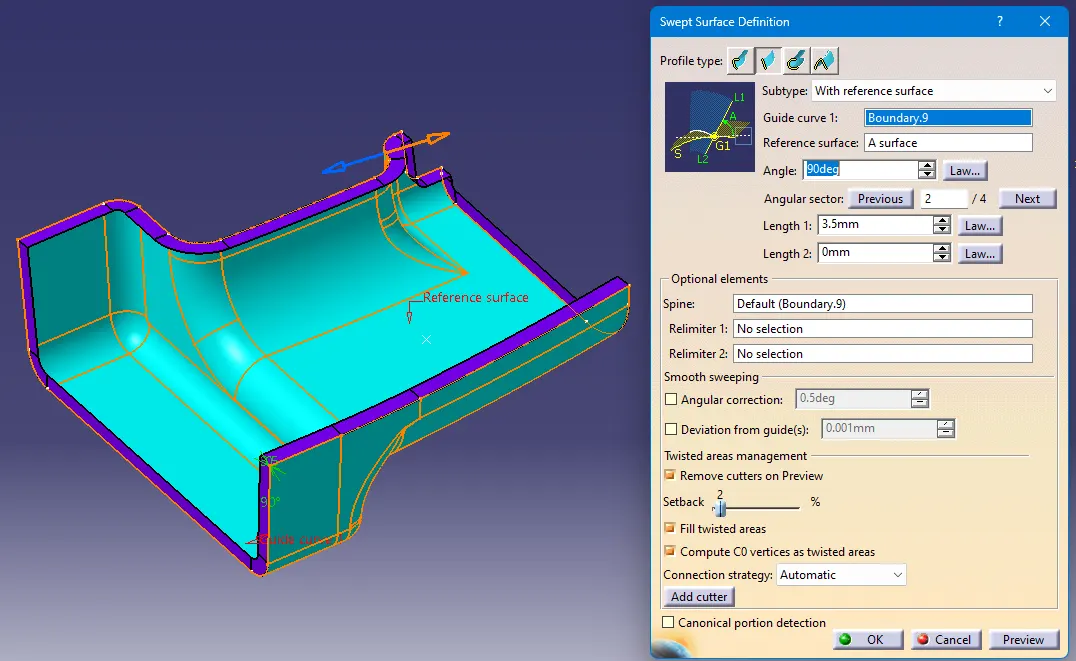
- Sweeping the curve beyond the class B surface so that it will create a closed surface.
After creating the class C surface, joining both class A and class C surfaces together.
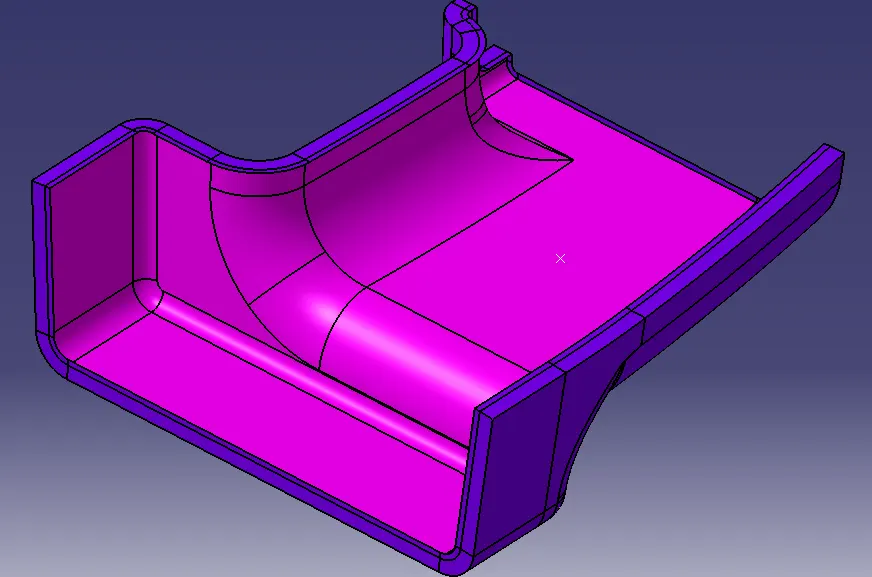
By using trim command with class B surface the closed surface is created.
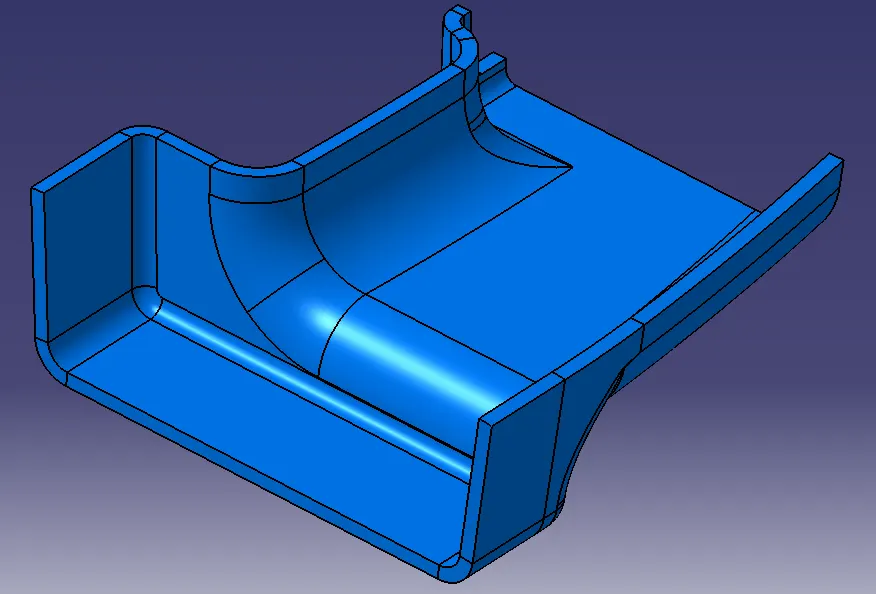
By usign close surface the solid part is created.
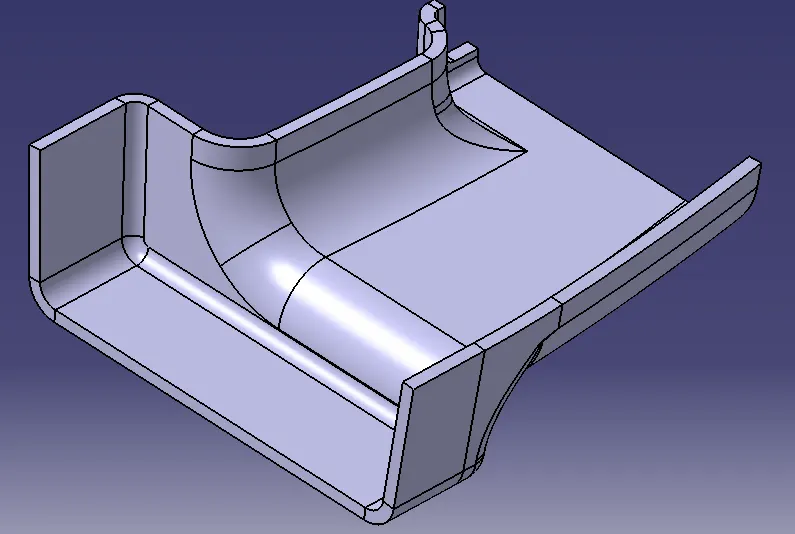
Ribs and Screw Boss:
- Creating the sketch on the reference plane of class A surface.
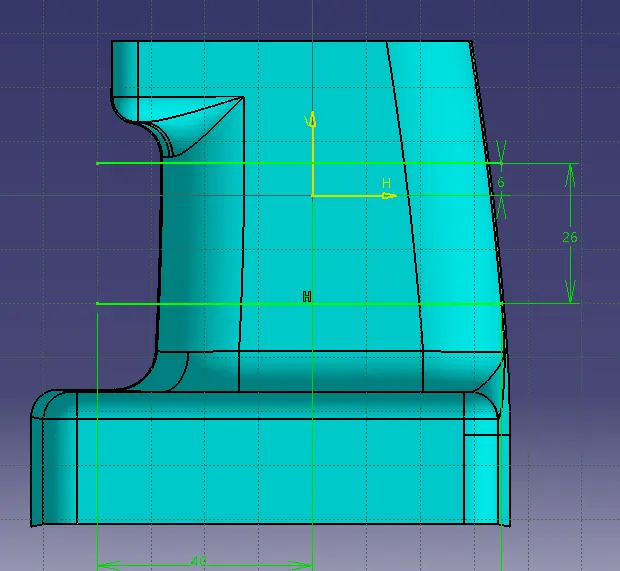
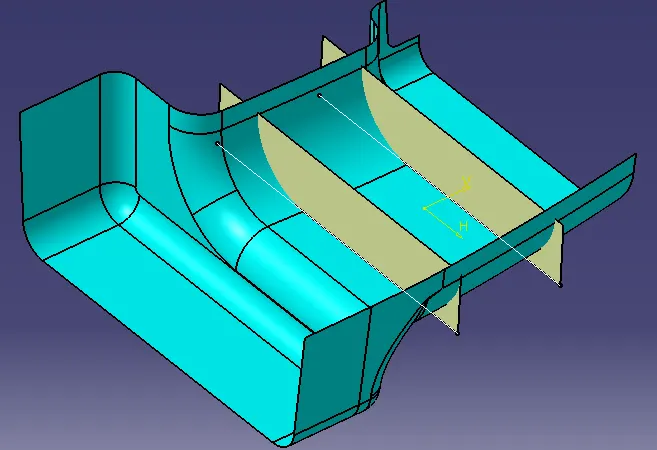
Thickening the extruded surface by 1 mm,
Rib thickness= 40% of the thickness of component. - By using union trim command the ribs are created.
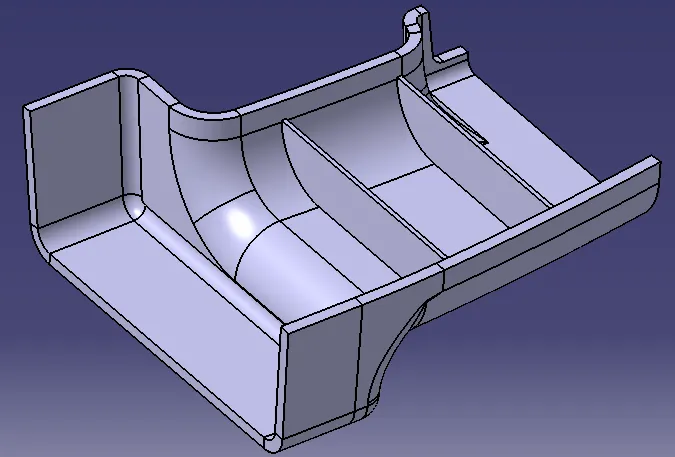
- Creating sketch for the for Screw boss.
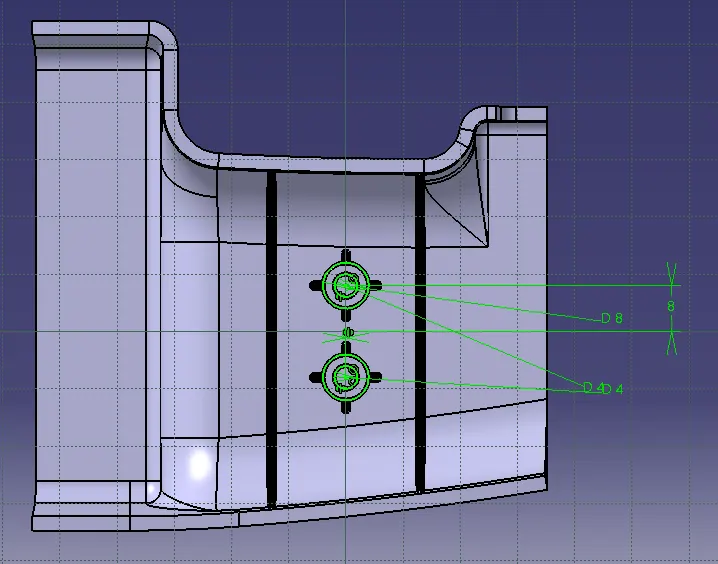
- Creating the boss and drafting them as per the requirement of the screw boss.
Adding the boss by using boolean operation.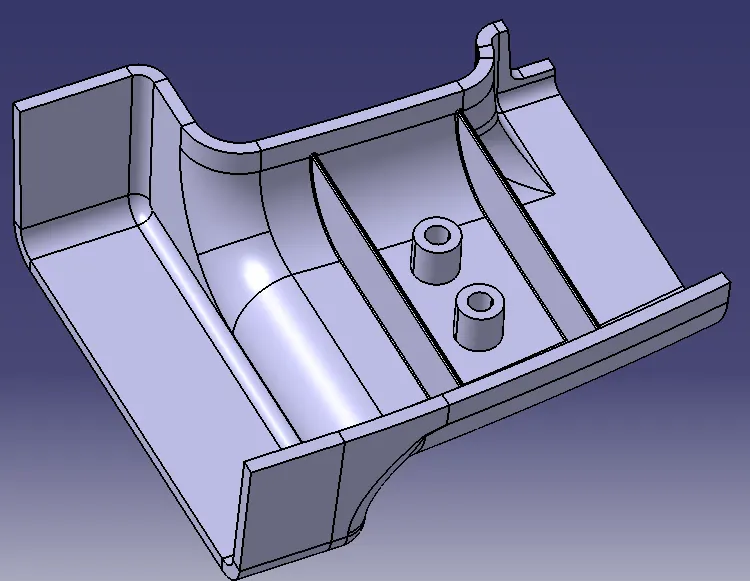
- Creating supporting ribs for the screw boss.
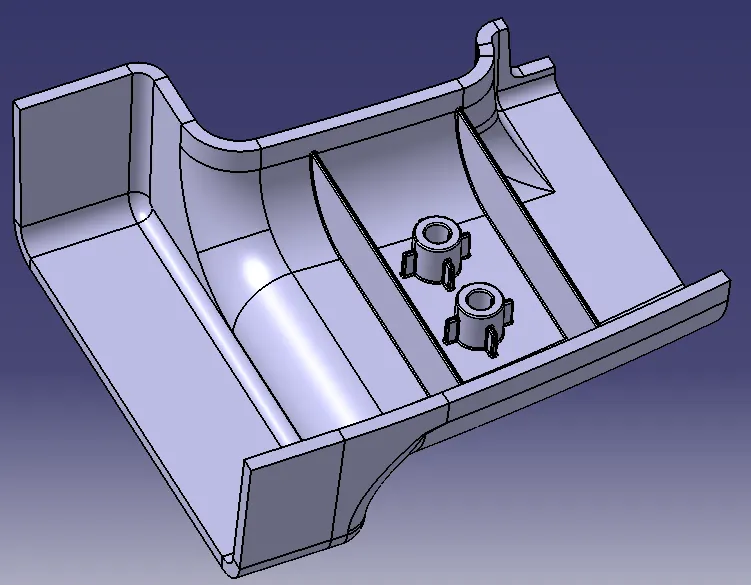
Draft Analysis:
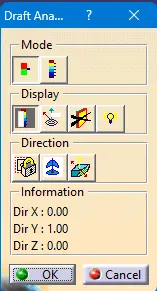
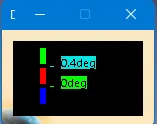
Creating draft analysis along with the Tooling axis.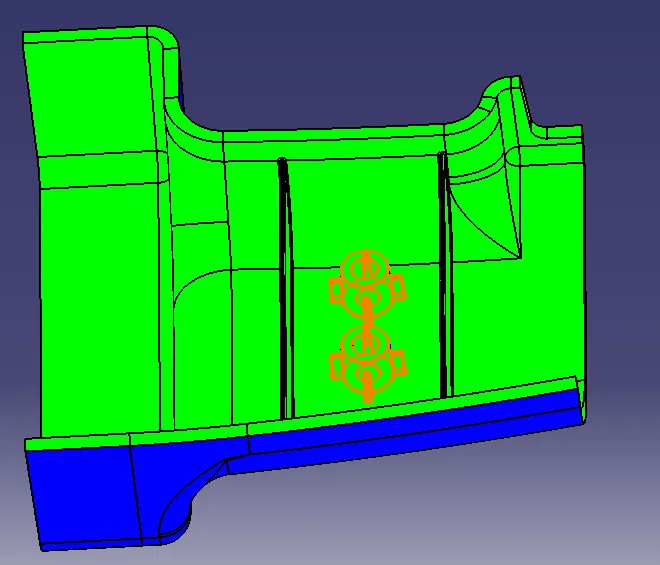
Front View:
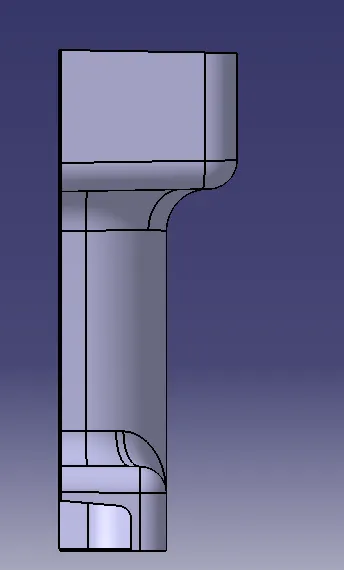
Side View:
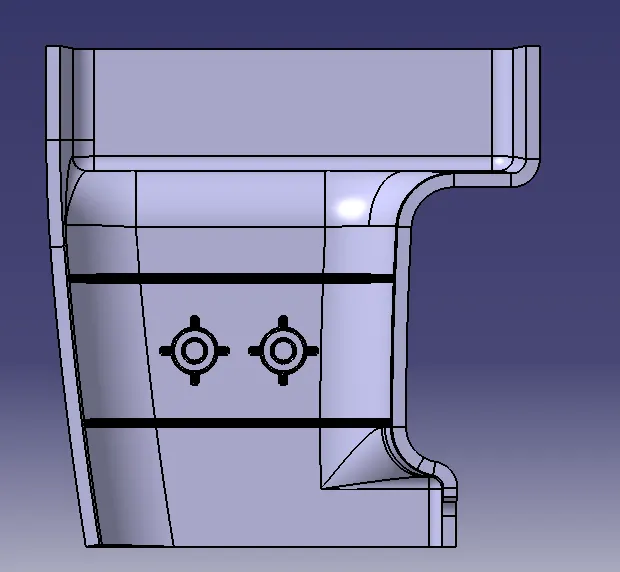
Top View:
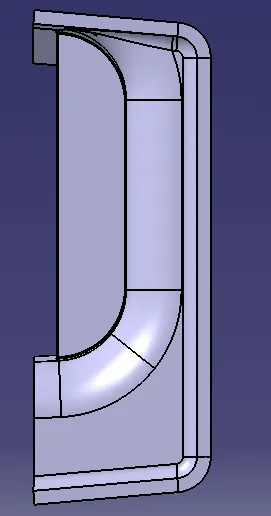
Isometric View: