Week 10 Bullet penetrating a Bucket Challenge
#10 Week Assignment- Introduction Ansys Workbench
Aim: To run the simulation of bullet penetrating into a bucket.
- Import the geometry into the mechanical module under the Explicit Dynamics in Ansys Workbench.
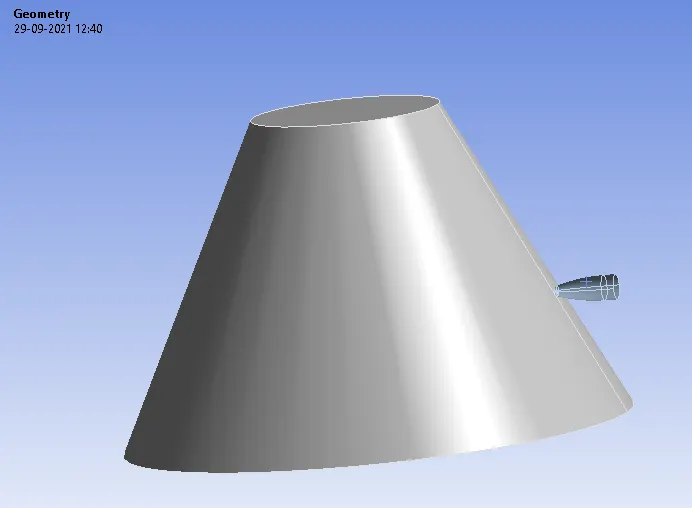
- Rename the components based on thier structure.
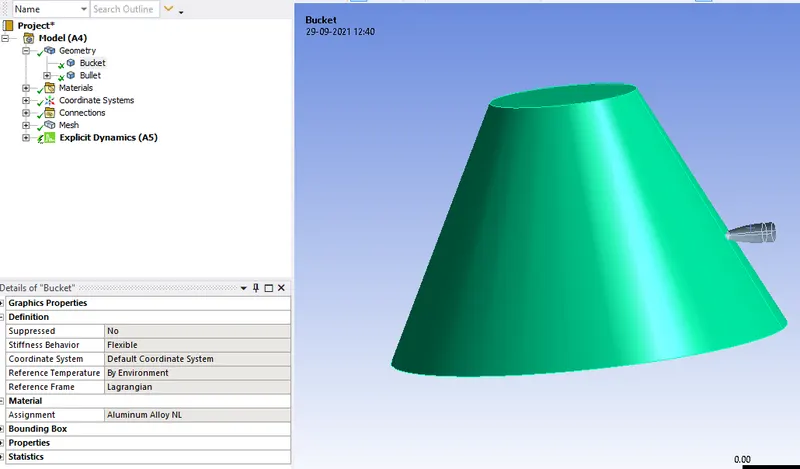
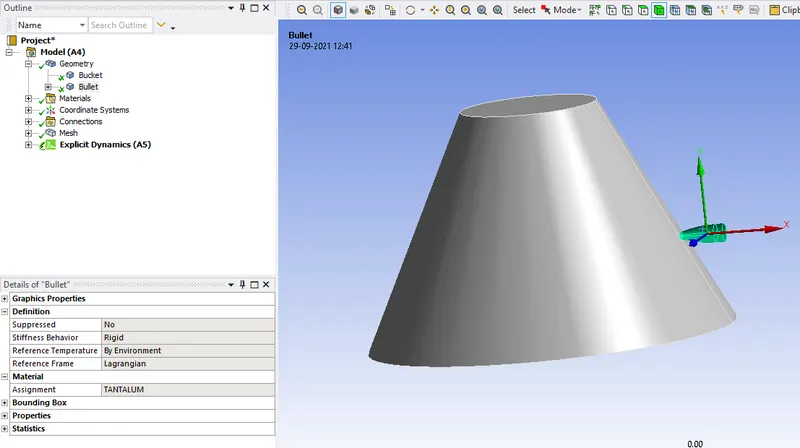
- Change the stiffness behaviour of the bullet to rigid.
Meshing:
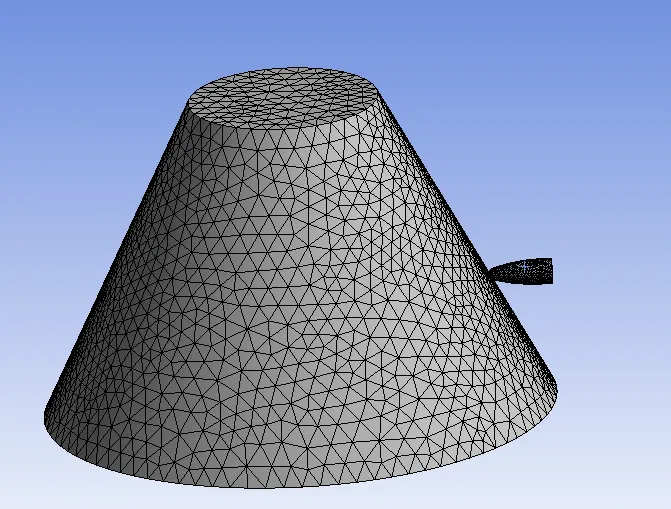
- Insert the sizing under the mesh and select the edges of the mesh and give a size of 6mm and generate the mesh.
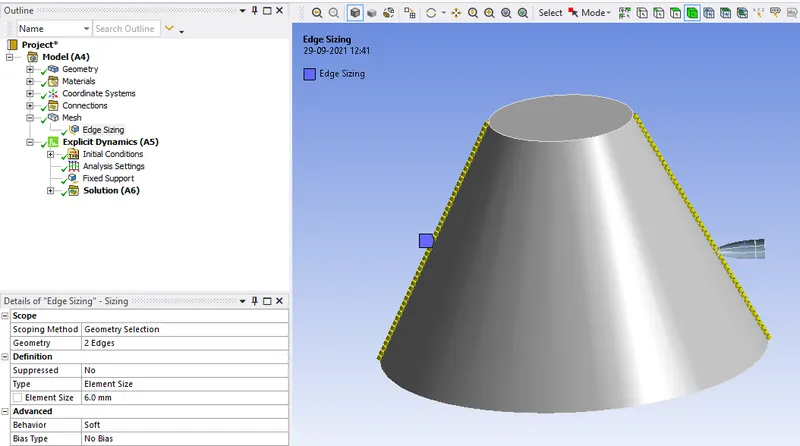
- On generating the mesh it will be as below in the graphical area.
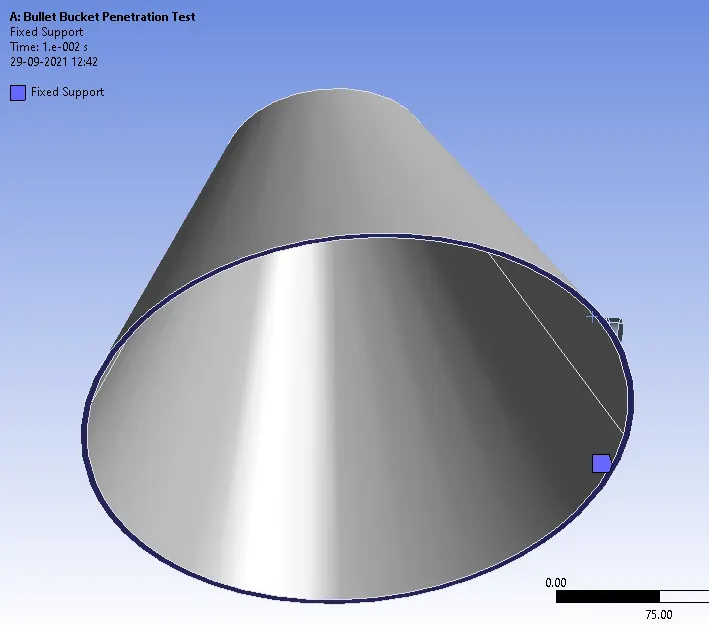
- Fix the bucket by selecting the face of the bullet as below.
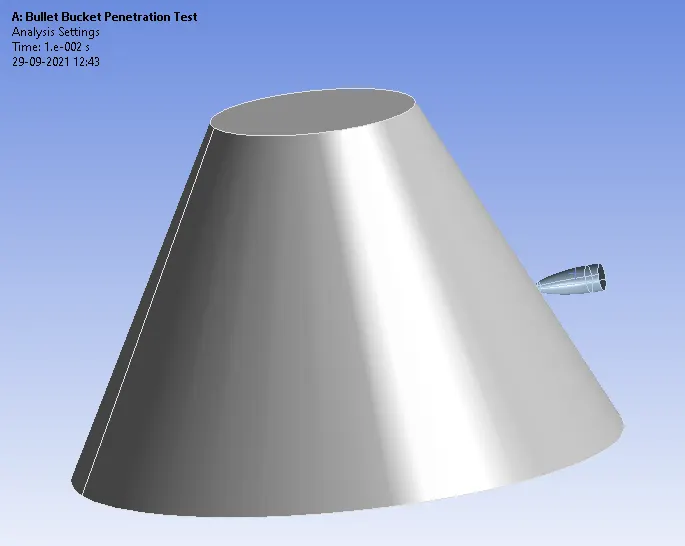
- Under the Analysis Settings set the end time is 1e-2.
- Set the maximum error time of 5.
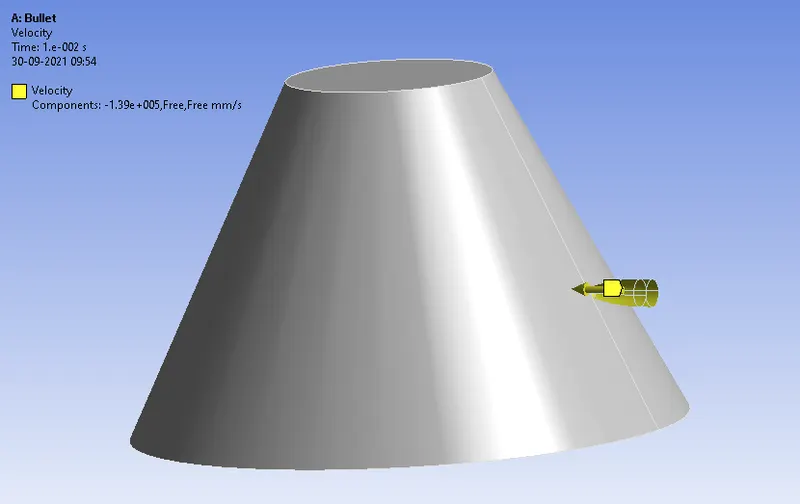
- Assign the velocity of -139000mm/s for bullet in the X-direction.
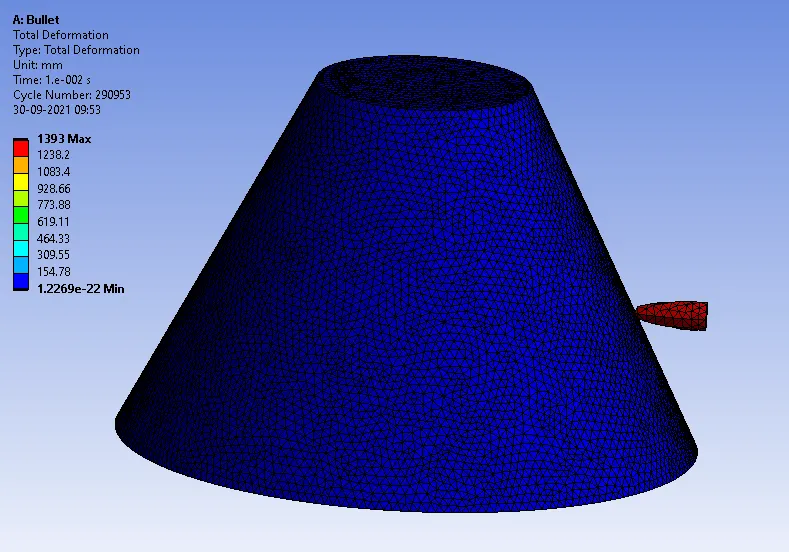
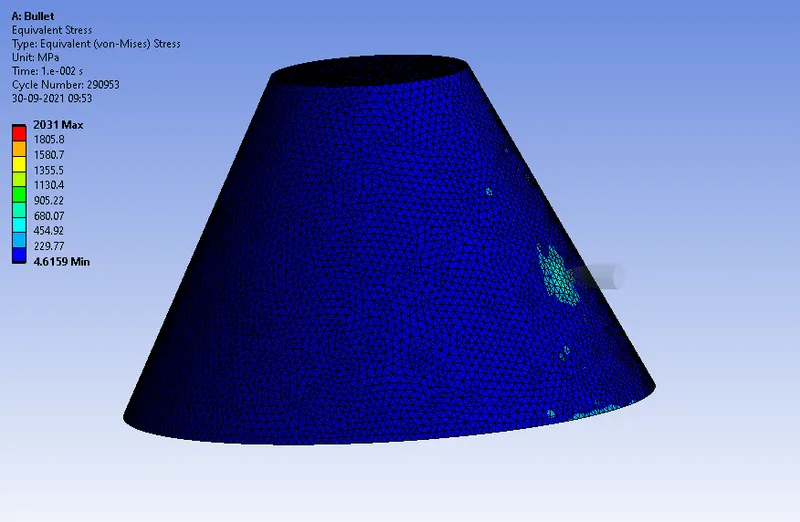
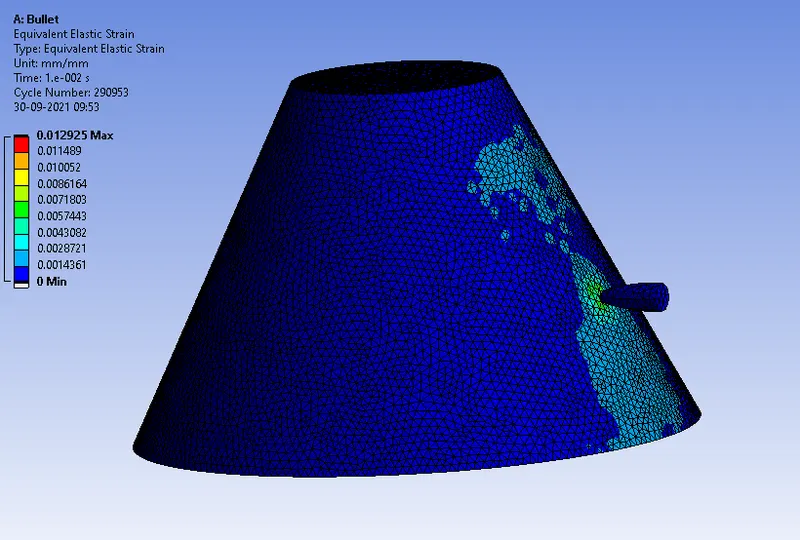
CASE-1:
Total Deformation:
Equivalent Stress:
Equivalent Strain:
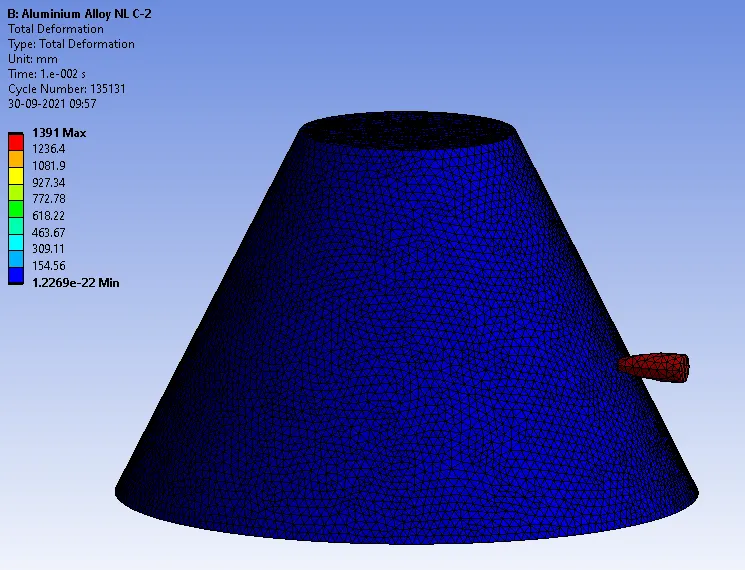
CASE-2:
Total Deformation:
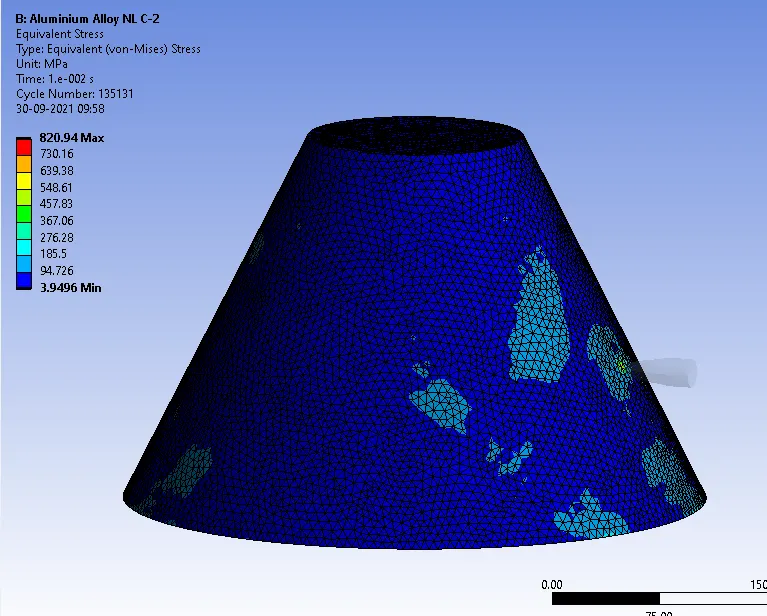
Equivalent Stress:
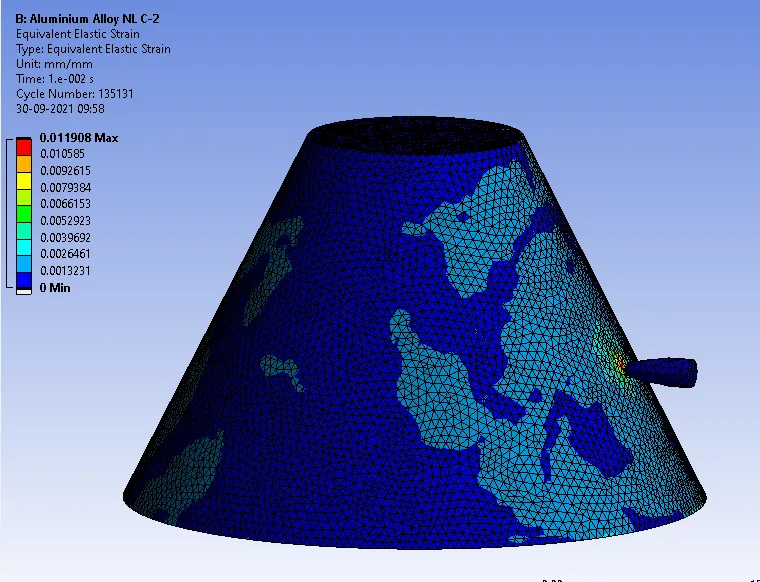
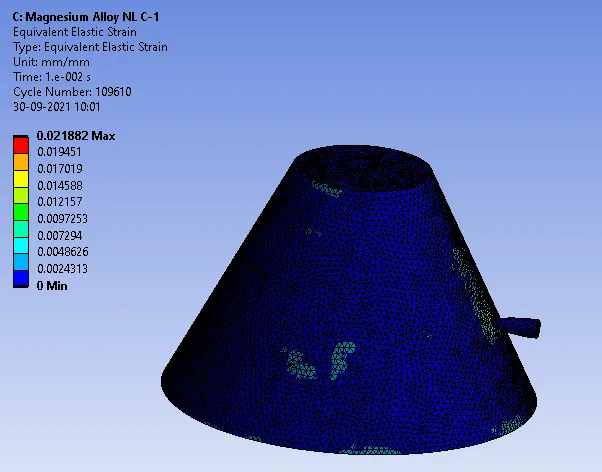
Equivalent Strain:
CASE-3:
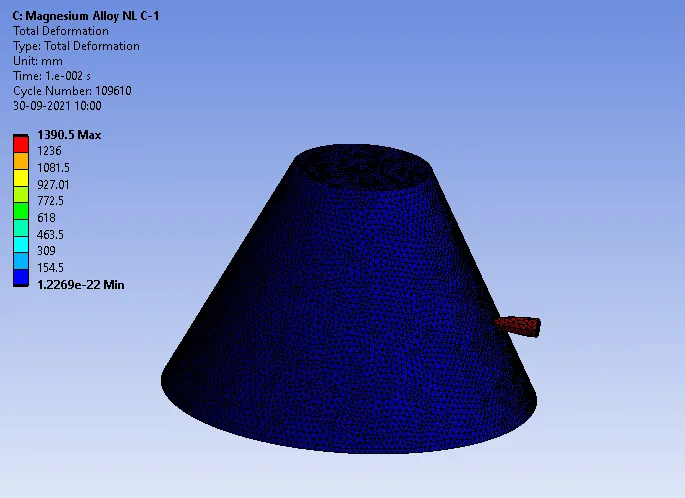
Total Deformation:
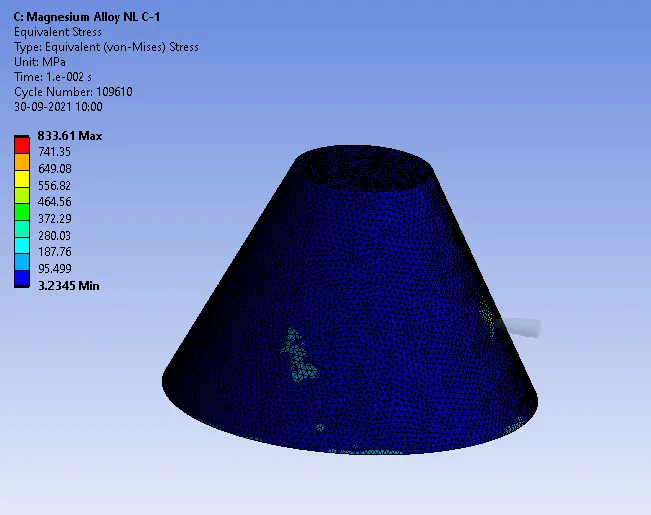
Equivalent Stress:
Equivalent Strain:
Comparison:
| Non-Linear Materials | Total Deformation(mm) | Equivalent Stress (MPa) | Equivalent Strain |
| Case-1 Stainless Steel Alloy | 1393 | 2031 | 0.012 |
| Case-2 Aluminium Alloy | 1391 | 820.94 | 0.011 |
| Case-3 Magnesium Alloy | 1390.5 | 833.61 | 0.021 |
Conclusion: On changing the non-materials in the 3 cases with same velocity the above results are obtained.