Week 10 Bullet penetrating a Bucket Challenge
- Objective: To perform simulation of a bullet penetrating a bucket using explicit dynamics analysis.
- Procedure:
Open the explicit dynamic analysis system in the Project schematic. The material used for the bullet is explicit material – Tantalium. The materials used for the bucket are : Aluminium Alloy NL, Stainless Steel NL
and Copper Alloy NL. We have to perform the analysis using three different materials for the bucket. Add these materials to the Material library. Now proceed to import the geometry. Import the Geometry. Open
the Geometry in SpaceClaim. Ensure the geometry is properly imported by doing quick visual inspection. The geometry is properly imported as observed.
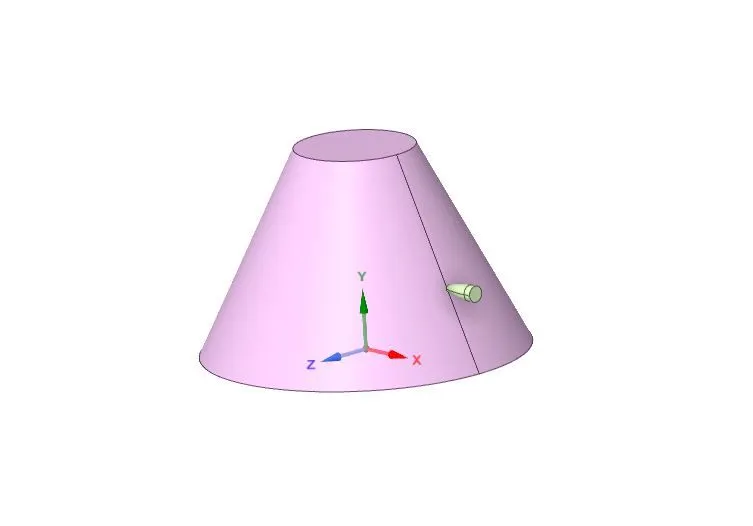
Update and open the mechanical module. Assign the material Tantalium for the Bullet. Assign Aluminium Alloy NL material for the bucket. The Ansys automatic contact detection has detected some initial contact
between the bullet and the bucket as shown below:
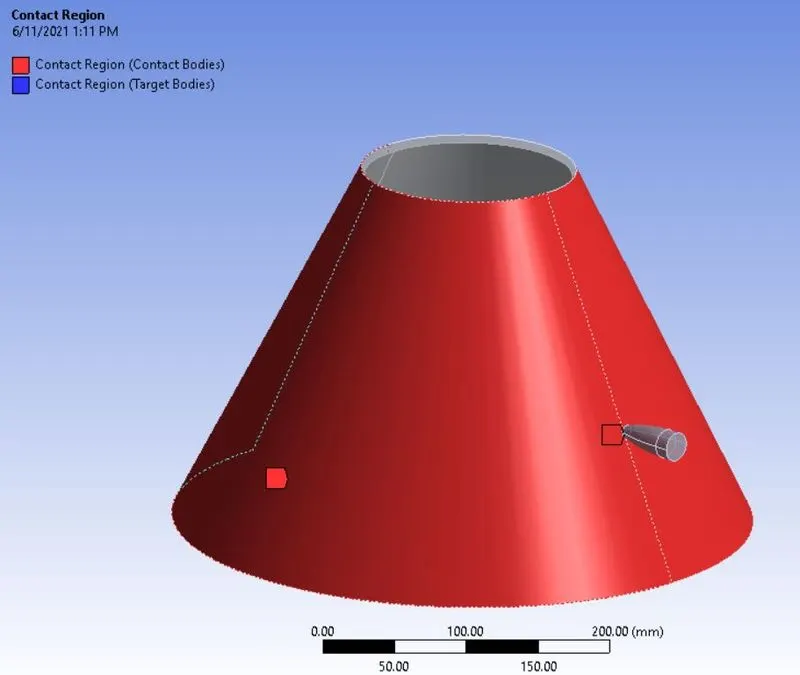
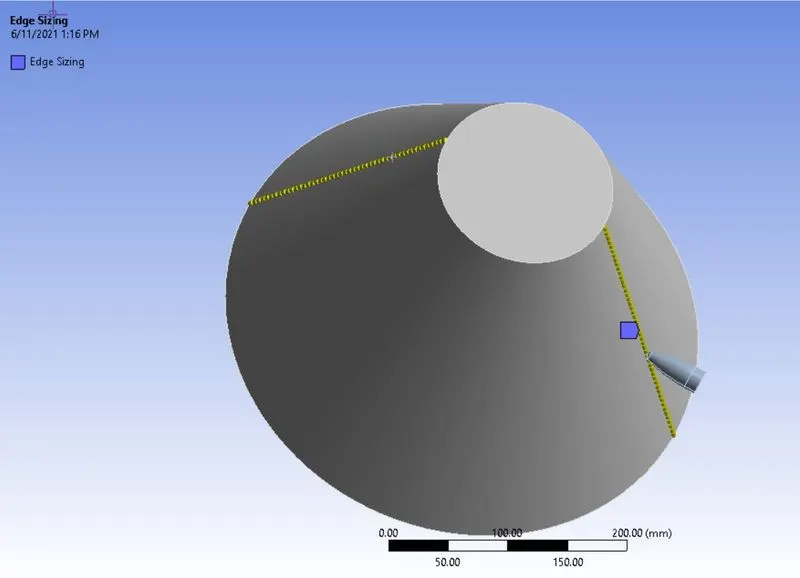
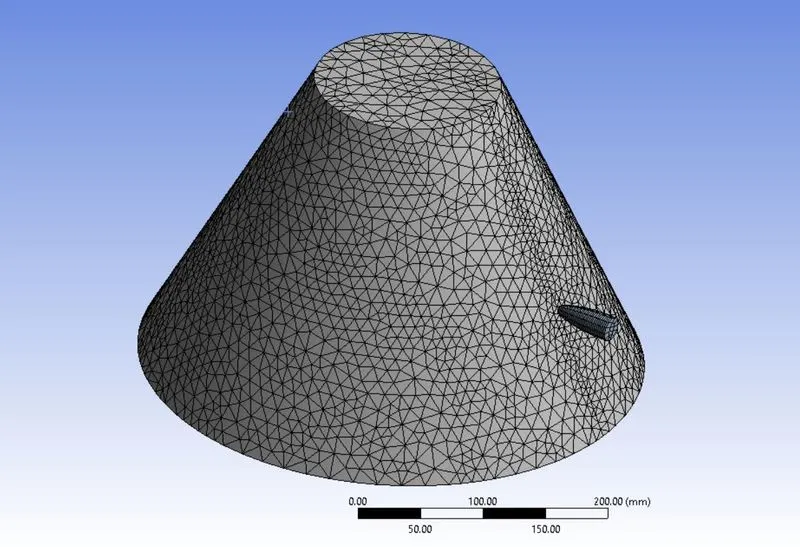
Delete the contact, since we are performing a explicit dynamic analysis where the effect of impact is the main concern. Now mesh the model. The model is meshed using edge sizing. Go to Mesh > Insert > Sizing.
Select the two edges shown for edge sizing and enter element size of 6mm. Before meshing, set the stiffness behavior of the bullet to Rigid, since the behavior of the bucket is to be noted after the penetration of
bullet. Now, mesh the components.
Enter the end time for the simulation. Go to Analysis settings > End Time. Enter End Time = 0.01s. The time step is set to program controlled. Now insert a fixed support for the Bucket, so it does not fly away
after being hit by the bullet. Go to Explicit Dynamics > Insert > Fixed Support. Select the bottom surface of the bucket and fix it.
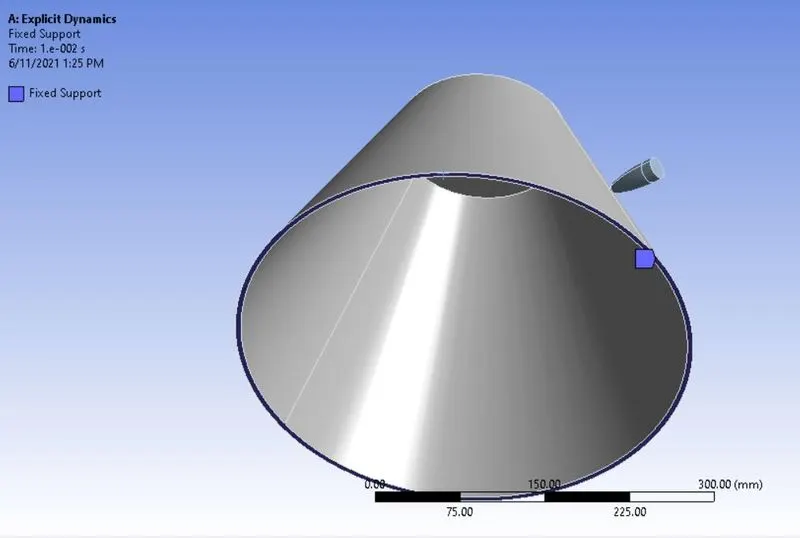
Now, insert velocity for the Bullet. Go to Explicit Dynamics > Insert > Velocity. Select the Bullet body and enter velocity of -139000 mm/s for X component for the bullet. For the Y and z components, enter
magnitude = 0 so that the bullet travels in a straight line.
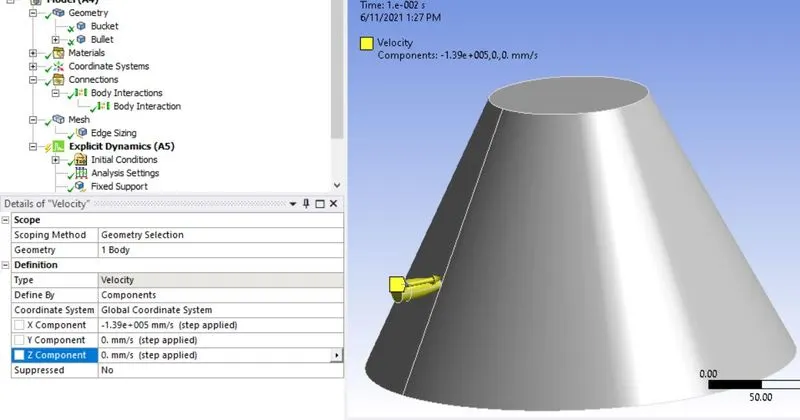
The case setup is now complete. List the results for Equivalent Stress and Total Deformation and run the simulation.
- Results:
Stress contour:
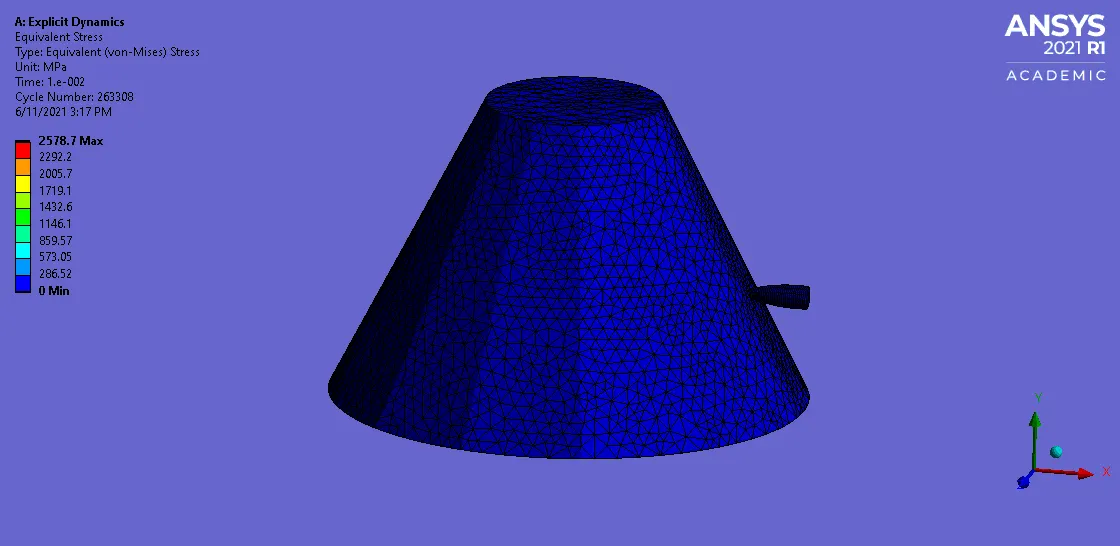
Max stress of 2578.7 Mpa is observed in the bucket after the penetration of bullet.
Total Deformation:
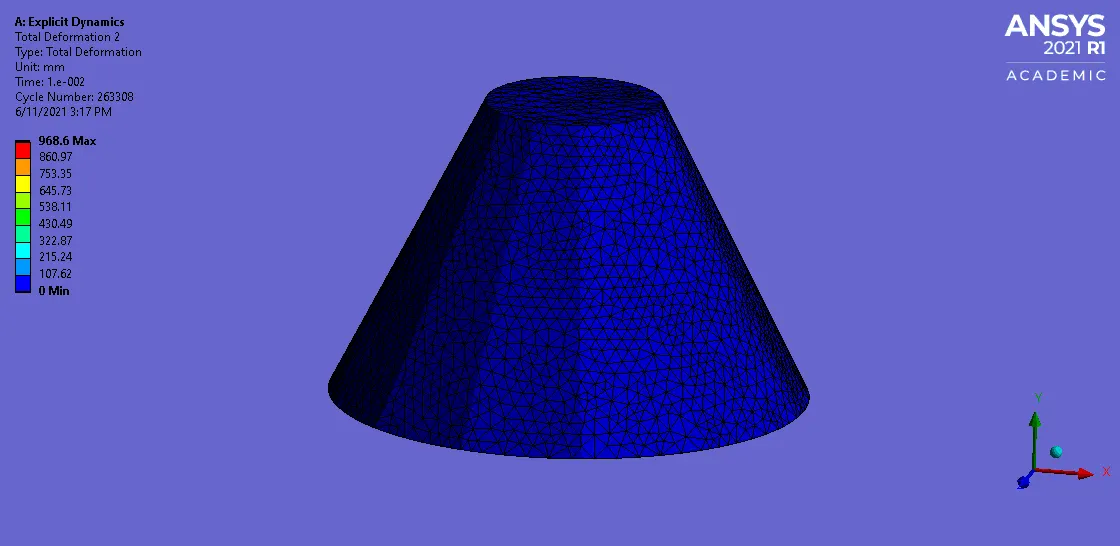
The above seen deformation mode is observed after the penetration of bullet. Max deformation of 968.6 mm is observed in the bucket.
- Results for Copper Alloy NL material:
Stress contour in the model:
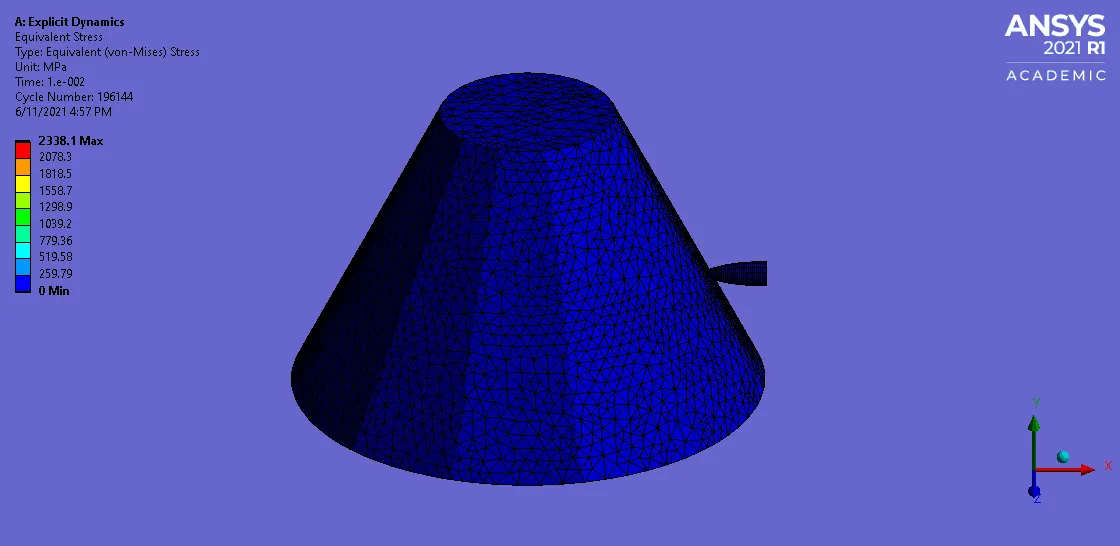
Max stress of 2338.1 Mpa is observed after the penetration of bullet.
Total Deformation in the bucket:
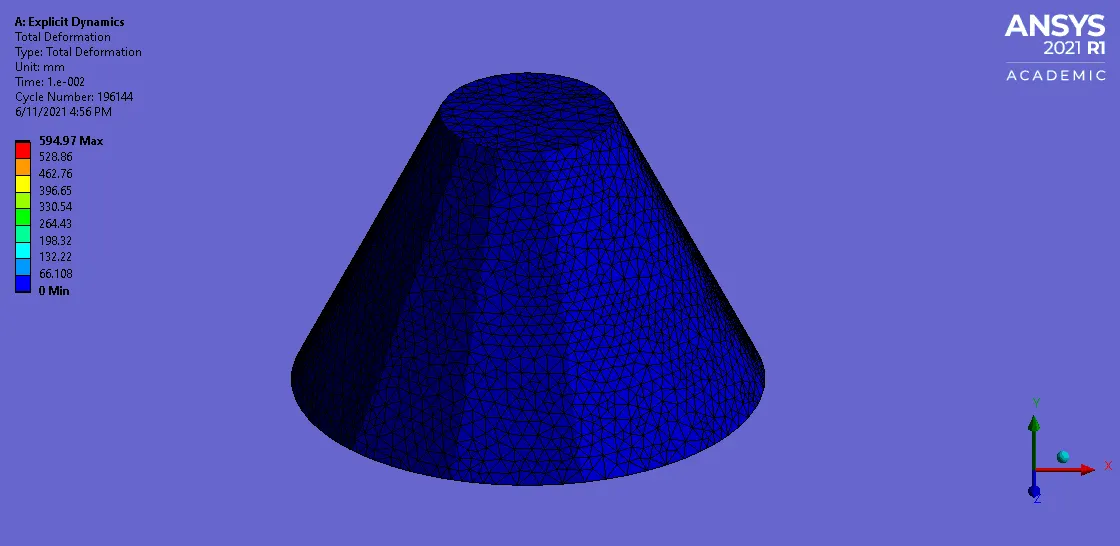
Max deformation of 594.97 mm is observed in the bucket.
- Results for Statinless Steel NL material:
Stress contour:
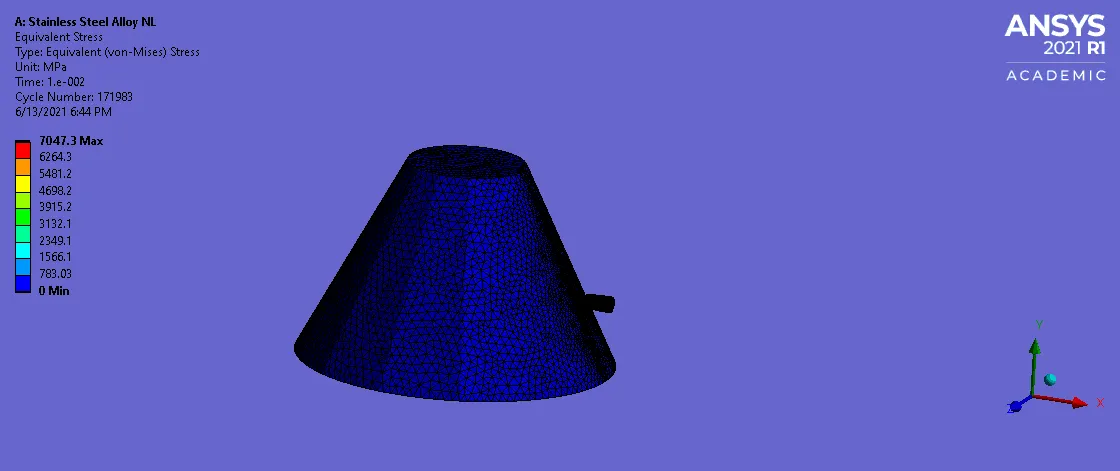
Max stress of 7047.3 Mpa is observed in the bucket.
Total Deformation:
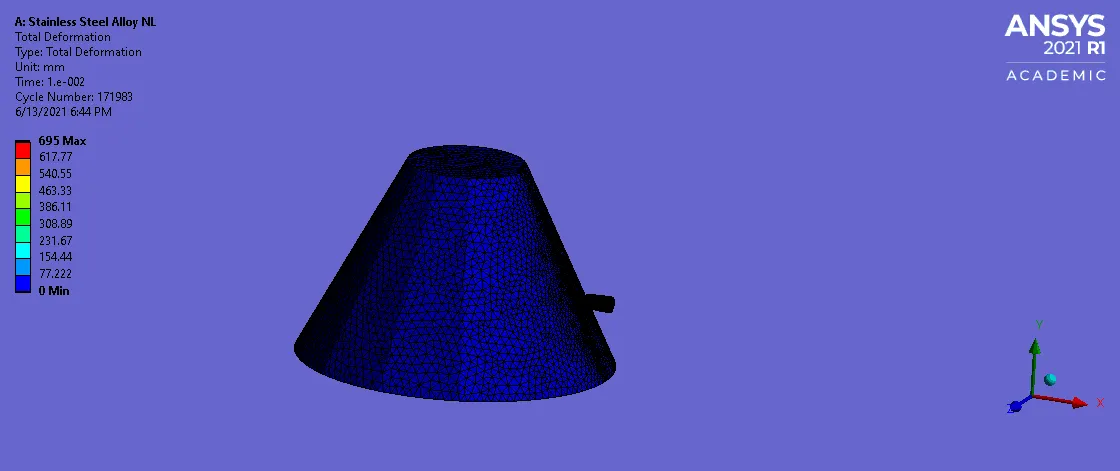
Total deformation of 695 mm isobserved in the bucket.

Thus, as seen from the results, max stress is observed in the Stainless Steel material NL with least deformation. Minimum deformation is observed in the Copper alloy NL material. For accurate results, grid
independence test should be performed.
- Conclusion: Thus the use of explicit analysis for the simulation of short timed event of a bullet penetrating a bucket is succcessfuly implemented.