Week 10- Assembly Workbench
OBJECTIVE :-
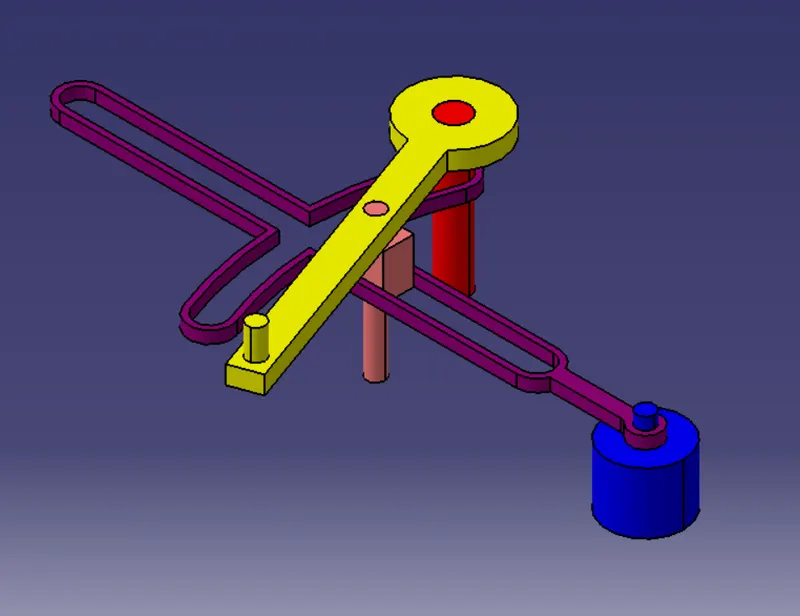
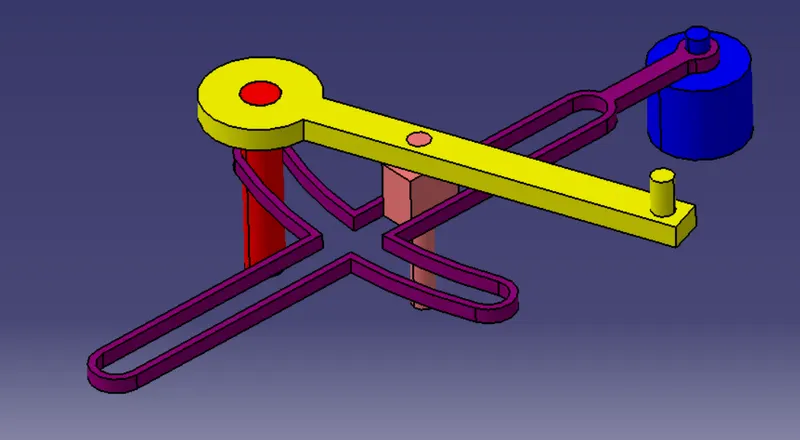
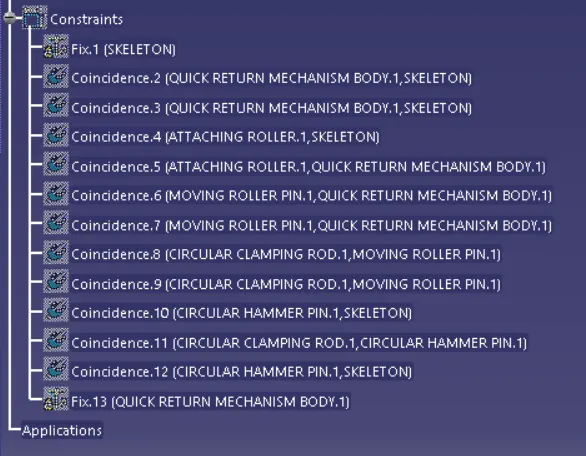
TO CREATE ASSEMBLIES OF THE FOLLOWING :-
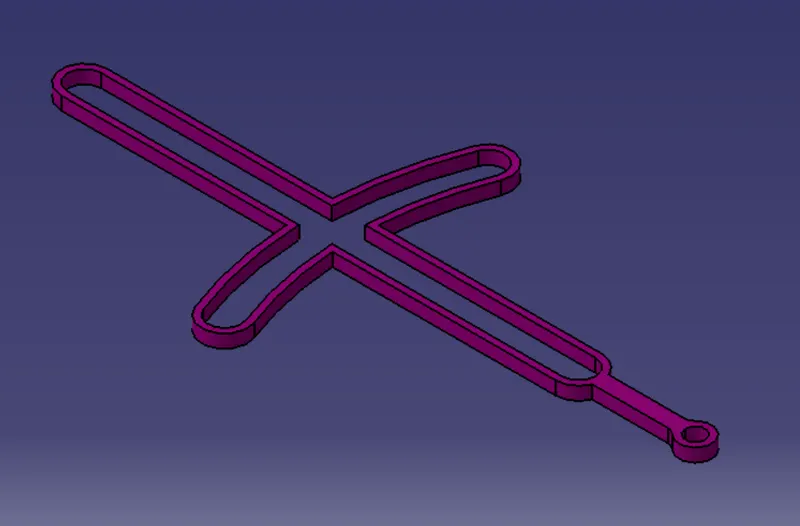
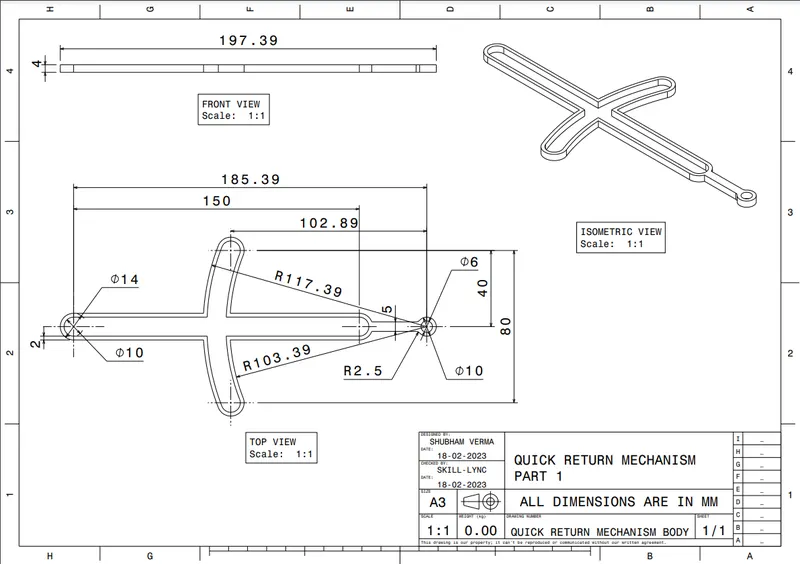
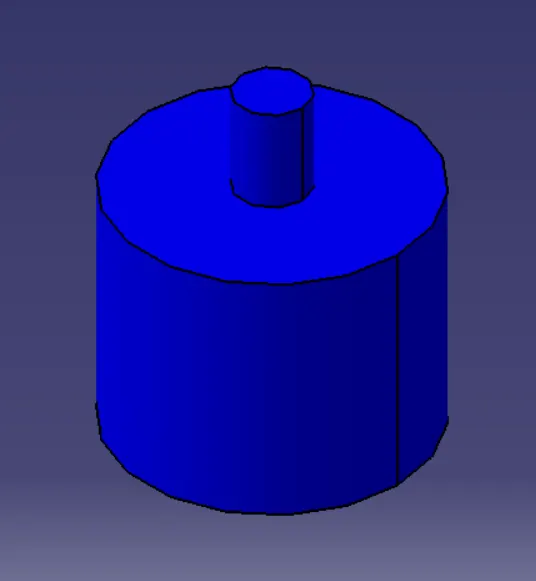
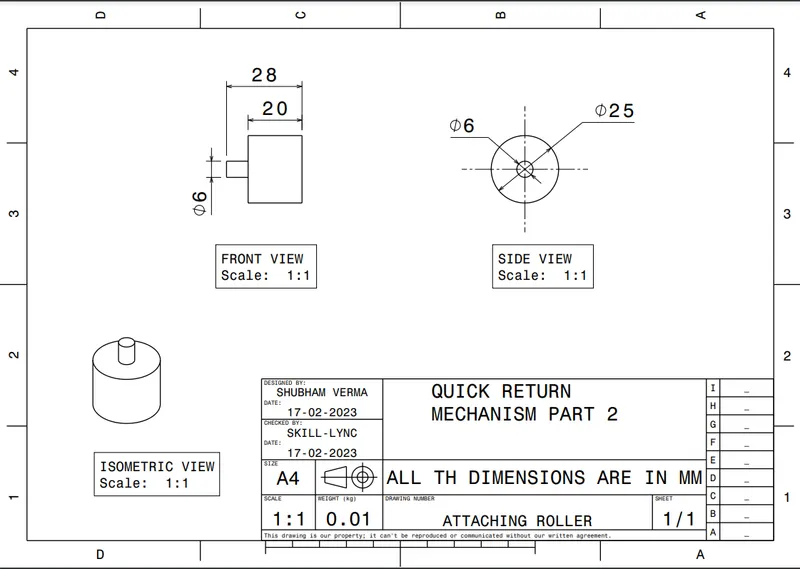
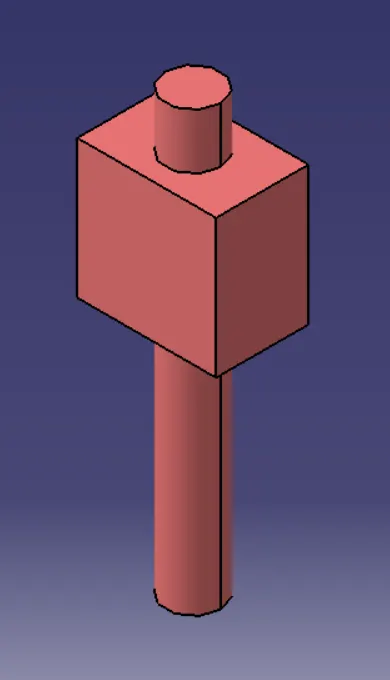
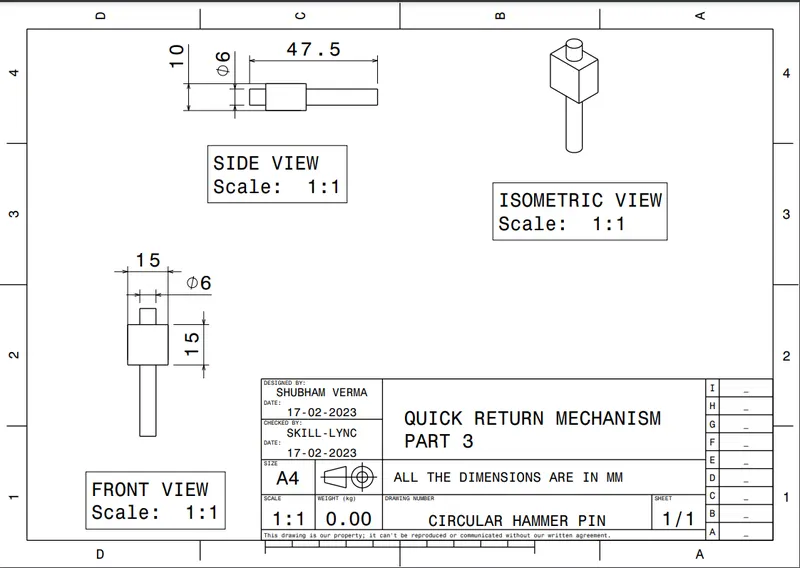
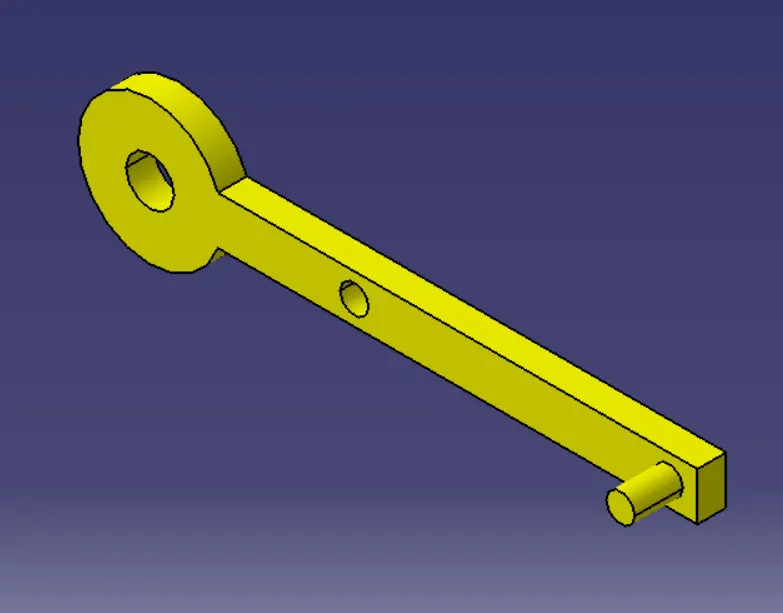
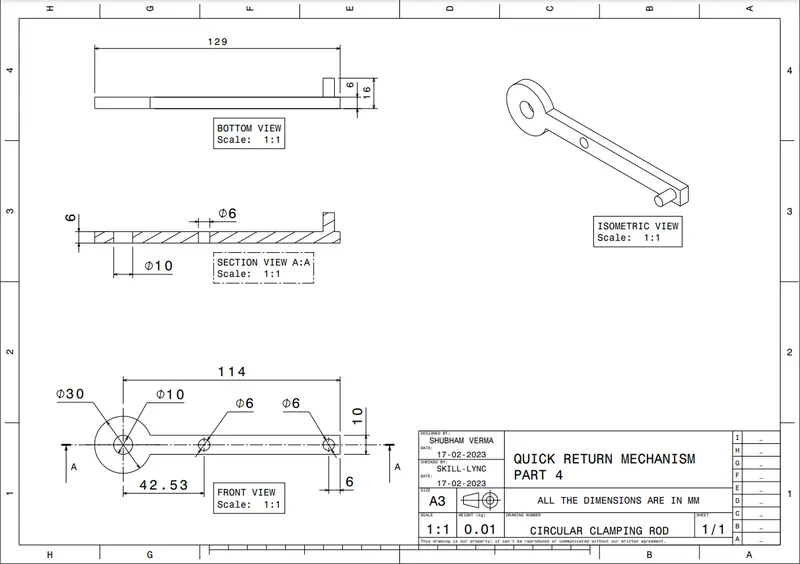
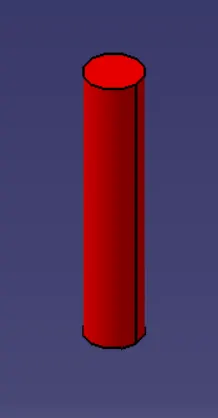
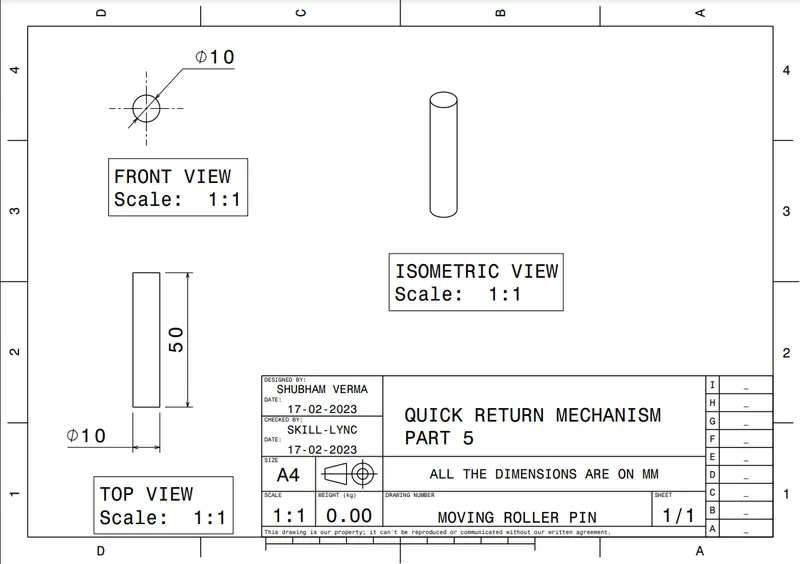
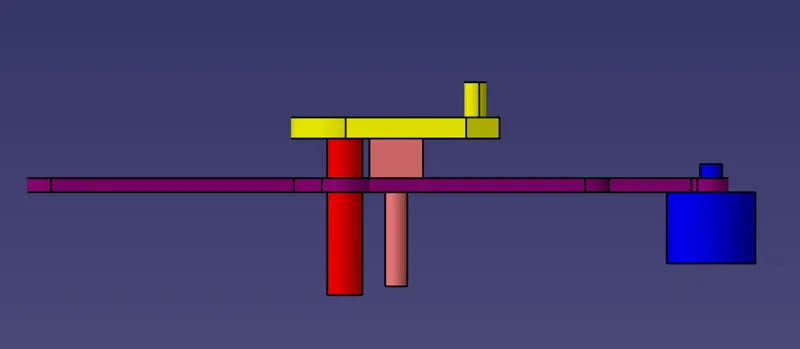
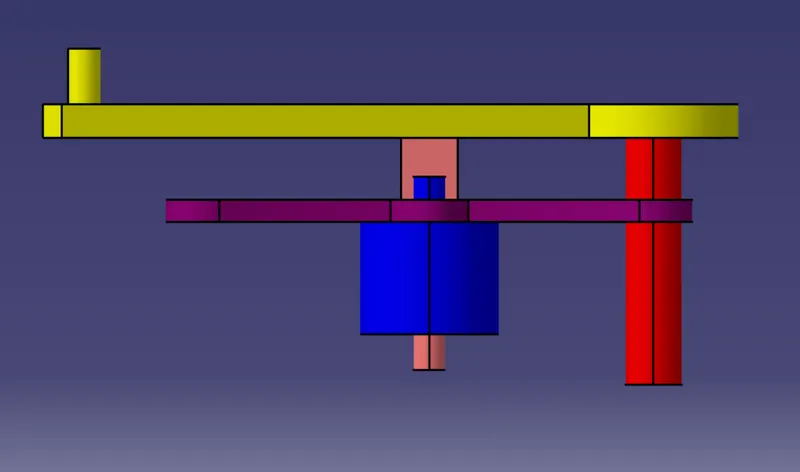
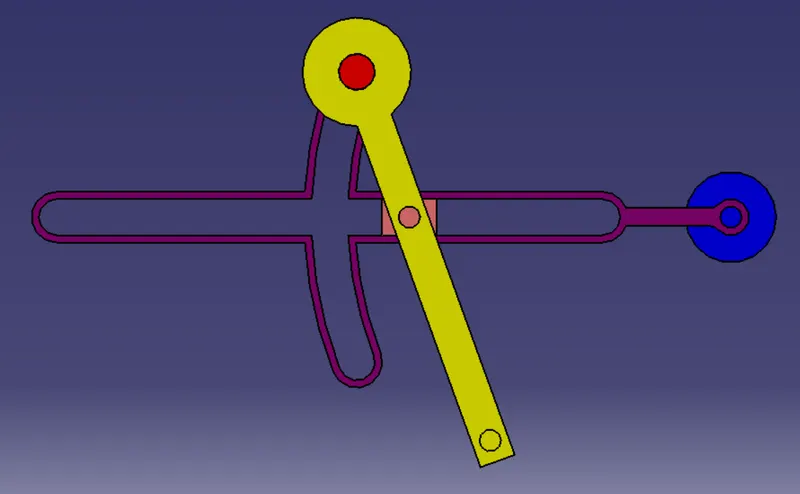
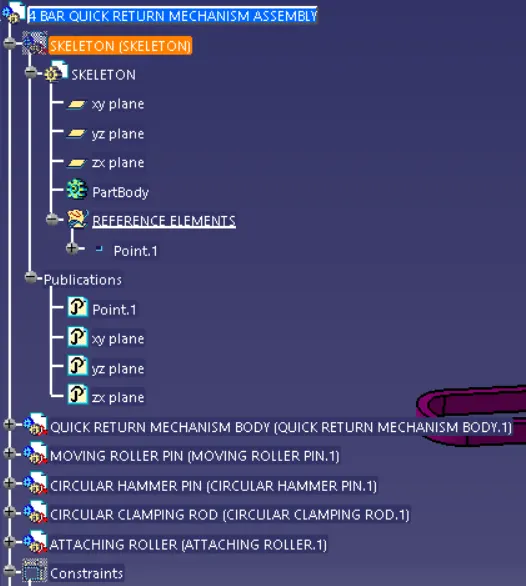
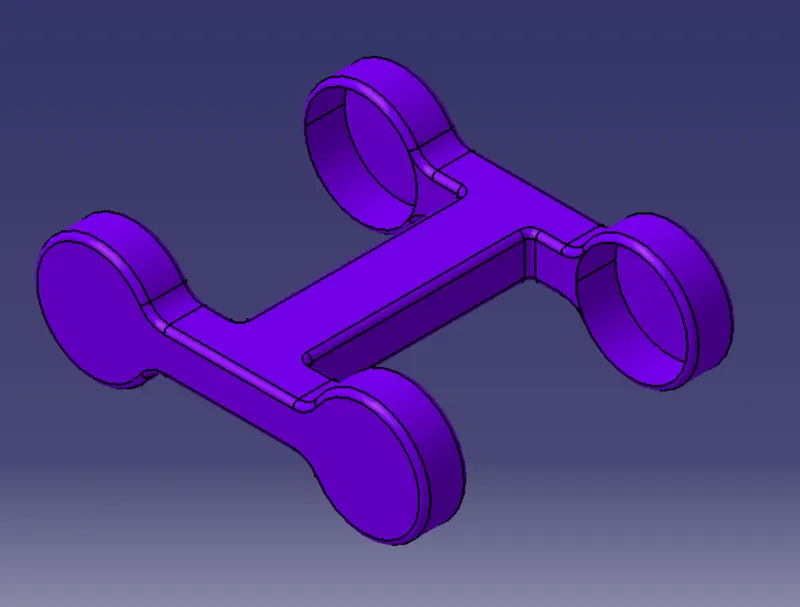
A.) CREATION OF ALL THE PARTS AND DRAFTING SHEET OF ALL THE PARTS OF 4 BAR QUICK RETURN MECHANISM.
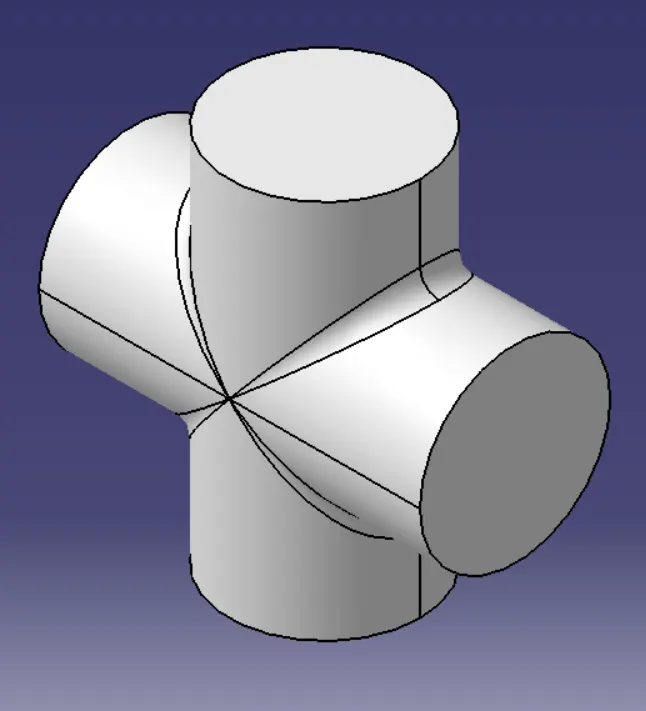
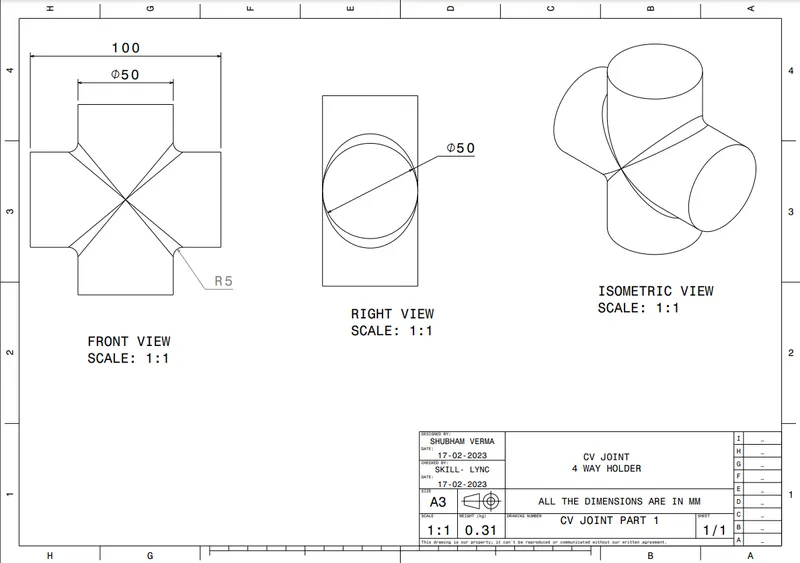
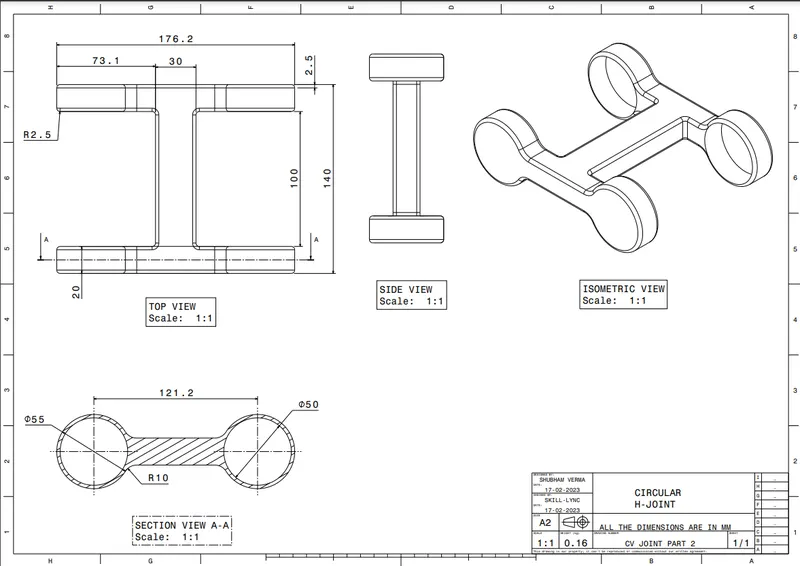
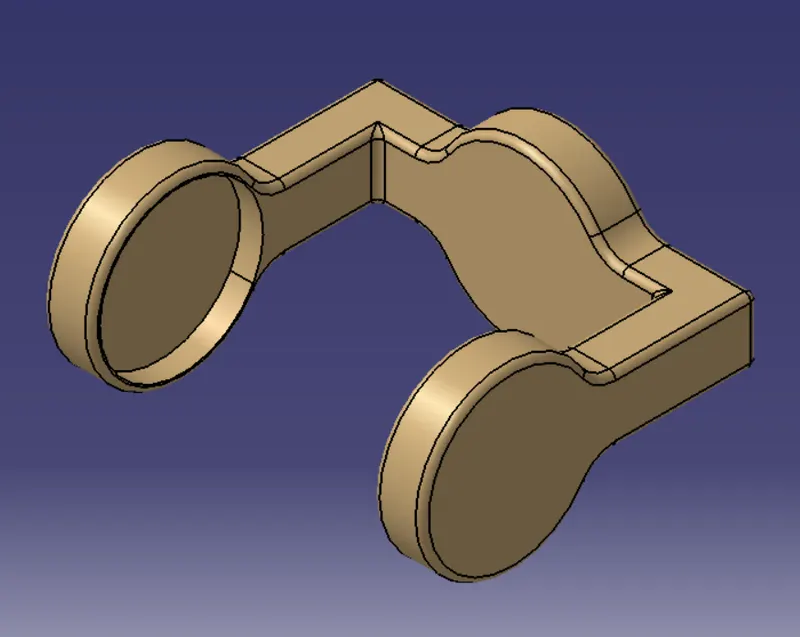
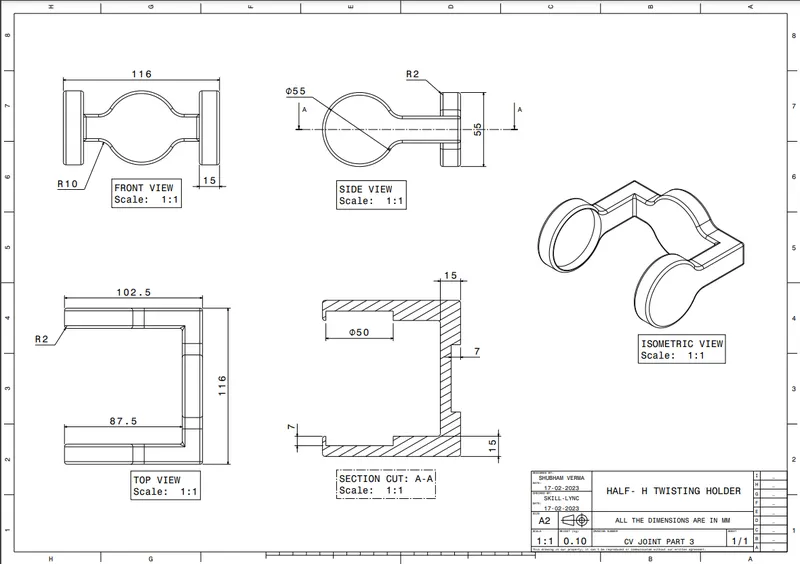
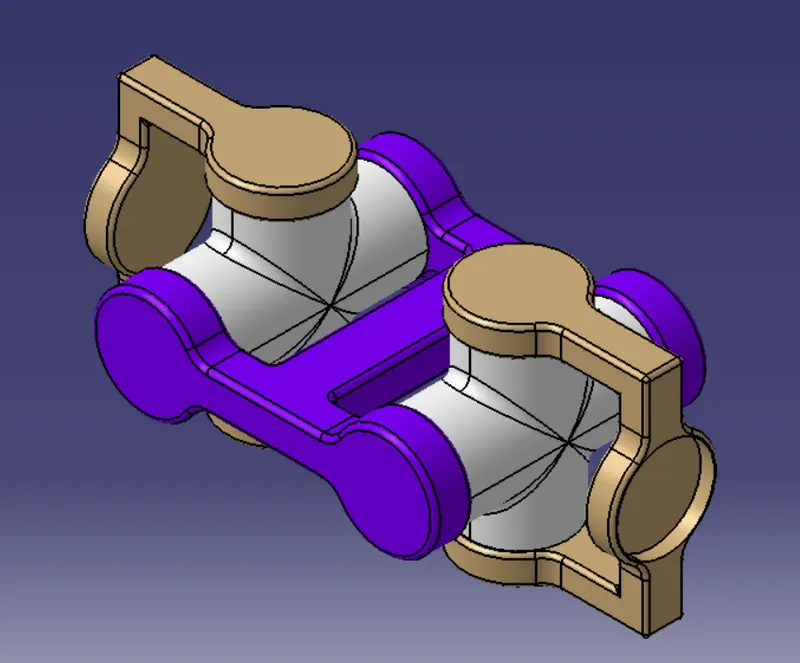
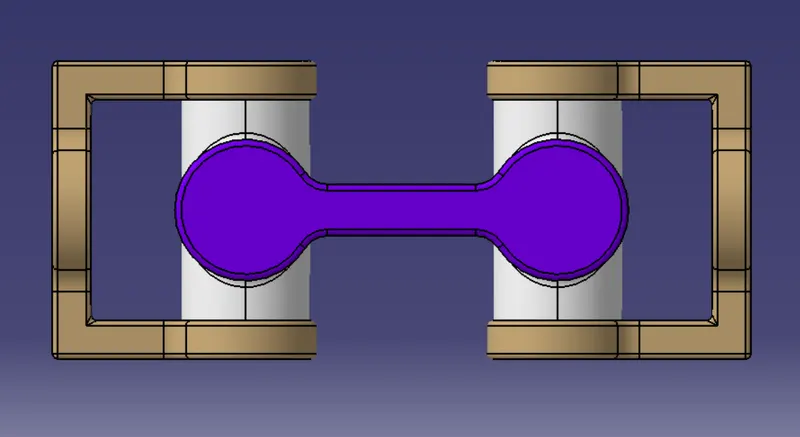
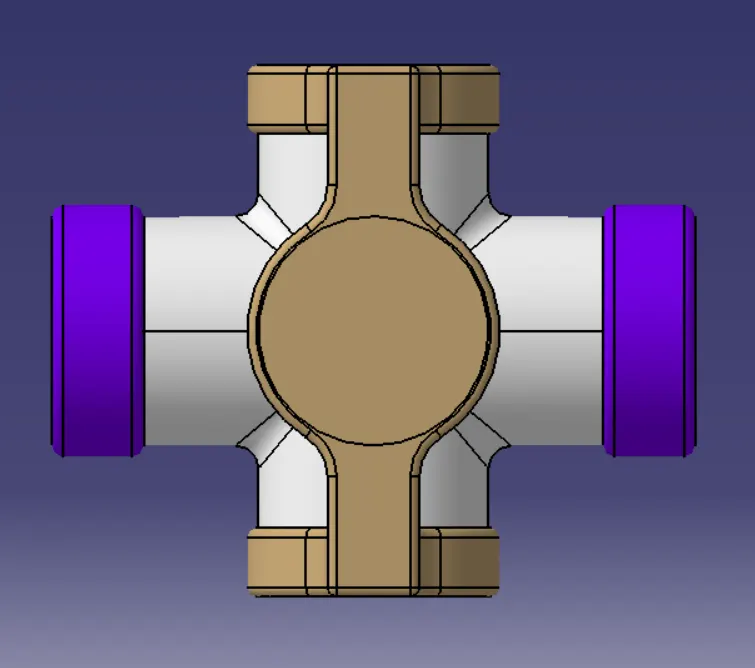
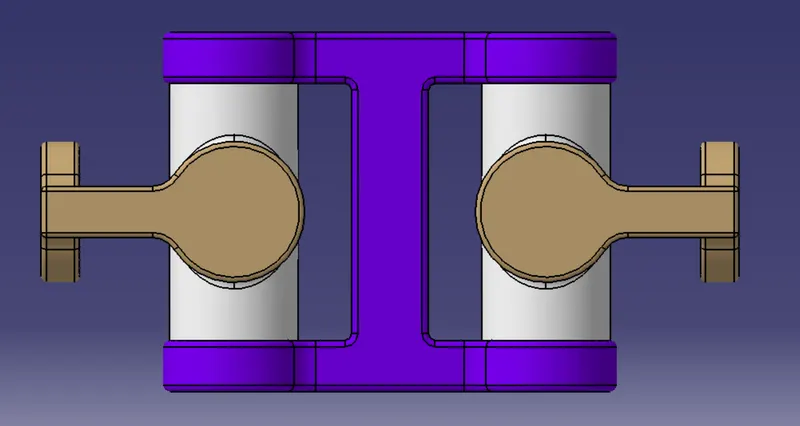
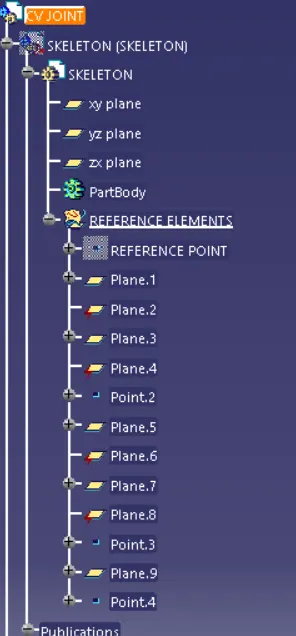
B.) CREATION OF ALL THE PARTS AND DRAFTING SHEET OF ALL THE PARTS OF CV JOINT.
1.) SKETCH BASED FEATURE IN CATIA V5 :- Features are entities you combine to make up your part. The features presented here are obtained by applying commands on initial profiles created in the Sketcher workbench or in the Generative Shape Design workbench as well as surfaces.
a) PAD :- Creating a pad means extruding a profile or a surface in one or two directions. The application lets you choose the limits of creation as well as the direction of extrusion. This task shows you how to create a basic pad using a closed profile, the Dimension and Mirrored extent options.
b) HOLE :- THIS COMMAND IN CATIA V5 IS USED TO CREATE HOLE OF A CLOSED PROFILE .
2.) BOOLEAN OPERATIONS IN CATIA V5 :-
Boolean operation is an important feature in CATIA V5. Types of Boolean operations include Assemble, Add, Remove, Intersect, Union Trim, and Remove Lump. The Assemble command basically works considering the polarity of the solid bodies.It allows you to add, subtract geometries or simply find the intersection between 2 or more geometries. In short, these commands allow you to add or remove material easily to the main body.