Week 10- Assembly Workbench
AIM:
To Create assemblies of Quick return Mechanism & CV joint & to also create 2D drawing for assembly & part body.
ASSEMBLY:
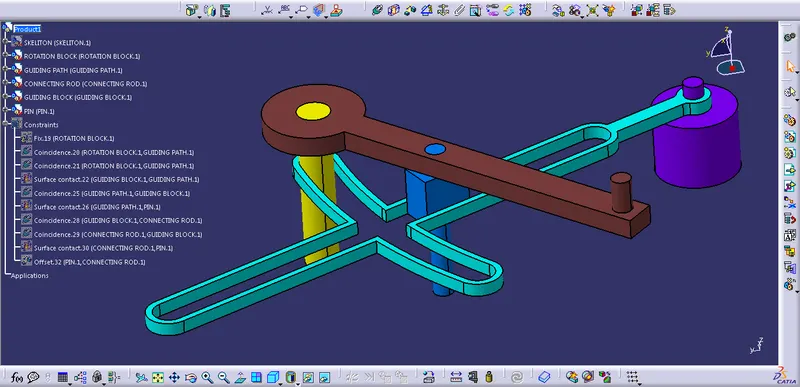
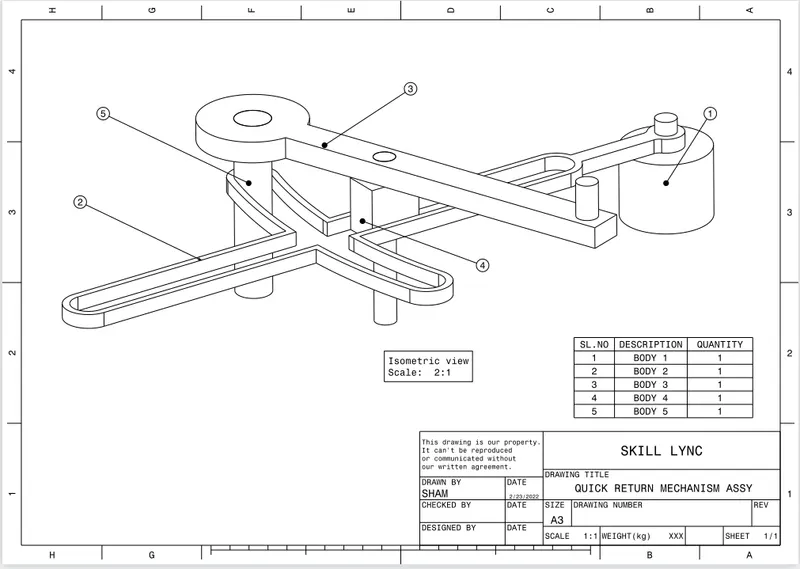
Assembly modelling is used to provide a view in which after assemblied product & also used the ensure that proper assemble between mating part. With the help of assembly work bench part assembly issue can be solved.
Quick Return Mechanism:
A quick return mechanism used to convert rotating motion into reciprocating motion which is used in sharper & slotter machine to mover the slider backward & forward.
In this process forward motion ensures the cutting or material & backward as still movement no cutting happens.
Type of Quick Return Mechanism:
Hydralic Drive.
Crack & Slotted Link mechanism.
Whitworth Mechanism.
Procedure:
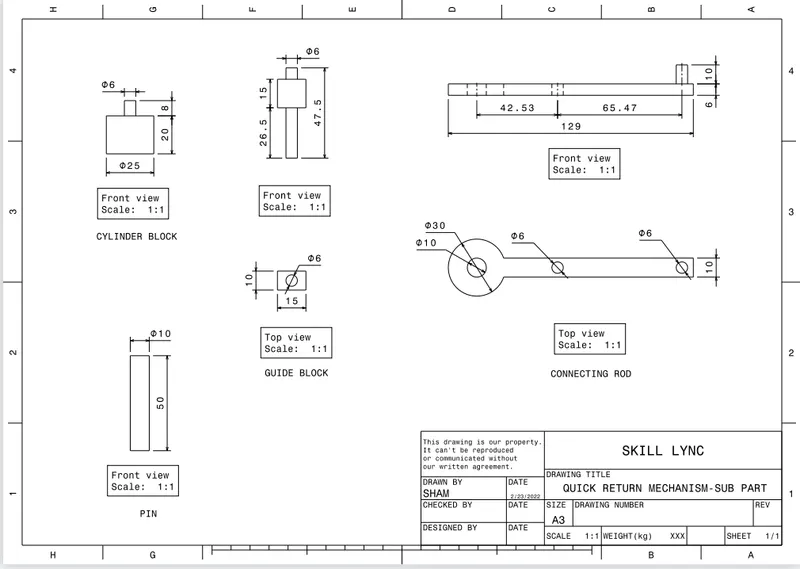
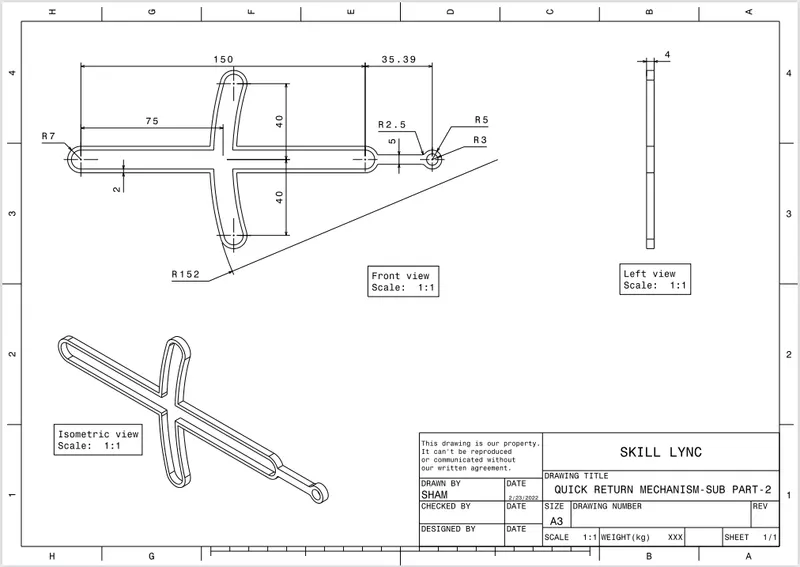
1. Create all part sketch by the help of positioned sketch.
2. Make sure all sketched are iso-constrained.
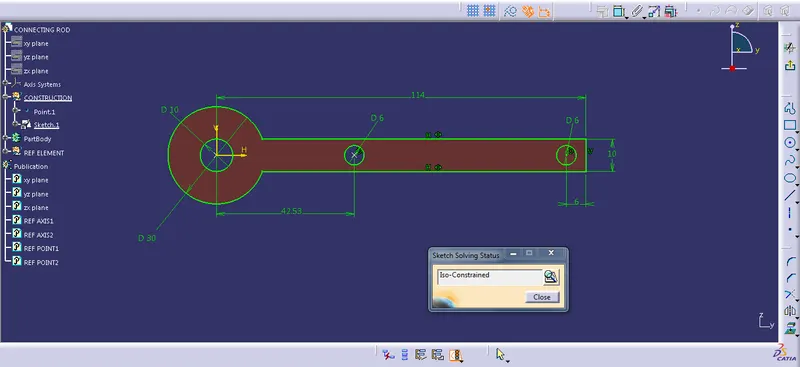
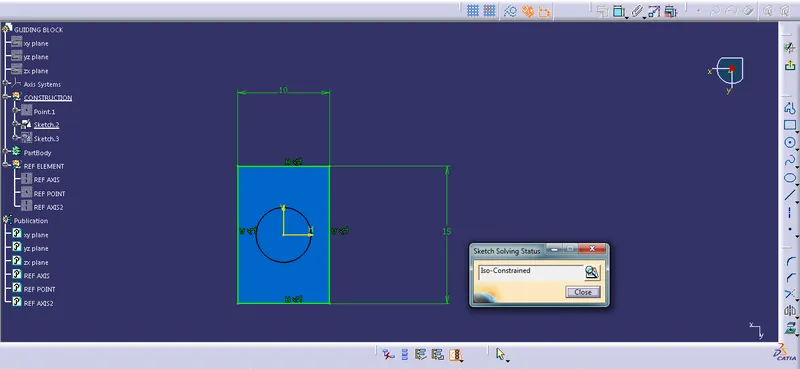
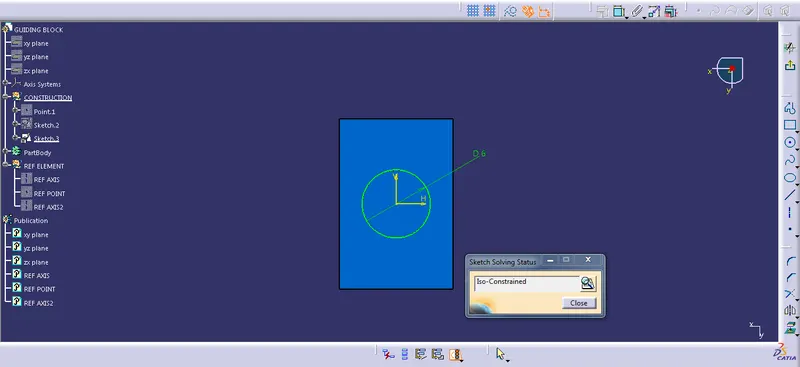
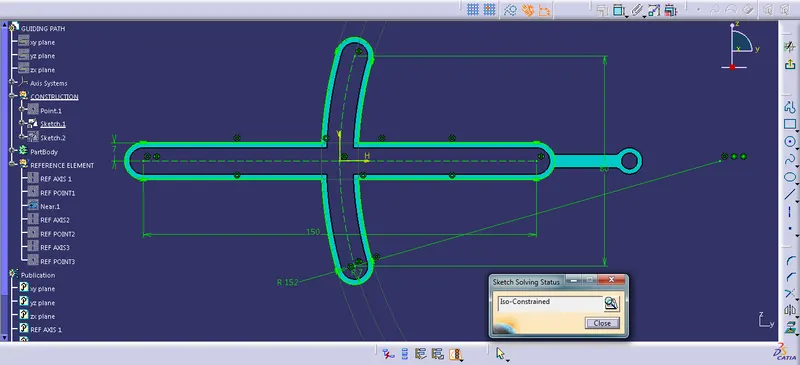
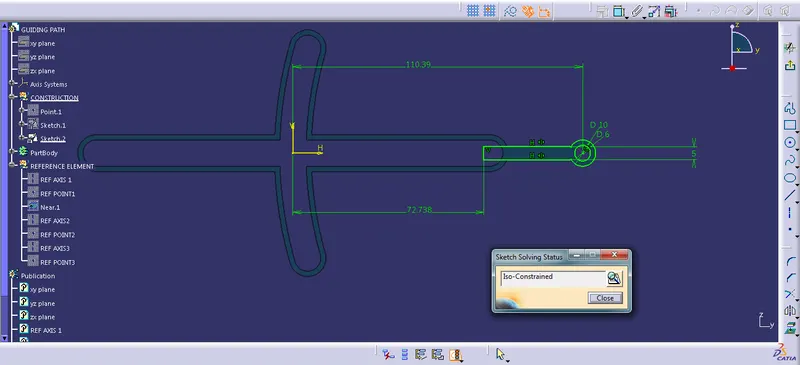
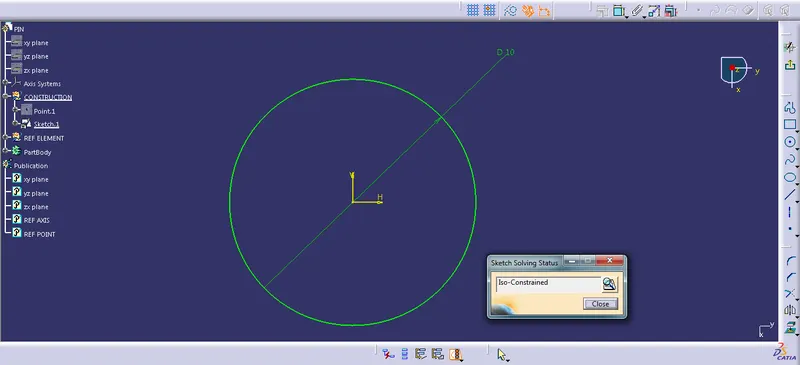
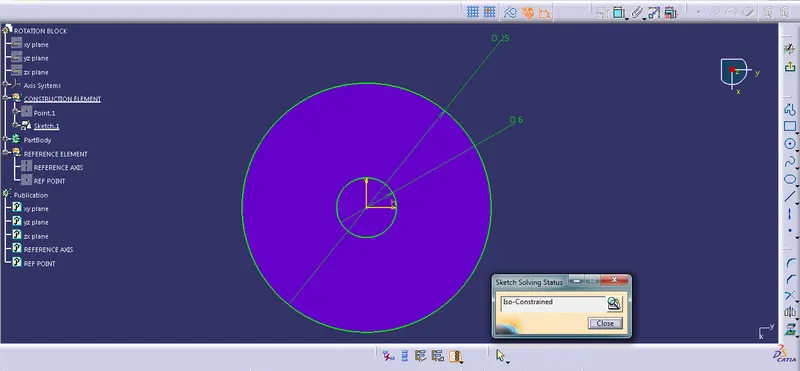
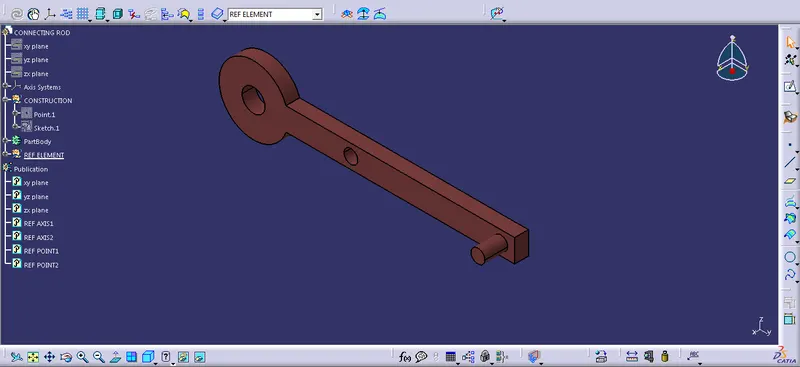
3. Use pad to form solid object with the above sketch.
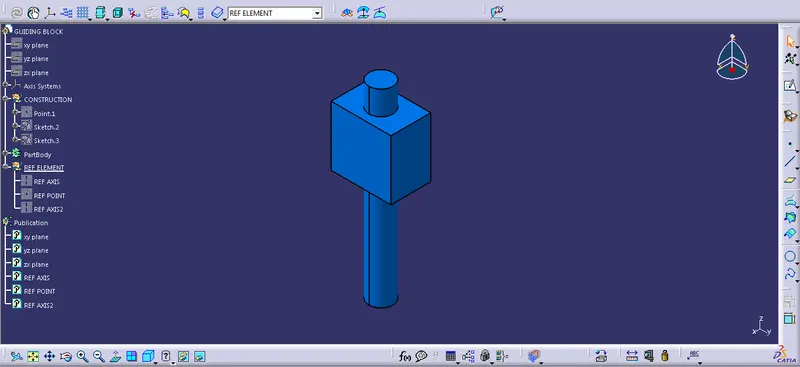
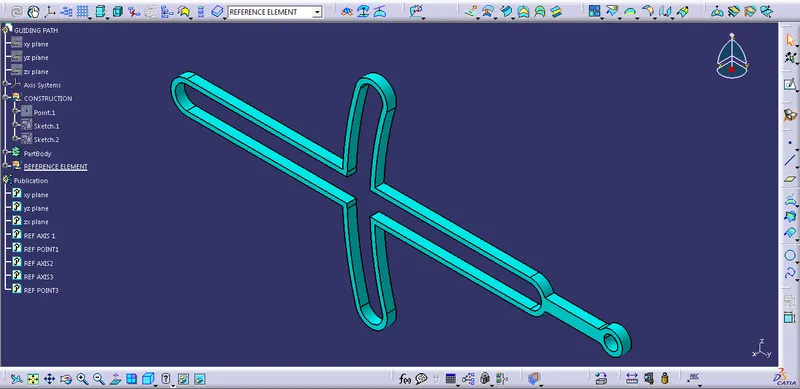
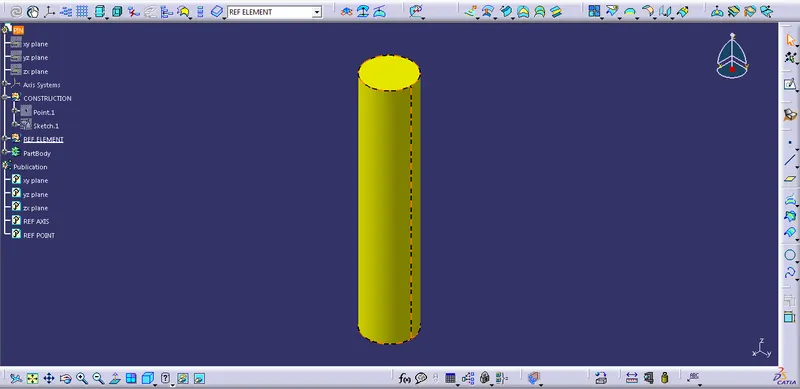
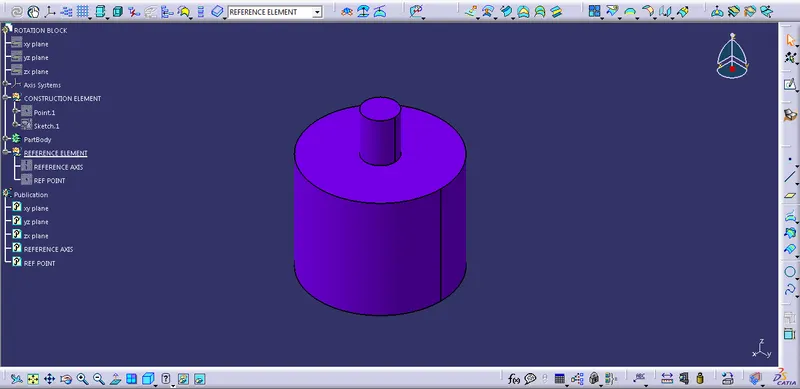
Assemble Work bench:
Create new CATPRODUCT & insert all the part with the option Existing Component Comment.
Create new part body which is reference for fixing the initial static part.
Create Reference element in each CATPART.
Make sure all the reference point & axis present in necessary assy area.
Use publication option to necessary element such as point, Plane & Axis.
Make reference part fixed in skeleton.
Now use option such as constrain, offset, Surface Contact option to assemble all parts.
2D Drafting Part:
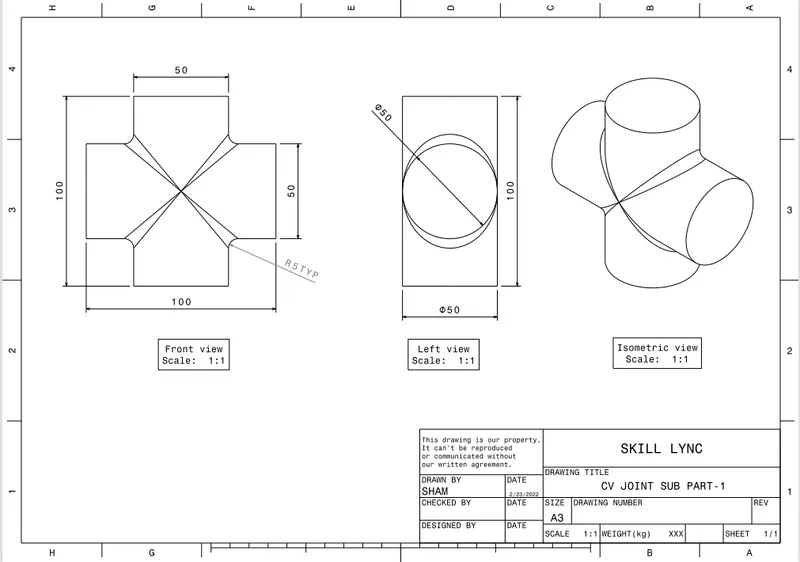
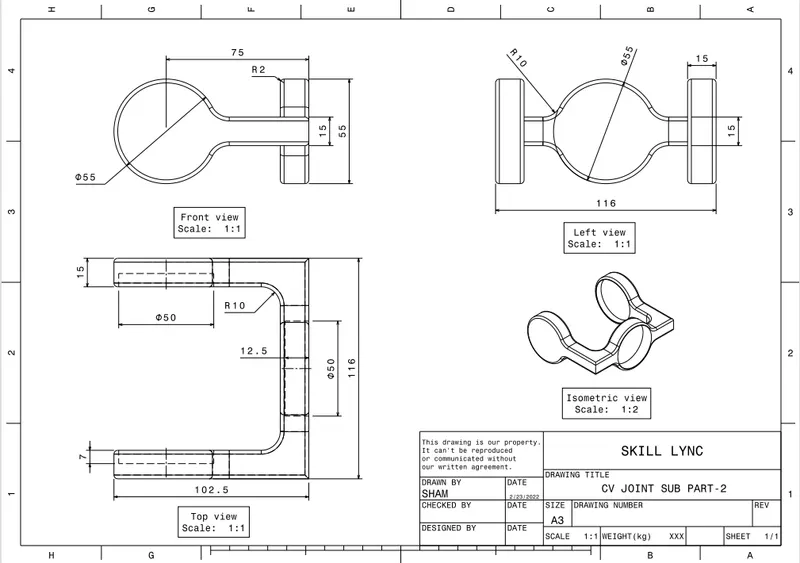
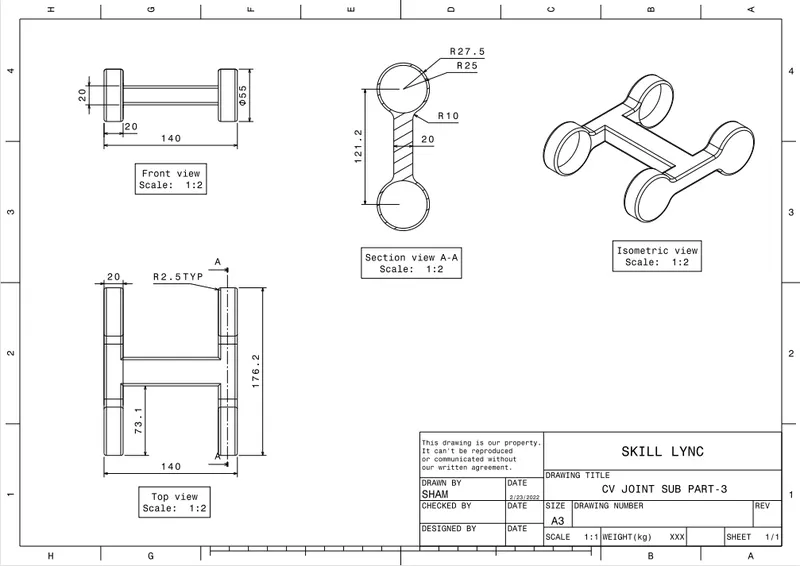
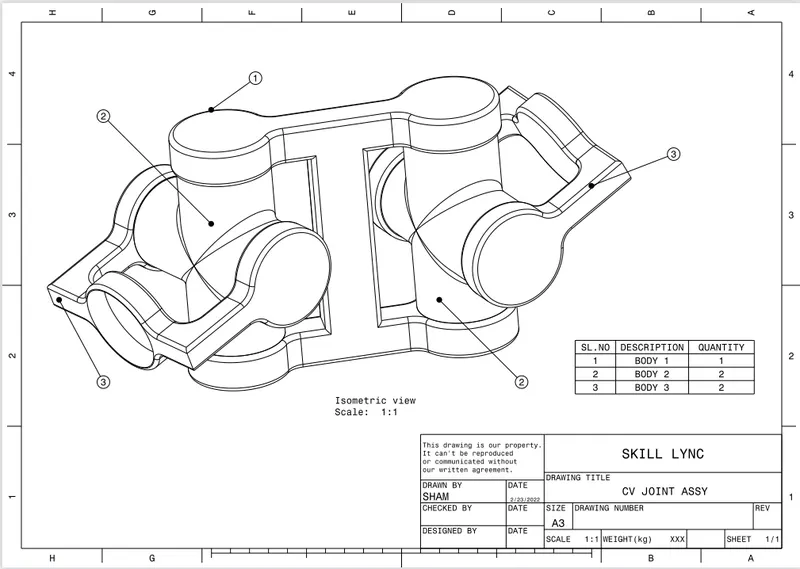
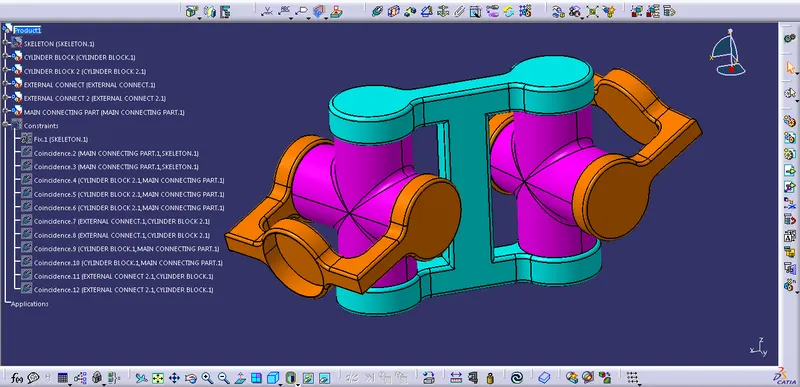
CV JOINT:
1. Create all part sketch by the help of positioned sketch.
2. Make sure all sketched are iso-constrained.
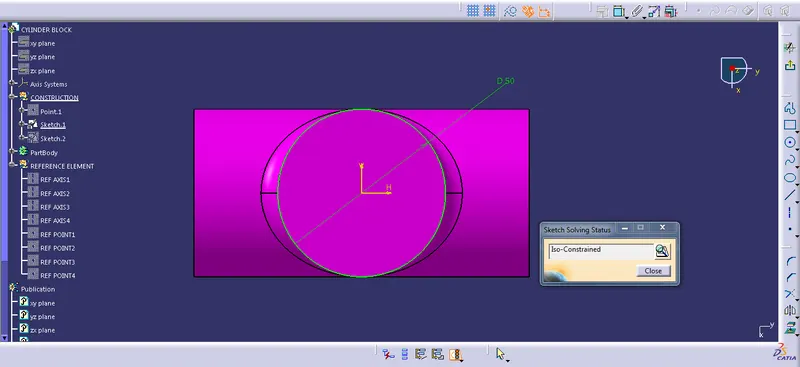
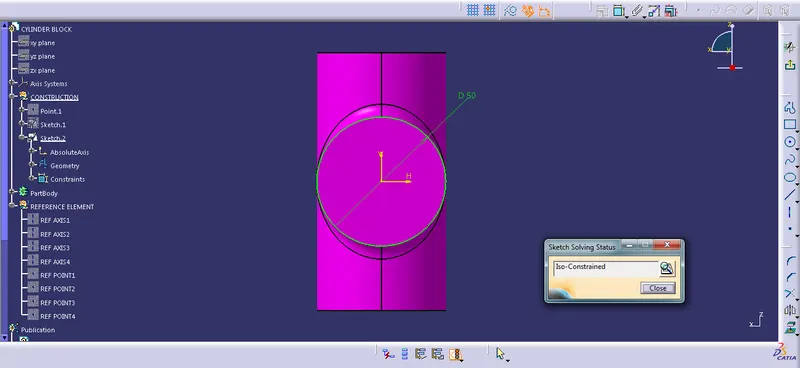
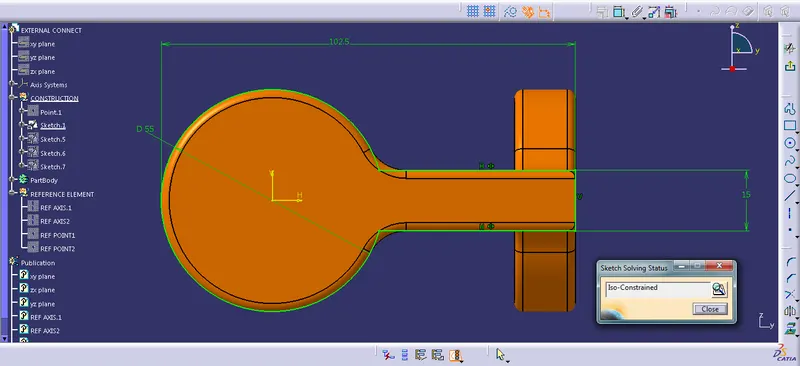
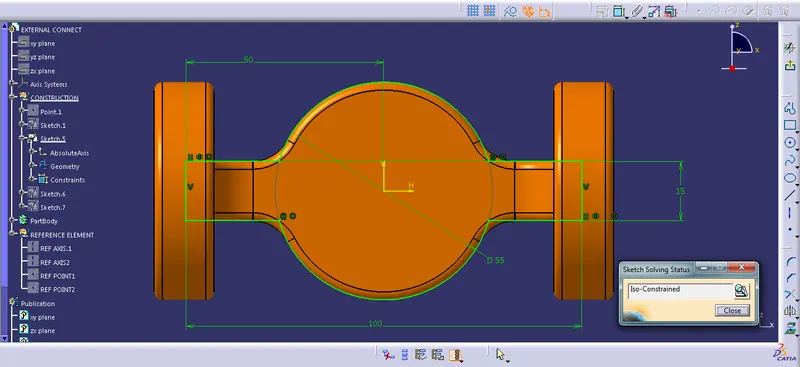
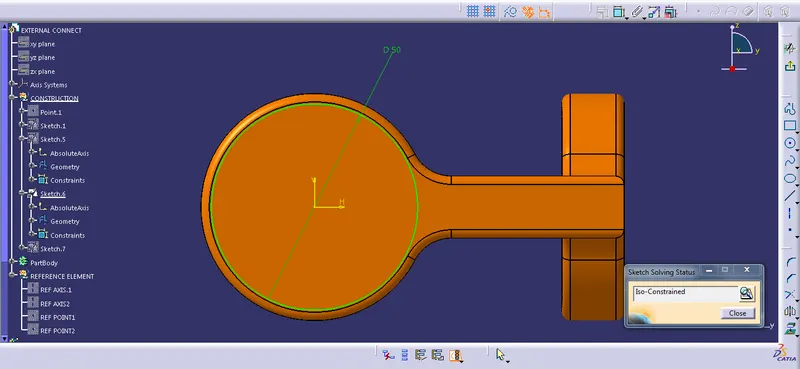
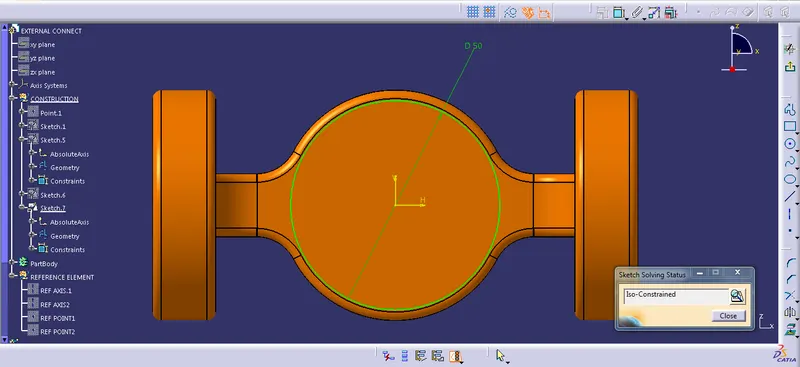
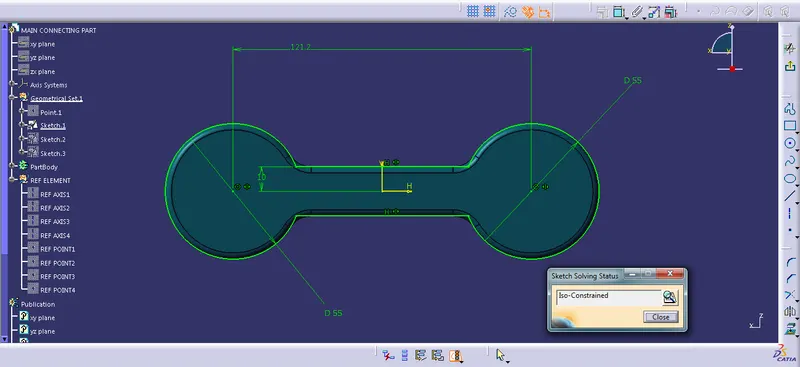
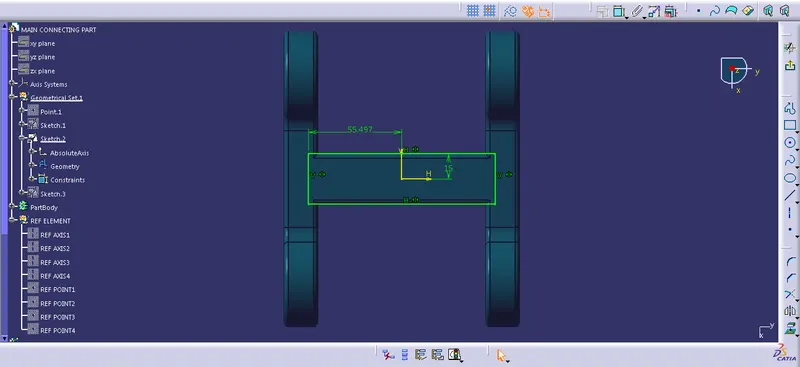
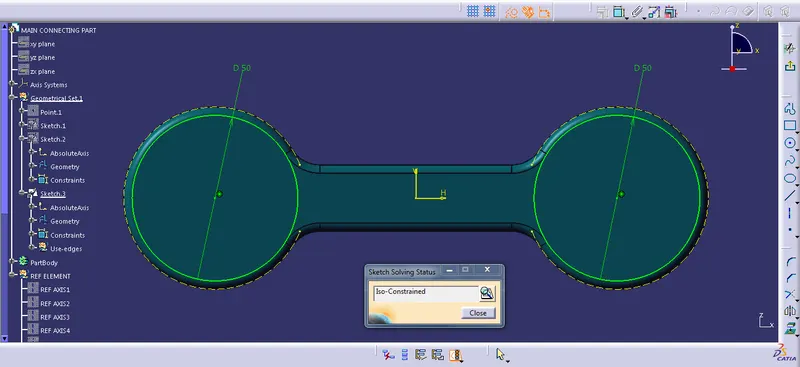
3. Use pad to form solid object with the above sketch.
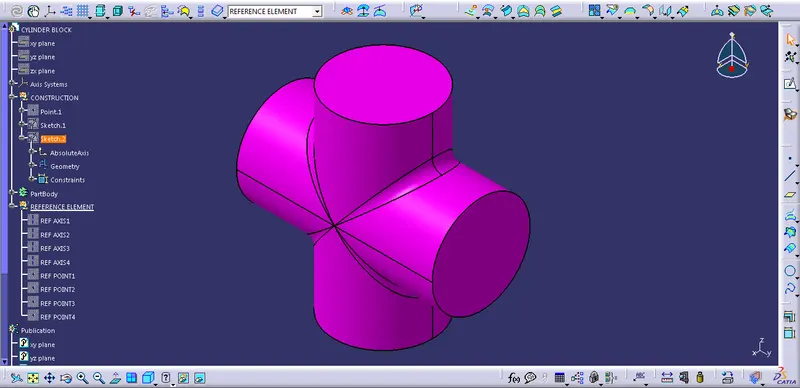
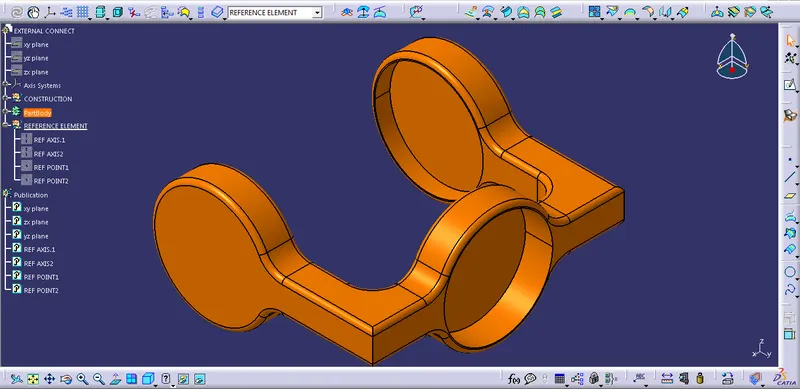
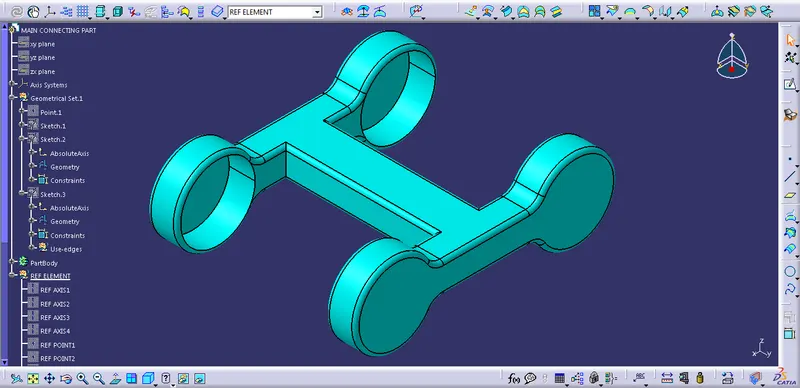
Assemble Work bench:
Create new CATPRODUCT & insert all the part with the option Existing Component Comment.
Create new part body which is reference for fixing the initial static part.
Create Reference element in each CATPART.
Make sure all the reference point & axis present in necessary assy area.
Use publication option to necessary element such as point, Plane & Axis.
Make reference part fixed in skeleton.
Now use option such as constrain, offset, Surface Contact option to assemble all parts.
2D Drafting Part: