Week 10- Assembly Workbench
REPORT:-
To start with we are given the drawings of all the child parts to be used in the respective assy.
With the help of these drawing we make the individual parts, then we assemble them on a seperate product file with the help of various constrains such as coinsidence constrains, offset constrains.
PROCEDURE FOR ASSEMBLY
- In order to make the parts we need to make fully constrained sketches & then use part design tools to make it a part.
- After all the required parts are made, then copy them to a seperate product window with the help of 'existing component' option.
- First of all create a new part in the product design window in which all the parts would be assemble & re-name it as Reference Skeleton(or as your wish) & create the reference plane and reference point for it & publish them
- Then create the reference elements that would be used to assemble the parts and publish them.
- Then use the various constrians to assemble the parts
- Then create the draft file for the Assembled & loose part
ASSEMBLY 1
Assembly
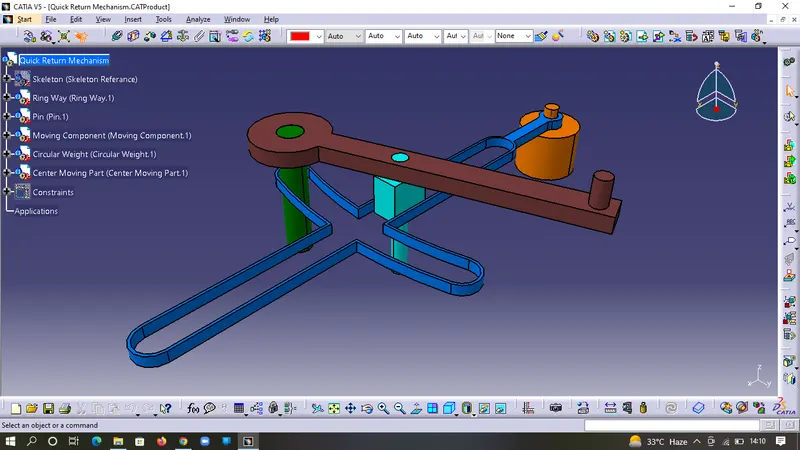
Part 1
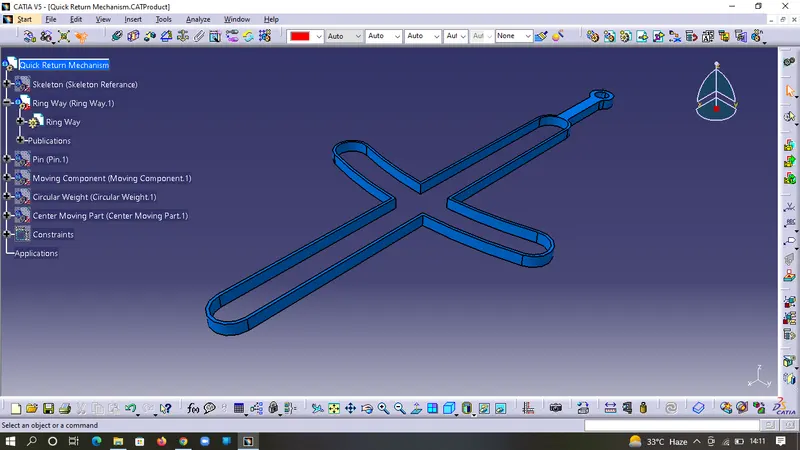
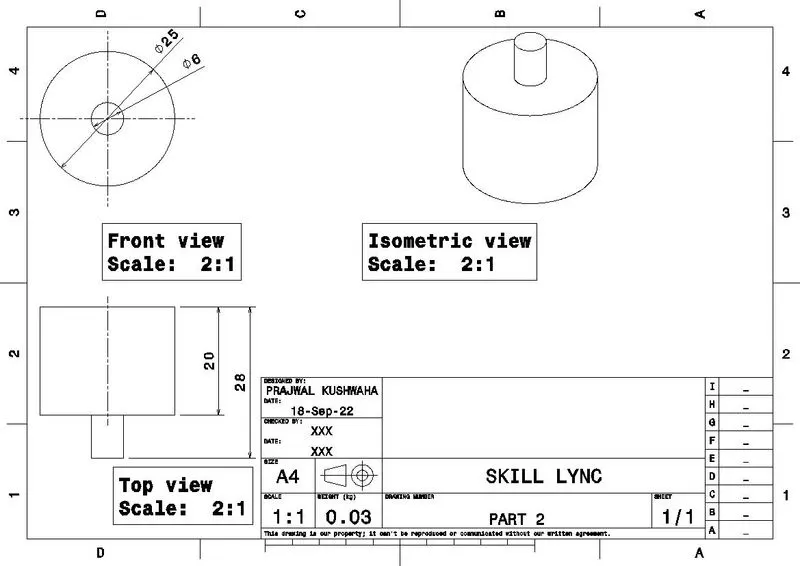
Part 2
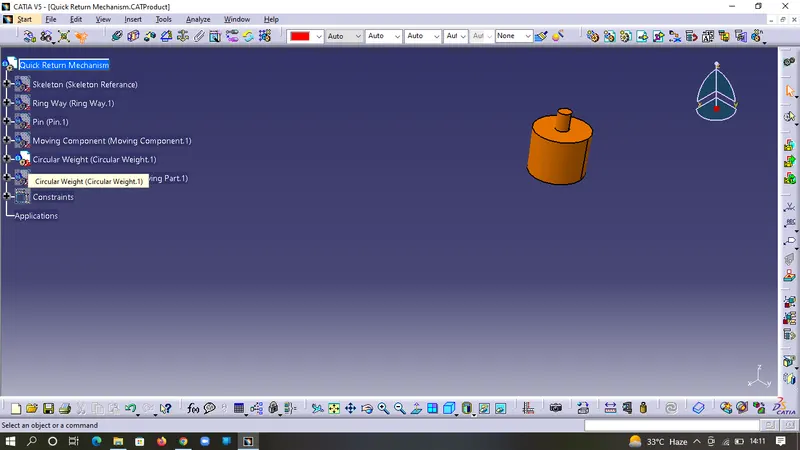
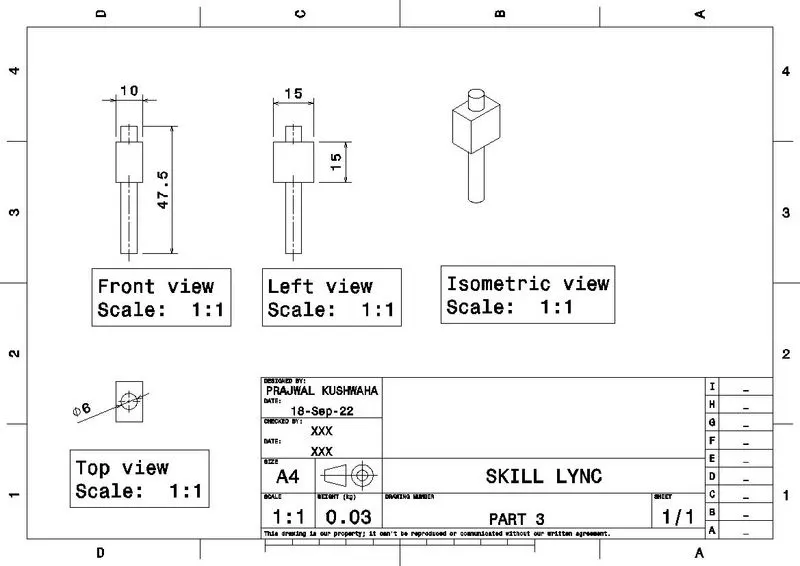
Part 3
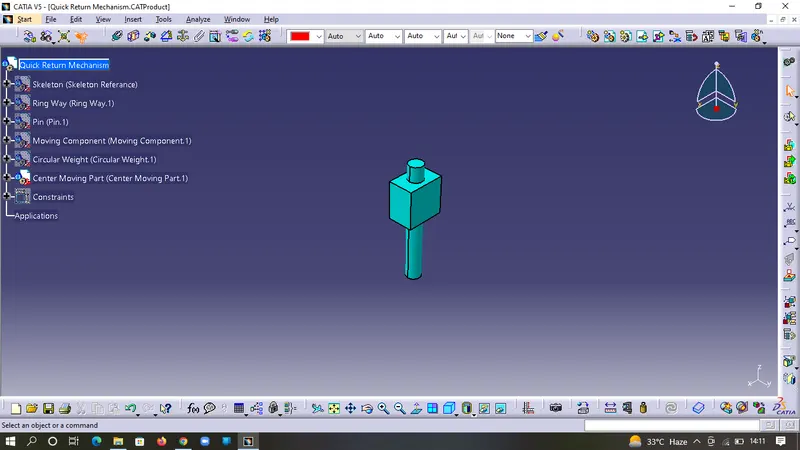
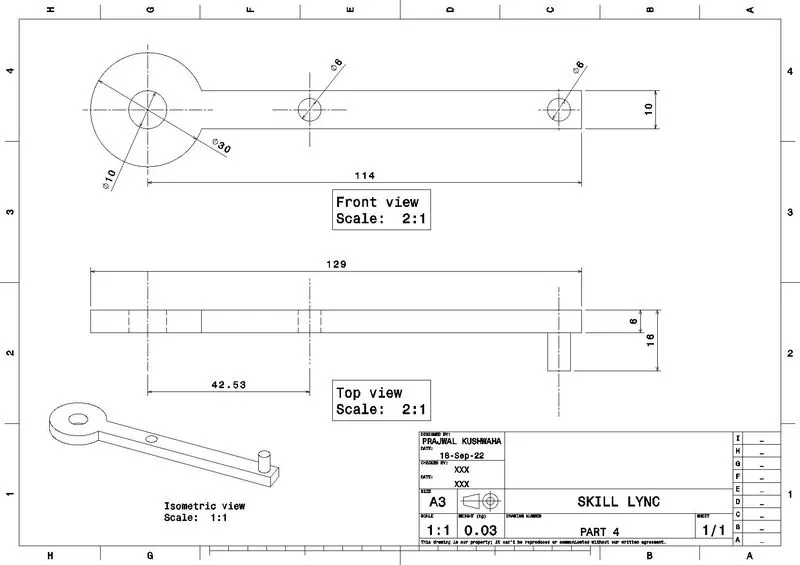
Part 4
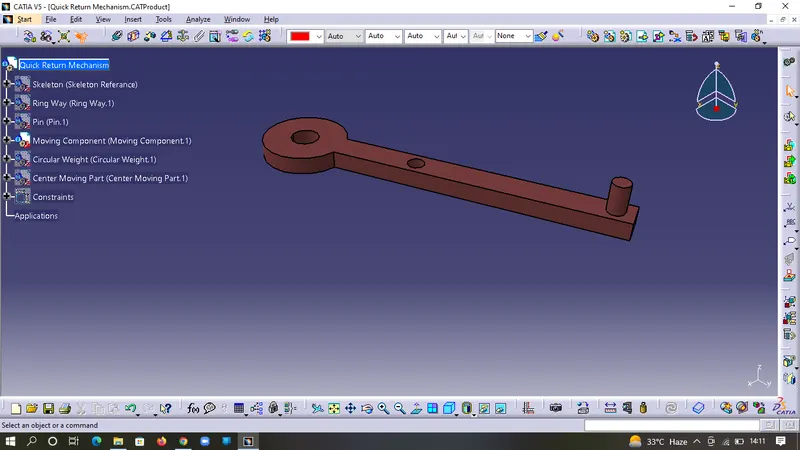
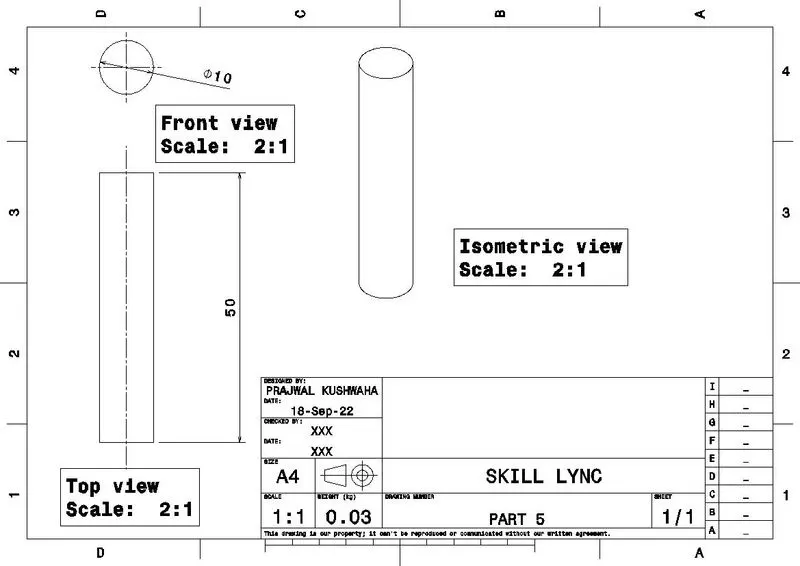
Part 5
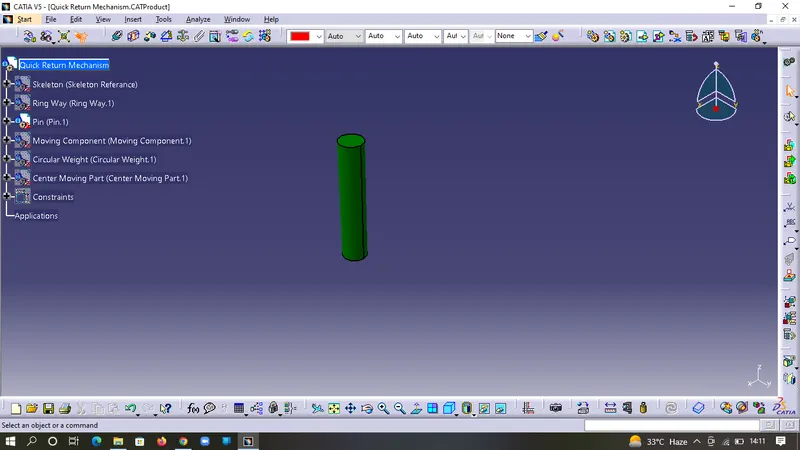
DRAFTS
ASSEMBLY
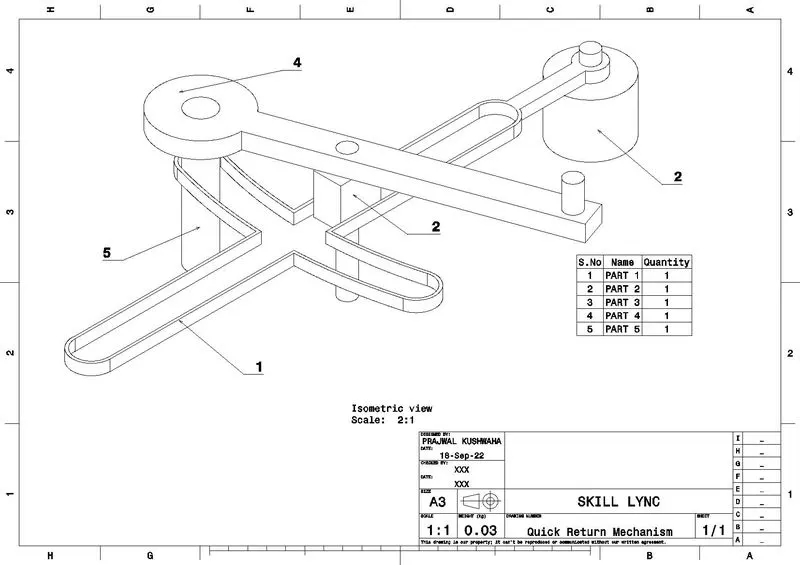
PART 1
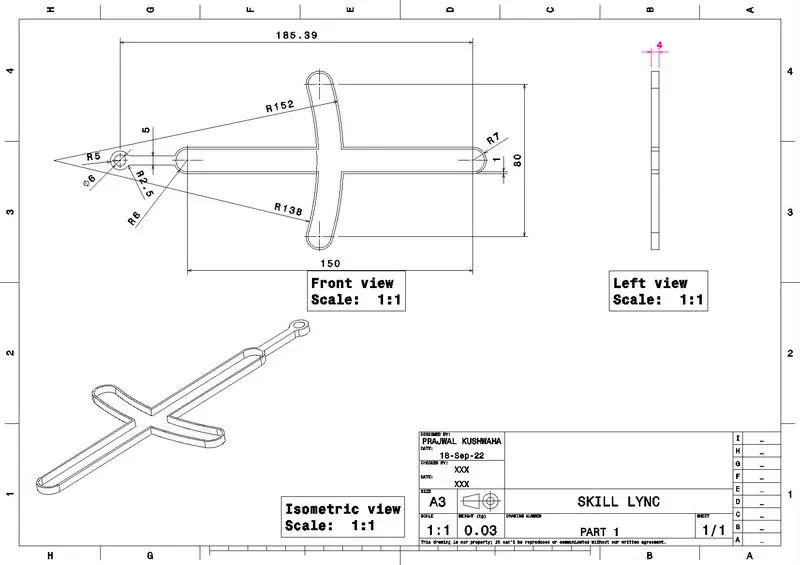
PART 2
PART 3
PART 4
PART 5
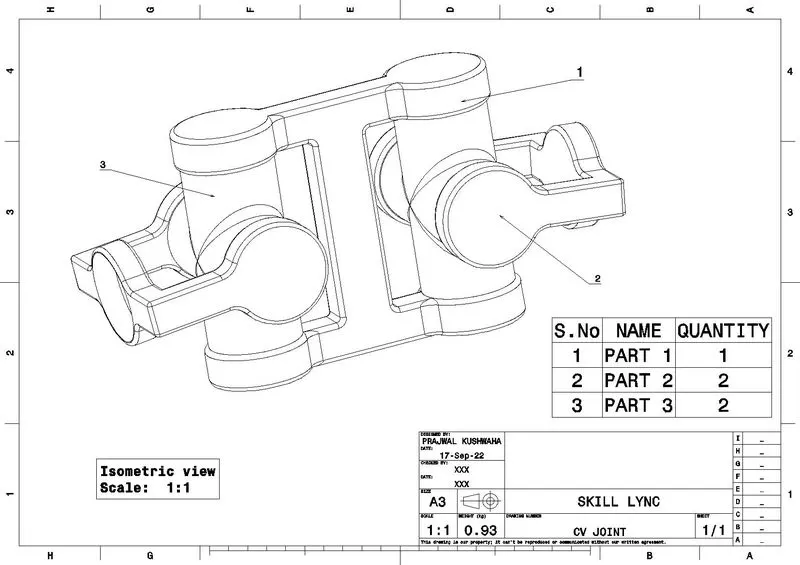
ASSEMBLY 2
Assembly
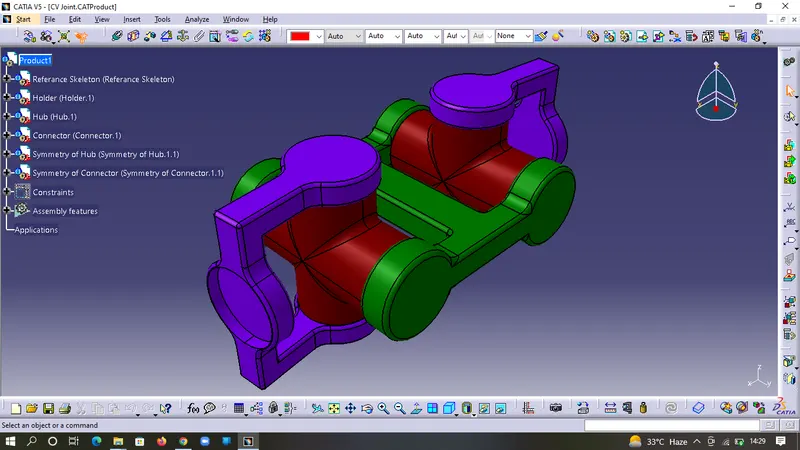
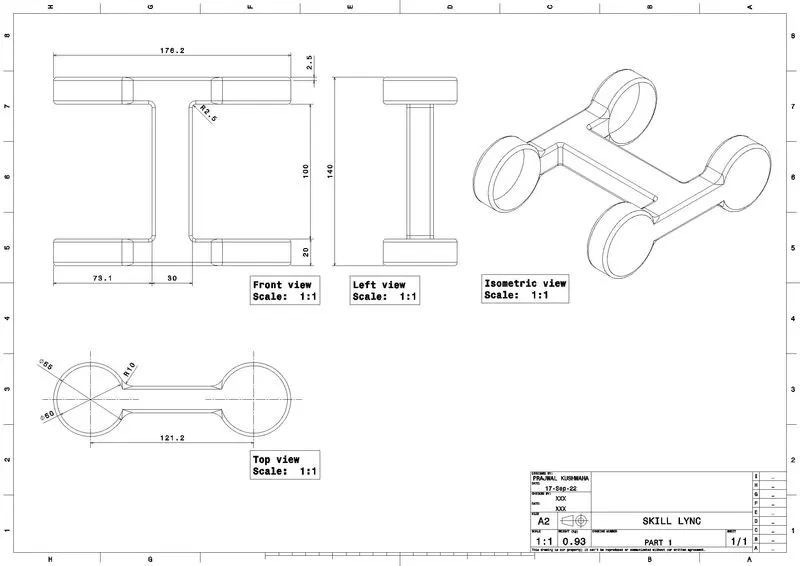
Part 1
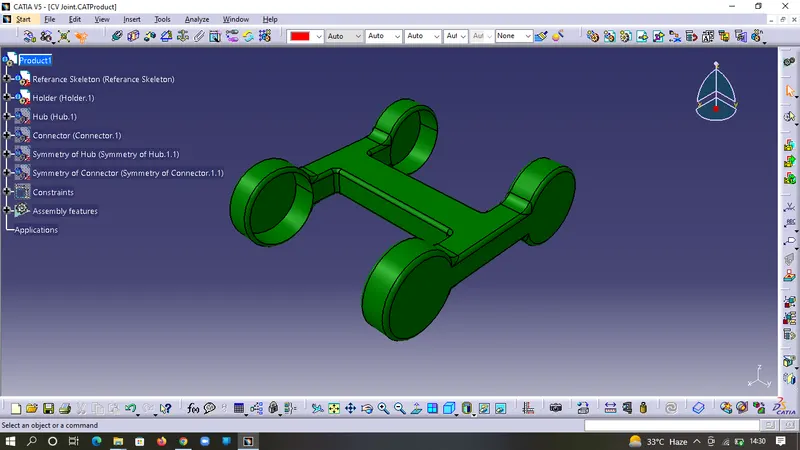
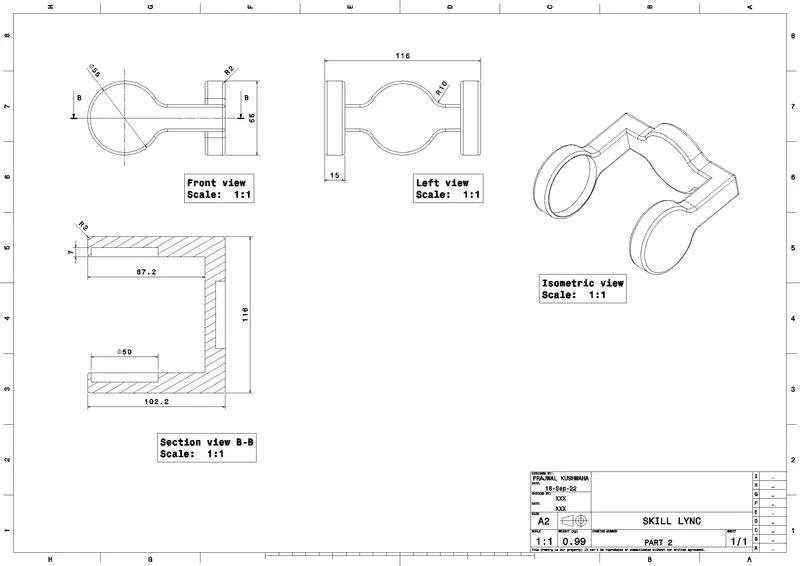
Part 2
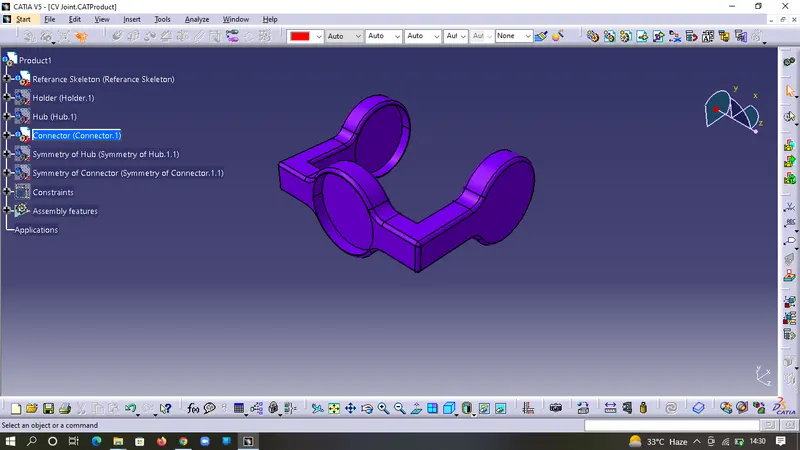
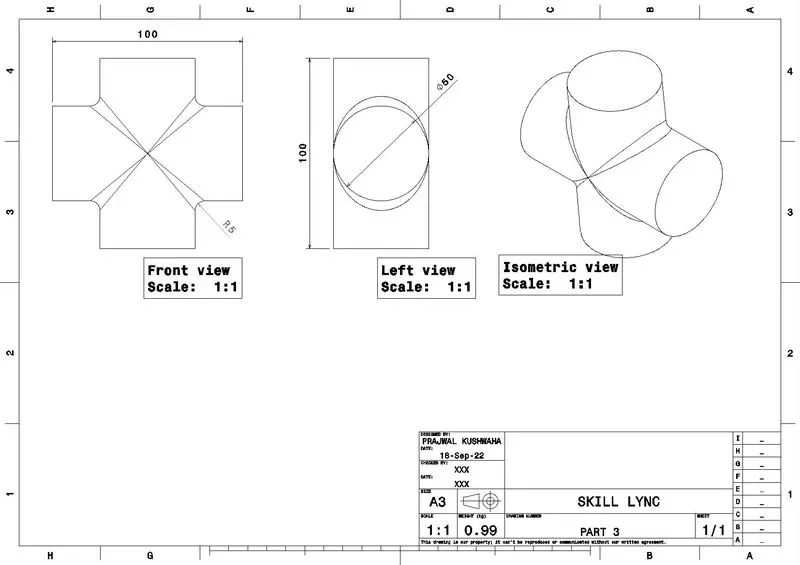
Part 3
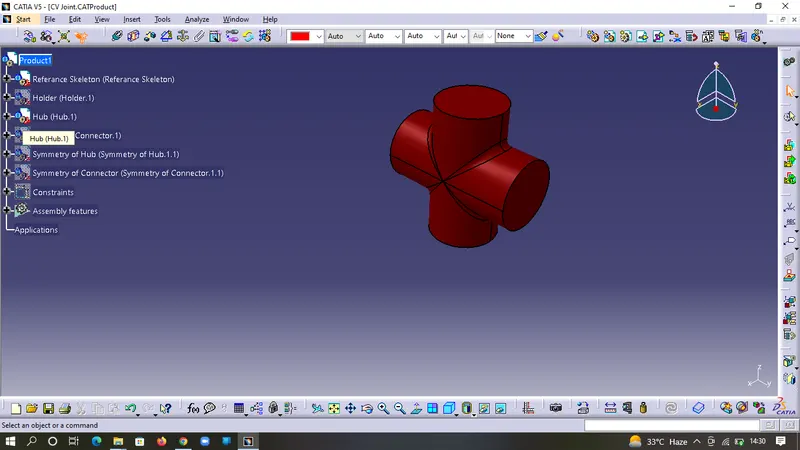
DRAFTS
Assembly
Part 1
Part 2
Part 3
CONCLUSION:- Child parts, Assemblies & their Drafts were successfully made & attached.