Week 10- Assembly Workbench
Aim:
To create quick return mechanism and CV joint parts in part workbench and assemble them , After creating the assembly make use of the drafting tools to create a 2D drawing
Procedure:
- Create the sketches of the given component in sketcher work bench with help of tools like line ,circle , rectangle ,Mirorr etc..
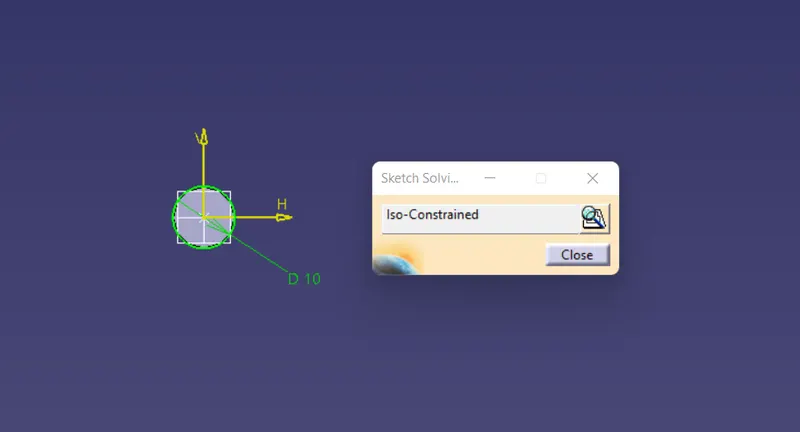
- Make the sketch Iso constrained With providing proper dimensions & relations
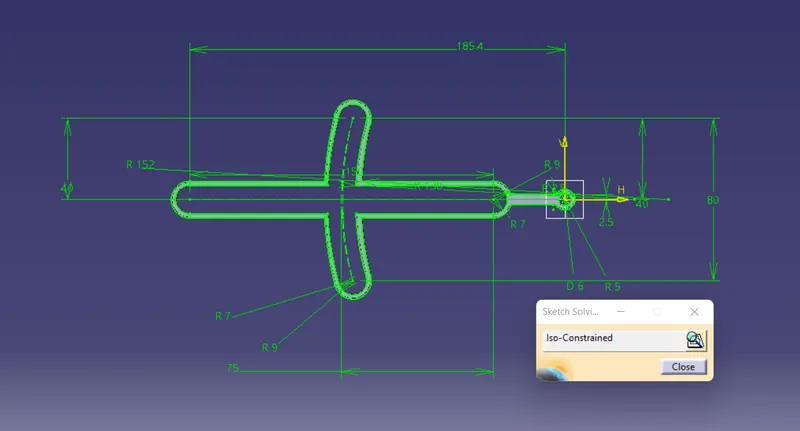
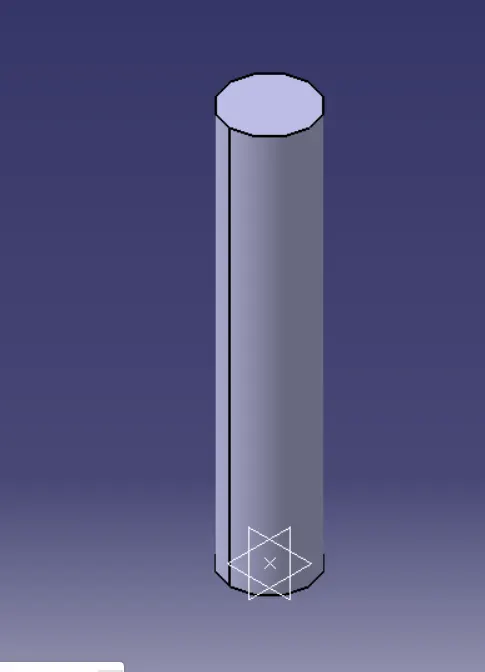
- then create a part with help of appropriate Sketch based features & Dress up features
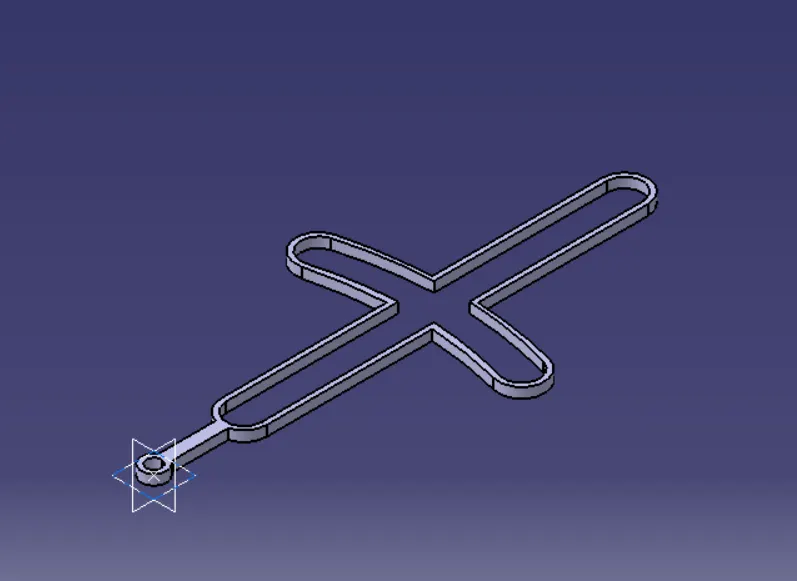
- similarly do the above procedure for all the parts to create them
- 2nd part
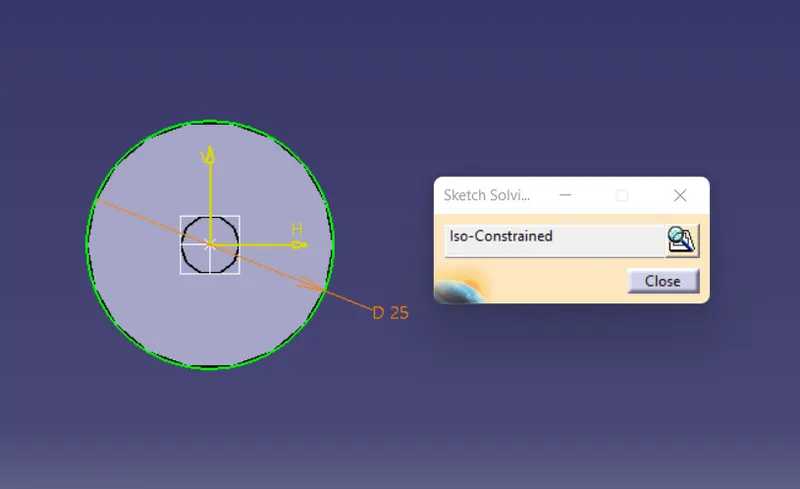
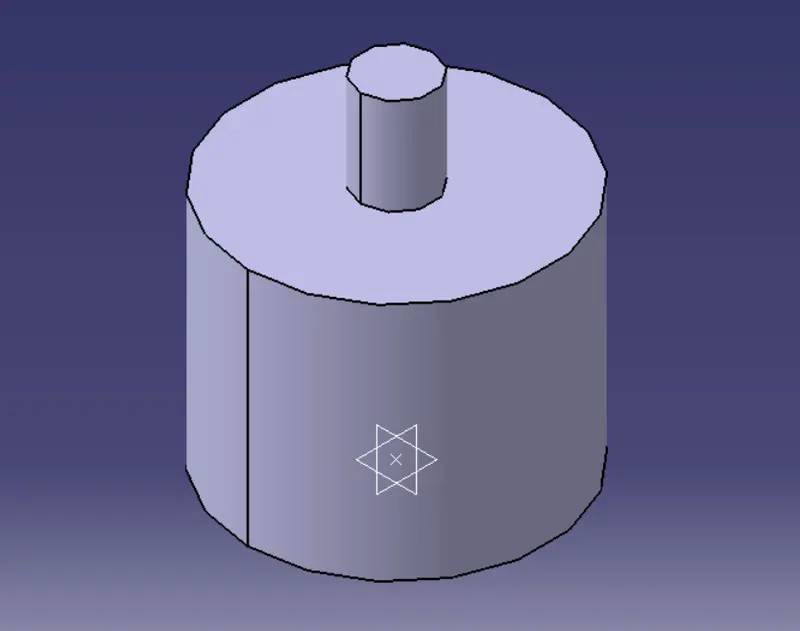
- 3rd Part
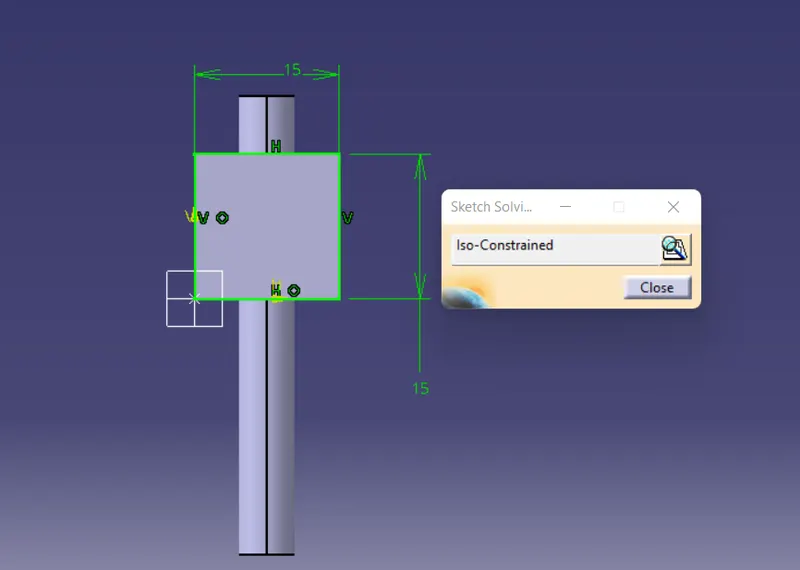
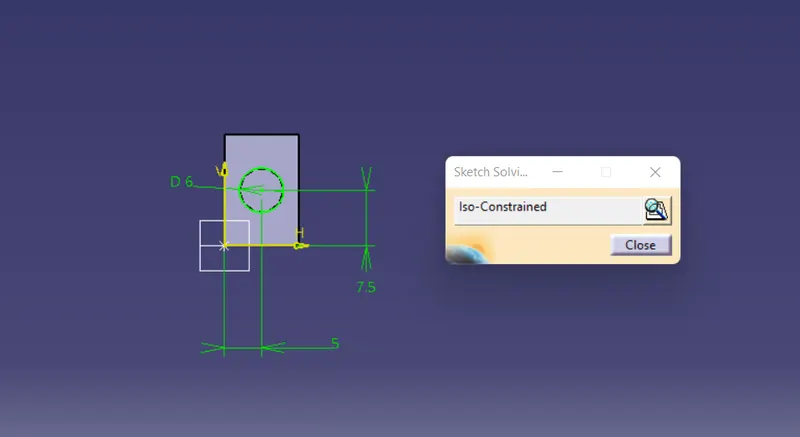
- 4th Part
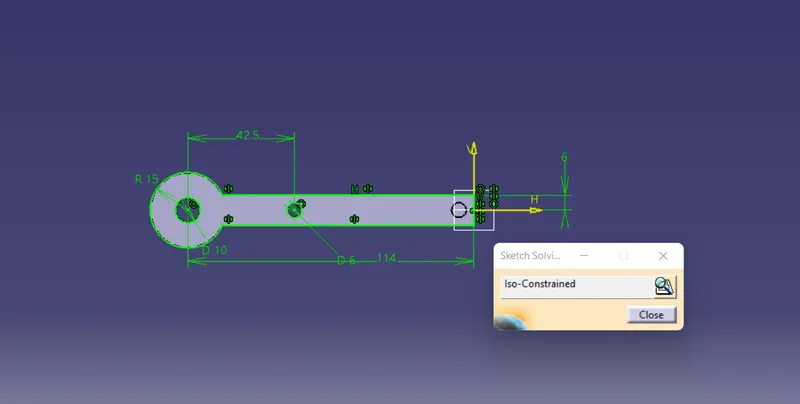
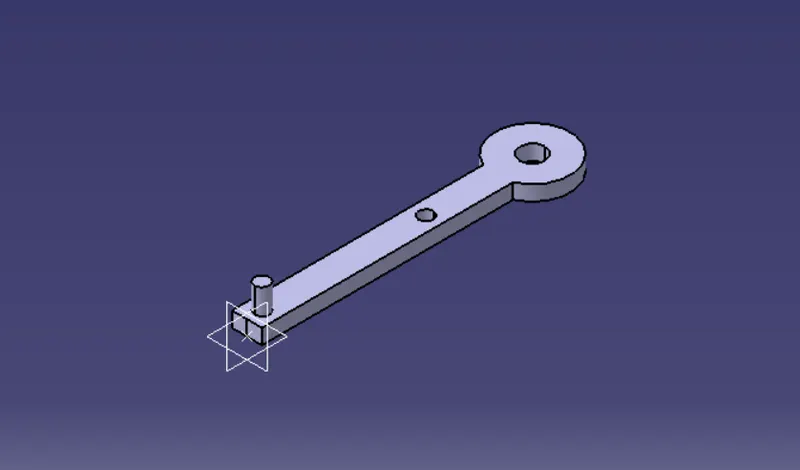
- 5Th Part
ASSEMBLY OF QUICK RETURN MOTION MECHANISM
1.Create a new CAT Product and insert all the above part by using existing component command.
2.Add reference element for all part when needed like axis, points.
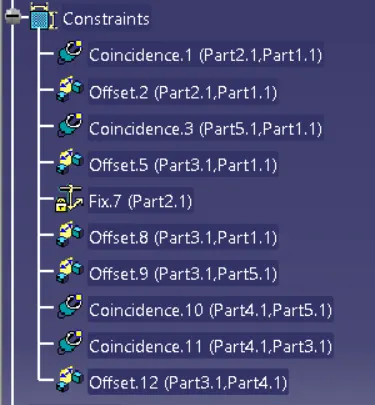
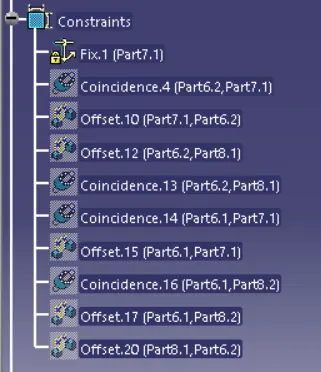
3.make the base part fixed, and using constrain, offset tools assemble each part to one another.
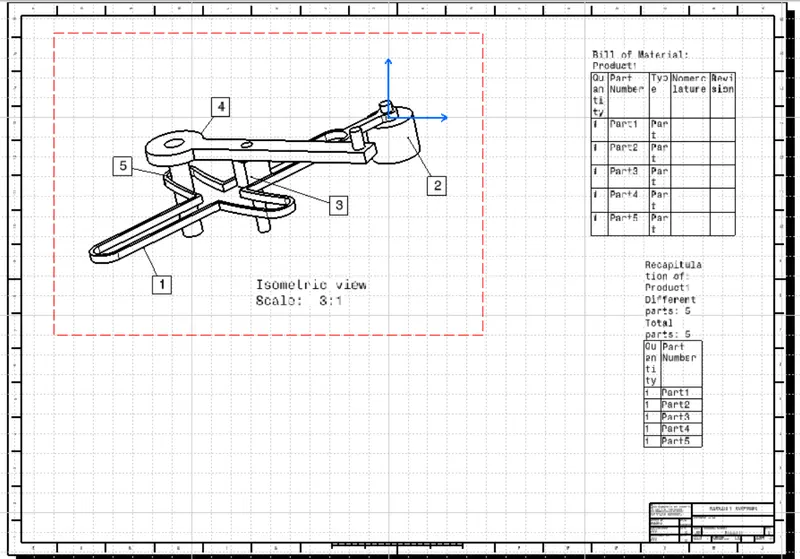
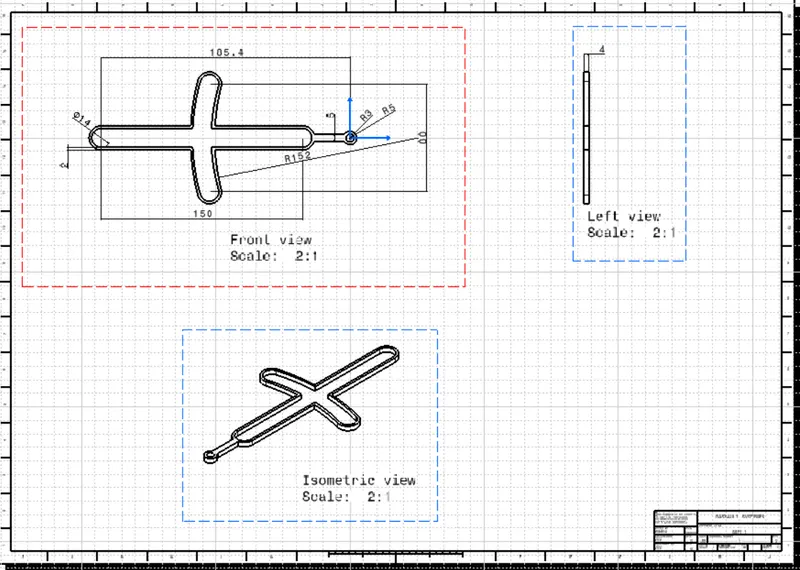
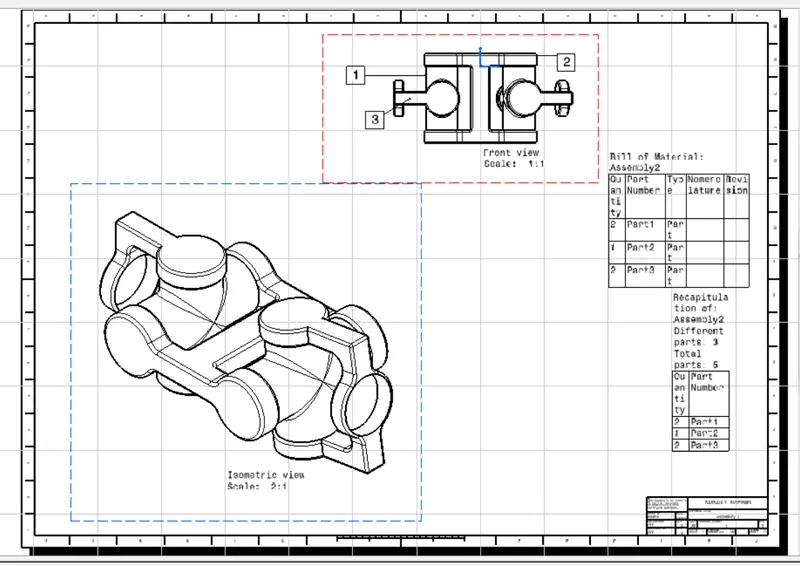
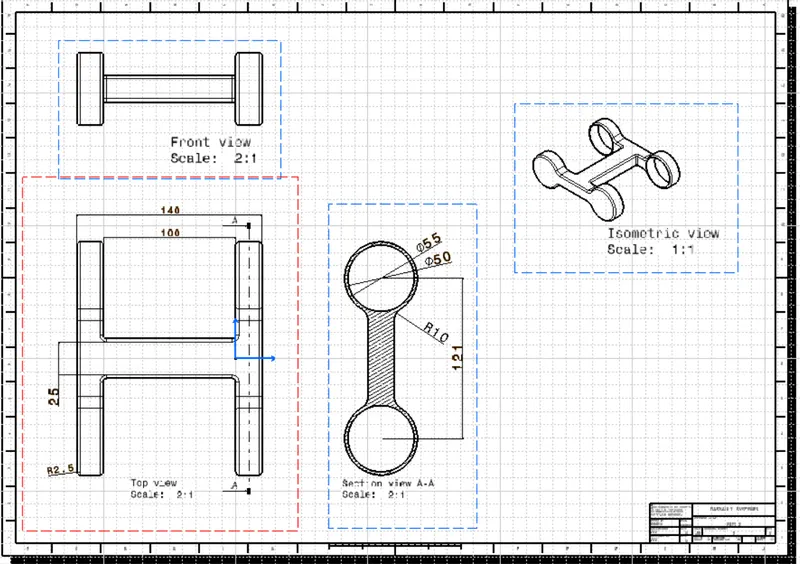
DRAFTING IMGES OF ALL THE PARTS
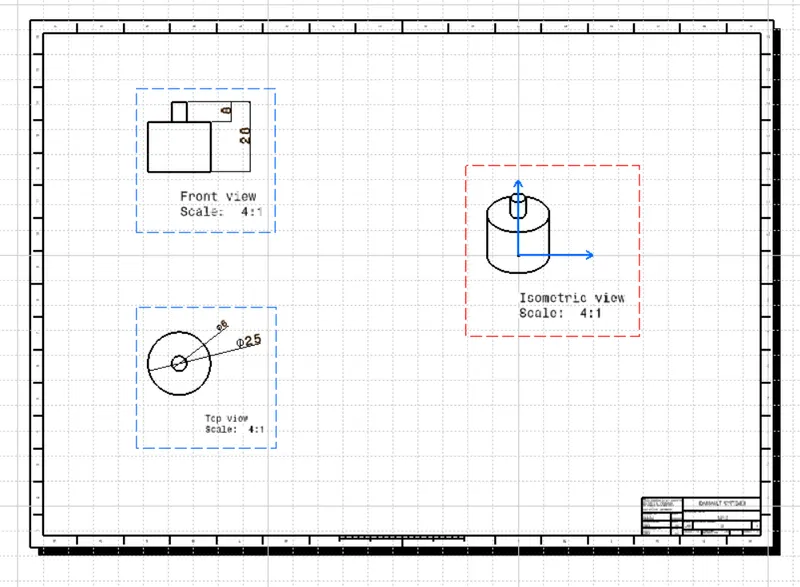
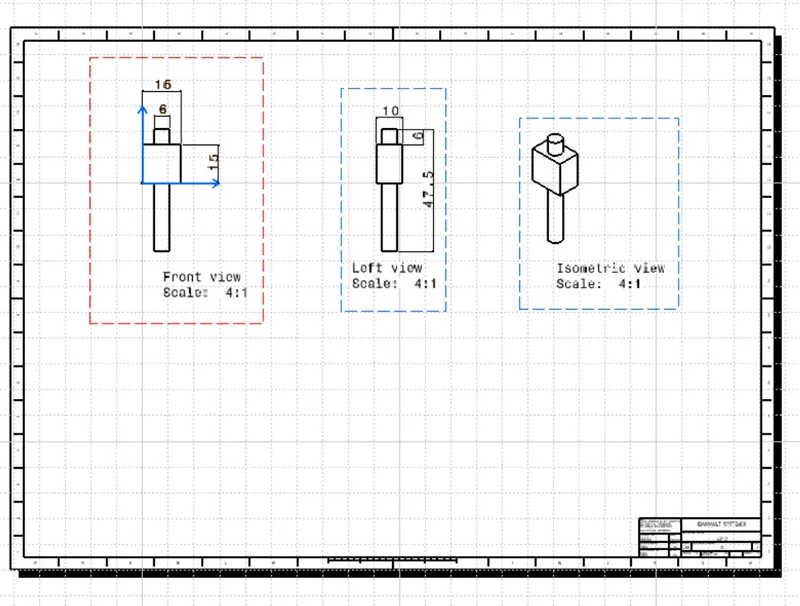
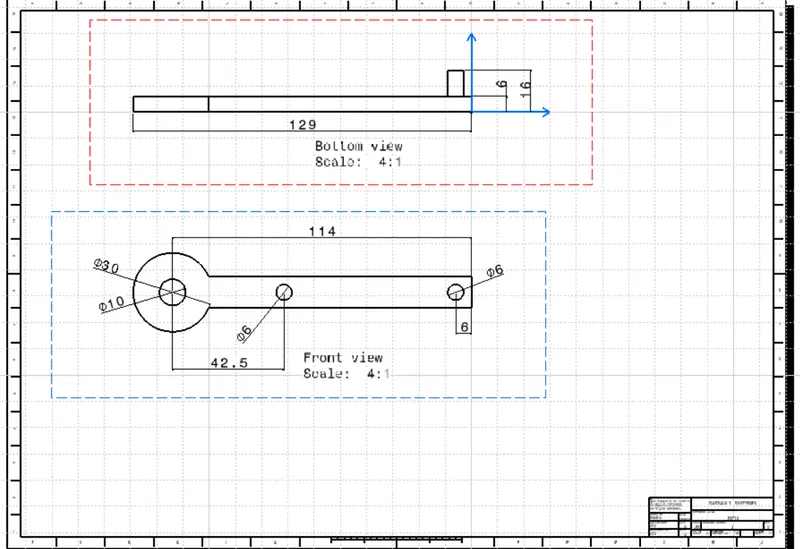
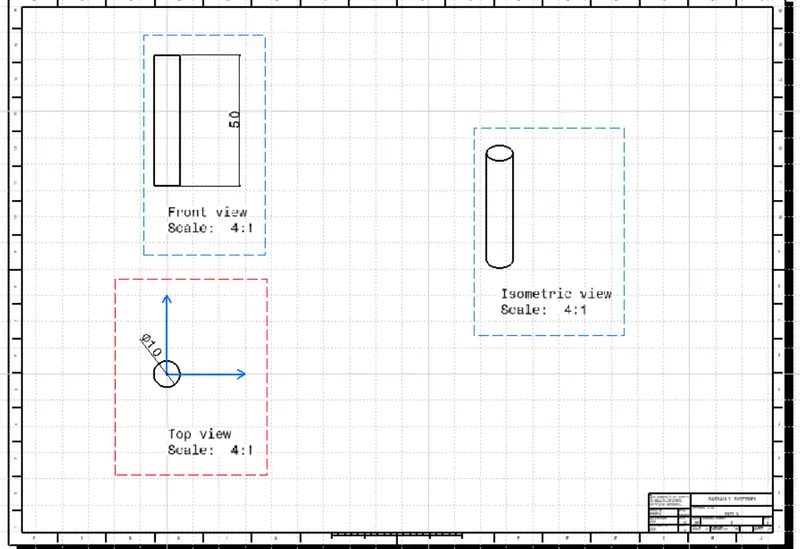
- Constraints used to assemble
CV JOINT ASSEMBLY&ALL CAT PARTS
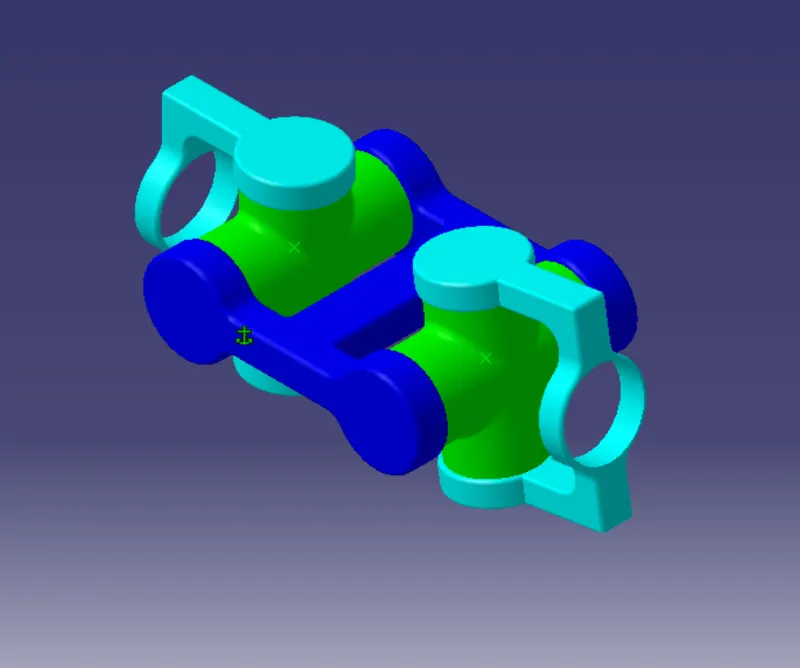
cv joint assembly consist of 5 parts in which few parts are identical which can be copy.
1.MIDDLE PART BODY BASE PART
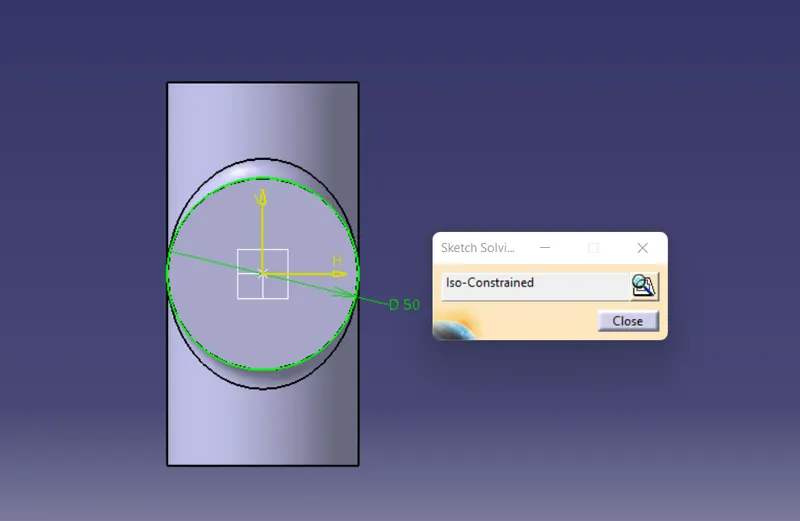
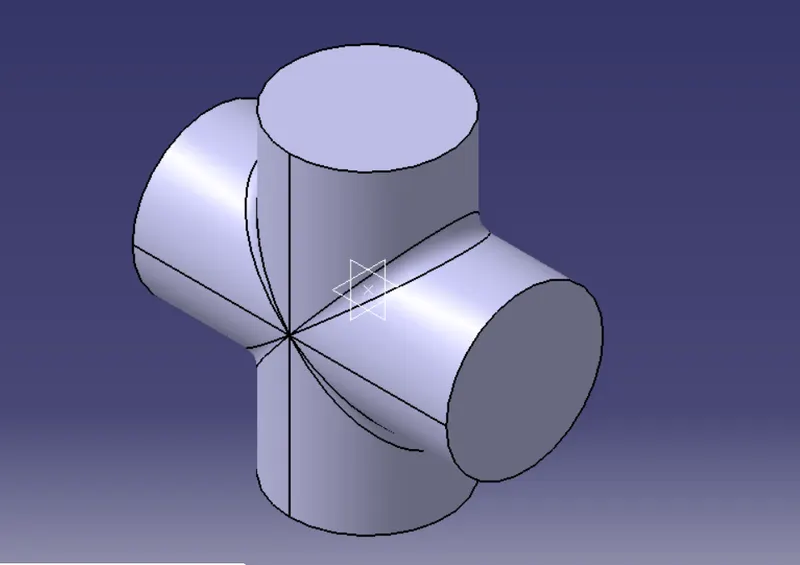
- BASE PART
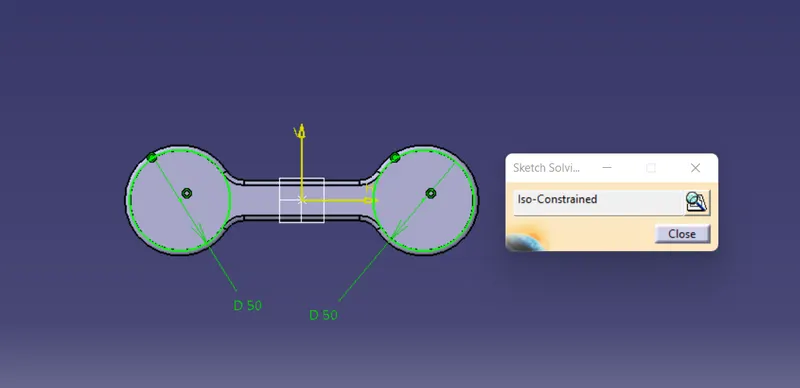
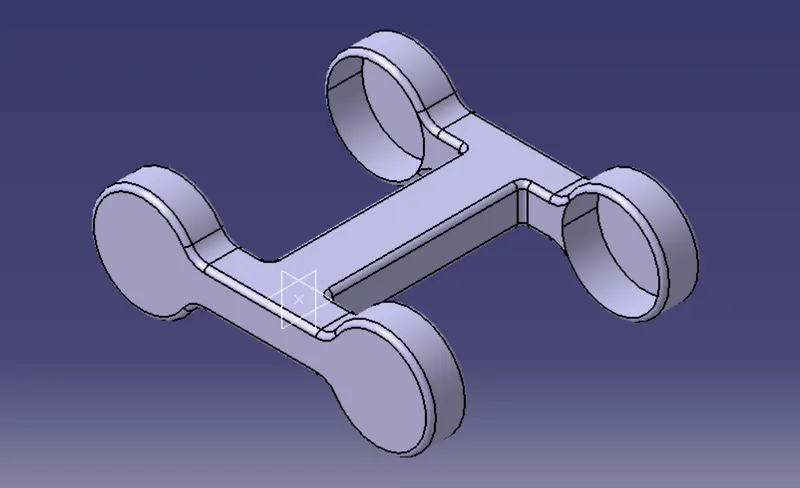
- DRIVE COMPONENT
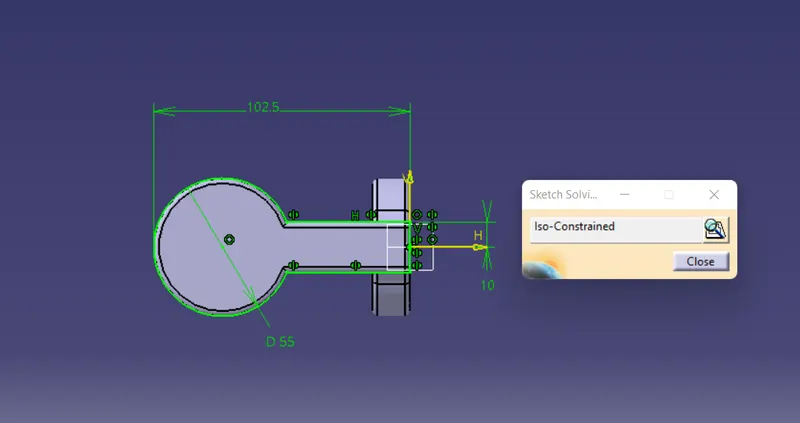
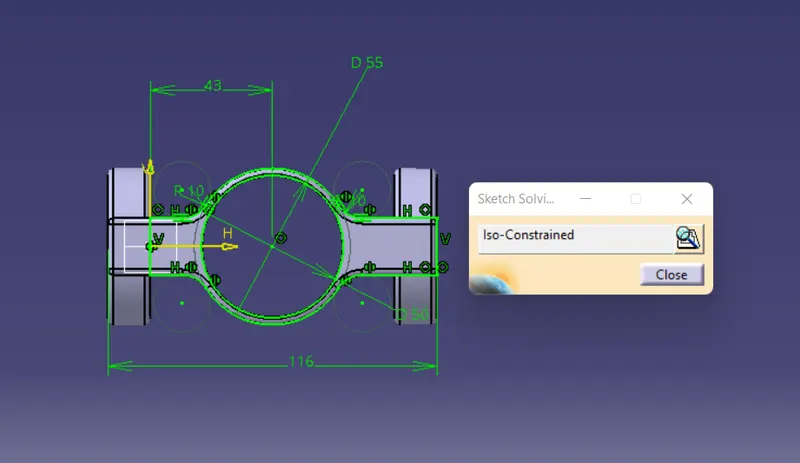
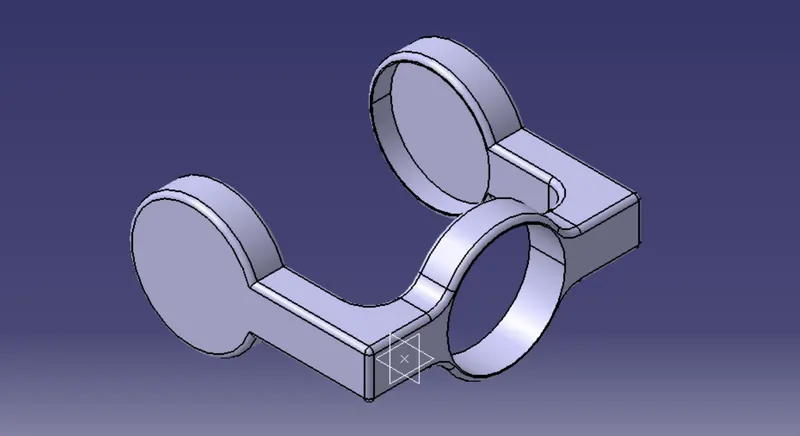
ASSEMBLY OF CV JOINT
- Constraints used to assemble
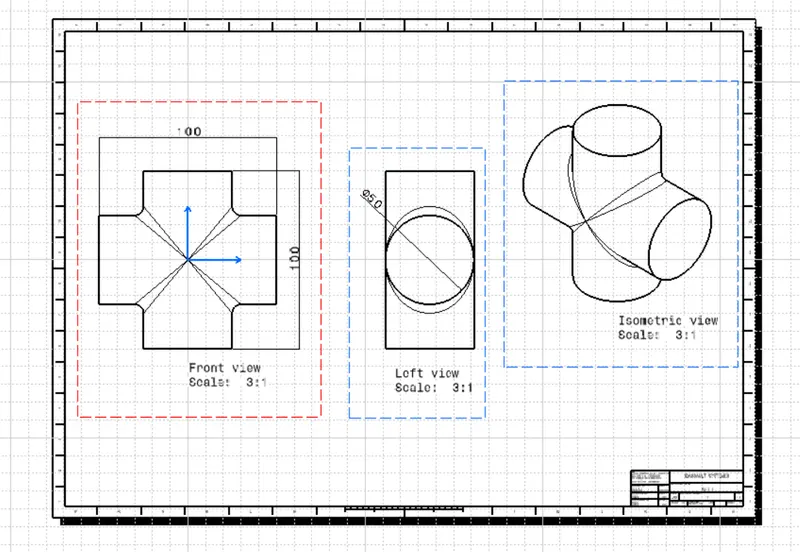
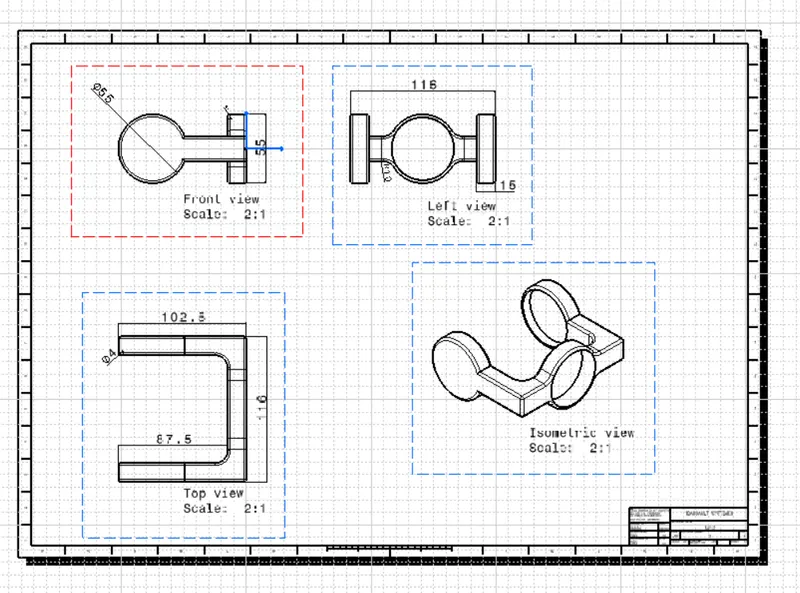
DRAFTING IMAGES OF ALL THE PARTS
CONCLUSION-
All the parts are created in part workbench and assemble is created in assembly workbench successfully. From this challenge we know how to create assembly and assembly workbench all command, like existing component, new part, assembly constraint etc.