Week 10- Assembly Workbench
AIM:
To create the 3D Part from the 2D Sketch and Assembly in Assembly Part Design.
OBJECTIVE:
To create the Solid part from the 2D Sketch.
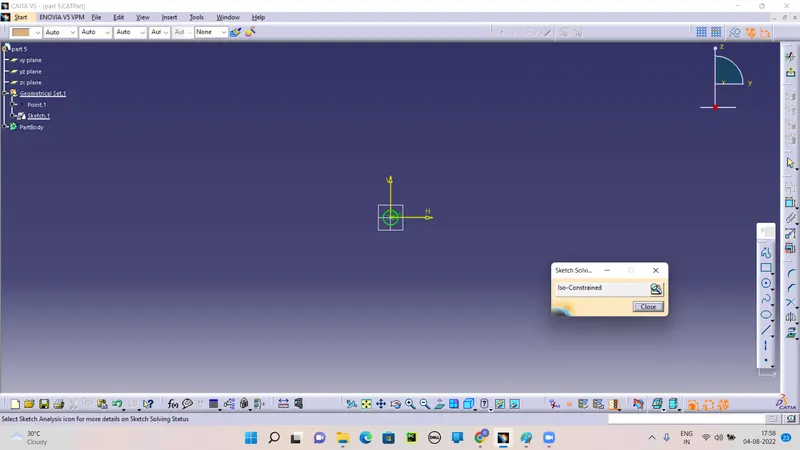
All Sketch must should in positioned sketch and also Iso-Constraine.
Ensure Created parts arein Same Folder.
Ensure all assembly are corrected and constrained.
INTRODUCTION:
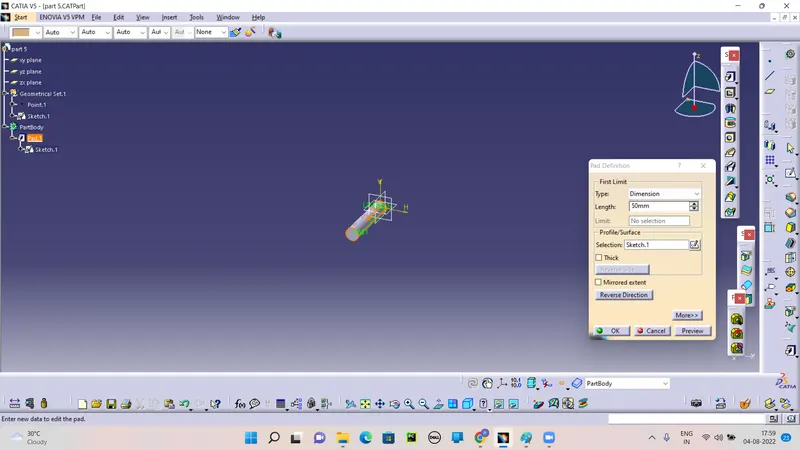
Make all the parts in solid part by the part method and pad it Along direction and distance.
The components are brought together and assembled in Assembly Design workbench by applying suitable parametric assembly constraints to them. The assembly constraints allow you to restrict the degrees of freedom of components on their respective work positions. The assembly files in CATIA are called Product files.
PAD:
Creating a pad means extruding a profile or a surface in one or two directions. The application lets you choose the limits of creation as well as the direction of extrusion.
POCKET:
Creating a pocket consists in extruding a profile or a surface and removing the material resulting from the extrusion. The application lets you choose the limits of creation as well as the direction of extrusion. The limits you can use are the same as those available for creating pads.
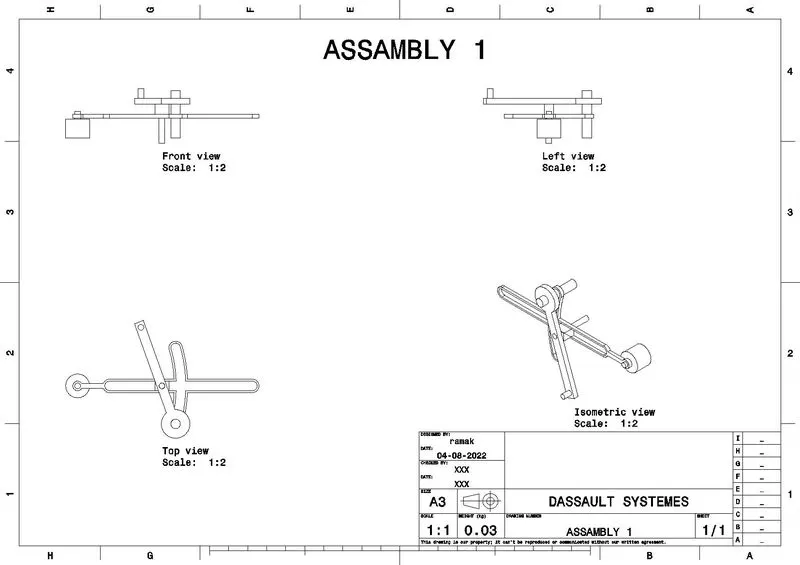
ASSEMBLY 1:
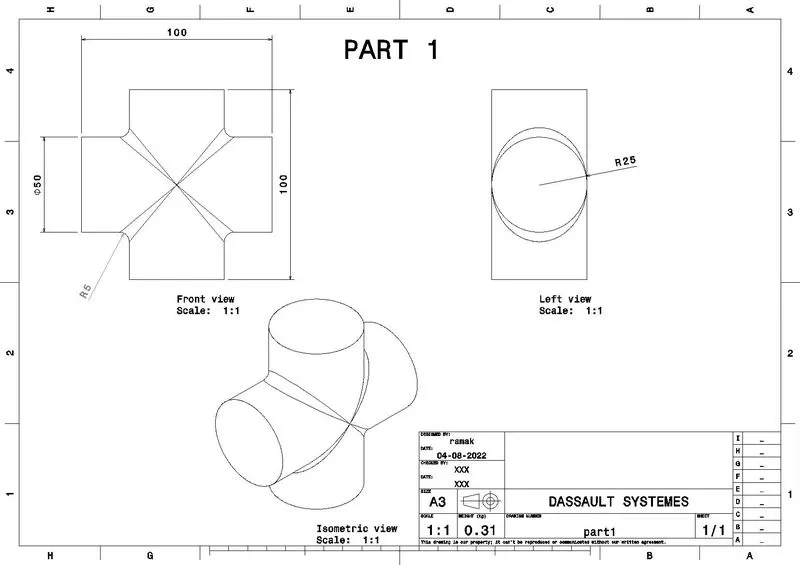
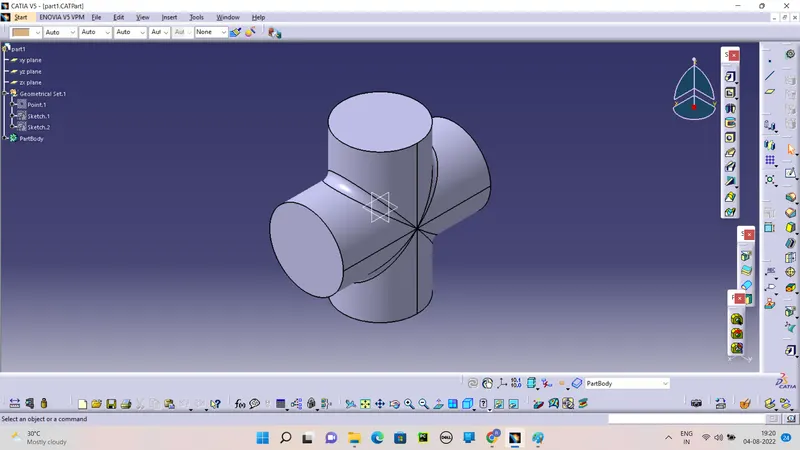
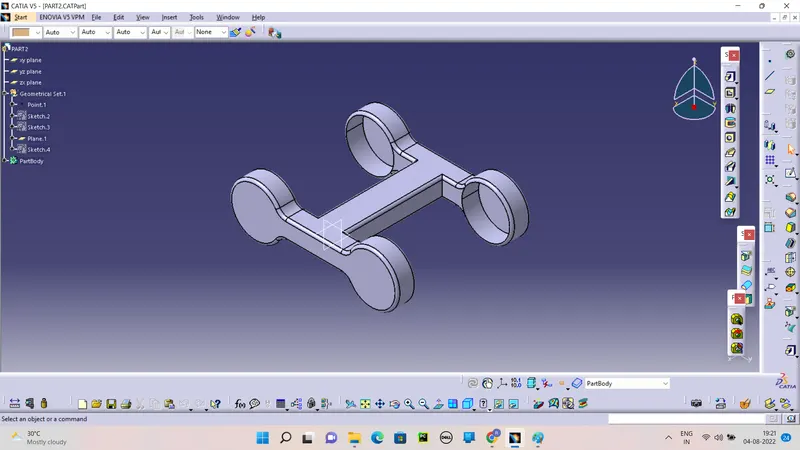
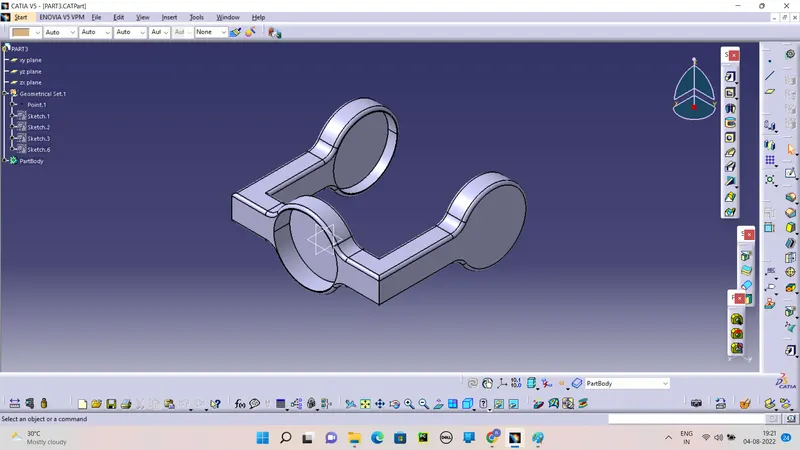
Create the all parts for Assembly.
First Skekch in positioned sketch and check it iso-constraine.
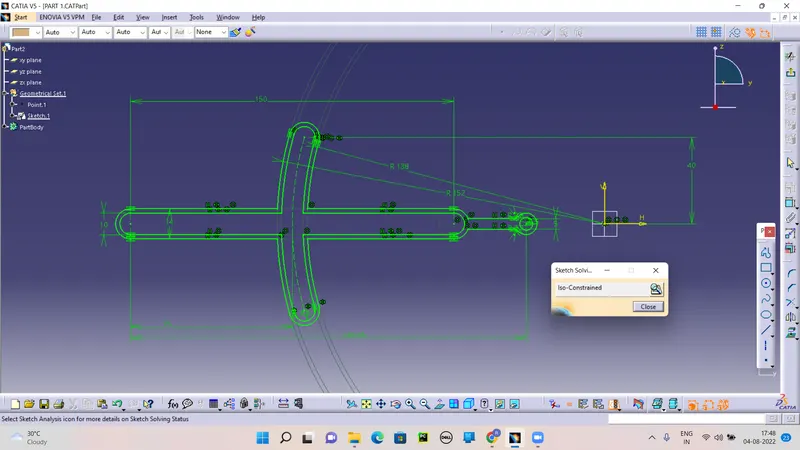
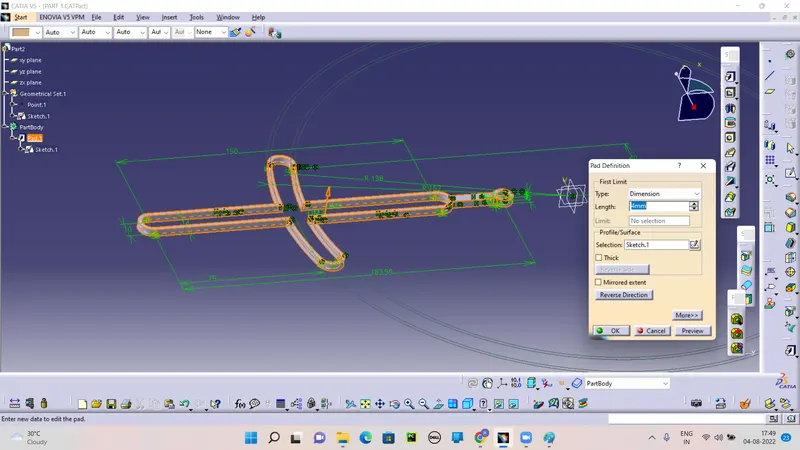
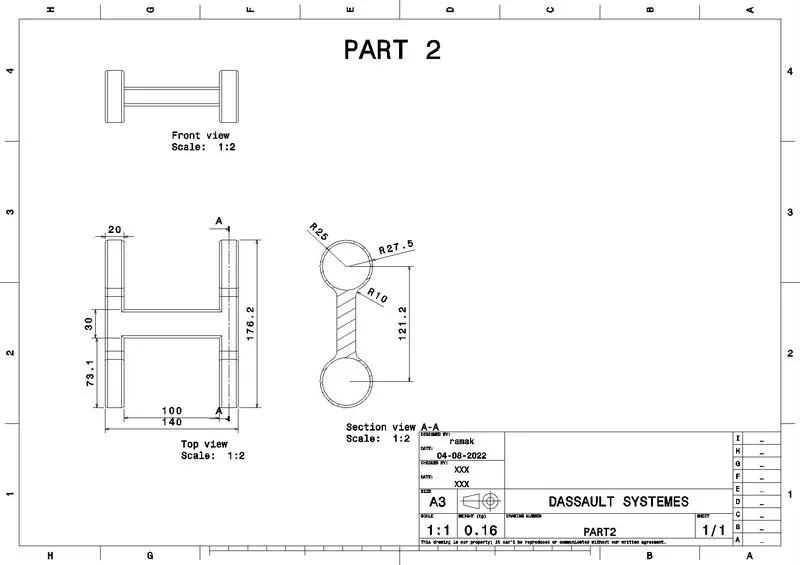
PART 2:
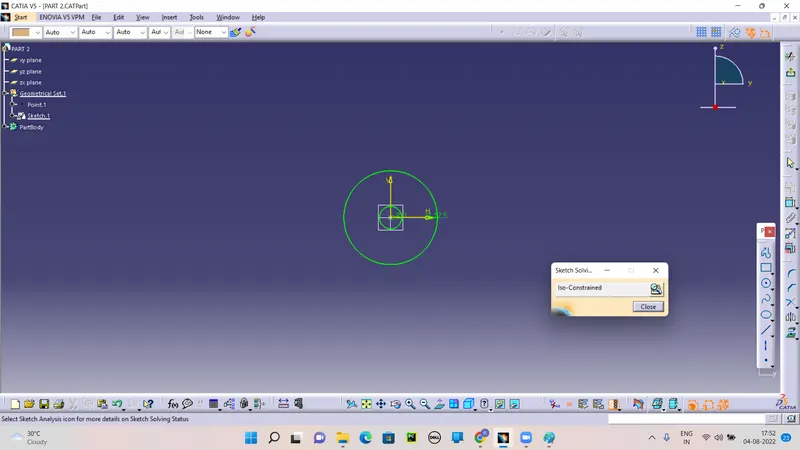
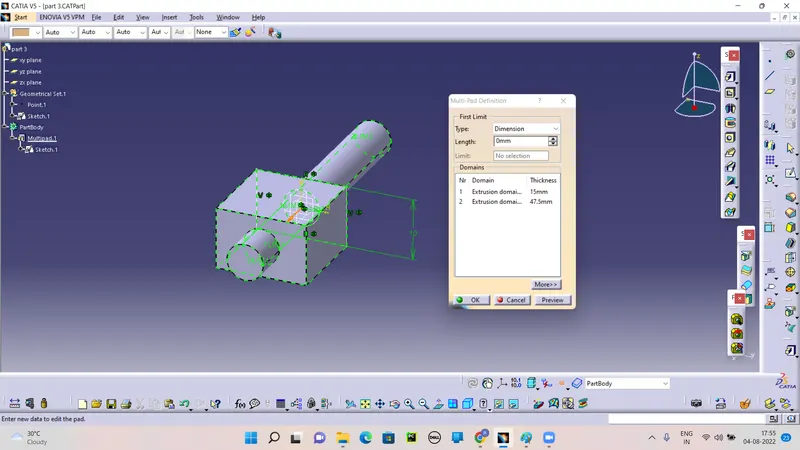
MULTIPADDING IT.
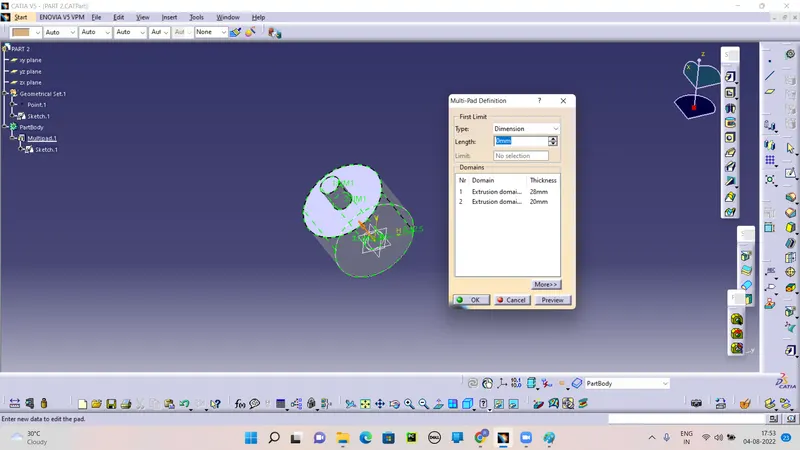
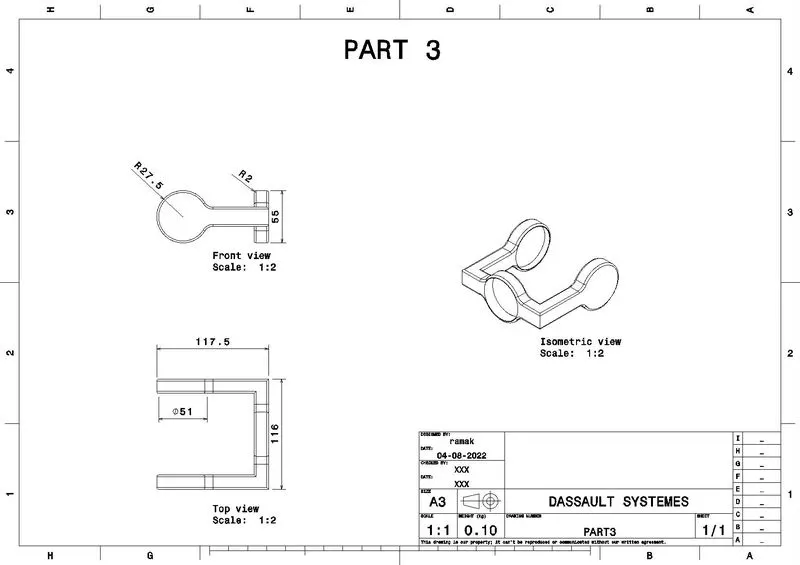
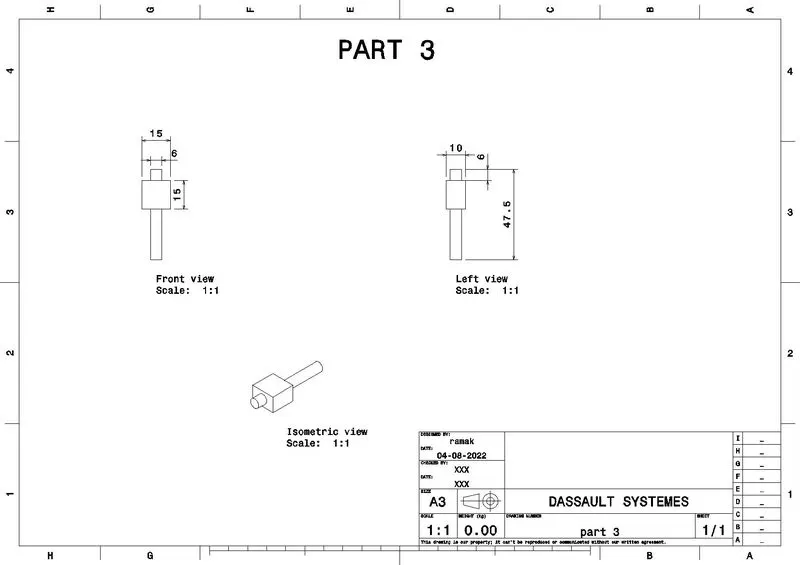
PART 3:
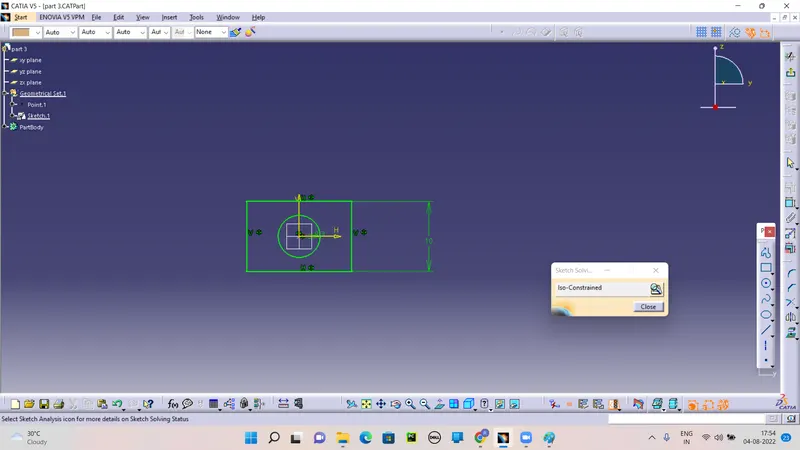
MULTI PAD IT.
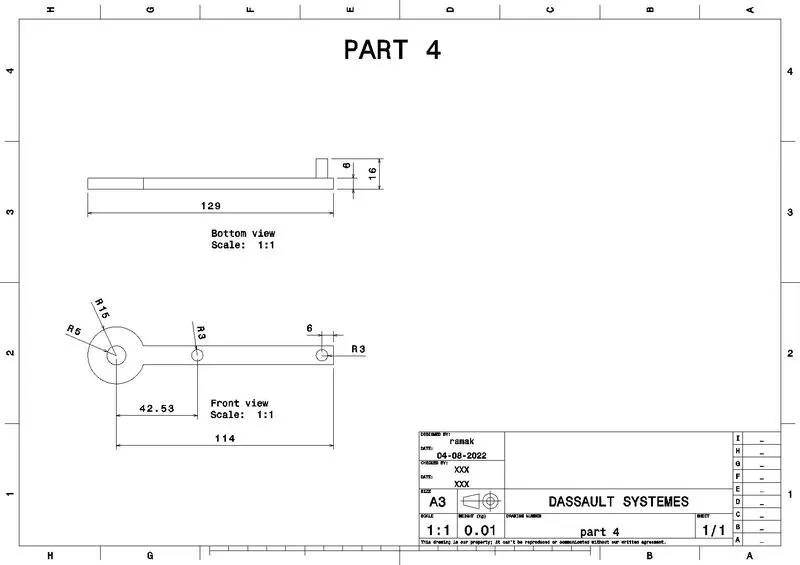
PART 4:
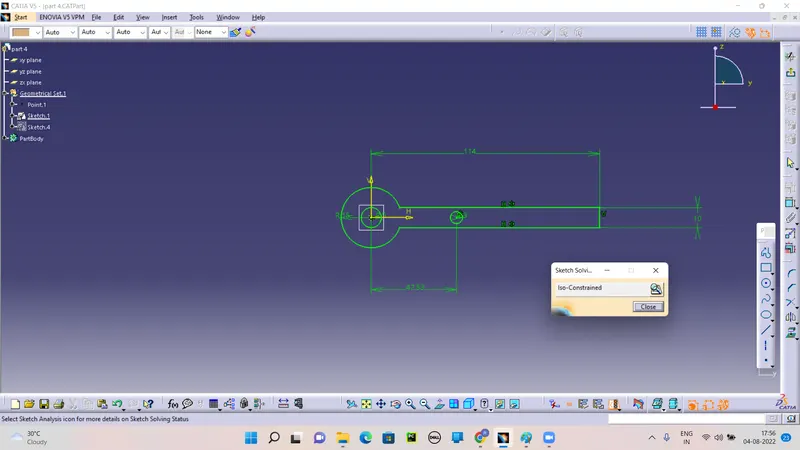
PAD IT.
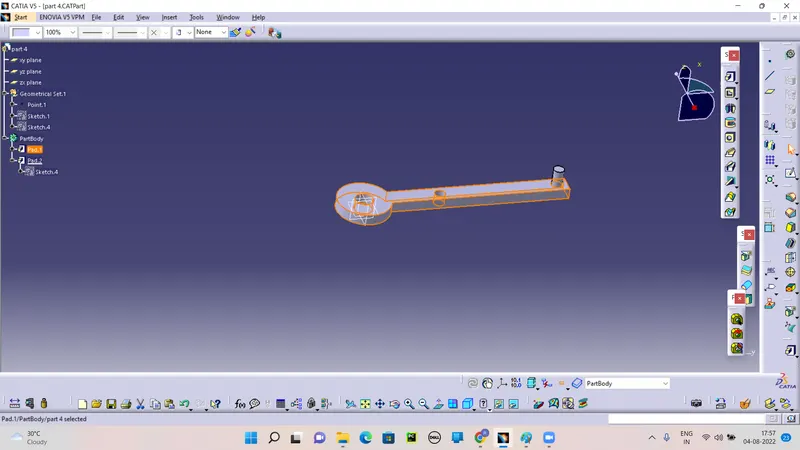
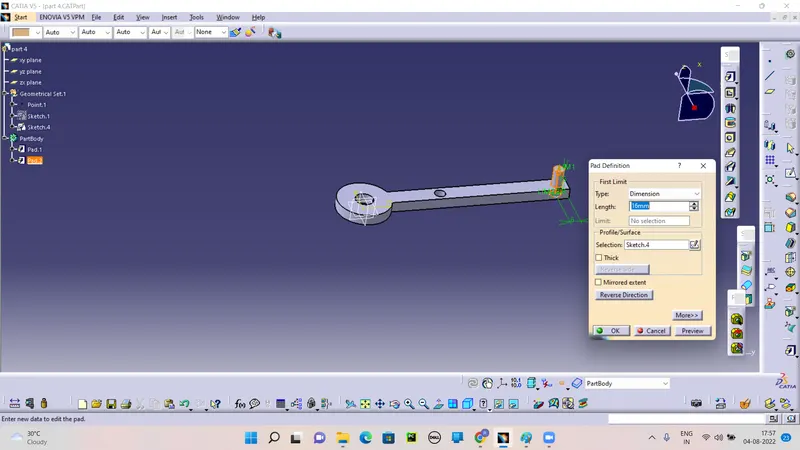
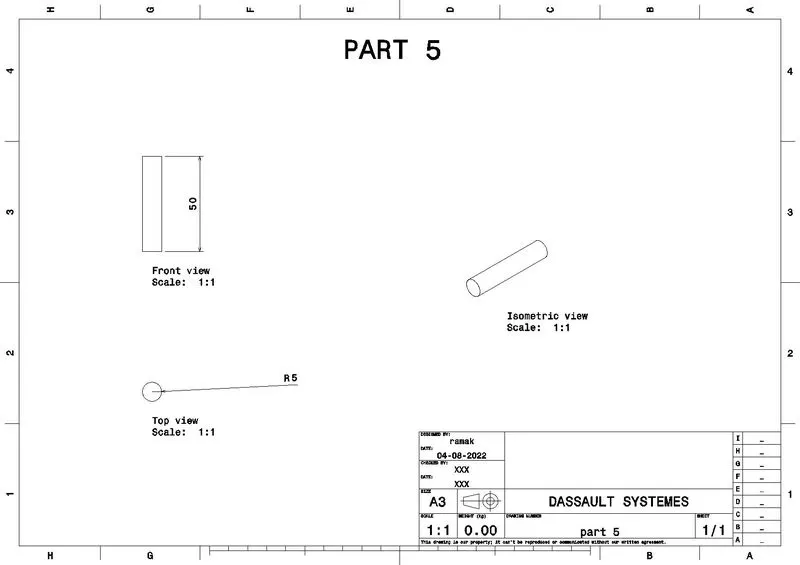
PART 5:
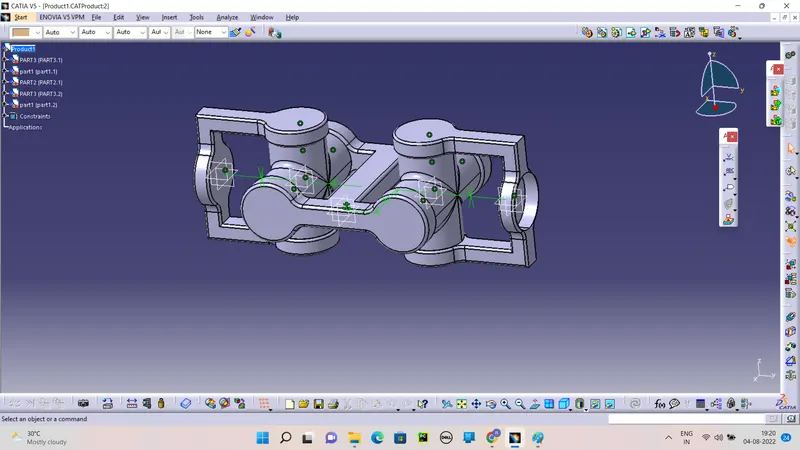
Open the Mechanical design>Assembly part workbench.
Load all the parts in the product file.

open all the parts in same product file and Manipulate to require direction.
By uses of the Coincidence and offset tools to Assemble.
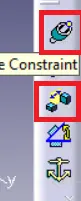
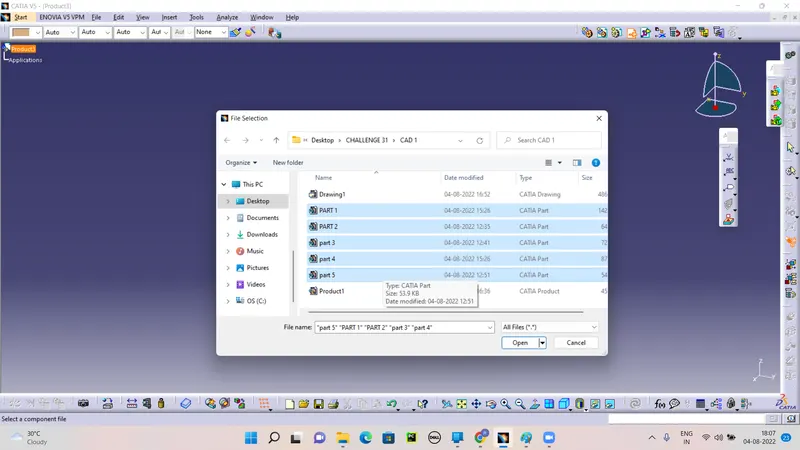
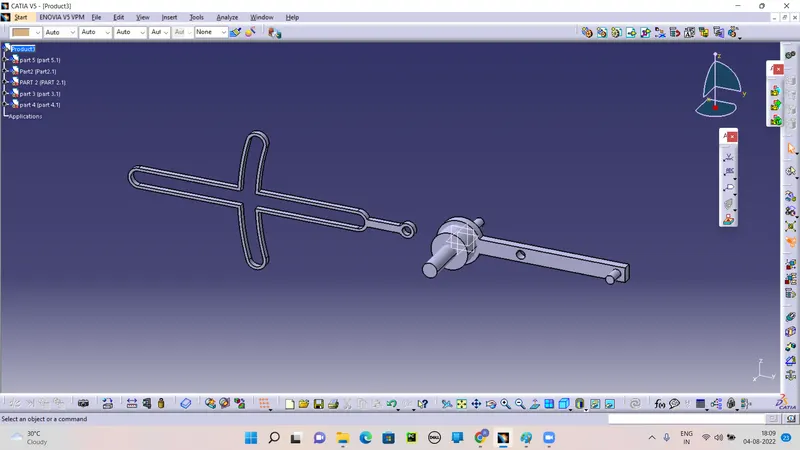
By the help of Coincidence and Offset arrange it as per the Sketchs.
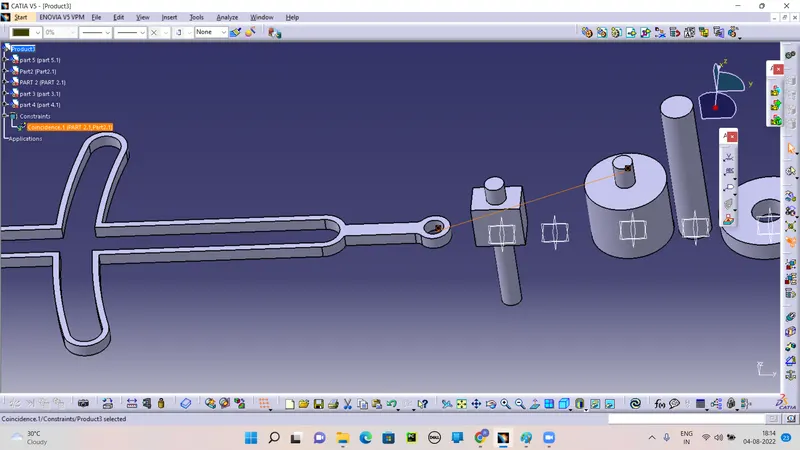
After click the part it wiil not update and then click Update tool.
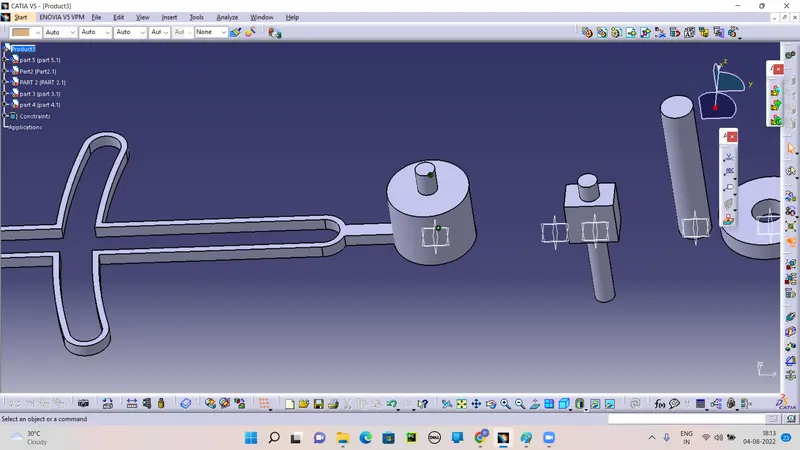
By the Help of Offset move to apprapriate position.
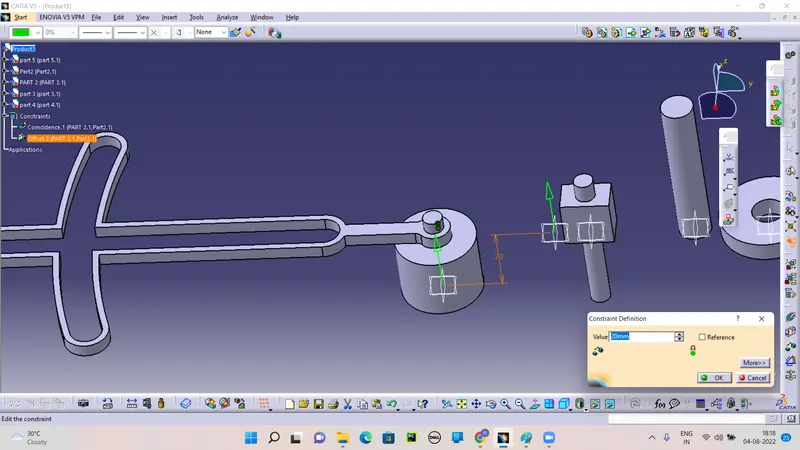
Like wise create to all the part to appropriate position.
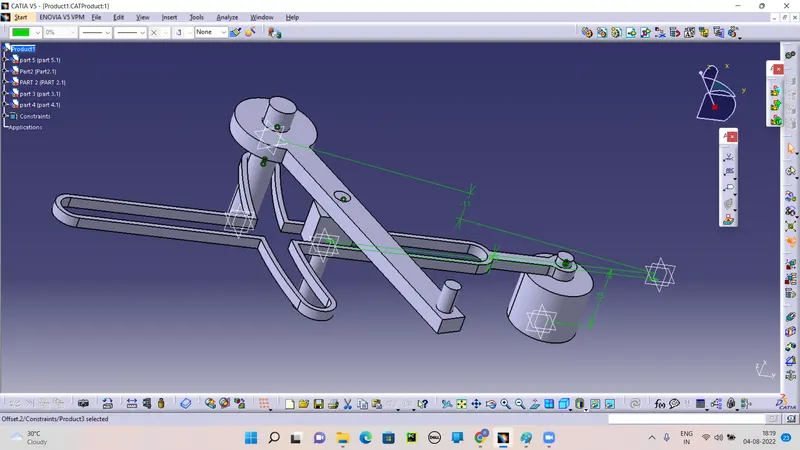
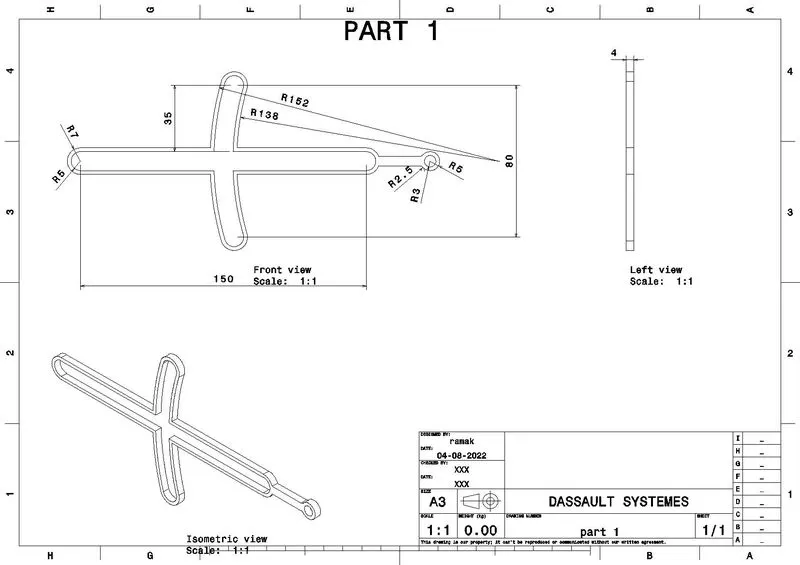
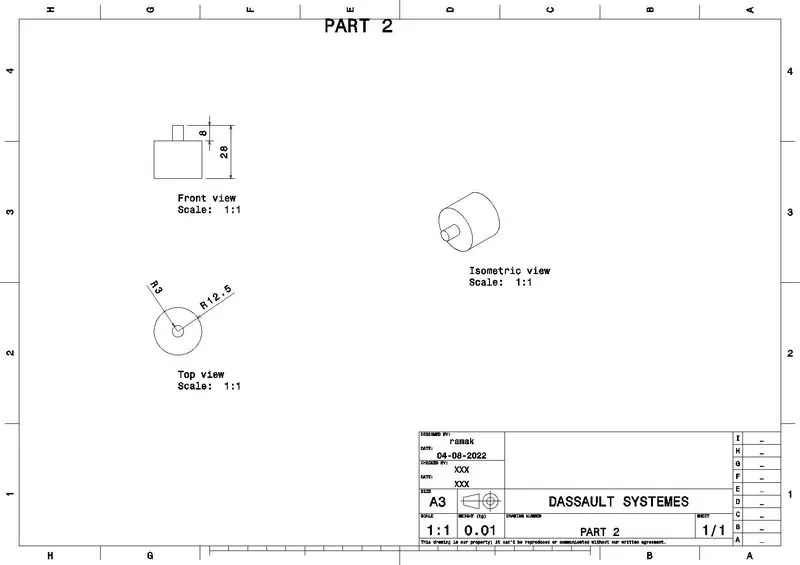
DRAFT OF PART:
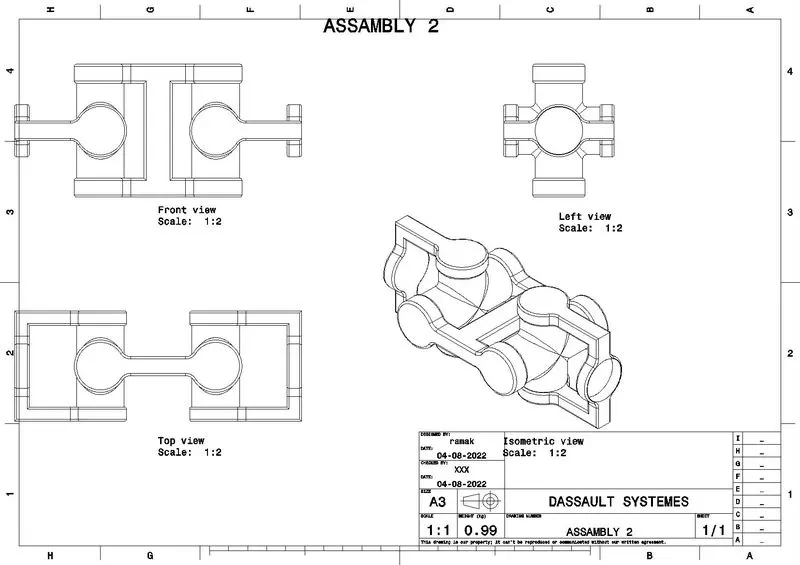
ASSEMBLY 2:
DRAFT PART: