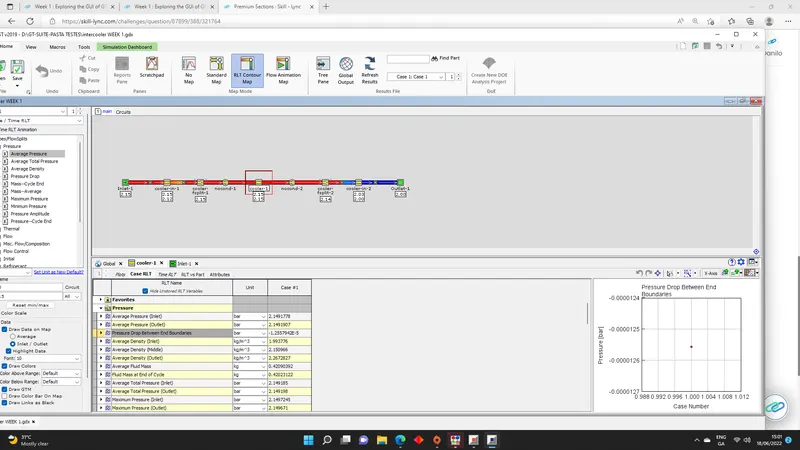
Week 1 : Exploring the GUI of GT-POWER
- Q1. Explore the GUI of GT SUITE and list down modules available with brief description. (15 marks)
The GT-SUITE is the most complete and powerfull application on the GT series softwares.
The software offers a wide variety of indutries applications and it also has an extensive data [MODULES] libraries that can help to solve various multi-physics problems like:
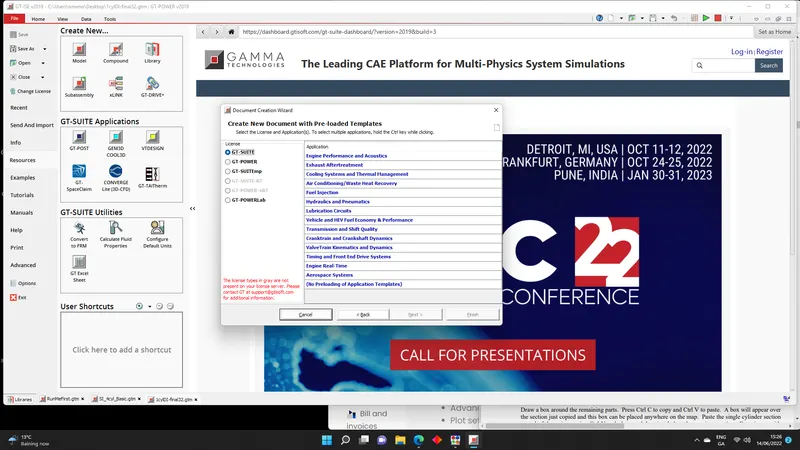
LIBRARIES:
- FLOW - For fluids (Gas, Liquid or Misxtures)
- ACOUSTIC - For linear and non-linear analises
- THERMAL - For heat transfer
- MECHANICAL - For kinematics, multi-body dynamics, frequency domain
- ELETRICS and ELECTROMAGNETIC - For circuit and electromechanical analises
- CHEMICAL - For chemical kinetics (different fuels)
- CONTROLS - For signal processing
- BUILT-IN 3D CFD and 3DFE (Thermal and structural)
- Q2. Locate following settings:
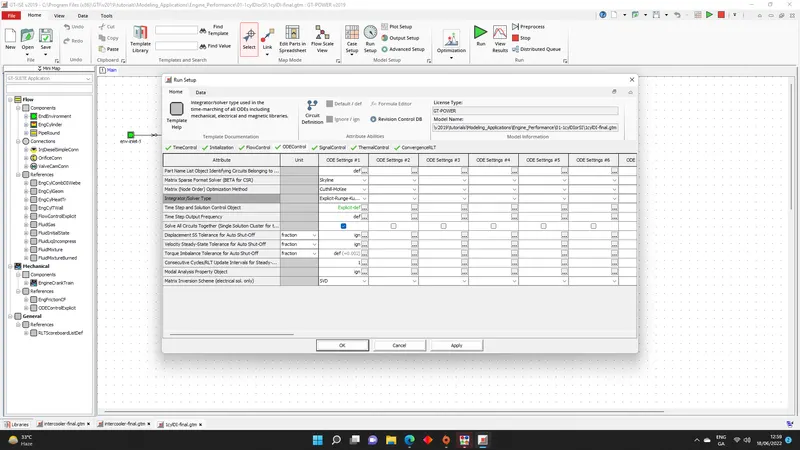
- Time control flag
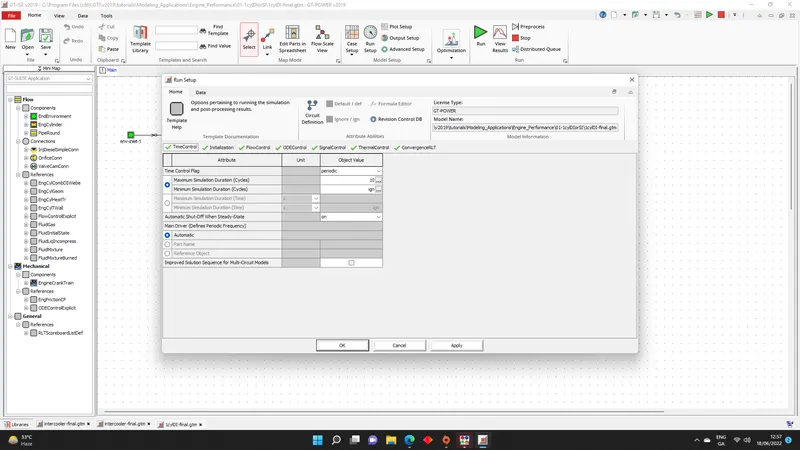
- Time step and solution control
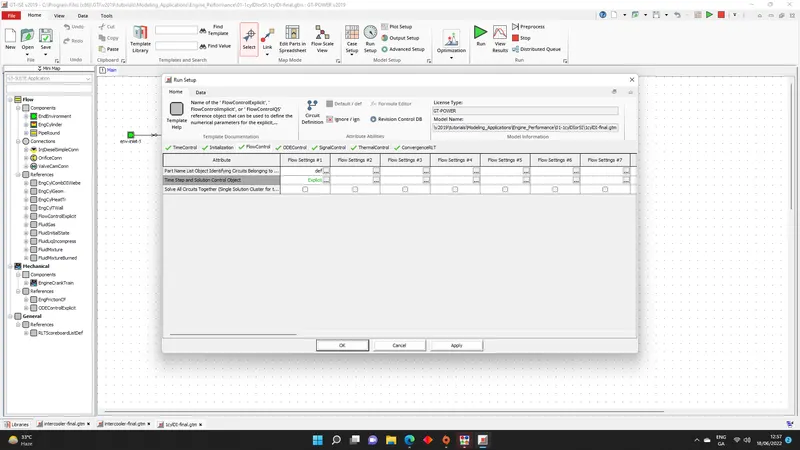
- Integrator/solver type
- Q3. Explore intercooler tutoril and note down all settings of:
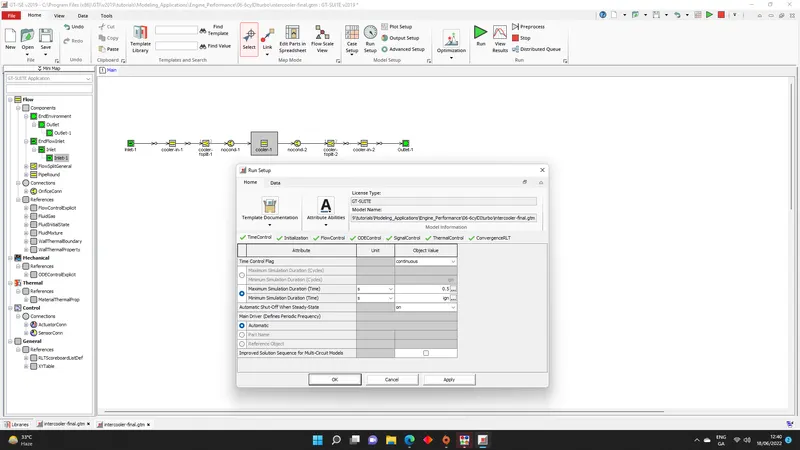
- Run setup
What we could see in the run setup are: Timecontrol, Inicialization, Flowcontrol, ODEcontrol, SignalControl, ThermalControl and ConvergenceRLT each of tabs has plenty of conrols/parameters that you can change in the runing simulations.
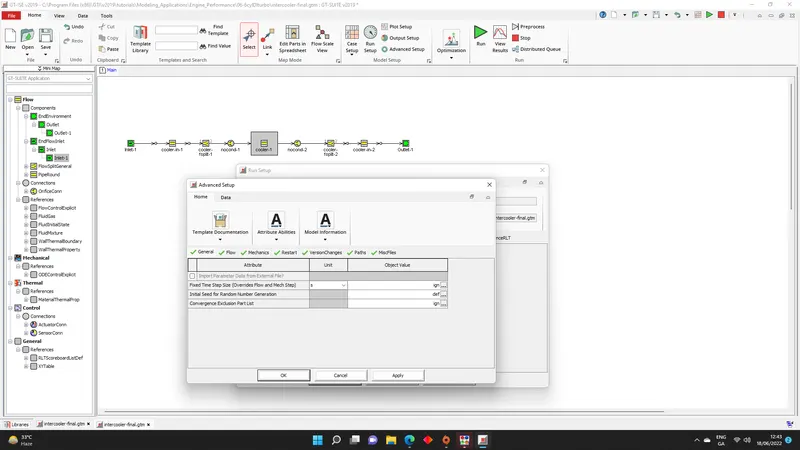
- Advance setup
What we could see in the run setup are: General, Flow, Mechanics, Restart, VersionChanges, Paths and MiscFiles
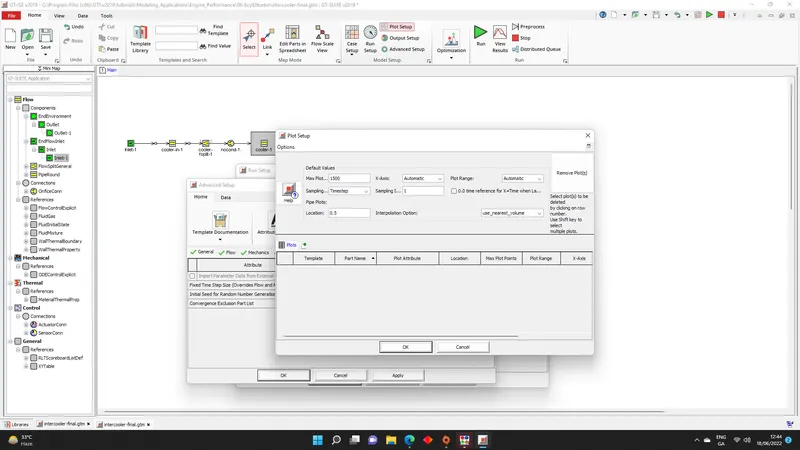
- Plot setup
In the plot setup you can select what results you want to see after the computer solved the equations.
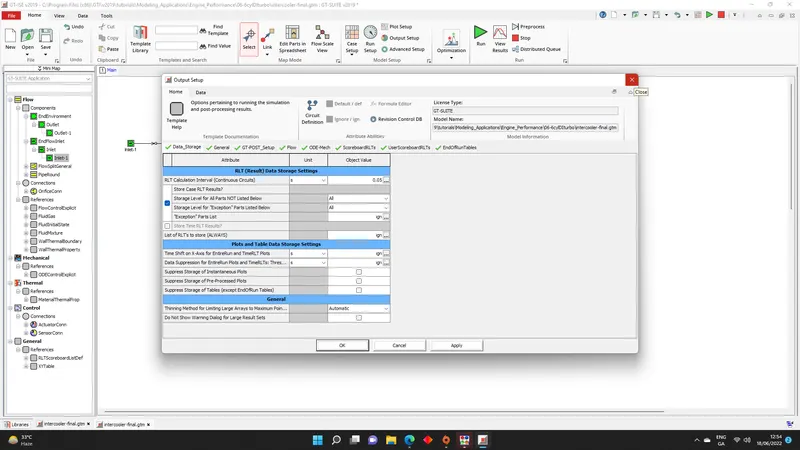
- Output setup
What we could see in the run setup are:Data_storage, Genreal, GT-POST_Setup, FLow, ODE-Mech, ScoreboardRLTs, UserScoreboard and EndOfRunTables
- Q4. Given:
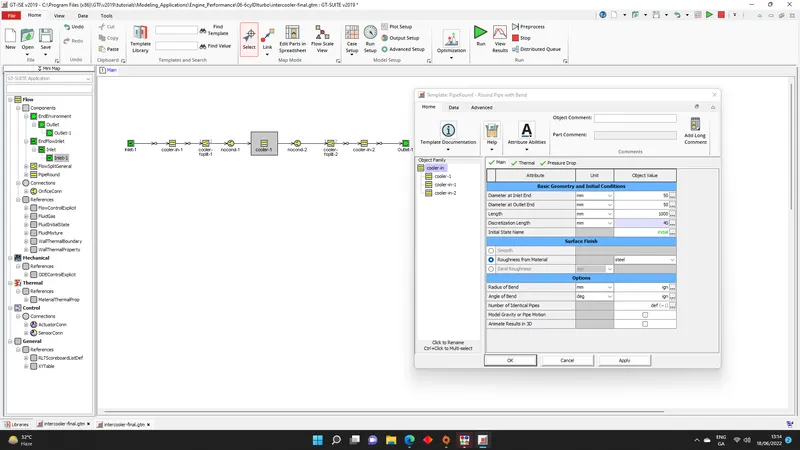
Diameter of cooling inlet and outlet pipe D= 50mm
Length of the CAC= 1000mm
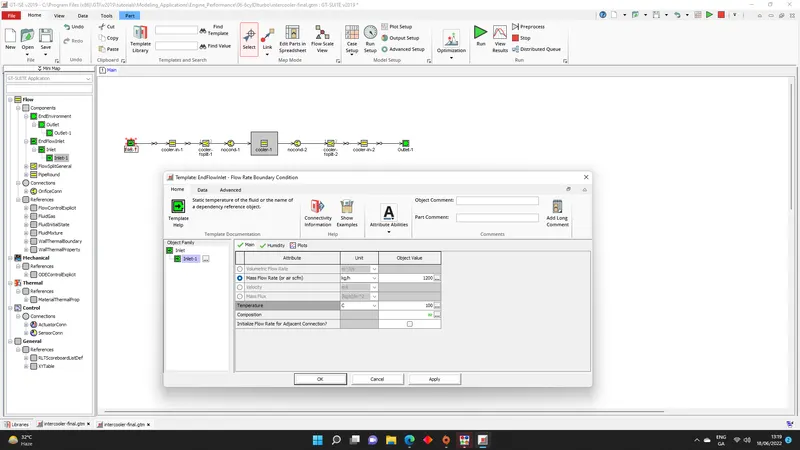
Inlet mass flow rate= 1200kg/h at 100 deg C
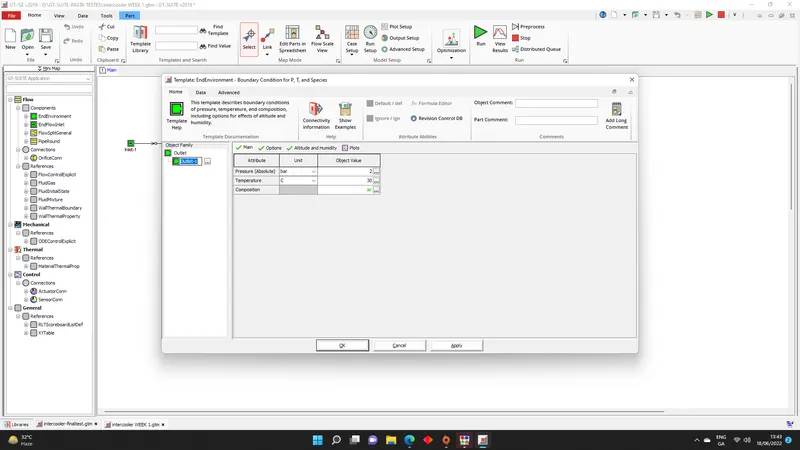
Outlet pressure 2 bar at 30 deg C
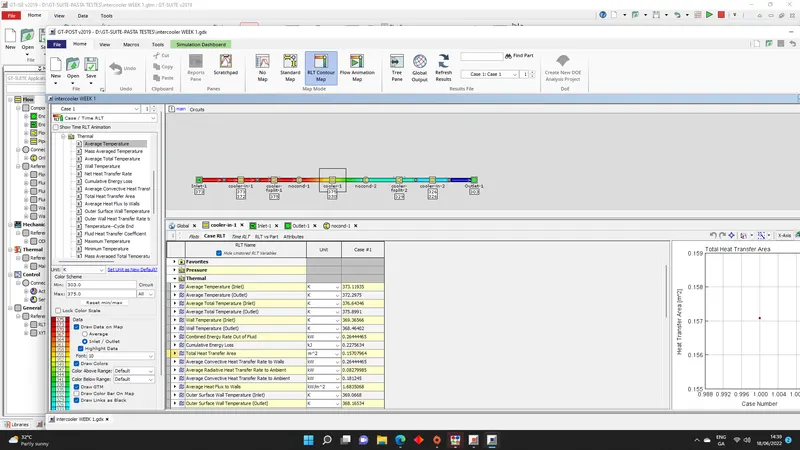
- Calculate the average heat tranfer at charge air cooler (CAC)
The results are shown by GT POST after running the simulation and the value found for Average Convective Rate to Walls was 6.588 KW as shown in the image below
- calculate pressure drop across CAC
The pressure drop between end boundaries found was -1.255 bar