Week 1 Challenge
1.
1. Write the steps involved to upload a .std file through web mail?
Solution:
- Open the STAAD Pro and Select the share option available on the home screen.
- Select send mail option.
- Then select the Std file from the saved location & send it.
2. Name the different materials that can be designed using STAAD Pro.
Solution:
- Steel
- Concrete
- Aluminum
- Timber
3. Is it possible to capture images in STAAD Pro? If yes how?
Solution:
- Yes.
- Open the project.
- Goto Utility tab.
- Click on Take picture tool.
4. Name the three ways by which you can create a model.
Solution:
Analytical, Physical & Building
5. Write the steps followed to assign properties in a model.
Solution:
- Goto the property tab.
- Then Select Define.
- Now select the type of property required from the list and provide the size.
- then click ok.
- after Select the model elements or directly assign the property with the help of assigning tools in property tab.
2.
1. Name any six design parameter involved in RCC design.
Solution:
- Code Indian
- Clear Cover
- Fc
- Fy
- Max. Main or Max. Sec.
- End Concrete Design
2. What are the different cursor types available in STAAD Pro?
Solution:
There are 8 types of cursor available in STAAD Pro :
- Nodes Cursor
- Beams Cursor
- Plates Cursor
- Solids Cursor
- Plates & Solids Cursor
- Geometry Cursor
- Physical Member Cursor
- Text Cursor
3. How will you generate different views for a model? State the steps involved.
Solution:
- First Goto the View tab in StaadPro.
- Now select the views as per the requirements.
- Type of views available:
- Top view
- Isometric view
- Front view
- Left view
- Right View
- Bottom view
- Back view
4. Explain the procedure to define a “Simply Supported” condition in STAAD Pro
Solution:
- Goto the support tab.
- Select the create option from the support dialogue box.
- then Select the fixed support tab and click on ok.
- Then apply the support as per the requirements.
5. Name any five topics that you will include while creating DBR.
Solution:
- Name of the project.
- Location of the project.
- Structural Layout.
- Construction methodology.
- Quality Assurance and Quality Control.
- Budget of the Project.
6. Describe the term “Multi material design” of STAAD Pro.
Solution:
multi material Design in staad provides us different materials with their specification details and that is available in the material tab there we can create the material as per the requirements and assign them to different members.
3.
1. Name the structure systems in STAAD Pro? Explain each system?
Solution:
| Structure System | Geometry | Loading | Deformation | Joints |
| Space | 3D | 3D | 3D | Any |
| Plane | 2D | 2D | 2D | Any |
| Frame | 2D | Perpendicular to XZ | Perpendicular to XZ | Any |
| Truss | 3D | 3D | 3D | Pinned |
2. Explain the coordinate system adopted in STAAD Pro software.
Solution:
- Global Axis :
- Global Axis in STAAD-Pro. is fixed & not variable.
- Local Axis :
- Local Axis in STAAD-Pro. is variable & depend on member Orientation.
3. Elaborate DBR and its uses.
Solution:
DBR = Design Beam report
- To specify and compile data required for Analysis & Design of Structural Elements of the project.
- It Clearly Depicts the Assumptions & Specifications that are being used to develop the Construction Documents for a project.
- It will also help avoid the "scope creep" that can be derail the project schedule & lead to budget.
4. Explain the different types of analysis options in STAAD pro.
Solution:
- Perform Analysis.
- Pdelta Analysis.
- Perform Cable Analysis.
- Perform imperfection Analysis.
- Non Linear Analysis.
- Generate floor Spectrum Analysis.
- Perform Direct Analysis.
- Perform Pushover Analysis.
- Perform Buckling Analysis.
5. Explain the difference between Fixed and Fixed But condition.
Solution:
Fixed condition : Fixed condition in the STAAD Pro software is the condition where all the degrees of freedom that is horizontal or vertical or moment are fixed or we can say these conditions are restrained we cannot change accordingly. Those condition we can say are the fixed conditions.
Fixed-But condition : And as for the fixed-end condition we can say that this condition can be customized its end conditions accordingly. In this condition we can change the end condition it is not restrained. We can release some of the required degree of freedom.
Practical
1. Create a STAAD Model with the following Specification
a. A beam of span 16m
b. Support : Fixed on one end and Roller support(Horizontal) on the other end
c. A point load of 50 kN at the mid-point
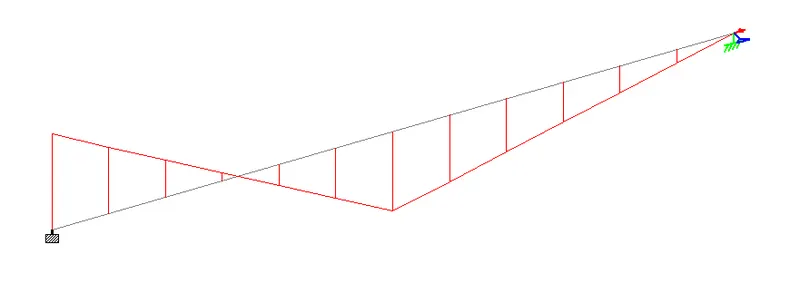
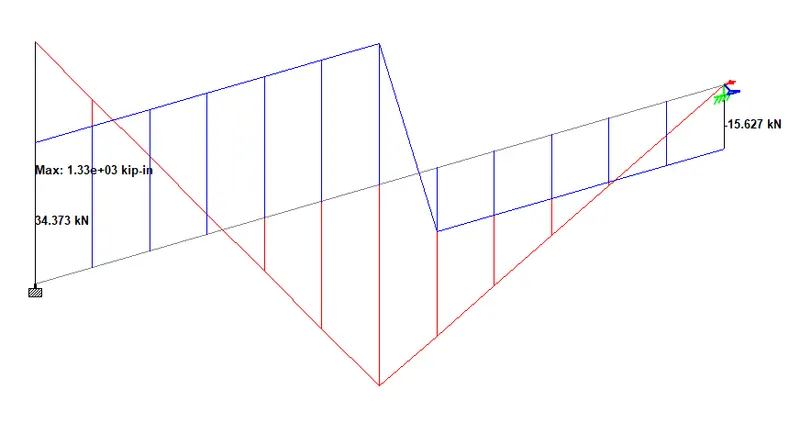
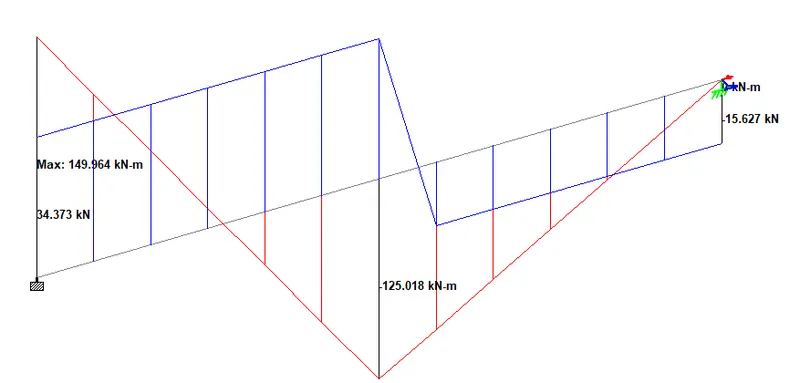
d. Draw SFD and BMD using software
Solution:
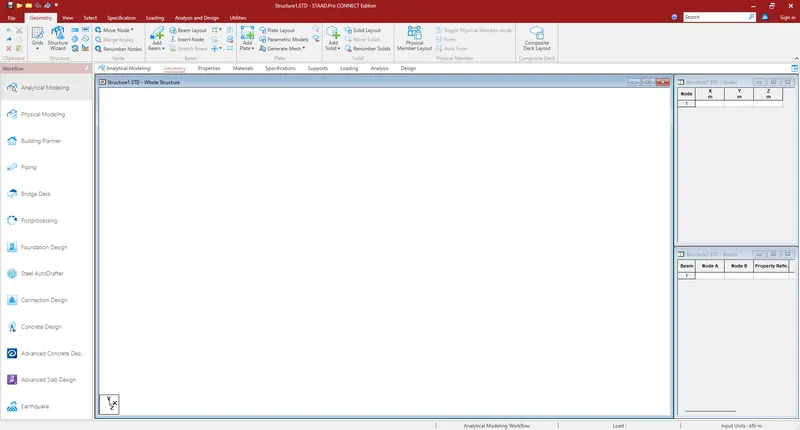
- Open Staad pro and create a new metric model.
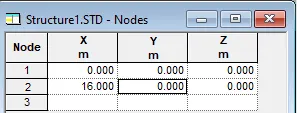
- Now enter the coordinates to model the 16 m beam span.
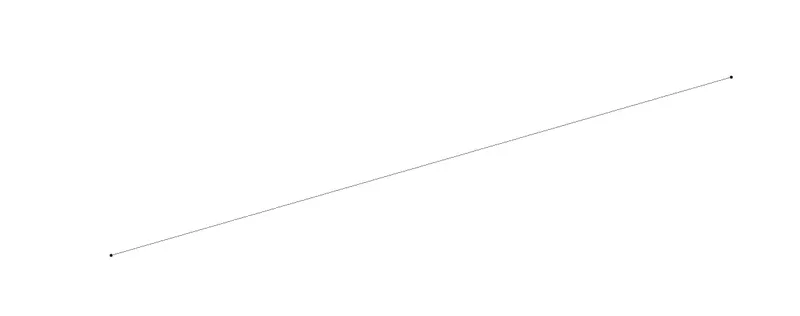
- Now Select the Add Beam tool in the Geometry tab and join the two nodes for beam.
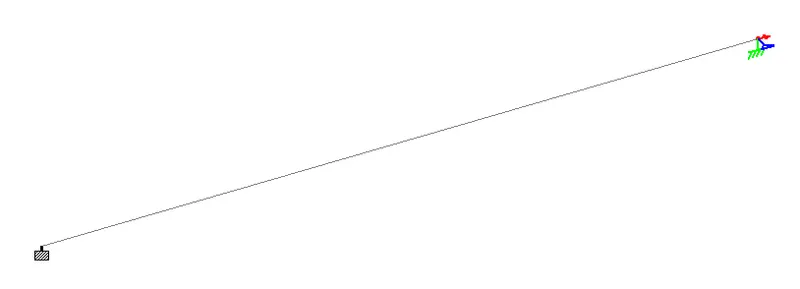
- Now Goto the Support tab and create the required support.
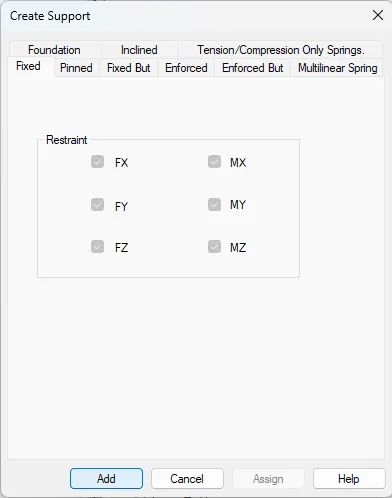
- and
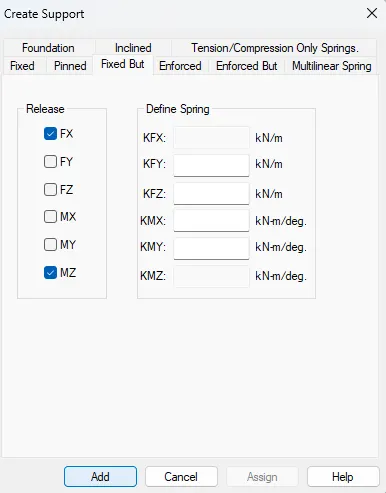
- Assign the supports at both ends respectively.
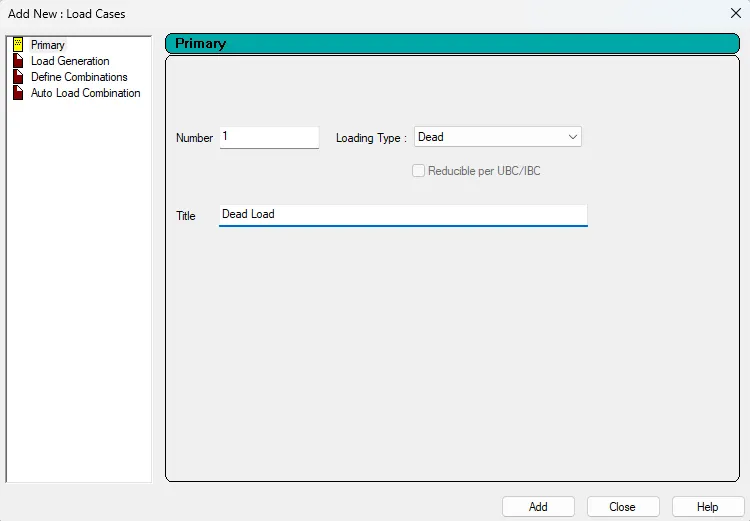
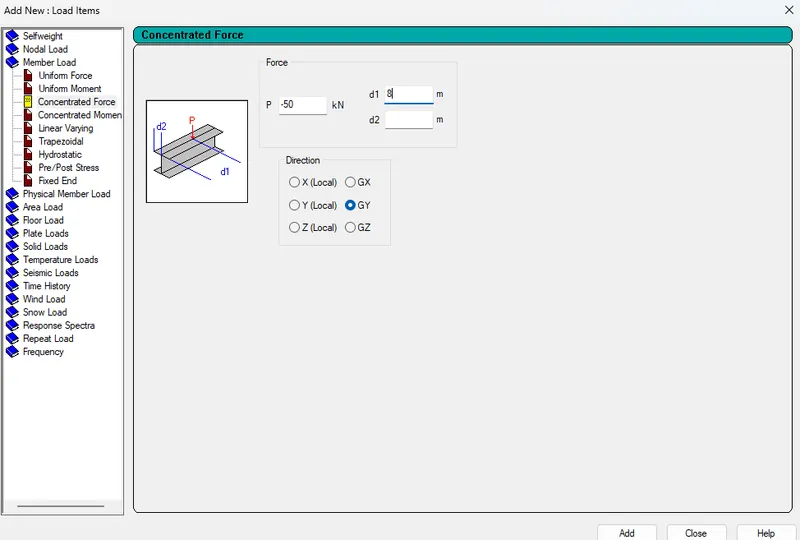
- Now Define the Dead Load of 50 kN in Loading tab.
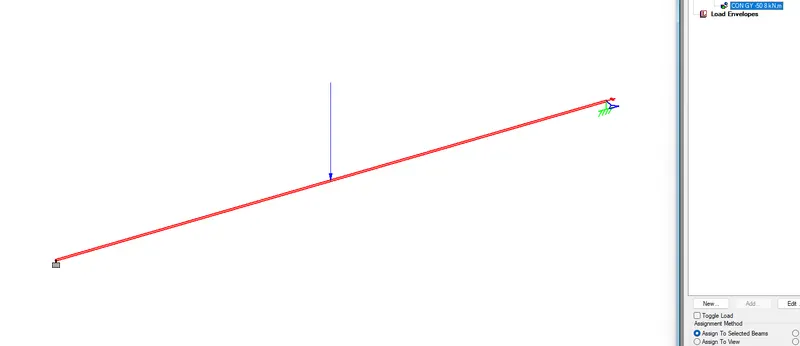
- Now select the load and assign to the beam span.
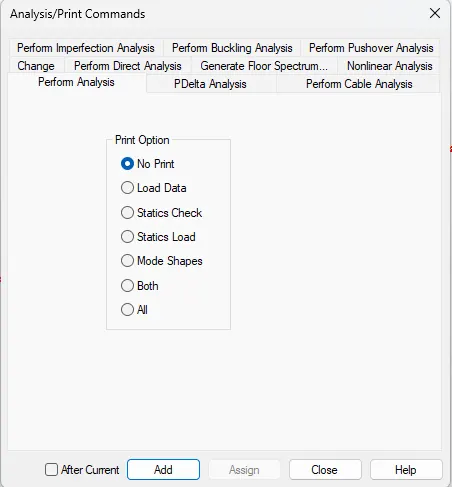
- Define Analysis Command.
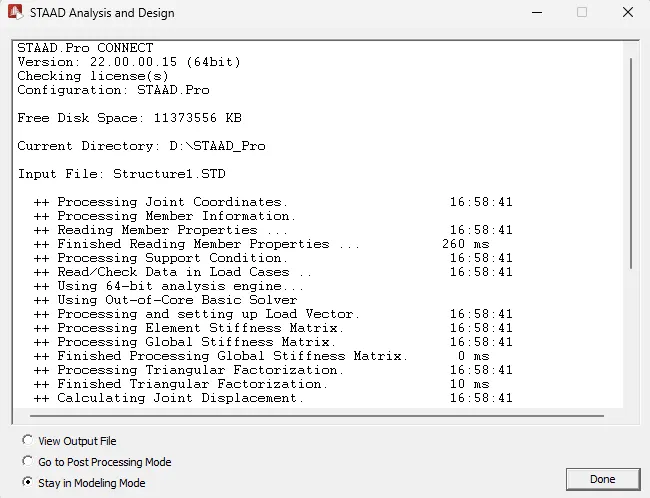
- Run Analysis.
- Goto Post Processing Mode.
- SFD
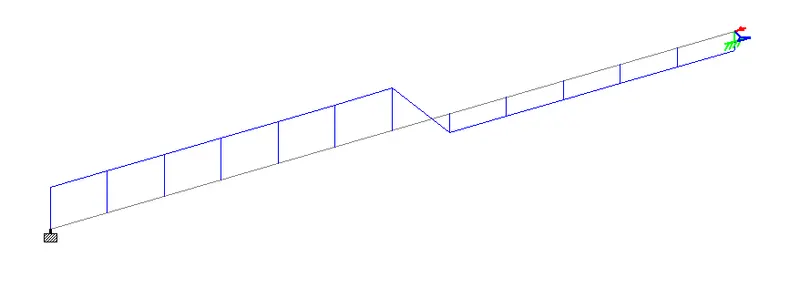
- BMD