Week 1 Challenge
1. 1. Write the steps involved to upload a .std file through web mail?
ans:
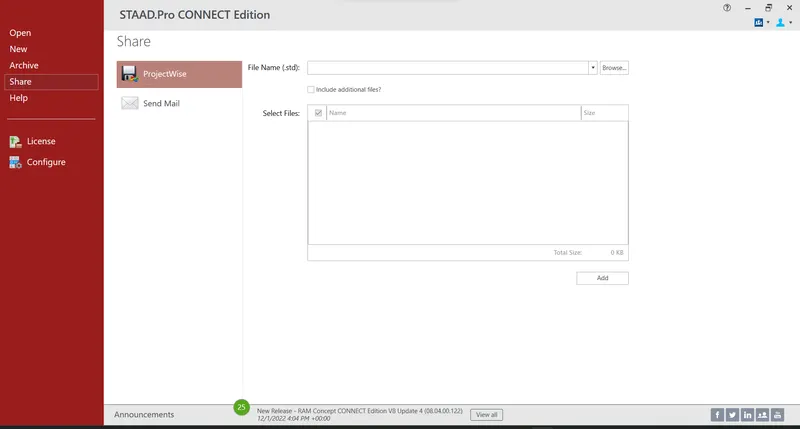
firsrt we need to open the staad window then we can see one of the option which was share so we have to click the share to get the mail option so if we want to send a model to someone means we can use this share opt to send the model through this mail
we have to do << browse the mail > add the necessary thing >send the mail to someone
here we have to browse structure to add the file and select the necessary file to send someone
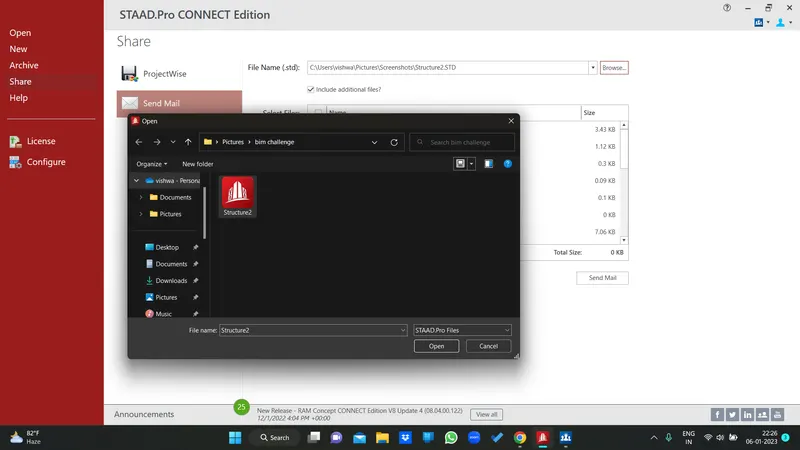
image result :
2. Name the different materials that can be designed using STAAD Pro.
ans:
concrete
steel,
aluminium ,
timber,
composite sections etc,,,
these are the materials which are used in staad pro for designing
3. Is it possible to capture images in STAAD Pro? If yes how?
ans:
yes we can do capture image in staad
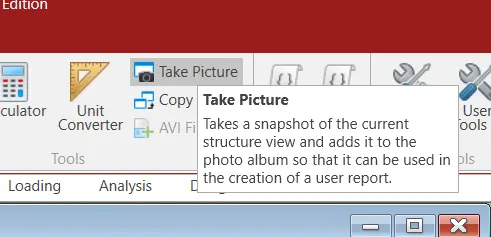
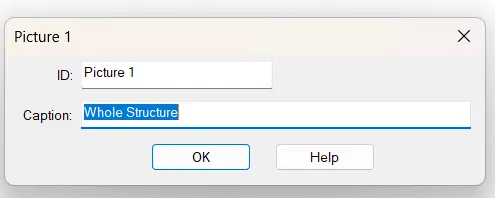
4. Name the three ways by which you can create a model.
analytical
physical
building which we can see in the initial interface

5. Write the steps followed to assign properties in a model.
ans:
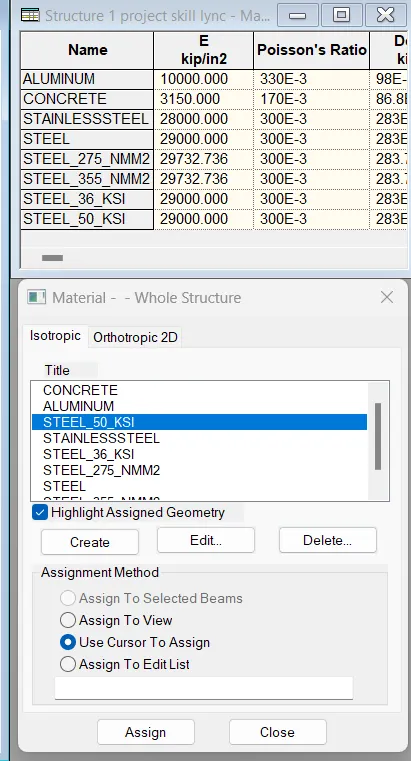
first we have to define the material and select the property whether it is concrete or steel then use
cursor to assign the current structure to assign the property
define < provide size < select materaial < use cursor to assign then we just go to the material opt so if we select the concrete it will get indicate the material which we took .
2. 1. Name any six design parameter involved in RCC design.
first of all we have to define the parameters
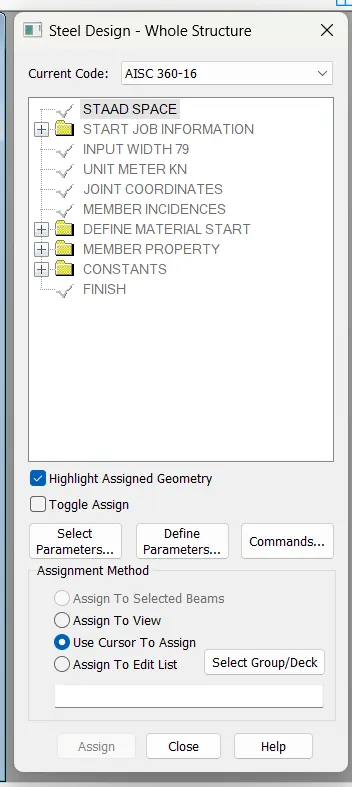
since we have a rcc so i took IS456
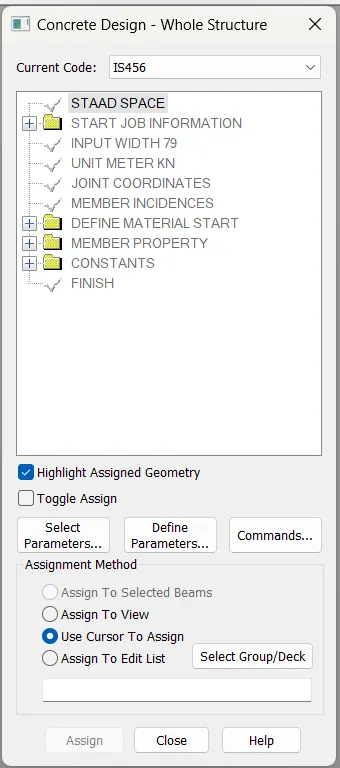
the six parameters are :
- Clear cover
- compressie strength of concrete
- Tensile Strength of steel
- max Dia of bar (main)
- Code of practice
- End conrete design
etc
2. What are the different cursor types available in STAAD Pro?
we select under select tab to do

3. How will you generate different views for a model? State the steps involved.
ans :
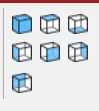
the following steps are given below as a pic but however i could mention
top ,bottom , left ,front , back , right ,iso
4. Explain the procedure to define a “Simply Supported” condition in STAAD Pro
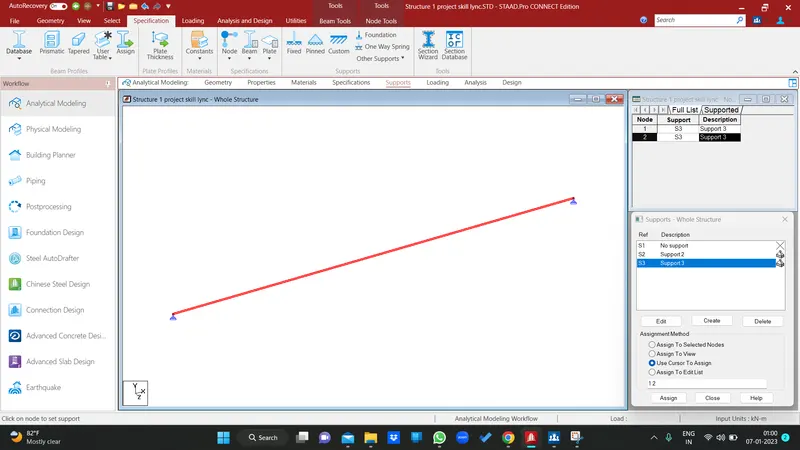
make a beam with span
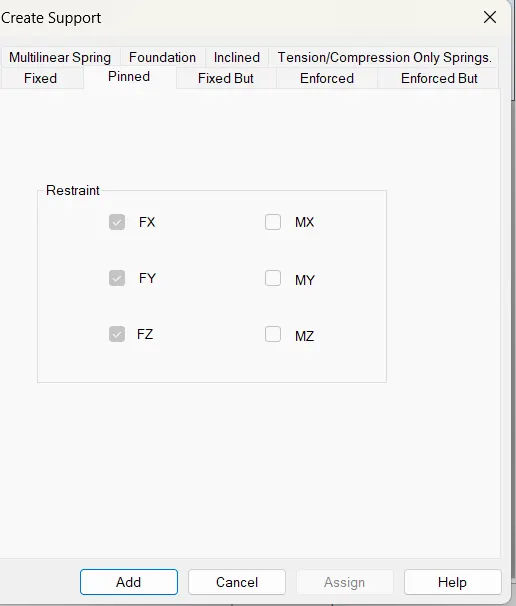
we have to make support condition (support condition only tell what condition it has )
in support conditon we have to choose the pinned condition for the both node to get the simply supported condition
use cursor to assign the support in the beam to make it as a simply supported beam
5. Name any five topics that you will include while creating DBR.
ans:
name of the project6 location ,
title,
methodology,
load and combination
calculations etc.. might be there
6. Describe the term “Multi material design” of STAAD Pro.
steel ,
concrete , timber, aluminium
3. 1. Name the structure systems in STAAD Pro? Explain each system?
ans:
2. Explain the coordinate system adopted in STAAD Pro software.
The coordinate system that are in STAAD Pro software are X,Y and Z coordinates.
So basically the coordinate system adopted in STAAD Pro software are Mainly the global axis are fixed in the coordinate system Local axis is variable in nature. We can change the local axis but not the global axis.
3. Elaborate DBR and its uses.,
DBR represents design basis reports , which is nothing but its like one of the data we could see to know about the project what it was , if someone took you and put in some project so you could use this dbr to know about the project
it is
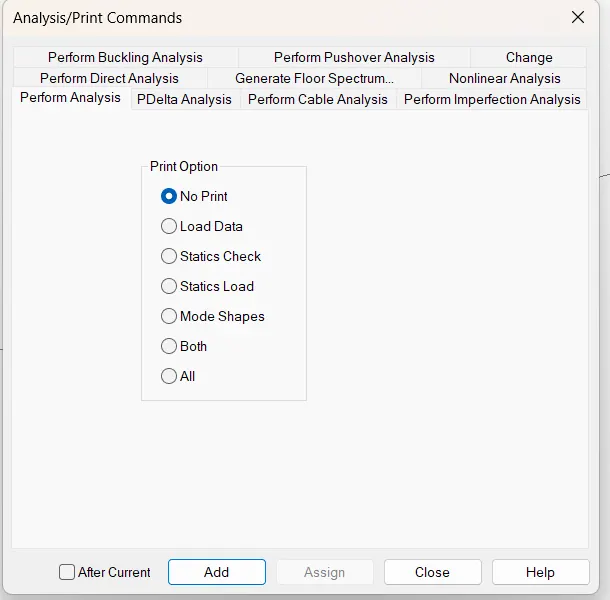
4. Explain the different types of analysis options in STAAD pro.
ans :
5. Explain the difference between Fixed and Fixed But condition.
fixed :
its a fixed when i can arrange this support it wil restrain all the degree of freedom like it restrain the fx, fy, up to mz so since it was restrain all the force and moment so we called it as fixed
fixed but :
so since we have the default fixed support so we didnt have further problem but theres no roller support we have to create that so inorder to create the roller support we can use this fix but to customize to get the roller support
Practical
1. Create a STAAD Model with the following Specification
a. A beam of span 16m
b. Support : Fixed on one end and Roller support(Horizontal) on the other end
c. A point load of 50 kN at the mid-point
d. Draw SFD and BMD using software
ans :
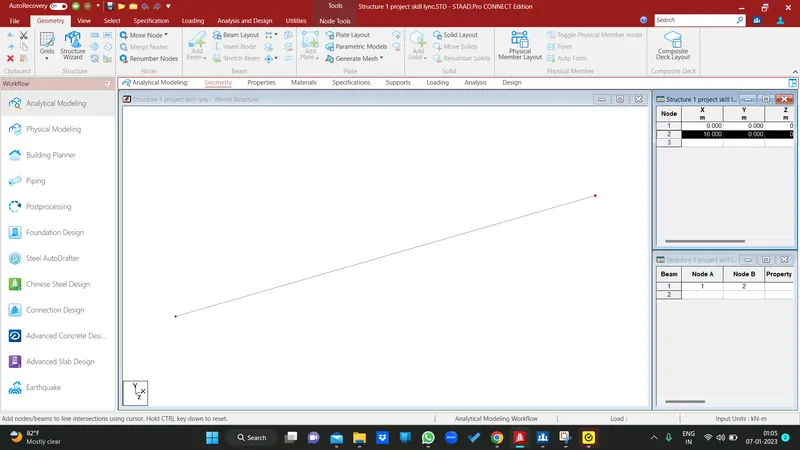
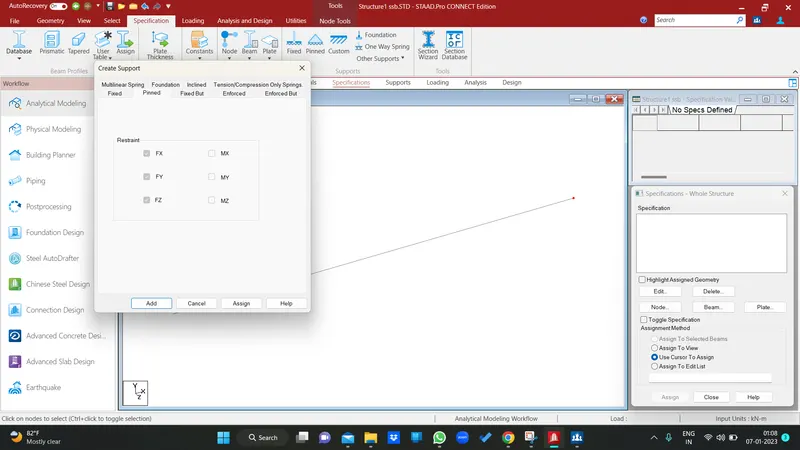
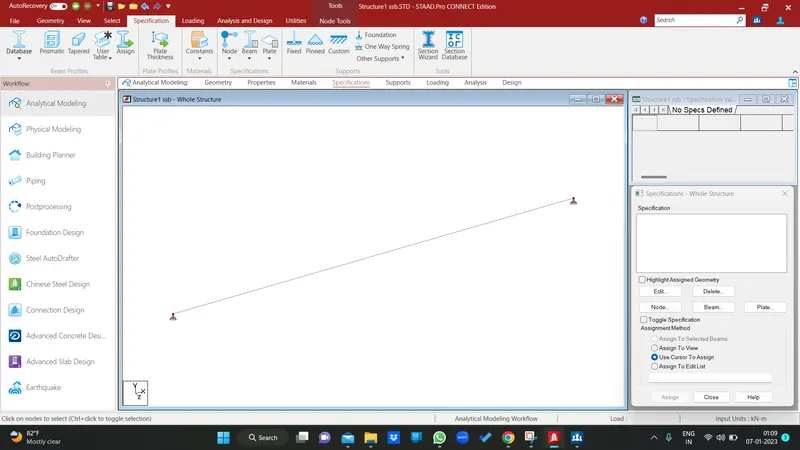
support specified
both ends are been fixed
and assign in both ends
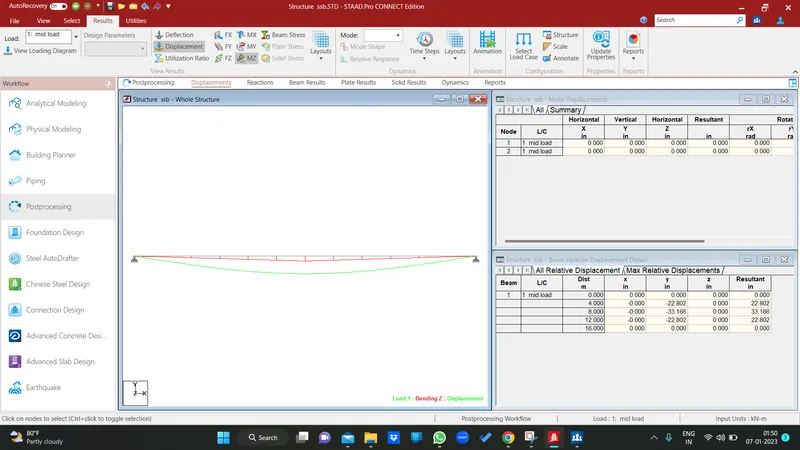
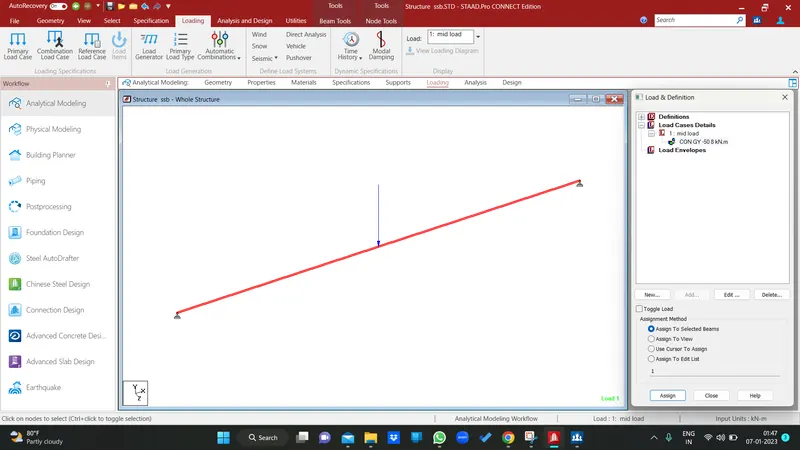
load applied in middle with - 50kn , in y direction and its a conc load
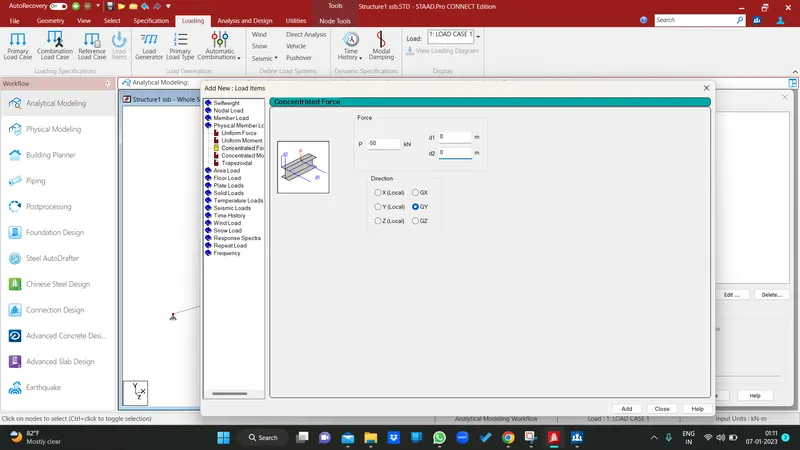
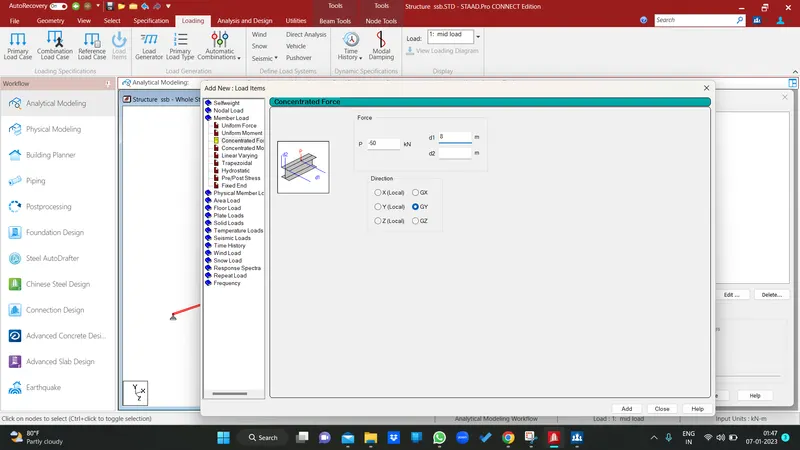
load been applied
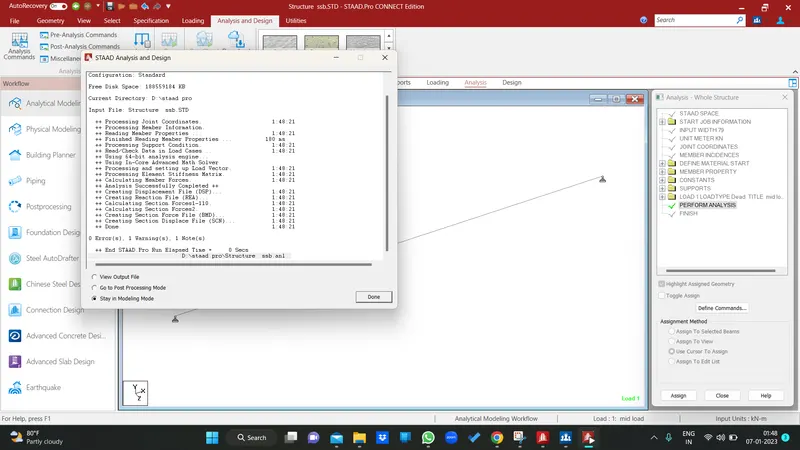
then i m just analysed the beam and go to post processing , mode
sfd
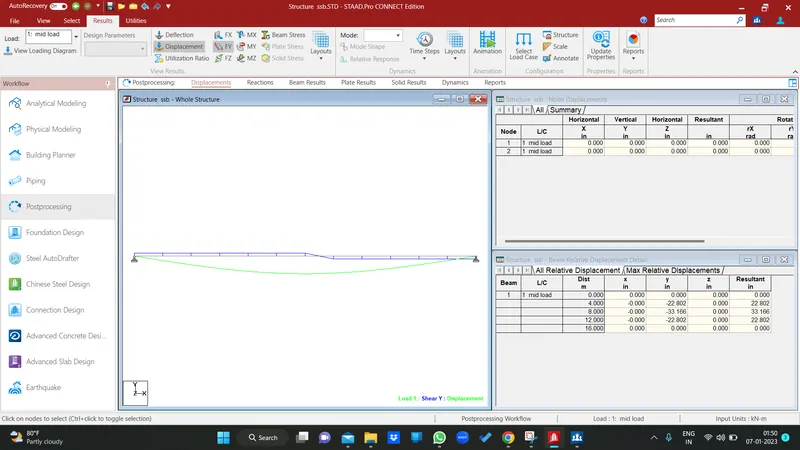
bmd