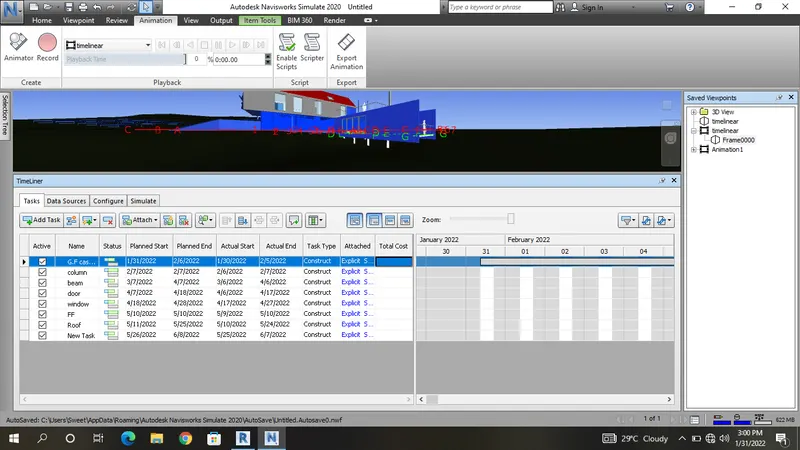
Usage of Navigation tool , Timeliner and Clash Detection test using Naviswork
1.
Aim:
To draw the templates using in Naviswork
Procedure:
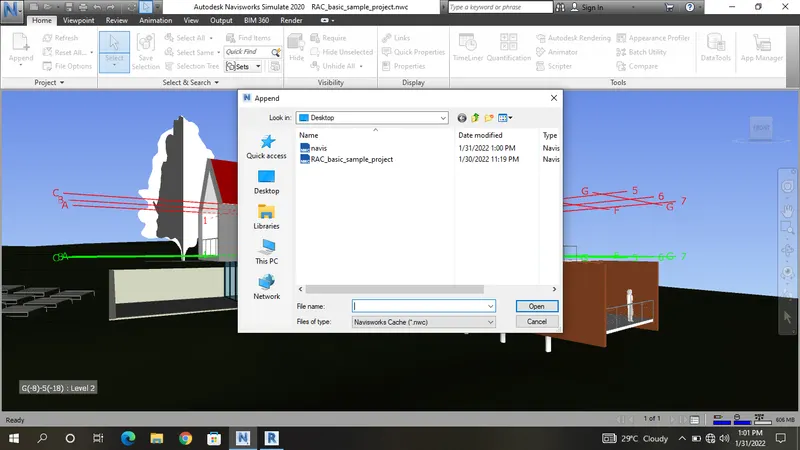
Step 1
Go to the sample architectural file
select the templates
Step 2
select the file option
select the NWC file
Step 3
processing the file
save the file at desktop
2.
Aim:
To draw the templates using in Naviswork
Procedure:
Step 1
Go to the naviswork file
select the existing file
Step 2
select the viewport
select the walk option
Step 3
select the save record option
walktrough the all the places
Step 4
select the animation option
export the video file
Step 5
save the desktop
3.
Aim:
To draw the templates using in Naviswork
Procedure:
Step 1
Go to the naviswork file
select the existing file
Step 2
select the viewport
select the walk option
Step 3
select the realism
select the third party
Step 4
select the save record option
walktrough the all the places
Step 5
select the animation option
export the video file
Step 6
save the desktop
4.
Aim:
To draw the templates using in Naviswork
Procedure:
Step 1
Go to the naviswork file
select the existing file
Step 2
select the clash dectative
open the new dialogue box
Step 3
select the add task
text the name
Step 4
select the architectural file
select the structural file
click to the run time
Step 5
class dectative all select
change the class
5.
Aim:
To draw the templates using in Naviswork
Procedure:
Step 1
Go to the naviswork file
select the existing file
Step 2
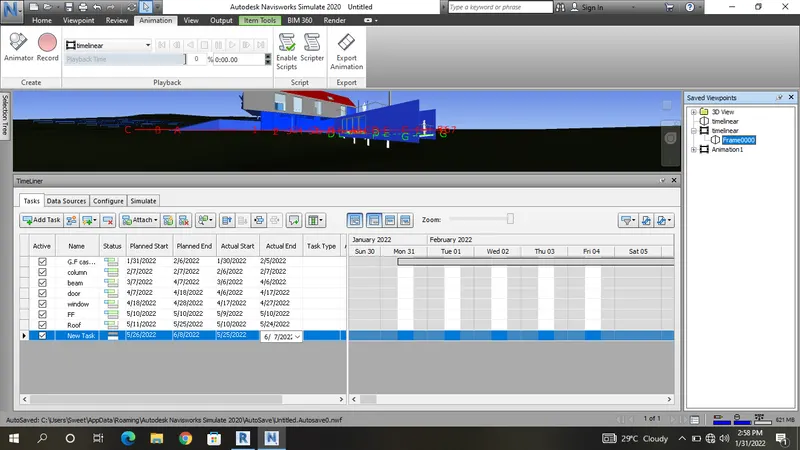
select the timeline
open the dialogue box
Step 3
select the selection tree
select the floor at casework
Step 4
select the add task
text the casework,column,beam,floor roof
Step 5
add the date and actual date