Usage of Navigation tool , Timeliner and Clash Detection test using Naviswork
1)
AIM: To export the architectural and structural project file to Navisworks Cache file.
PROCEDURE:
- Open the Architectural model.
- now click on the file >export>NWC
- File will be exported to the Navisworks Cachefile.
- Open the structural model and repeat the same process.
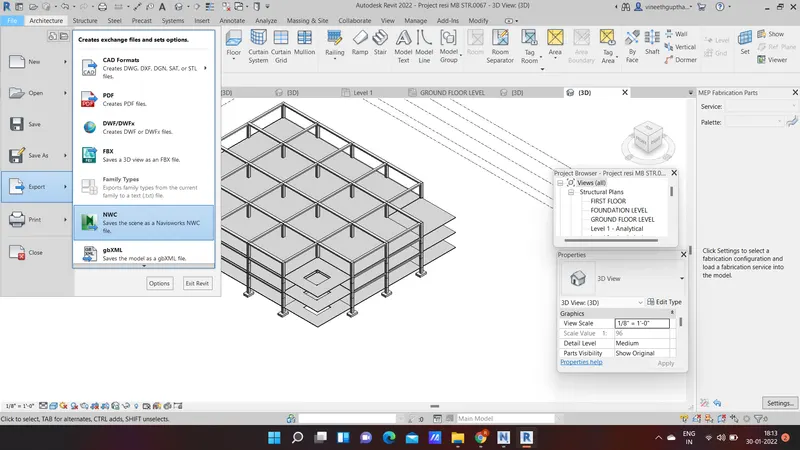
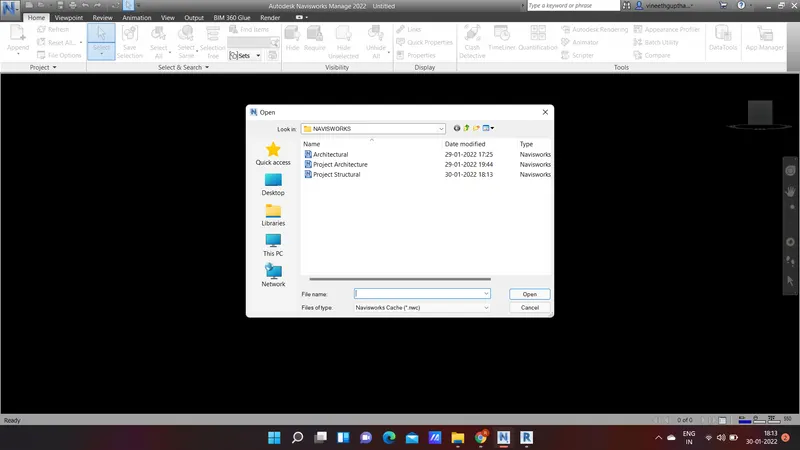
RESULT : The architectural and structural files are exported to the Navisworks cache file.
2)
AIM: To use the navigate tool to walk around the model and record your moving as animation in navisworks.
PROCEDURE:
- Open the file
- Click on View point > 3D view
- view point > click on walk
- Click on the animation bar click on the record .
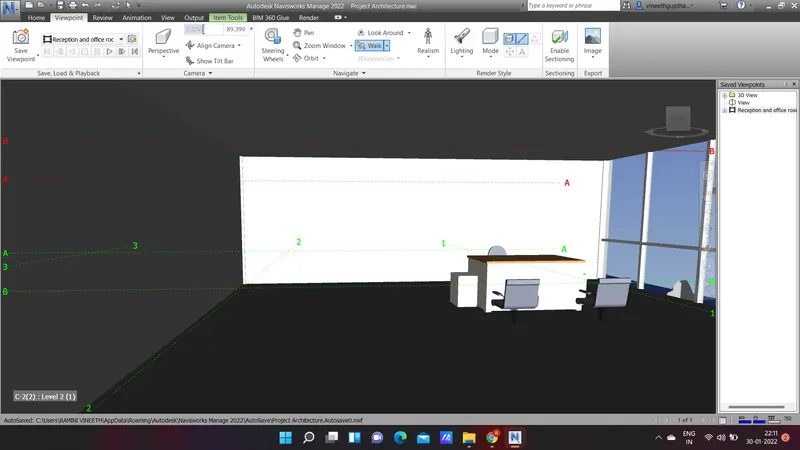
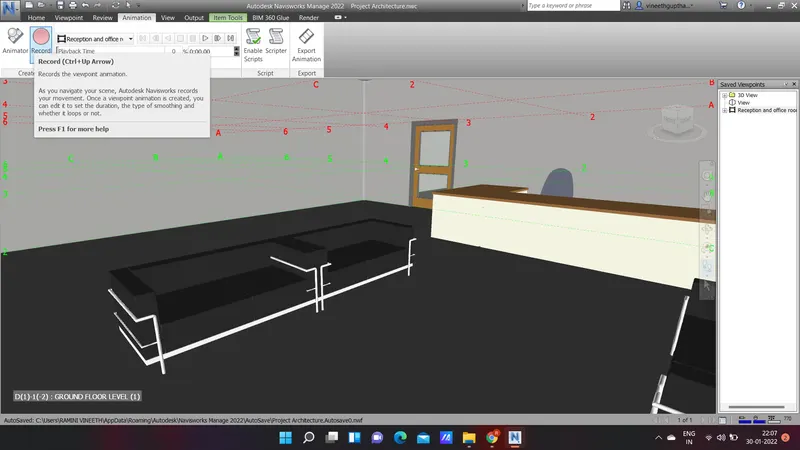
RESULT : The walk through and video hass been created.
3)
AIM: To use the realism feature to walk through the model and record my moving animation.
PROCEDURE:
- Open the file in Navisworks
- Click on viewpoint > Realism > third person.
- Go to animation > record.
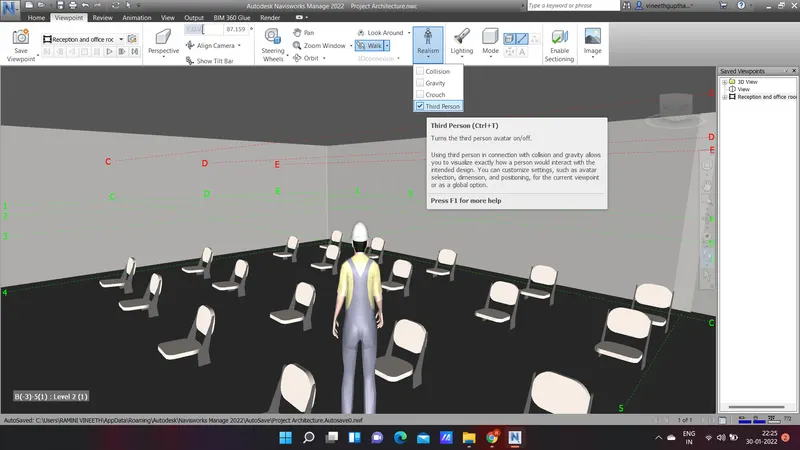
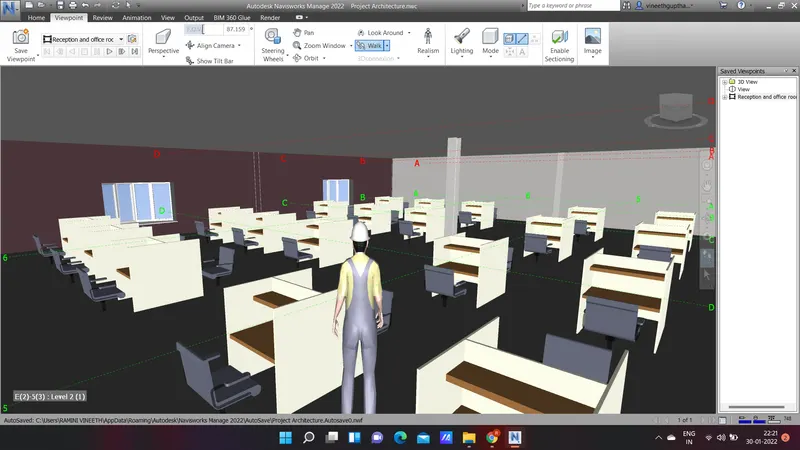
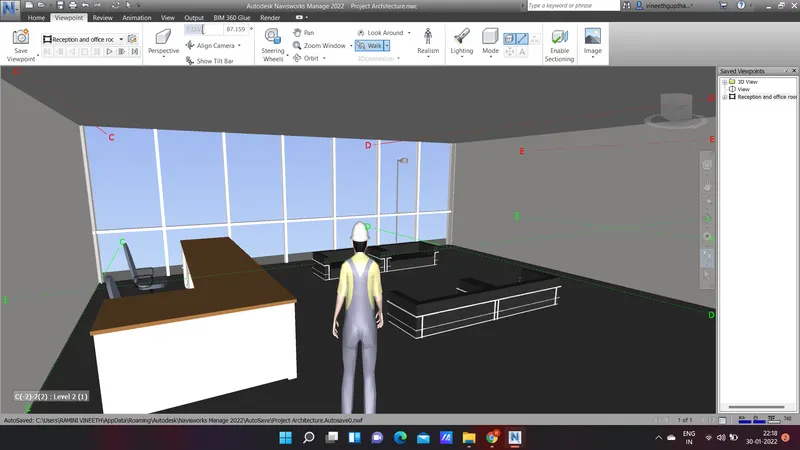
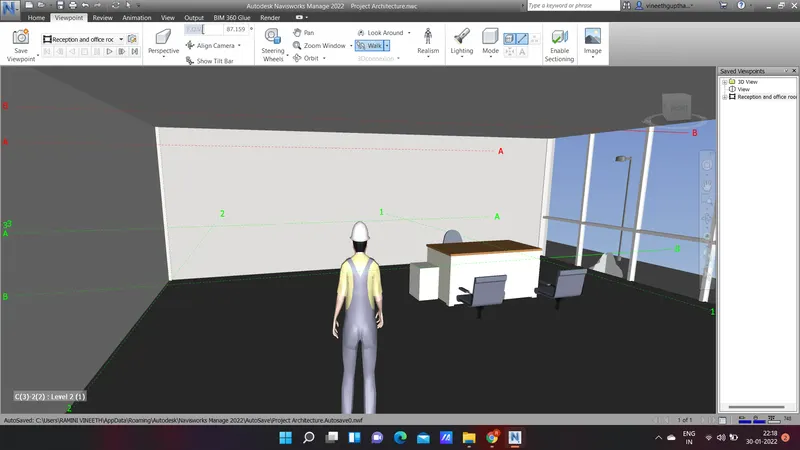
RESULT : The Realism feature to walk through the model is used and recorded.
4)
AIM: To create a clash detection test between the models.
PROCEDURE :
- Go to the home tab > clash detective
- then run the clash detection test.
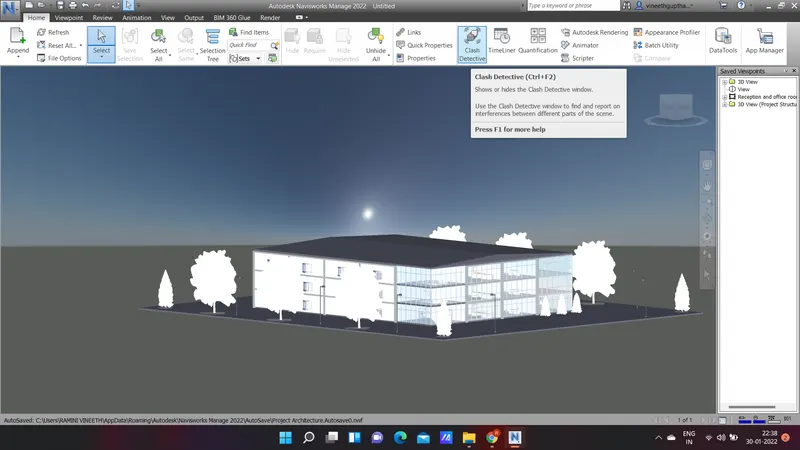
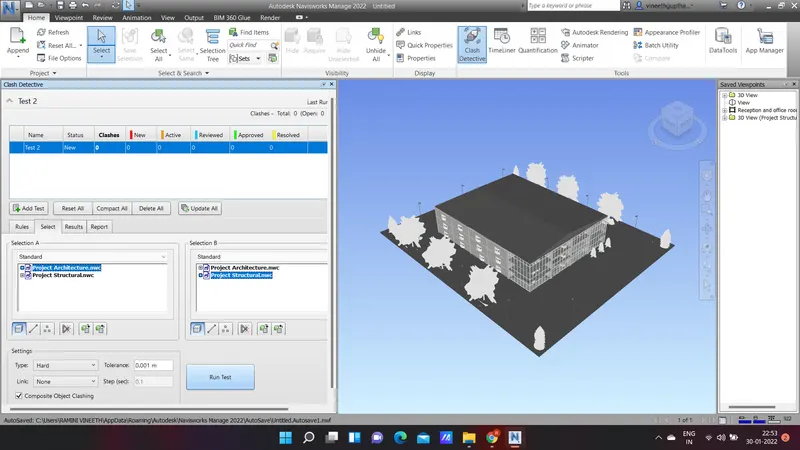
- Study the clashes beetween two models
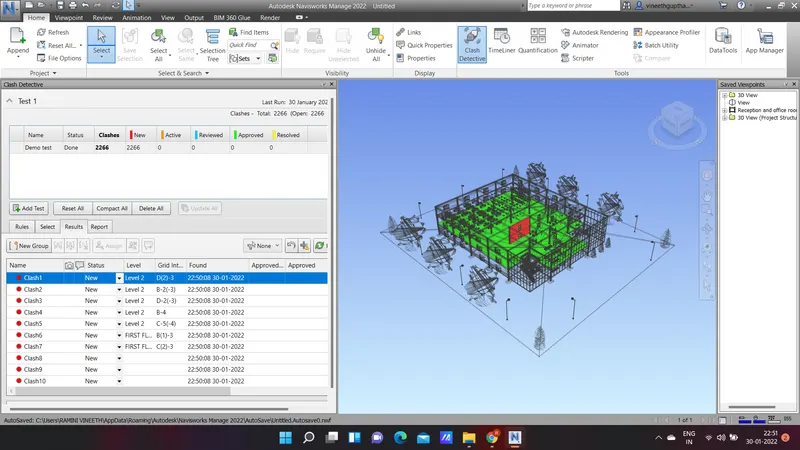
- List which of the clashes could be approved
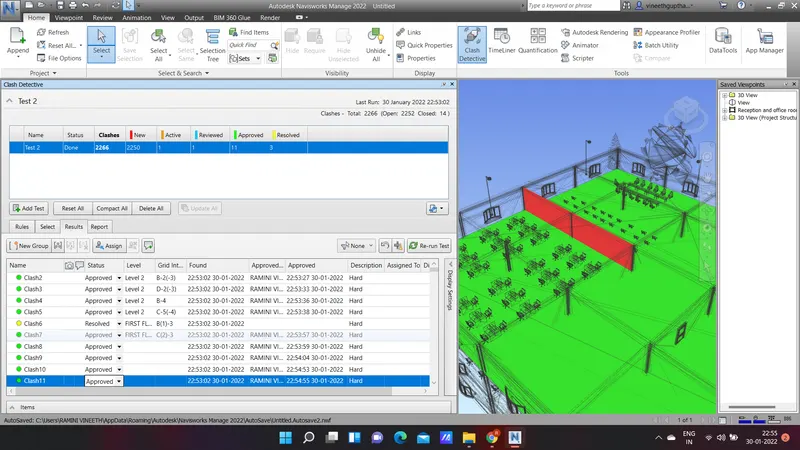
- List which of the clashes could be neglected
- List which of the clashes can be resolved.
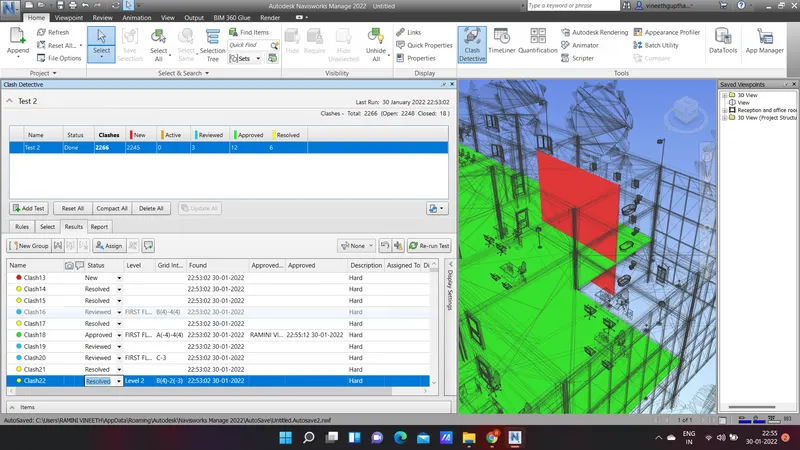
- Save the result after color clashes to the navisworks file.
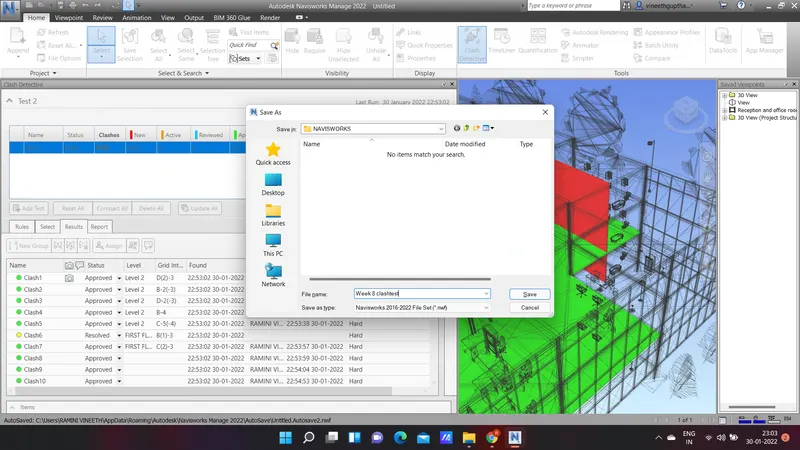
RESULT : The clash detection test is done successfully in this project.
5)
AIM: To create timeline feature in navisworks.
PROCEDURE:
- Click on the timeliner
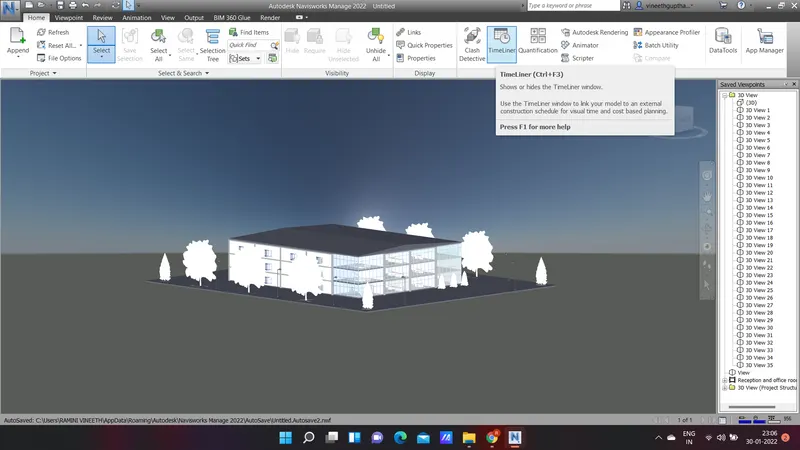
- Click on the attach and select the desired levels and components.
- After that we have to enter the start and end date,type (construction).
- Click on simulate and record it
- Save the navisworks file.
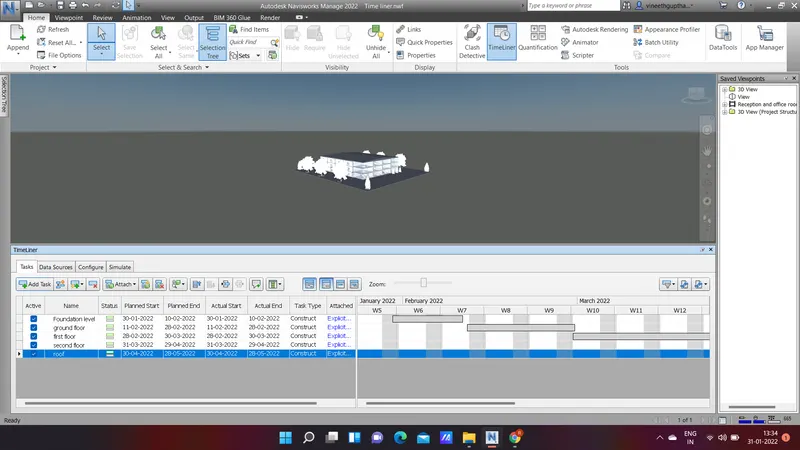
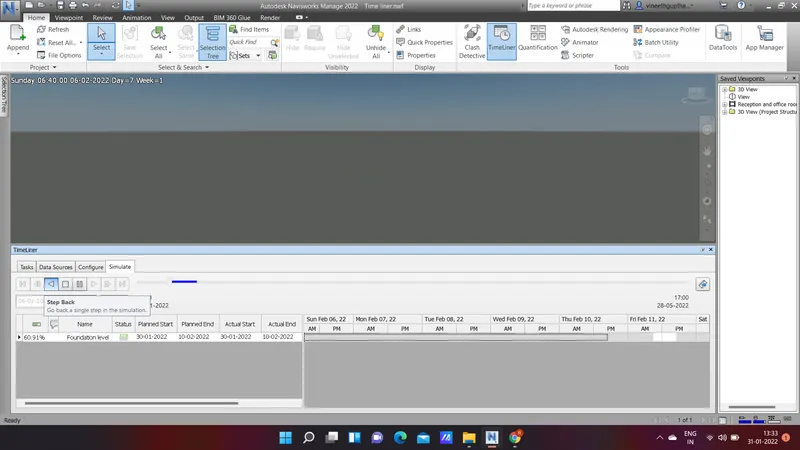
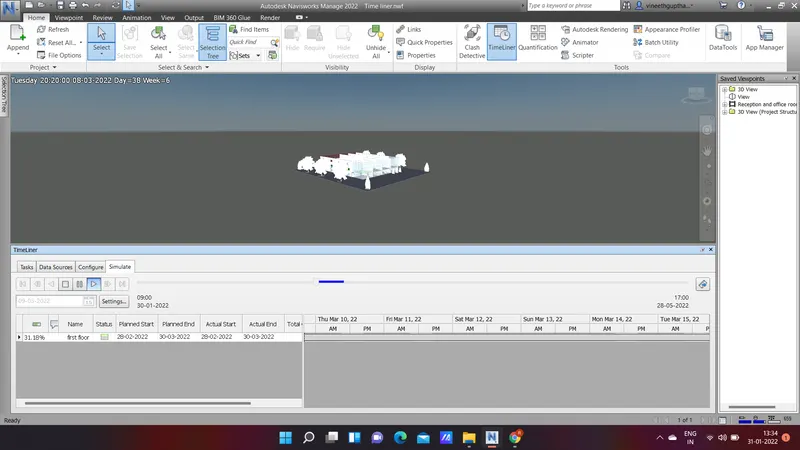
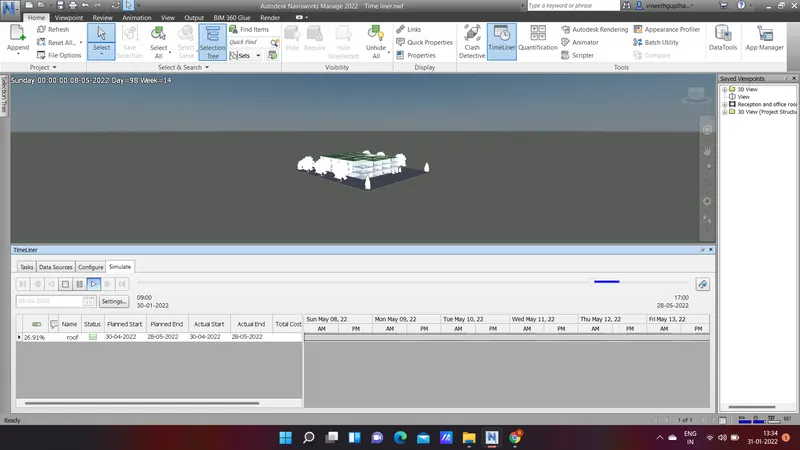
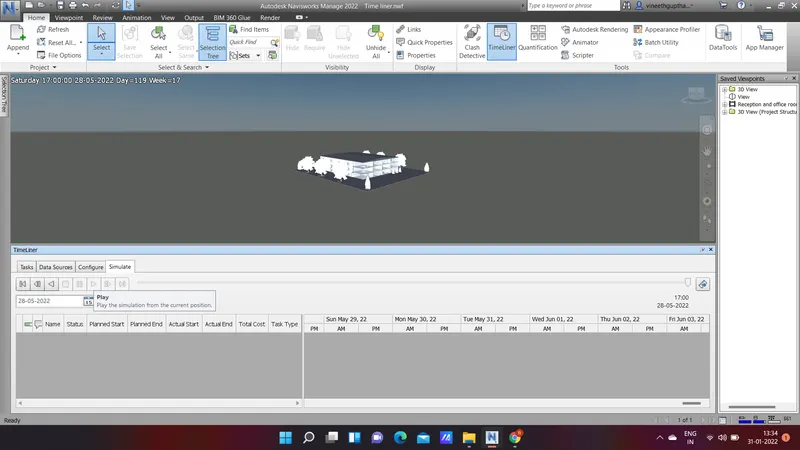
RESULT: Timeline feature is created in navisworks.