Usage of Navigation tool , Timeliner and Clash Detection test using Naviswork
A1. Installed NW Exported from autodesk and Installed.
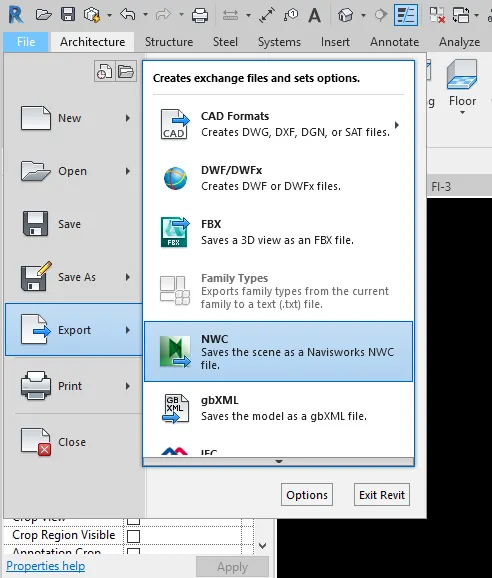
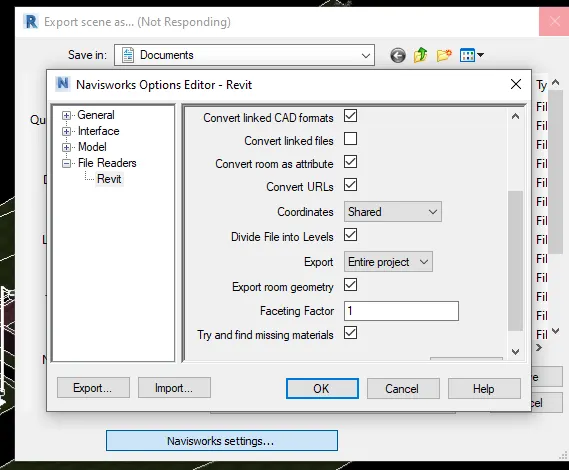
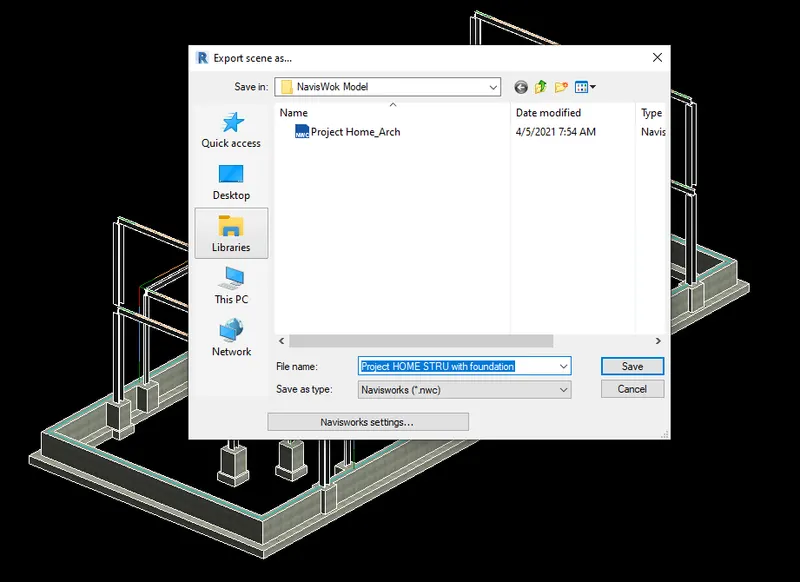
save to folder Arch model file. 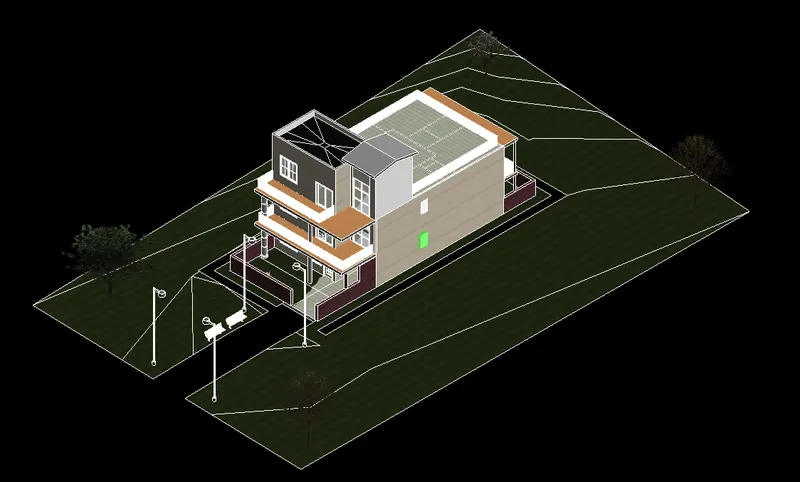
Saved Structural file
Ans 2: Walk around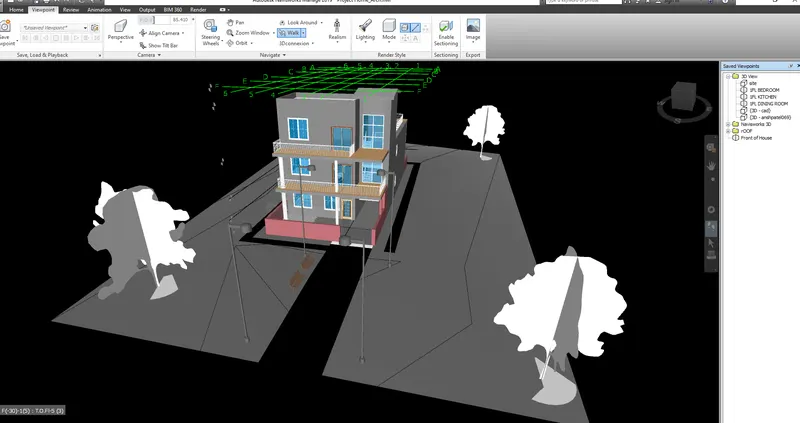
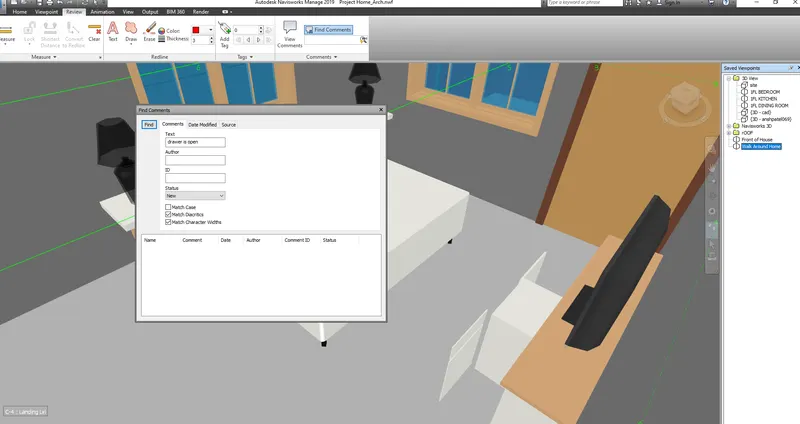
Walk around recorded to make animation. Frames are on the right side
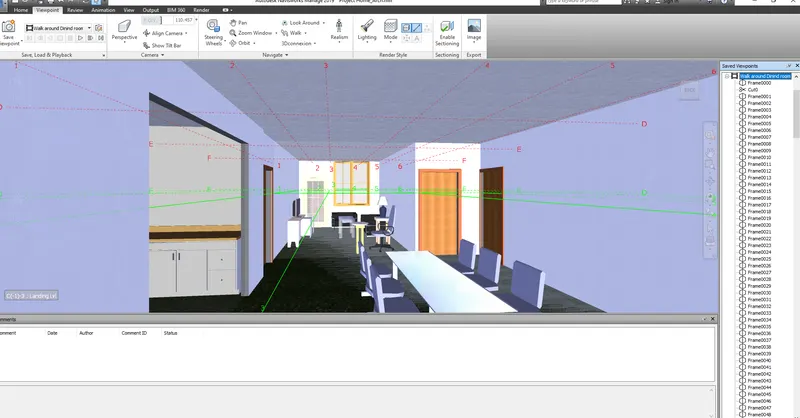
Ans 3:
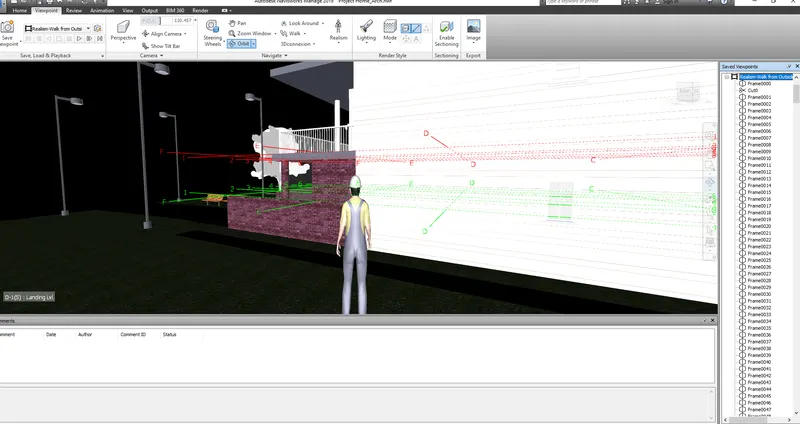
Above is Realism walk though from outside of Home to Inside the Kitchen.
Ans 4:
Open Arch model with Navis work.
Apend Structure model file. 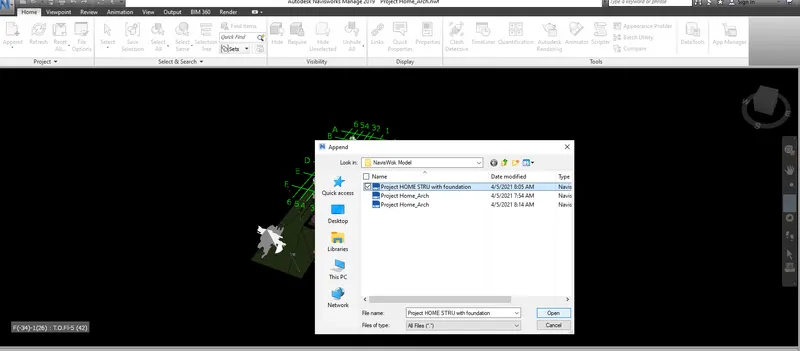
a. Class Detection Test
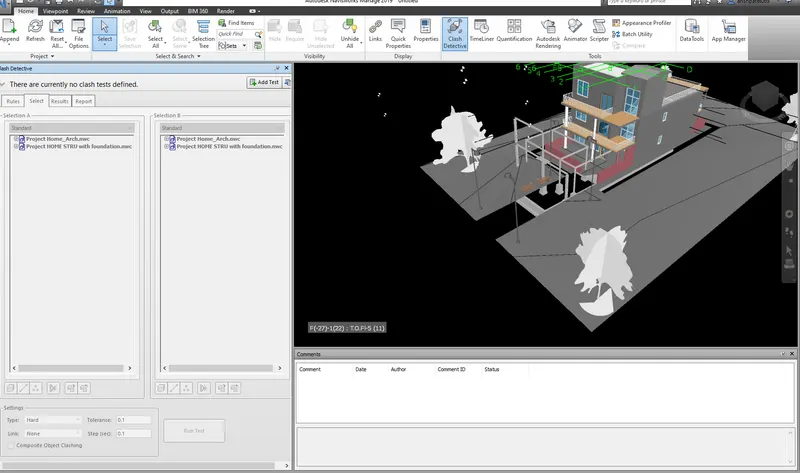
add test:
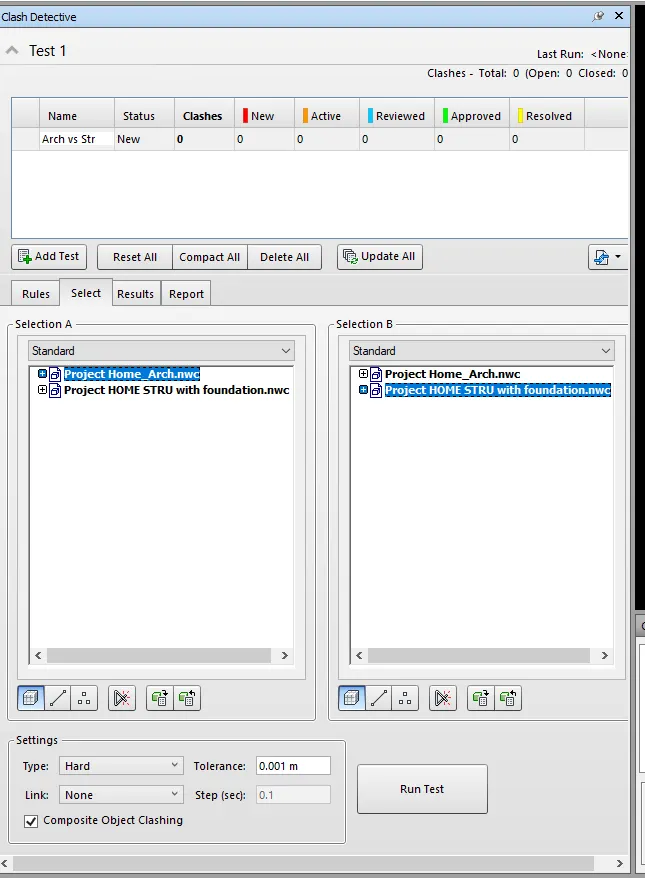
Result: 95 clashes:
reviewed, approved, resolved already etc..
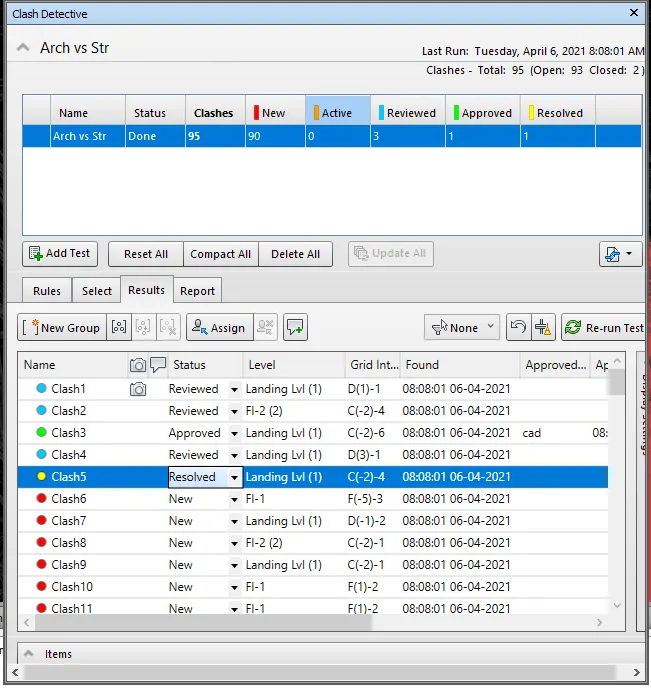
Report:
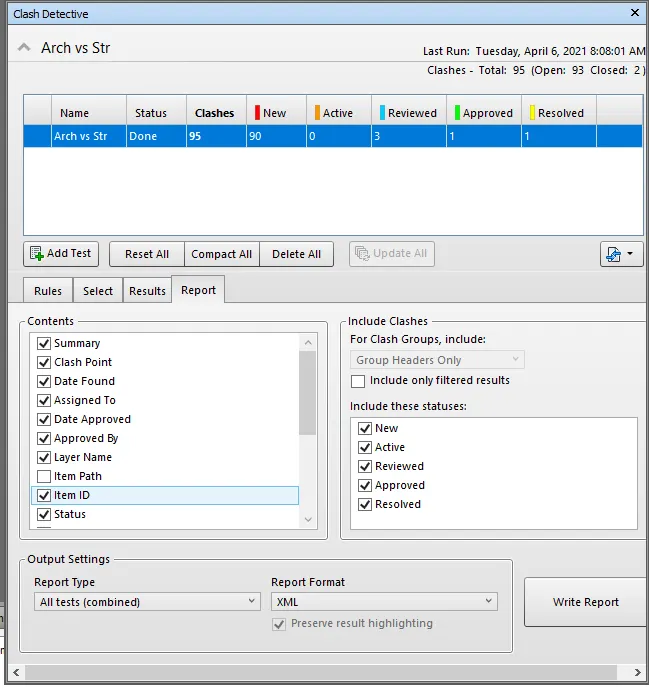
Ans 5:
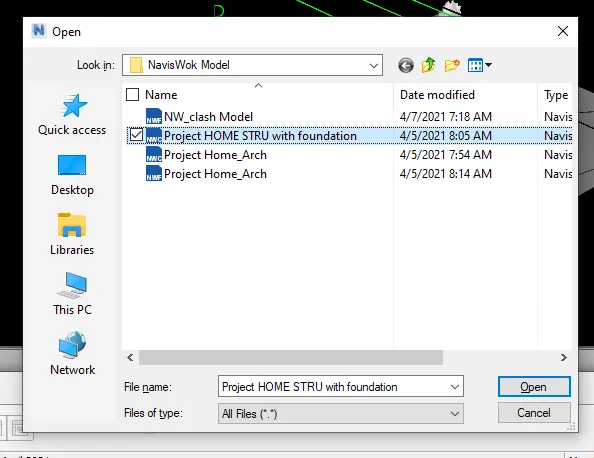
open the NWC ( Model )file , you want to schedule.
If you do not see selection tree on the screen, then View , window and turn the check box on.
Home > Time Liner
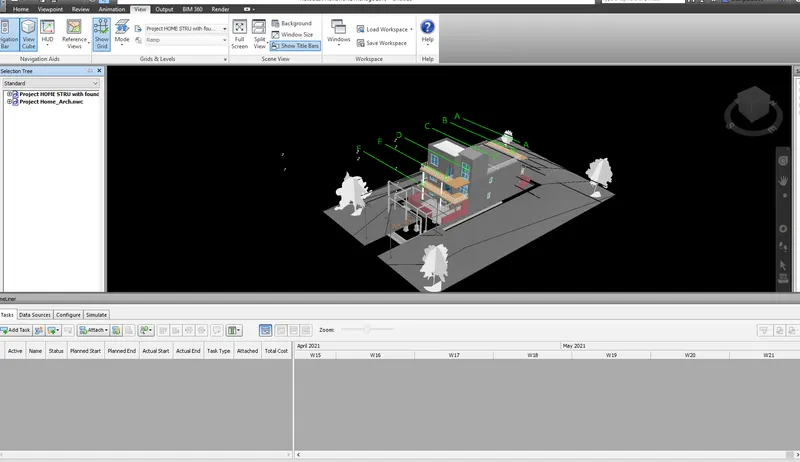
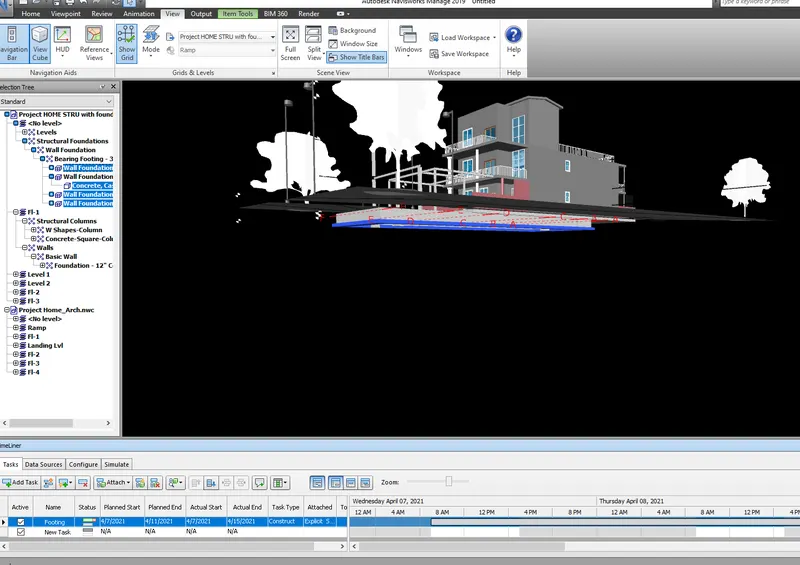
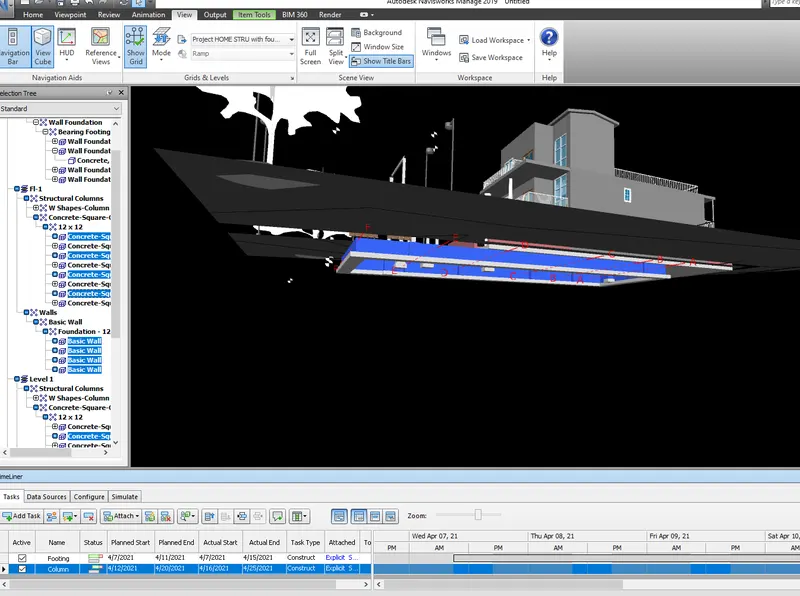
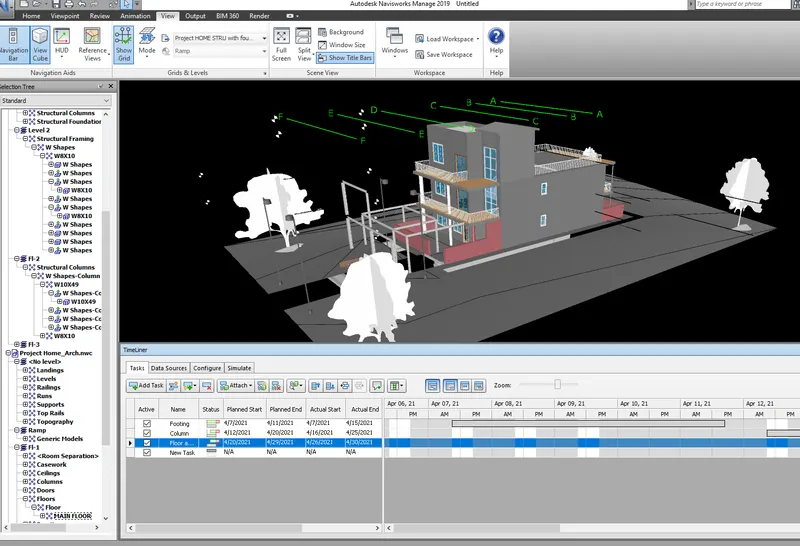
Simulate the task: 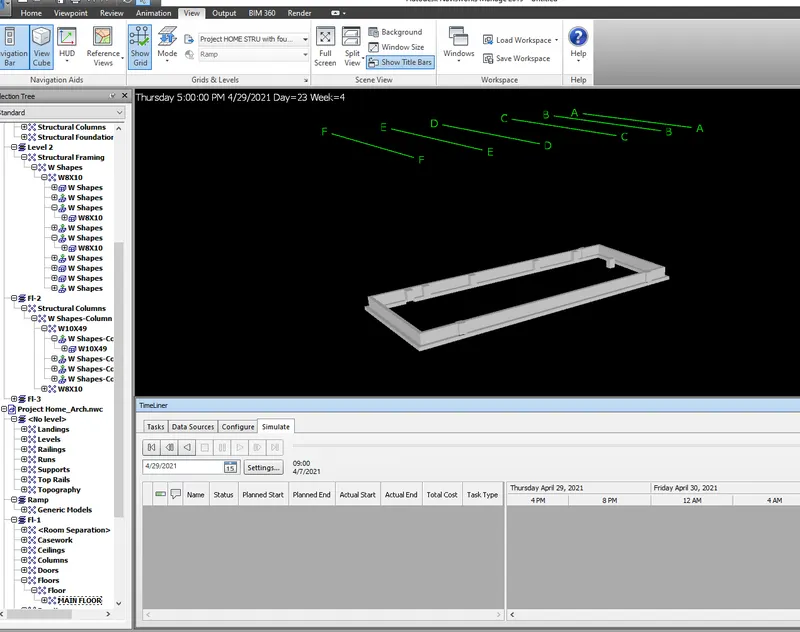
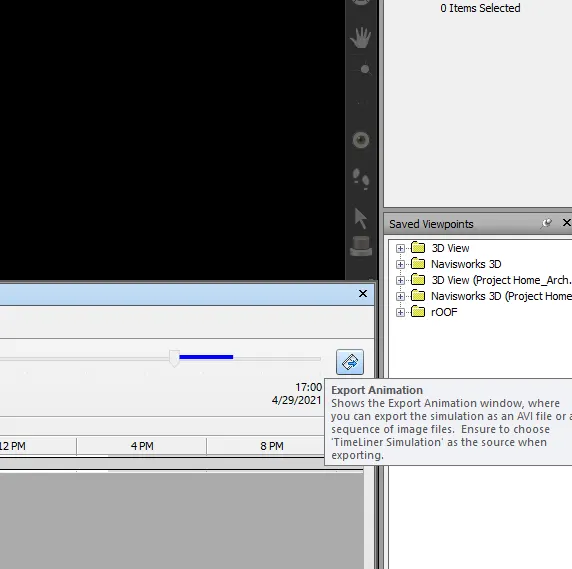
Export the Navigation as format.