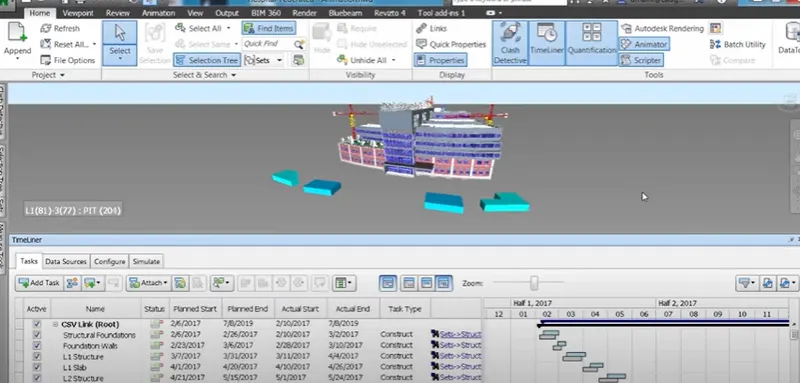
Usage of Navigation tool , Timeliner and Clash Detection test using Naviswork
1)
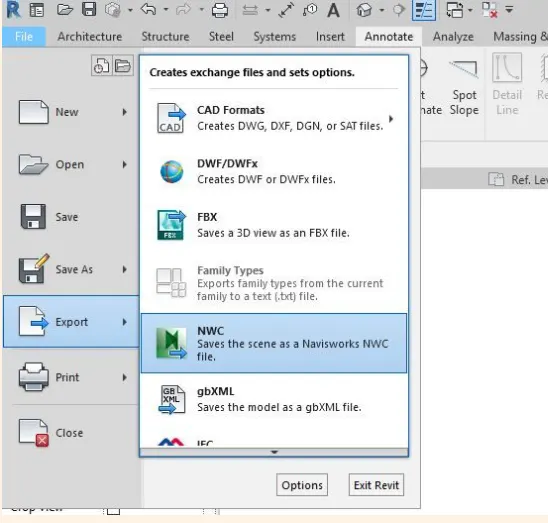
AIm-To use the Architecture/ Structure Project file developed by you in Week 6 to 8. Export the Revit architecture and structure model to Navisworks Cache file
Procedure-
Go to file tab and export the revit file model into navisworks by NWC.
Results
2)
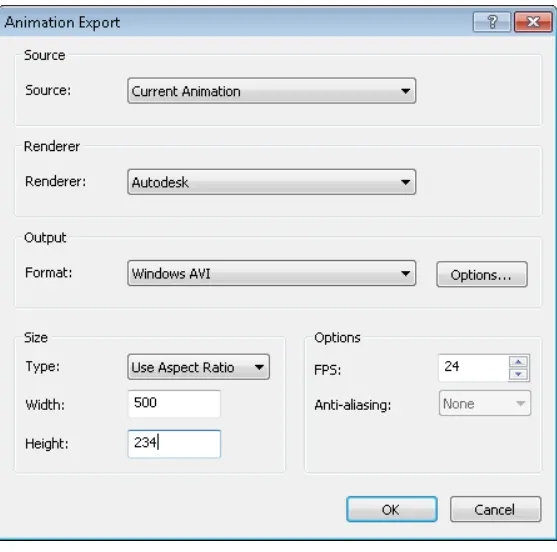
AIM-To use Navigate Tool to walk around the model and walk through the rooms created and record your moving as animation in your Navisworks file
3)
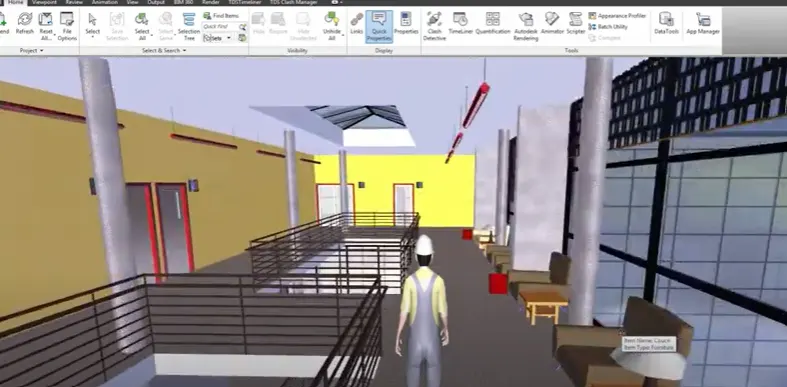
AIM- To use Navigate tool to use Realism feature to walk through the model and record your moving as animation in Navisworks file
4)
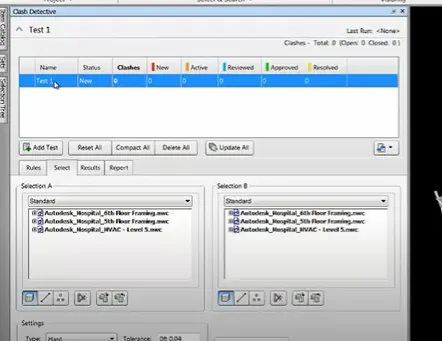
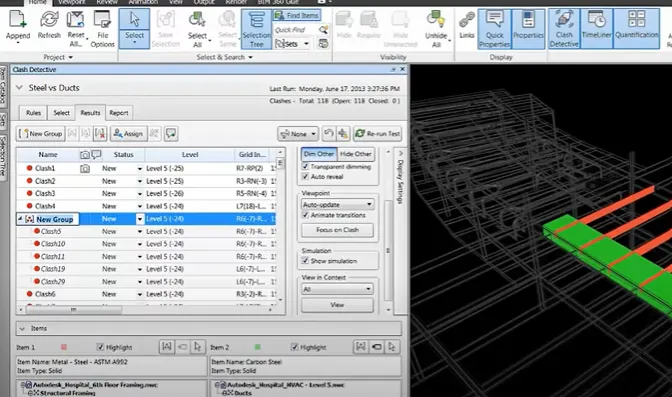
AIM- To embed both architecture and structure *.nwc file to your Navisworks file and to create a clash detection test between the two models

5)
AIM- To prepare a schedule for the project developed in week 6 to 8 by adding reasonable assumptions for task start date and end date and simulate the task completion as a visual simulation.