Introduction to REVIT concepts
1)

2)
3)
4)
5)
6)
7)
8)
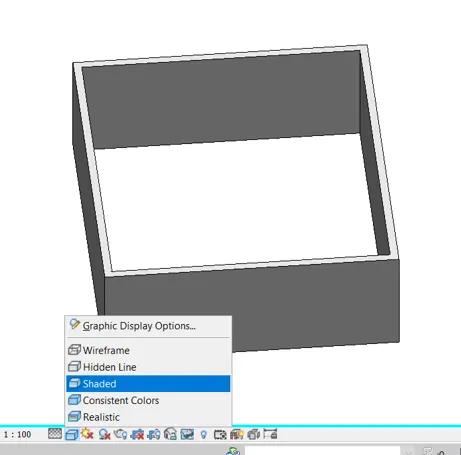
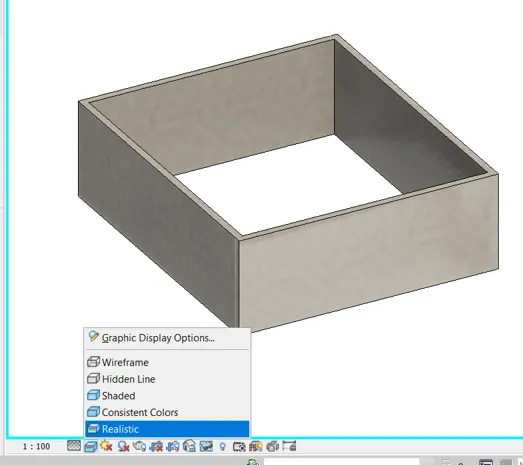
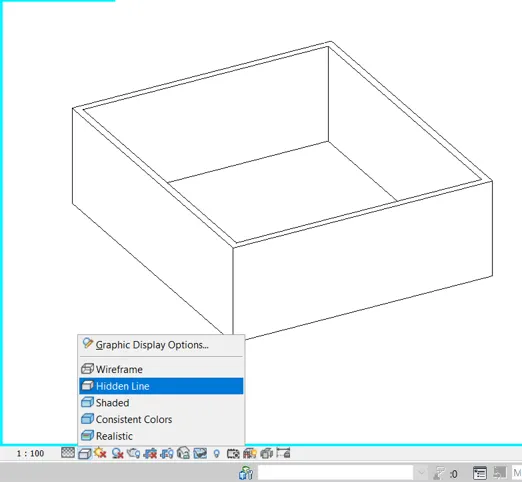
9)
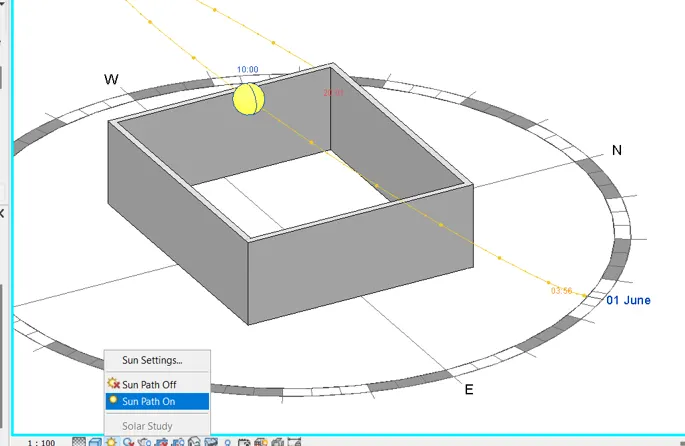
10)
11)
Analyze toolbar is used for analysis of the structural members with imposing loads and analysis and to provide the spaces and zones in MEP zones of the model.It will be used to produce reports schedules and quantities with checks sysytems of MEP ENergy optimization of any elaments in Buildings Of MEP and finally with the results of the report with the rsults manager.
12)

13)
Collaboration tab is used for making collaboration between the models of different disciplines like MEP Structural and architectural. SIngle project model can be accessed by all the users working on the model and to work on the same model by creating a central model with creating different worksets. Also the worksharing moniotor is availabale to monitor how the sharing of work between different users works. also copy monitor can be done with the linked models to the original project model.So that the copied and monitored model will be coordinated with the frewuent review with the hekp of coordination review. Finally the clash checks between the elements of the model can be done by Interfernce check.