Usage of Collaborate tool in REVIT
AIM : Open an architectural template. Using the Manage tab set project base point and project shared coordinates for the project
Introduction :
- When you combine multiple models and files in a single project, use shared coordinates to establish the positions of the files in relation to each other.
- A Revit project has internal coordinates for all the elements that compose the model in a project. Those coordinates are known to this project only. This is sufficient if you have a standalone model whose position is not relevant to other models or to a site. However, if you want the position of the model to be known to other linked models, you need to share coordinates.
- Use the Shared Coordinate tools to establish the relative positions of the different files and ensure that those relationships are maintained. To establish a common coordinate position and then share that position between files, use the acquire coordinate tool or the publish coordinates tool.
Procedure:
step 1 : Open the file in Revit go to manage tool bar
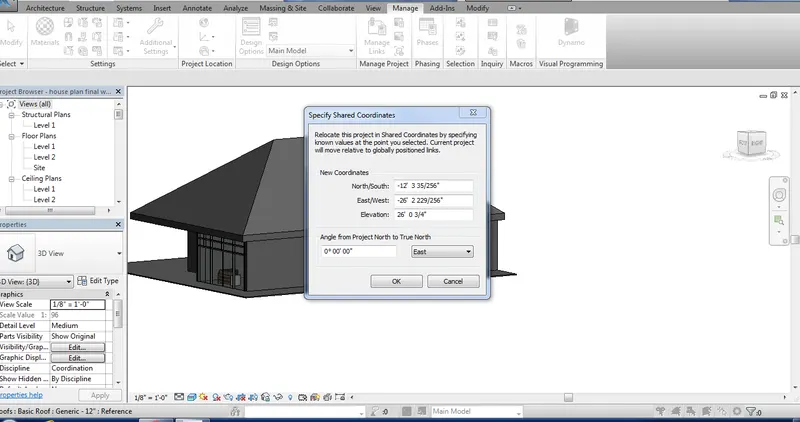
step 2 : In manage tool bar go to project location click on project shared coordinates
Step 3 : Click on the drawing select the coordinate
AIM : Open another new file but with a structural template. Using the manage tab set project parameters the same as the architectural model. Copy the parameters from the architectural model to the structural template or enter the parameters manually into the structural model
Introduction :
- When you combine multiple models and files in a single project, use shared coordinates to establish the positions of the files in relation to each other.
- A Revit project has internal coordinates for all the elements that compose the model in a project. Those coordinates are known to this project only. This is sufficient if you have a standalone model whose position is not relevant to other models or to a site. However, if you want the position of the model to be known to other linked models, you need to share coordinates.
- Use the Shared Coordinate tools to establish the relative positions of the different files and ensure that those relationships are maintained. To establish a common coordinate position and then share that position between files, use the acquire coordinate tool or the publish coordinates tool.
Procedure:
Step 1 : Open the structural file in revit
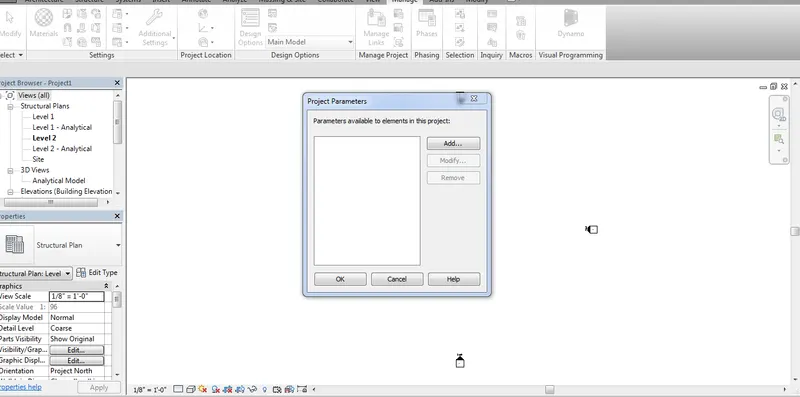
Step 2 : Go to manage tool bar click on project parameters
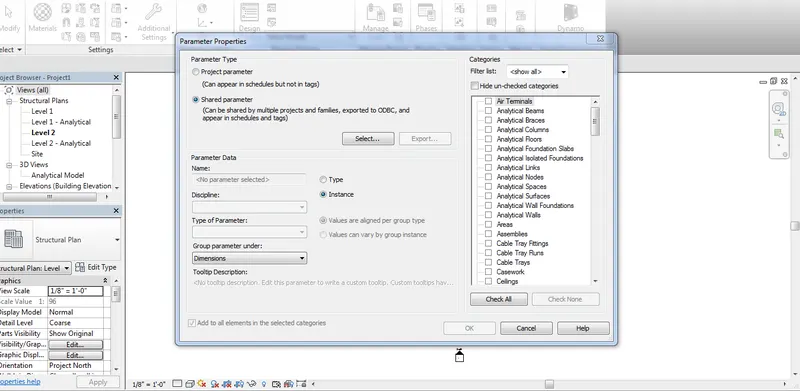
Step 3 : Click on add file
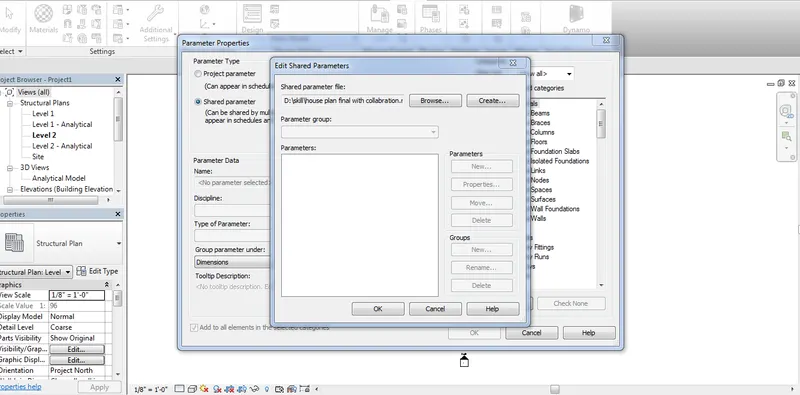
Step 4 : Click on project parameter shared file
Step 5 : Select the file where you saved the file
Step 6 : Click on open file and select file