Tool Test-2
OBJECTIVE
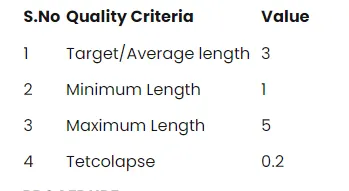
In this tool test in the given component intake manifolde we have to check for the geometrical errors and mesh with the given
element Quality criteria. Use tetra elements to model the component and there should not and kinks and dips on the surface of the
component.
PROCEDURE
Import the model into the ANSA and check the property, thickness etc.
Then topo the surface to clear the free edges and unwanted cuts.
Then give the topo – faces – orient to orient the all surface.
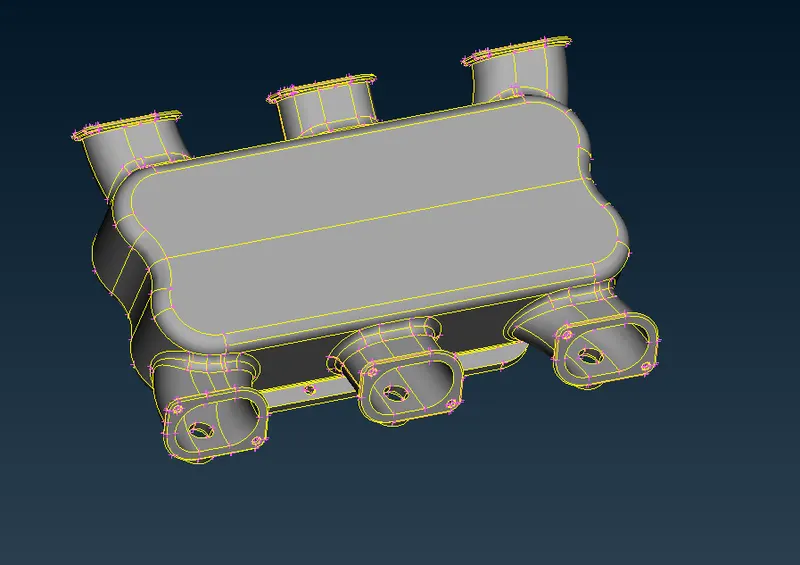
Then go to utilities – checks – geometry check to do geometry check whether any free edges, cracks on the surface of the
components.
To do solid mesh we have to do shell mesh.
Before meshing the components give perimeter length and macros length, by mesh – perimeter – length.
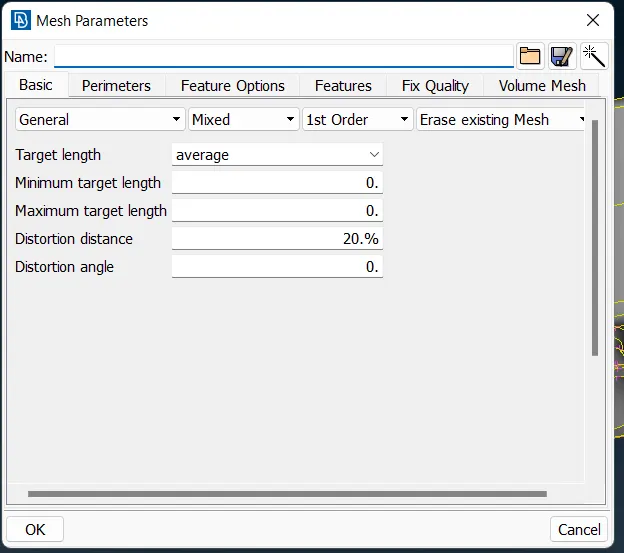
Then give the mesh parameters in utilities – mesh parameters
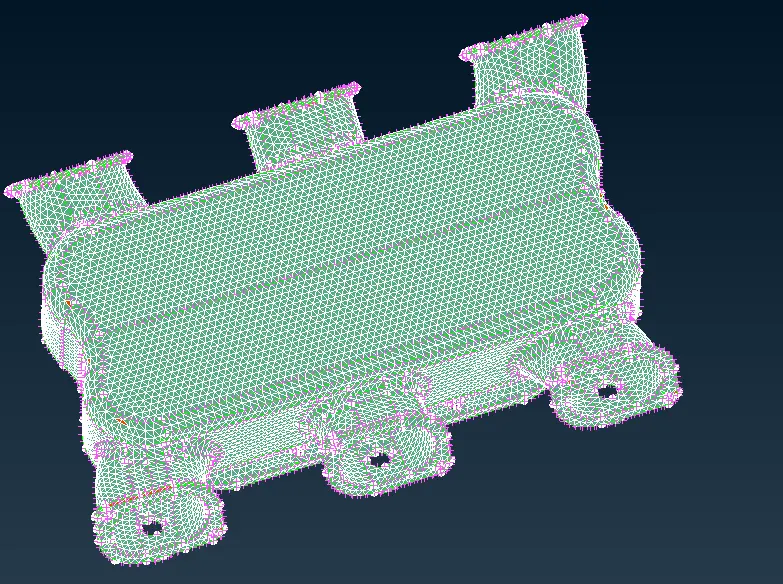
Then to achieve the quality use mesh – mesh generation – spot mesh, for fillet region we will use ortho tria rest plain region as
tria.
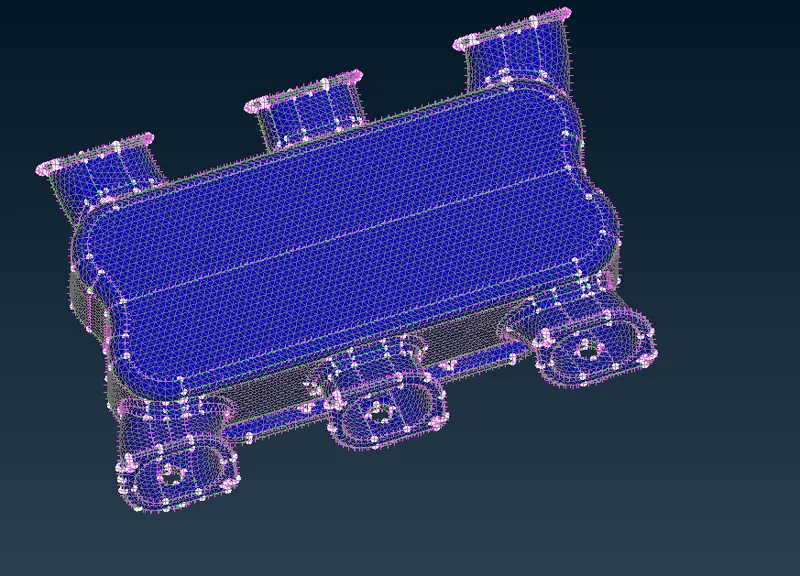
Then release the FE from geometry by v.mesh – volume mesh – release.
The define the volume list by v.mesh – volume mesh – define – manual.
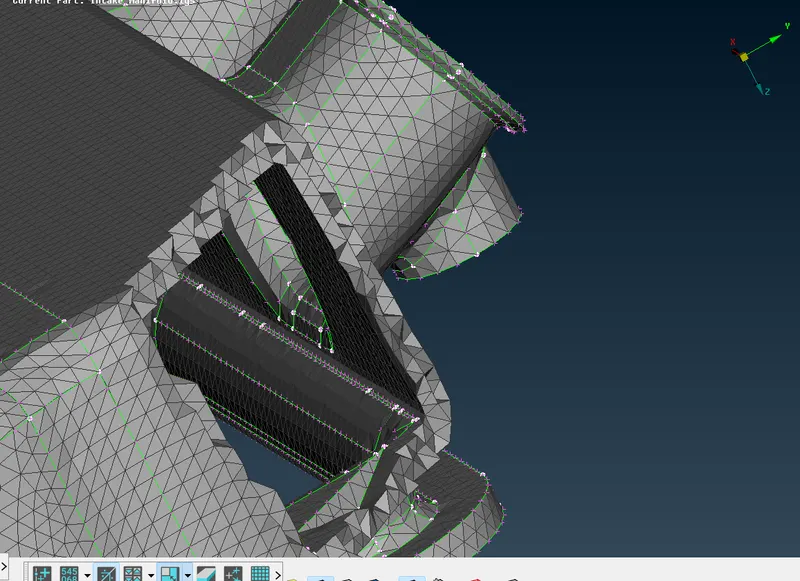
Then generate tetra mesh by v.mesh – unstructured mesh – tetra rapid/tetra FEM.
CONCLUSION
Finally 3D solid tetra mesh for the given CAD model is generated with given quality criteria, geometry clean up and without any
kinks and dips.
LEARNING OUTCOMES
In this challenge we learnt how to do solid meshing for different components using ANSA pre-processor. .