Week 6-Meshing of Hood Challenge
AIM:-
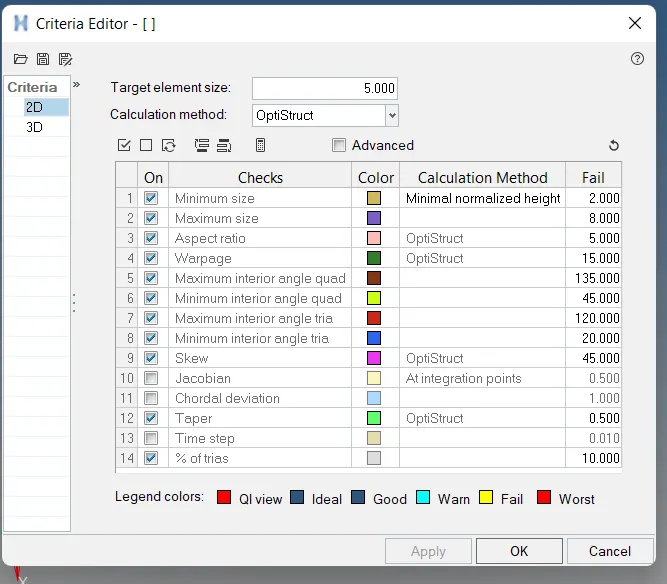
Follow the below-mentioned quality criteria, mesh the component given below and assign thickness
Target Element Length = 5mm
S.N Quality Criteria Value
1 Aspect Ratio 5
2 Skewness 45
3 Warping 15
4 Taper 0.5
5 Min. Length 2mm
6 Max. Length 8mm
7 Min angle Quad 45
8 Max angle Quad 135
9 Min angle Tria 20
10 Max angle Tria 120
11 Tria % 10
THEORY
Hood:
A car hood, also referred to as a bonnet in some other countries is the hinged cover that rests over the engine of a front-engine vehicle. Its purpose is to provide access to the engine for repair and maintenance.
Hypermesh:
- HyperMesh is the market-leading, multi-disciplinary finite element pre-processor which manages the generation of the most significant, most complex models,starting with the import of CAD geometry to exporting a ready-to-run solver file.
- HyperMesh supports various CAD and solver interfaces, making it a perfect solution for most industry verticals and domains. With its advanced geometry and meshing capabilities, HyperMesh provides an environment for rapid model generation. Generating high-quality mesh quickly is just one of HyperMesh’s core competencies
- For complex sub-system generation and assembly, HyperMesh has advanced model assembly tools. Modelling of laminate composites is supported by advanced creation, editing and visualization tools. Design changes can be made easily via mesh morphing and geometry dimensioning
Procedure:
Before working on the model first create a new parameter and criteria with the target element size of 5mm and quality criteria as discussed in the
objective section. Enable mid surface extraction to auto-extract the mid surface of the components.
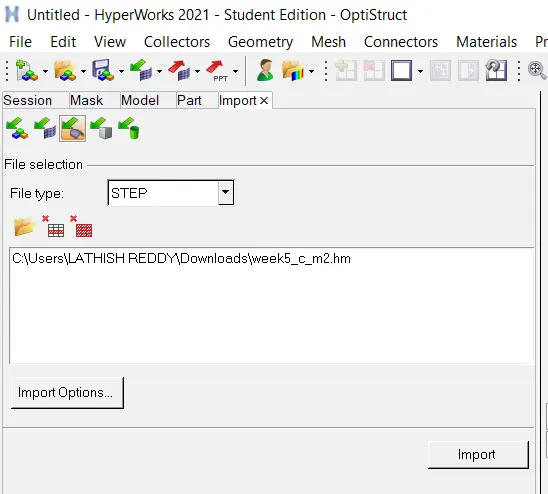
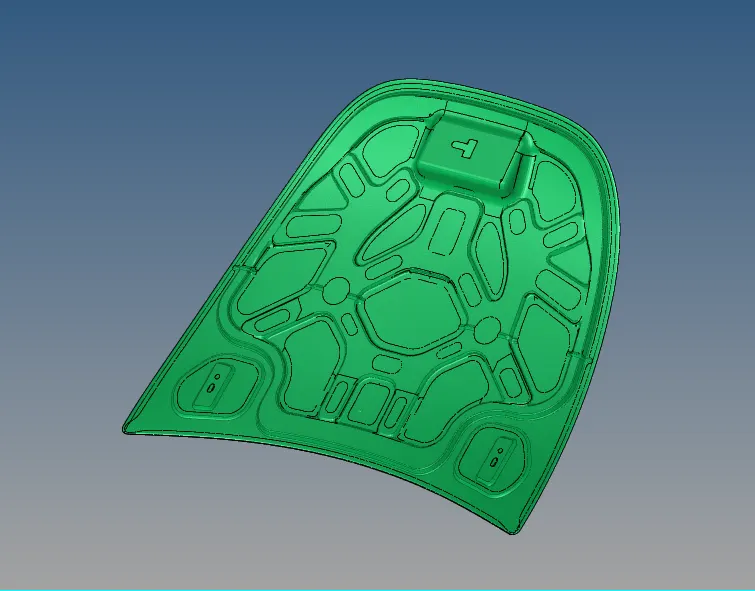
- Imoprt the geometry by clicking on the import option and select import geometry.
- Select the file type to STEP
- Brows and select the file to be imported
- Click the import button
- The model is imported in the hypermesh and make it fit to the graphical area using "F" key.
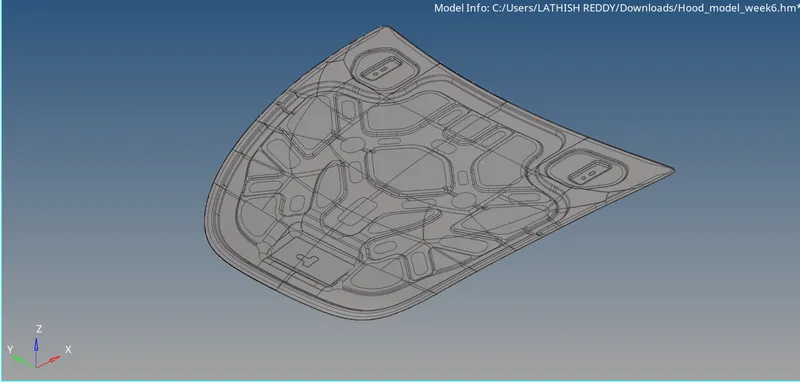
- As the model consist of the various components we should extract the midsurface for the each components and do the topology clean up.
- There are five components in the model
Inner_extract_body
Outer_extract_body
Hinge_reinforcement_extract_body1
Hinge_reinforcement_extract_body2
Latch_reinforcement_extract_body
- Midsurface Extract
- For the above five model the midsurface to be extracted and arrange them according.
- The midsurface is extracted for the each component using the midsurface option from the geometry menu
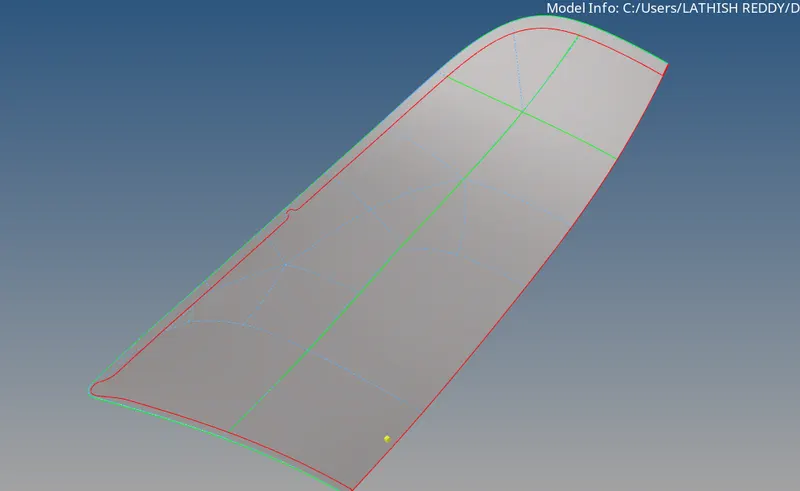
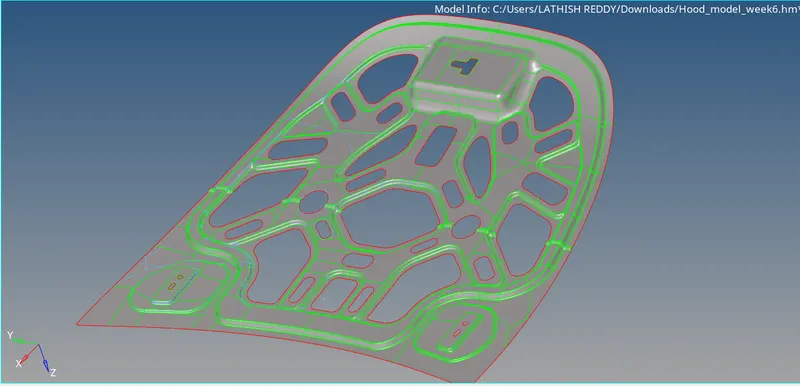
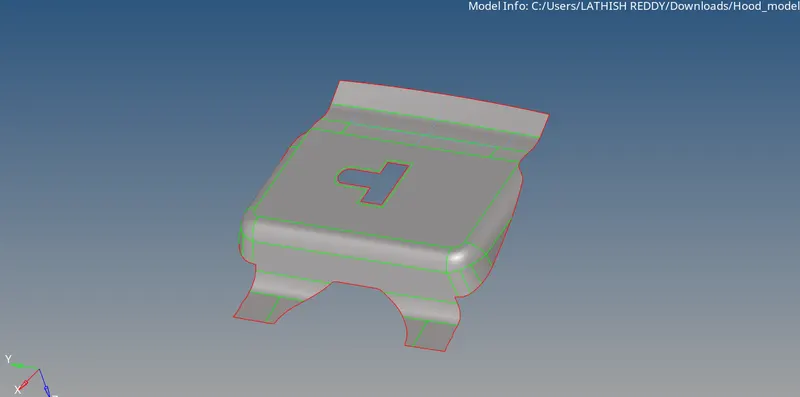
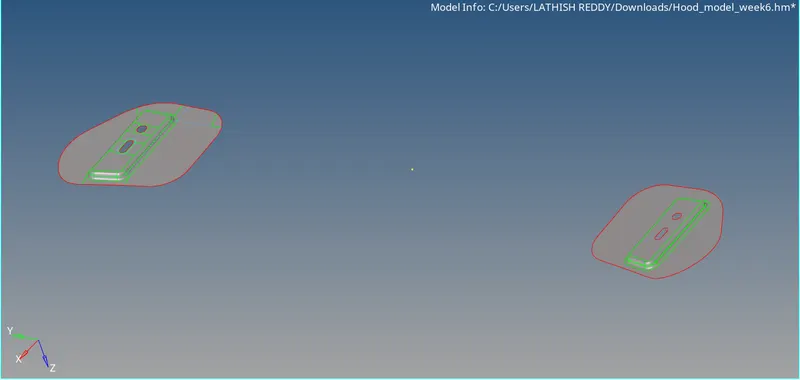
- Cleanup component
- Now the cleanup has to be performed in the midsurface of the each component by checking for any defect in the midsurface by changing the geometry topology mode
- Toggle the unnecessary lines by using toggle edge tool & create lines where is nececessary by using the split surf node & split surf line tool.
-

- Meshing
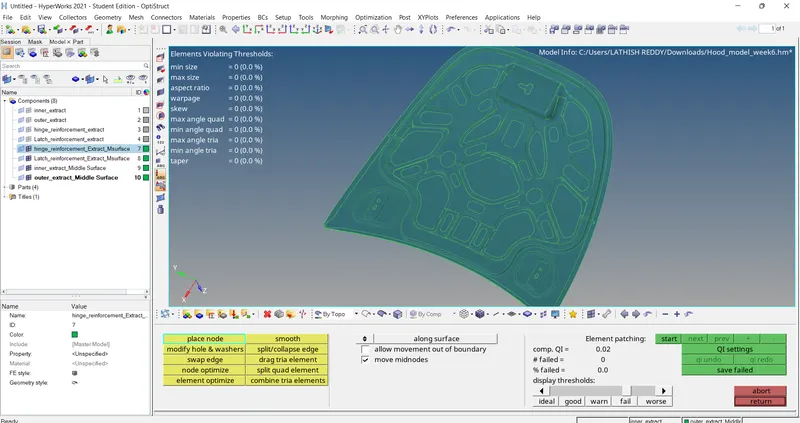
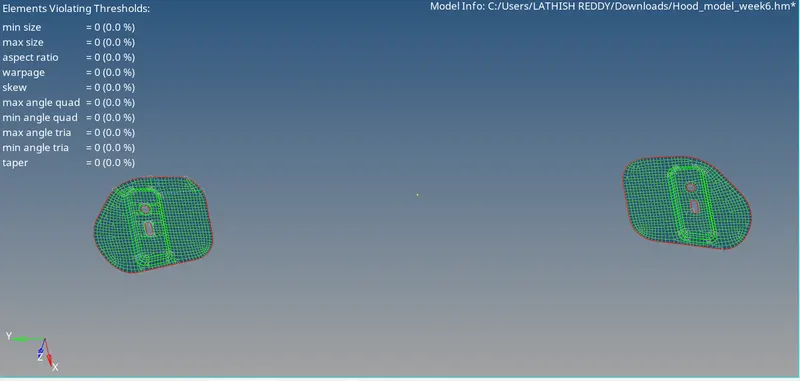
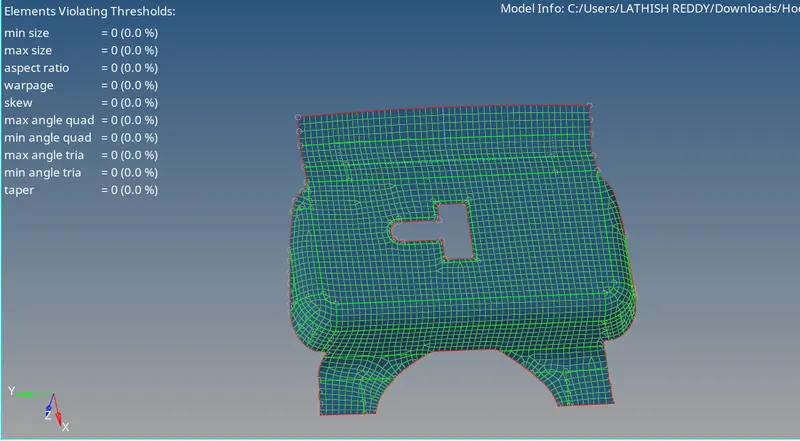
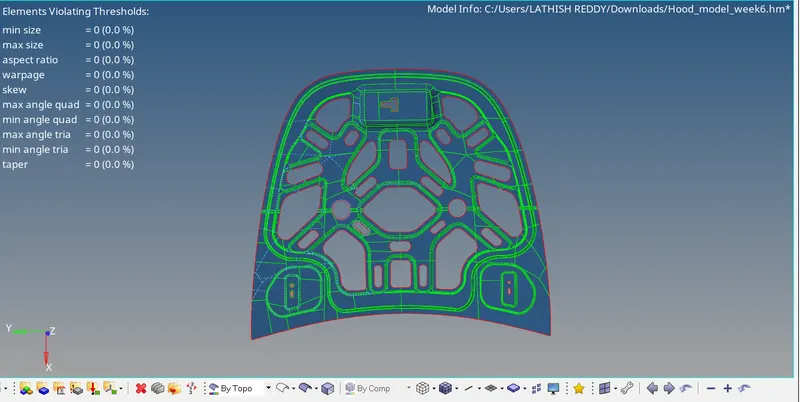
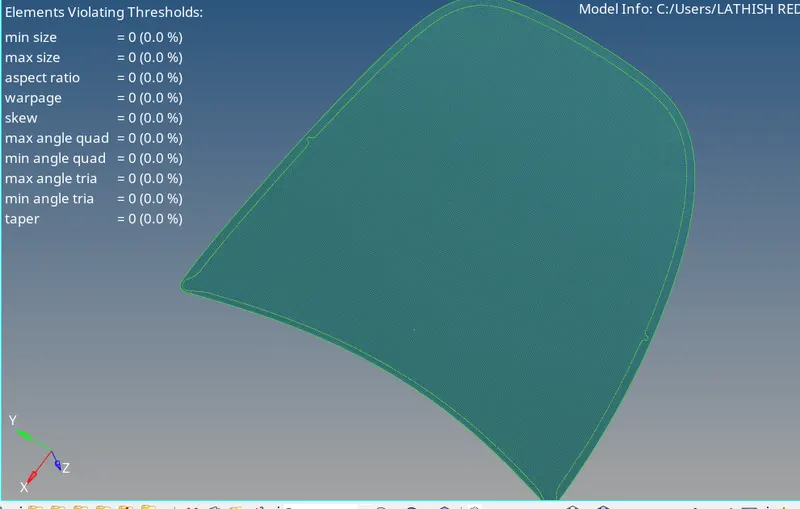
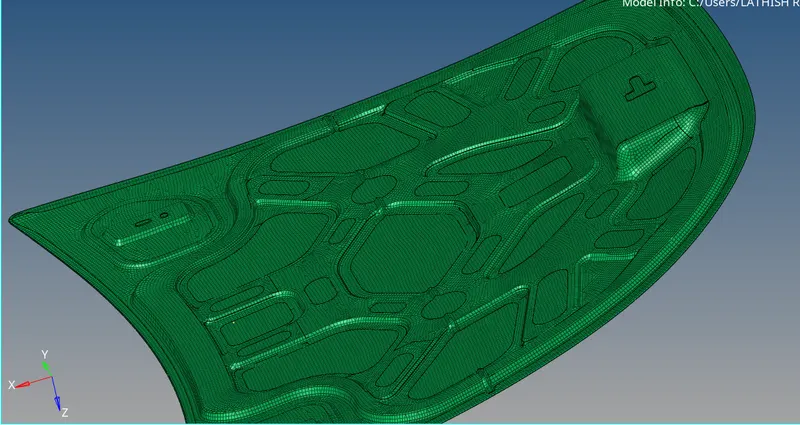
- After the autocleanup go to 2D mesh and select automesh option, change the element size to 5, element type to mixed and select the midsurface and click mesh to generate the mesh.
- Now the mesh as been generated for the components as shown below-
CHECK NORMAL
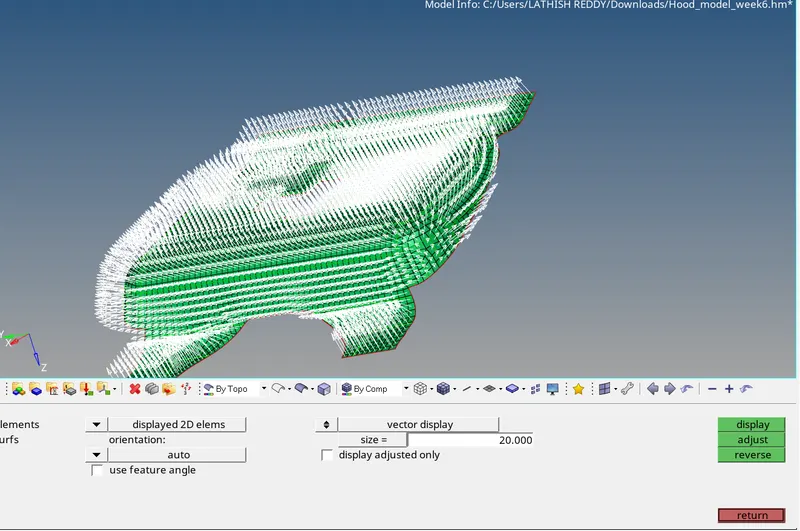
-
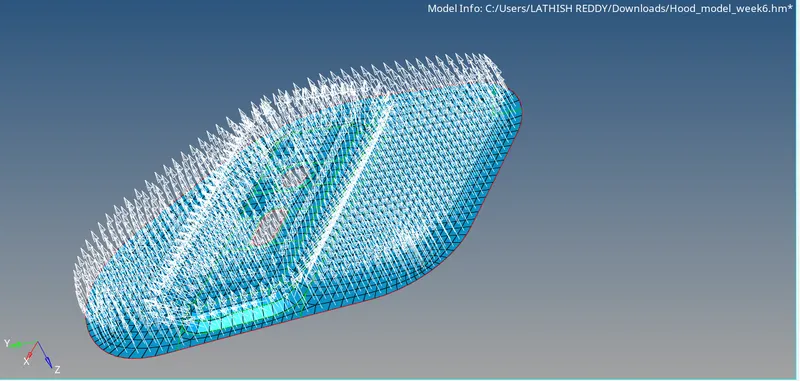
- Result:- The given hood assembly is successfully meshed according to the mesh qulity provided and quality checked.
- Conclusion:- In this challenge, we learn how to mesh the hood component.