Mid-surfacing and Meshing
AIM :
To remove all topolofical errors, creating the mid surface and meshing the component with given quality criteria.
DRIVE LINK
QUALITY CRITERIA :
|
S.No |
Quality Criteria |
Value |
|
1 |
Target/Average length |
4 |
|
2 |
Minimum Length |
2 |
|
3 |
Maximum Length |
6 |
|
4 |
Aspect |
3 |
|
5 |
Warpage |
15 |
|
6 |
Skewness |
45 |
|
7 |
Jacobian |
0.7 |
|
8 |
Minimum Quad Angle |
45 |
|
9 |
Maximum Quad Angle |
135 |
|
10 |
Minimum Tria Angle |
30 |
|
11 |
Maximum Tria Angle |
120 |
|
10 |
Tria Percentage |
15 |
PROCEDURE :
- The two given models are opened in ANSA, then in Mesh tools > Perimeters > Length, the length is given to 1mm to get refined model. Then the geomoetrical clean up is done by checking the errors using Check Geometry tool.
PART 1 :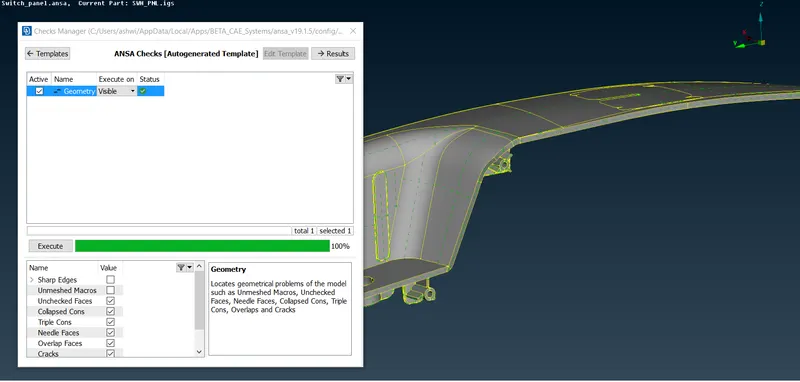
PART 2 :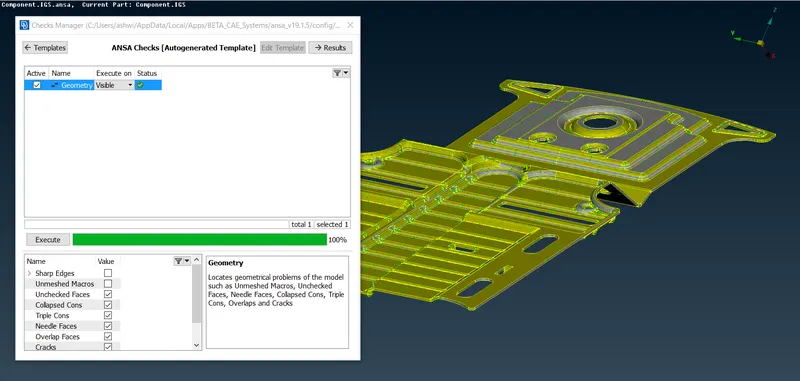
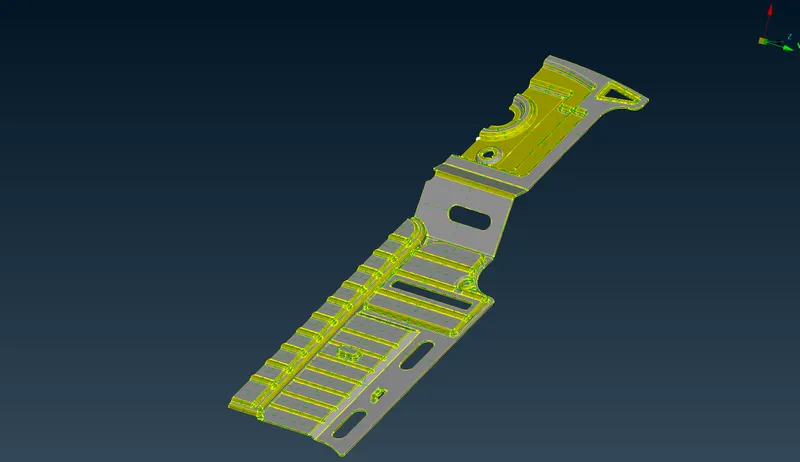
- The mid-surface is created using the Offset tool in topo and new Property is assigned to different parts.
PART 1 :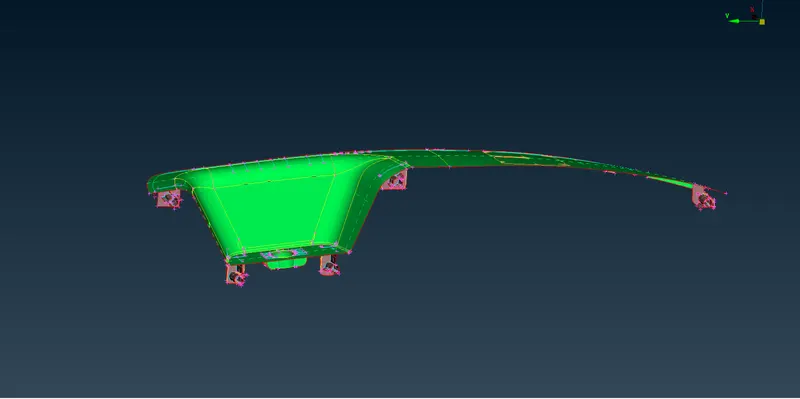
PART 2 :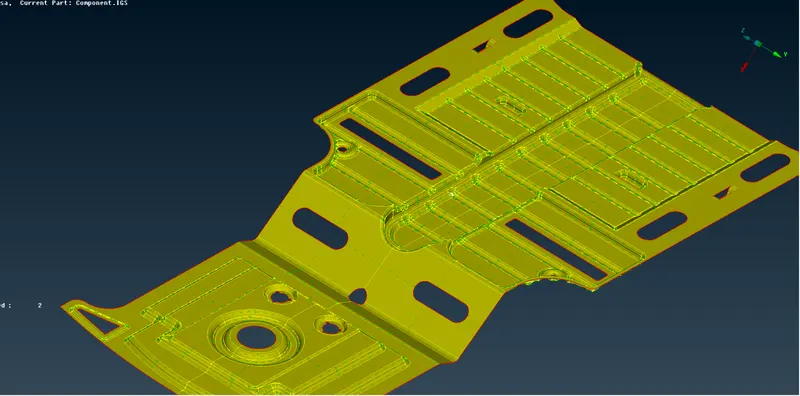
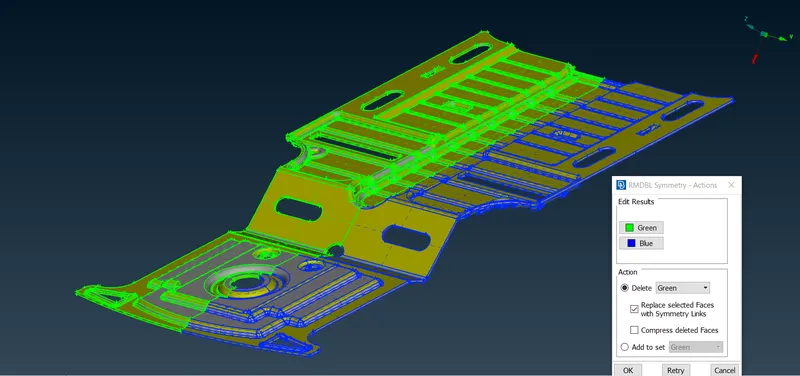
- In the case of PART 2 using RMDBl the symmetry of the model is checked, so that half of the model mid-surface is generated (which is then locked) and using Transform>Copy the other half is generated to form single mid-surface.
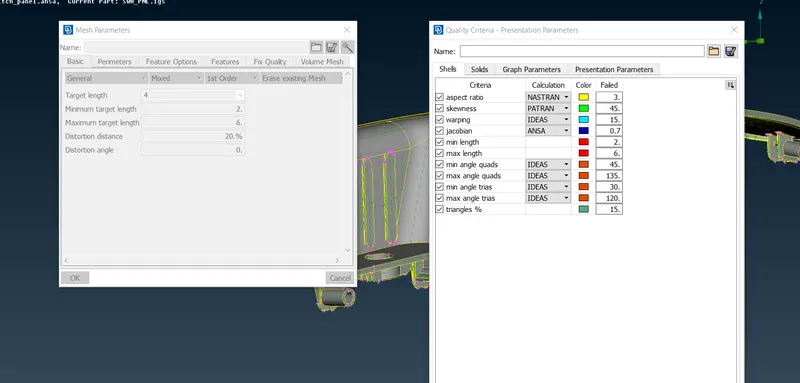
- The given Mesh and Qualith Criteria are inserted accodrdingly before meshing is done. The criterias are same for both the parts.
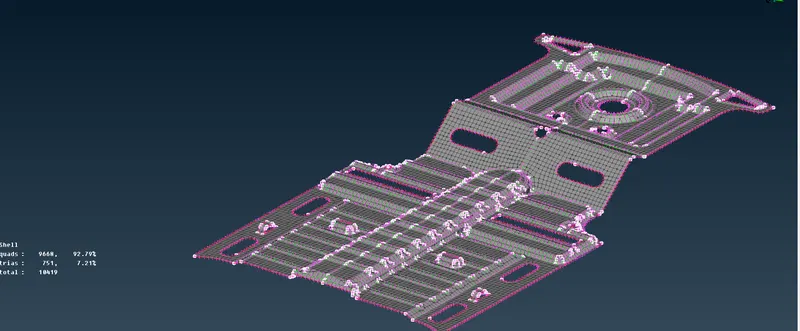
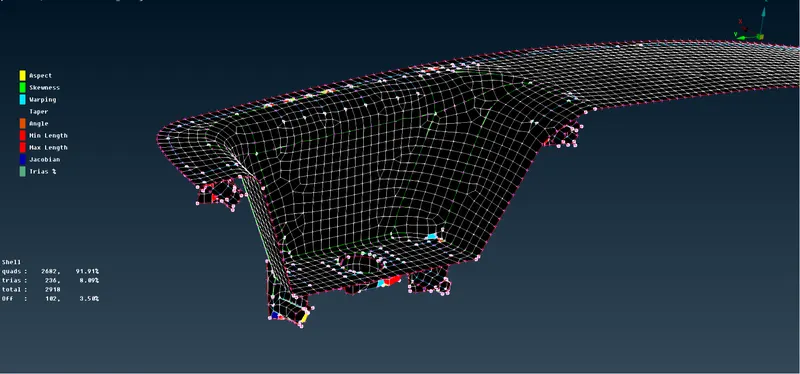
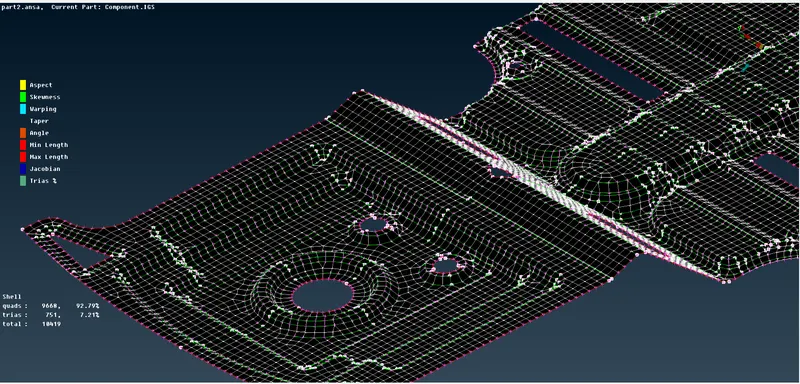
- Then the mesh is generated in both the PARTS using the Best, Batch and Spot mesh tools. In order to remove all the irregularities in the mesh, Reconstruction and Smooth is used. The below is the mesh generated in the PARTS in shadow view.
PART 1 :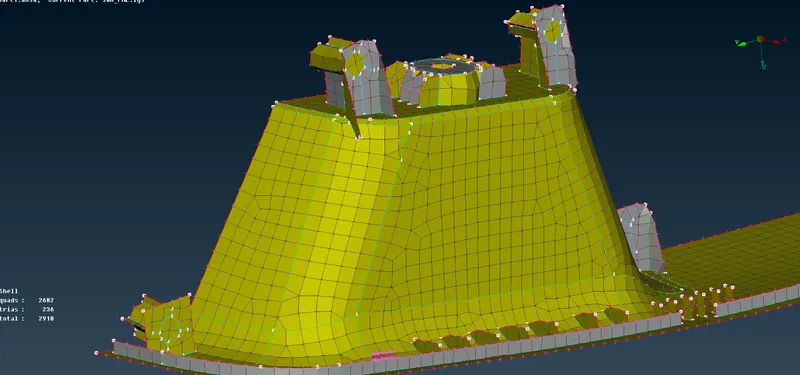
PART 2 :