Tool Test 1
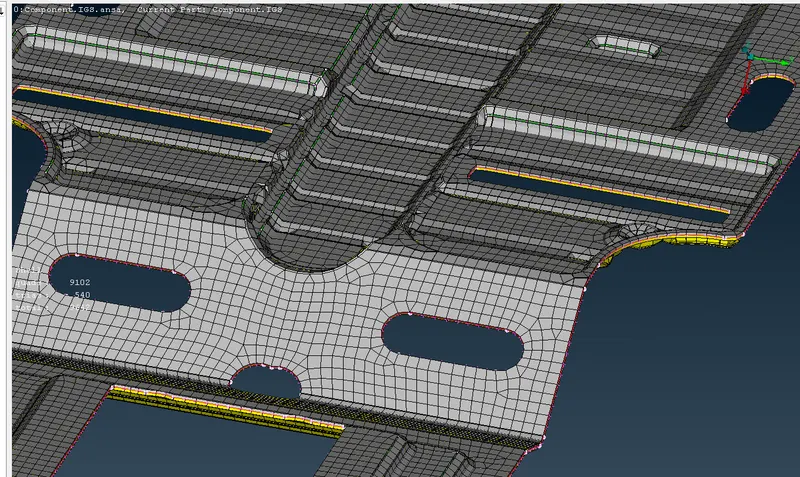
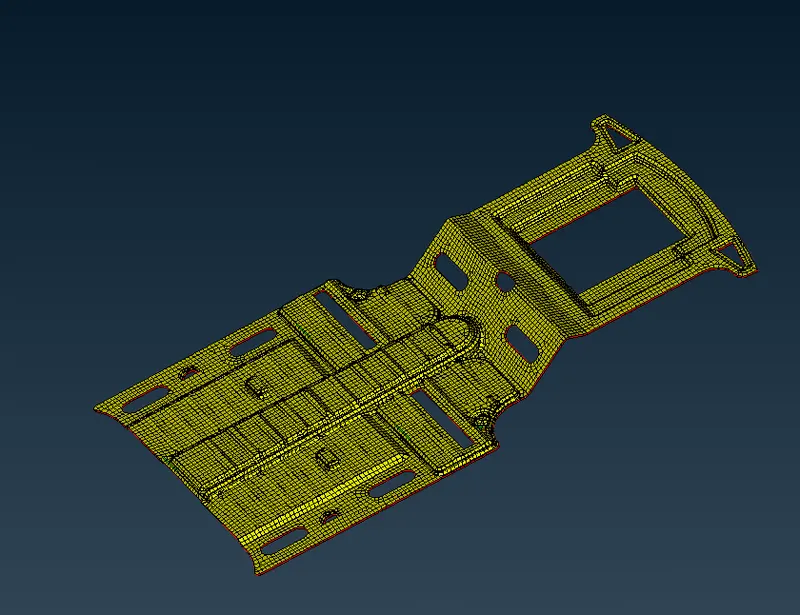
Aim- To extract the mid surface and mesh the component with the appropriate thickness.
Objective - to mesh the exctracted midsurface with the given mesh parameters
|
S.No |
Quality Criteria |
Value |
|
1 |
Target/Average length |
4 |
|
2 |
Minimum Length |
2 |
|
3 |
Maximum Length |
6 |
|
4 |
Aspect |
3 |
|
5 |
Warpage |
15 |
|
6 |
Skewness |
45 |
|
7 |
Jacobian |
0.7 |
|
8 |
Minimum Quad Angle |
45 |
|
9 |
Maximum Quad Angle |
135 |
|
10 |
Minimum Tria Angle |
30 |
|
11 |
Maximum Tria Angle |
120 |
|
10 |
Tria Percentage |
15 |
Procedure-
Switch_panel_MOdified (1)
1. Import the model.
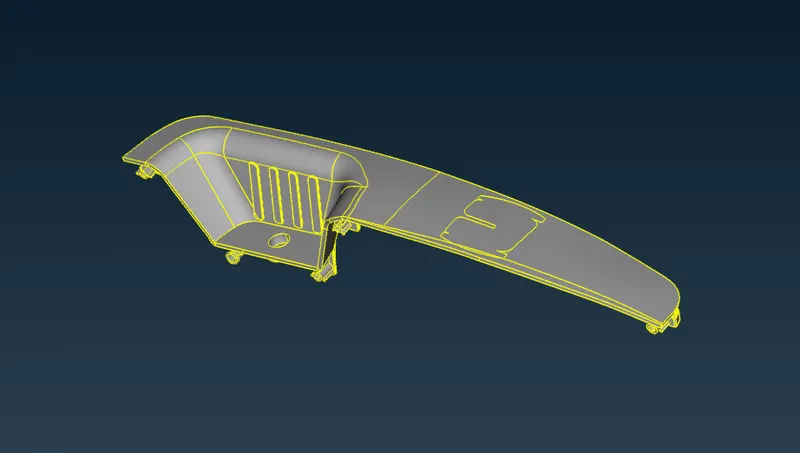
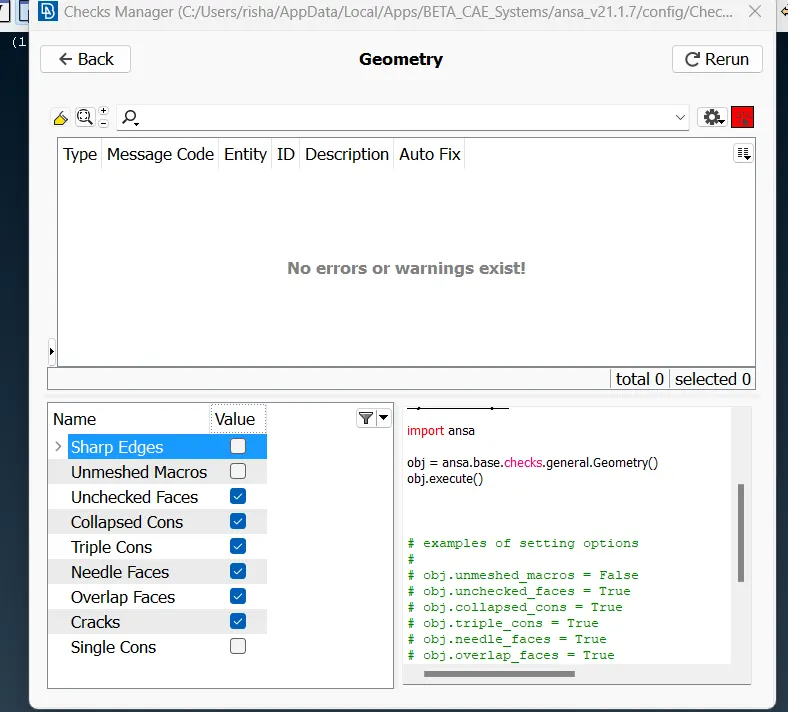
2. Run the geometry check on the component and fix all the errors.
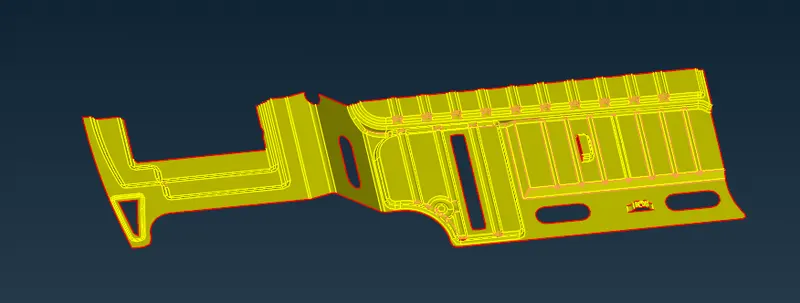
3. Extract the mid surface form the component using the middle tool and offset tool from the face tab.
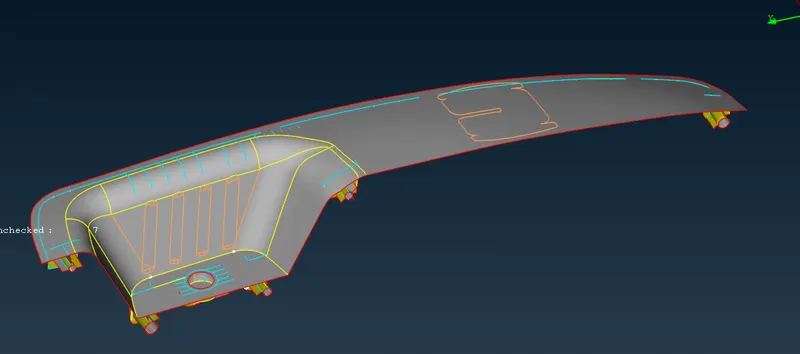
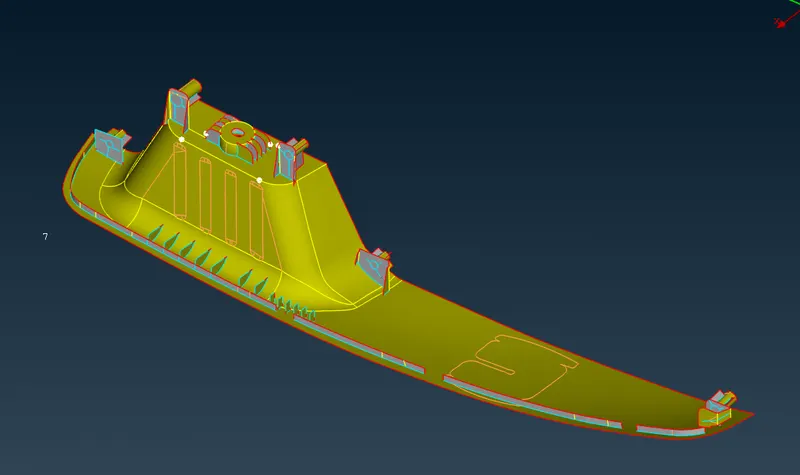
4. Set the PID for all the faces with appropriate thickness according to the thickness measured.
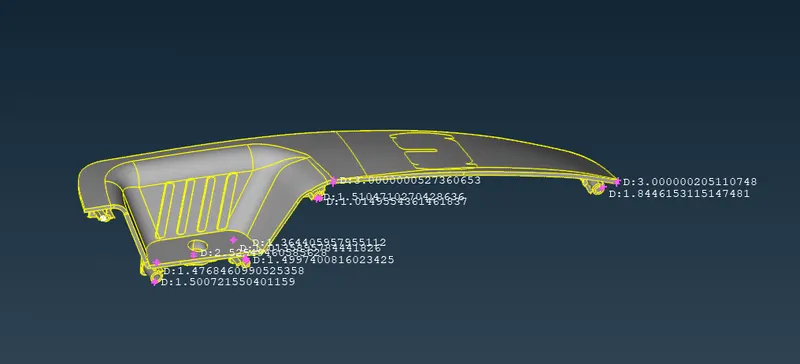
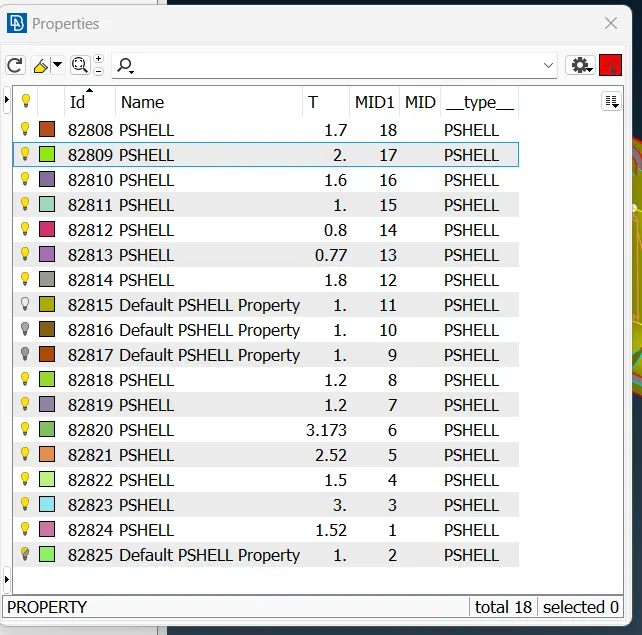
5. Set the mesh parameters and mesh crietria.
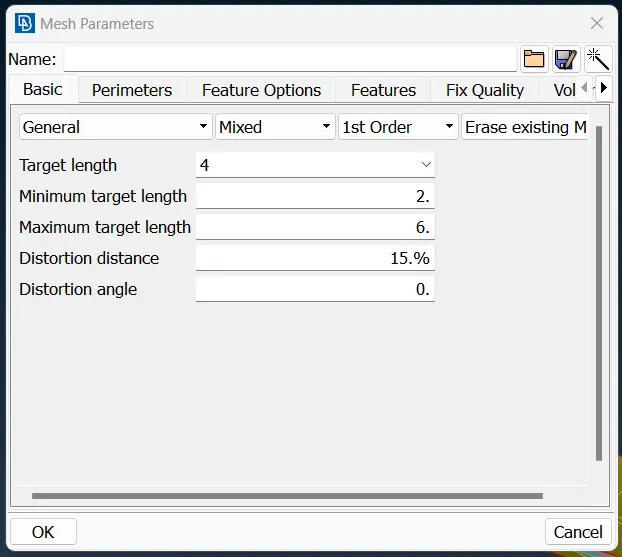
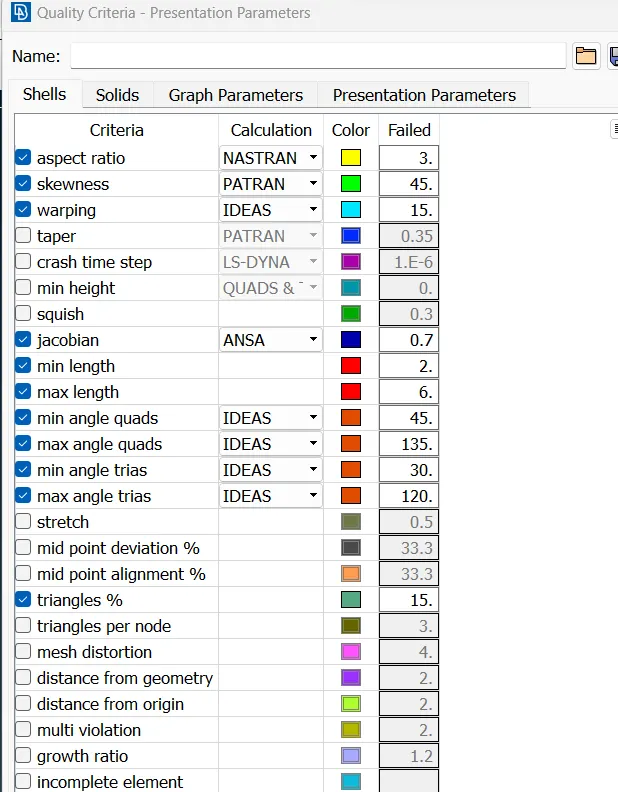
6. Mesh the mid surface with the mesh tools.
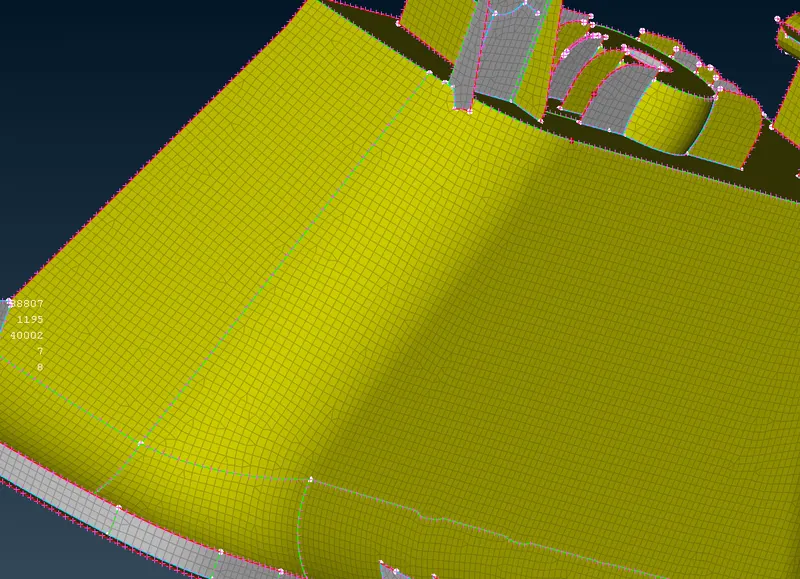
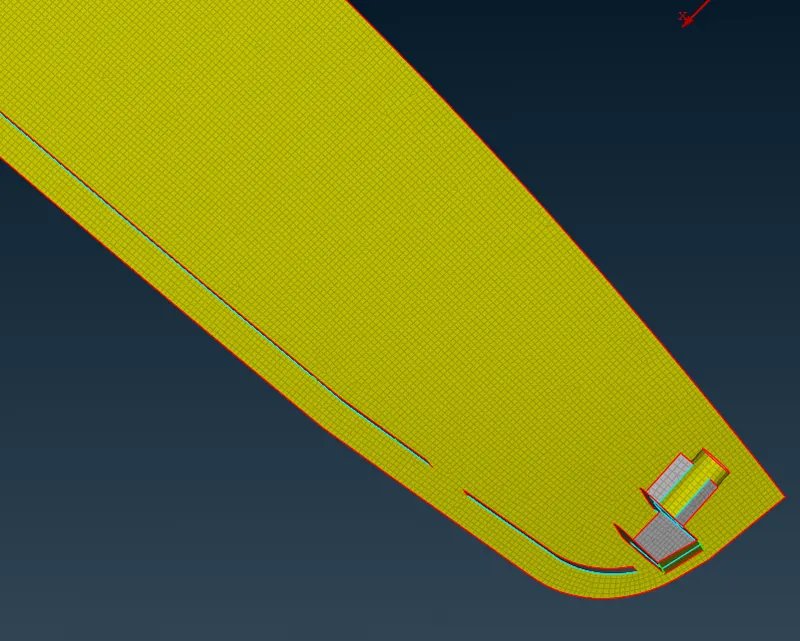
7. Fix the quality of the mesh with the mesh tools
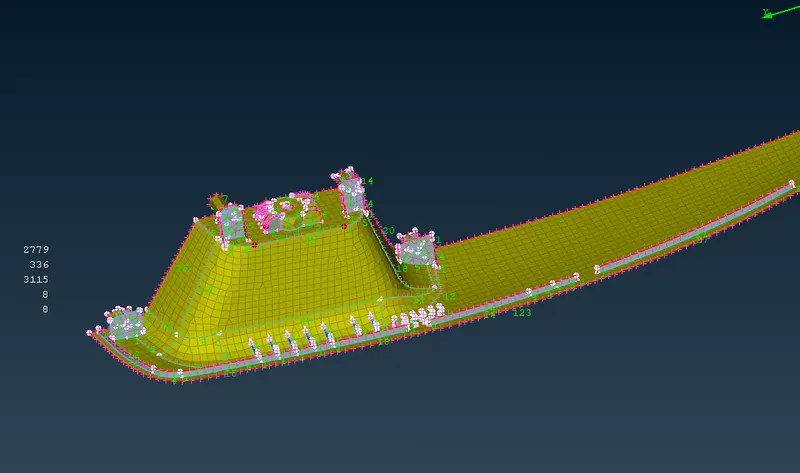
Result- The component is meshed succesfully extraction of mid surface.
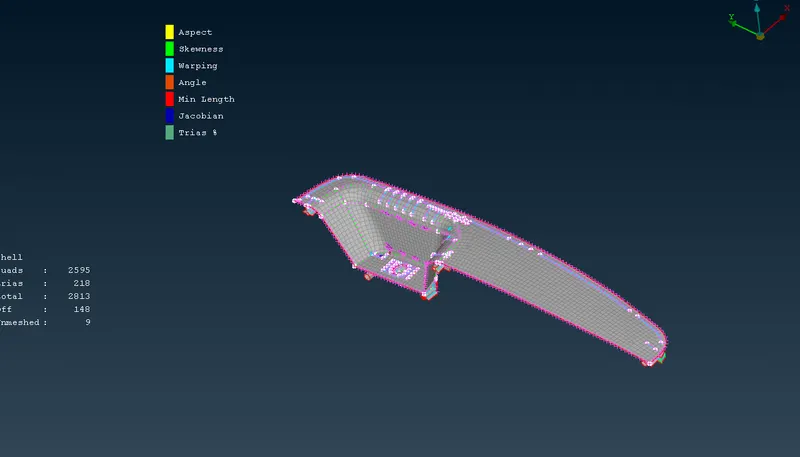
Conclusion - The given component is meshed with the mid surface extraction and suitable thickness is assigned to every face.
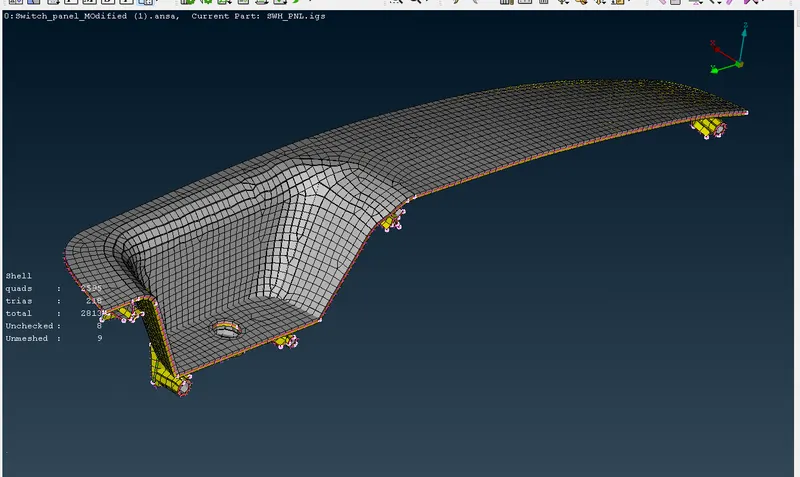
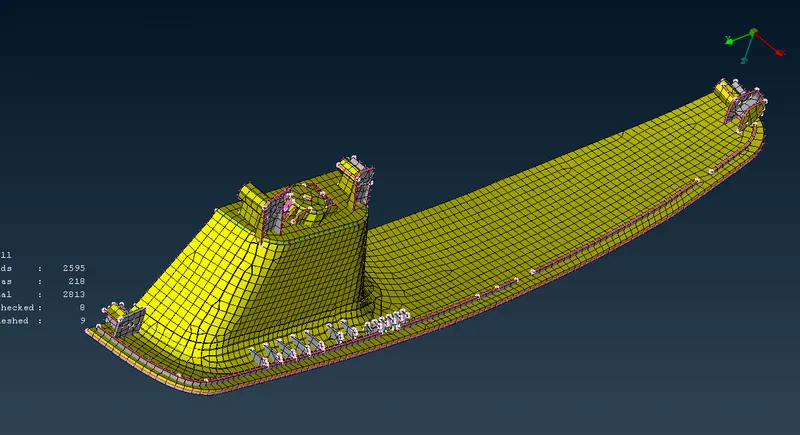
Component
1. import the model
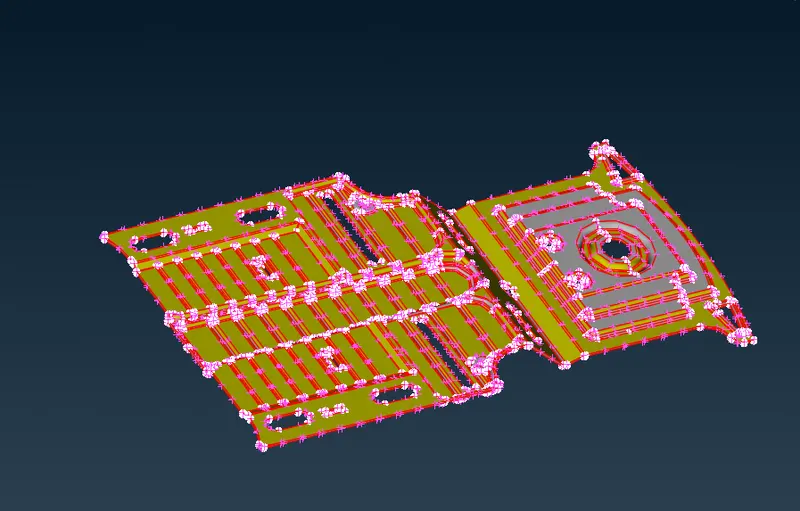
2. Run the geometry check and fix all the errors.
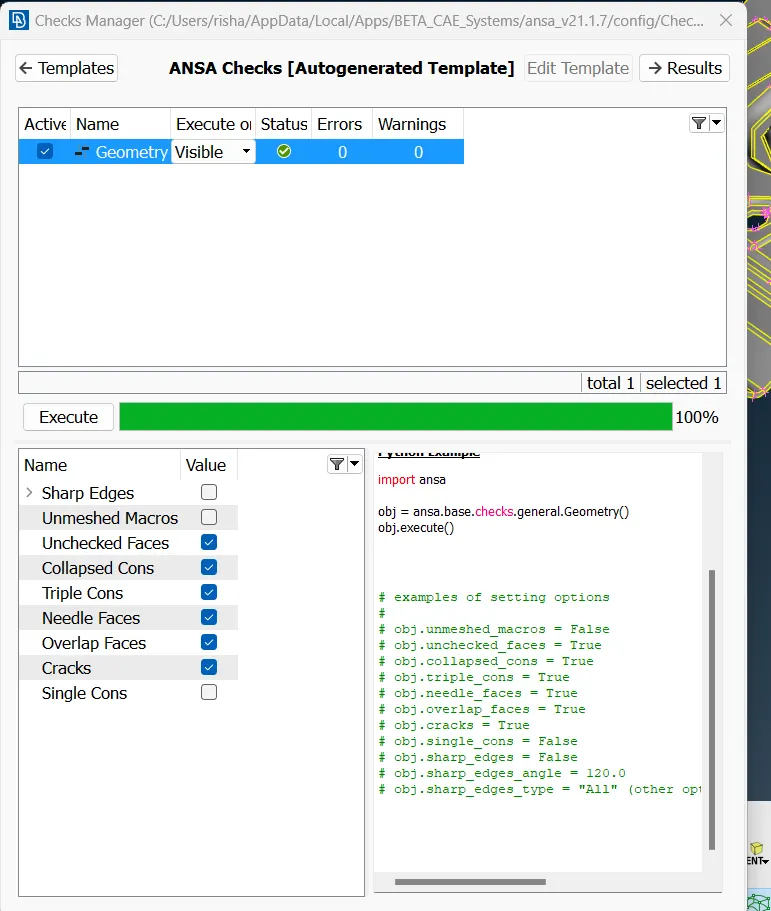
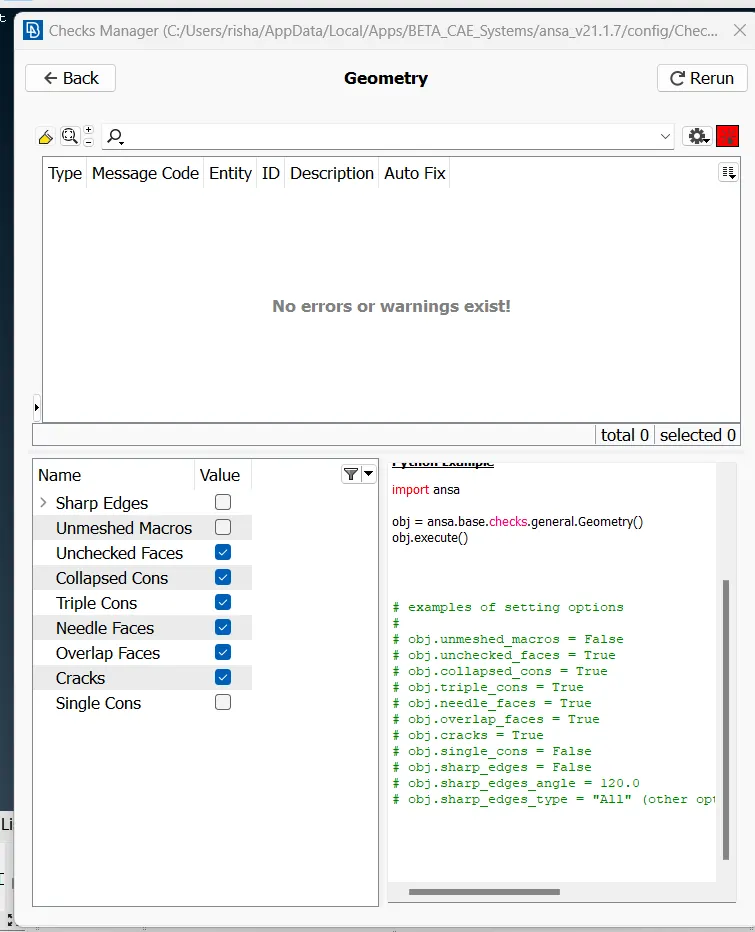
3. Extract the mid surface
Since the component is symmetric along the x-z plane cut the mid surface along the plane for better mesh quality.
5. Set the mesh criteria nad mesh parameter.
6. Set the PID for the component
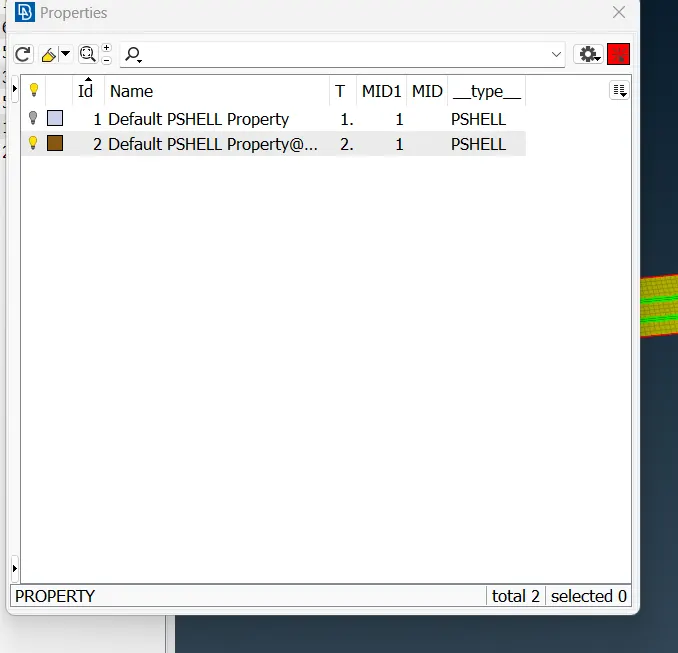
7. Mesh the given component with the mesh tools.
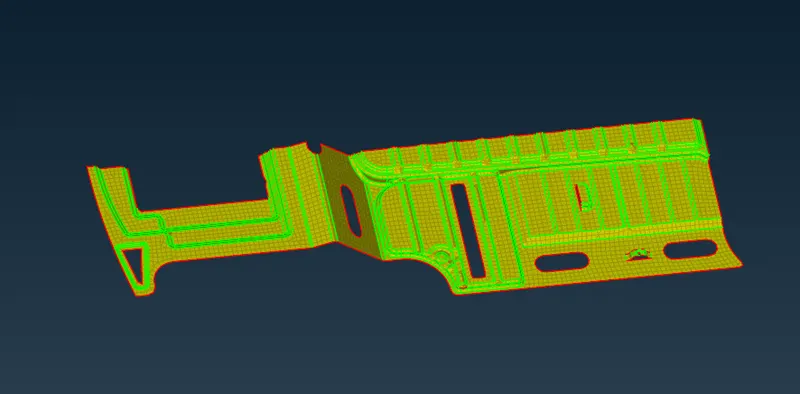
8. Copy the mesh and mirror using the symmetry tool.
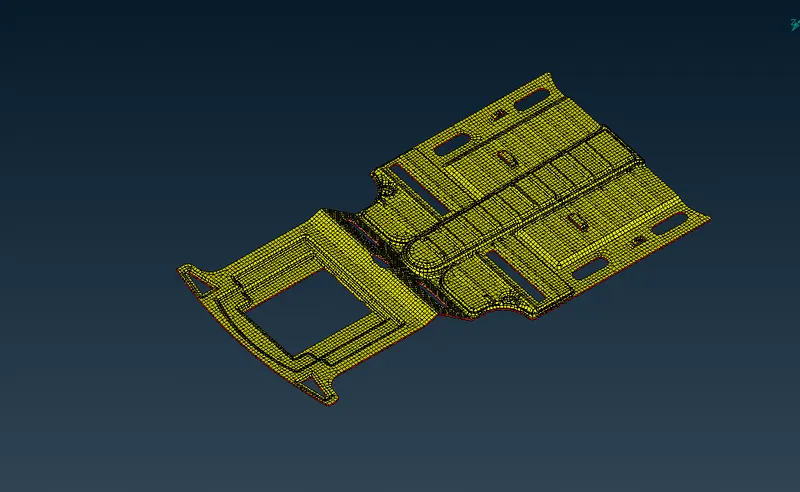
9. fix the quality of the mesh by improving the tools and removing the failed meshed.
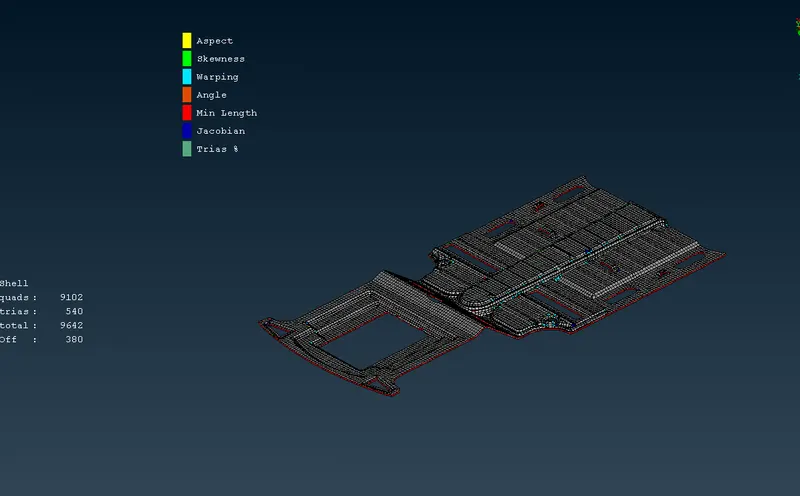
Result-
The component is meshed succesfully extraction of mid surface.
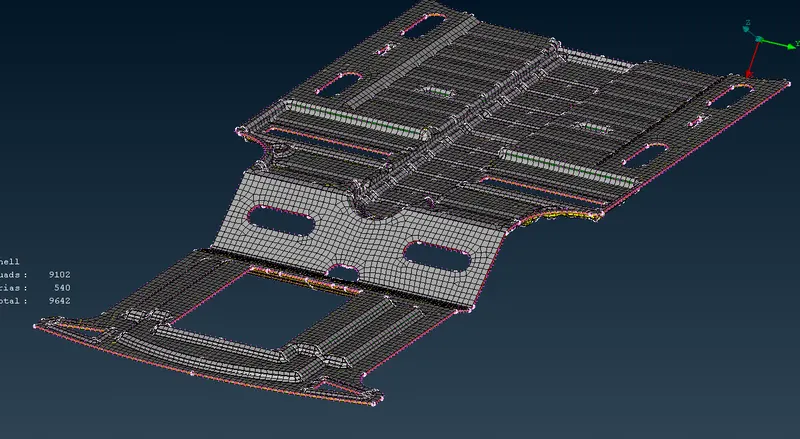
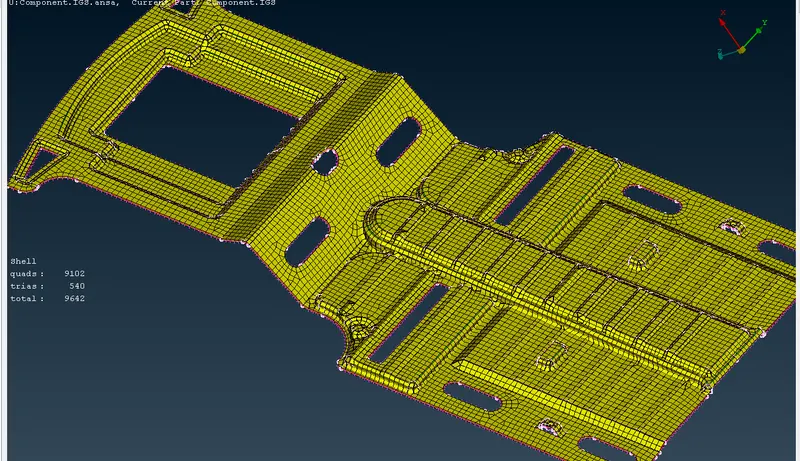
Conclusion - The given component is meshed with the mid surface extraction and suitable thickness is assigned to every face.