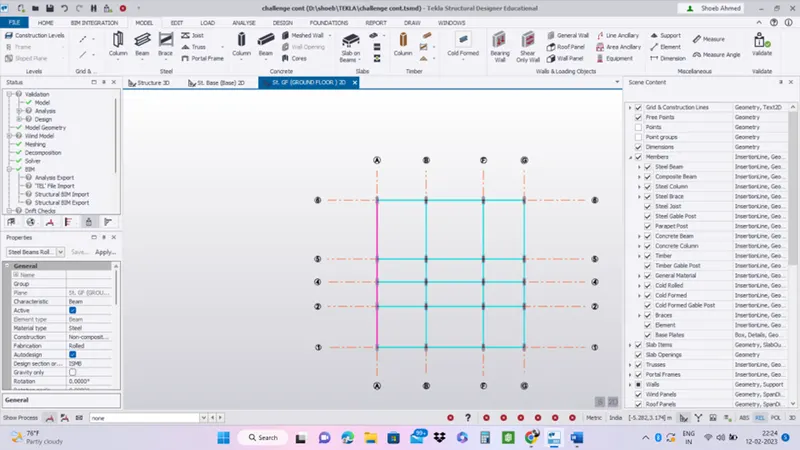
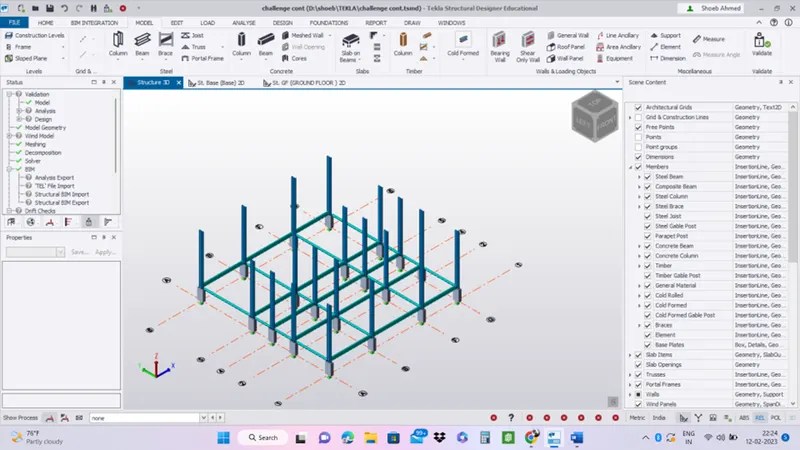
To model columns for industrial steel structure using TSD
- Create column properties for different types of pedestal members and model in the grids created as per the assignment 1
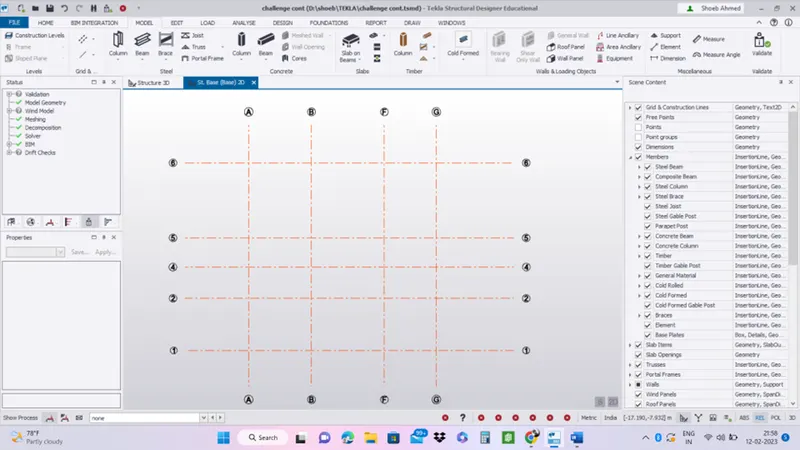
- Open TEKLA and load the already modelled grids in week 1.
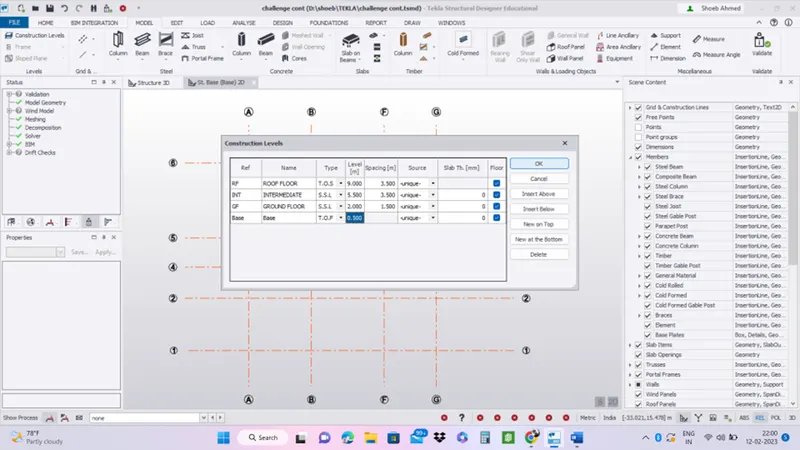
- Add construction levels
- Goto manage property sets and add members accordingly.
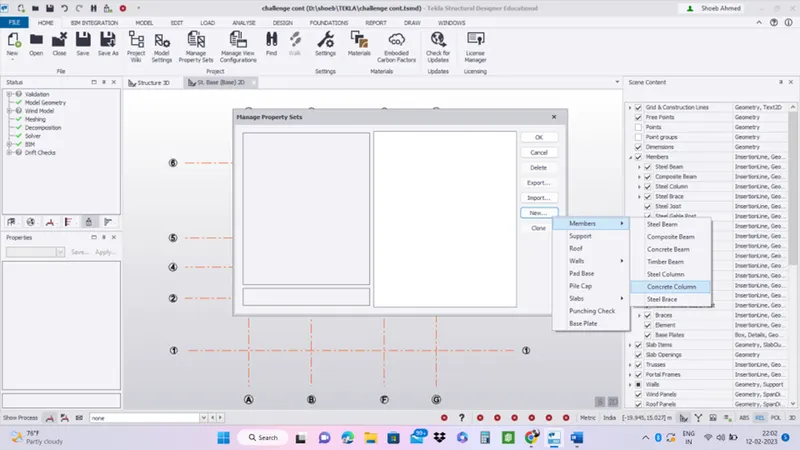
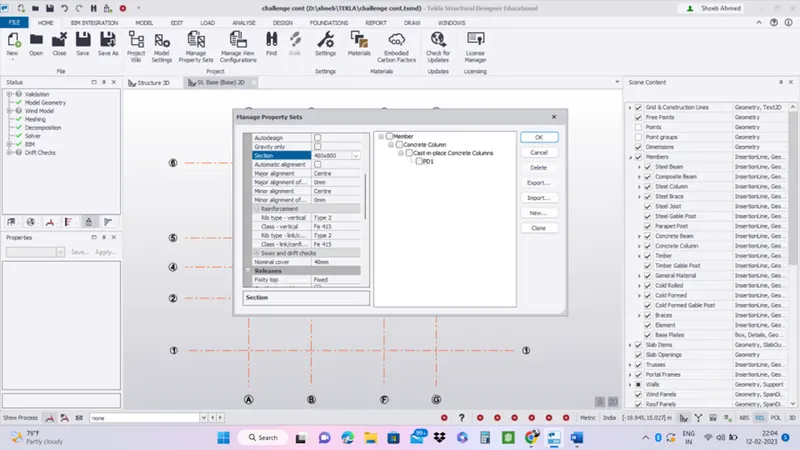
- Add column on the grids.
- Select base to ground floor.
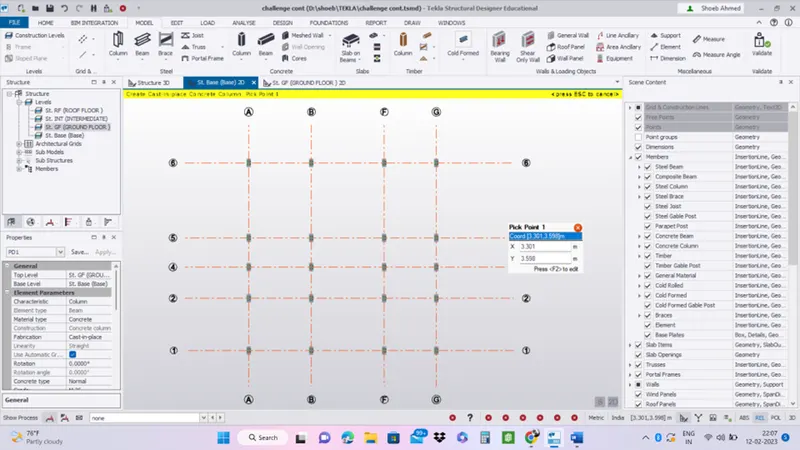
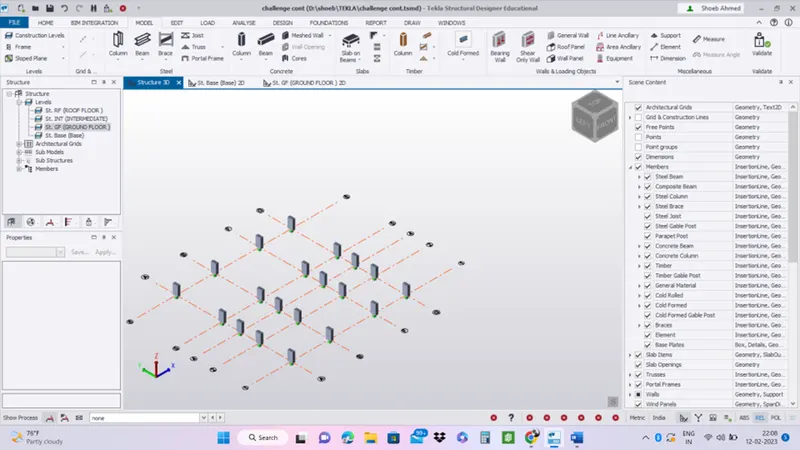
- Create column properties for steel columns and model columns in the grid created as per assignment 1.
- Here now we want to place the steel column
- Goto manage property sets and add members accordingly.
- Add steel columns.
- Add ISMB section and select mb 500.
- Goto ground floor level and now add steel columns on the concrete column.
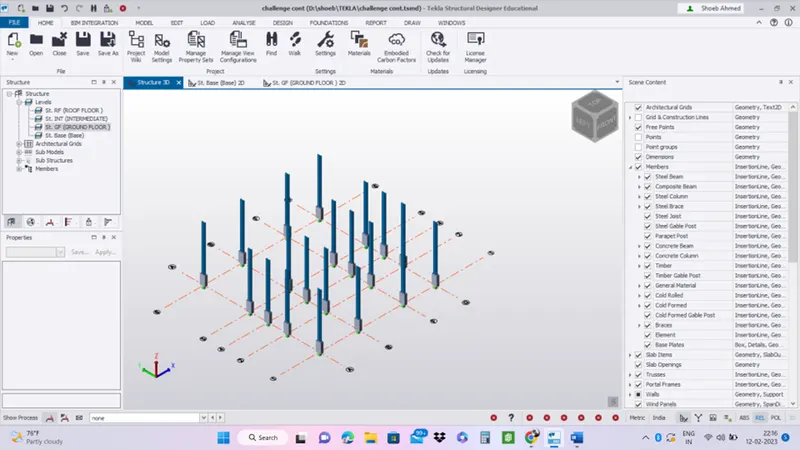
- Create beam properties and model primary and secondary beams on the ground floor
- Here now we want to place the steel beams.
- Goto manage property sets and add members accordingly.
- Add steel beams.
- Add ISMB section and select mb 450 for primary and MB 250 for secondary.
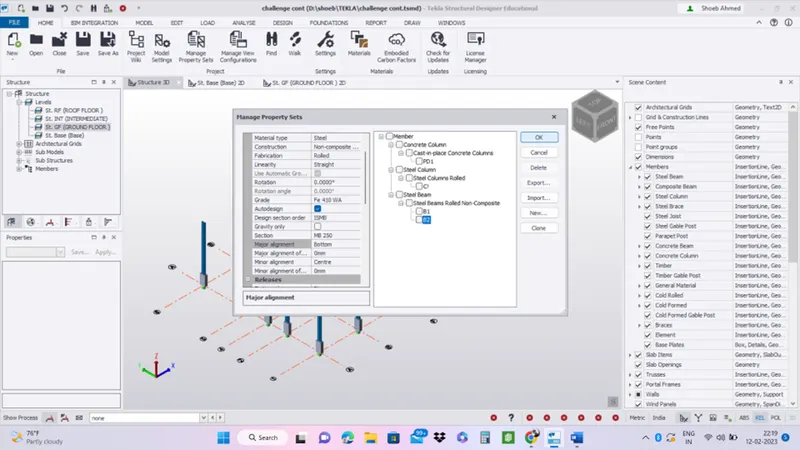
- Add primary and secondary beams on the grids accordingly.