To Generate seismic loading based on IS code and to run the analysis using TSD
Q1
Aim:- to generate the seismic loading using seismic wizard as per the standards of IS code
Given data:- the structure belongs to Zone 2 and assume the necessary data
procedure to generate seismic wizard
- firstly go to load cases and add seismic load
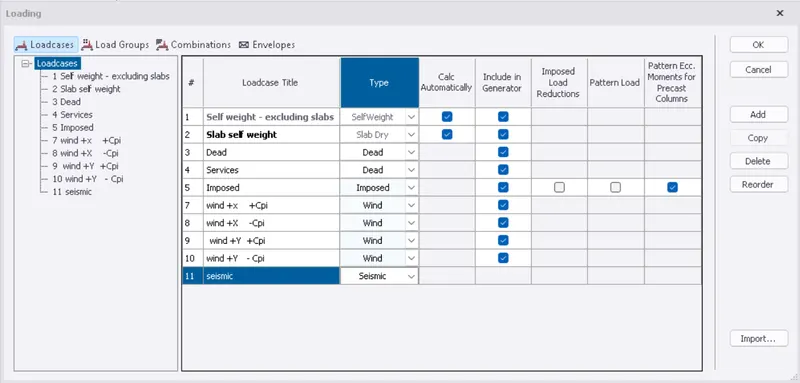
- then click on seismic wizard from the toolbar
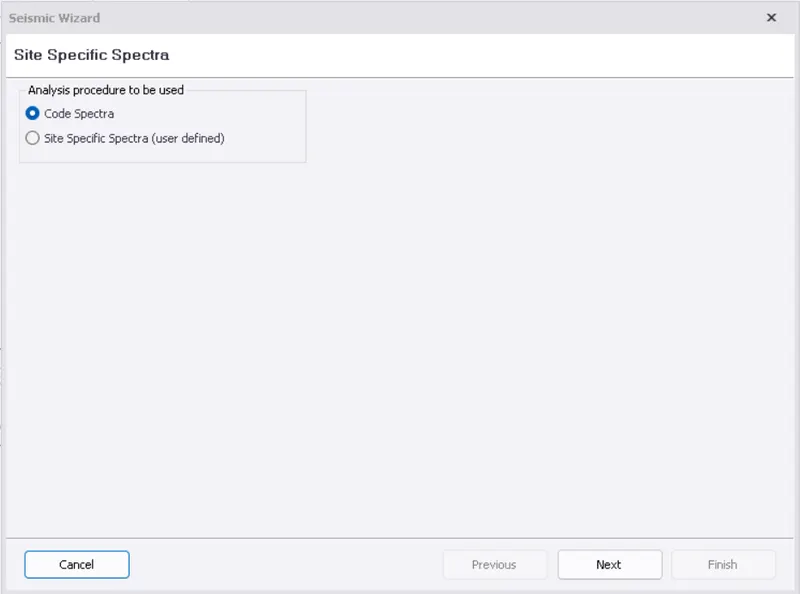
- then select the analysis procedure as code spectra
- and click on next
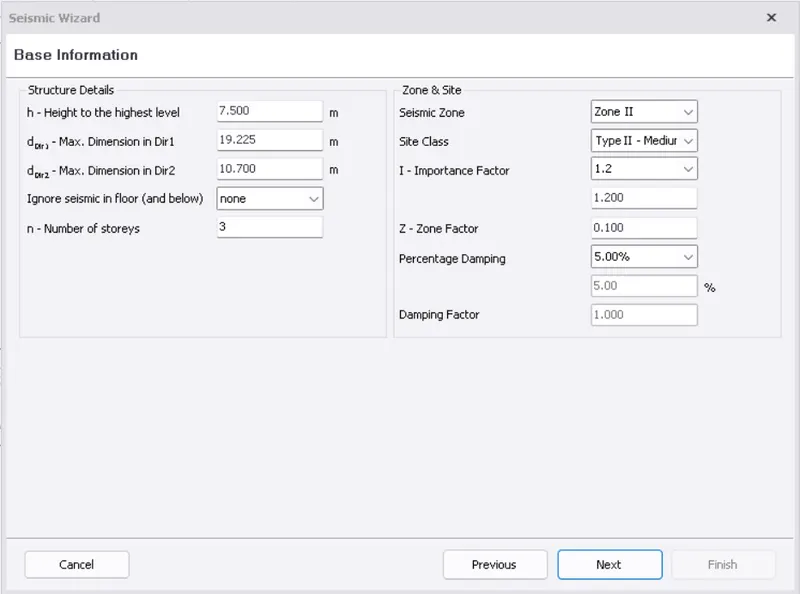
- then the basic information of the structure is taken directly by the model
- edit the seismic zone of the structure
- seismic factors are directly taken by the model after selecting the zone of the structure
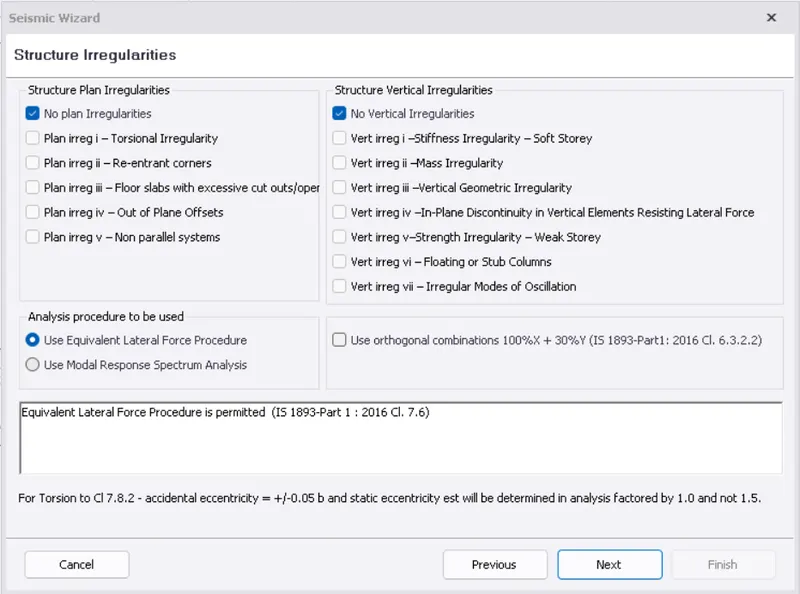
- then select the structure irregularities and click on next
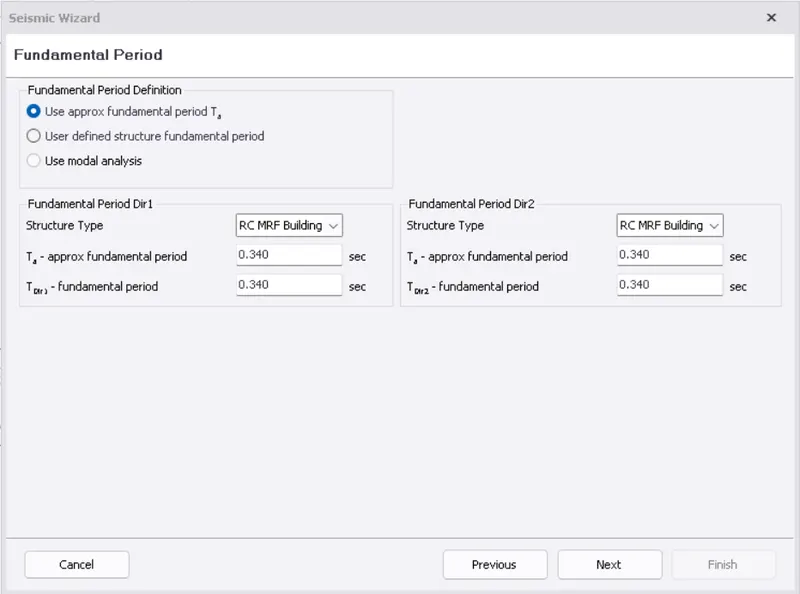
- then select the type of structure to obtain the fundamental period of the earthquake
- here type of structure is selected as RC MRF building
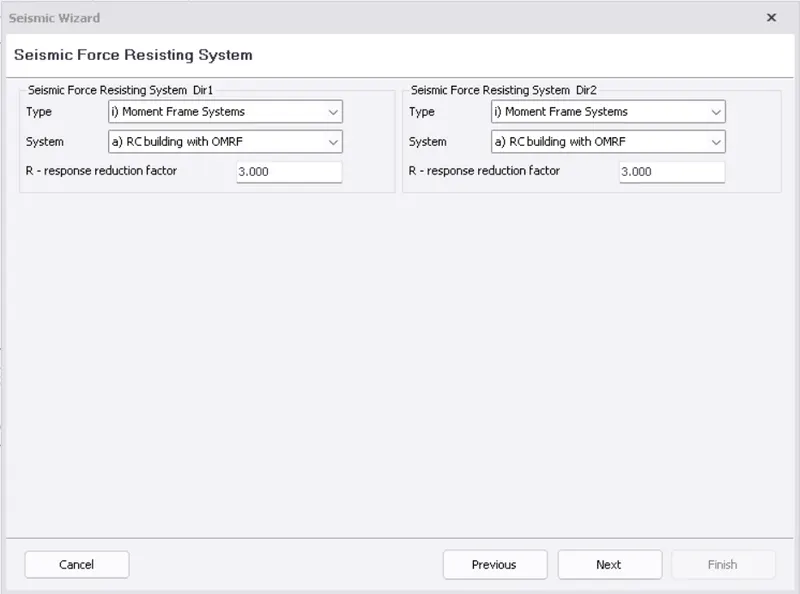
- then select the resisting system of the structure as moment frame systems
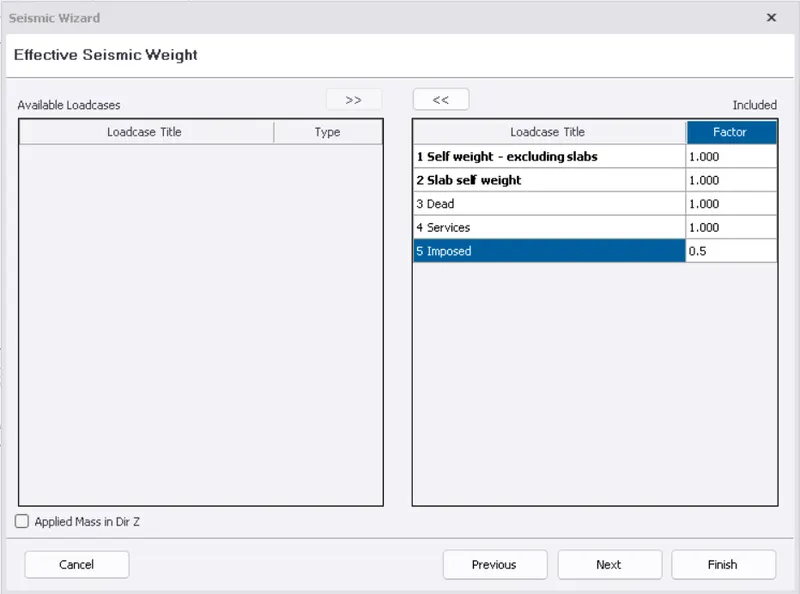
- then import loadcases to be considered in the analysis of seismic wizard
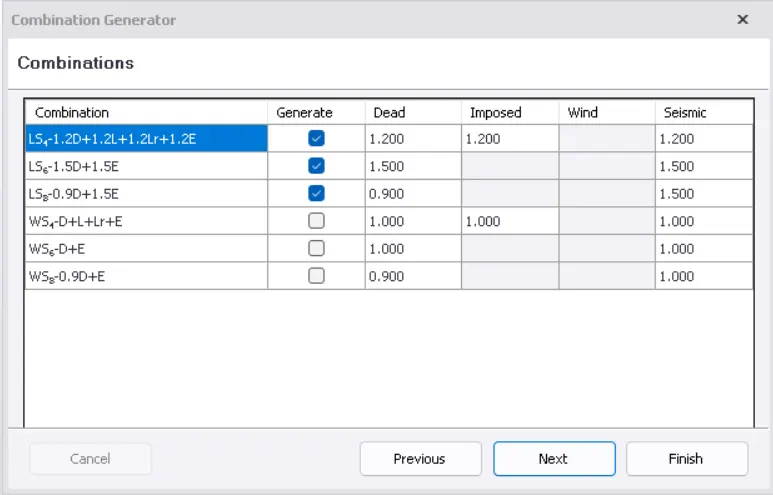
- add all the load combination to the model
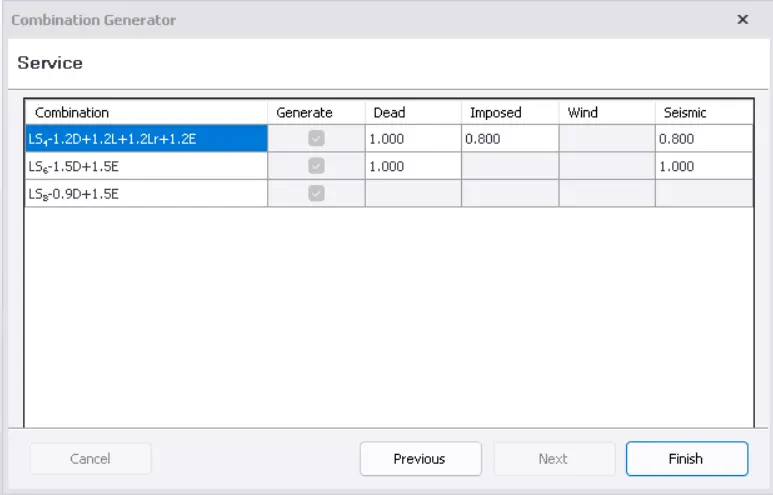
- then click on finish
- we can view the seismic load cases and load combinations in the loading list
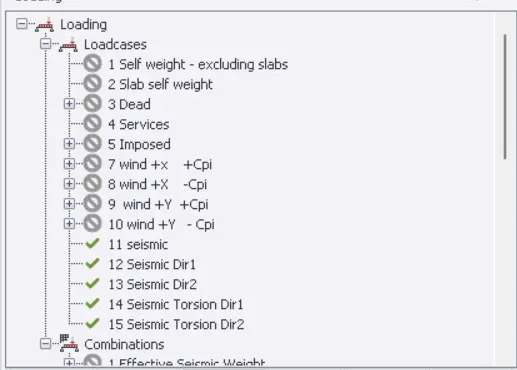
RESULT :- seismic load cases and load combinations are generated for the analysis of the model
Q2
Aim:- to run the analysis and summarise the analysis results
- before running the analysis we need to check for modification factors and tolerance limits
- go to settings from the toolbar
- click on 1st order linear analysis
- check the modification factor and click on ok
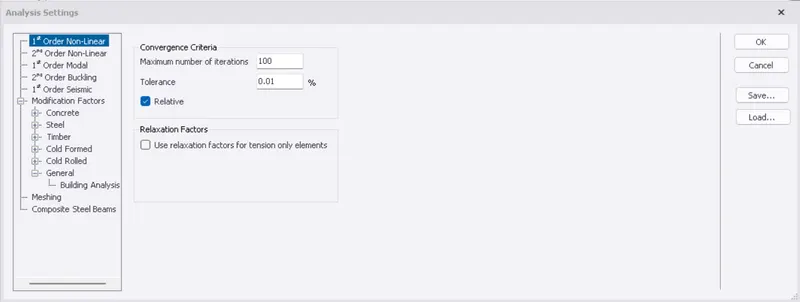
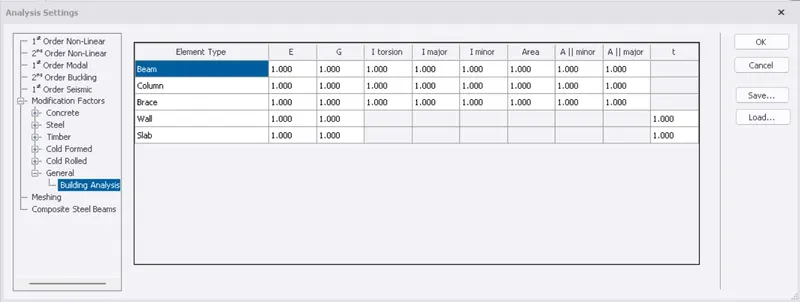
- then go to analyze from the toolbar
- click on 1st order analysis
- select all the loadcases and load combinations
- click on ok to run the analysis
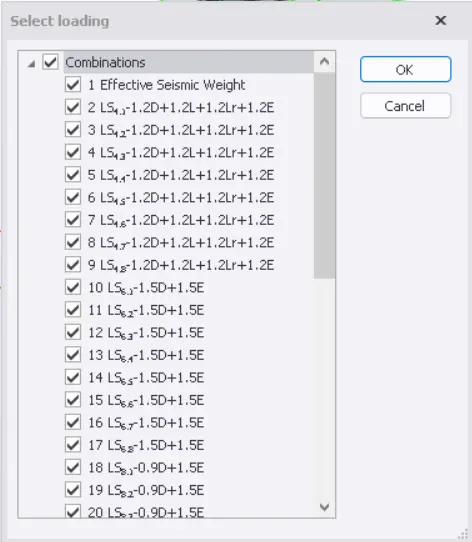
- then to view the analysis results click on results view
- select the loadcase or loadcombination for which the failure criteria of the structure you want to view
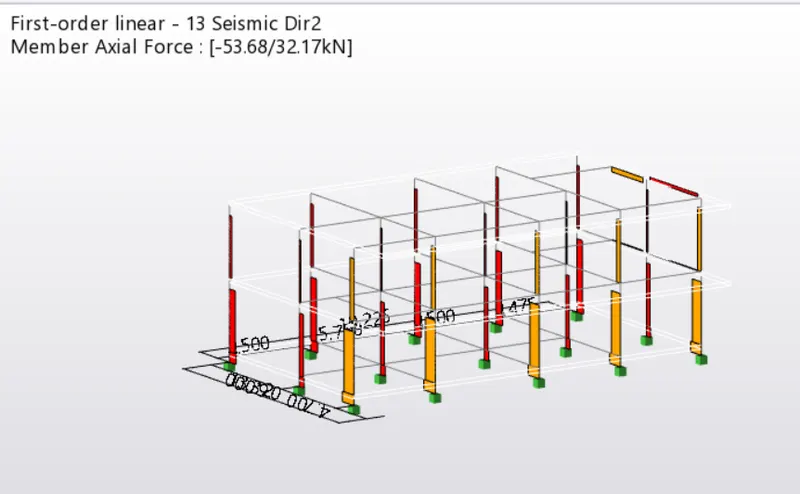
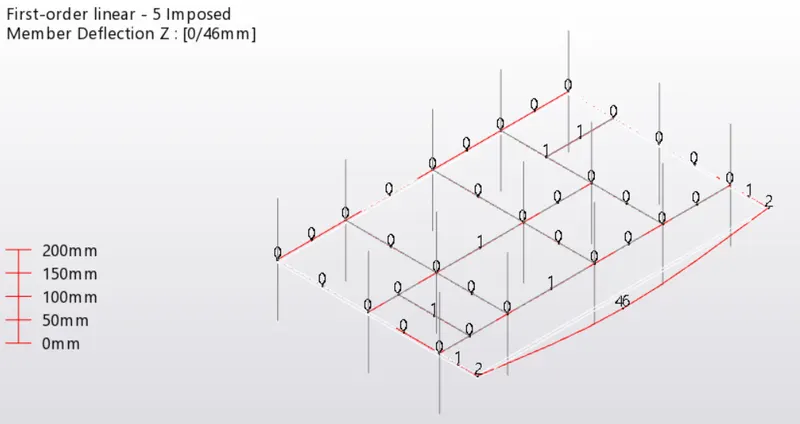
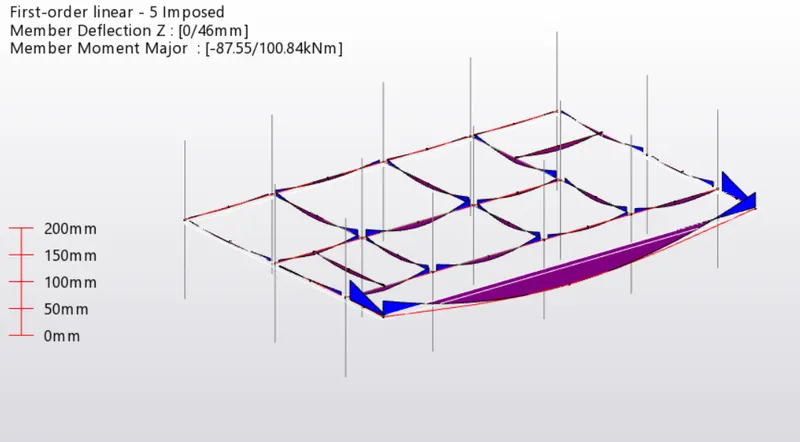
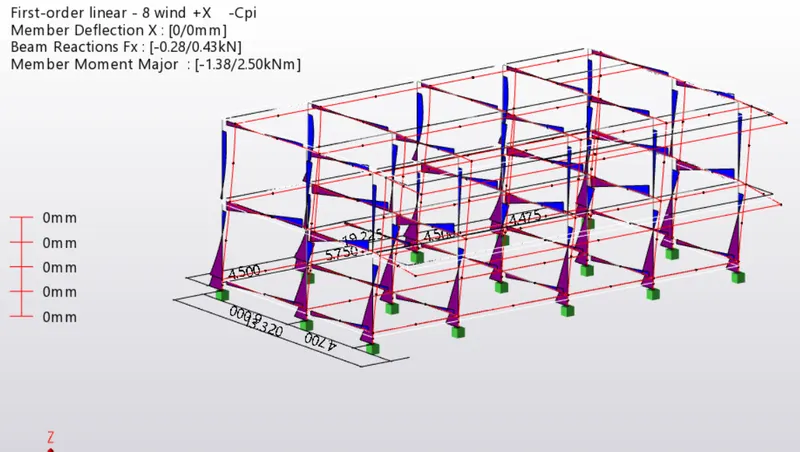
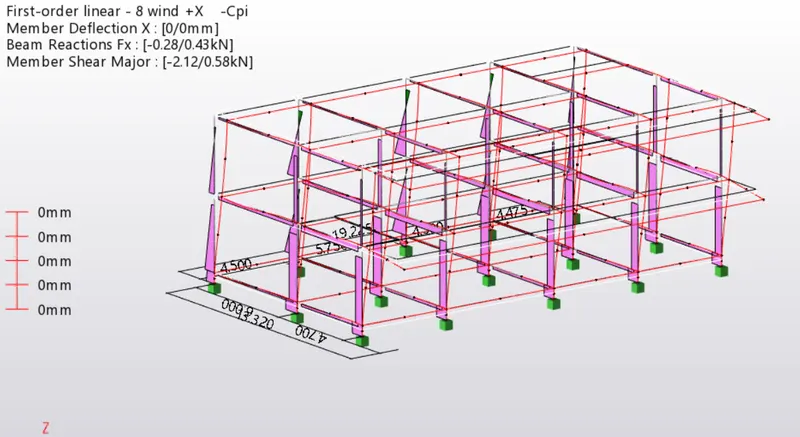
RESULTS :- the analysis is performed and the results of the structural elements is shown