To Generate report for Steel Industrial and RC structures using TSD
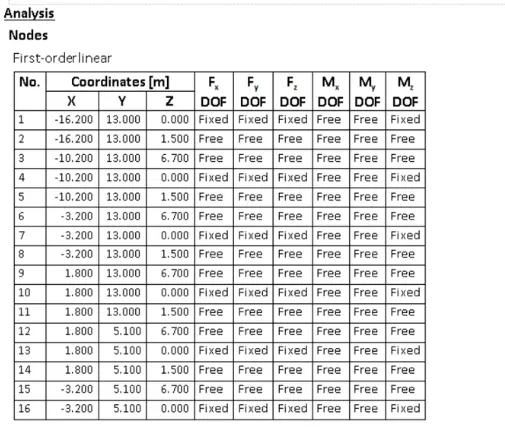
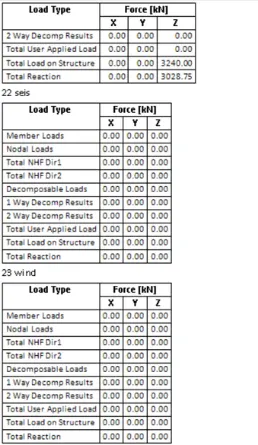
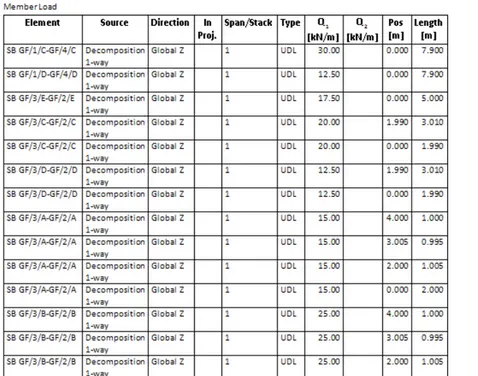
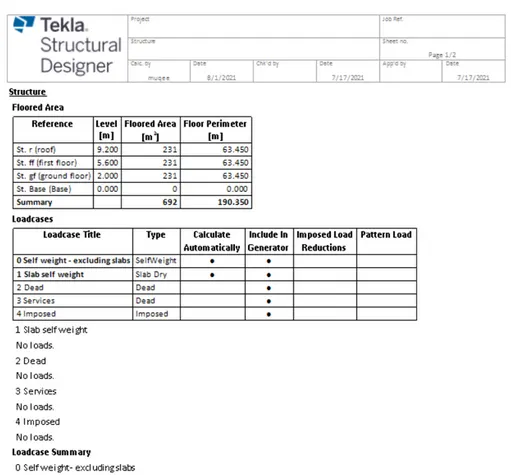
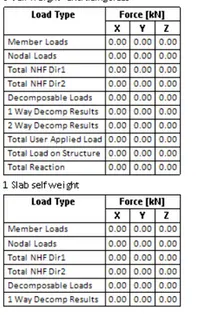
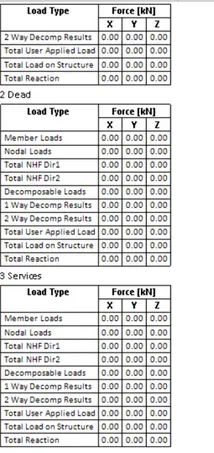
Q1. Aim: To Generate report for the steel building design from challenges 1 – 6 along with the loading summary.
Procedure:
- First pen the previous Tekla model.
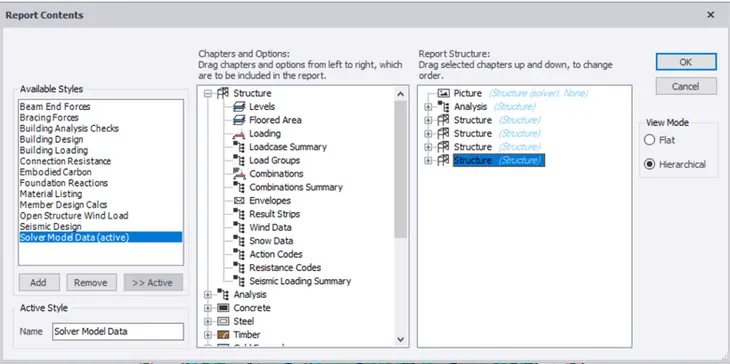
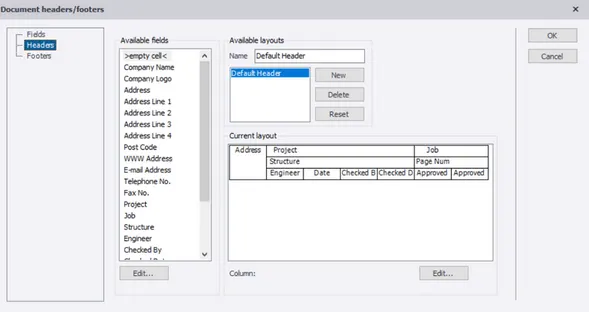
- Next go to the report option under the Ribbon tab then select model report.
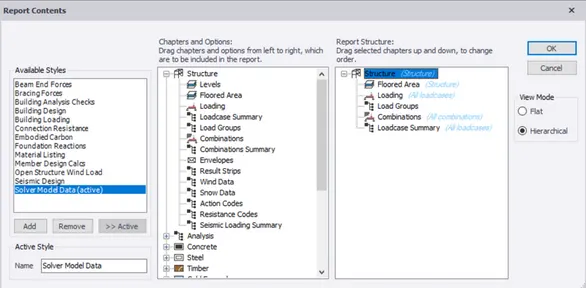
- After that choose the load cases and combinations to obtain report.
- Click Show report to get the report.
- we can also covert the report in to any other format like pdf,xl,word files etc....
Q.2 Aim: To Generate report for RC structure along with the loading summary.
Procedure:
- similarly follow as mentined above process for this model also.
- first open the previous tekla file.
- go to report opoetion then select model report.
- tehn select the load cases and cmbinations then click on show report.
Q3.Aim: To update the layers settings in the model and generate plan drawings and details from the model.
Procedure:
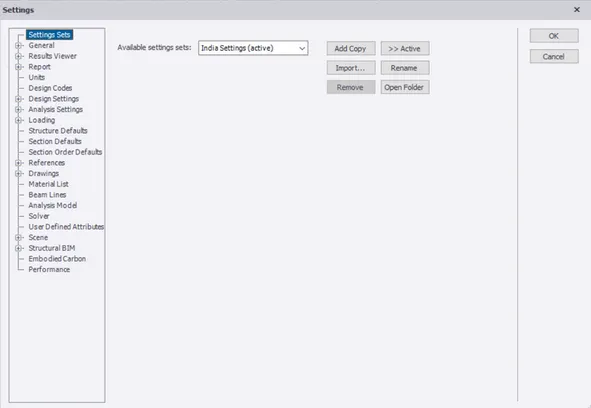
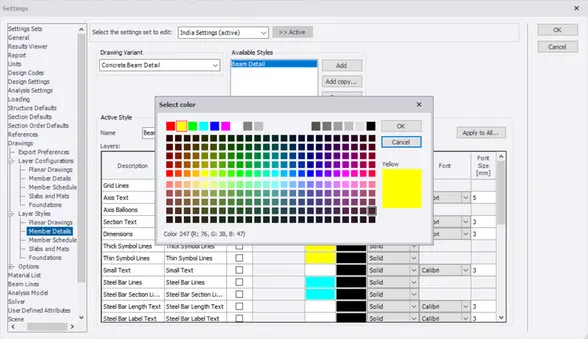
- open the mdel and go to the settings .
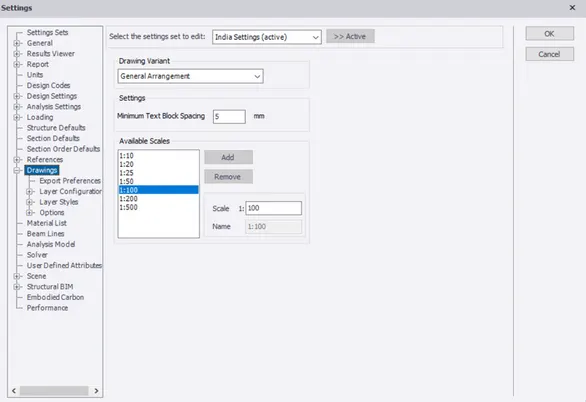
- then select the drawing option from that one we can change the scale and configeraation.
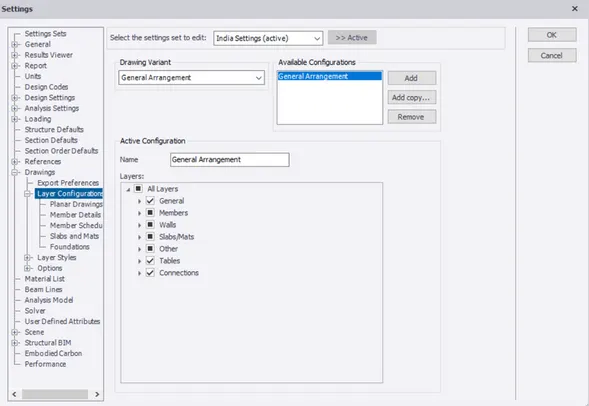
- after that go to layer option in the settings.
- in that we can see a list of colurs so from that we can add selected colur to the members.
Results :
- Procedure was mentioned in the above as per the given questiones.