To calculate wind load for industrial steel structures and to apply it by using TSD
1.Generate manual wind loading in the design report based IS code as per the following input
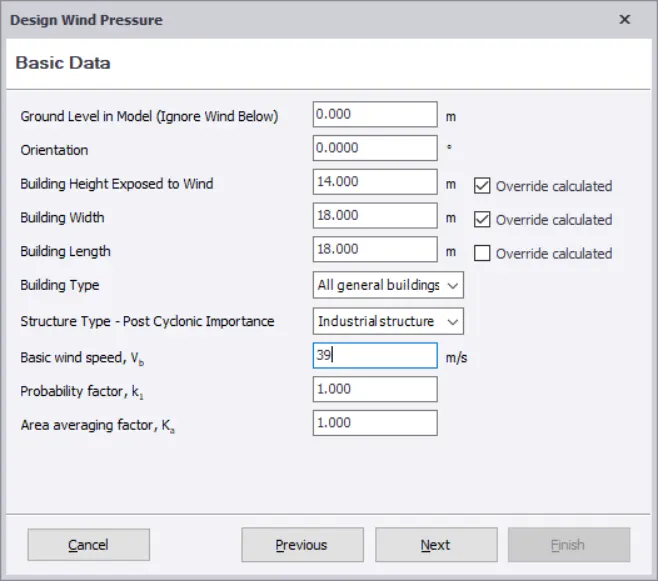
- Basic wind speed = 39m/s
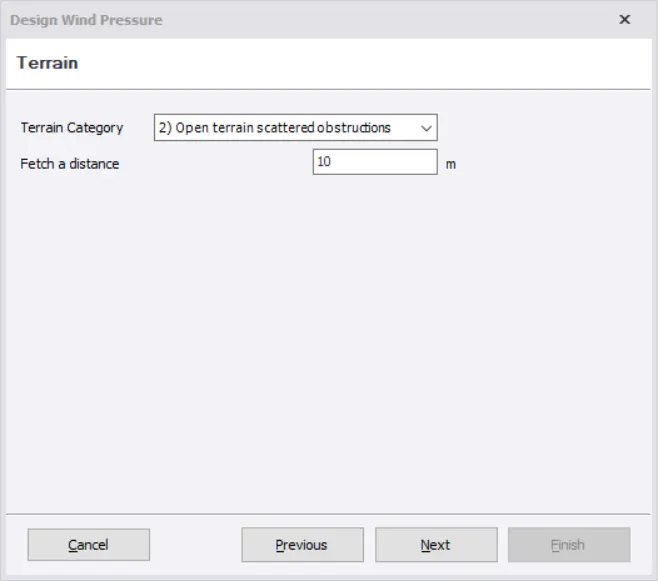
- Terrain category 2
AIM: To calculate wind load for industrial steel structures and to apply it by using TSD
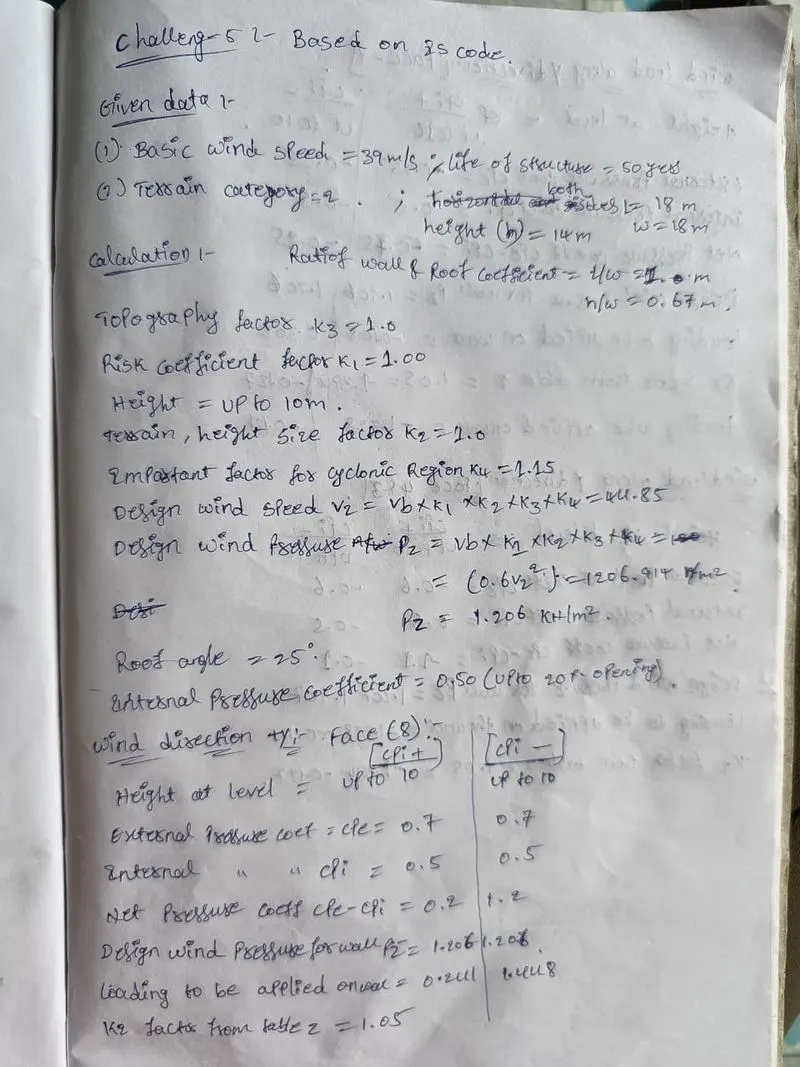
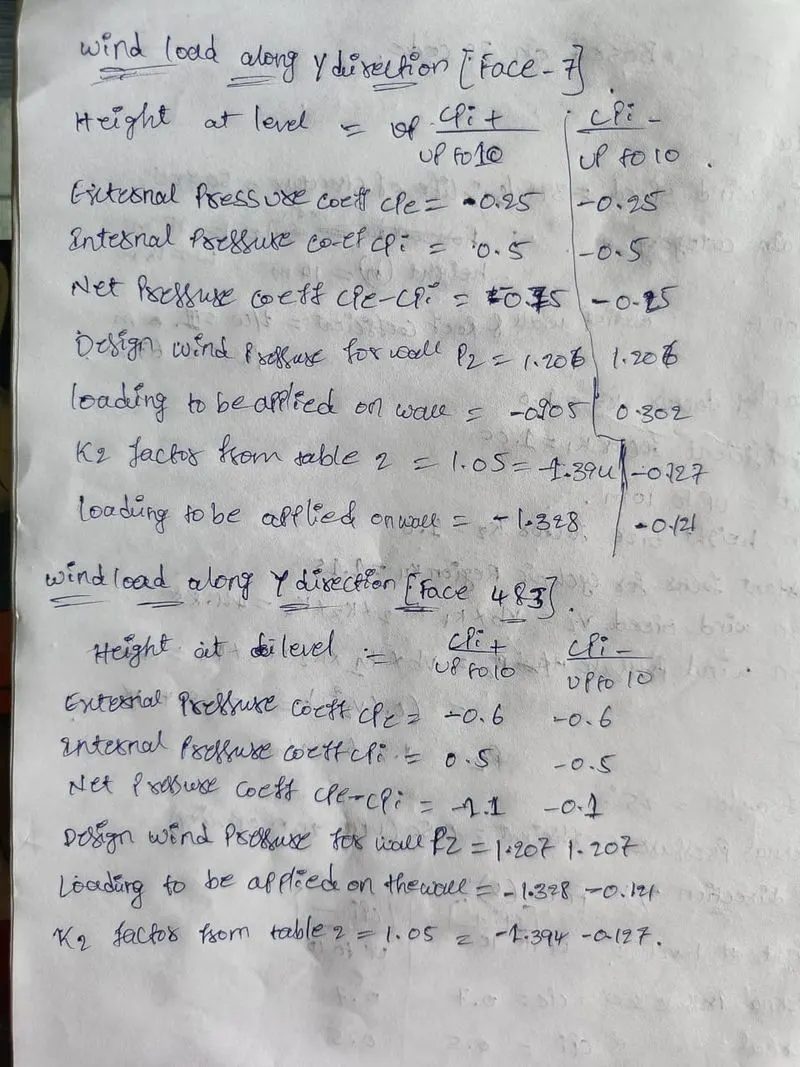
2.Based on the above calculation apply the loadings on the model
- Open the model goto the load tab
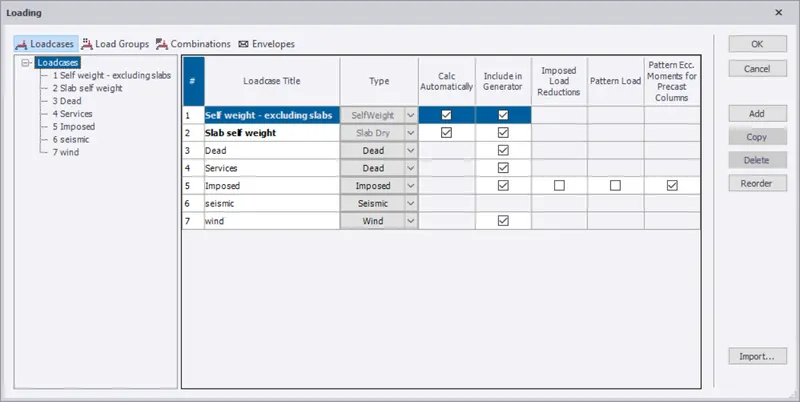
- add the reqired load cases.
- goto the model and apply the loads with calculated values to the structure.
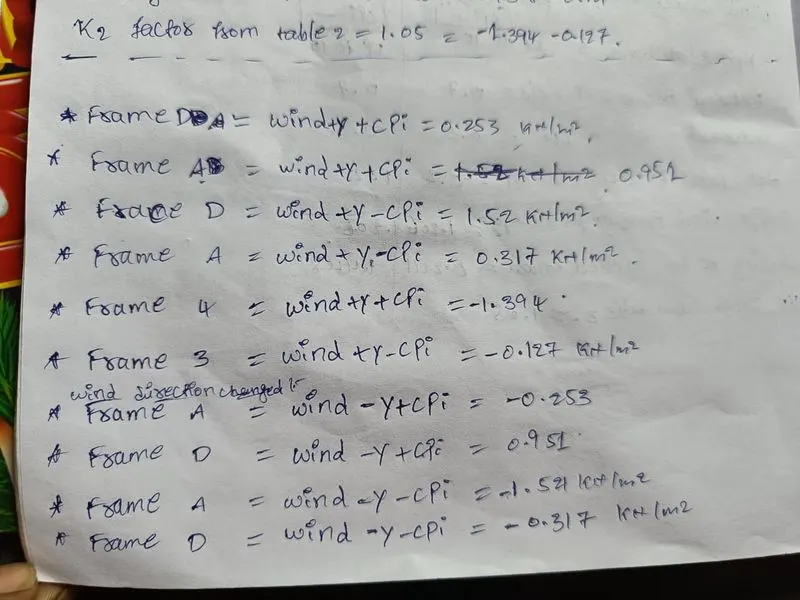
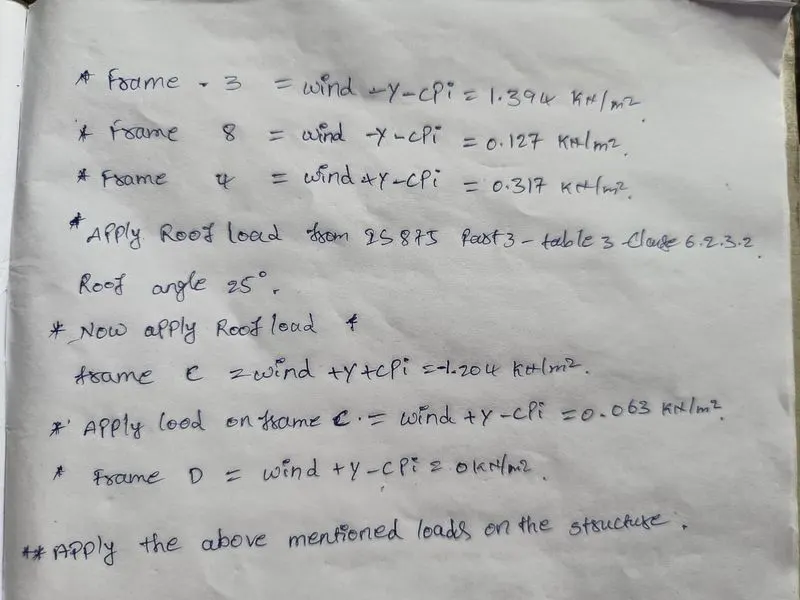
- apply all the loads mentioned above to the model.
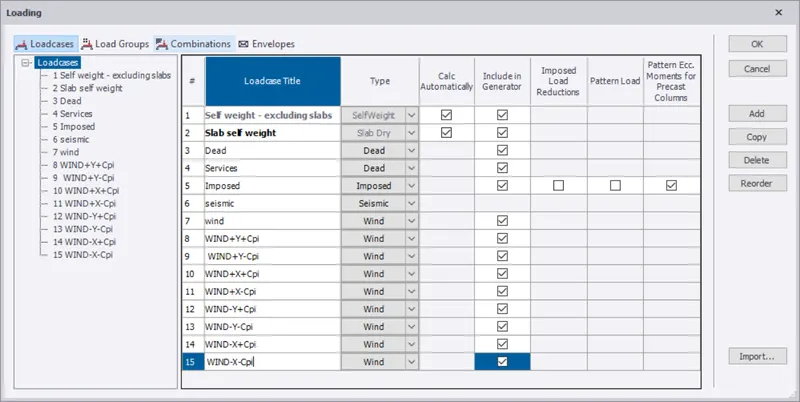
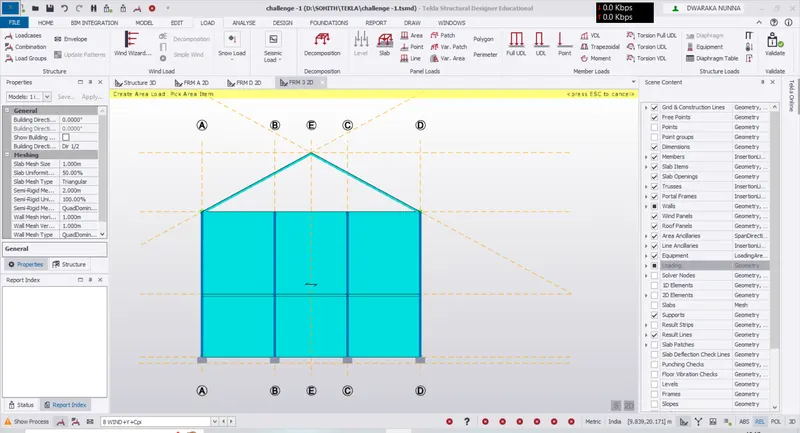
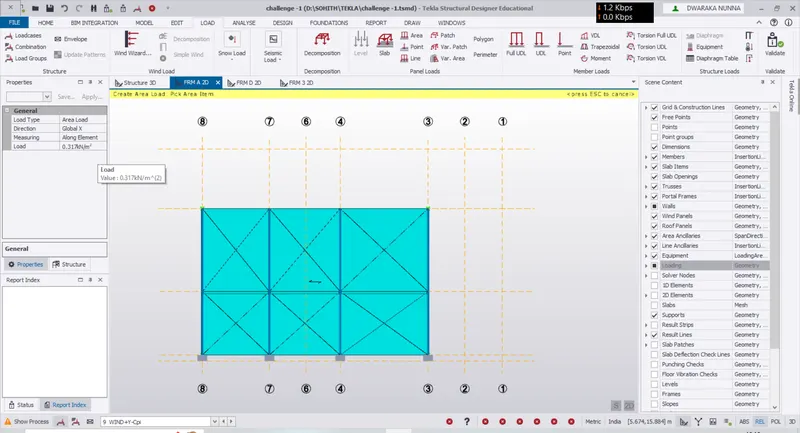
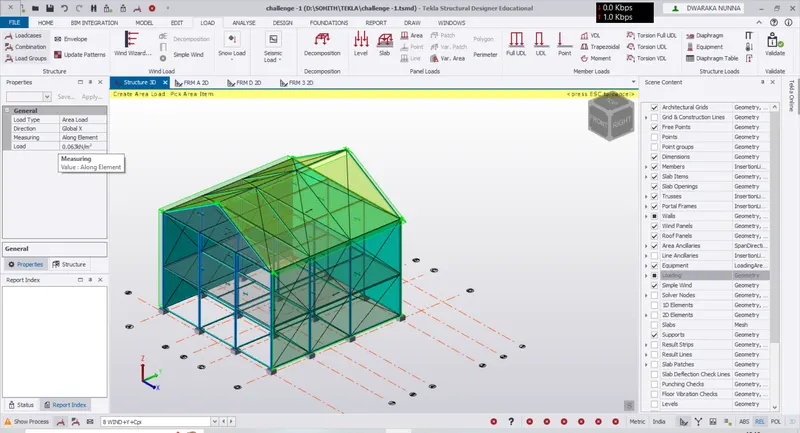
3.On a separate model generate wind loading using wind wizard
- first save the model and click on save as to create new seperate model.
- then open the new sseperate model.
- go to to load cases under the load tab.
- delete all the loads remaining default loads.
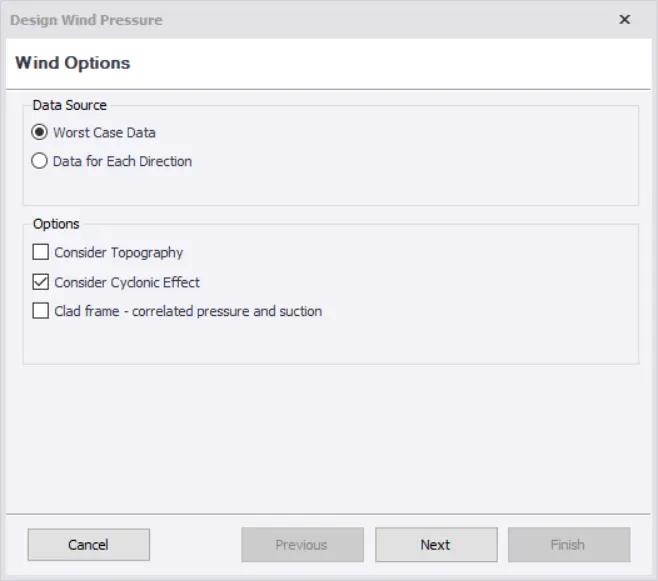
- select wind wizard under the load tab.
- coose cyclonic effect option enter the values under the basic data.
- select terrain category as 2 click on next and finish.
- next goto wind load caces under the load tab to check the wind loads are applied .
- click on ok if all the wind loads are generated.
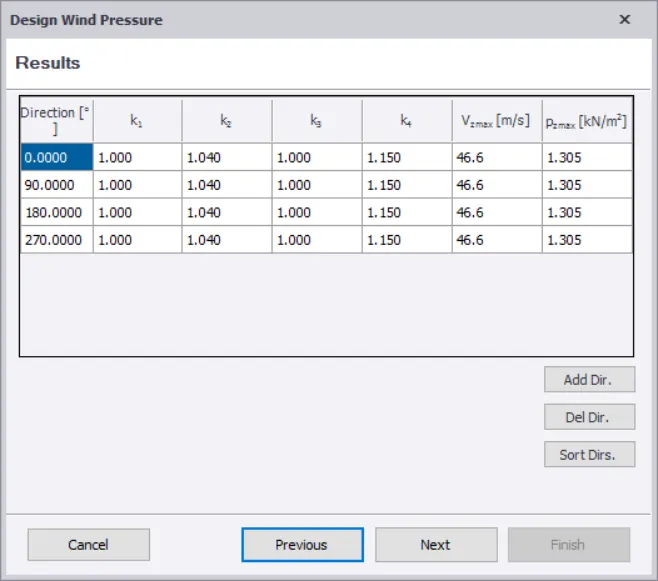
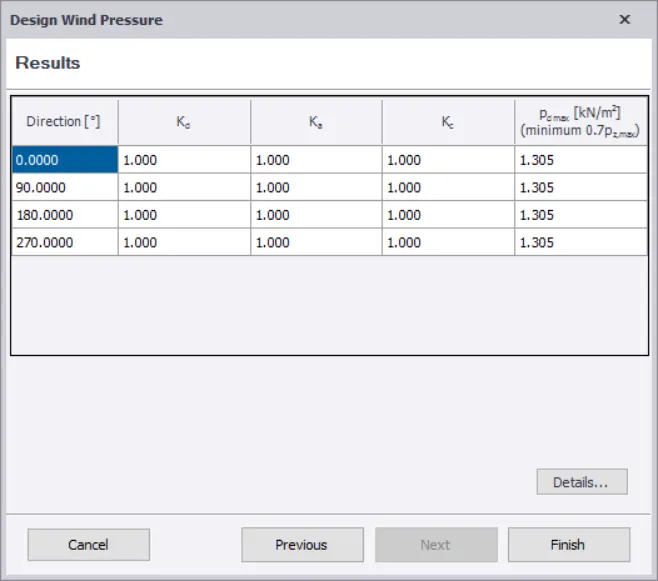
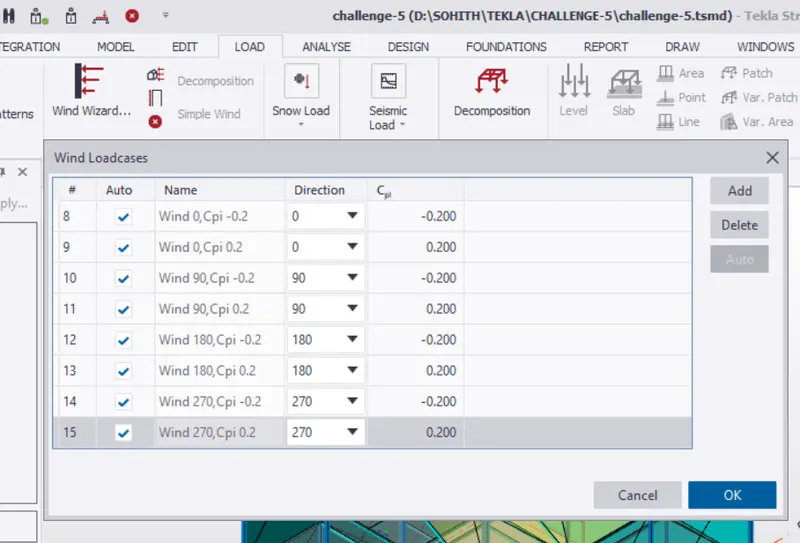
RESULTS : Now,the wind loads are all applied to the structure.