SPARE WHEEL BASE(HYPERMESH)
PROJECT 2
WHEEL BASE
Objective: To extract the mid surface of wheel base (sheet metal component) and mesh the model with given quality parameters at the end assign the thickness to the mode.
Follow the below-mentioned quality criteria, mesh the component given below and assign thickness:
Target Element Length = 5mm
| S.N | Quality Criteria | Value |
| 1 | Aspect Ratio | 5 |
| 2 | Skewness | 45 |
| 3 | Warping | 15 |
| 4 | Taper | 0.5 |
| 5 | Min. Length | 2mm |
| 6 | Max. Length | 8mm |
| 7 | Min angle Quad | 45 |
| 8 | Max angle Quad | 135 |
| 9 | Min angle Tria | 20 |
| 10 | Max angle Tria | 120 |
| 10 | Tria % | 10 |
Procedure:
- Import the model and check for the extra surfaces which are overlapping or connected to the existed surface.
- After checking those surface if we find any deleted surfaces.
- Given consists of non-manifold surfaces lines so to clear them we need perform geometrical operations and get rid of them
- Since it is sheet metal thickness will be uniform.
- To extract mid surface of the model we can either do auto mid surface or offset the model.
- To offset the model go to Geometry>distance>between points check the thickness of the model and do the offset
- In the given model I have performed the auto mid surface option.
- After performing mid surface check for the geometrical errors.
- Performing geometrical cleaning plays a vital in any given models because the entire meshing depended up on the geometry.
- After clearing all the errors go to preference>criteria file settings>enter the quality parameter values and apply to the model.
- Completing above step meshing is performed. To get a good mesh qualities go with surface by surface.
- Ensure that meshing is satisfying all parameters though there are certain areas where elements will get failed for minimum value which are inevitable
- Once the meshing is completed assign the thickness to the model. For this create property give a thickness value and assign the component to the property. In order to check thickness is properly assigned change the option to 2D detailed element
- Below images will give the glimpse of the model and how it is done.
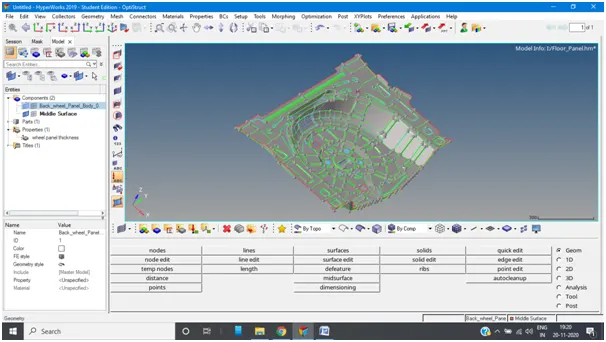
Above image represent the mid surface of the model
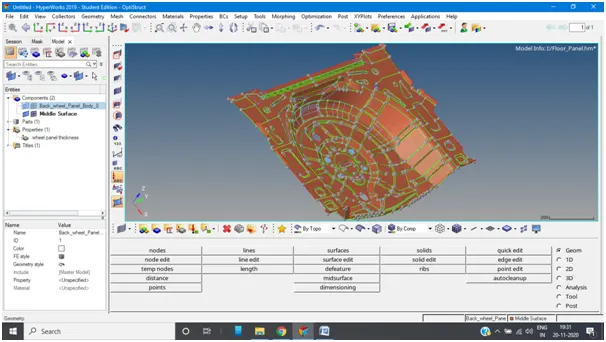
Meshing of the model
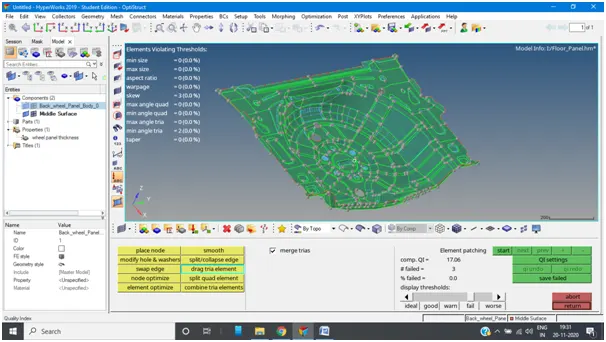
Image represents that model has passed all the quality parameters
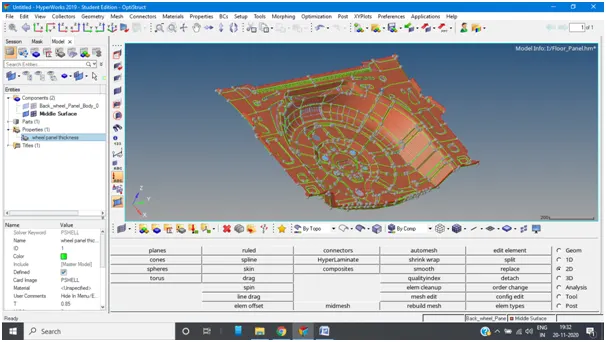
Above image shows that property is created to assign thickness
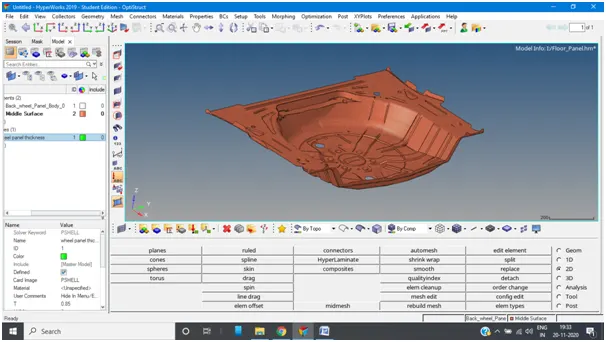
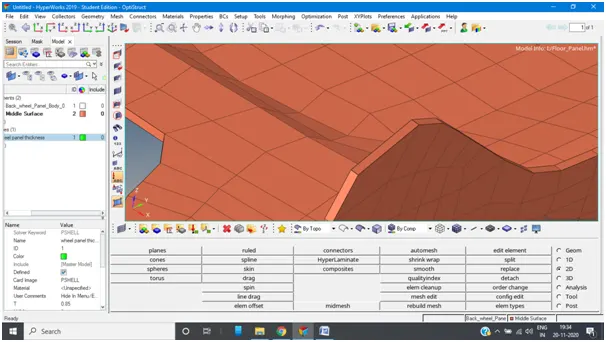
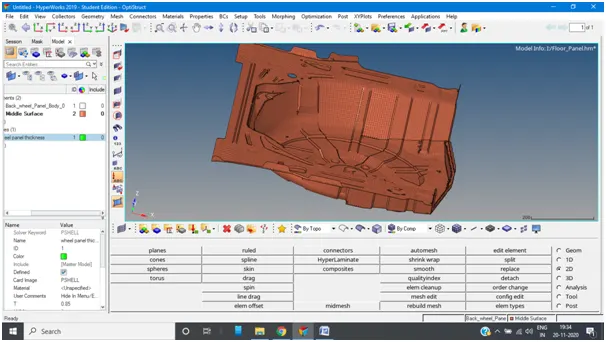
Images represent the thickness is assigned
CONCLUSION:
From the project we learnt how perform operations on automotive parts with satisfying the quality parameters. Though we learnt same from week 6 and week 7 challenges the difference here is assigning thickness. Learning outcomes are meshing, geometry cleanup, extracting mid surface and assigning thickness. Above anything else through this project we learnt o how use different types tools such as replacing nodes, projecting nodes to lines to ensure linearity, how to clear edges by giving tolerance value and replacing nodes. This gives clear understanding on how industry works on the automotive parts.