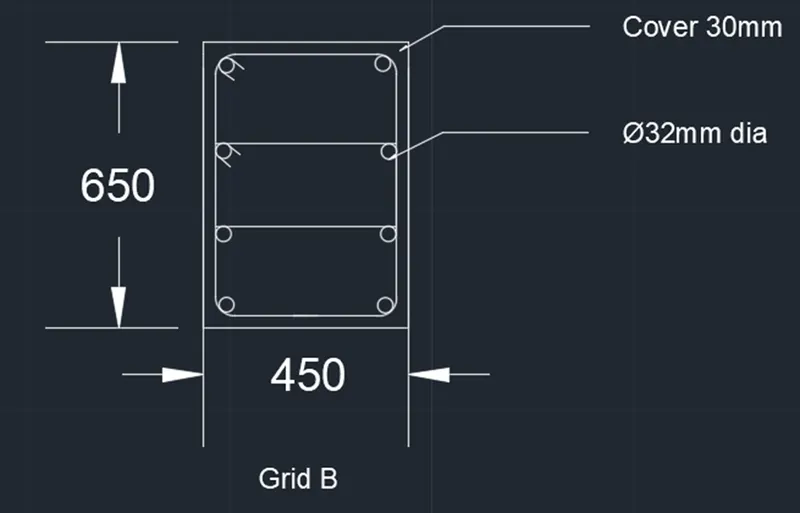
Reinforcement detailing of Columns from ETABS output
Aim : To provide longituduinal reinforcement details for the two columns from foundation to terrace level
Objectives :
To know the design of RC beam using ETABS analysis
To know tha basics of beam reinforcement detailing wit respect to primarystandards
To ensure the ductility reinforcement required by IS-13920-2016 been satisfied in ETABS design
Procedure
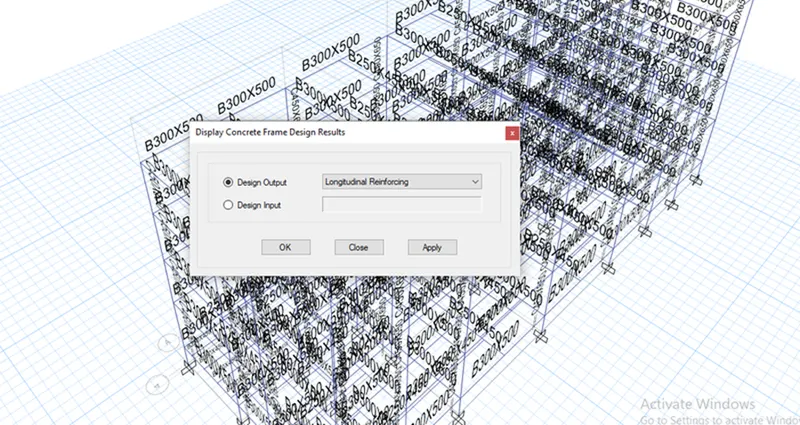
Step 1: Model a G+4 file and then click concrete frame design tool from ribbon tab and then select the display design information option and choose design output as longitudinal reinforcement
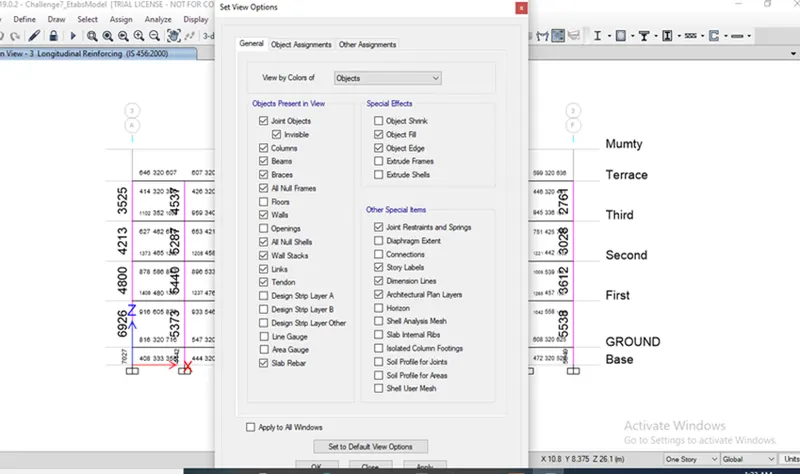
Step 2: After selecting the longitudinal reinforcement click elevation view,to avoid the confusions click tick mark on ribbon tab and uncheck beam
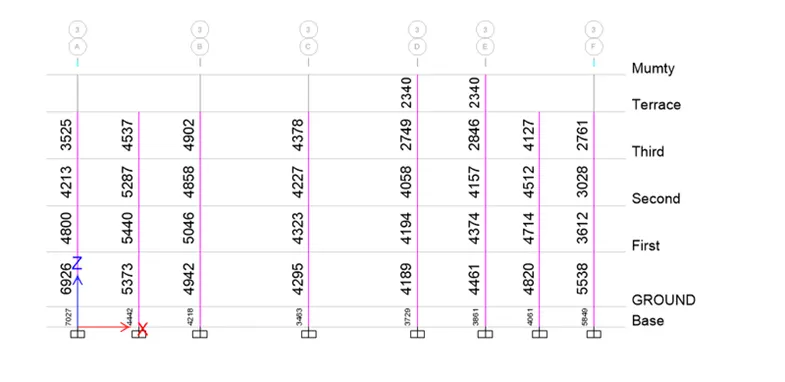
Step 3:Calculate the reinforcement details of 3a and 3b
Step 4:Click the concrete frame design tool and choose shear reinforcing and apply
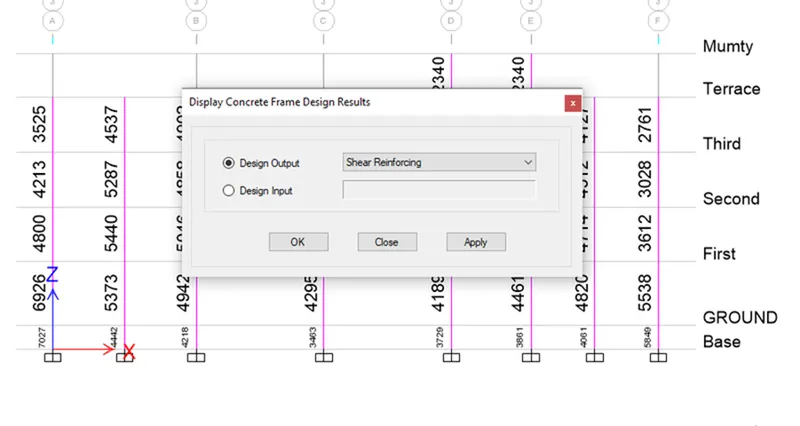
Step 5: After selecting the shear reinforcement the values are obtained at each column
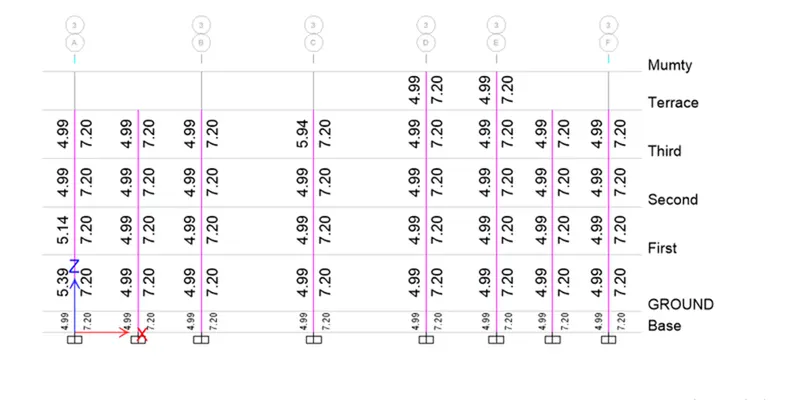
Step 6 :
GRID A
From base to first floor the maximum Ast = 7027
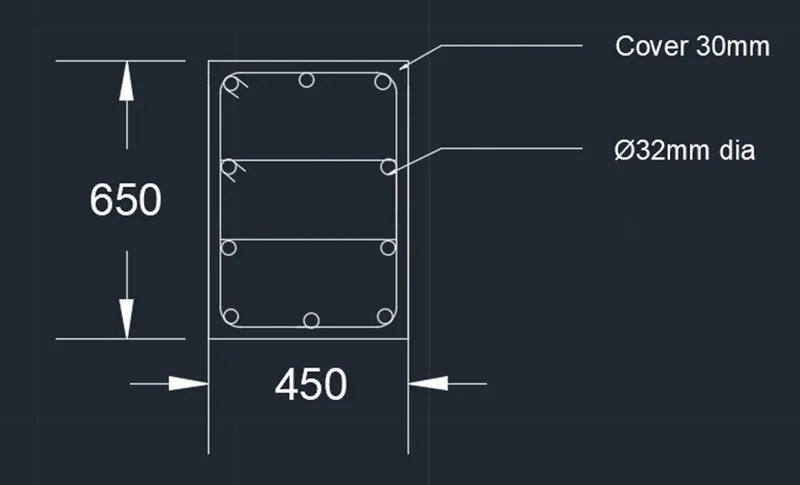
We can provide Nos of 32mmdia bar =10*804=8040mm^2
From first floor to terrace the maximum Ast =4800
We can provide Nos of 32mm dia bar =4824mm^2
GRID B
From base to terrace the maximum Ast =5046
We can provide 8 Nos of 32mmdia bar =6432mm^2
It satisfied the entire span