Reinforcement Detailing of Beams from ETABS output
Aim:
- To design the beams in detail from the Etabs
- To provide details of longitudinal and shear reinforcement for the given two continuous beams.
- To calculate the value of maximum shear force in any one of the spans in the continuous beams.
Introduction:
- Beams are horizontal structural elements used for the supporting lateral loads.
- In conventional reinforced concrete structures, beams usually receive load from the floor slab, but may also be subjected to other loads such as wall loads, finishes, services installation, etc.
- The design and detailing of RC beams involves the selection of the proper beam size and the quantity of longitudinal and shear reinforcement that will satisfy ultimate and serviceability limit state requirements.
Procedure:
Step 1:
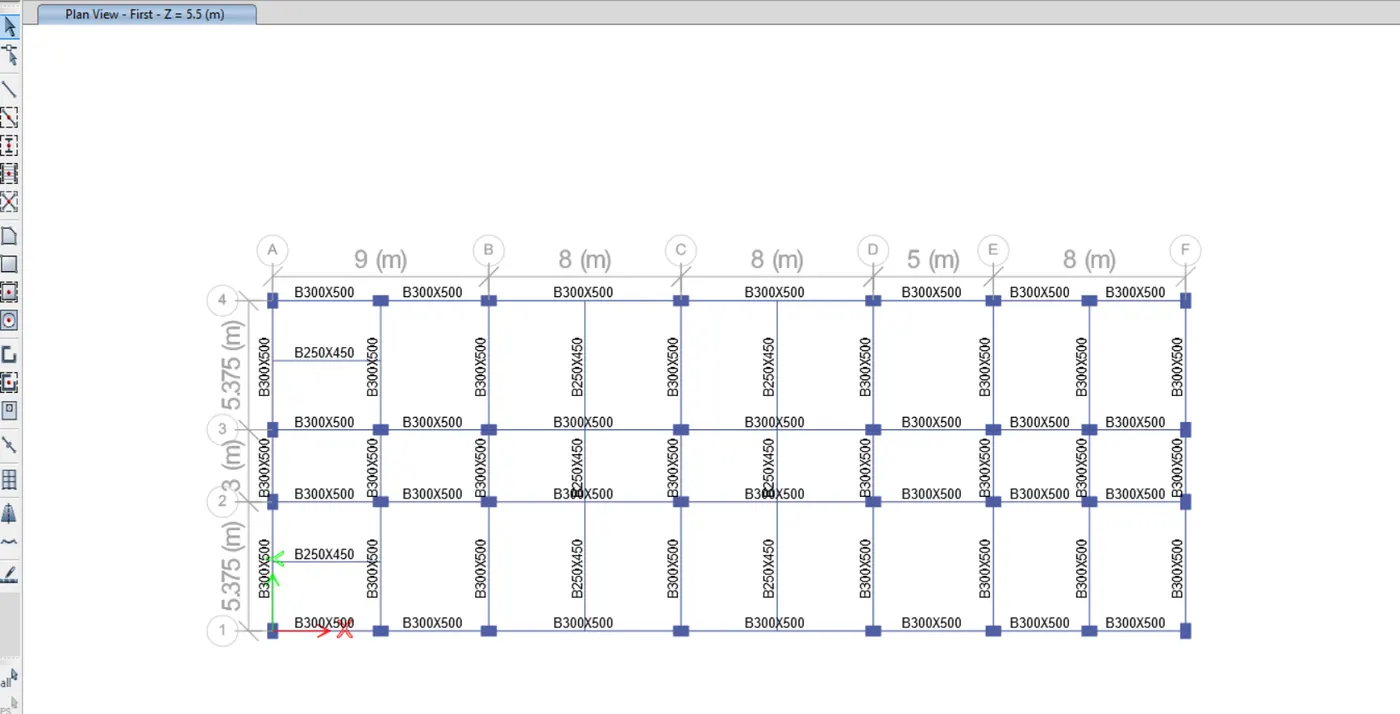
- First we have to open the challange 7 page and download the challenge.
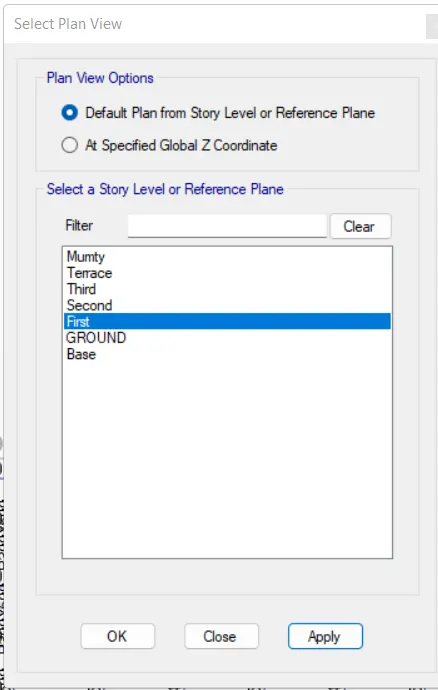
- After downloading the Challenge open it in the etabs
Step 2:
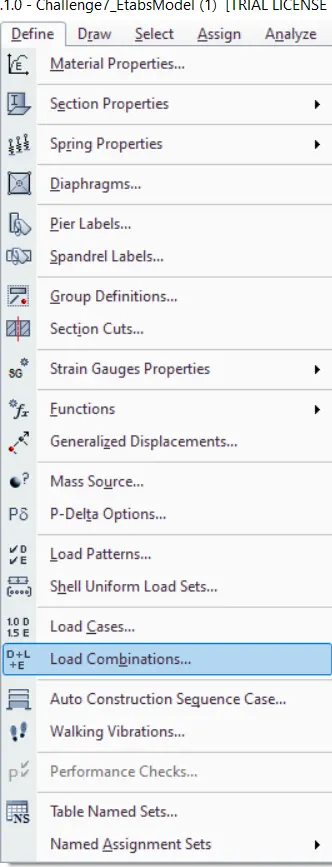
- Next we have to check the load combinations
Step 3:
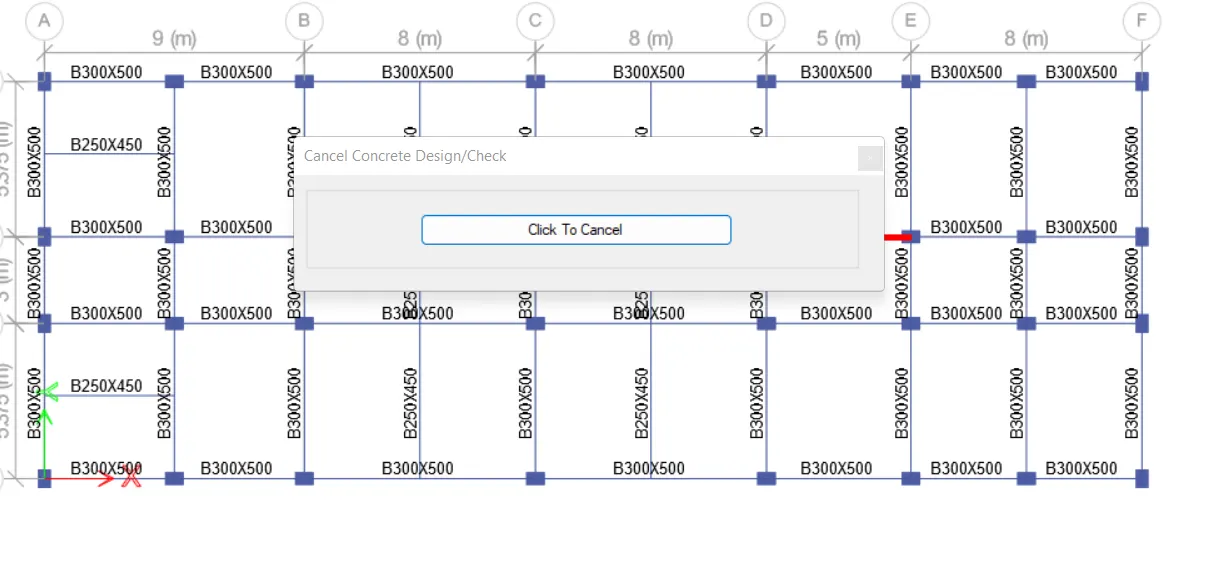
- Next we have to start the beam design by selecting the 'Start Design/Check' option
Step 4:
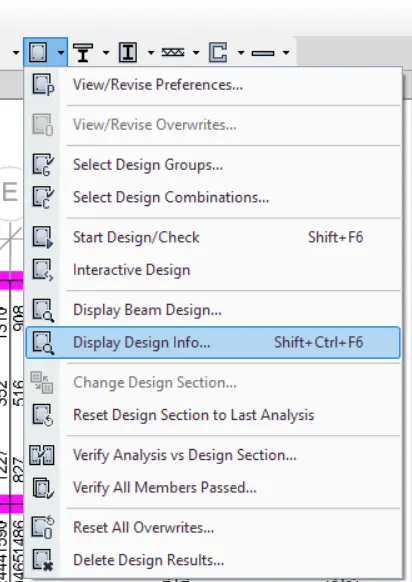
- After the completion of the beam design, we need to select the 'Display Design Info' option, as shown below.
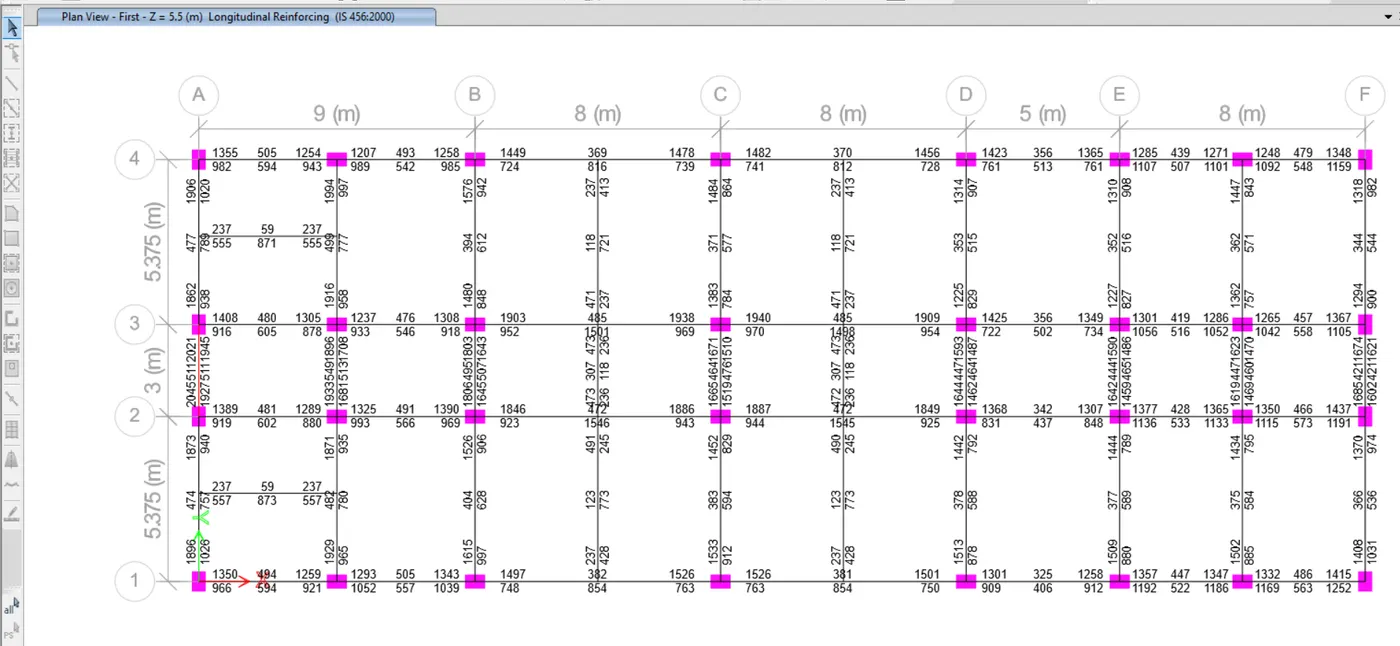
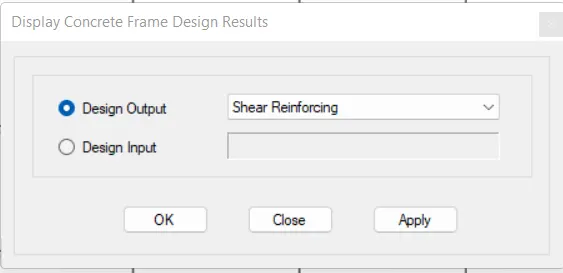
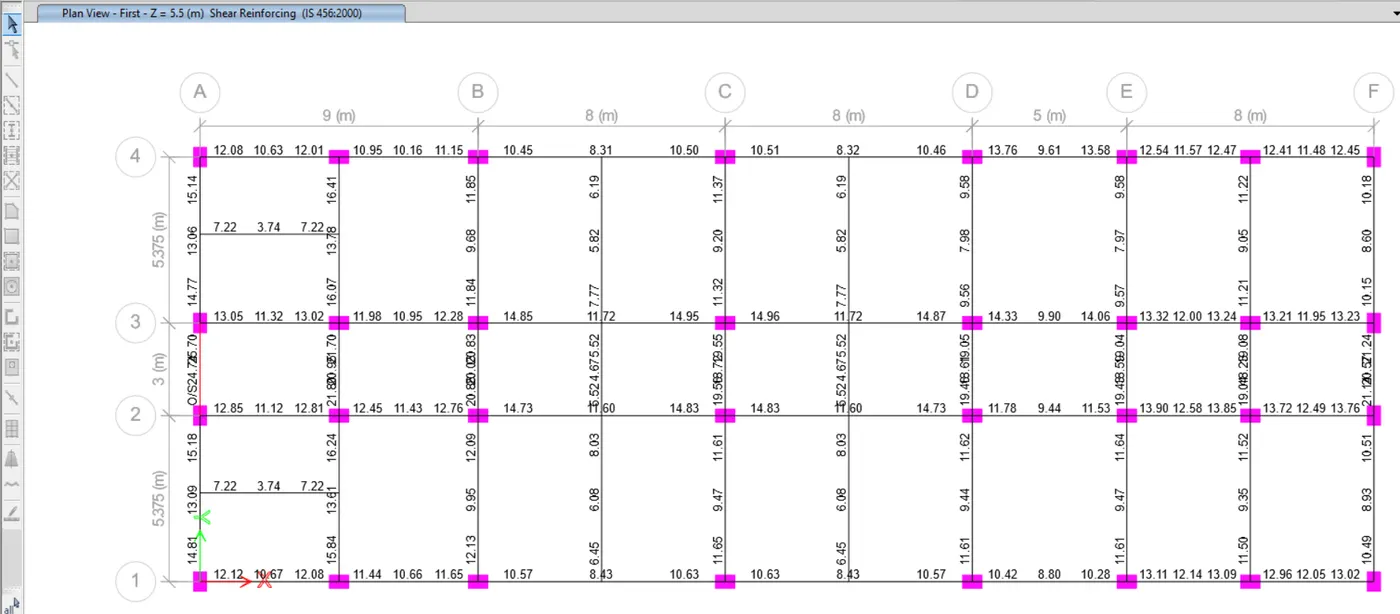
- After selecting the 'Display Design Info' option the new tab appears, In that we select the Longitudinal Reinforcing and shear in the Design Output.
Step 5:
- Next draw the Reinforcement diagram of 3 span continous beam along Grid-A, and also need to provide the reinforcement details.
- The maximum Ast for the bottom support is 1766mm2">mm2 and bottom middle is 702 mm2">mm2
- The maximum Ast for the top support is 1889mm2">mm2mm2 and top middle is 453 mm2">mm2mm2
- Now we provide 3-28Φ">ΦΦ at the top and bottom
- Next we provide 1-8Φ">ΦΦ at the top supports for the continuous beam
Step 6:
- Next draw the Reinforcement diagram of 7 span continous beam along Grid-3, and also need to provide the reinforcement details.
- The maximum Ast for the bottom support is 1061mm2">mm2 and bottom middle is 1493 mm2">mm2
- The maximum Ast for the top support is 1915mm2">mm2 and top middle is 479 mm2">mm2
- Now we provide 3-22Φ">ΦΦ at the top and bottom
- Next we provide 1-10Φ">ΦΦ and 1-12Φ">ΦΦat the top supports and we provide 2-16Φ">ΦΦ at the bottom middle for the continuous beam.
Step 7:
- After providing the beam reinforcement details, we select the beam and right click on the beam then the new tab appears, as shown below.
- Next we need to click on the Details option in Concrete beam design tab, as shown below.
- Next the Shear details will be visible, as shown below.
- As per the clause 6.3.3 the design force is 187.9kN.
- We got, Maximum Shear force is 98.82 kN.
- Check the results for deform shapes
Result:
- The beams are designed successfully using Etabs software.
- Provided the details of longitudinal and shear reinforcement for the two continuous beams.
- And also calculated the value of maximum shear force in the continuous beams using Etabs.
******************