Modelling of the Yacht
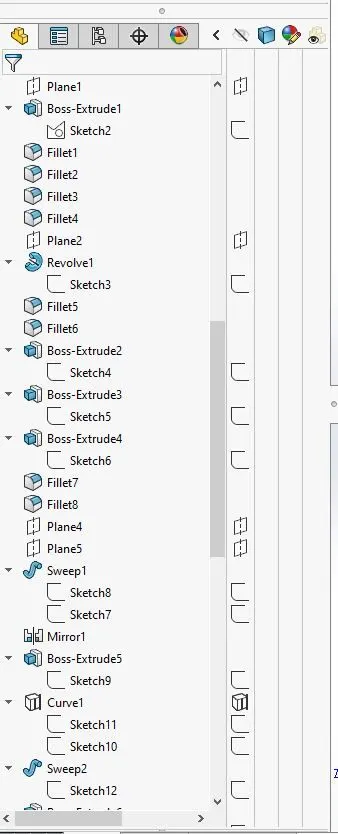
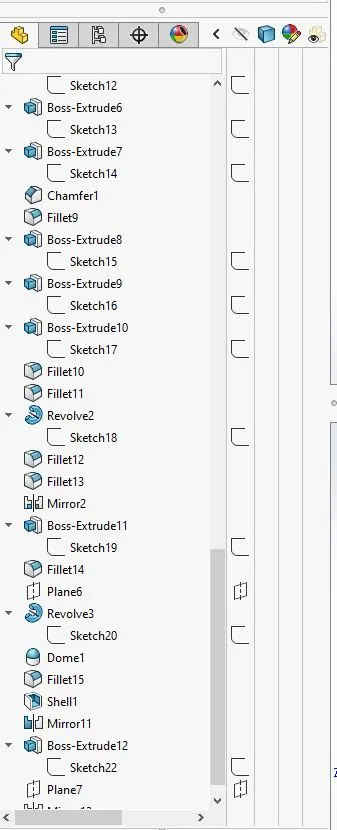
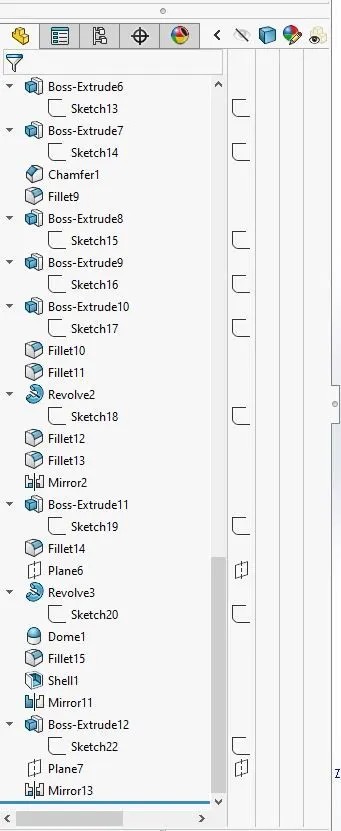
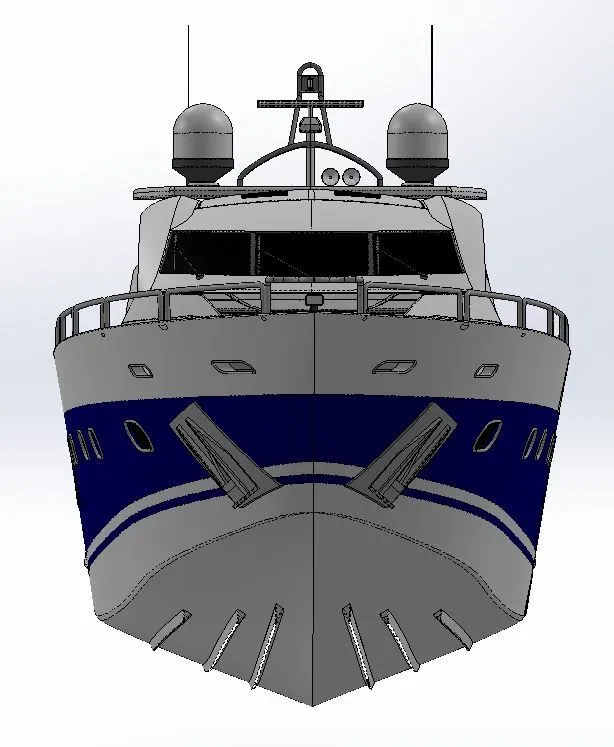
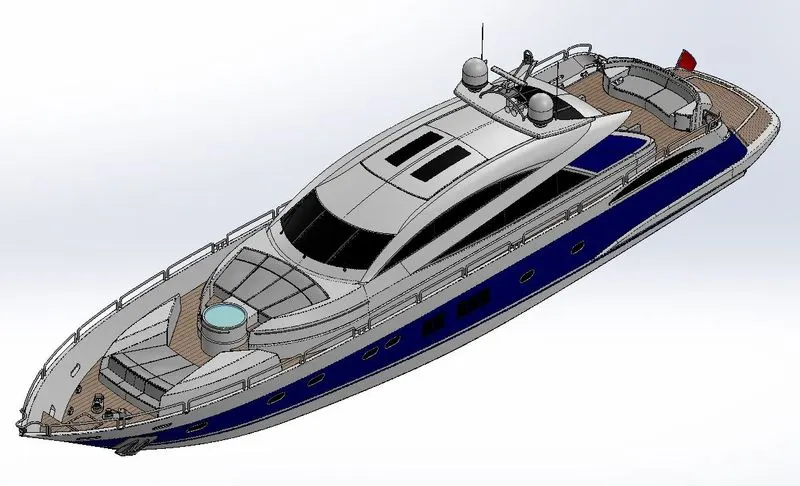
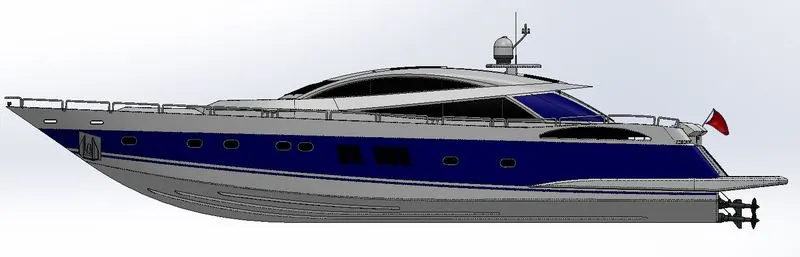
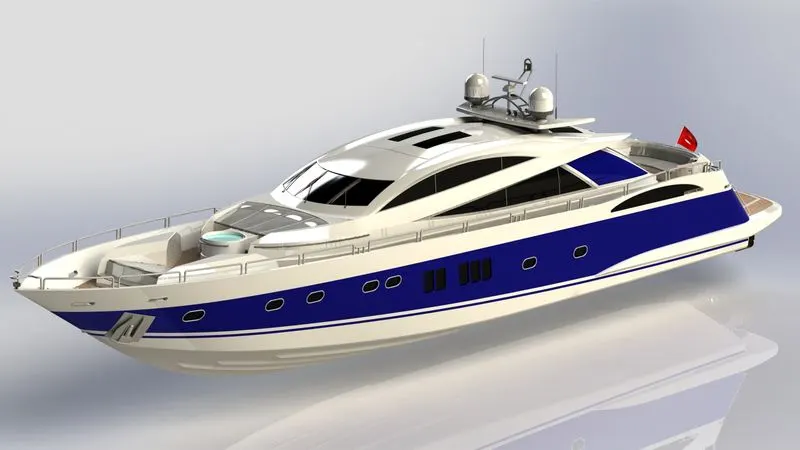
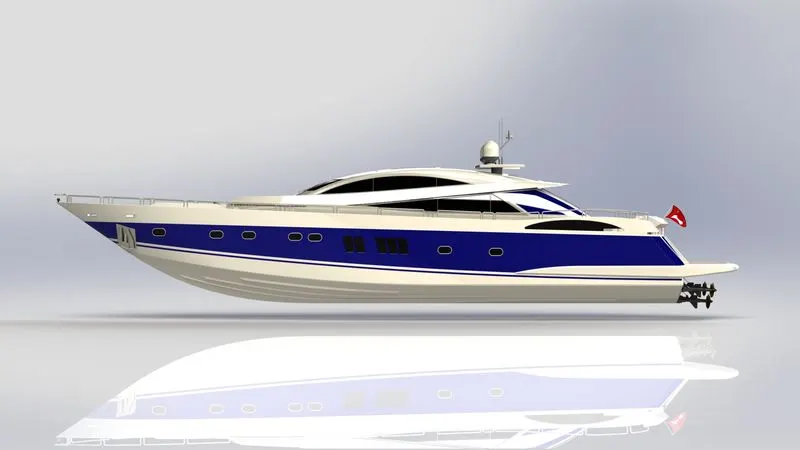
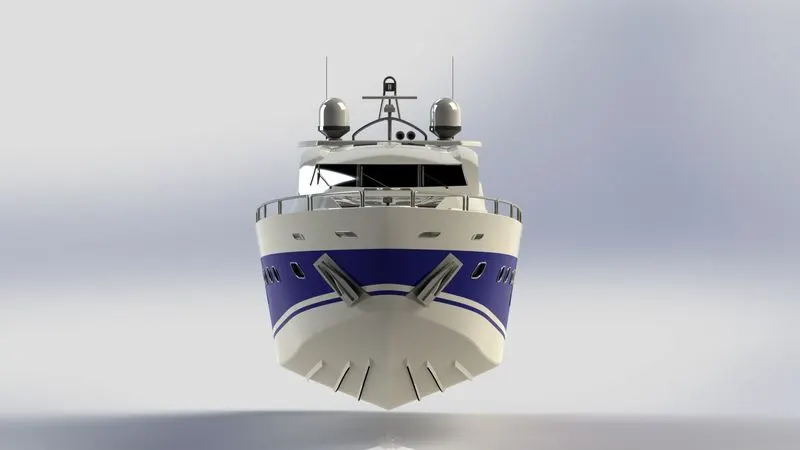
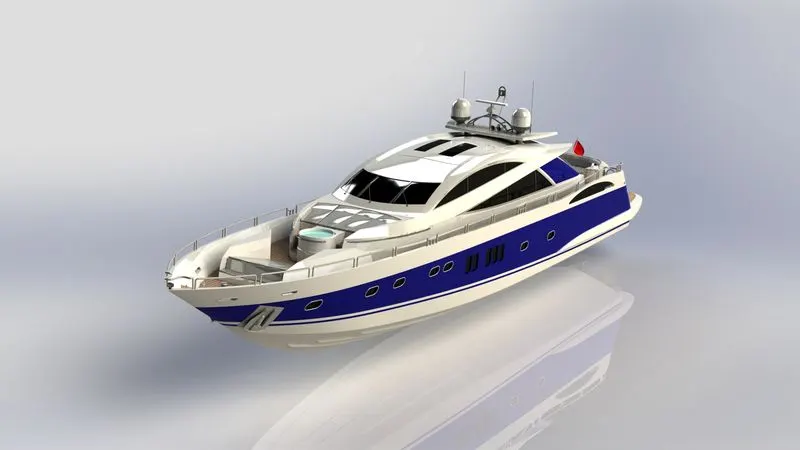
Modelling of the Sunseeker Predator Yacht in Solid-works
Introduction:
Solid-works is an engineer software used to create real models of mechanical part and from these models the technical drawings that will be used to manufactory the parts modelled.
It can also be used to apply appearances, materials and perform analyses such as FEA and CFD.
In this curse model will be learning how to create each component of an American chopper and also how to assembly it.
Design methodology/approach:
Objectives:
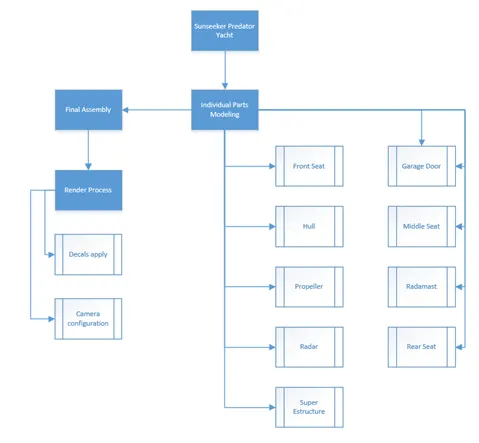
The objective of this model is to learn all the features necessary to create each of the component of the Sunseeker Predator Yacht and also how to assembly it. Will be also learning how to use the photo view 360 and visualize to render the final assembled model.
Description of each component modelled.
Front Seat:
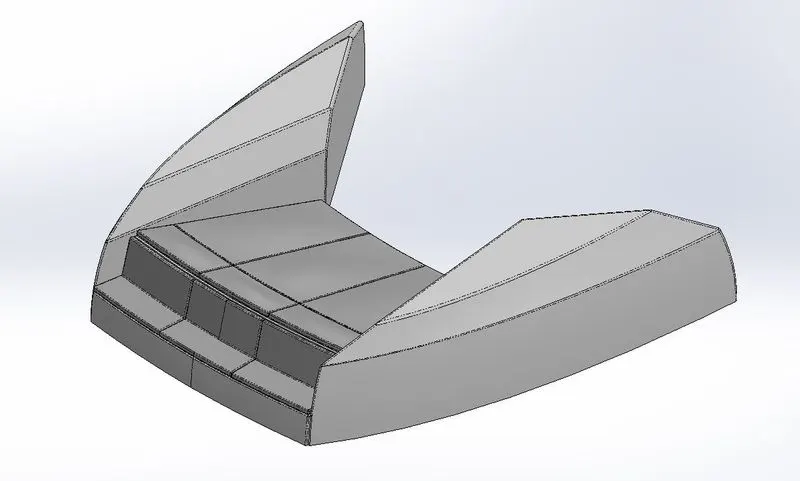
Features used to model the part & description:
Sketch: Is a 2D drawing representation that can used to create the 3D solid model and/or modify an existing 3d solid model. Inside the sketch you can use different tools to create it and they are known as sketch entities.
Appearance: Is where you can apply materials, colours, textures and appearances to your 3D model.
Surface sweep: Is used to generate a surface by sweeping a 2D sketch (profile) along a another sketch (path)
Surface extrude: Is used to extrude a sketch and create a surface from it.
Surface trim: Is used to cut material from an existing surface.
Surface fill: Is used to fill gaps between two pre-existing surfaces.
Surface loft: Is used to create surfaces from multiple 3D curves.
Surface knit: Is used to knit two edges of a surface together
Chamfer: Is used to brake/cut edges.
Revolve: Is used to generate a solid 3D model by revolving a sketch (profile) along another sketch (path)
Cut extrude: Is used to cut an existing 3D solid model from a sketch.
Fillet: Is used to create internal/external rounded edges.
Mirror: Is used to create a mirrored body of an existing one.
Dome: Is used to create domes on flat surfaces
Garage Door:
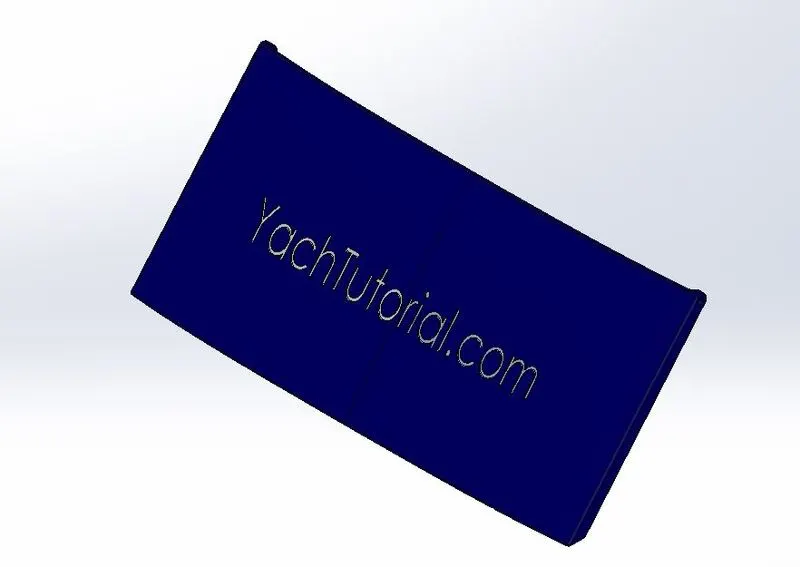
Features used to model the part & description:
Sketch: Is a 2D drawing representation that can used to create the 3D solid model and/or modify an existing 3d solid model. Inside the sketch you can use different tools to create it and they are known as sketch entities.
Appearance: Is where you can apply materials, colours, textures and appearances to your 3D model.
Cut extrude: Is used to cut an existing 3D solid model from a sketch.
Shell: Is used to create a shell internally to a solid body or to a surface. You can also define how thick it will be.
Fillet: Is used to create internal/external rounded edges.
Mirror: Is used to create a mirrored body of an existing one.
Reference Plan: Is used to create alternative planes that are need to generate sketches and geometry.
Hull:
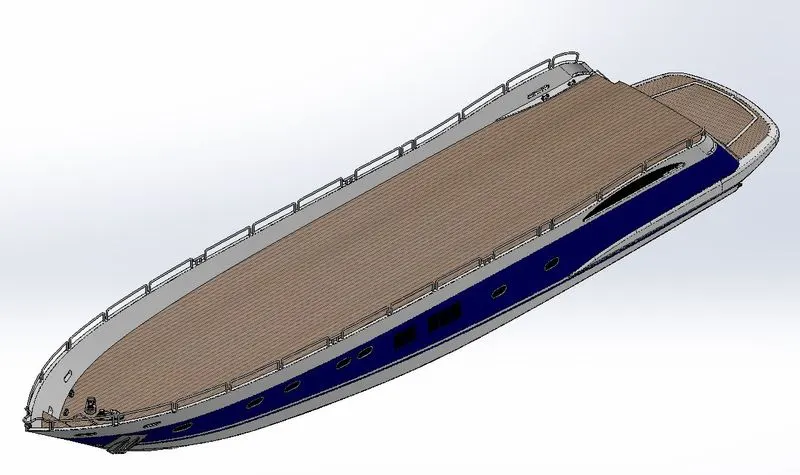
Features used to model the part & description:
Sketch: Is a 2D drawing representation that can used to create the 3D solid model and/or modify an existing 3d solid model. Inside the sketch you can use different tools to create it and they are known as sketch entities.
Appearance: Is where you can apply materials, colours, textures and appearances to your 3D model.
Projected curve: Is a 3D curve that is generated by the junction of 2 or more 2D curves.
Surface loft: Is used to create surfaces from multiple 3D curves.
Surface trim: Is used to cut material from an existing surface.
Surface extrude: Is used to extrude a sketch and create a surface from it.
Surface knit: Is used to knit two edges of a surface together
Surface fill: Is used to fill gaps between two pre-existing surfaces.
Shell: Is used to create a shell internally to a solid body or to a surface. You can also define how thick it will be.
Boss extrude: Is uses to create a solid 3D model from a sketch.
Cut extrude: Is used to cut an existing 3D solid model from a sketch.
Fillet: Is used to create internal/external rounded edges.
Chamfer: Is used to brake/cut edges.
Reference plan: Is used to create alternative planes that are need to generate sketches and geometry.
Sweep: Is used to generate a solid body by sweeping a 2D sketch (profile) along a another sketch (path)
Revolve: Is used to generate a solid 3D model by revolving a sketch (profile) along another sketch (path)
Dome: Is used to create domes on flat surfaces
Helix/Spiral: Is used to create a spiral patch where you can define the pitch between two spirals, diameter and overall length from the start to the end point of the spiral.
Linear pattern: Is used to create multiple copies of an existing body following a linear pattern
Delete face: Is used to delete one of the faces of a solid or a surface. In the case of a solid this will turn it onto a surface body.
3D sketch: Is used to create a 3D sketch that can be in the plans XY, XZ and ZY ate the same time.
Split: Is used to project an entity sketch to a solid model and slip it. You are also be able to define with of the split bodies will remain.
Split line: Is used to create a line on a surface or on a solid face that just divide the face but do not create a new body but. It can be used to apply different appearance on a sab solid or surface.
Offset surface: Is used to create a new surface from an existing one offsetting the same.
Mirror: Is used to create a mirrored body of an existing one.
Middle_Seat:
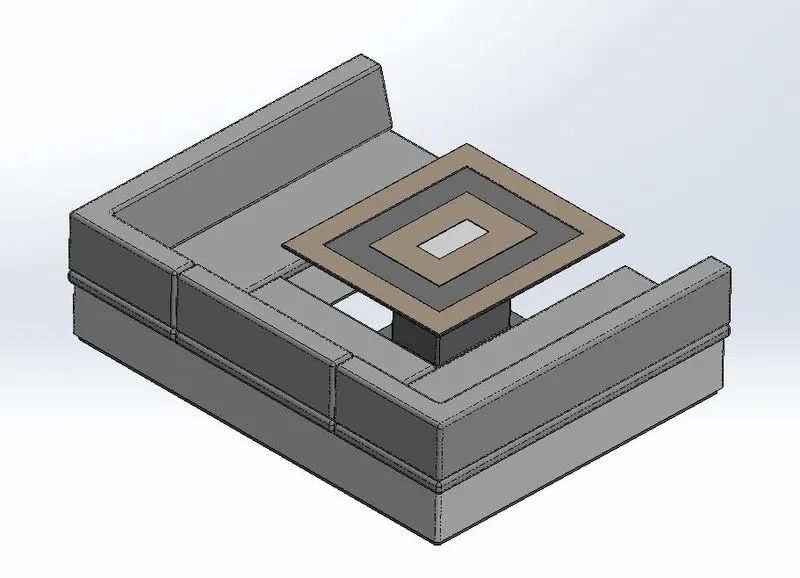
Features used to model the part & description:
Sketch: Is a 2D drawing representation that can used to create the 3D solid model and/or modify an existing 3d solid model. Inside the sketch you can use different tools to create it and they are known as sketch entities.
Appearance: Is where you can apply materials, colours, textures and appearances to your 3D model.
Boss extrude: Is uses to create a solid 3D model from a sketch.
Reference plan: Is used to create alternative planes that are need to generate sketches and geometry.
Chamfer: Is used to brake/cut edges.
Fillet: Is used to create internal/external rounded edges.
Mirror: Is used to create a mirrored body of an existing one.
Cut extrude: Is used to cut an existing 3D solid model from a sketch.
Propeller:
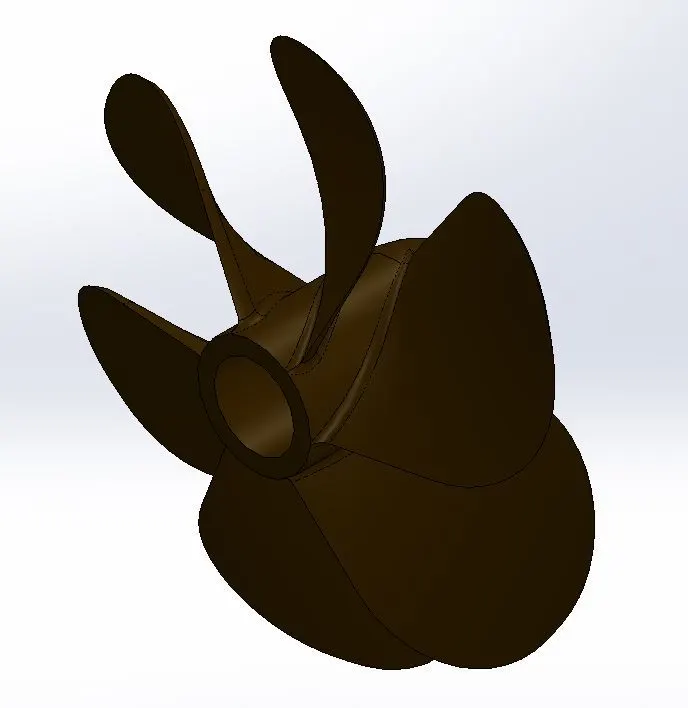
Features used to model the part & description:
Sketch: Is a 2D drawing representation that can used to create the 3D solid model and/or modify an existing 3d solid model. Inside the sketch you can use different tools to create it and they are known as sketch entities.
Appearance: Is where you can apply materials, colours, textures and appearances to your 3D model.
Revolve: Is used to generate a solid 3D model by revolving a sketch (profile) along another sketch (path)
Reference plan: Is used to create alternative planes that are need to generate sketches and geometry.
Loft: Is used to create a solid model by joining two sketches trough a path.
Cut extrude: Is used to cut an existing 3D solid model from a sketch.
Fillet: Is used to create internal/external rounded edges.
Circular pattern: Is used to create multiple copies of an existing body following a circular pattern.
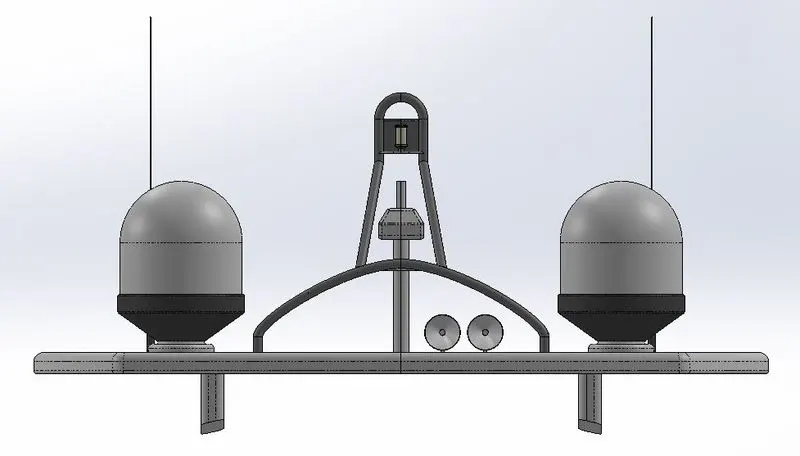
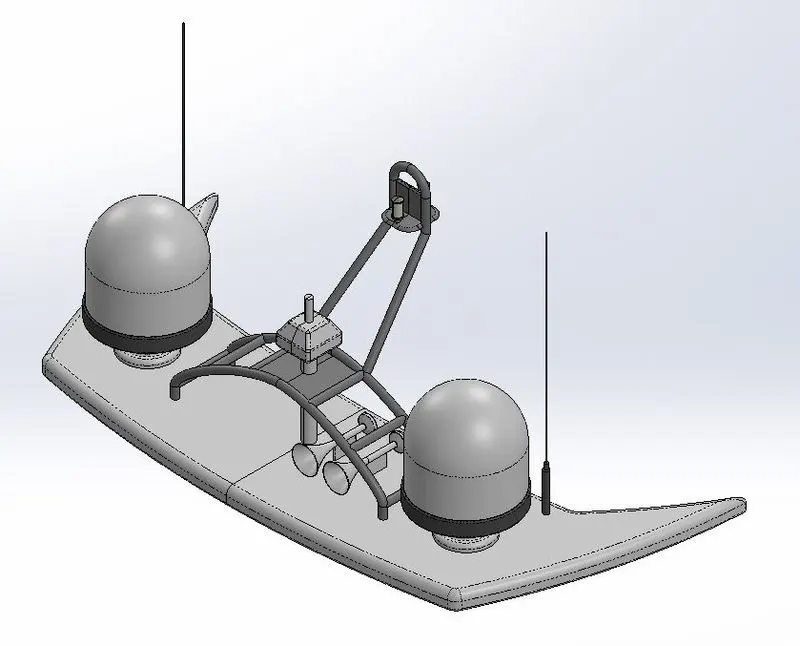
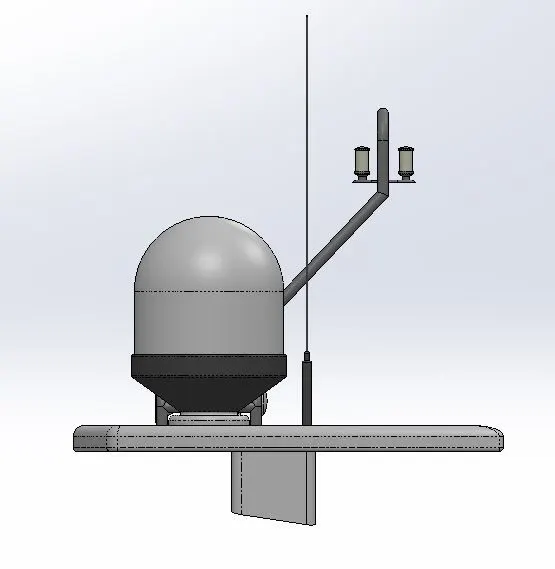
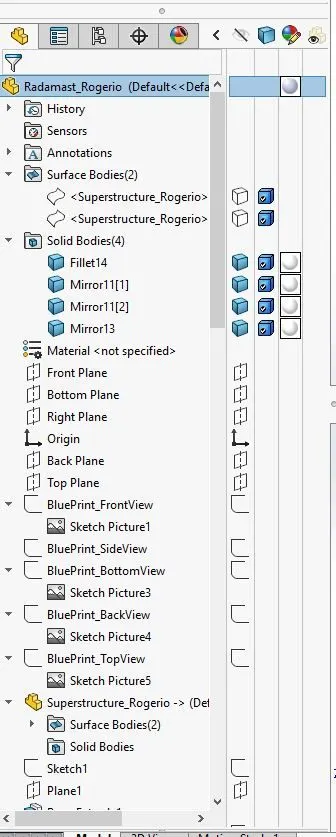
Radamast:
Features used to model the part & description:
Sketch: Is a 2D drawing representation that can used to create the 3D solid model and/or modify an existing 3d solid model. Inside the sketch you can use different tools to create it and they are known as sketch entities.
Appearance: Is where you can apply materials, colours, textures and appearances to your 3D model.
Reference plan:
Boss extrude: Is uses to create a solid 3D model from a sketch.
Fillet: Is used to create internal/external rounded edges.
Revolve: Is used to generate a solid 3D model by revolving a sketch (profile) along another sketch (path)
Sweep: Is used to generate a solid body by sweeping a 2D sketch (profile) along a another sketch (path)
Projected curve: Is a 3D curve that is generated by the junction of 2 or more 2D curves.
Chamfer: Is used to brake/cut edges.
Dome: Is used to create domes on flat surfaces
Shell: Is used to create a shell internally to a solid body or to a surface. You can also define how thick it will be.
Mirror: Is used to create a mirrored body of an existing one.
Radar:
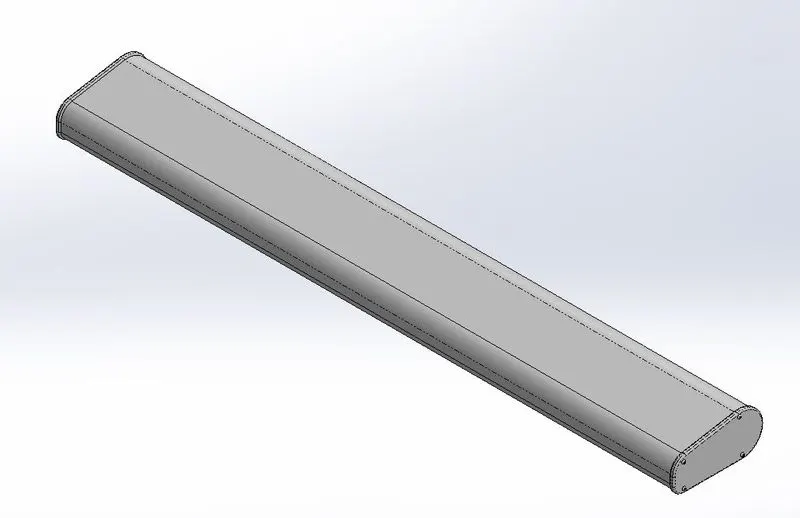
Features used to model the part & description:
Sketch: Is a 2D drawing representation that can used to create the 3D solid model and/or modify an existing 3d solid model. Inside the sketch you can use different tools to create it and they are known as sketch entities.
Appearance: Is where you can apply materials, colours, textures and appearances to your 3D model.
Boss extrude: Is uses to create a solid 3D model from a sketch.
Fillet: Is used to create internal/external rounded edges.
Cut extrude: Is used to cut an existing 3D solid model from a sketch.
Sketch pattern: Is used to create a pattern into a sketch where it can be circular, linear or a driven pattern
Mirror: Is used to create a mirrored body of an existing one.
Split line: Is used to create a line on a surface or on a solid face that just divide the face but do not create a new body but. It can be used to apply different appearance on a sab solid or surface.
Rear Seat:
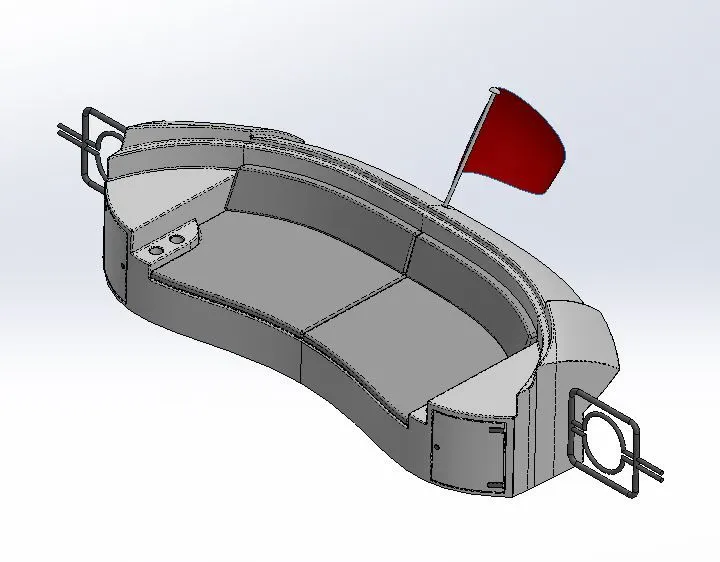
Features used to model the part & description:
Sketch: Is a 2D drawing representation that can used to create the 3D solid model and/or modify an existing 3d solid model. Inside the sketch you can use different tools to create it and they are known as sketch entities.
Appearance: Is where you can apply materials, colours, textures and appearances to your 3D model.
Reference plan: Is used to create alternative planes that are need to generate sketches and geometry.
Surface sweep: Is used to generate a surface by sweeping a 2D sketch (profile) along a another sketch (path)
Surface offset: Is used to create a new surface from an existing one offsetting the same.
Surface trim: Is used to cut material from an existing surface.
Ruled Surface: Is used to create a new surface from an existing one were the new surface can be tangent, perpendicular, normal or in a certain angle in relation to the existing one.
Surface knit: Is used to knit two edges of a surface together
Surface extend: Is used to extend a pre-existing surface
Surface loft: Is used to create surfaces from multiple 3D curves.
Boss extrude: Is uses to create a solid 3D model from a sketch.
Cut extrude: Is used to cut an existing 3D solid model from a sketch.
Chamfer: Is used to brake/cut edges.
Fillet: Is used to create internal/external rounded edges.
Sweep: Is used to generate a solid body by sweeping a 2D sketch (profile) along a another sketch (path)
Mirror: Is used to create a mirrored body of an existing one.
Revolve: Is used to generate a solid 3D model by revolving a sketch (profile) along another sketch (path)
Superstructure:
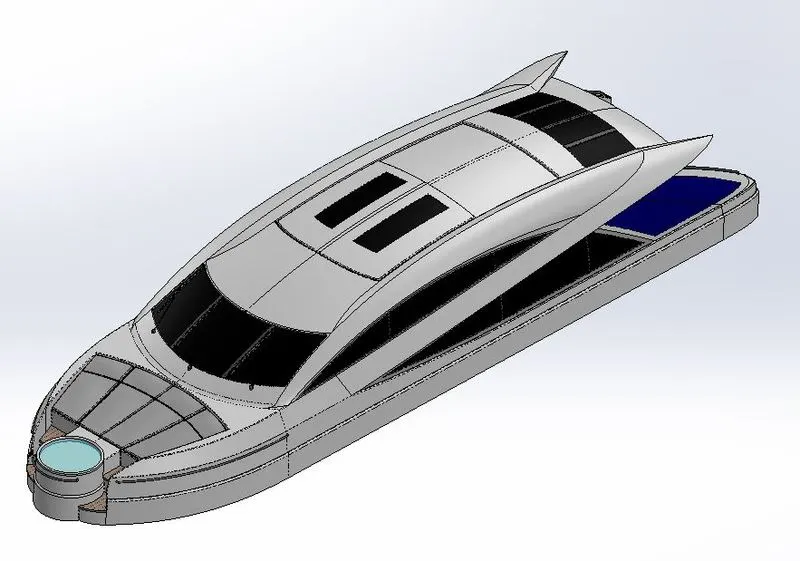
Features used to model the part & description:
Sketch: Is a 2D drawing representation that can used to create the 3D solid model and/or modify an existing 3d solid model. Inside the sketch you can use different tools to create it and they are known as sketch entities.
Appearance: Is where you can apply materials, colours, textures and appearances to your 3D model.
Surface extrude: Is used to extrude a sketch and create a surface from it.
Reference plan: Is used to create alternative planes that are need to generate sketches and geometry.
Surface sweep: Is used to generate a surface by sweeping a 2D sketch (profile) along a another sketch (path)
Surface knit: Is used to knit two edges of a surface together
Fillet: Is used to create internal/external rounded edges.
Ruled Surface: Is used to create a new surface from an existing one were the new surface can be tangent, perpendicular, normal or in a certain angle in relation to the existing one.
Surface trim: Is used to cut material from an existing surface.
Projected curve: Is a 3D curve that is generated by the junction of 2 or more 2D curves.
Surface loft: Is used to create surfaces from multiple 3D curves.
Surface fill: Is used to fill gaps between two pre-existing surfaces.
Surface extend: Is used to extend a pre-existing surface
Boss extrude: Is uses to create a solid 3D model from a sketch.
Cut extrude: Is used to cut an existing 3D solid model from a sketch.
Fillet: Is used to create internal/external rounded edges.
Delete face: Is used to delete one of the faces of a solid or a surface. In the case of a solid this will turn it onto a surface body.
Surface offset: Is used to create a new surface from an existing one offsetting the same.
Thicken: is used to create thickness on an existing surface, it will also turn the surface onto a solid body
Dome: Is used to create domes on flat surfaces
Sweep: Is used to generate a solid body by sweeping a 2D sketch (profile) along a another sketch (path)
Split line: Is used to create a line on a surface or on a solid face that just divide the face but do not create a new body but. It can be used to apply different appearance on a sab solid or surface.
Cut loft: Is used to cut a solid body from a loft.
Mirror: Is used to create a mirrored body of an existing one.
Chamfer: Is used to brake/cut edges.
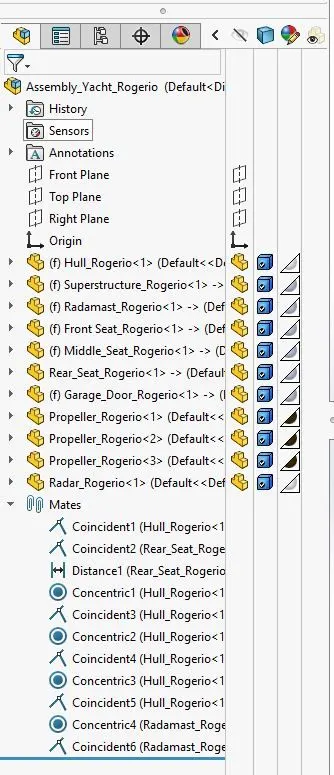
Sunseeker Predator Yacht Assembly:
Features used to model the part & description:
Mates: Are used to define geometric relationships between the parts of the assembly.
Rendering:
It is the process of creating a real image of the model created by applying material, appearances, cameras, light and backgrounds.
Conclusion:
All parts of the Sunseeker Predator Yacht Assembly are modelled as per the instruction along with the final assembled model.
The final model is rendered showing a very real image of how this Yacht should look on a real scenario.