Advanced Sheet Metal Design Using NX Cad Challenge_5_Odd Shaped Enclosure
Modelling of the Odd Shaped Enclosure in NX Simmens
Introduction:
Simmens NX is an engineer software used to create real models of mechanical part and from these models the technical drawings that will be used to manufactory the parts modelled.
Design methodology
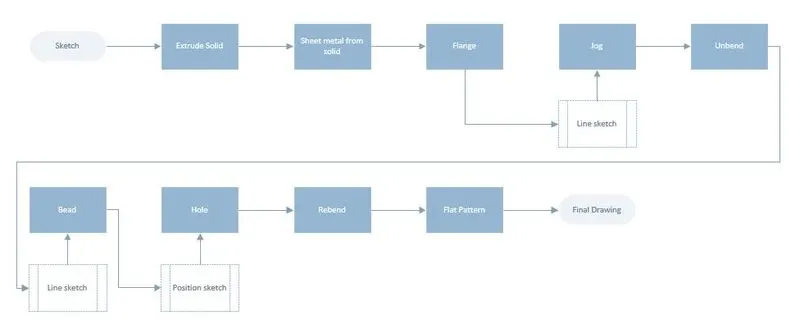
Objectives:
The objective of this this module is to learn all the features necessary to create an Odd Shaped Enclosure.
Description of the modelling process.
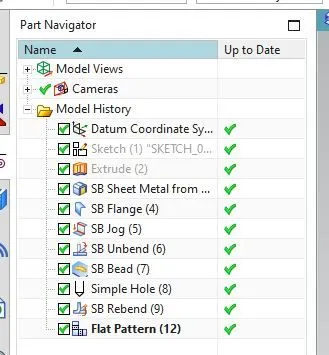
Sketch: Is used to draw any kid of shape in a 2D space that will be used to generate a solid model.
Flange: Is used to add a flange to the existing sheet metal. This command won’t just bend the existing sheet metal, it will also add material to the part.
Unbend: Is used to unbend the existing sheet metal so you can apply extra features to it looking at the part on the pre-ending stage.
Simple screw hole: Is used to add holes to the existing sheet metal.
Bead: In the same why of the dimple this feature will lift or lower the material from a sketch simulating a stamp tool.
Re-bend: Is used to re-bend the metal sheet to it final stage which was predefined before we start adding the details such as dimples and beads.
Jog: Is used to create a bend from a line sketch. This bend will be applied on a sheet metal in he exactly location of the line where you can apply a specific length.
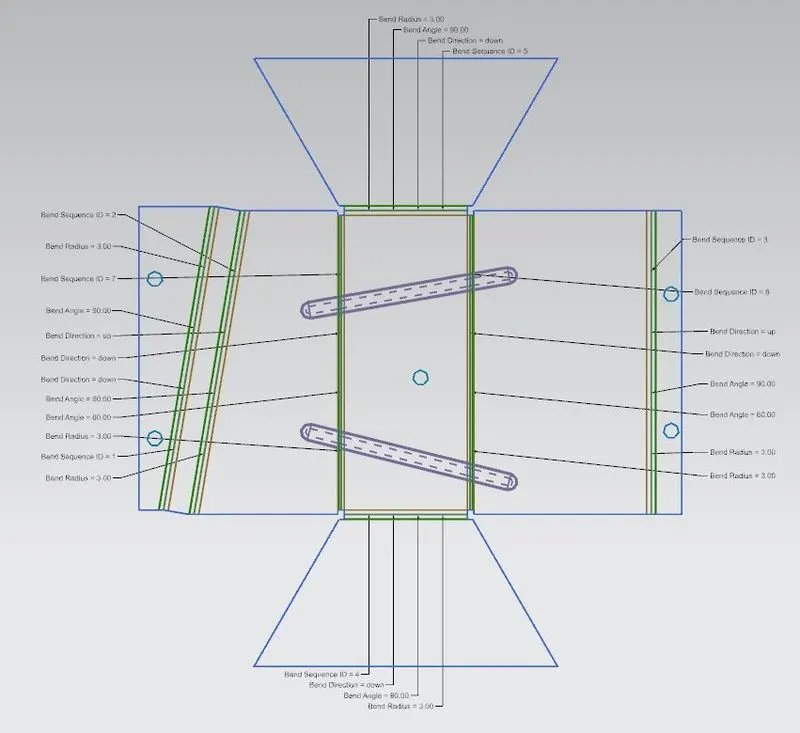
Flat Pattern: Is used to generate a new view of the solid part which shows all the features added to the part along with their geometrical details.
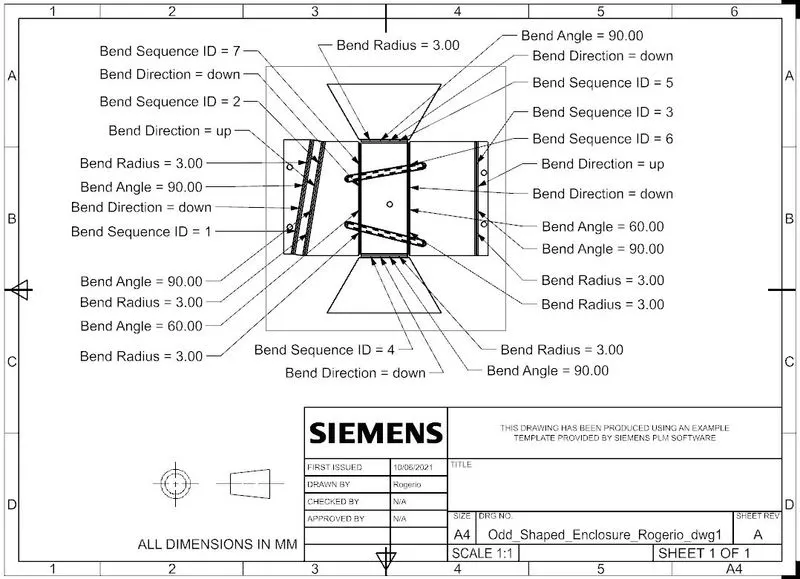
Drawing/Drafting: Is used to create a drawing of the part modelled where you can define one or more views to be added.
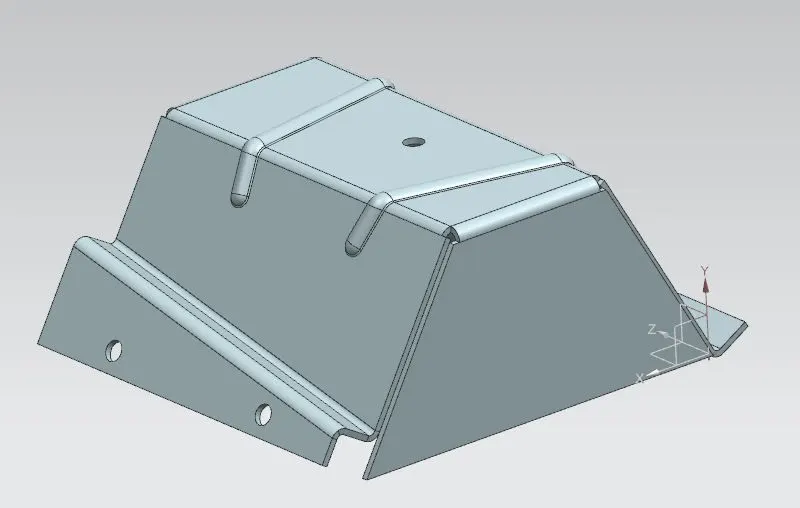
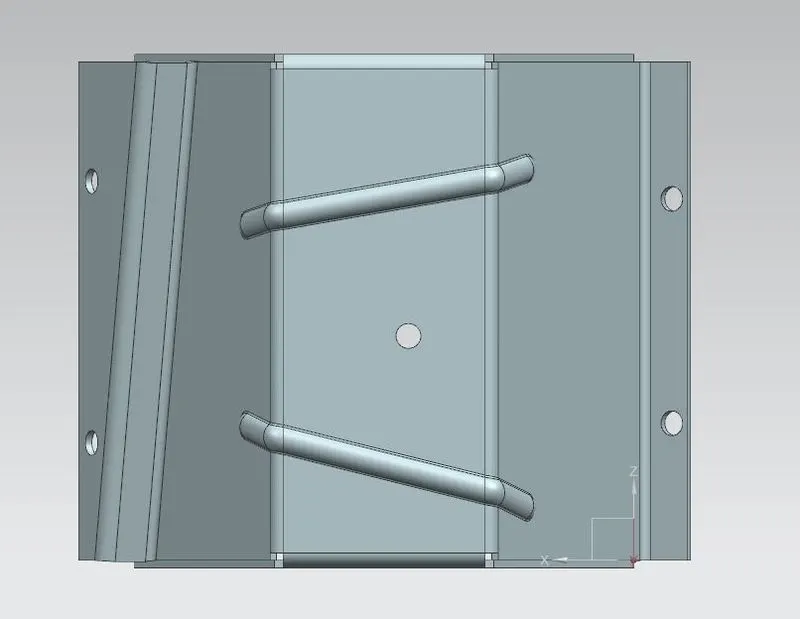
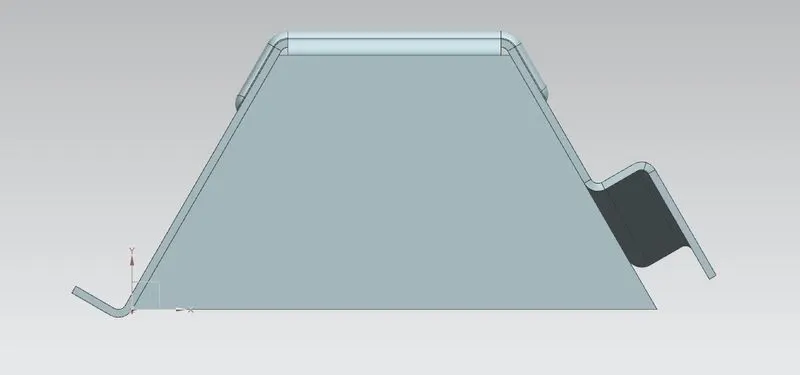
Conclusion:
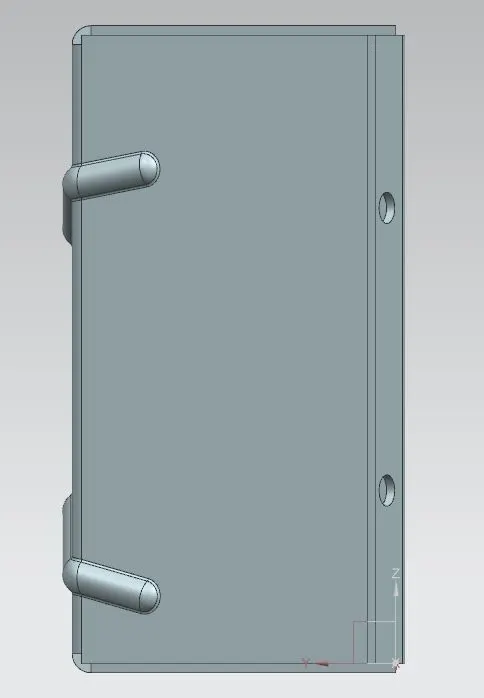
The final Odd Shaped Enclosure sheet metal along with the detailed final drawing were completed using the above features.