Radar Mast & Final Assembly of Yacht
Yacht 3D Model creation
Introduction :
This project is about learning to use a 3D modelisation software called solidworks made by dassault system, solidworks has become an industrie standard when it comes to mechanical design and modeling. This solidworks is used in the manufacturing industrie for machine design, structural components, sheet metal processing, automation/robotics and so on. In this creation Yacht 3D model creation project is done by using solidworks software and its features.
Objective :
The overall objective is to learn to use solidworks to design and complete a 3D model that looks like a picture of the actual concept. In order to achive this the need to follow all the steps necessary.
- Creating the different part of the chopper as the new seperate part.
- Create the sketch for the part creation as fully defined sketch.
- Create the 3D model using the basic feature such as extrude, cut-extrude, sweep, fillet, chamfer, array, revolve, projected curves ect.
- Assemble all created parts in assembly using constrains.
- Preparing the model for photo render, adjusting the position, lighting, scene parameter.
- Using photoview 360 and visualize to produce a photo realistic render.
Design Approach :
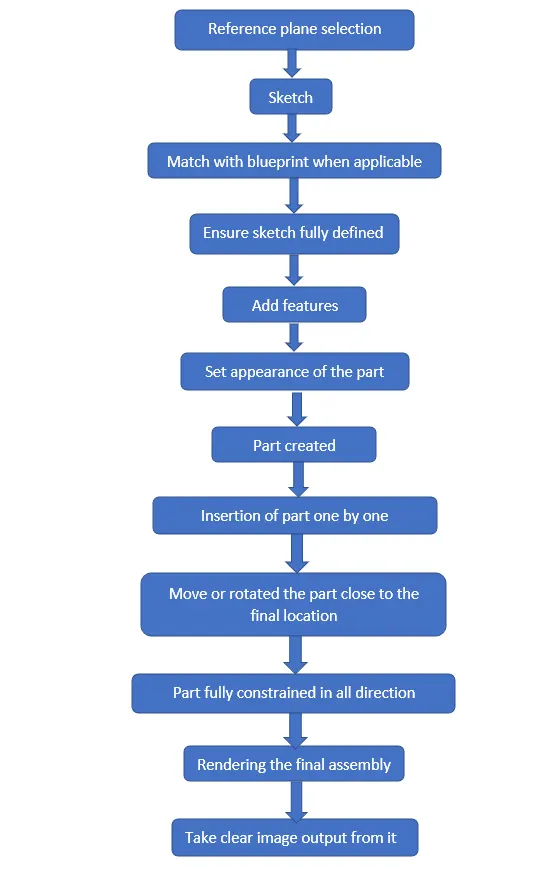
All created Parts
Hull :
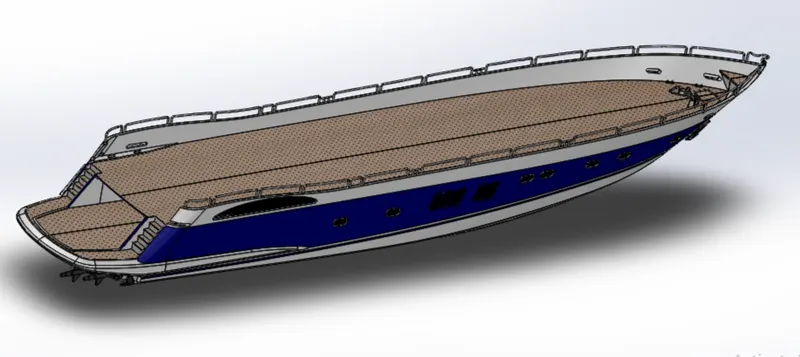
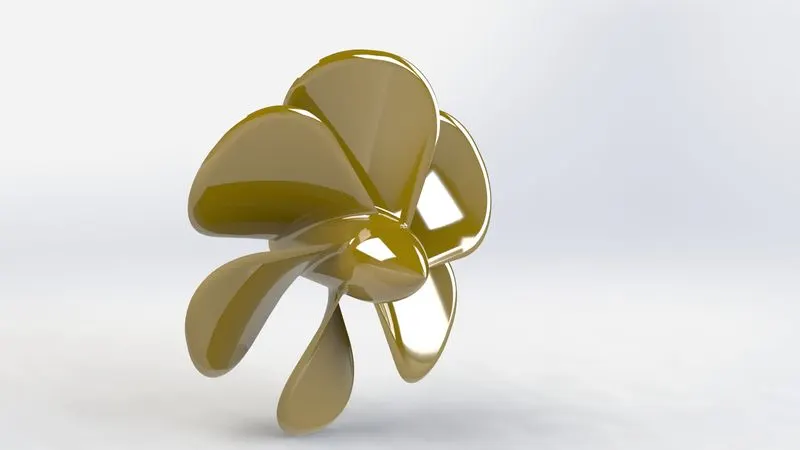
Propeller :
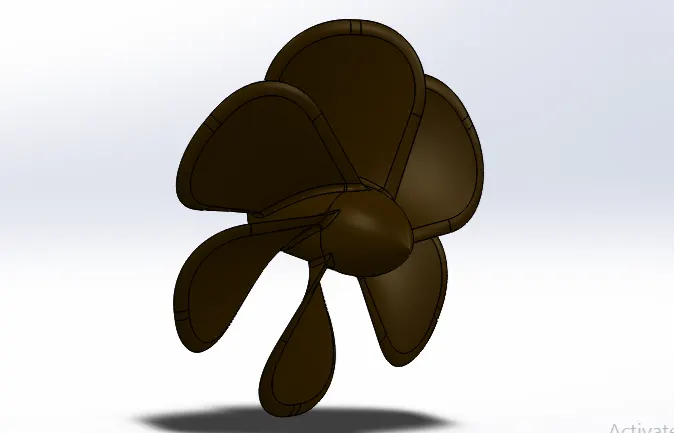
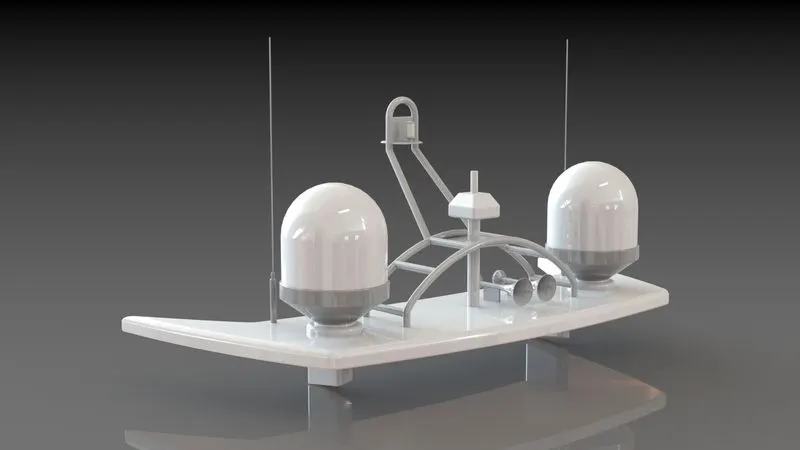
Radar :
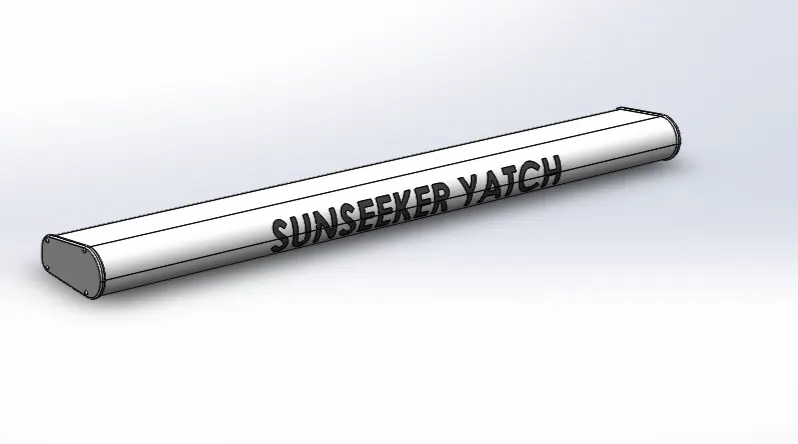
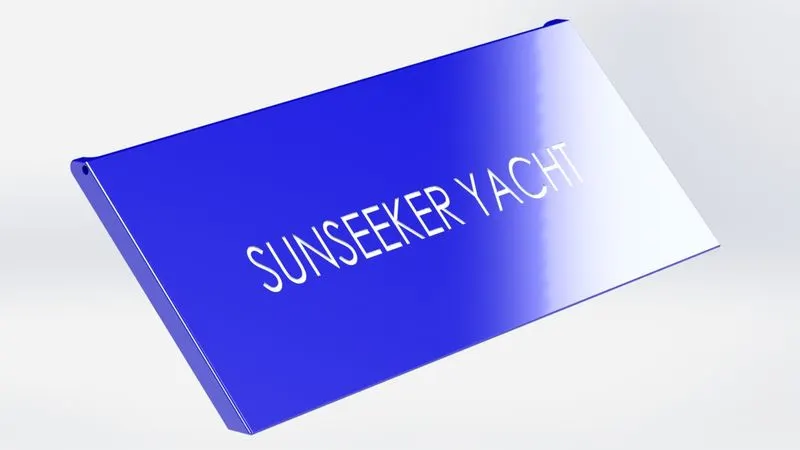
Garage Door :
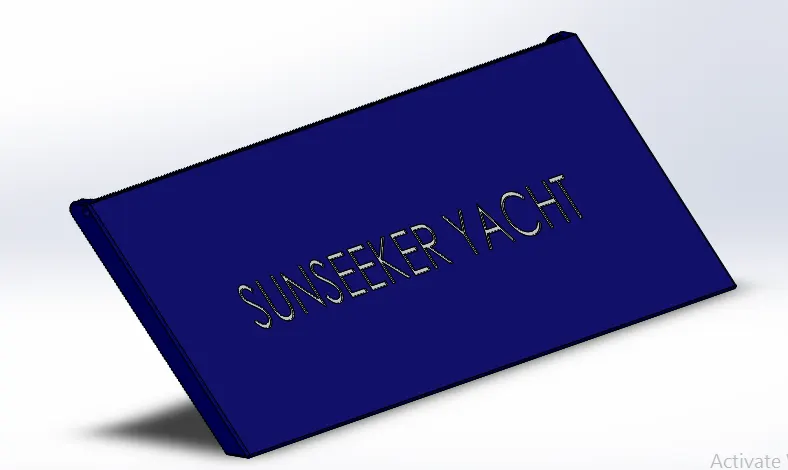
Front seat :
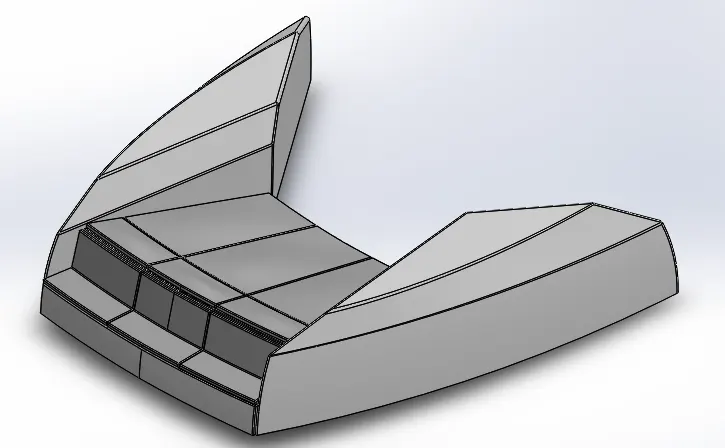
Middle seat :
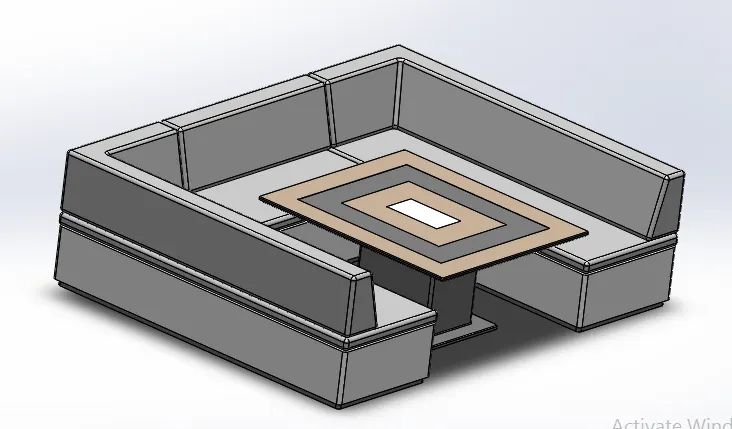
Rear seat :
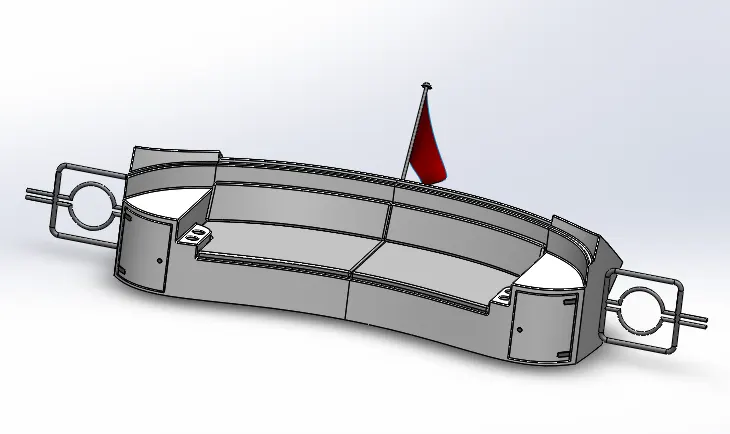
Superstructure :
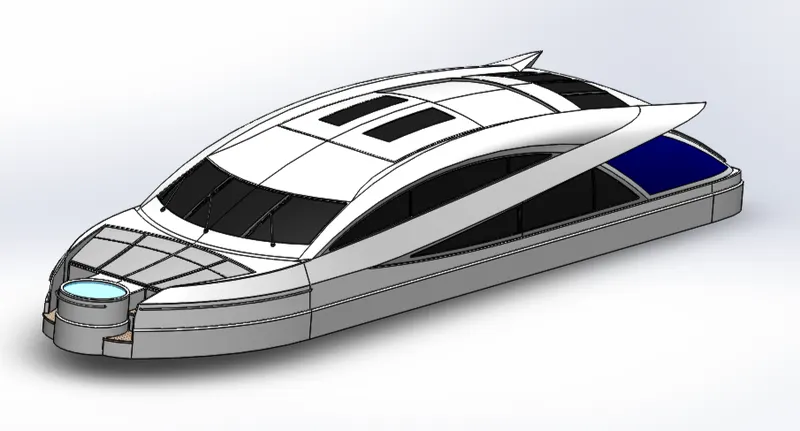
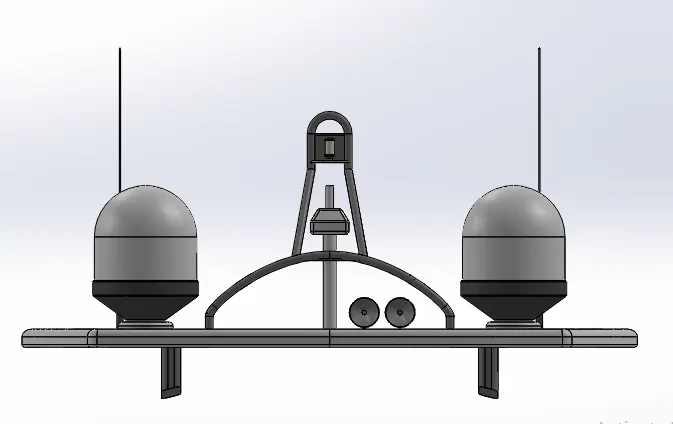
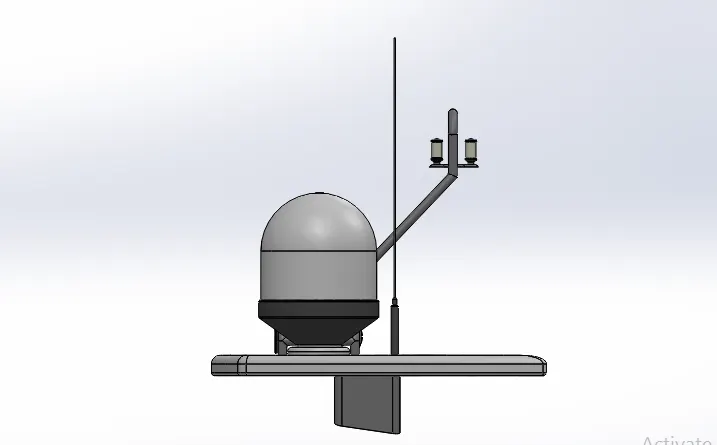
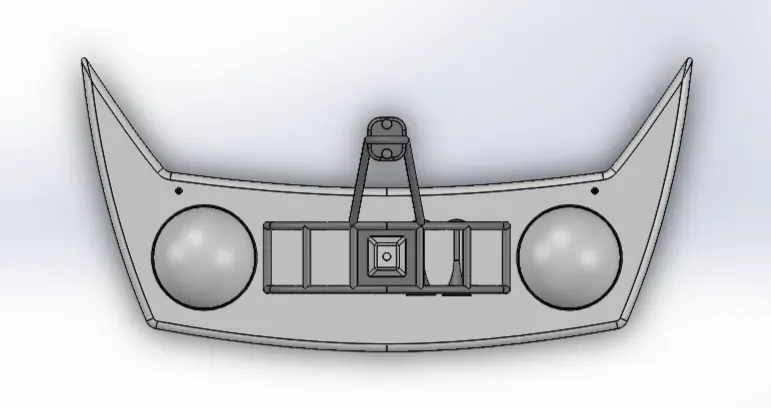
Radar mast :
Front view :
Side view :
Top view :
Iso-metric view :
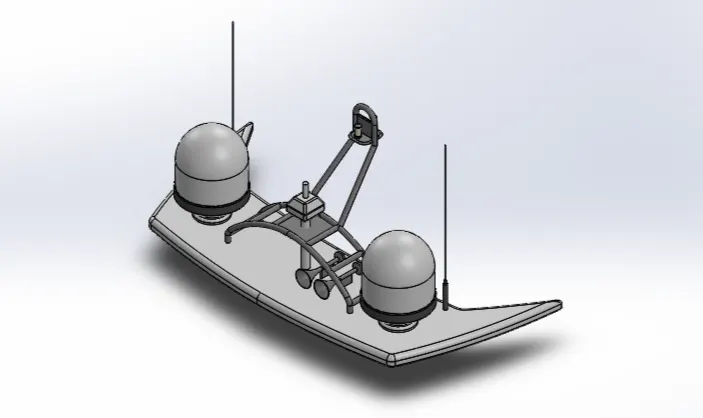
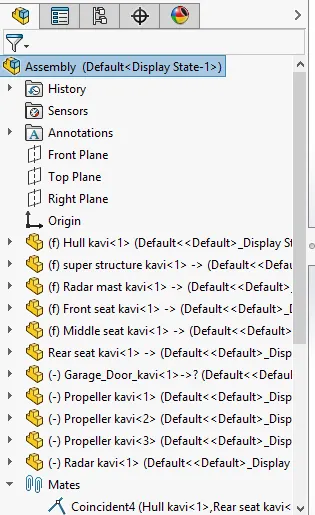
Feature tree :
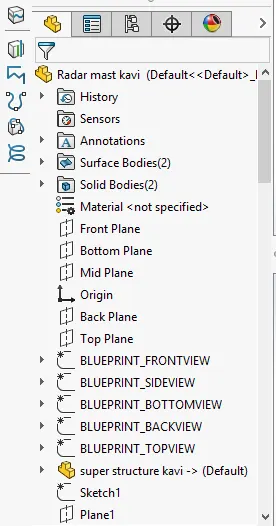
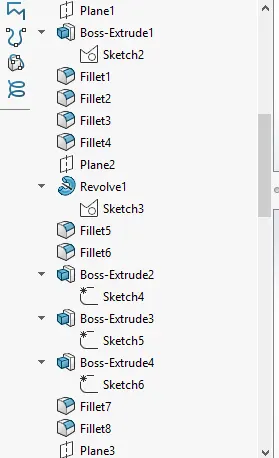
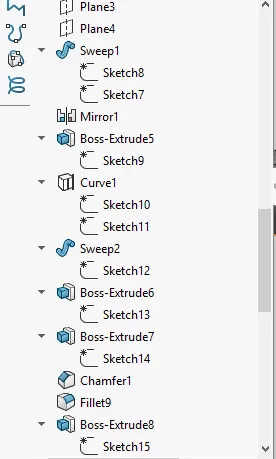
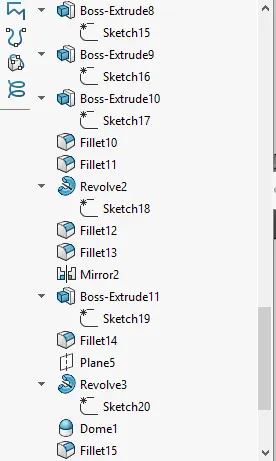
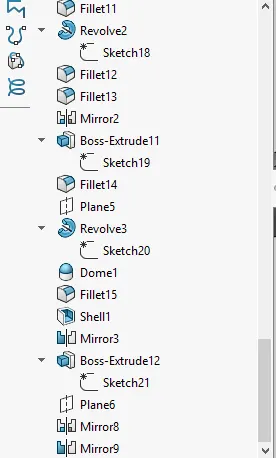
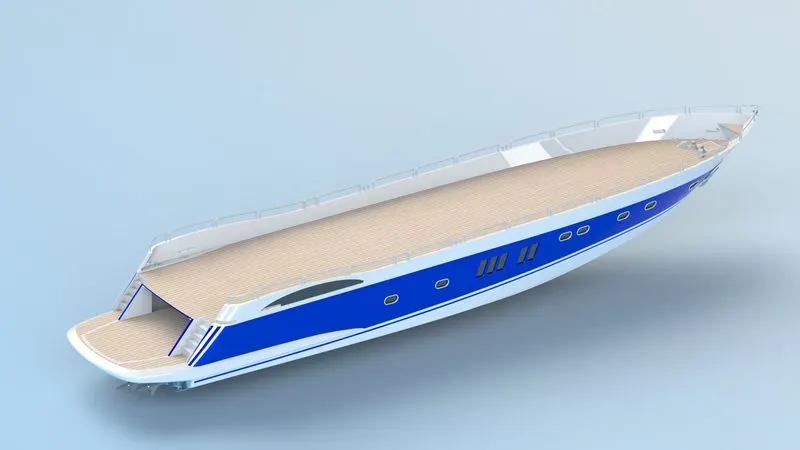
Photo Realistic view of all parts :
Hull :
Front seat , Middle seat :
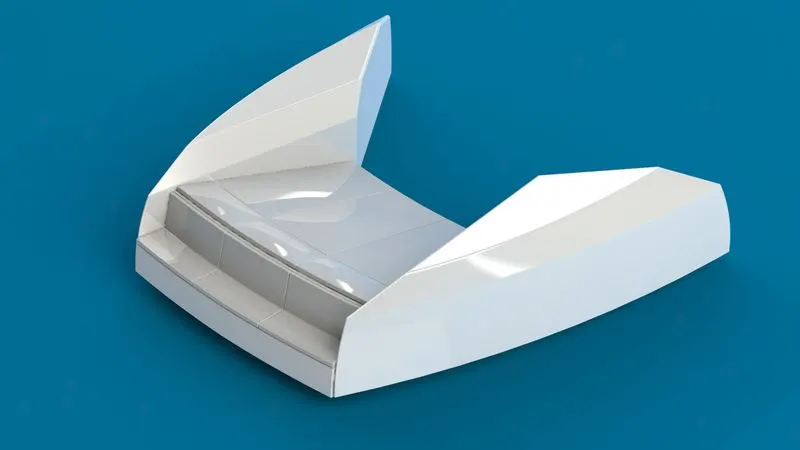
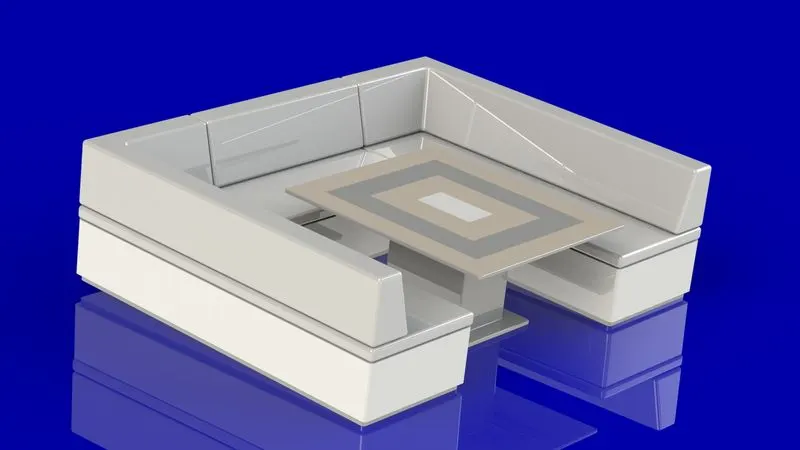
Rear seat , Superstructure :
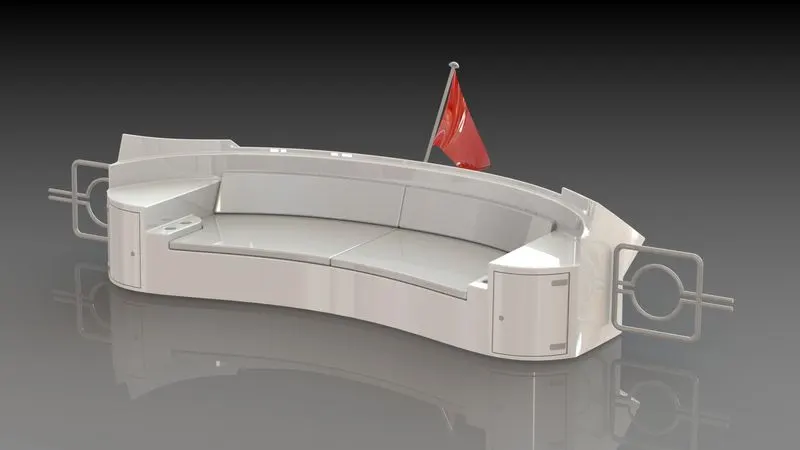
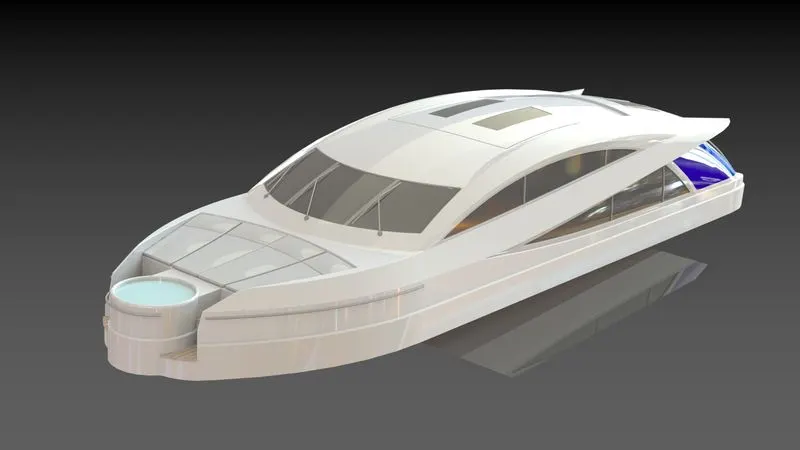
Radar , Radar mast :
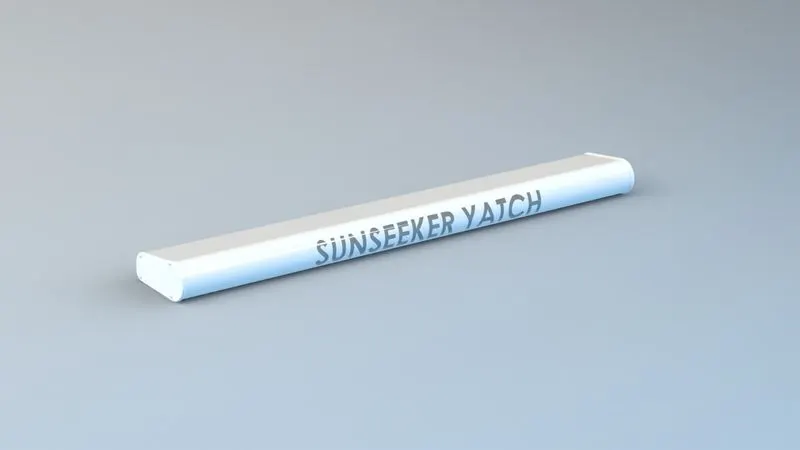
Propeller , Garage Door :
Assembly of yacht :
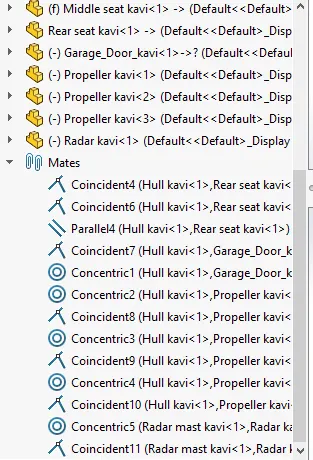
Featrure Tree :
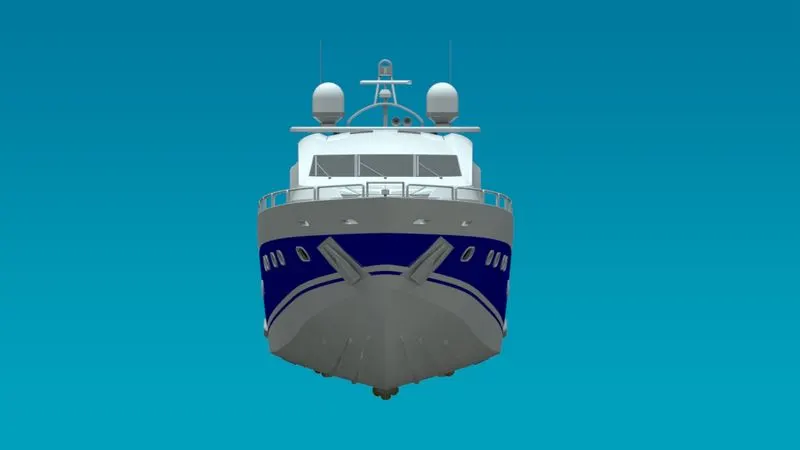
Front view :
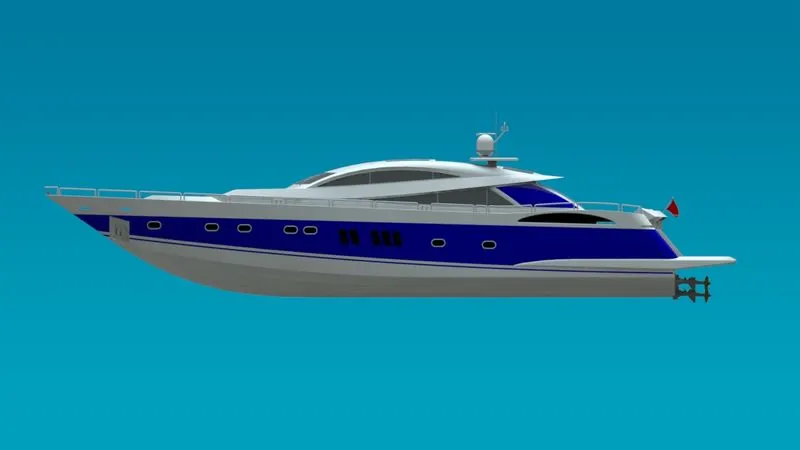
Side view :
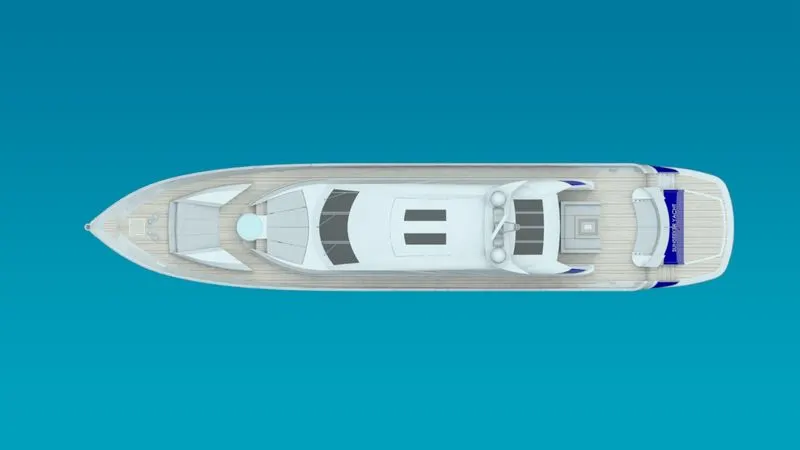
Top view :
Iso-metric view :
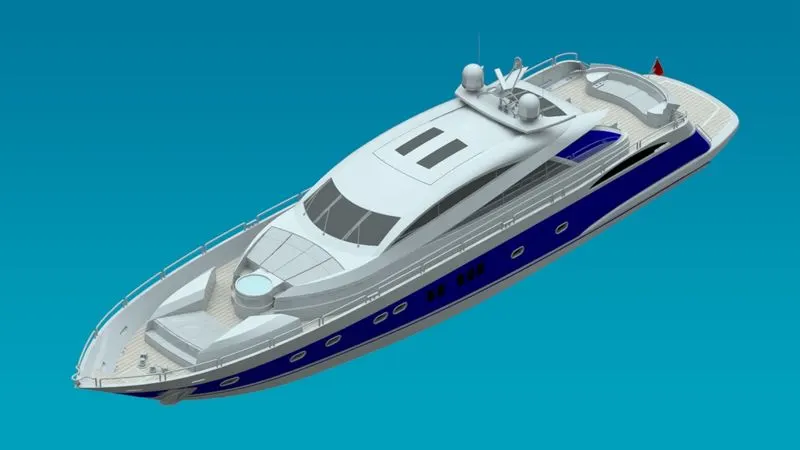
Rendering view :
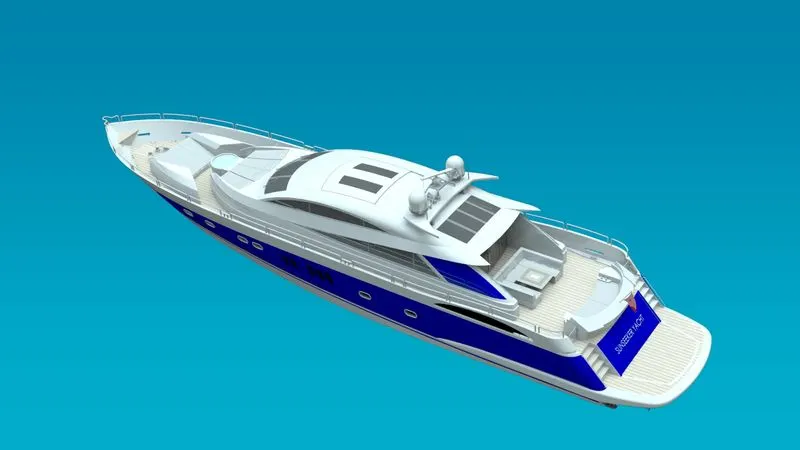
Conclusion :
Hence we create the Yacht in the solidworks by using the various features such as extrude, cut-extrude, pattern, fillet, projected curve, revolve etc. And assemble all the parts in assembly file by using proper constrains in assembly section. After finishing the assembly create the photo realistic by using rendering tools in solidworks is successfully done.