Radar Mast & Final Assembly of Yacht
1. Radar Mast
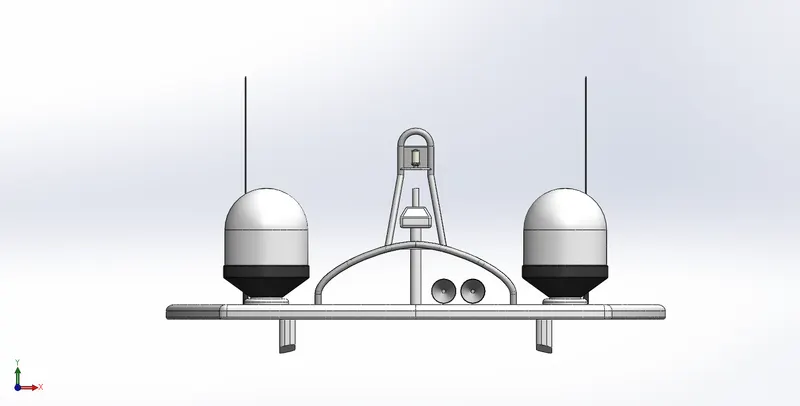
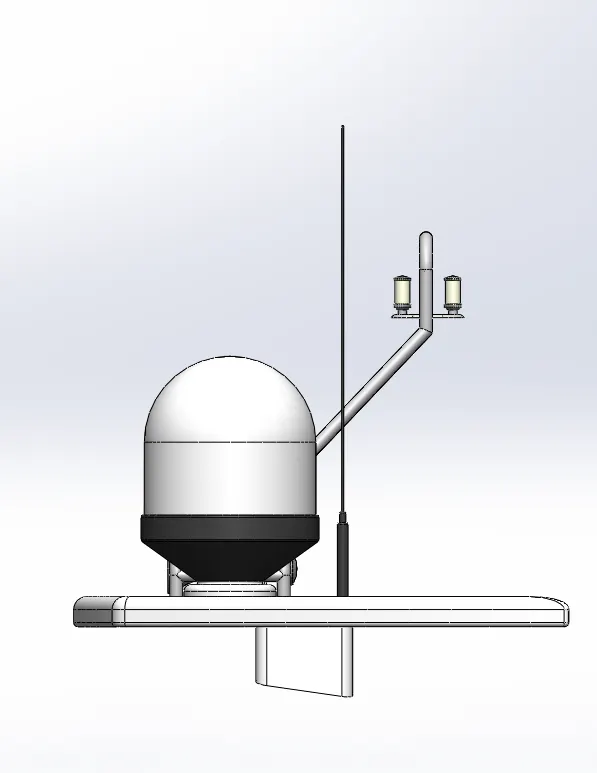
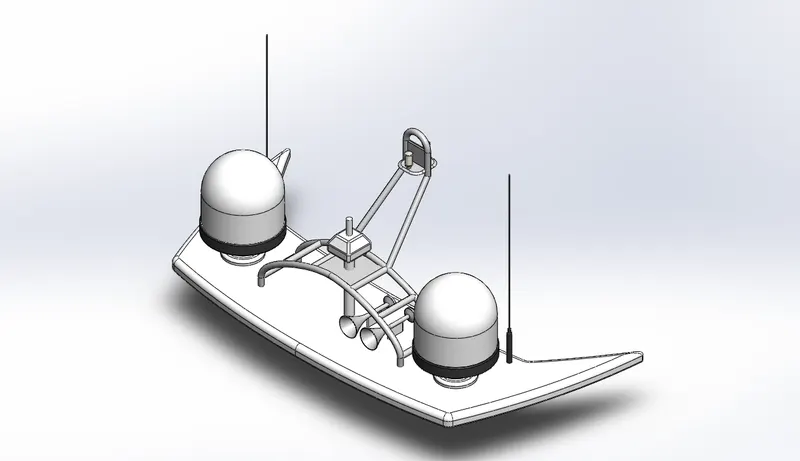
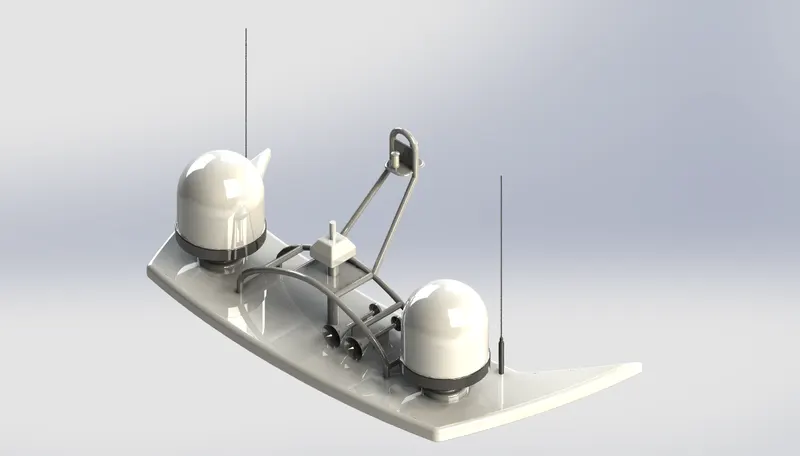
2.Final Assembly of Yacht
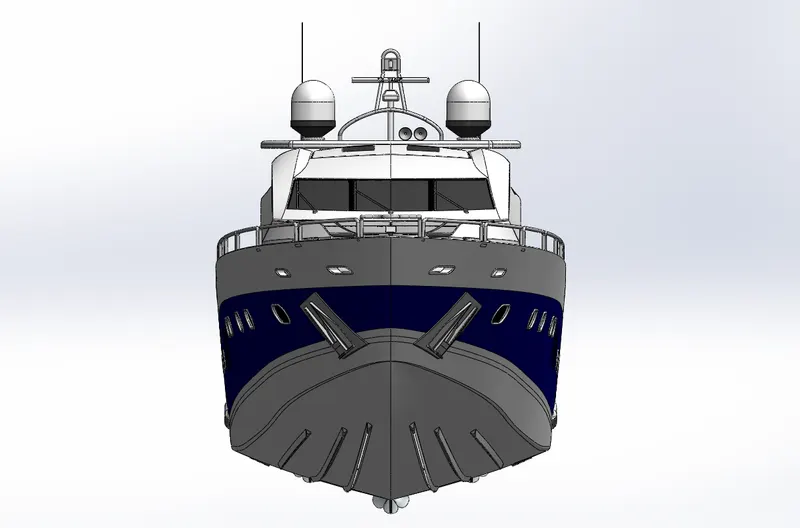
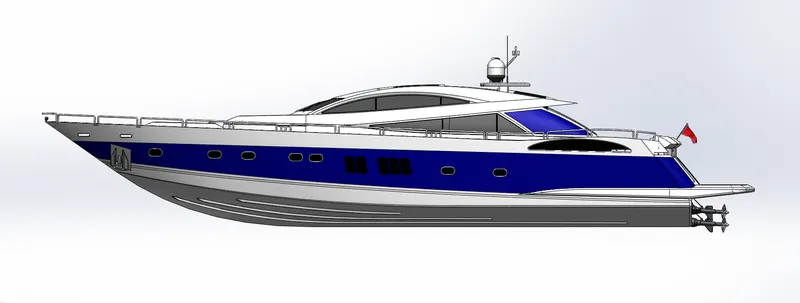
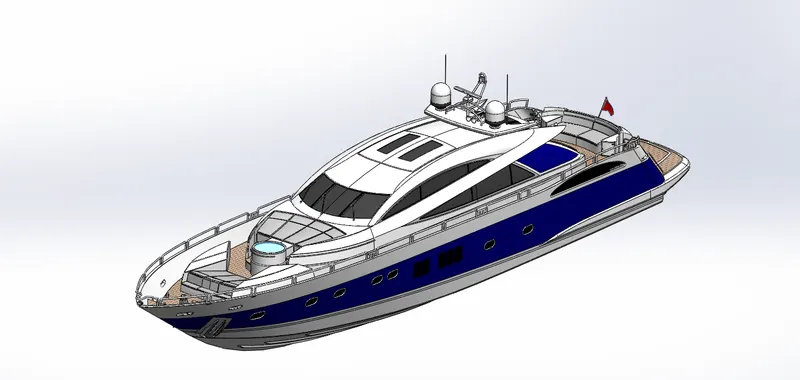
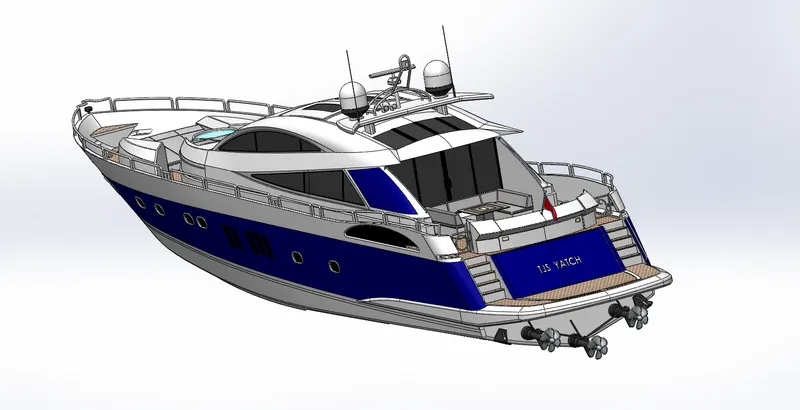
PROJECT REPORT ON YACHT
OBJECTIVE
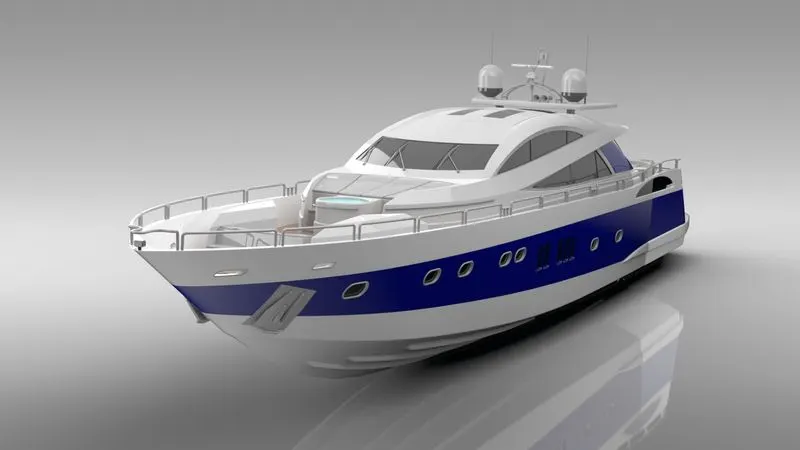
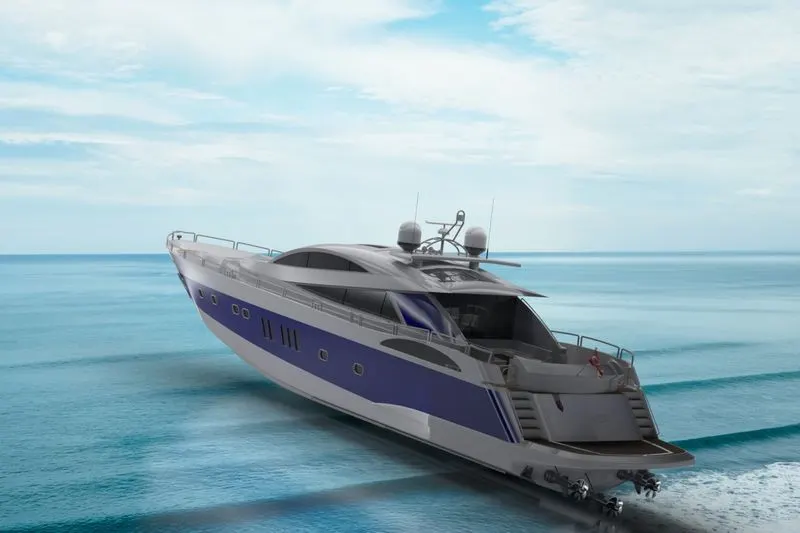
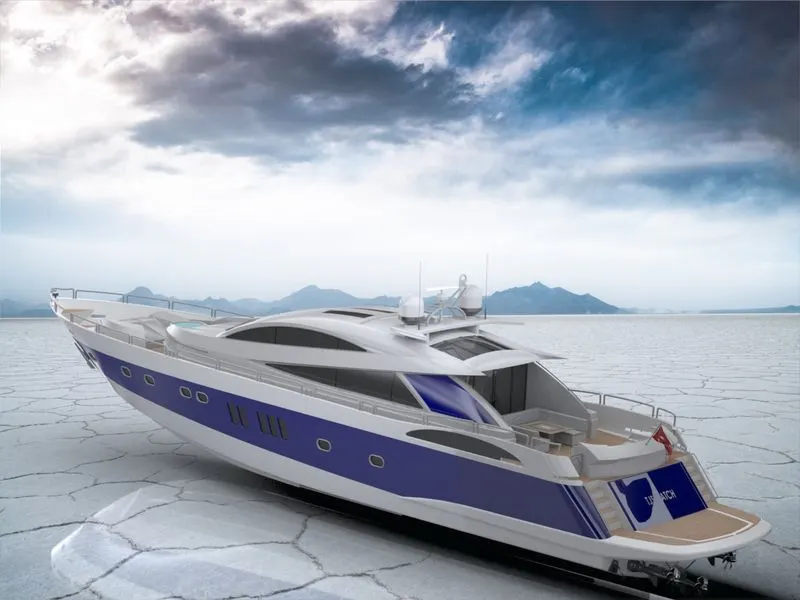
Design & assembly all the parts of yacht using solidworks using blueprints for reffrence.then render to realistic view using photoview 360.
INTRODUCTION
This report containts all the detail about methodology used to model the yacht using solidworks.from design all the parts to assembly using blueprints.with the combination of diffrent approaches surfaces to solid modeling.after assembly photo realistic rendering to get asthetic looks in real enviroments.
DESIGN METHODOLOGY
We can imbed design intent following the steps below:
- Choose the Profile
- Choose the Plane
- Sketch
– Rough Sketch
– Automatic (sketch) Relations
– Added Relations
– Dimensions
– Equations
– Link Values - Extrusion
– Type of extrusion used - End Condition
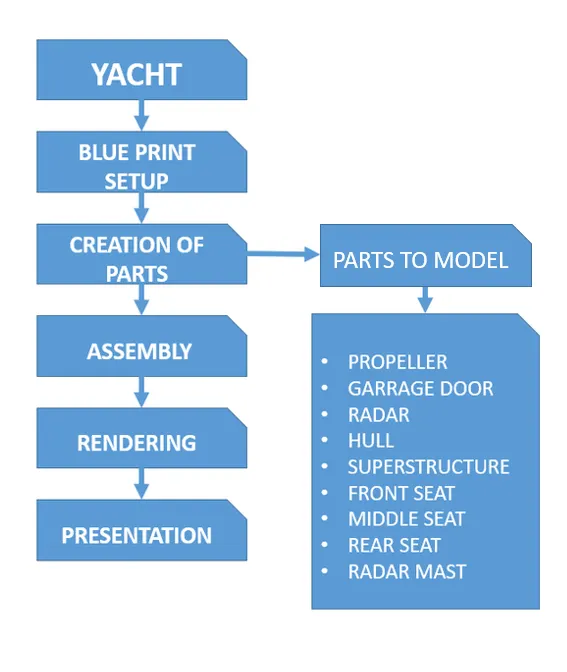
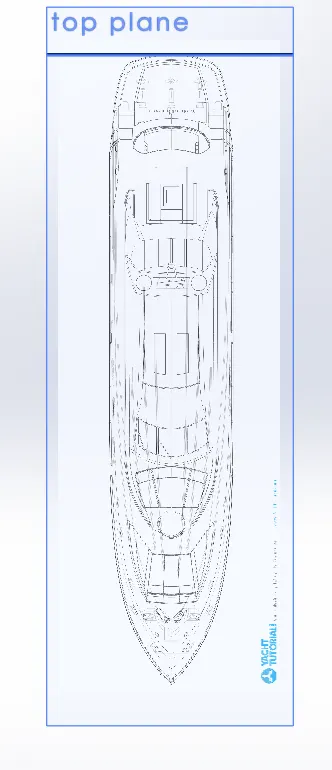
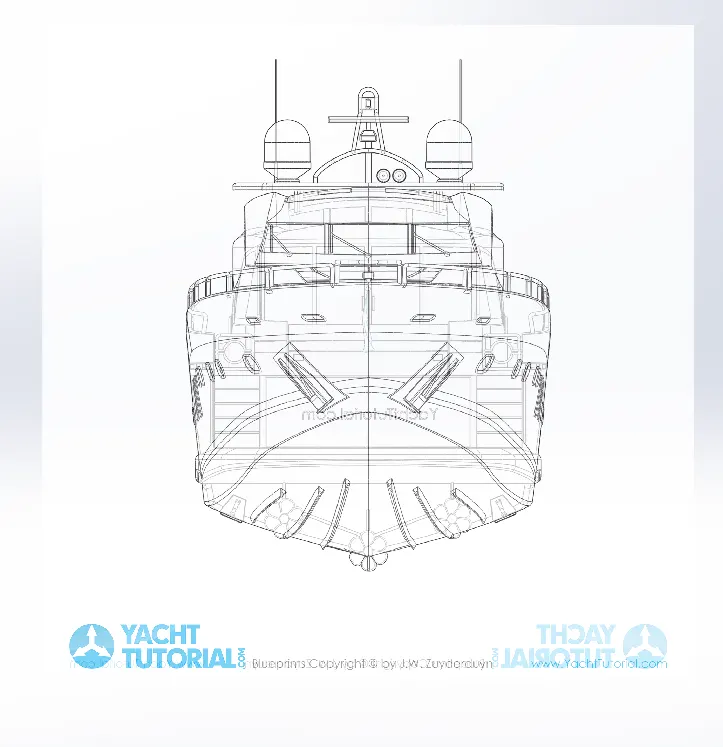
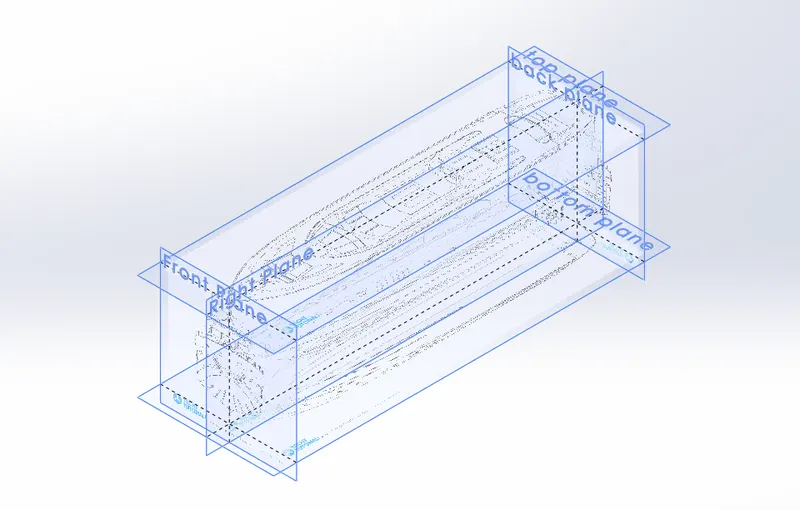
Import & attach the blueprints images on their respective views & plans ,save it as Blueprint_Setup.
After which we can create parts sketches taking refferance from blue print.
we started the modelling propeller & radar 1st without using the blue prints.then move to the parts hull wa sused as the main reff for all other parts to create- garaage door,front seat,middel seat,rear seat,superstructure,radar mast accordingly.
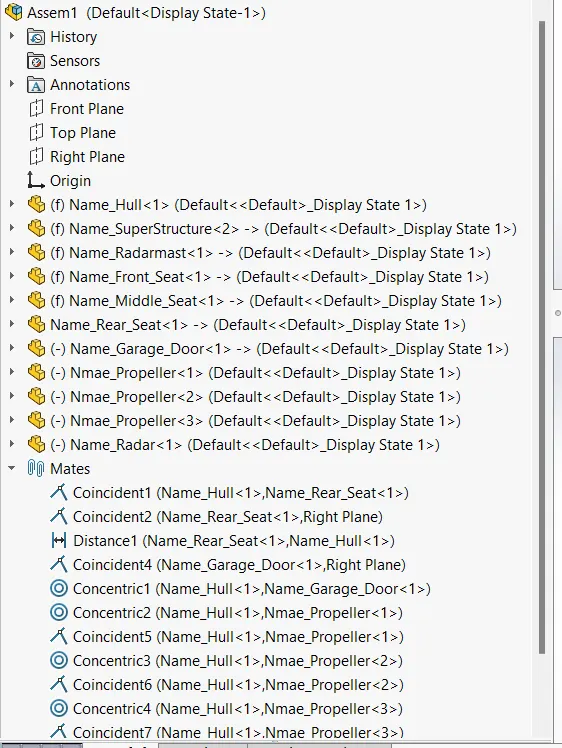
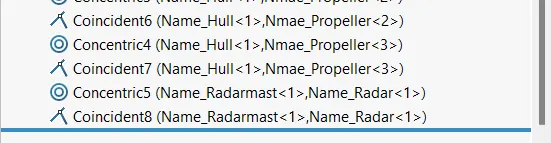
then assembled them together using mates to complete the yacht.
FLOW CHART
DIFFERENT MODELLING ENVIRONMENT & TOOLS/FEATURES
SKETCH
It is important to choose the correct plane to sketch on this is done by selecting the best profile to
sketch of the part. The best profile to sketch is the profile when selected extruded generated the
majority or most complexities of the part.
The direction we look at to part to get the get the best profile whether it be the plan, elevation or
end view will determine sketching on the Top, Front or Right Plane.
By giving careful thought to which plane is used to sketch the profile, the proper views are easily
generated on the detail drawing.
- Line
It is the most common tool used while sketching with different purposes with a dimension value & it can be used different types like centreline,midpoint line,line etc.
- Circle
It is used to create circular profile with adding dimension with differnet purposes also & it can be used different types like 2 point circle ,3 point circle.
- Rectangle
It is used to create rectangular profile with adding dimension with differnet purposes also & it can be used different types like corner rectangle,centre rectangle,3 pont rectangle
- Spline
it is used to create 2d or 3d irregular smooth curve with some dimensional & geometrical condition applied.
- Mirror
it is used to replicate the real image in a invertway by using a centre line.
- Offset Entities
it is used to copy curves to a certain distance by the help of dimension
- Convert Entities
it is used to create duplicate sketches of an existing edge or refference to use in current sketch.
- Fillet
it is used to make sharp corner smooth by providing some radius value.
- Chamfer
it is used to make sharp corner smooth by adding some distance & angle dimesion .
- Text
- Smart Dimension
- point
FEATURES
- Extruded Boss/Base
it is used to add material using a sketch 2d with respect to the plane.
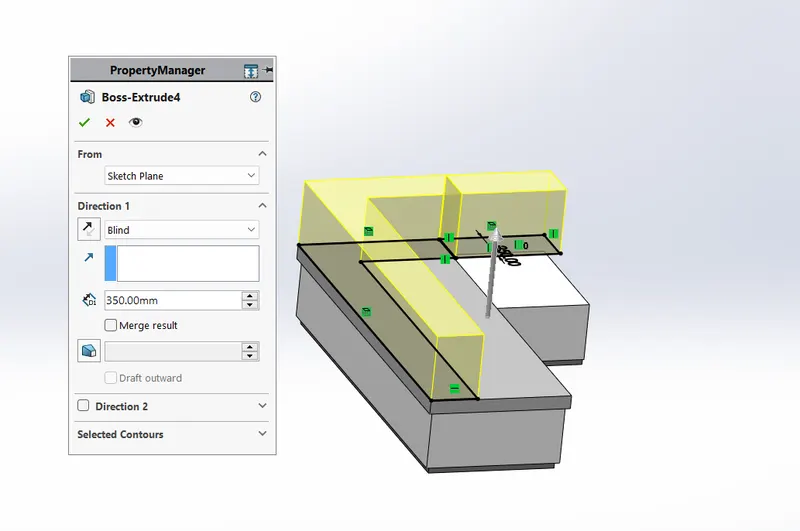
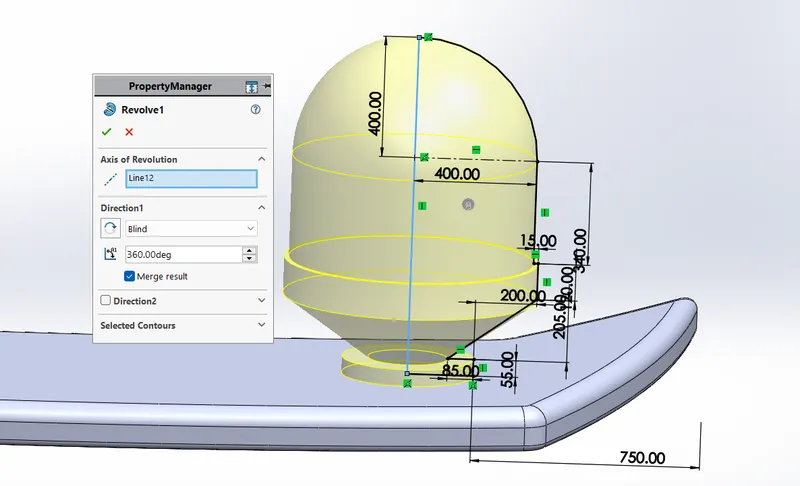
- Revolved
it i sused to create cylindrical body using 2D sketch & a centre line revolve and add matrerial .
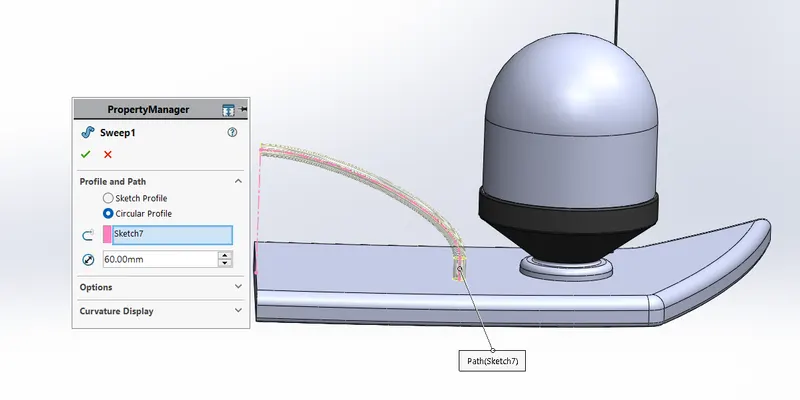
- Swept
it is used to create pipe like structure in which a 2d or 3d curve is used to guide a prfile & add material.
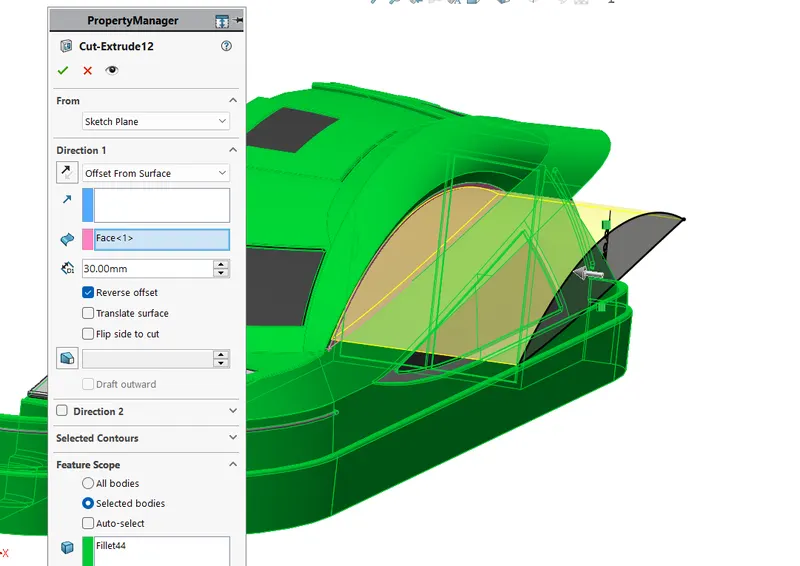
- Cut Extrude
it is used to remove material from solid body using sketch .
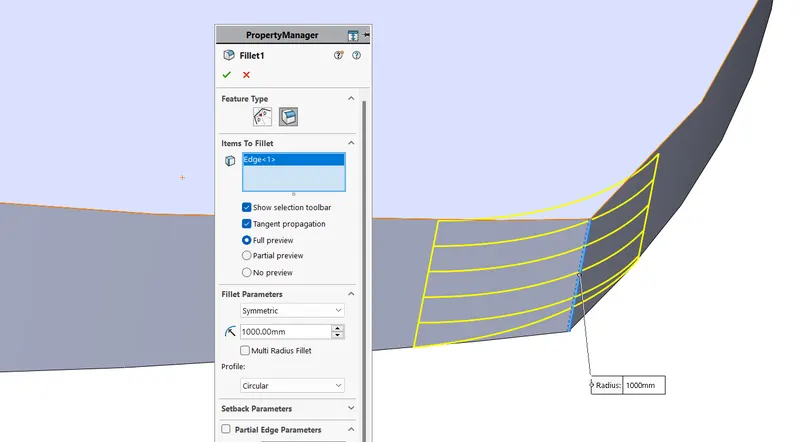
- Fillet
it is used to make sharp edges some smooth by providing radius .
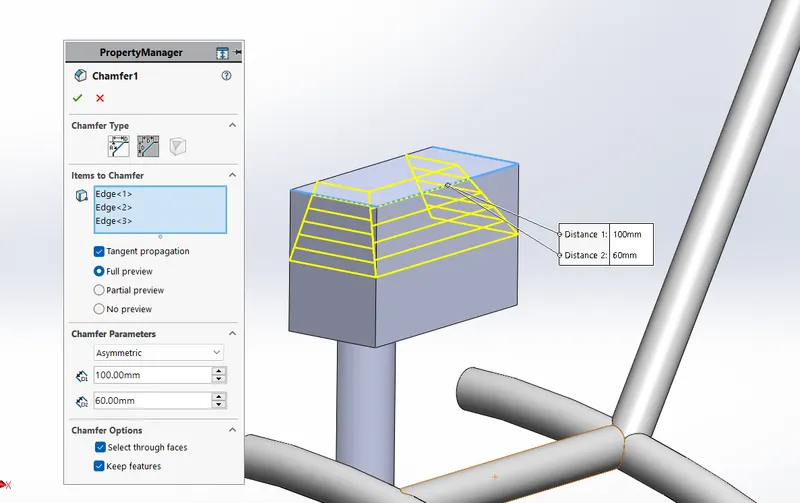
- Chamfer
it is used to make sharp corner smooth by providing distance & angle dimension value.
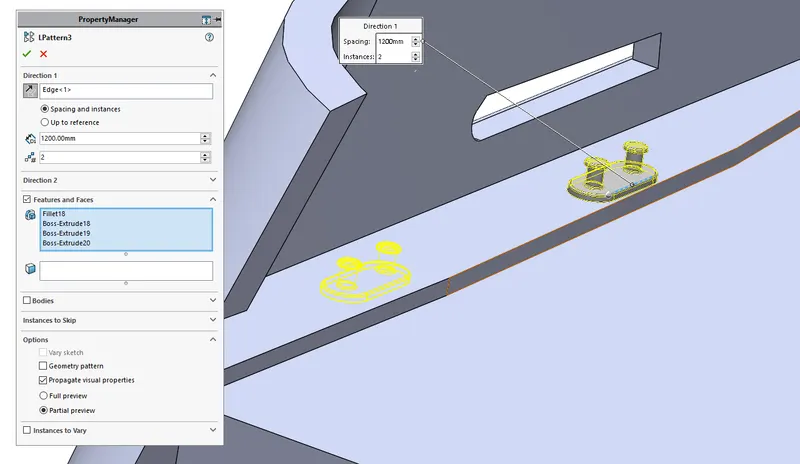
- Linear Pattern
it is used to create multiple duplicate instances in a linear way.
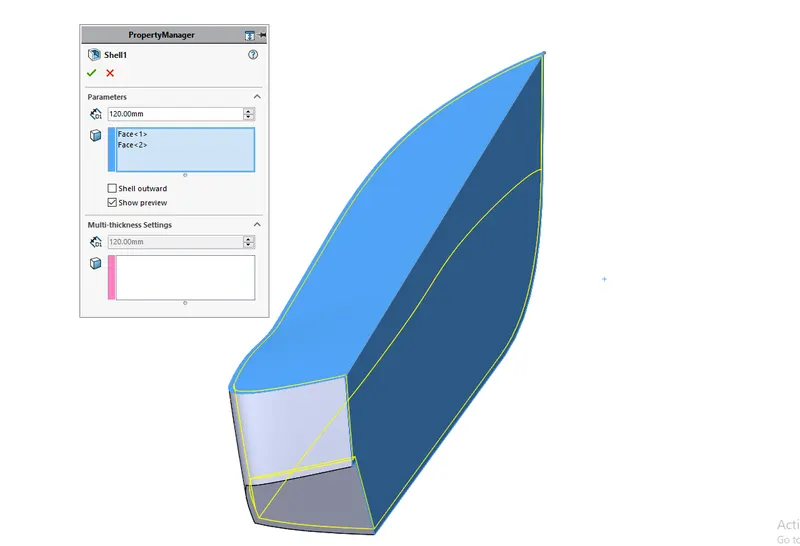
- Shell
it is used to create some hallow structure by removing material from inside by maitaing equal wall thickness.
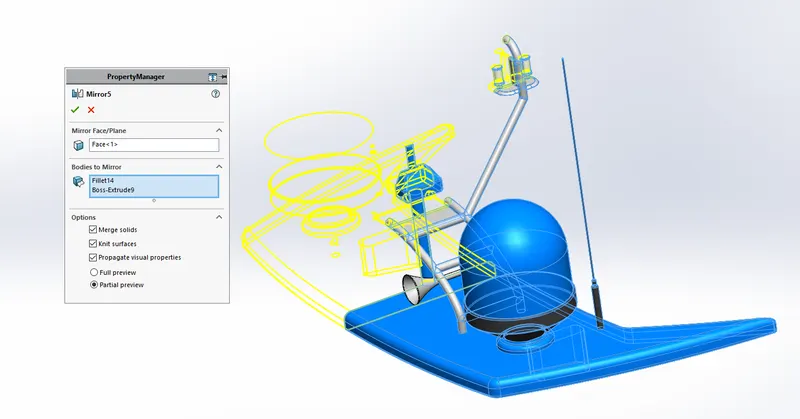
- Mirror
it is used to replicate solid bodies with the help any plane or surface to create inverted solid of real body.
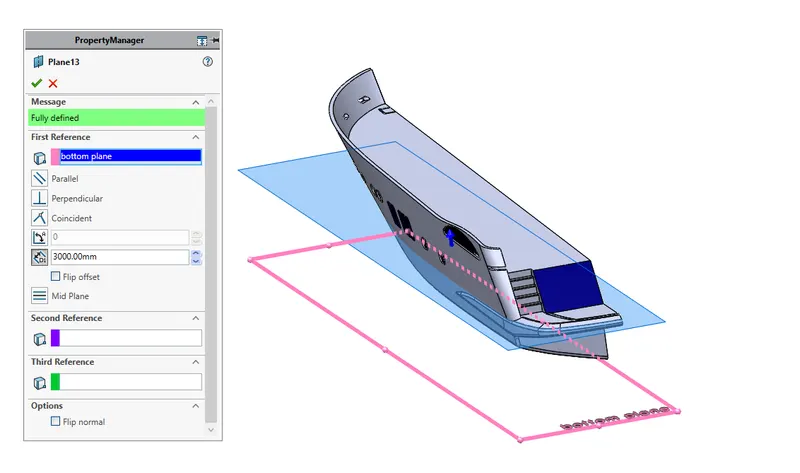
- Refrence Geometry
it is used to ceate new planes as per our requirments in doffrent conditions with the help of existing plane or other refference.
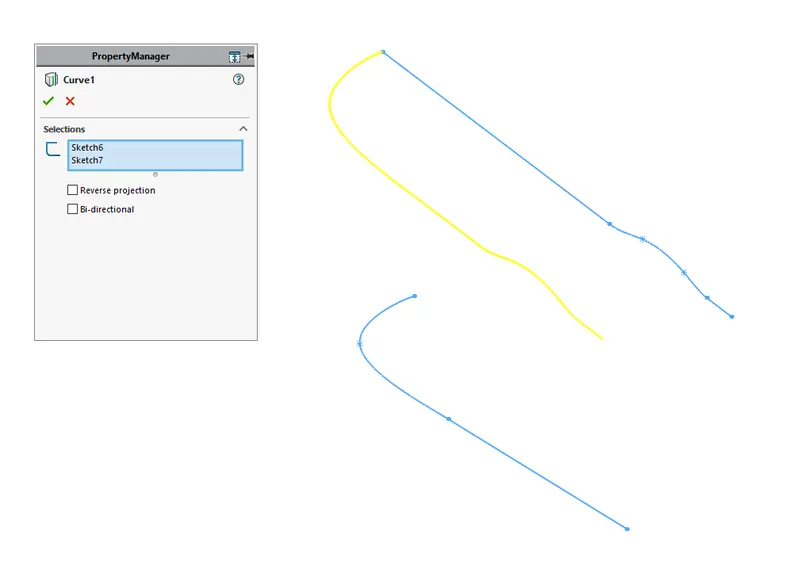
- Project Curves
it is used to create 3d curves by using 2d curves.
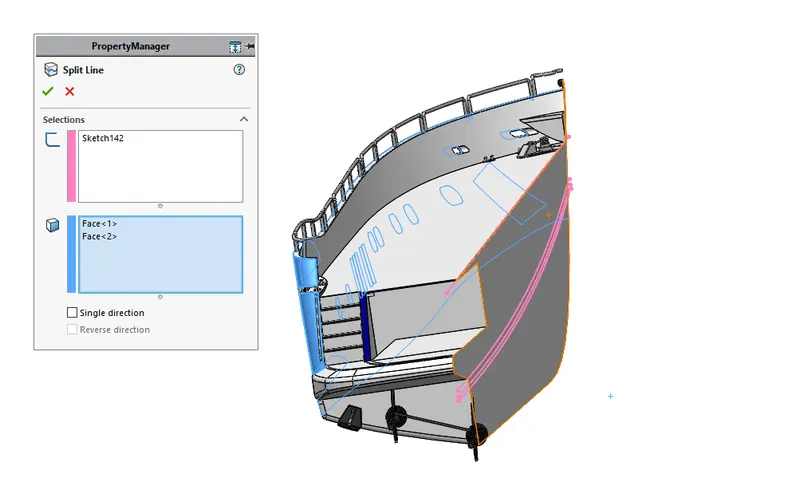
- Split
it is usde to divide any solid body into two separte bodies or to delete unwanted bodies using a sketch.
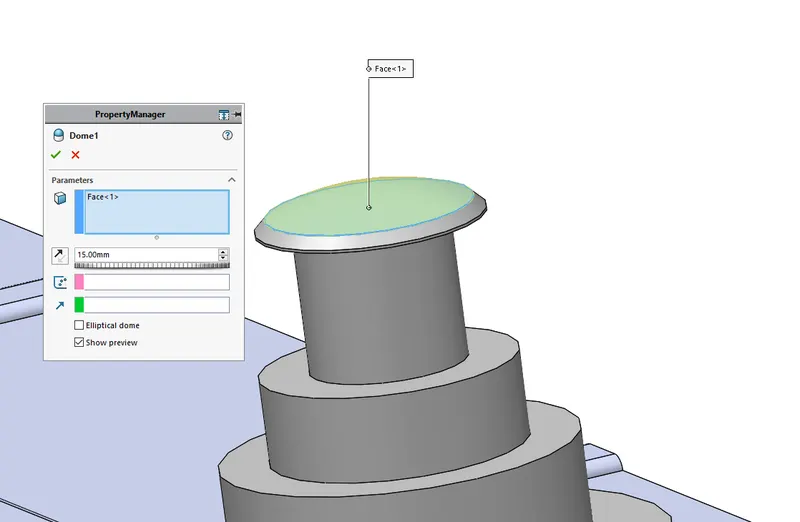
- Dome
it is used to ceate a smooth dome shape on any surface to make it smooth.
SURFACES
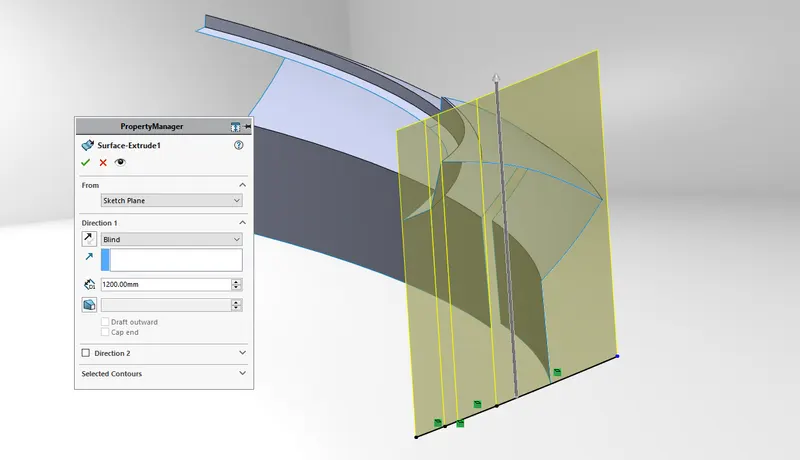
- Extruded Surfaces
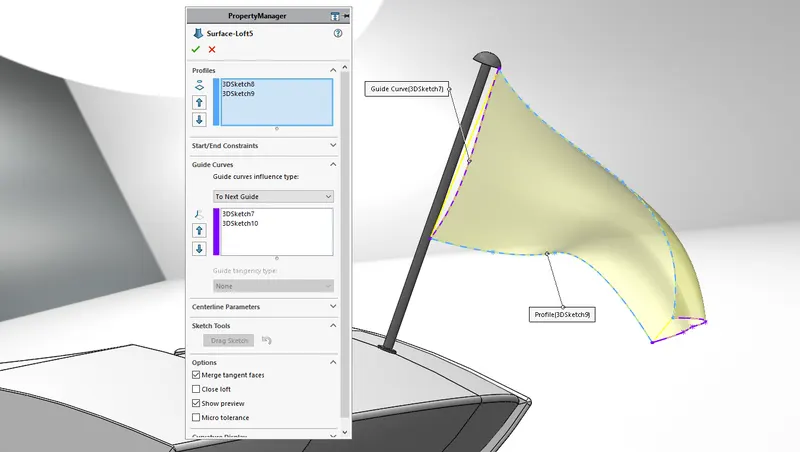
- Lofted Surfaces
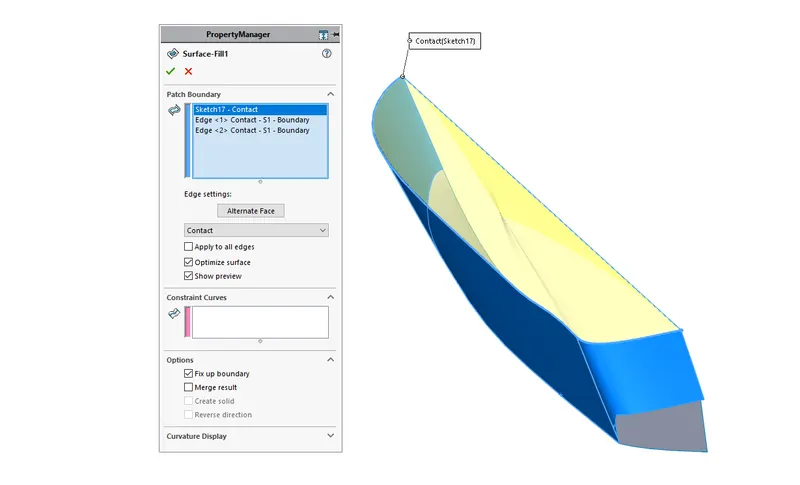
- Filled Surface
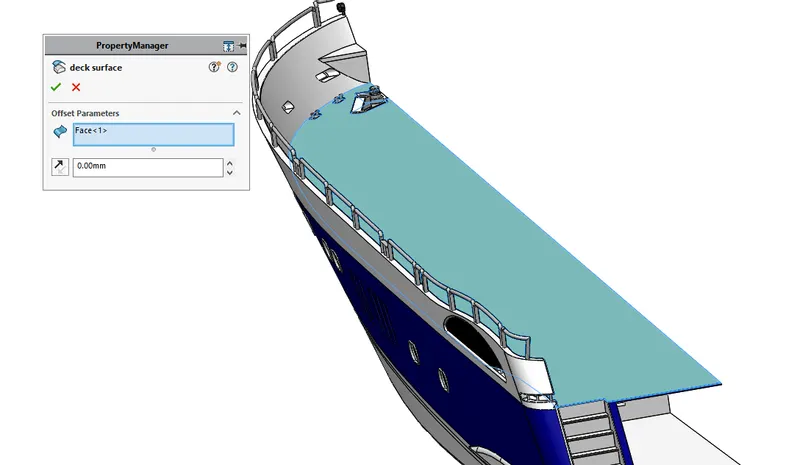
- Offest Surfaces
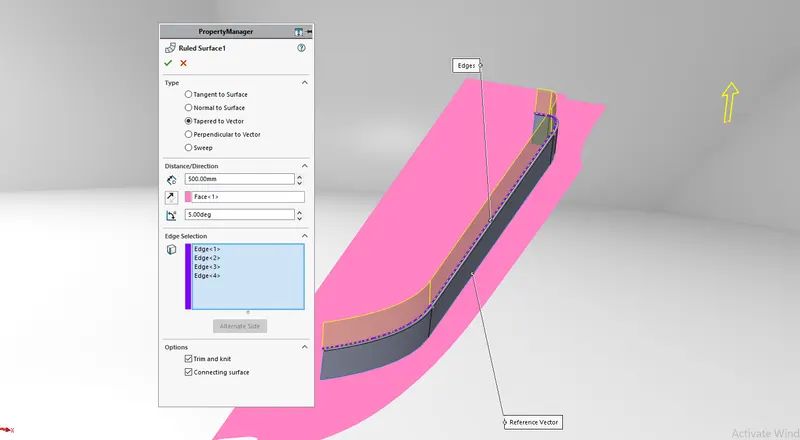
- Ruled Surfaces
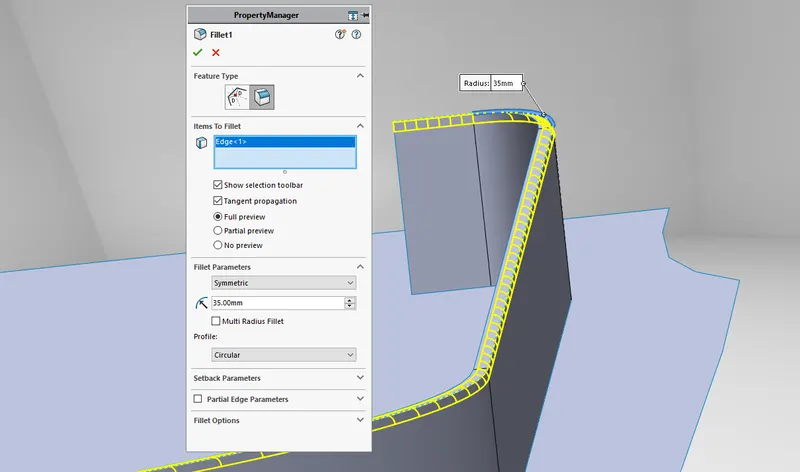
- Fillet Surface
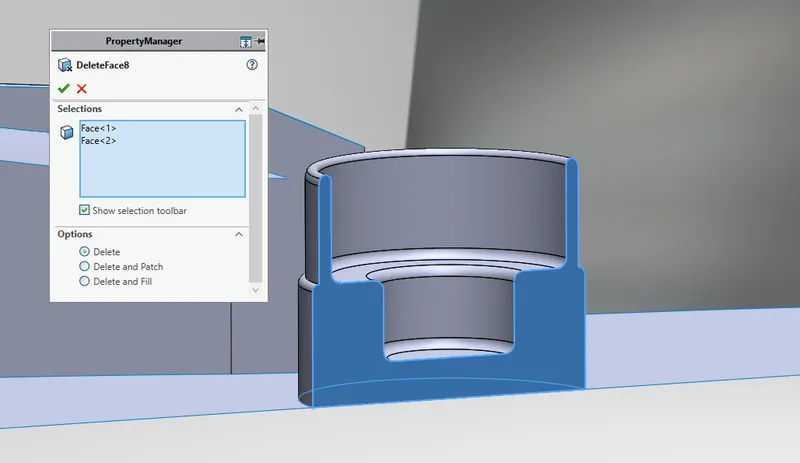
- Delete Surfaces
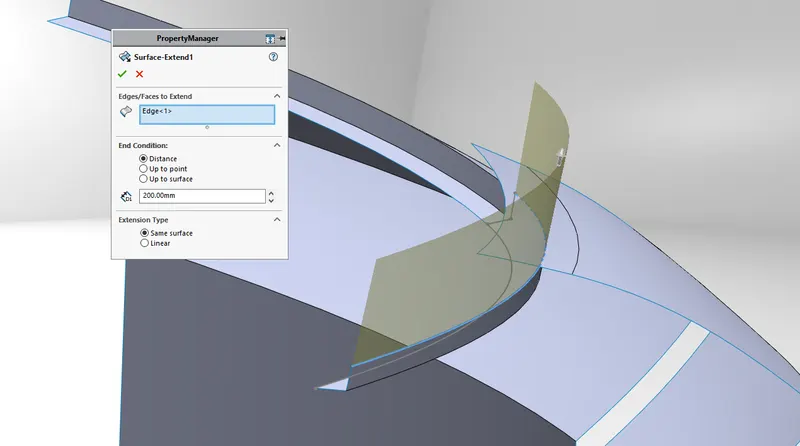
- Extend Surfaces
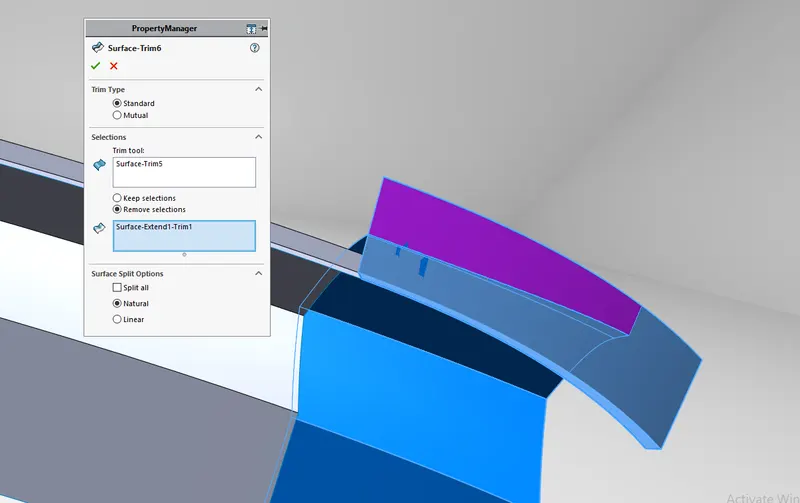
- Trim Surfaces
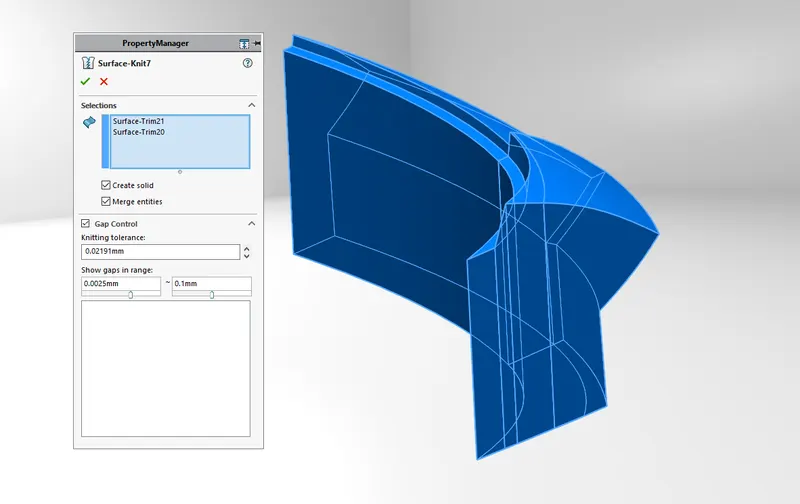
- Knit Surfaces
DESCRIPTION OF PART MODELLING
BluePrint Setup
All the view been attached with diffrent blue prints in with it respective views.
Propeller
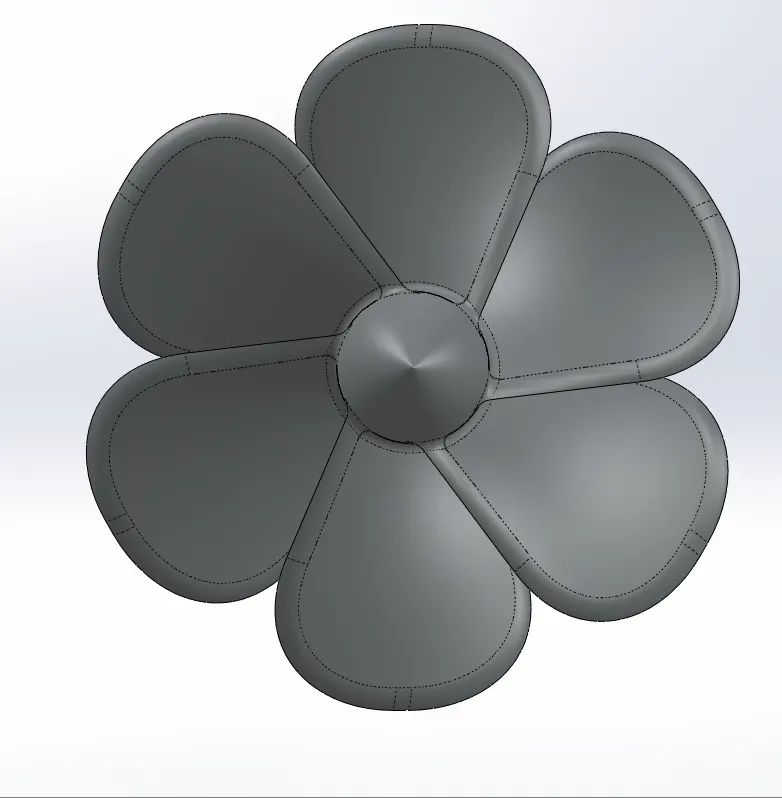
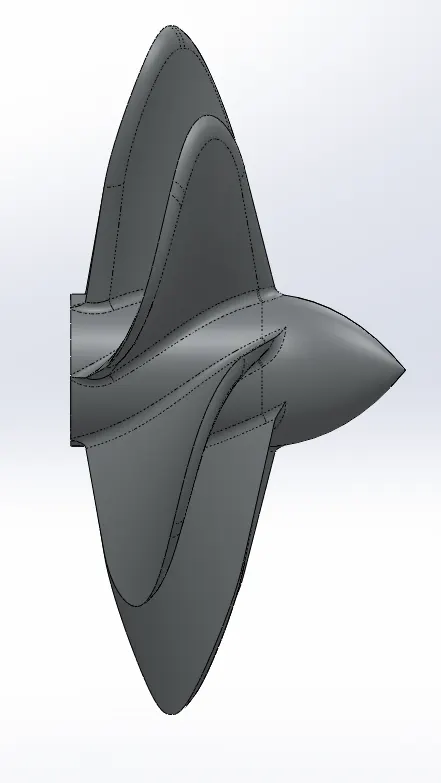
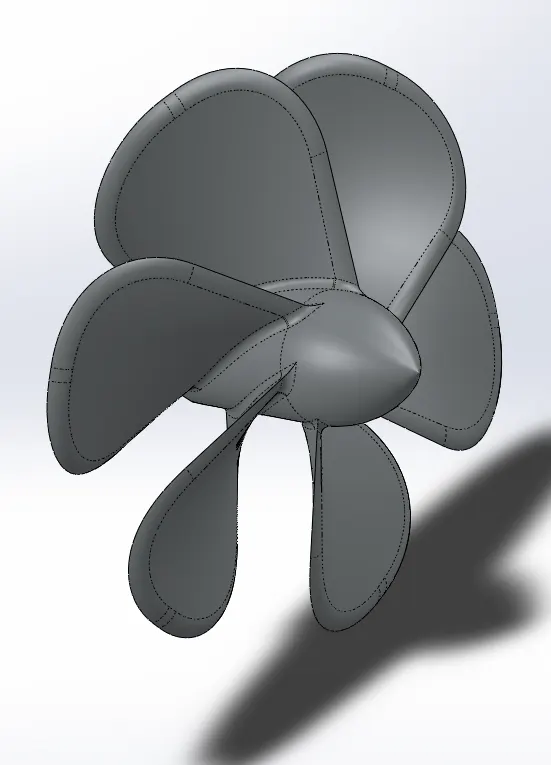
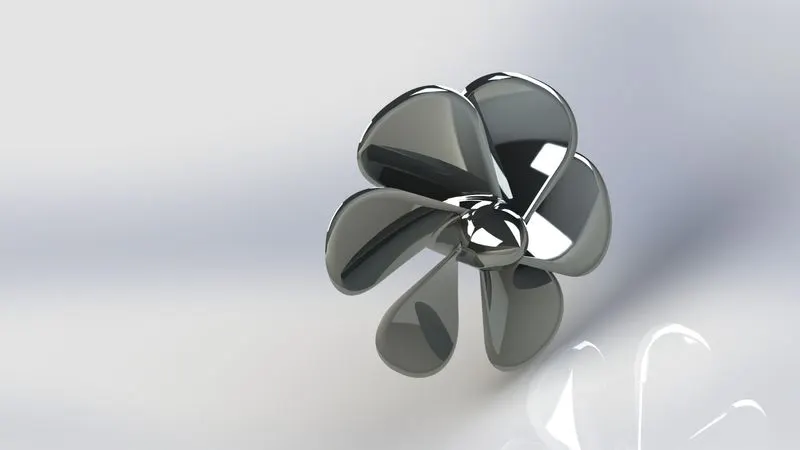
Tools/Features used:-
- Line
- Circle
- Spline
- Revolved Boss/Base
- Fillet
- Extruded cut
- Circular Pattern
Radar
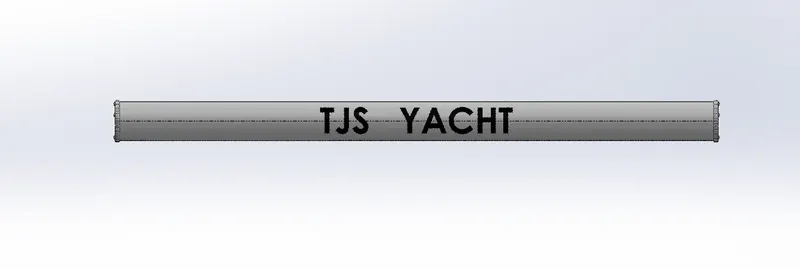
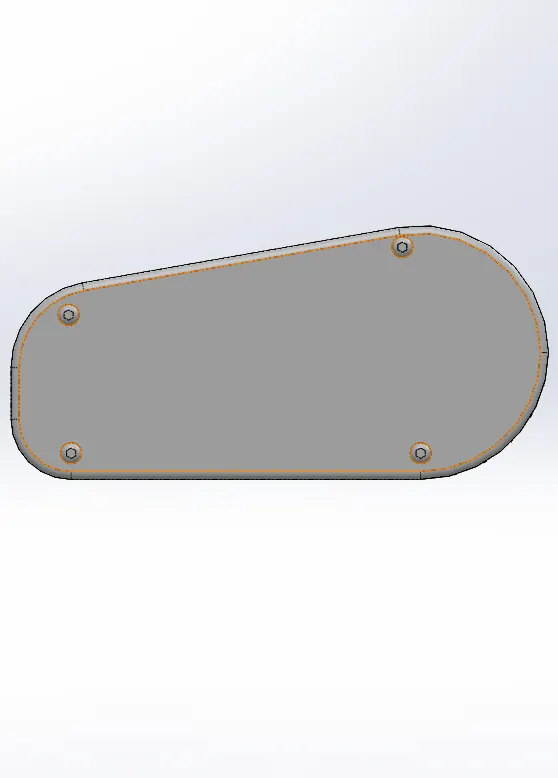
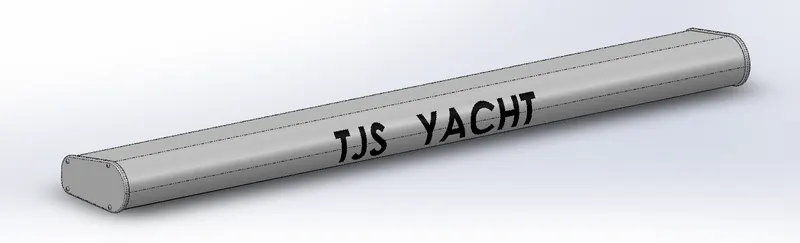
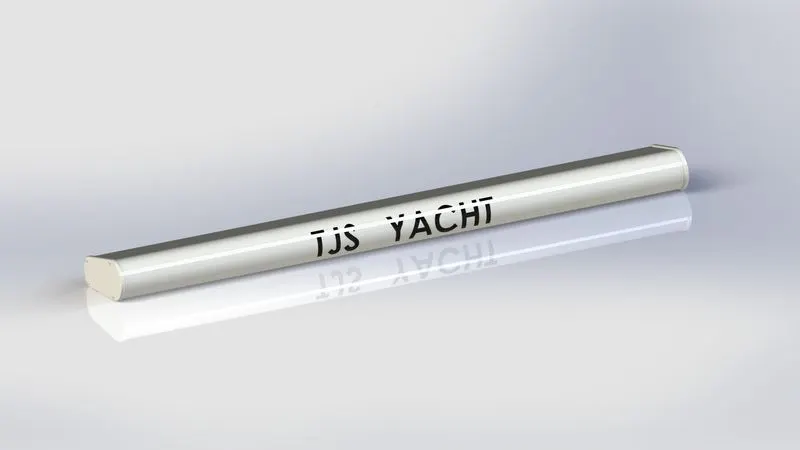
Tools/Features used:-
- Line
- Circle
- Point
- Text
- Extruded Boss/Base
- Extruded cut
- Fillet
- Split Line
- Mirror
Hull
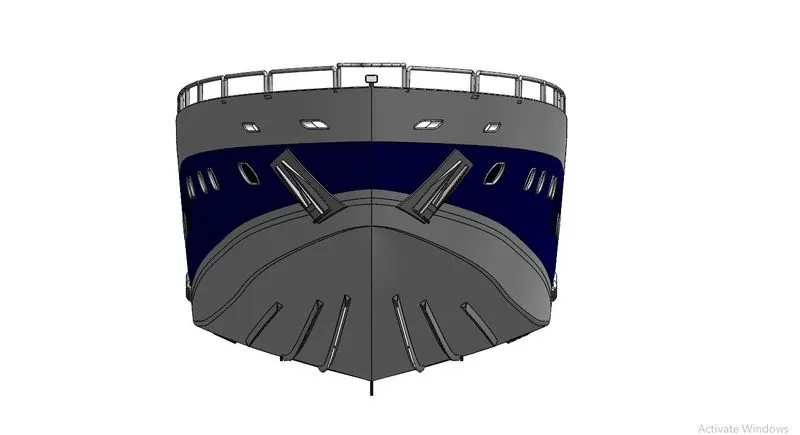
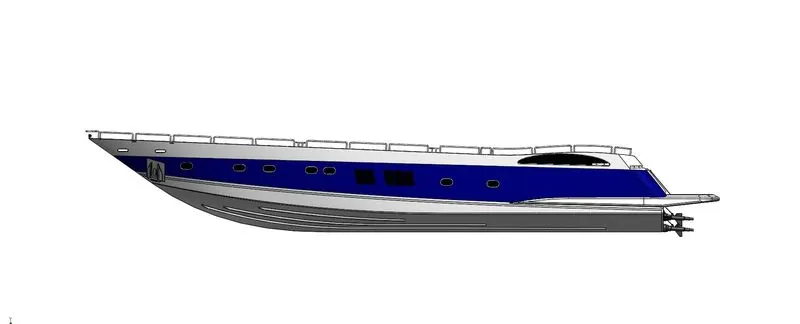
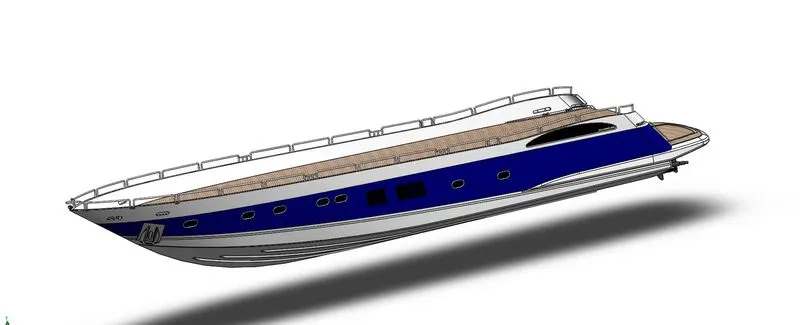
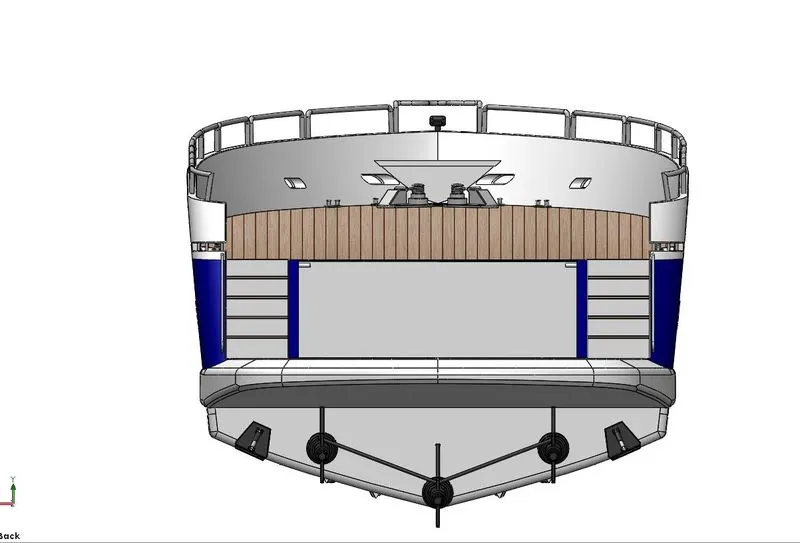
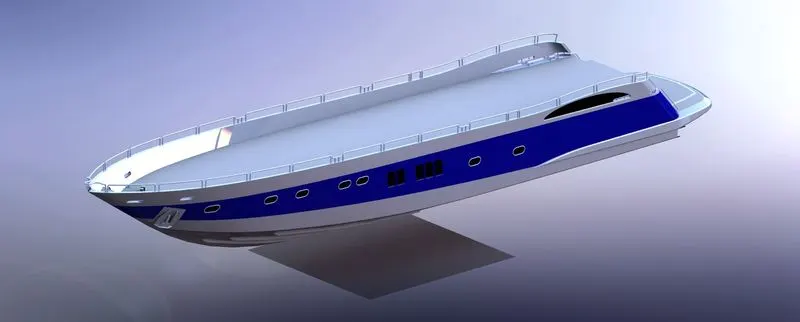
Tools/Features used:-
- Line
- Circle
- Spline
- 3D Sketch
- Projected Curve
- Split Line
- Extruded Boss/Base
- Cut Extrude
- Mirror
- Fillet
- Chamfer
- Revolved Boss
- Surface Extrude
- Fill Surface
- Loft Surface
- Swept Surface
- Extend surfaces
- Knit Surfaces
- Shell
Garage Door
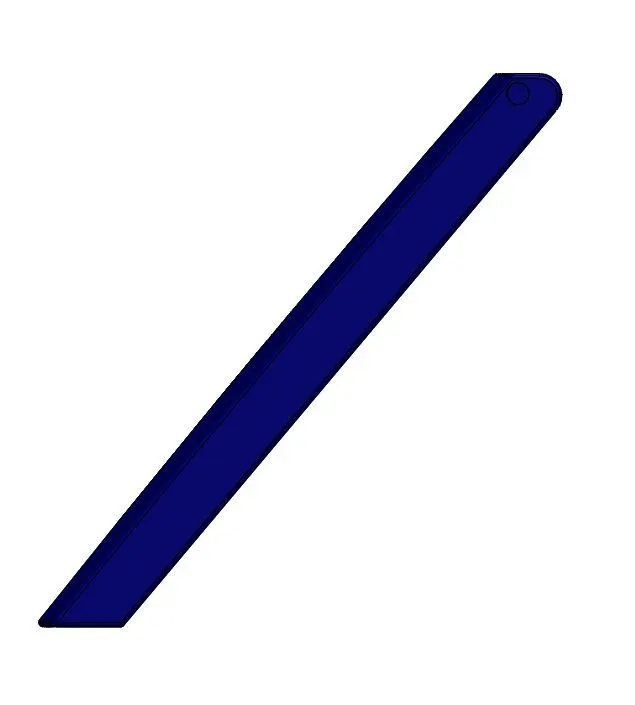
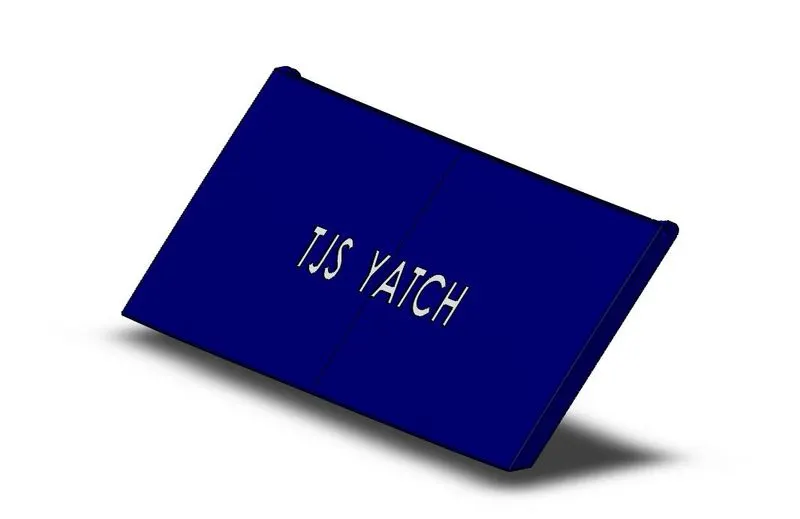
Tools/Features used:-
- Line
- Circle
- Spline
- Cut Extrude
- Shell
- Fillet
- Mirror
Front Seat
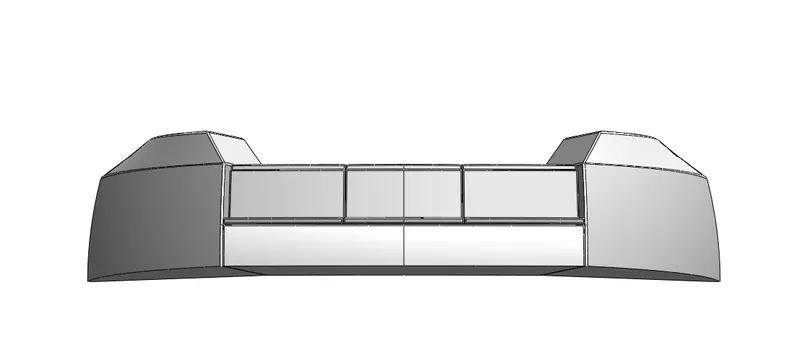
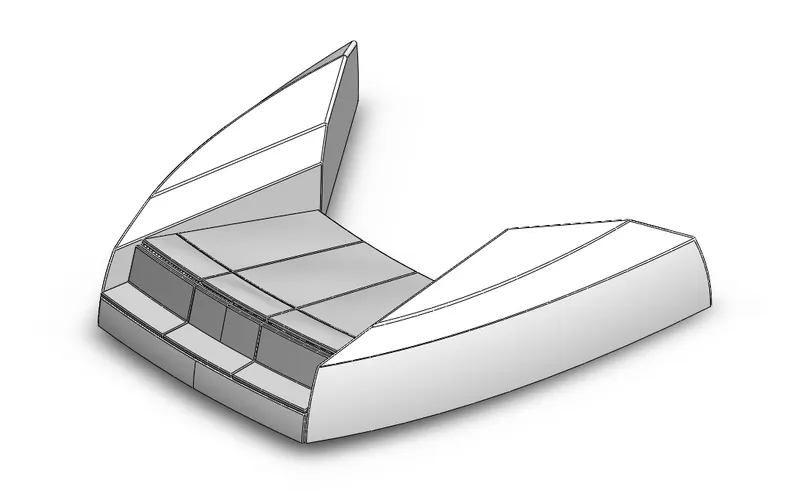
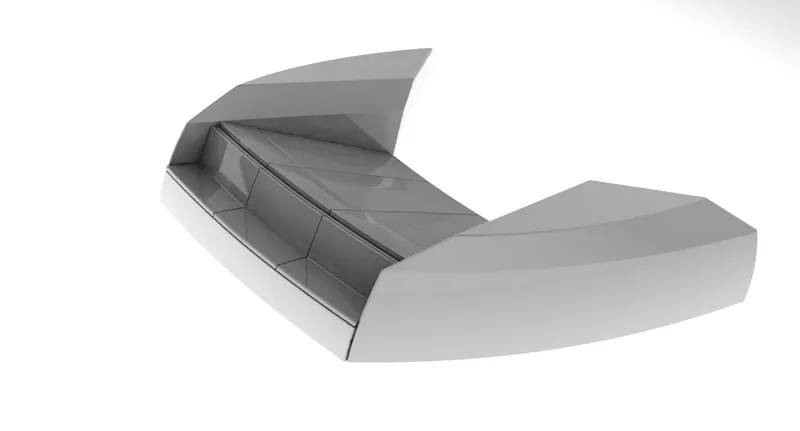
Tools/Features used:-
- Line
- Circle
- Spline
- 3D Sketch
- Projected Curve
- Split Line
- Extruded Boss/Base
- Cut Extrude
- Mirror
- Fillet
- Surface Extrude
- Fill Surface
- Loft Surface
- Swept Surface
- Extend surfaces
- Knit Surfaces
Middle Seat
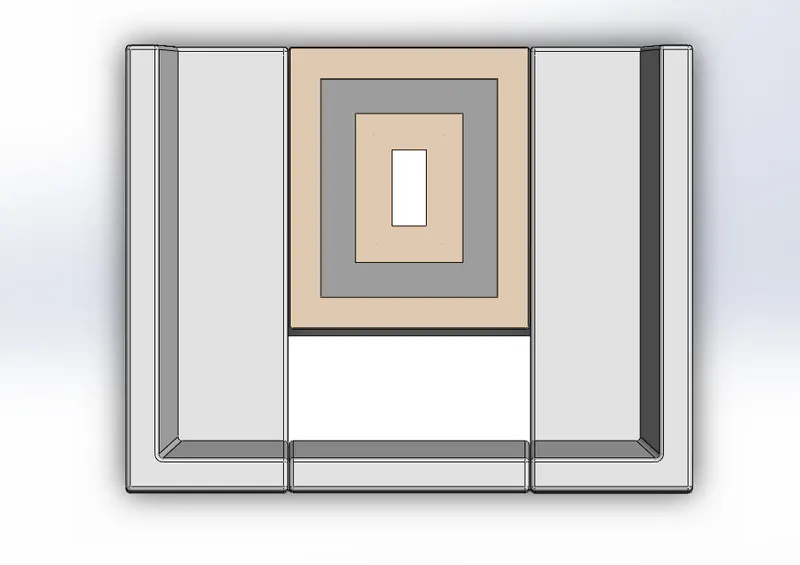
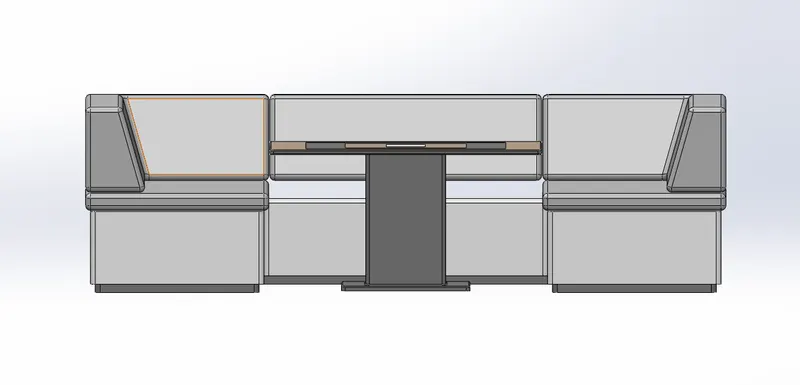
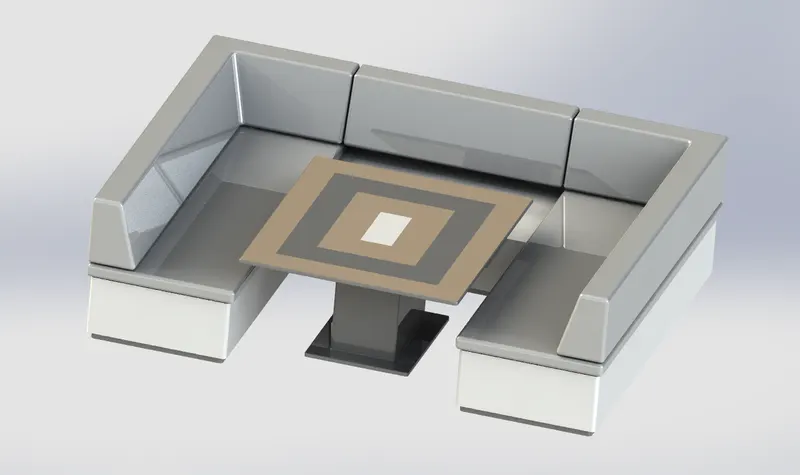
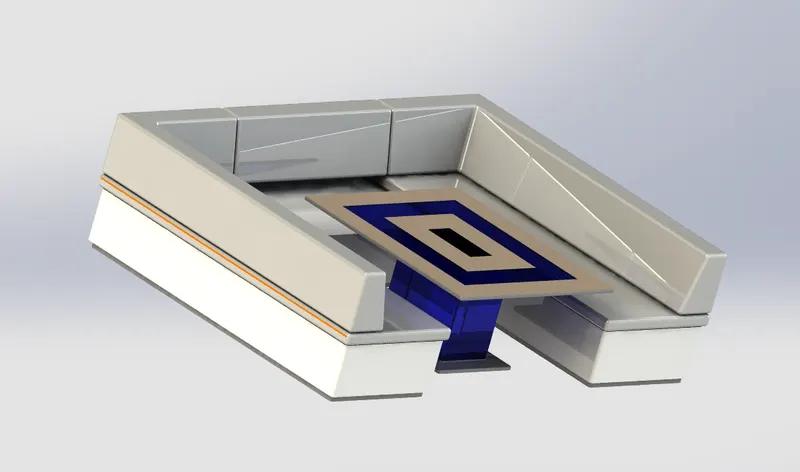
Tools/Features used:-
- Line
- Rectangle
- Extruded Boss
- Cut Extrude
- Chamfer
- Fillet
- Mirror
Rear Seat
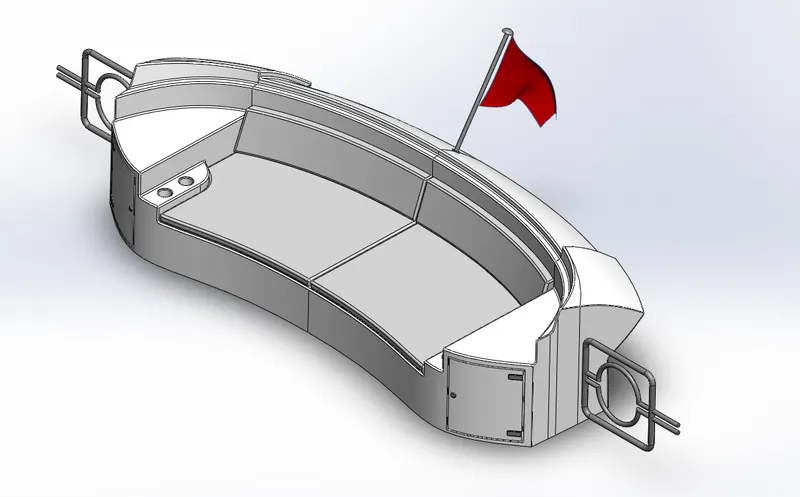
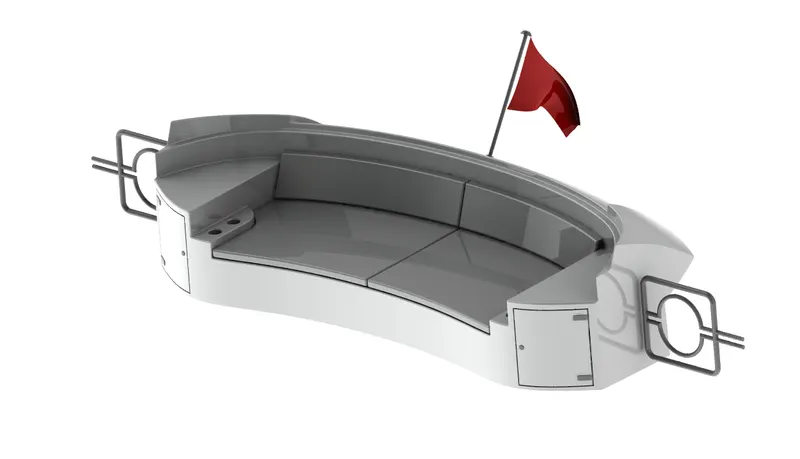
Tools/Features used:-
- Line
- Circle
- Spline
- 3D Sketch
- Projected Curve
- Split Line
- Extruded Boss/Base
- Cut Extrude
- swept
- Mirror
- Fillet
- Surface Extrude
- Fill Surface
- Loft Surface
- Swept Surface
- Extend surfaces
- Knit Surfaces
- Ruled Surfaces
SuperStructure
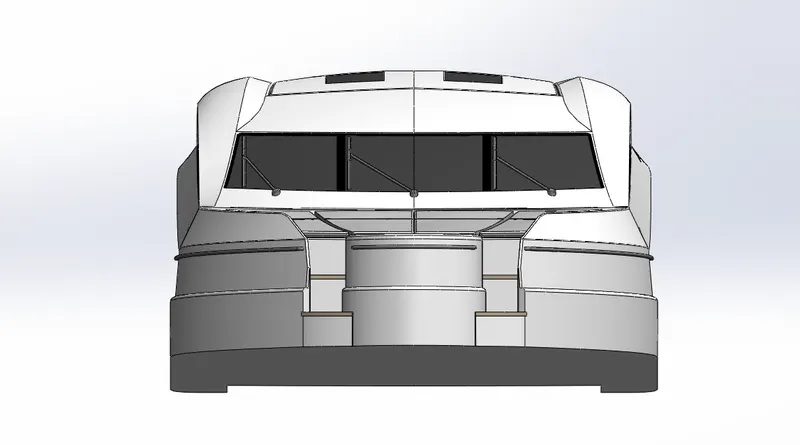
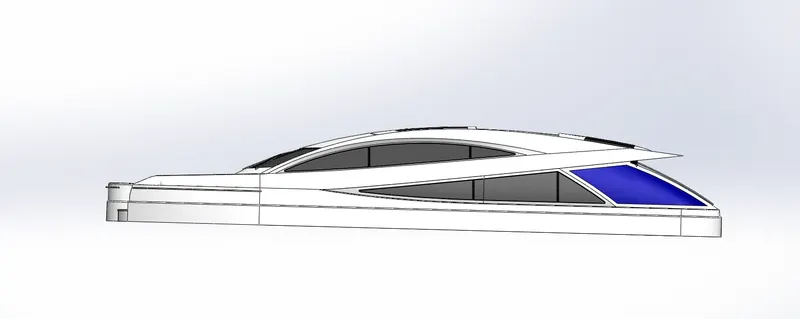
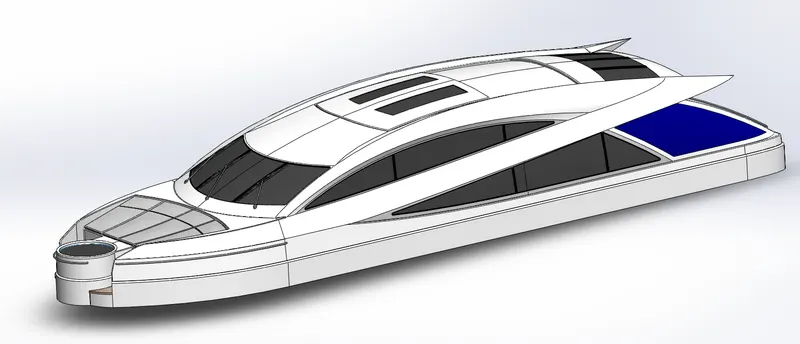
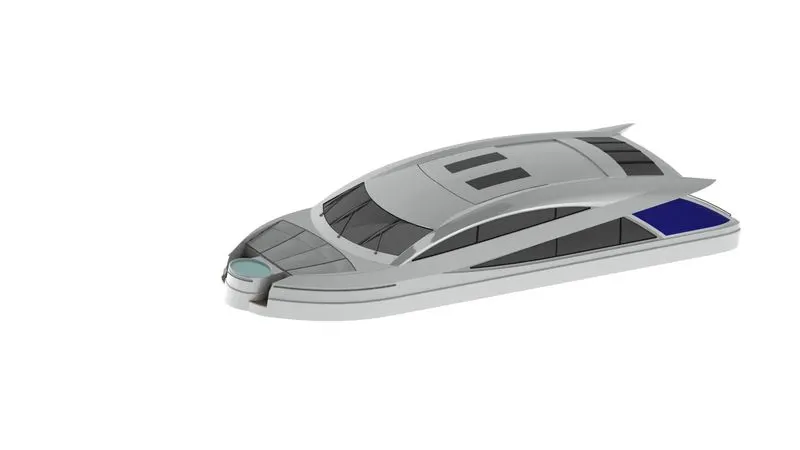
Tools/Features used:-
- Line
- Circle
- Spline
- 3D Sketch
- Projected Curve
- Split Line
- Extruded Boss/Base
- Cut Extrude
- swept
- Mirror
- Fillet
- Surface Extrude
- Fill Surface
- Loft Surface
- Swept Surface
- Extend surfaces
- Knit Surfaces
- Ruled Surfaces
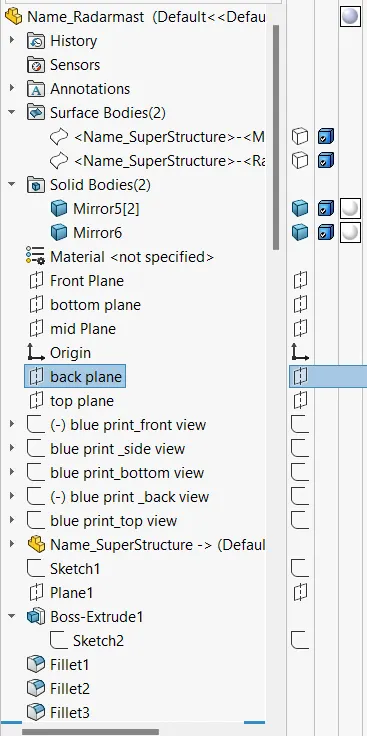
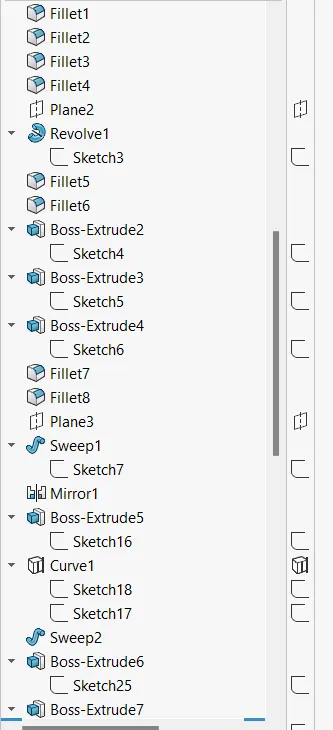
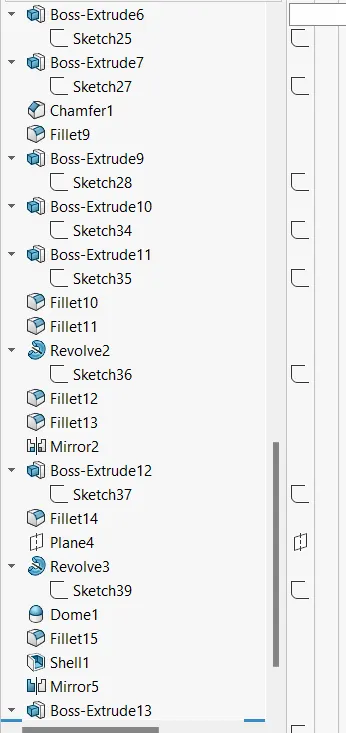
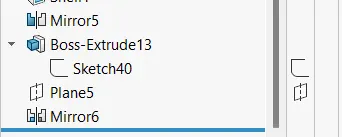
Radar Mast
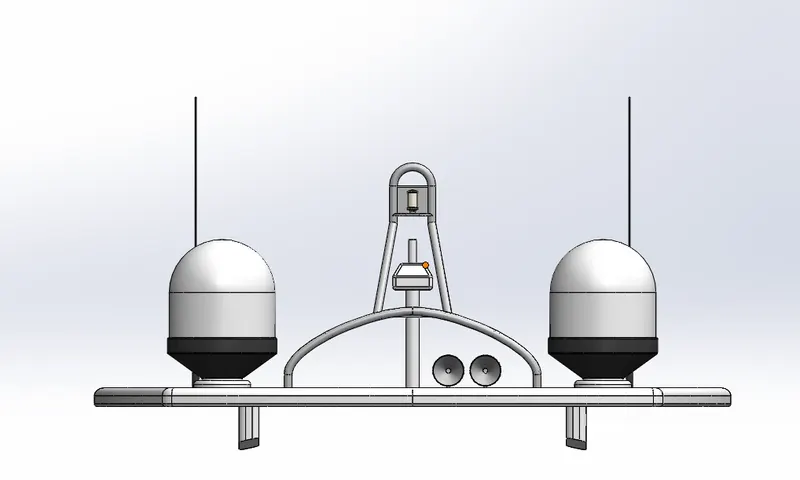
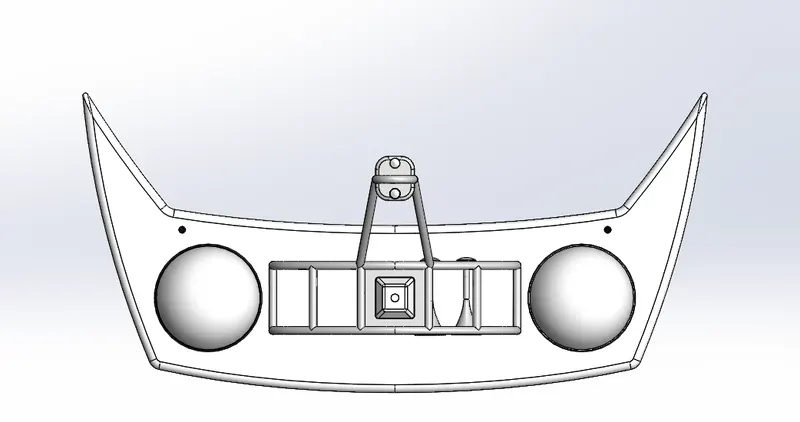
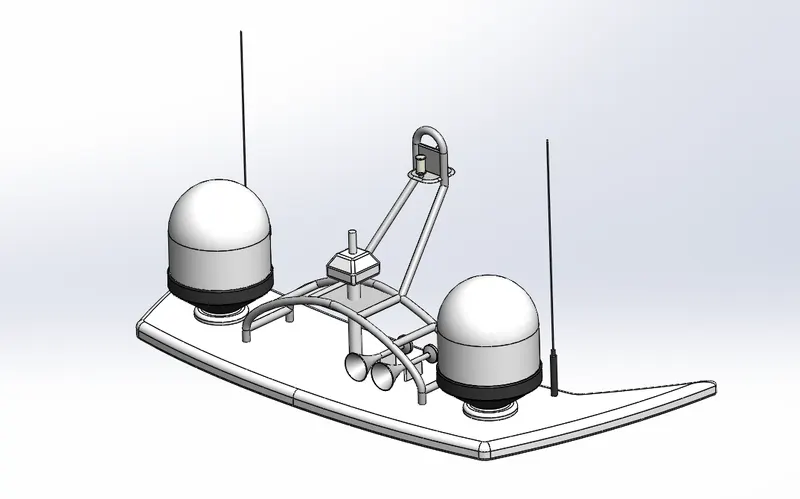
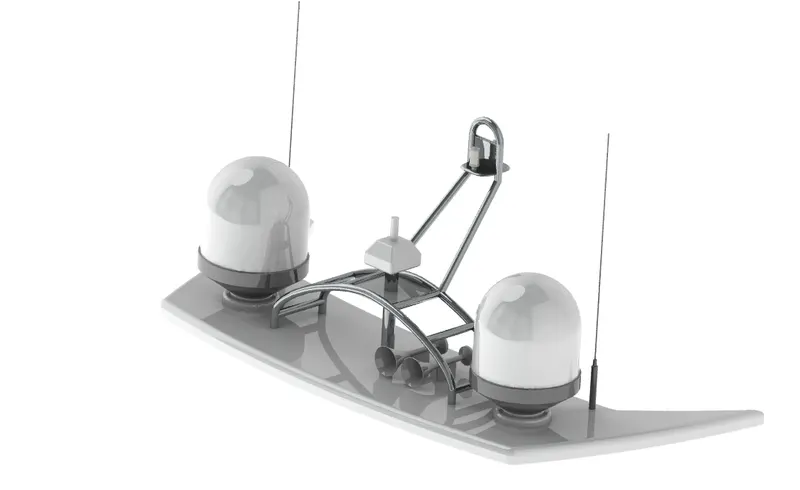
Tools/Features used:-
- Line
- Circle
- Spline
- Extruded Boss
- Revolve
- Swept
- Shell
- Cut Extrude
- Chamfer
- Fillet
- Mirror
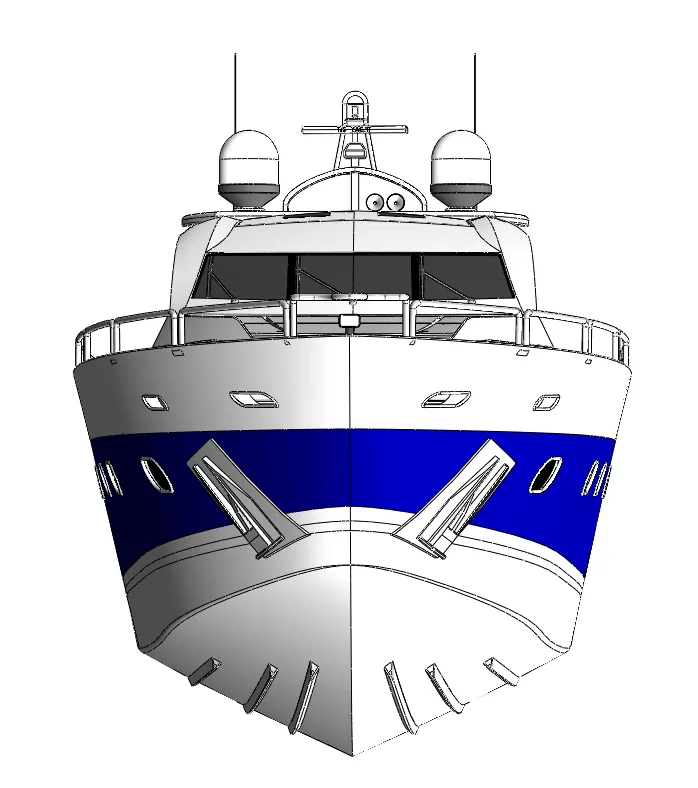
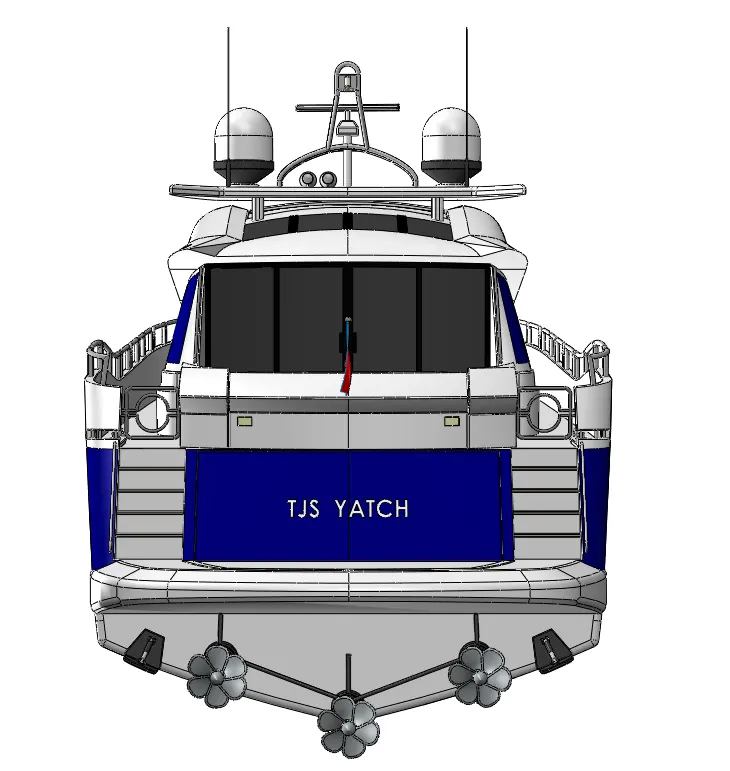
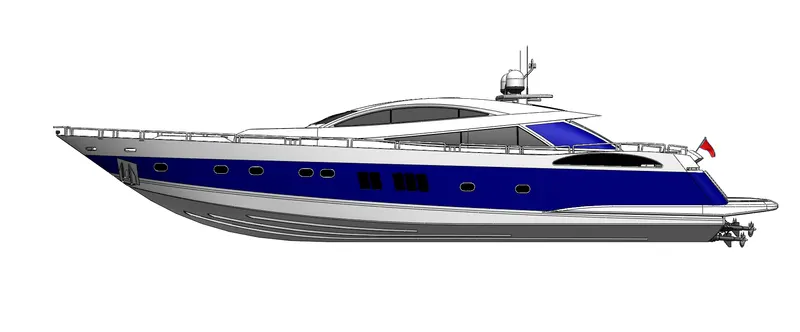
ASSEMBLY
Top view
isometric view 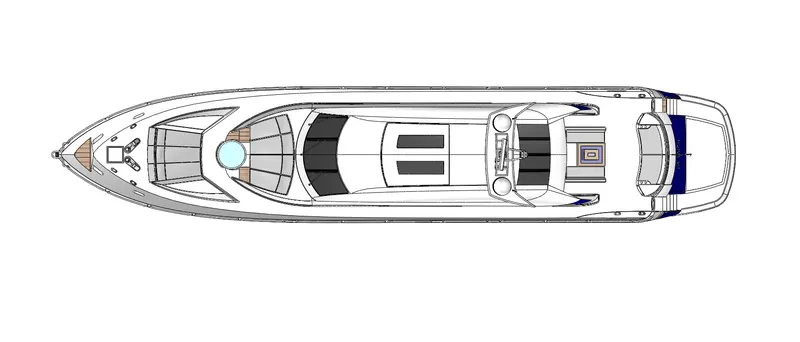
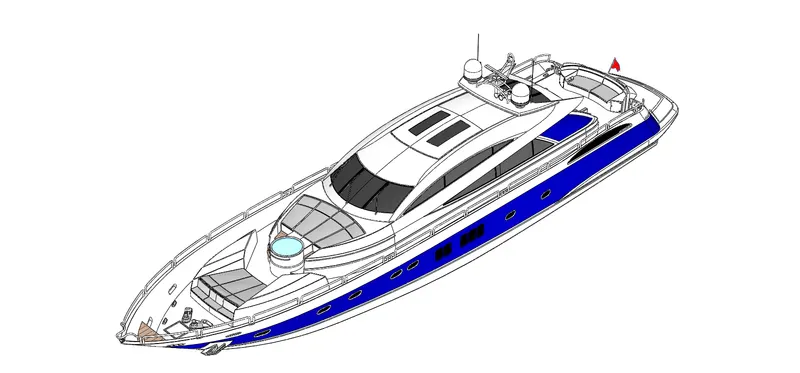
front view
back view
side view
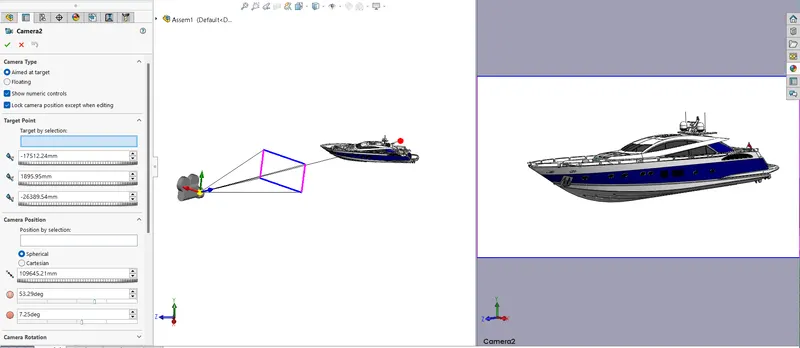
camera setup
RENDERING

CONCLUSION
By this we have completed the design of yacht along with the yacht parts separtely & assemlble them together and gave some decals & some asthetic looks b the use help os solidworks software.