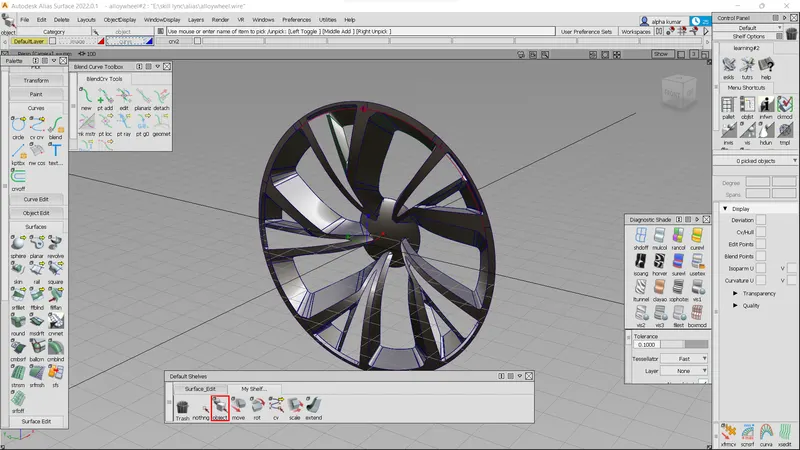
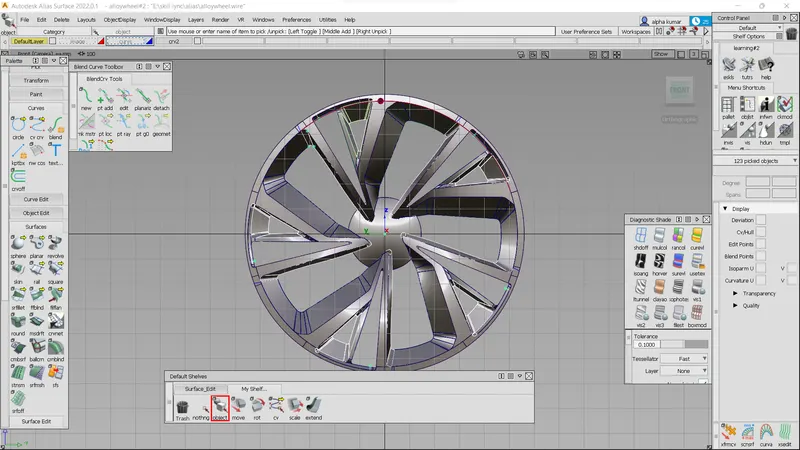
Challenge 4 : Concept Modelling of Alloy Wheel
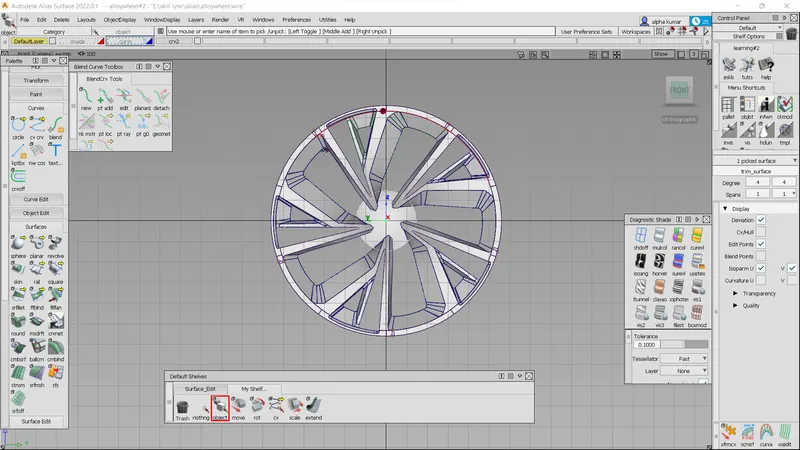
sub- Concept Modelling of Alloy Wheel
obj- to create a alloy wheel using diff tools in alias
import canvase image.make the wheel center for reffrence.
create a circle using circle option in curves make it at exact center for better flow .
then using cv crvs and blend option we create some of the needed curves for the 1st stage.
as we know that the wheel consist the same features repeated in a circular manner so we can do work on the most common part of wheel which after we can do rotate to achieve the alloy wheel.
for which we will devide the wheel wtihsome starting angle and ending angle.
after the desire shaope achieved we will create surface using the curves . with surfaces tools.
like- sqaure,rail&skin.
after surface generated we need to trim usiong project tool then trim to remove the unnessecsary surfaces.
while makiing the surfaces we will ansure the surfaces are genrated with single span for better flow.by using the align option we will do the continutie for better surfac flow.
after all the surface creation we will group the surfaces & will rotate the surfaces using duplicate option.
eidt-duplicate-object-then increase the number of duplicate
transform in xyzn space then rotation.