Challenge 6 : Concept Modeling of Side Fender
Concept Modeling of Side Fender
obj- visualize the 2d image get the concept of surface flow & use in suraface modeling.
import the image files of the model. file-import-canvas file
then we adjust the images as per our requirement and then creat the layer.layers-new-assign
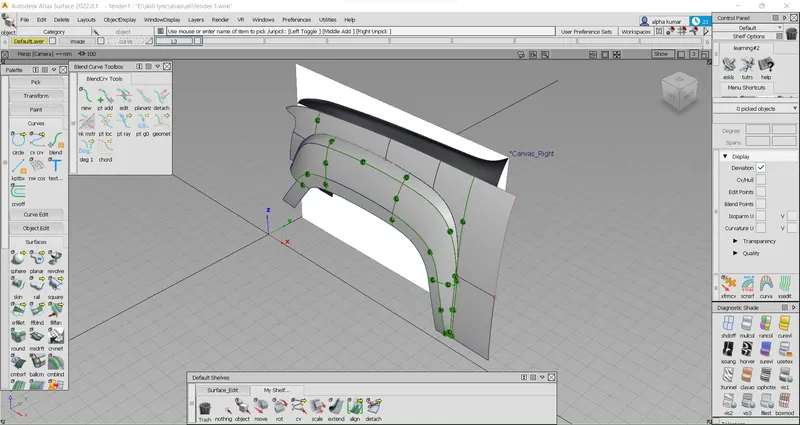
then we will start to creat the curves using curves tools like cv crv & with blend tool to flow continious.we used snappin point ,curves,etc.. to get our desire shape.
as per the assignment we don't have more than one view so we need to be visualize the image & approch the shape.while creatating the curves we see the reflaction of the objects trhough we understand flow the surafces will flow.manipulate the curves we used the cv points,after increase the cv points & move the cvs to get our desire shape.after complete the curve creation.using align option we can achieve a better & proper flow of curve.
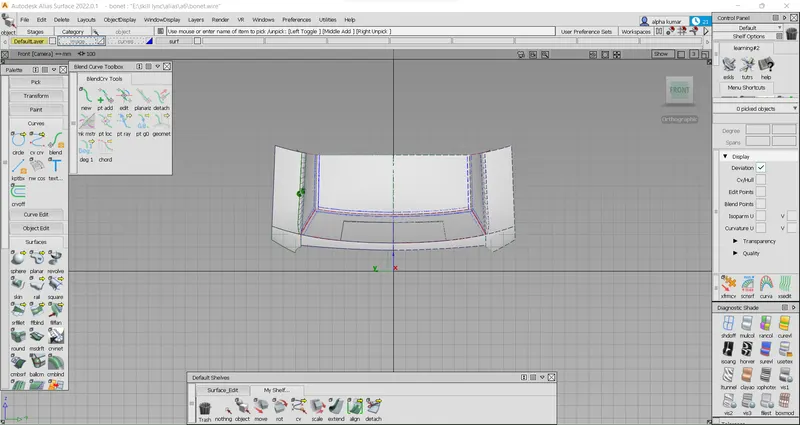
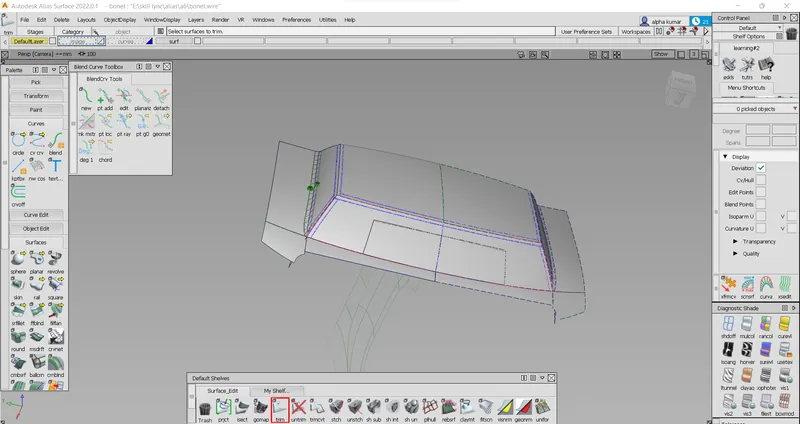
after the curve network done. we can procced to create the surfaces using rails & square option with continuty& used the project ,intesect option for trim option to get our shape by removing extra surfaces.
while creating the surafces we keep on mind that the surafes should flow continious by using diffrent type align type.e.g-G0,G1,G2 as per our requirmnet.
after all surfaces created we can smooth the edges by using srfileet option.