Radar Mast & Final Assembly of Yacht
SUNSEEKER YACHT DESIGN AND MODELING USING SOLIDWORKS
OBJECTIVE:-
To design and model all the required parts of Yachat and assembling it to create the photorealistic rendering of Yachat.
INTRODUCTION:-
A Yachat is any sail or power vessel as watercraft used for pleasure, crusing or racing.
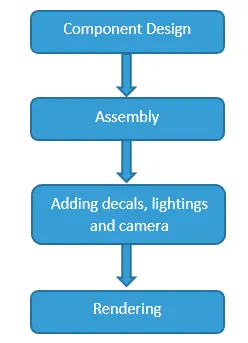
DESIGN METHODOLOGY:-
BODY OF CONTENT:-
Components to be Design:-
- Blueprint
- Propeller
- Radar
- Hull
- Garage Door
- Front Seat
- Middle Seat
- Rear Seat
- Super Structure
- Radarmast
Major tools used to complete the American Chopper
Creating 2D Sketch:-
A 2D sketch is the base to create the 3D model. It created on x y Axis. It includes Line, Circle, Rectangle, Arc, Spline etc.
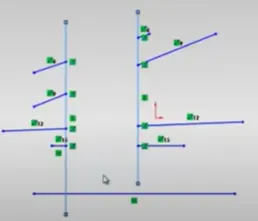
Trim:-
By this tool we can remove or erase extra edges of intersecting on a 2D sketch.
Before
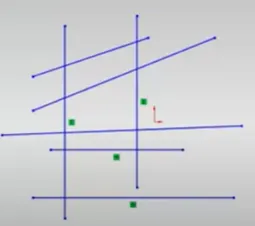
After
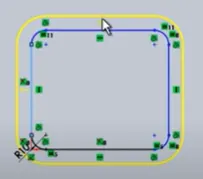
Offset:-
By specifying distance we can create sketch from a sketch entities.
Before
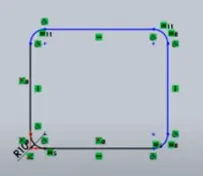
After
Convert Entities:-
By this tool we can create one or more curves in a sketch by projecting an edge, loop, face, curve, or external sketch contour, set of edges or set of sketch curves onto the sketch plane.
Before
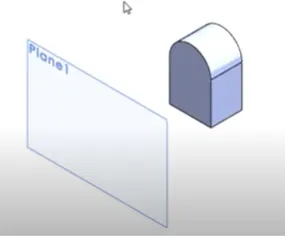
After
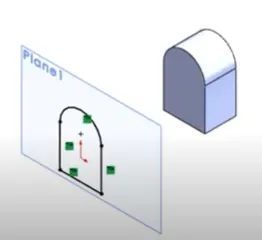
Solid Extrude:-
It extrude a sketch contours in one or two direction to create a solid feature.
Before
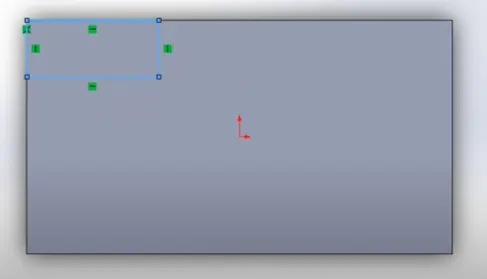
After
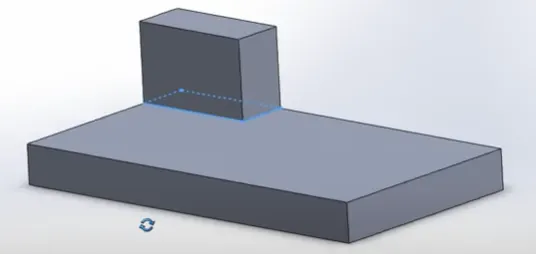
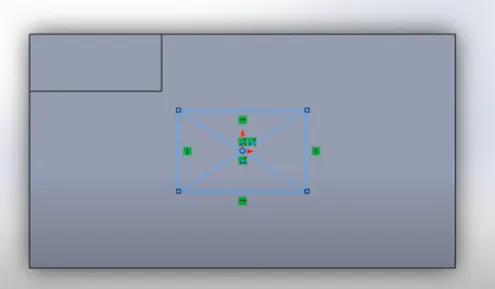
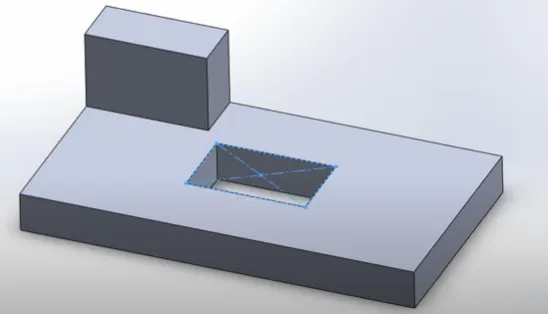
Extrude Cut:-
This feature helps us to remove the material from a 3D model. It can cut both directions. By this feature we can make holes, slots etc.
Before
After
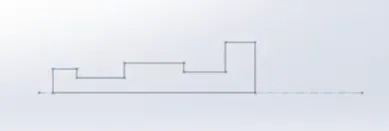
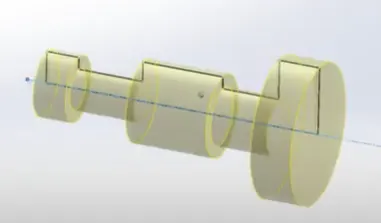
Revolve Bose:-
By this feature we can create a solid feature of a sketch contours around an axis.
Before
After
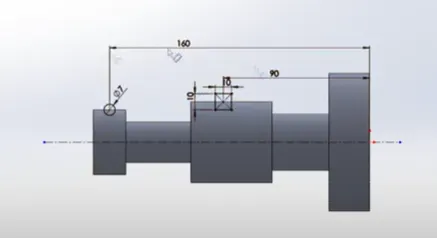
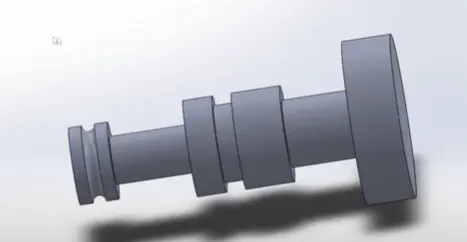
Revolve Cut:-
By this feature we can cut a solid model by revolving a solid profile around an axis.
Before
After
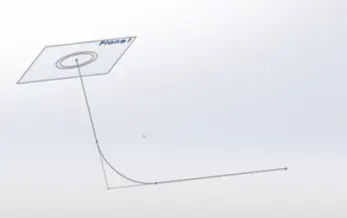
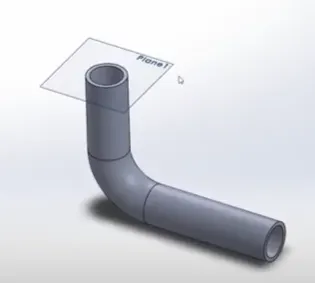
Sweep Boss:-
By this feature sweeps a closed profile along with a closed or open path to create a solid feature.
Before
After
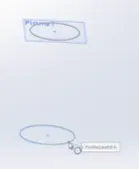
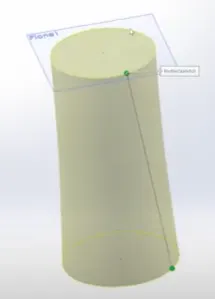
Loft:-
By this feature we create a shape by making transition between multiple profiles and guide curves which allow to create complex geometry with a single tool.
Before
After
Dome:-
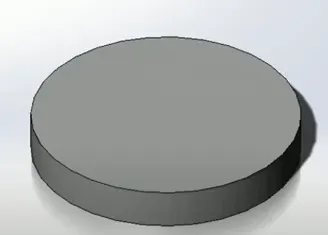
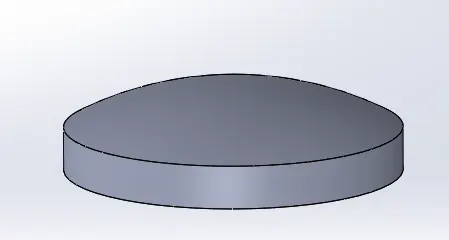
It is a rounded or elliptical vault forming the outside face of a body structure mainly on a circular base.
Before
After
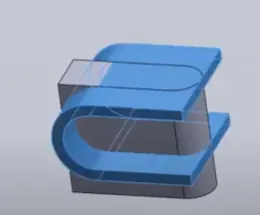
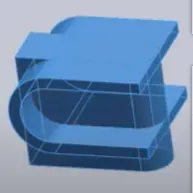
Merge/Combine:-
By using this tool we can create a single body from two multiple bodies.
Before
After
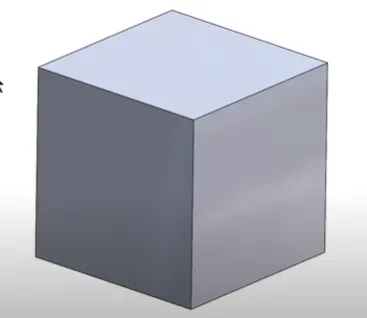
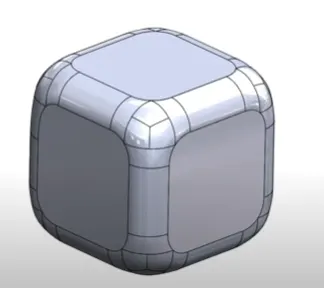
Fillet:-
By this tool we can create a rounded internal or external face of any part.
Before
After
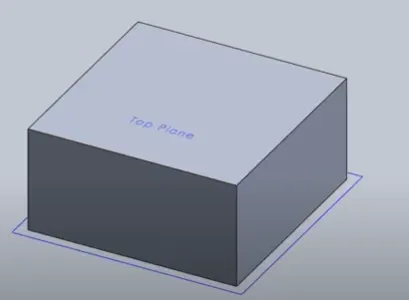
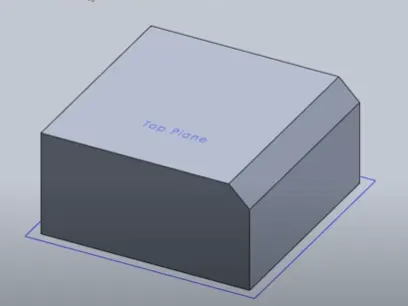
Chamfer:-
By this feature we can connect two adjacent face using an inclined line.
Before
After
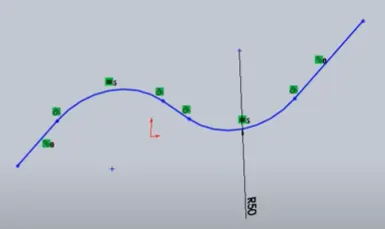
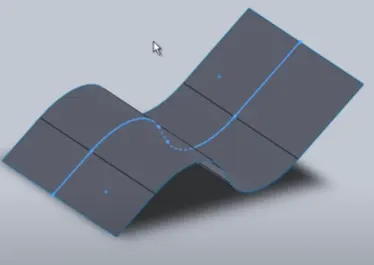
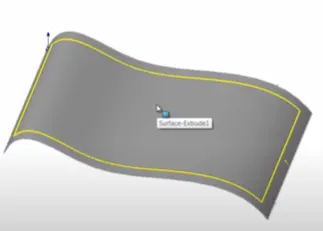
Surface Extrude:-
Using this feature we can extrude the boundary edges of a face of a solid body or edge of a surface body in a customized direction.
Before
After
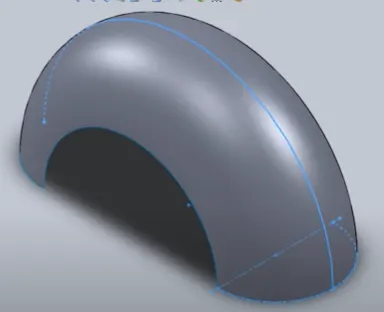
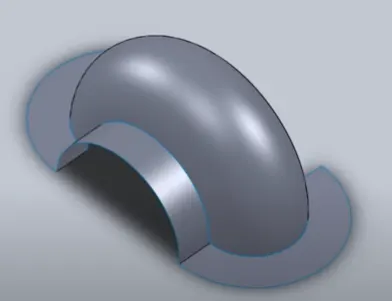
Ruled Surface:-
This feature inserts a ruled surface from the selected edges.
Before
After
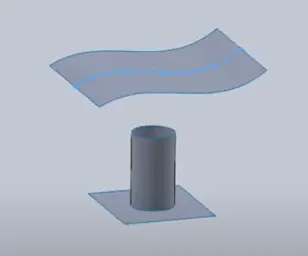
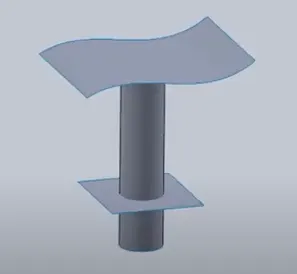
Extend Surface:-
Using this feature we can extend the edge, multiple edges or the face on a surface, based on end condition and extension type.
Before
After
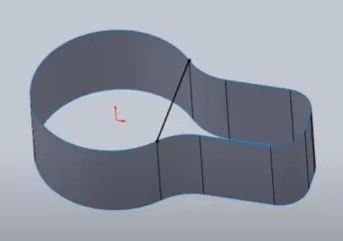
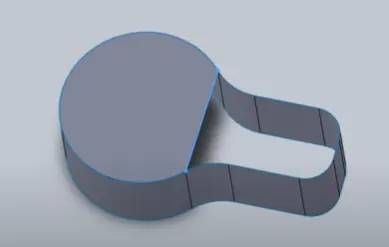
Surface Fill:-
By this feature we can construct a surface patch with a boundary defined by existing model edges, sketches or curves.
Before
After
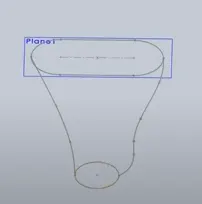
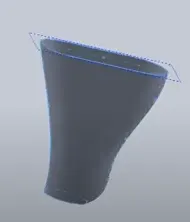
Lofted Surface:-
By using this feature we create a lofted surface between two or more profiles.
Before
After
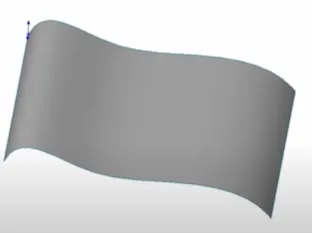
Offset Surface:-
By using this feature we create one or more contiguous faces.
Before
After
Surface Trim:-
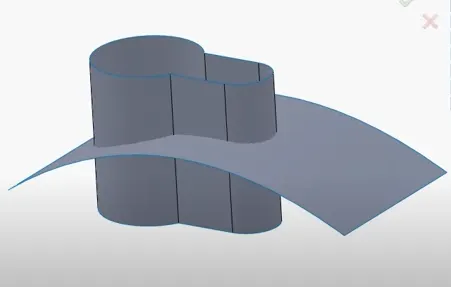
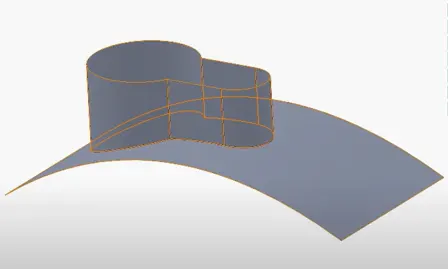
By using this feature we can trim the intersecting surfaces by selecting a cutting edge.
Before
After
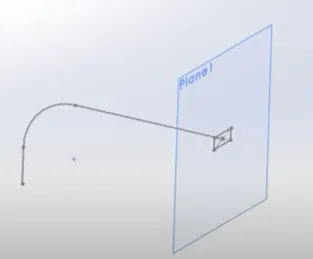
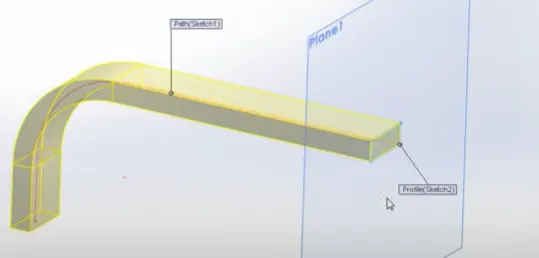
Swept Surface:-
By using this feature we a can create a surface feature by swiping an open or closed profile along with the closed or open path.
Before
After
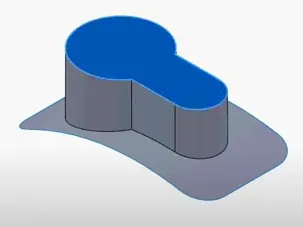
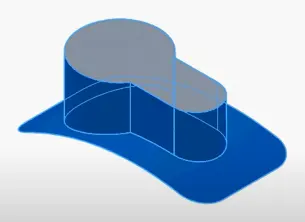
Surface Knit:-
By using this we can combine two or more adjacent or non-intersecting surface together.
Before
After
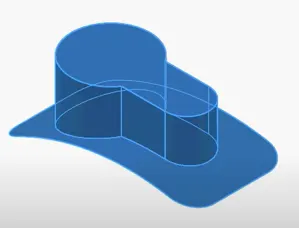
Shell:-
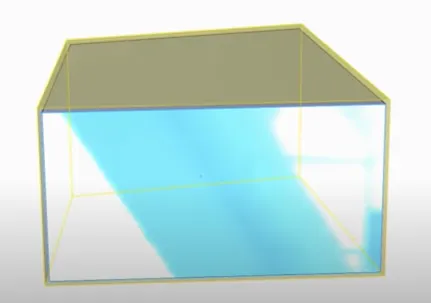
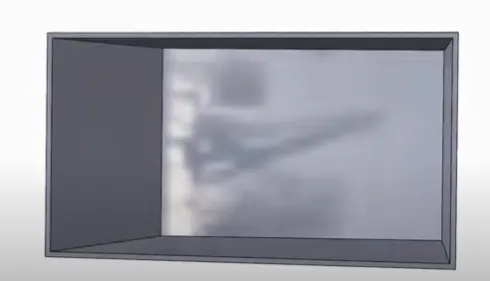
By using this tool we can create a hollow on a solid parts
Before
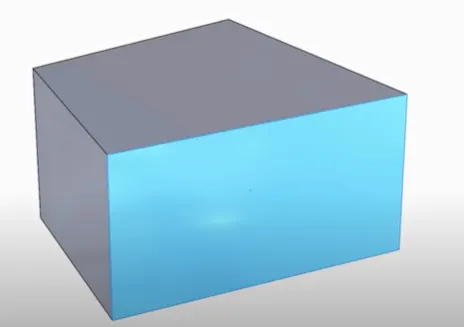
After
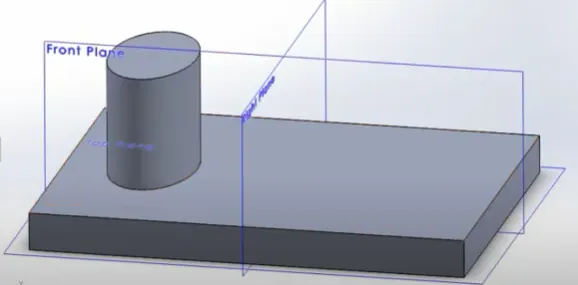
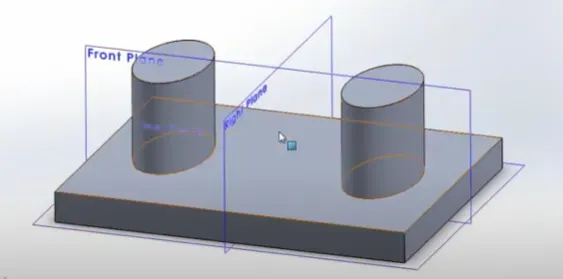
Mirror:-
By this we can create a mirror of a sketch along with its face, axis, body or a plane.
Before
After
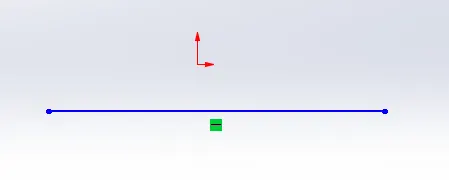
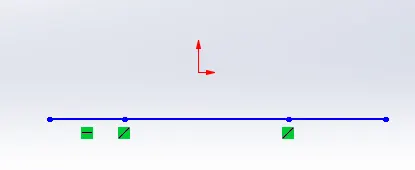
Split Line:-
By using this we can project a sketch to curve or planner face, create multiple separate faces.
Before
After
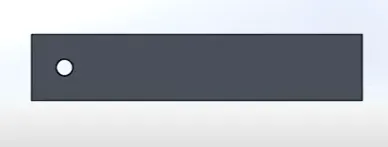
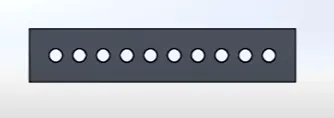
Linear Pattern:-
By this pattern we can create multiple instance of one or more features that we can uniformly along one or two linear paths.
Before
After
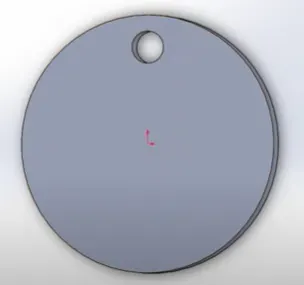
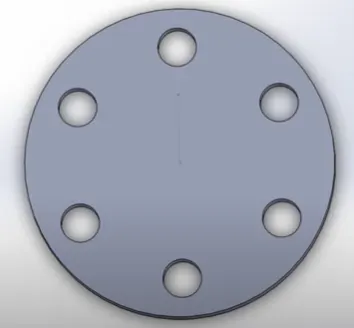
Circular Pattern:-
By this pattern we can create multiple instance of one or more features that we can uniformly around an axis.
Before
After
Projective Curve:-
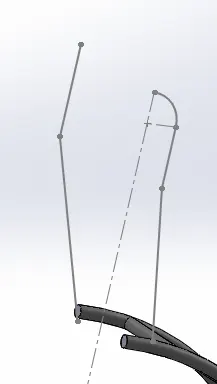
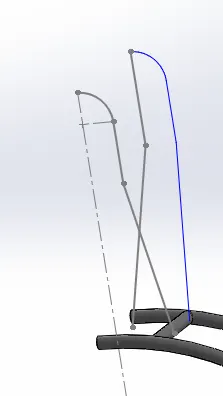
By this tool we can create a 3D curve from the intersection of two extruded surfaces generated by creating sketches on two intersecting planes.
Before
After
1.Blue Print
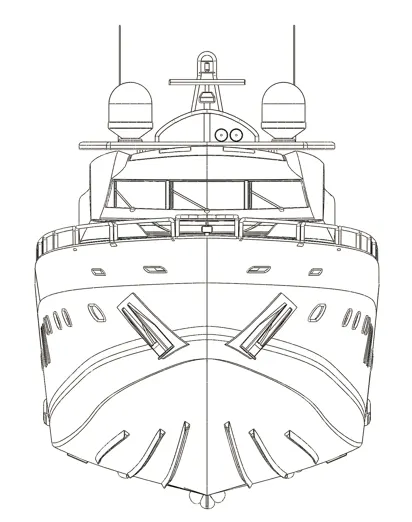
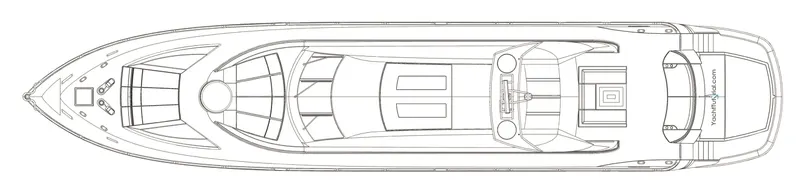
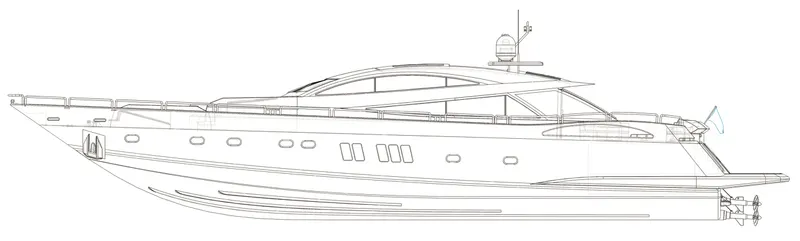
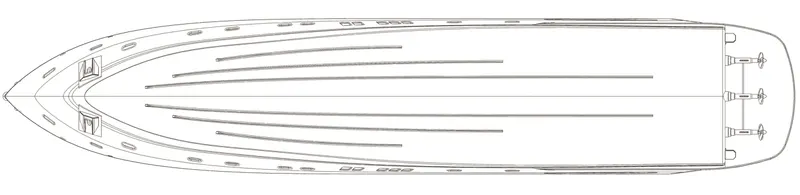
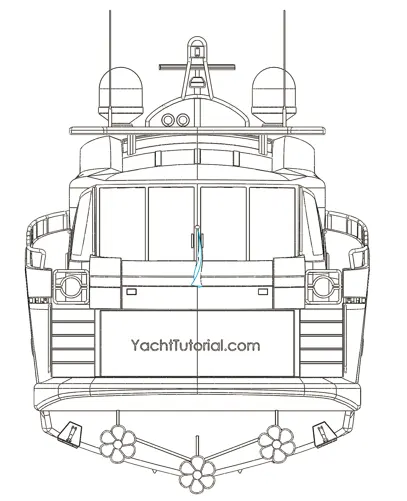
A blue print is a guide for making a design or pattern that can be followed. Yachat Blueprint is a combination of multiple images of a yachat such as Front View, Top View, Side View, Bottom View and Back View. These Blueprints are guide while designing individual part of Yachat.
Front View
Top View
Side View
Bottom View
Back View
2.Propeller
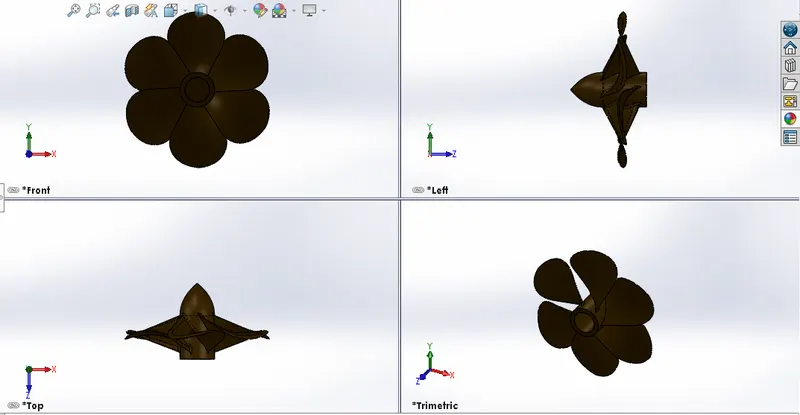
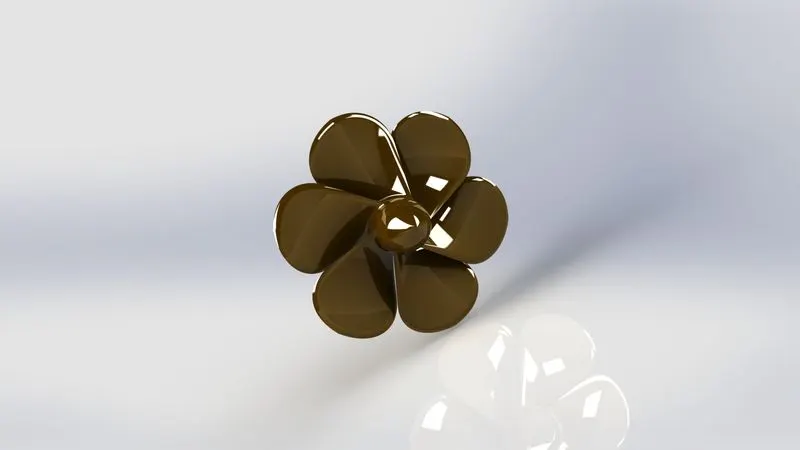
A propeller is a type of fan which by converting rotational motion into thrust that transmits power. A pressure difference is generated between airflow shaped blades forwarded and rear surfaces, and the pressure difference accelerates fluid. Most marine propellers are screw propellers with helical blades revolving around an approximately horizontal axis or propeller shaft.
The features are used for making this component are Sketch, Revolve, Loft, Cut extrude, Circular Pattern, Fillet.
3.Radar
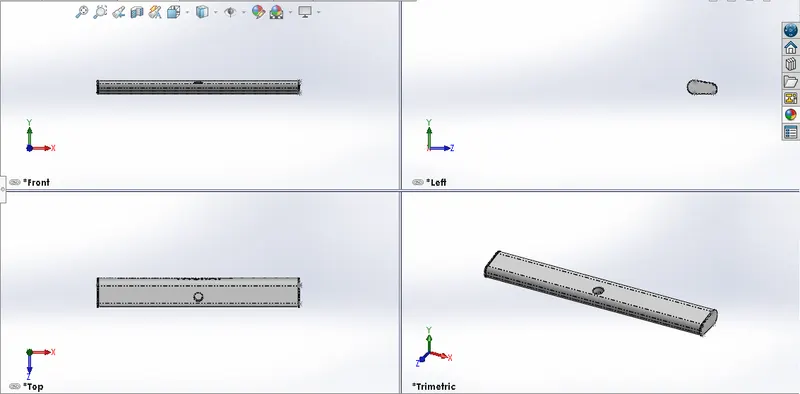
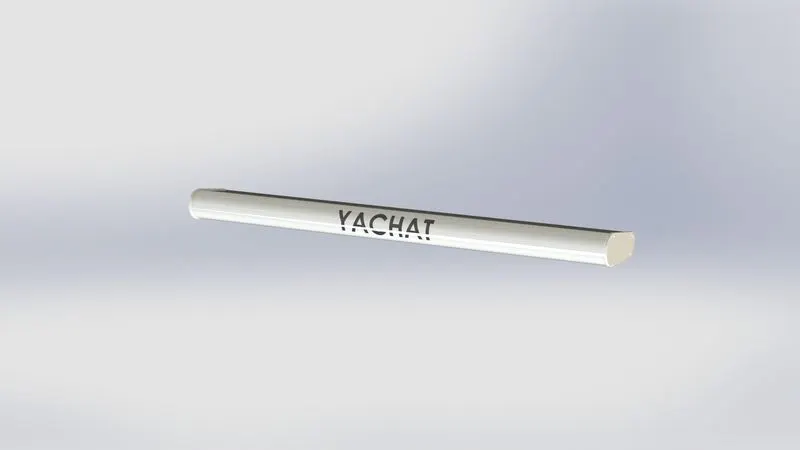
Radar is used to detect other ships and land barriers, to provide bearings and distance for the prevention of collisions and navigation at sea.
The features are used for making this component are Boss Extrude, Cur Extrude, Sketch Pattern, Split Line, Mirror, Fillet
4.Hull
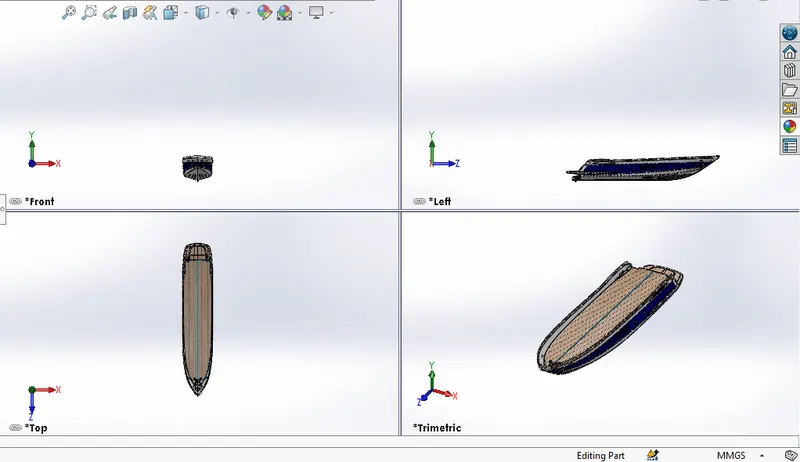
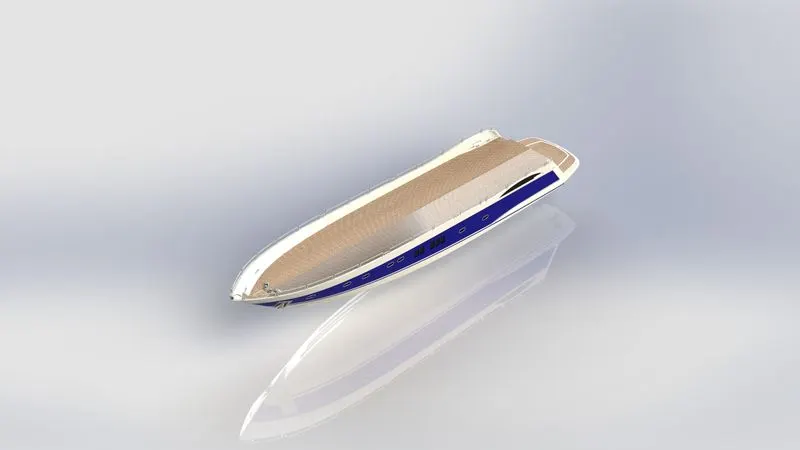
Hull is the watertight body of a ship or a ship. The hull may open at the top or be completely or partially covered by a deck. The top of the deck can be a deckhouse and other superstructures. The shape of the hull is chosen to strike a balance between cost, accommodation and stability, speed, power requirements, seaway motions etc.
The features are used for making this component are Sketch, Projective Curve, Surface Loft, Surface Trim, Surface Extrude, Surface Knit, Surface Fill, Shell, Cut Extrude, Fillet, Chamfer, Sweep, Boss Extrude, Revolve, Dome, Helix, Linear Pattern, Delete Face, Thin Extrude, Thin cut extrude, Split, Split Line, Offset Surface, Mirror
5.Garage Door
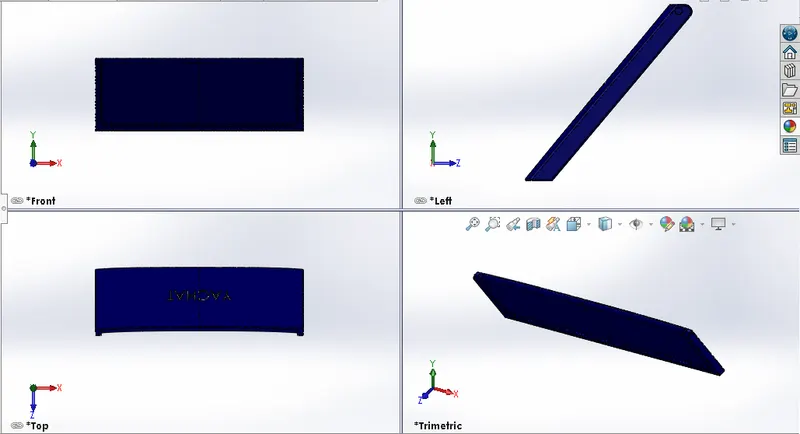
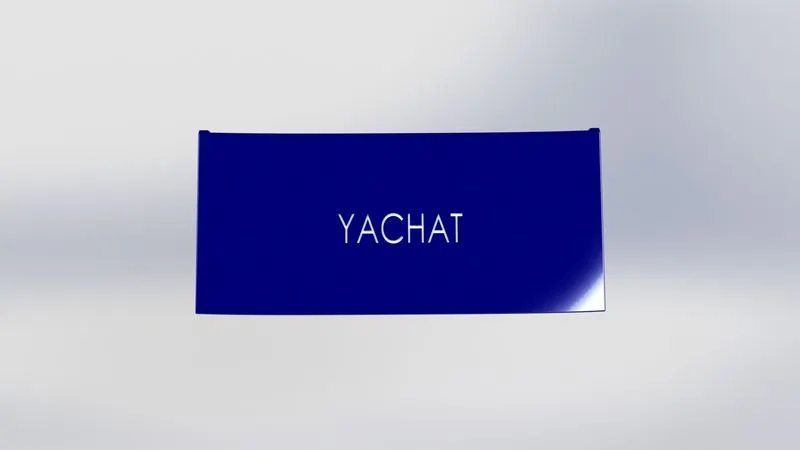
The Garage Door body was split from the hull and imported separately for modelling. The Garage door was matted with the hull garage during the assembly.
The features are used for making this component are Cut Extrude, Shell, Mirror, Fillet
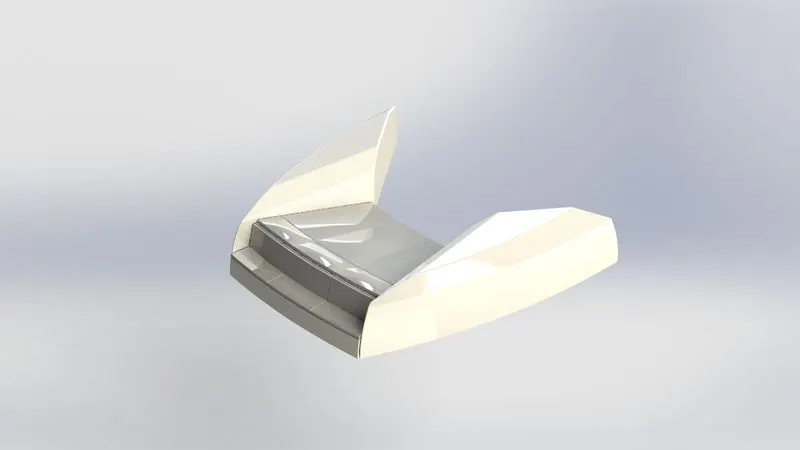
6.Front Seat
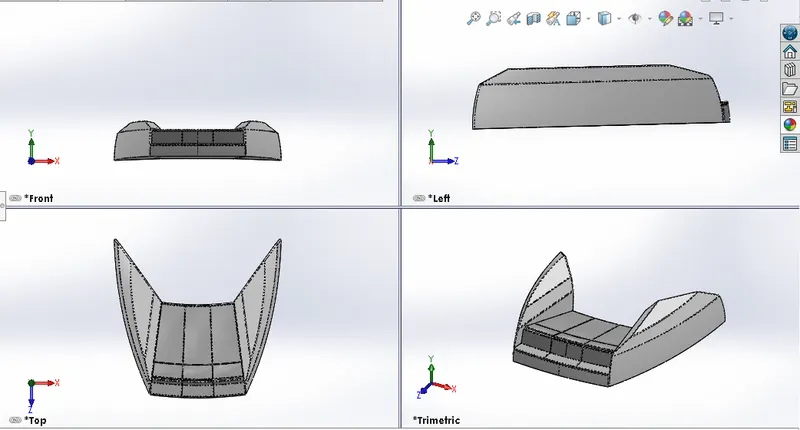
Front Seat is place in front of the Superstructure on the Hull. It is designed after importing the deck surface of the Hull as interface surface.
The features are used for making this component are Surface Sweep, Surface Extrude, Surface Fill, Surface trim, Surface Loft, Surface Knit, Revolve, Cut Extrude, Cut thin Extrude, Chamfer, Fillet, Mirror, Dome.
7.Middle Seat
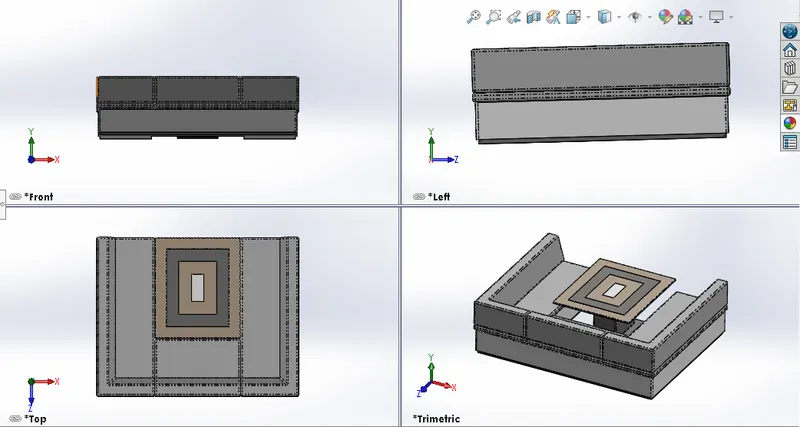
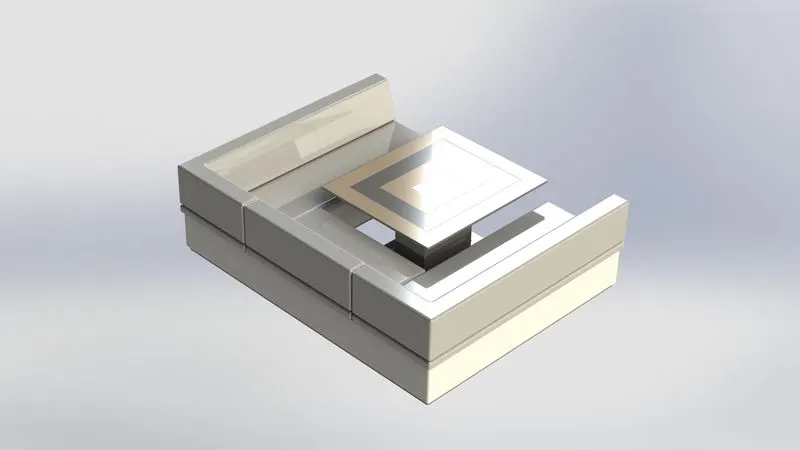
Middle Seat is place close behind the back door of the Superstructure in the shaded area. Unlike the front and rear seats, the middle seat design using the solid modelling commands. It is design as an interface after importing the deck surface of the Hull
The features are used for making this component are Boss Extrude, Mirror, Cut Extrude, Chamfer, Fillet
8.Rear Seat
Rear seat is place over the garage behind the Superstructure. It id design after importing deck surface of the hull as interface surface.
The features are used for making this component are Surface Sweep, Surface Offset, Surface Trim, Ruled Surface, Surface Knit, Surface Extend, Surface Extrude, Surface Loft, Boss Extrude, Cut Extrude, Chamfer, Boss Sweep, Mirror, Revolve, Fillet
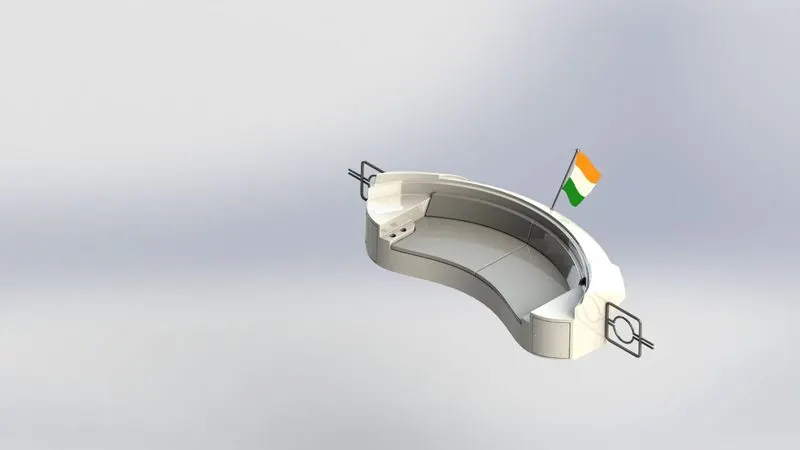
9.Superstructure
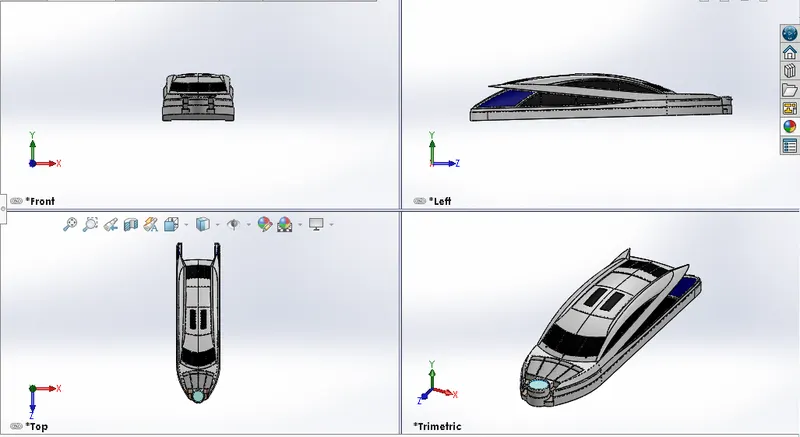
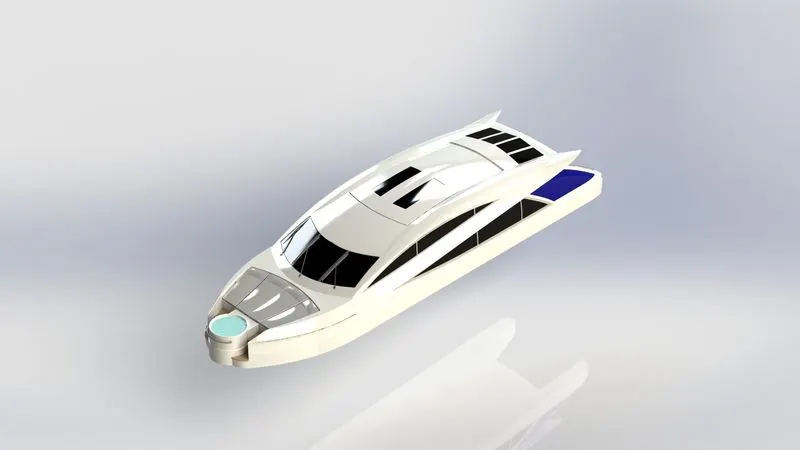
Superstructure is an upward extension of an existing structure above a baseline. It consist the parts of the yacht that project above the main deck. The size of a water craft superstructure can have many implications in its performance, since these structure can alter their structural rigidity, displacement or stability. It encloses the cabin and living area of yacht. They are designed in a manner, so that they add value and hinder the speed and mobility in the last.
The features are used for making this component are Sketch, Projective Curve, Surface Loft, Surface Trim, Surface Extrude, Surface Knit, Surface Fill, Shell, Cut Extrude, Fillet, Chamfer, Sweep, Boss Extrude, Revolve, Dome, Helix, Linear Pattern, Delete Face, Thin Extrude, Thin cut extrude, Split, Split Line, Offset Surface, Mirror
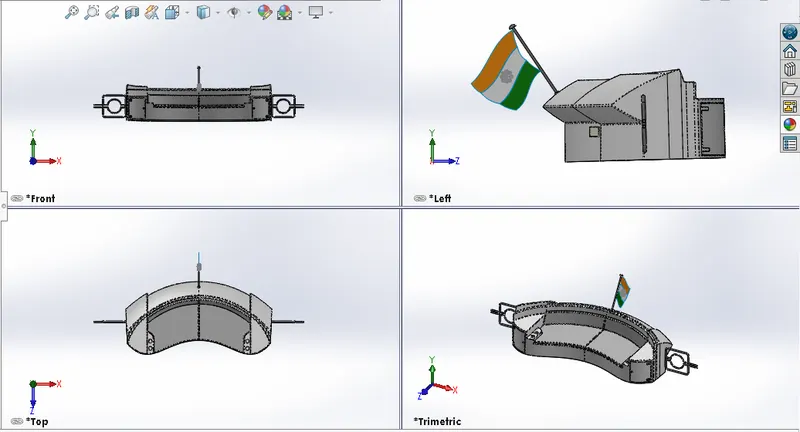
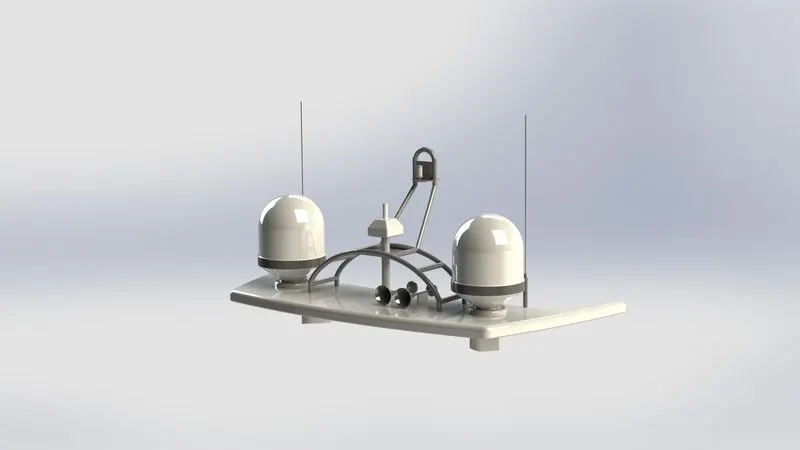
10.Radar Mast
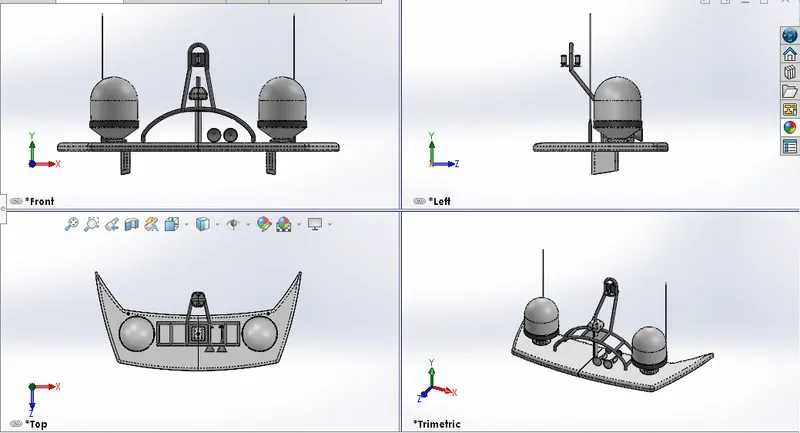
The Radar Mast support the Radar, antennas, satellite domes and lights. It is designed after importing the top surface of the Superstructure as interface surface.
The features are used for making this component are Boss Extrude, Revolve, Fillet, Boss Sweep, Mirror, Project Curve, Chamfer, Mirror
ASSEMBLY
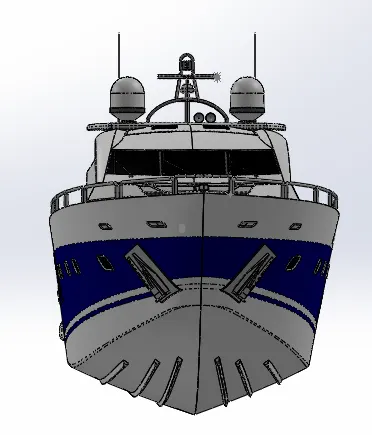
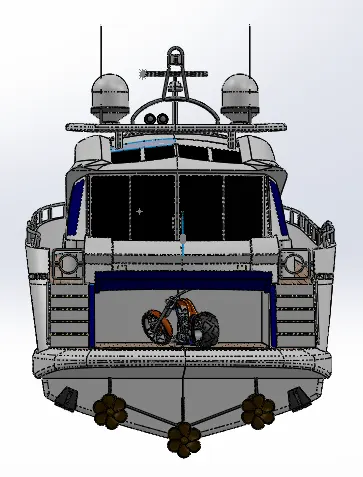
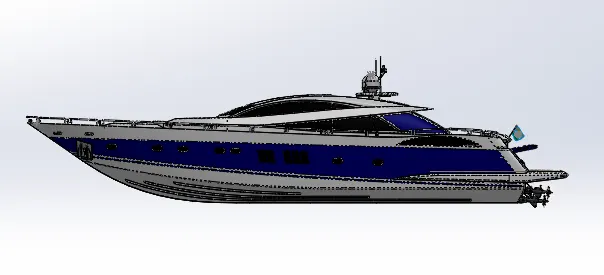
Putting all the components together in an assembly line with accurately to create the complete product that performs as required.
After assembly we will create the camera view.
After finish the camera view we will render the American Chopper by using Photoview 360 for a realistic view.
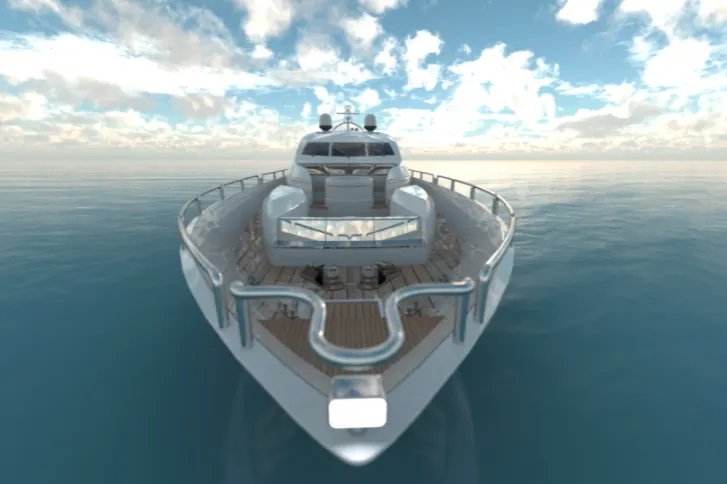
Front View
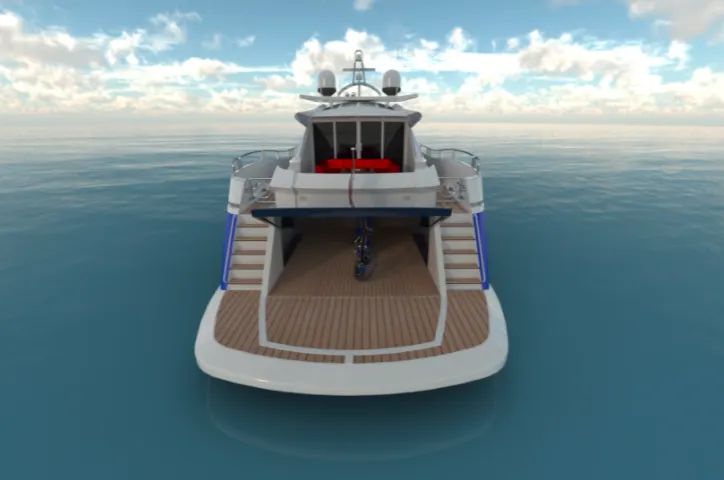
Back View
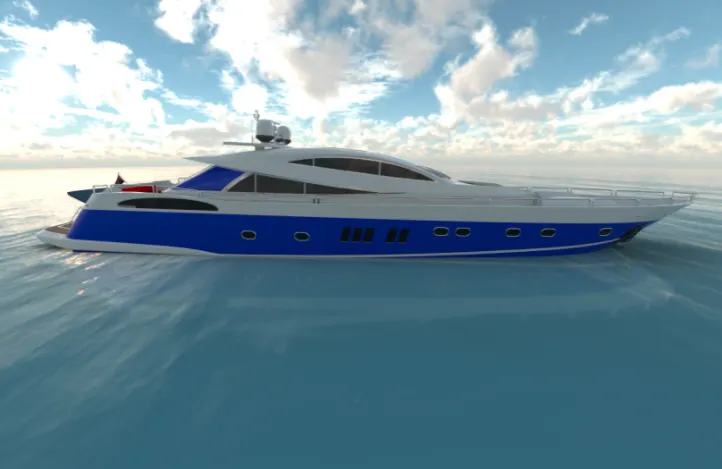
Side View
Top View
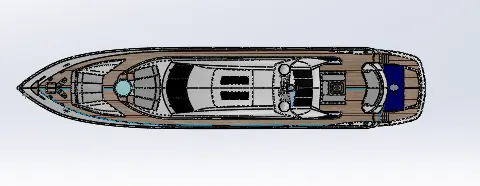
Camera View
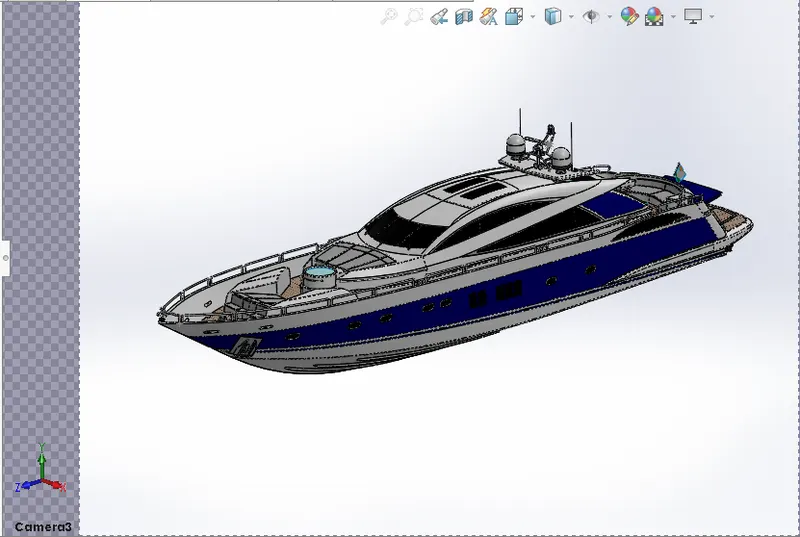
Randering Image By Using Photoview 360
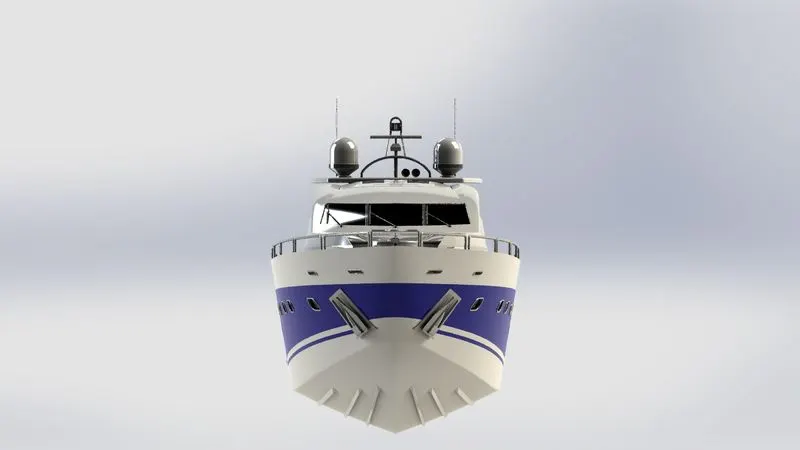
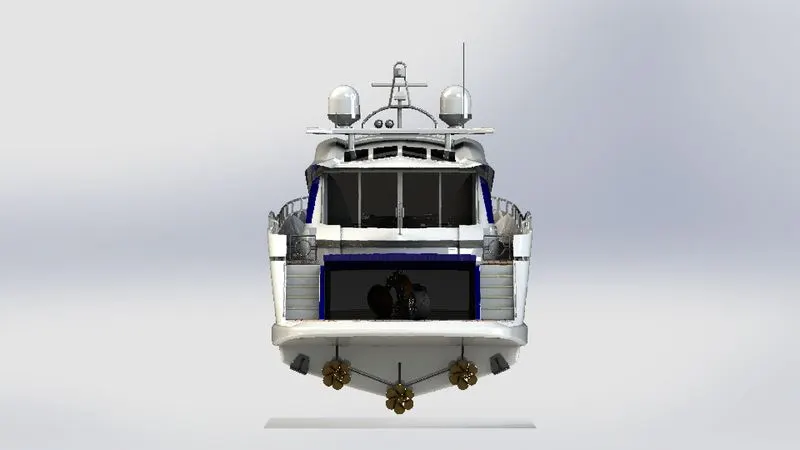
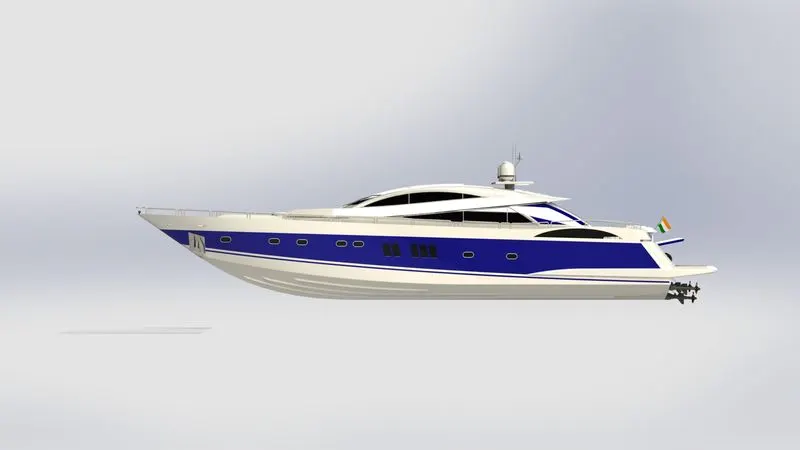
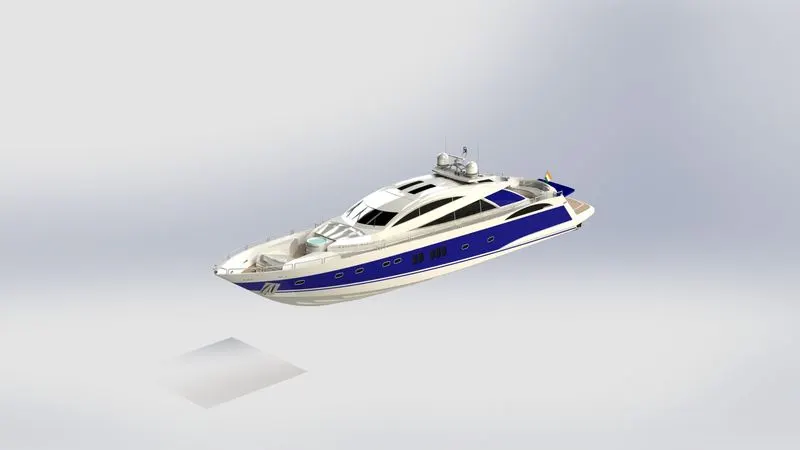
Render by using Solidworks Visualize