Radar Mast & Final Assembly of Yacht
#1 Radar Mast
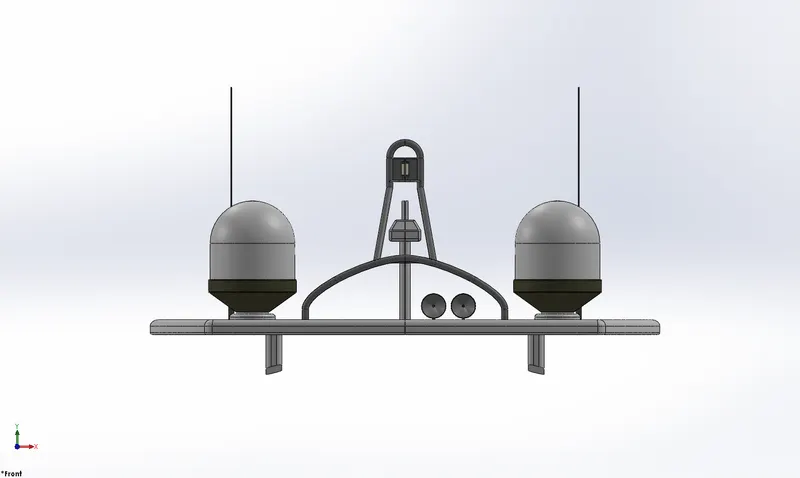
Front View
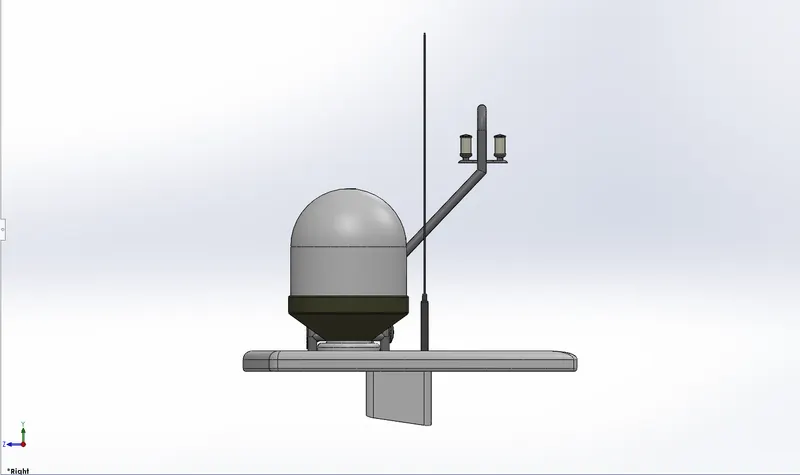
Side View
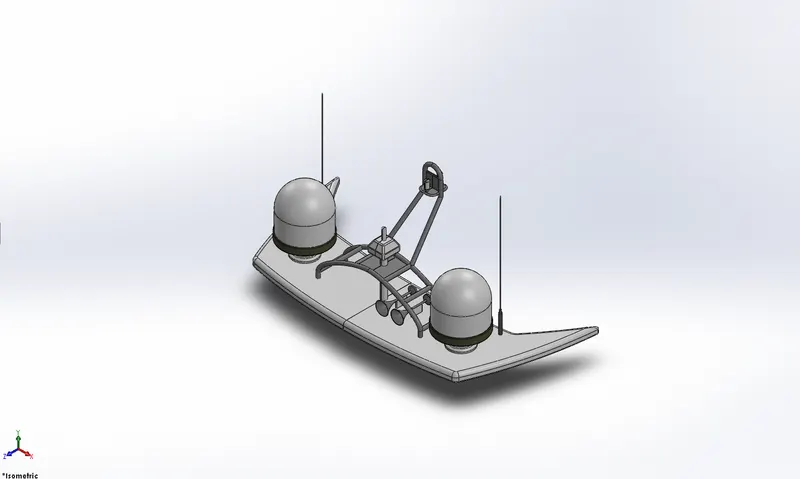
Isometric View
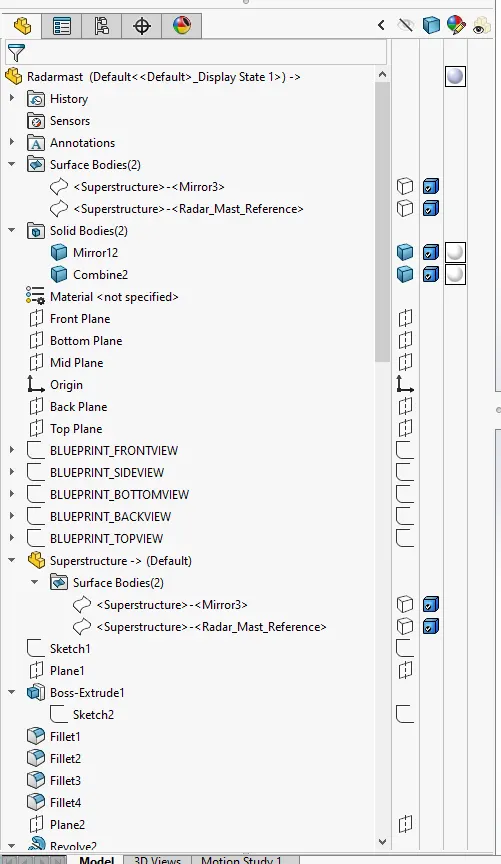
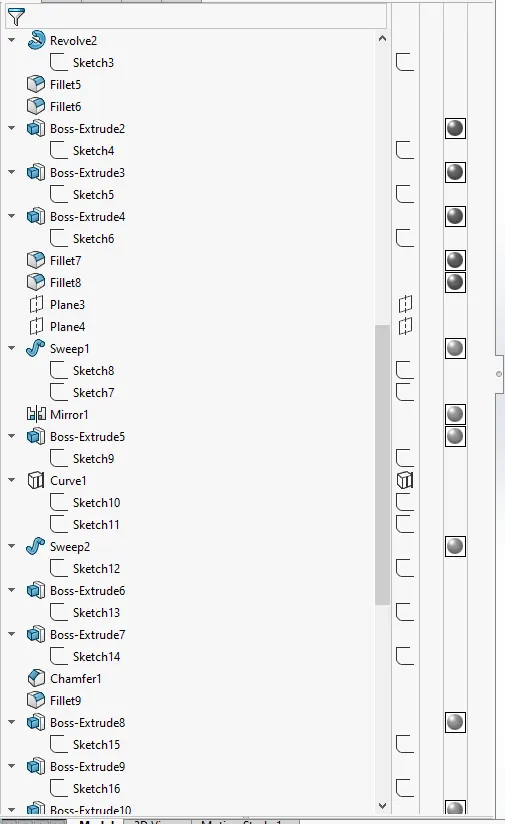
Expanded Feature Tree
#2 Yatch Assembly
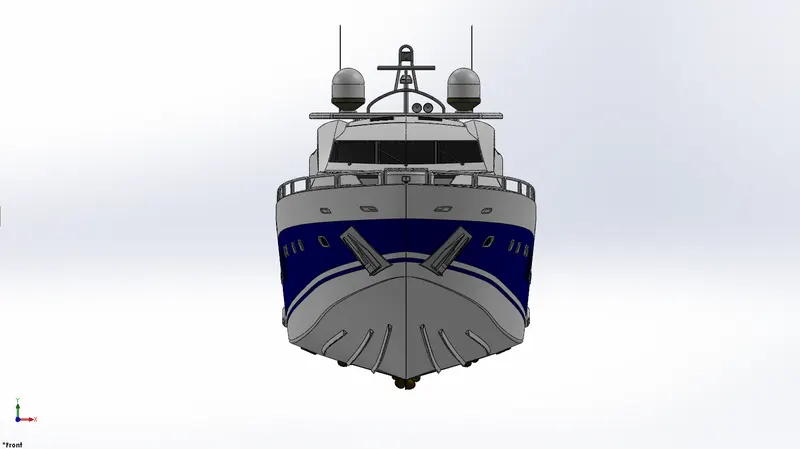
Front View
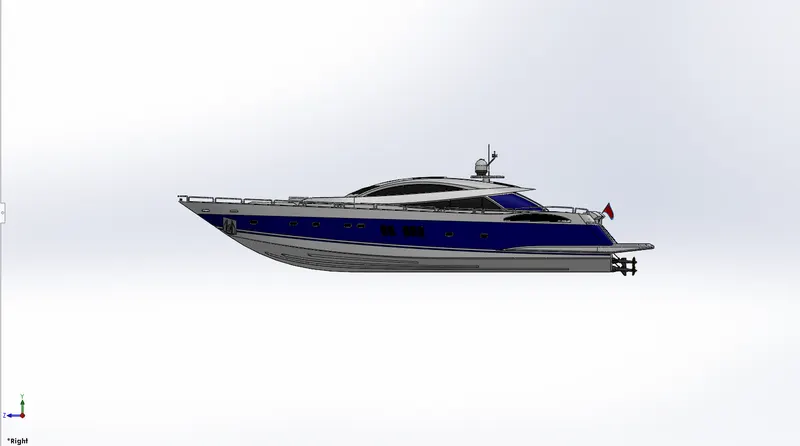
Side View
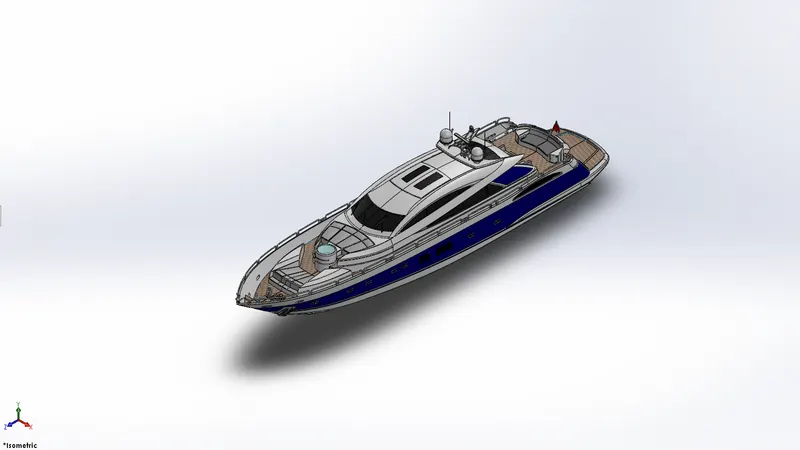
Isometric View
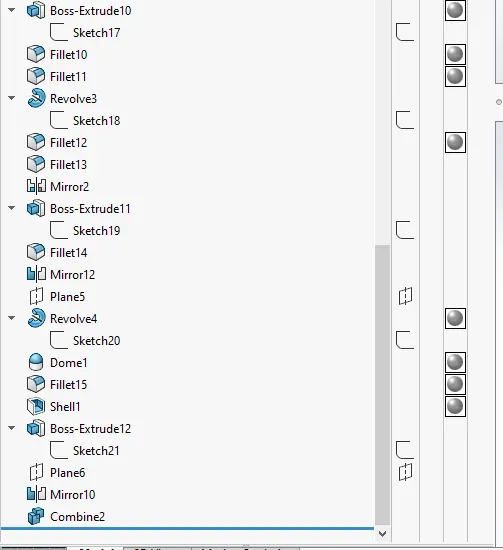
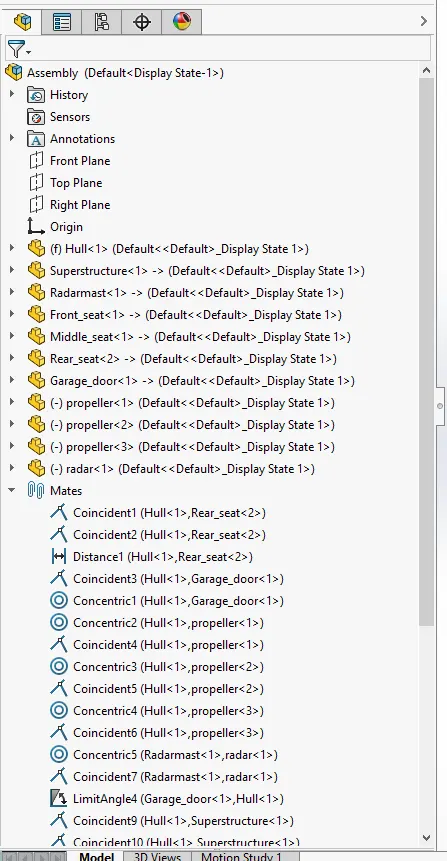
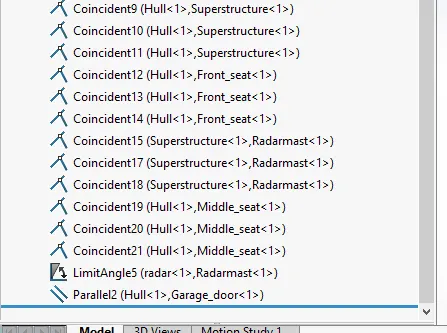
Expanded Feature Tree
Report
MODELLING OF SUNSEEKER PREDATOR YATCH USING SOLIDWORKS
Objectives:
To model and create individual parts of the yatch using Solidworks. Then to assemble the different parts into a yatch and to add various colors and decals to make it look realistic. To render photorealistic images of the finished yatch.
Introduction:
The report contains the details of part modelling, assembly and final rendering of a Yatch using Solidworks. The workflow as well asthe various tools and features used in this project is described here.
Design Methodology:
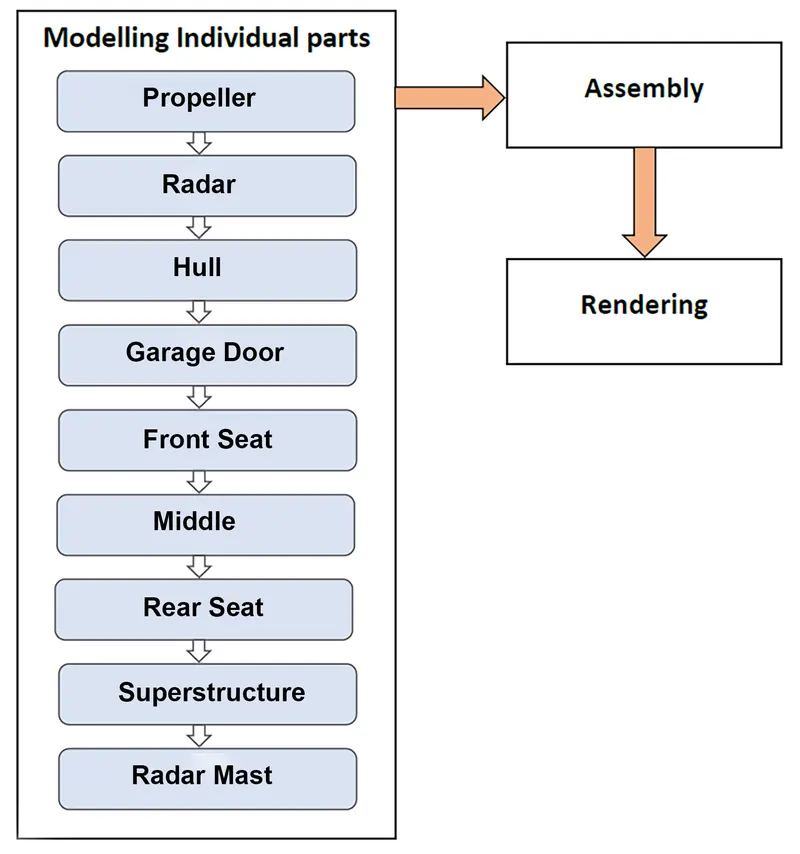
The flow chart shows the workflow in this project,
SOLIDWORKS features used:
Sketch - The sketch is the basis for a 3D model, it can be created in any of the default planes (Front Plane, Top Plane and Right Plane), on a created plane or on a face.
Different tools in sketch,
- Line
- Spline
- Circle
- Rectangle
- Arc
- Fillet
- Offset
- Trim and extend entity
- Convert entity
- Mirror
Extruded bose/base - This feature converts a 2D sketch element into a 3D solid feature.
Extruded cut - This is a handy feature to aid in material removal of a 3D model using 2D sketches.
Revolved boss/base - This feature tool is used to create a solid 3D model around an axis. The sketch is revolved around an axis to add materials to it.
Swept boss/base - This feature helps to sweep a closed profile along a path sketch to construct a 3D model. This feature requires a minimum of two sketches.
Fillet - Creates a rounded internal or external face along one or more edges on a solid or surface feature.
Chamfer - Creates a bevel feature along an edge, chain of tangent edges or a vertex.
Shell - This feature is used to hollow out a part. The faces that are selected are left open and on the remaining faces thin-walled features are created. If a face is not created shell creates a closed hollow model.
Dome - This feature adds one or more domes to selected planar or non planar faces.
Split - Split is used to create multiple bodies or surfaces from a single part or surface. This feature can create as well as consume the cut bodies
Combine - There are 3 different options available in this feature
- Add: To merge multiple bodies together into one.
- Subtract: To remove multiple bodies from main body.
- Common: To add two bodies together and keep the area that is common to both.
Swept Surface - The surface is created by sweep profile and sweep path.
Lofted Surface - These surfaces are generated by multiple 3D curves or existing edges.
Boundary Surface - This creates surfaces that can be tangent or curvature continous in both directions.
Filled Surface - This feature creates a surface to fill the gap in a model.
Surface Trim - This feature is used to cut away material from a surface.
Extended Surface - Extends one or more edges or faces on a surface, based on end conditions and extension type.
Thicken - Creates a solid feature by thickening one or more adjacent surfaces. If multiple adjacent surfaces is to be thickened then then knit the surfaces before hand.
Surface Knit - Combines two or more adjacent, non-intersecting surfaces into a single surface body. The surfaces must join at edge and if the resulting knit surface encloses a volume, then a solid body can be created from it.
Ruled Surface - Inserts ruled surfaces in a specified direction from edges.
Description of the Yatch parts and the various features used in it
1. Propeller
A propeller is a rotating fan like structure which is used to propel the Yatch by using the power generated from the main engines.
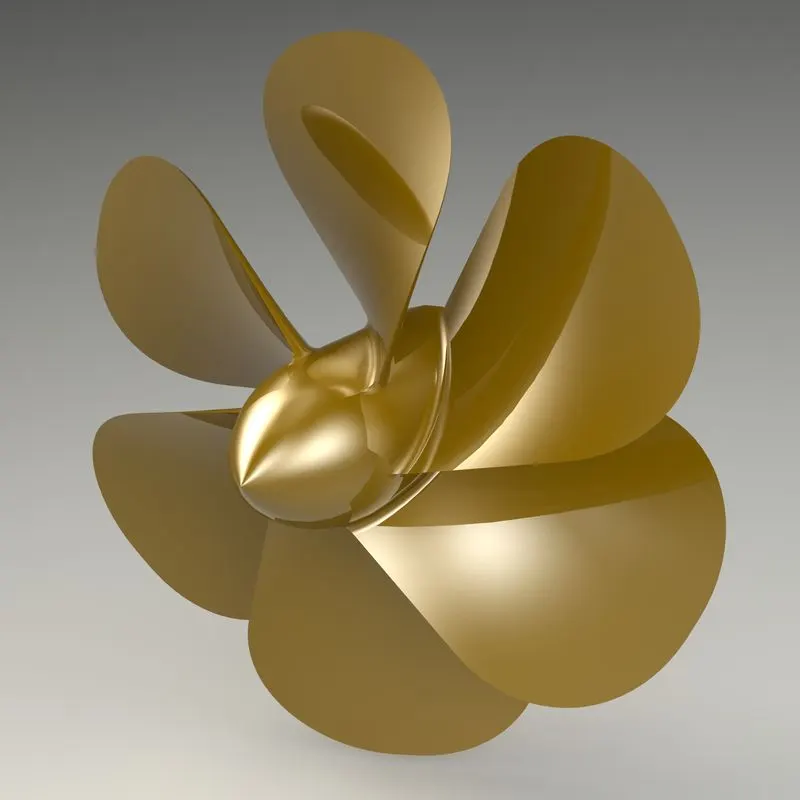
Features used to create propeller:
- Sketch
- Revolved Base
- Lofted Base
- Fillet
- Extruded Cut
- Circular Pattern
2. Radar
Radar (Radio Detection and Ranging) is a detection system that uses radio waves to determine the distance, angle or velocity of objects. It can be used to detect aircrafts, ships, spacecrafts, motor vehicles, weather formation and terrain.
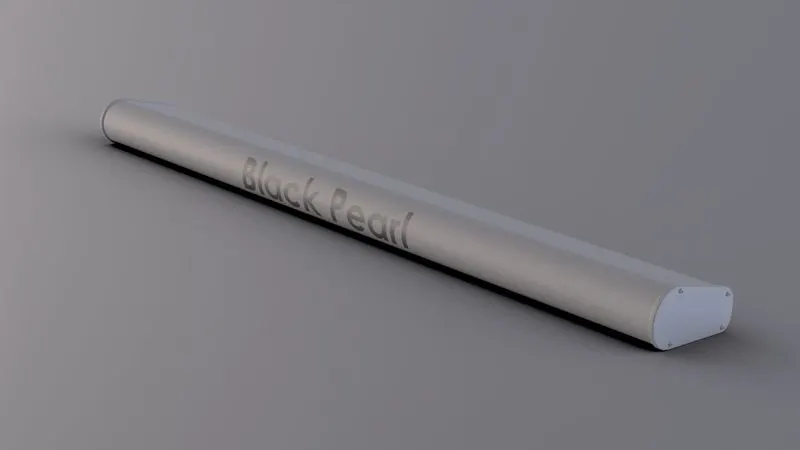
Features used to create radar:
- Sketch
- Extruded Boss
- Fillet
- Extruded Cut
- Sketch Pattern
- Mirror
- Split Line
3. Hull
A hull is the watertight body of a ship or a boat. It is the most notable structural enity of the ship. The hull may be open at the top or it maybe partially or fully covered with a deck.
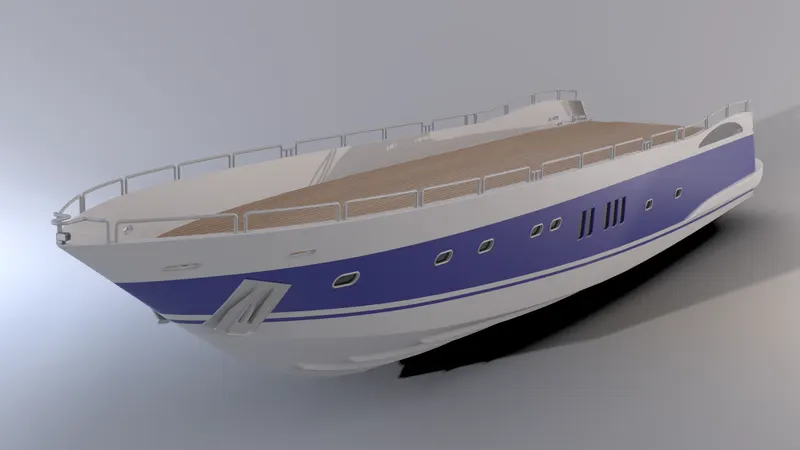
Features used to create hull:
- Sketch
- Projected Curve
- Surface Loft
- Surface Trim
- Extruded Surface
- Surface Knit
- Surface Fill
- Shell
- Extruded Boss
- Combine
- Extruded Cut
- Fillet
- Chamfer
- Swept Boss
- Revolved Boss
- Dome
- Helix/Spiral
- Linear Pattern
- Split
- Mirror
- Split Line
- Offset Surface
4. Garage Door
These are large doors that may be actuated electrically or hydraulically. They give access to the garage from the outside. They are large enough to accomodate automobiles.
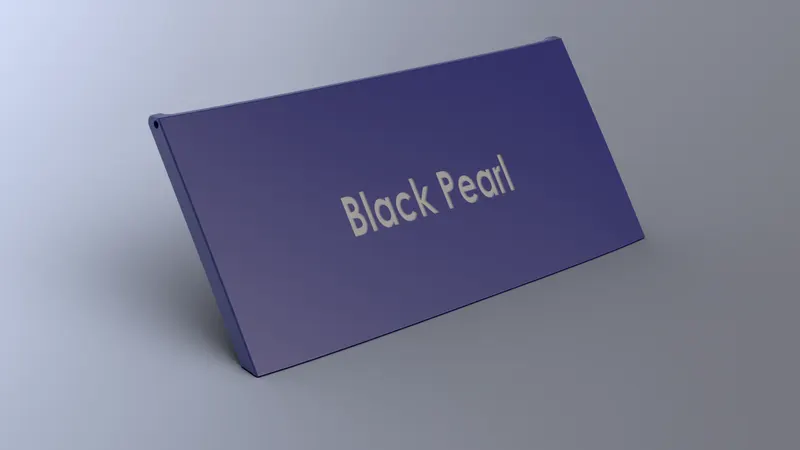
Features used to create garage door:
- Split
- Sketch
- Extruded Cut
- Delete face
- Shell
- Fillet
- Mirror
5. Front Seat
These are passenger seats, chairs and sunloungers that are used on yatchs, crew boats, sightseeing boats, cruise ships and other passenger vessels. They are located at the front end of the upper deck.
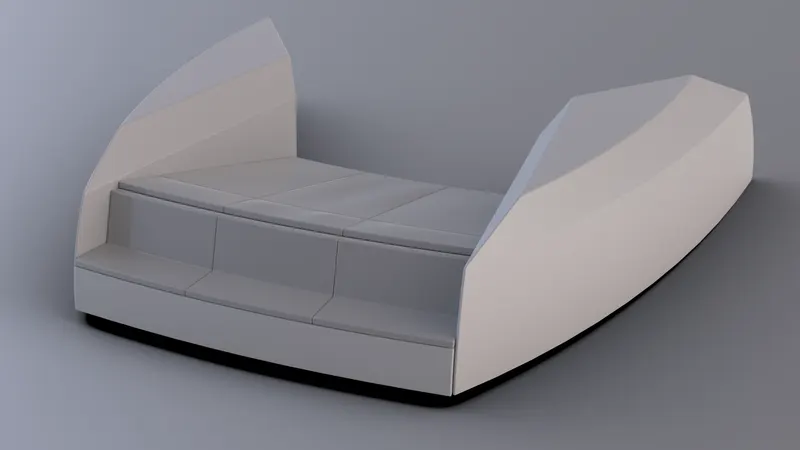
Features used to create front seat:
- Sketch
- Swept Surface
- Extruded Surface
- Surface Trim
- Surface Fill
- Lofted Surface
- Surface Knit
- Chamfer
- Revolved Boss
- Extruded Cut
- Fillet
- Mirror
- Dome
6. Middle Seat
These are similar to the front seats, here they come with a table and the seat setting is much more towards a professional touch that rather than for pleasure. They are situated in the middle of the deck
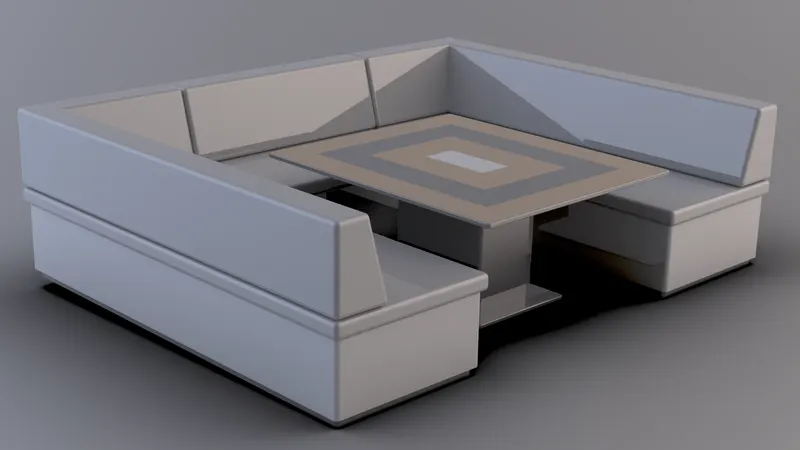
Features used to create middle seat:
- Sketch
- Extruded Boss
- Chamfer
- Fillet
- Mirror
- Extruded Cut
7. Rear Seat
These seats are placed towards the rear end of the upper deck, they are very similar to the front seat.
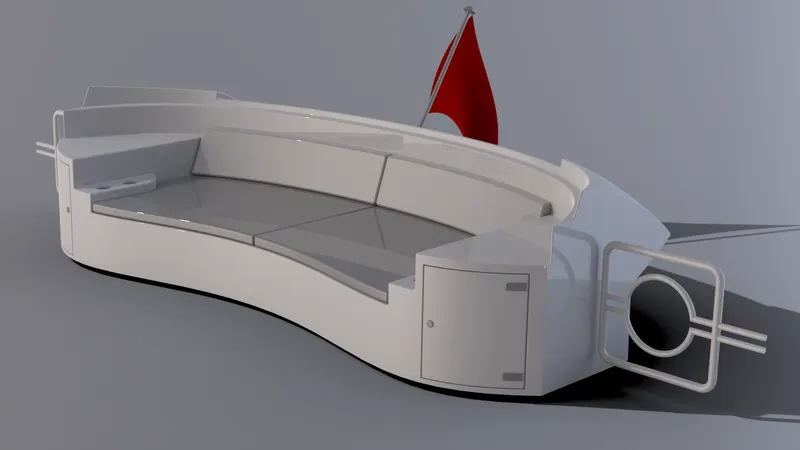
Features used to create rear seat:
- Sketch
- Swept Surface
- Offset Surface
- Surface Trim
- Ruled Surface
- Surface Knit
- Extended Surface
- Lofted Surface
- Extruded Boss
- Extruded Cut
- Chamfer
- Fillet
- Swept Boss
- Mirror
8. Superstructure
Superstructure is an extended construction that rises above an already existing structure. In ships this is the name given to the part that emerges from the deck.
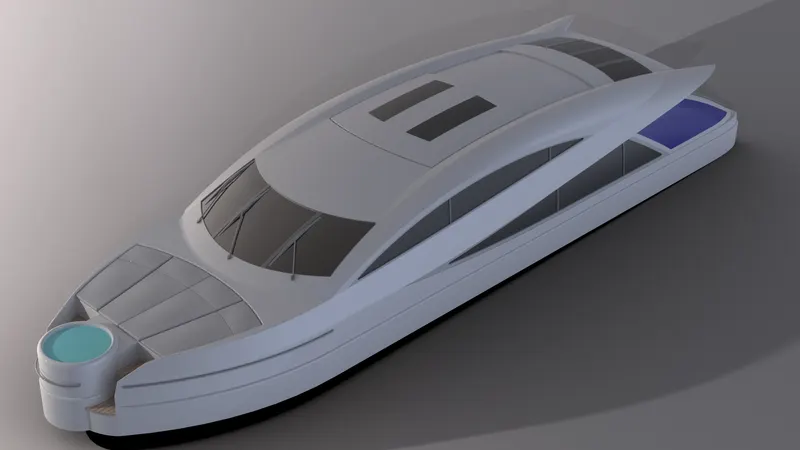
Features used to create superstructure:
- Sketch
- Extruded Surface
- Swept Surface
- Surface Knit
- Fillet
- Ruled Surface
- Surface Trim
- Projected curve
- Lofted Surface
- Filled Surface
- Extruded Boss
- Extruded Cut
- Delete Face
- Thicken
- Dome
- Swept Boss
- Split Line
- Mirror
- Offset Surface
- Chamfer
9. Radar Mast
The radar mast consist of the mount for the radar, antennas, fog horn, navigation lights. It is situated on top of the superstructure.
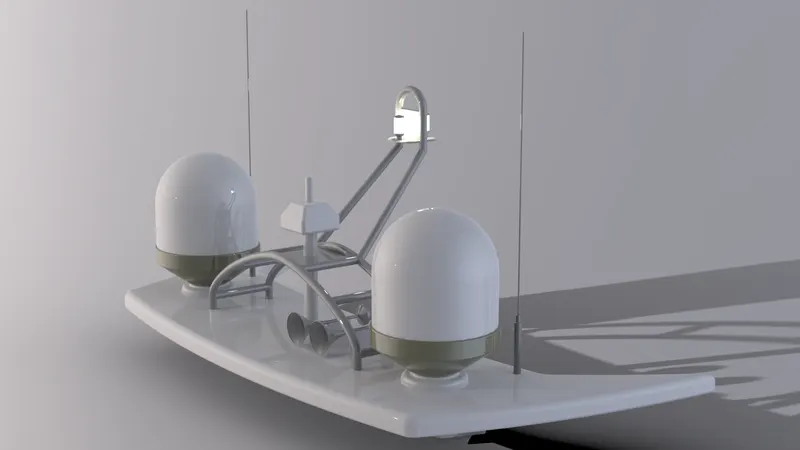
Features used to create radar mast:
- Sketch
- Extruded Boss
- Fillet
- Revolved Boss
- Swept Boss
- Mirror
- Projected Curve
- Chamfer
- Dome
- Shell
- Combine
Assembly of Yatch Model
First the hull is imported into the assembly environment. The rest of the parts are then constrained to the hull. Once all the parts are fully assembled and constrained, it will look similar to the following images.
Front View
Side View
Isometric View
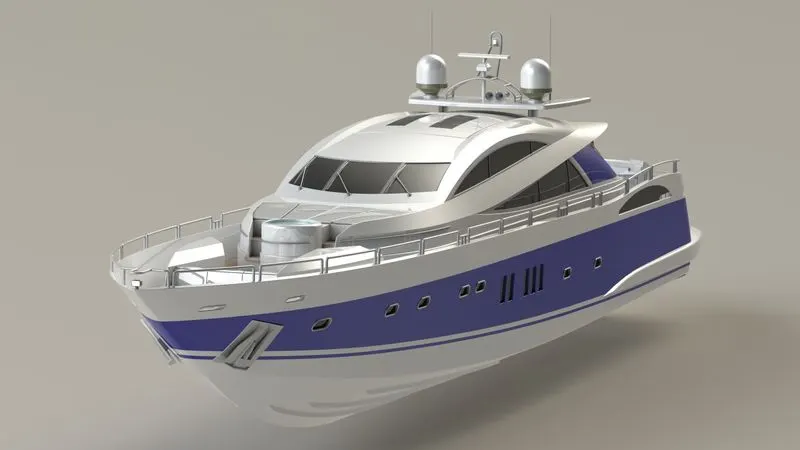
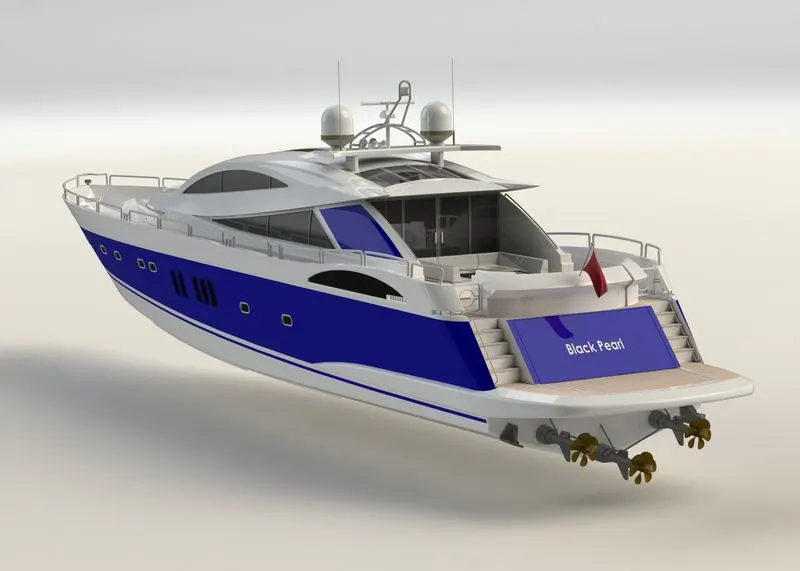
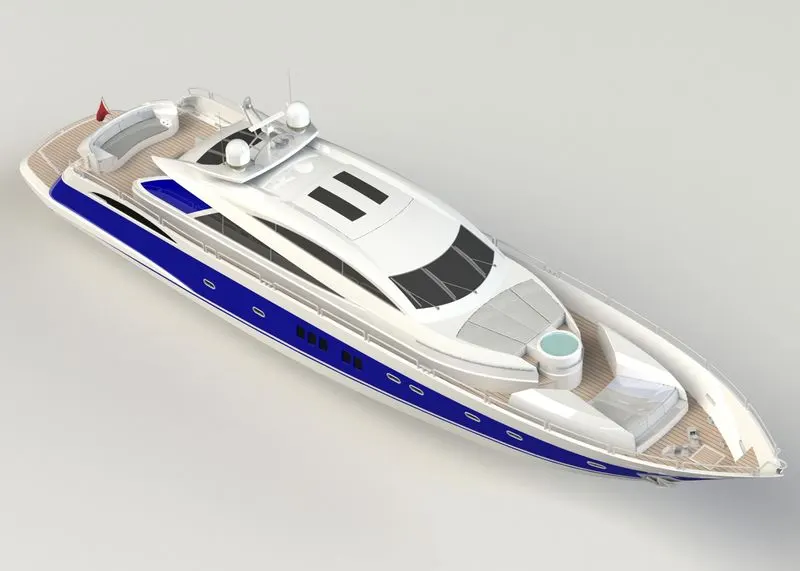
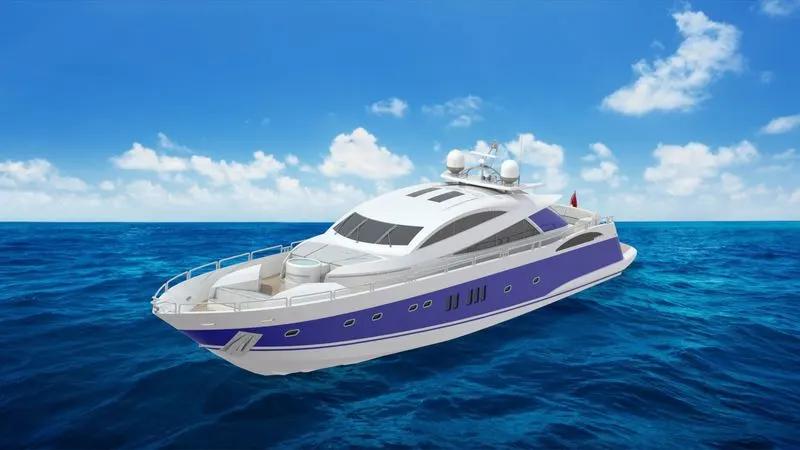
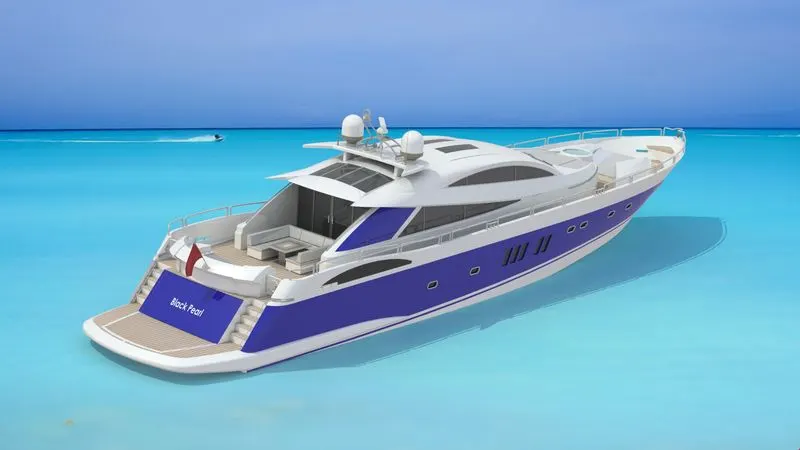
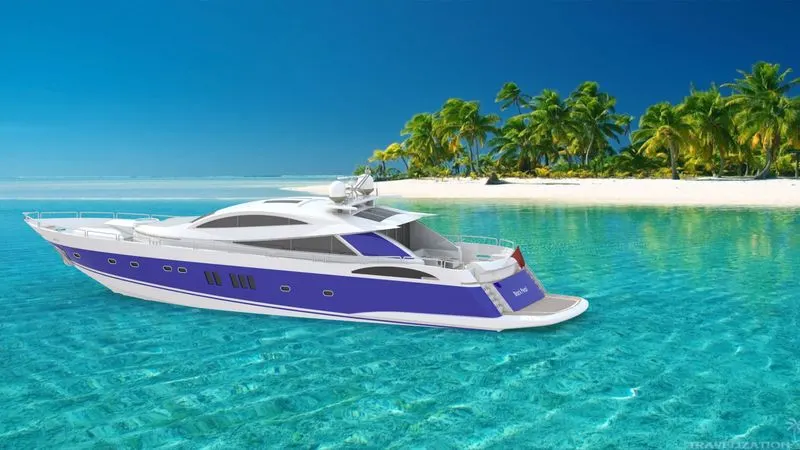
Rendering of the Yatch Model
Rendering is the process of generating photorealistic images from a 2D or 3D model by means of a computer program. In rendering each and very aspects such as camera, lighting, environment, background, appearance plays a major role in the final render. The final render takes a lot of time to complete, so it is always better to use the preview window to get an idea of how the final render will look like and accordingly the various settings can then be tweaked to achieve the perfect final render.
Some of the final renders of the model are shown below,
Conclusion
- The parts are sketched and modelled in SOLIDWORKS.
- The modelled parts are assembled with full constrained mates and decals are applied to faces.
- The model was rendered using Solidworks Photoview 360 and Visualize.