Project 2 - V&V SW Analysis II
- Perform Static Code Review Analysis for “C:\**\LDRA_workarea\Examples\C_Testbed_examples\Testrain\Testrain.c” Generate Code review report and upload them.
Steps used to do static code review are.
- start LDRA TBrun.
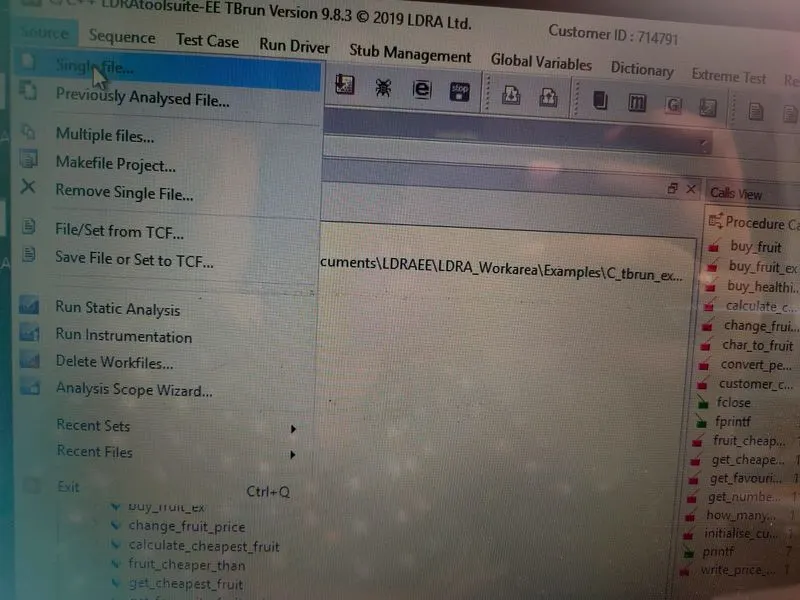
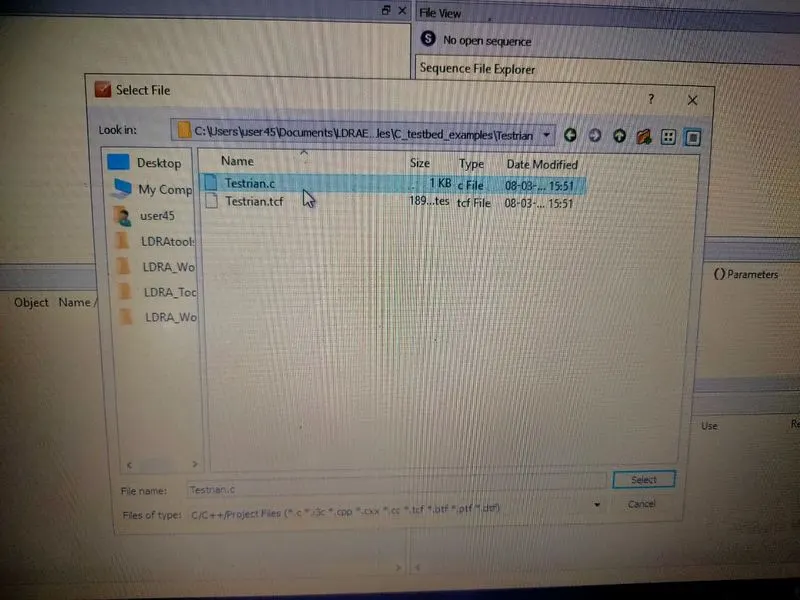
- From the LDRA page select source->single file->choose mentioned .c file->open.(in log view all the files will run)
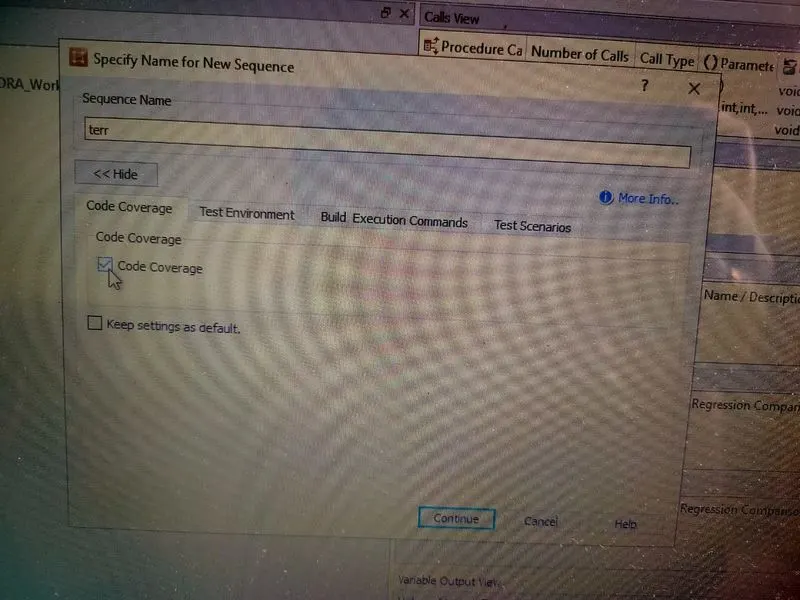
- sequence->new->give any name(kkk)& select code coverage-> continue.
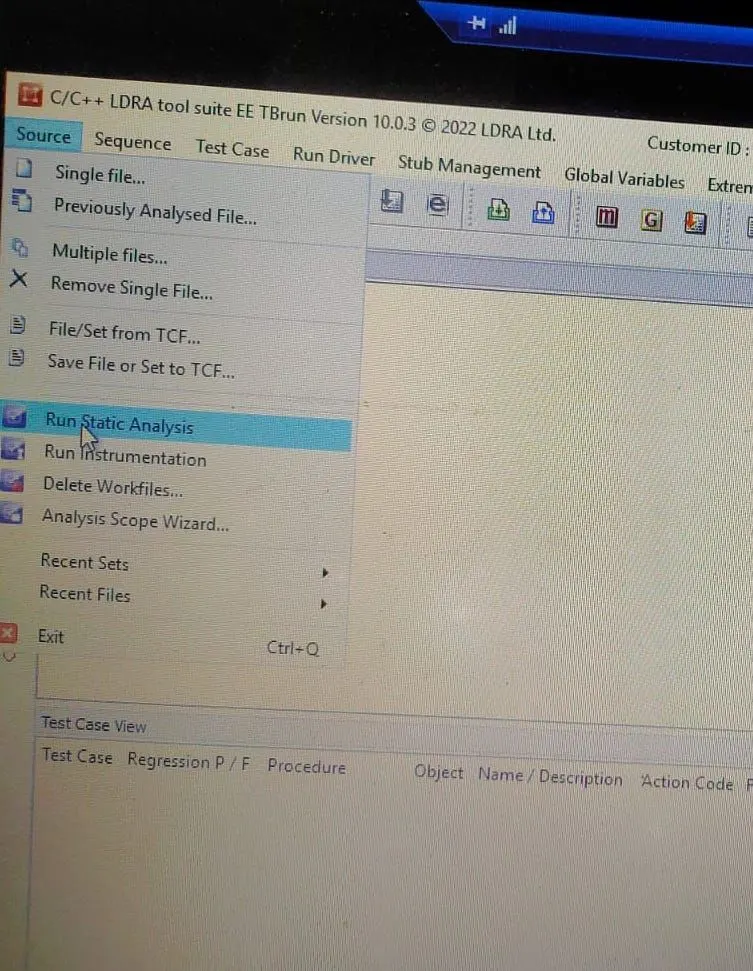
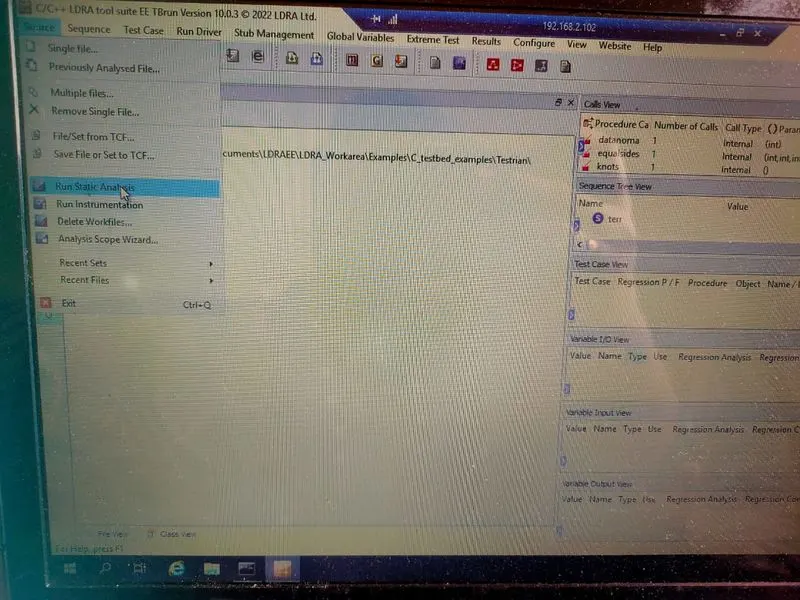
- source->run static analysis
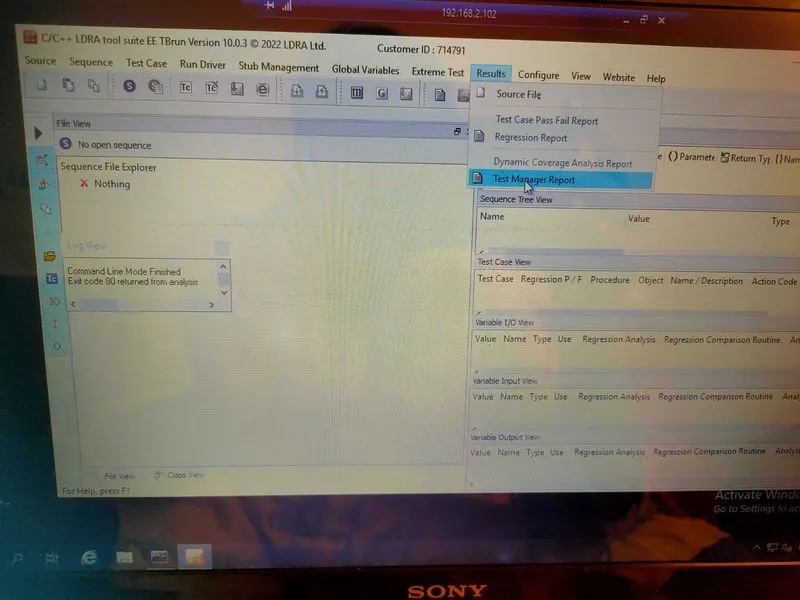
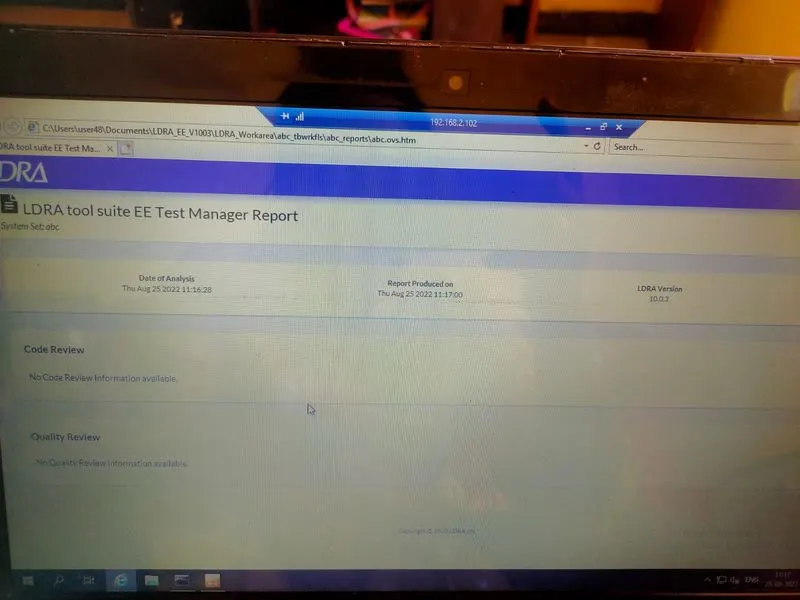
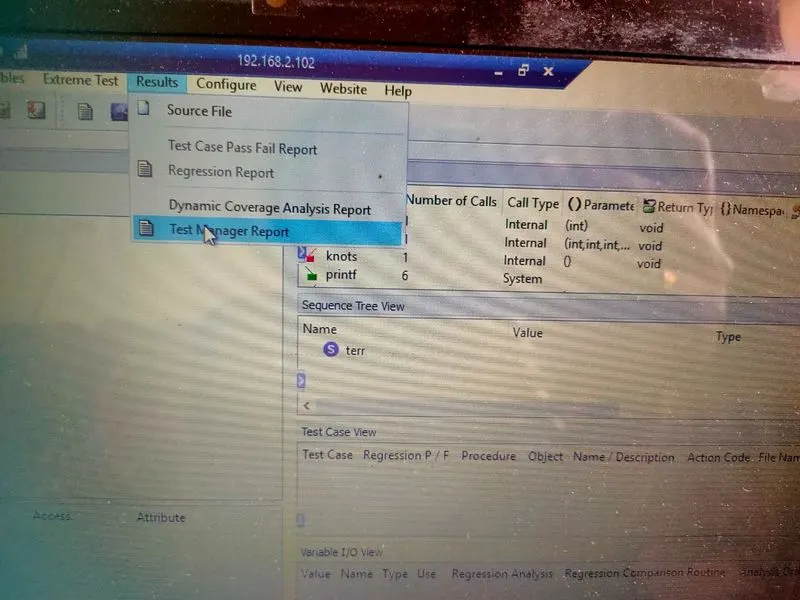
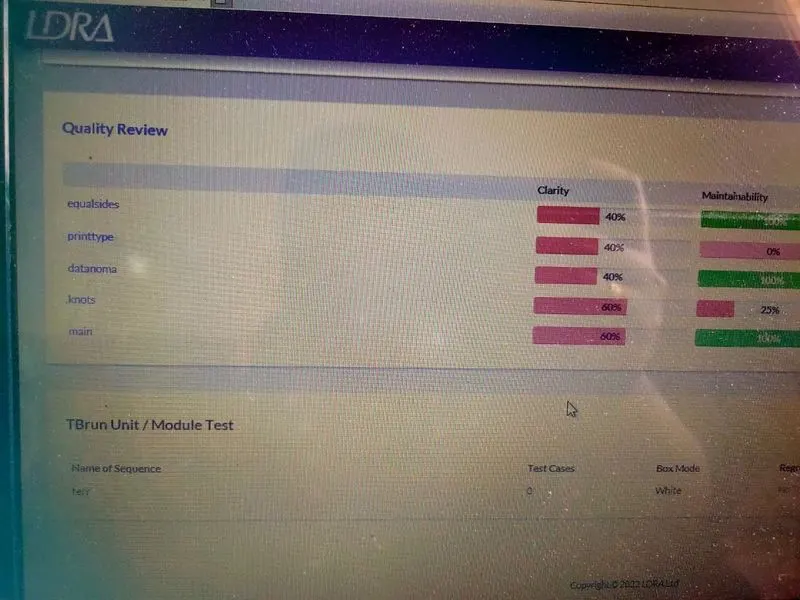
- results->test manager report(report will be opened in Internet like a pdf)(there we can see our sequence name and what type of test we did)
Pictorial view of testrain.c analysis:
==========================================================================
2.Perform Integration testing by including all the .C files available in the folder location C:\**\LDRA_workarea\Examples\Toolsuite\Cashregister_6.0\ **
A)Create the test cases manually as well as automatically using TBExtreme and upload the reports. B)store the test cases as .tcf file. Upload the location image where the .tcf file is stored.
Steps to do integration test:
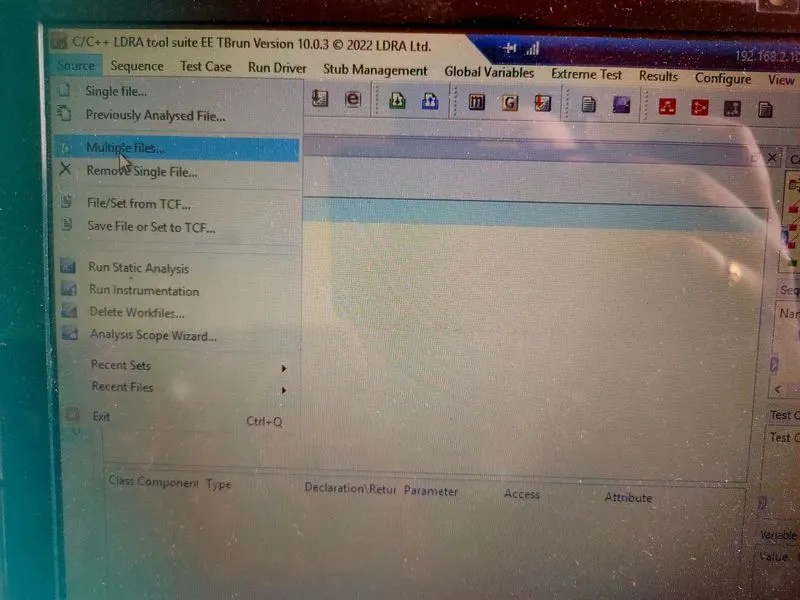
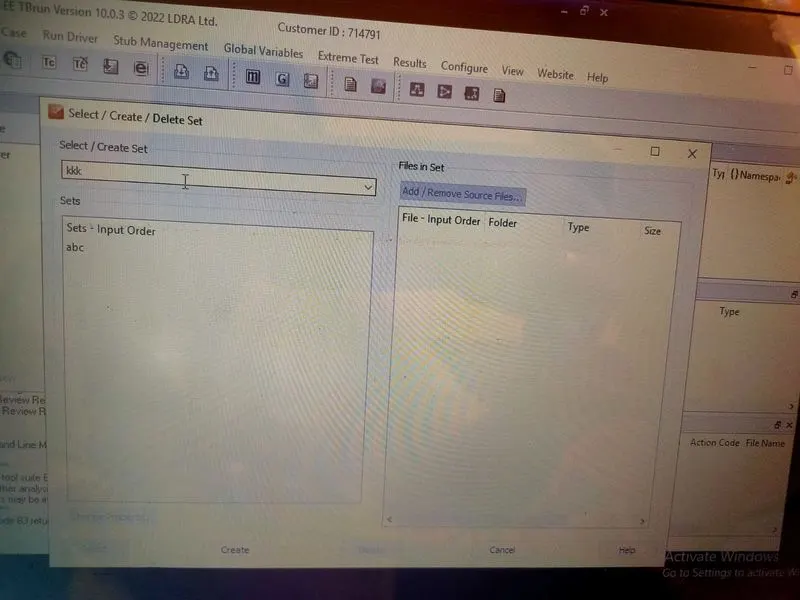
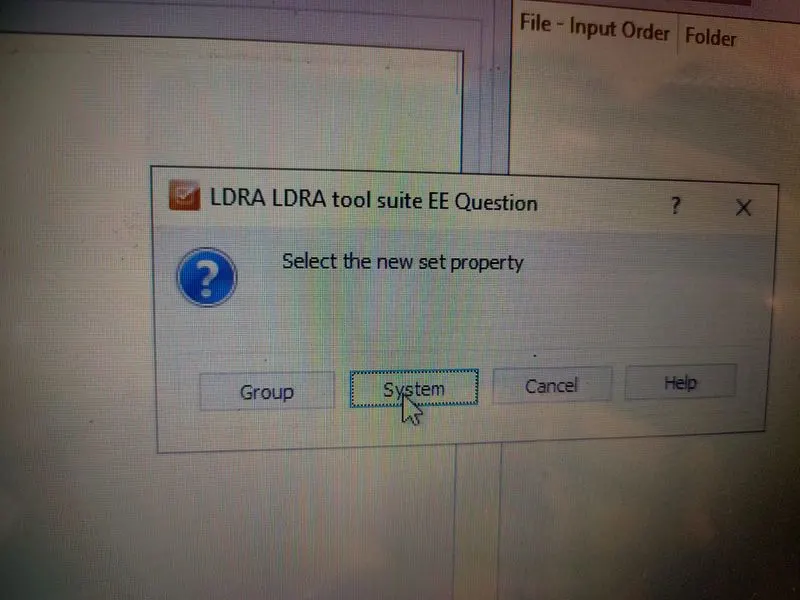
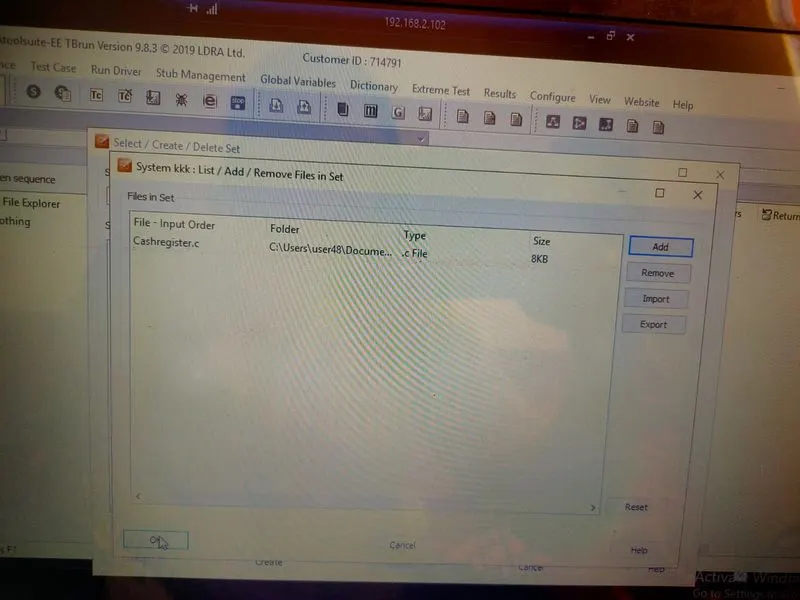
- source->multiple file->select/create set(kkkK)->click create-> then->system->add path->then Ok->test bed as NO.
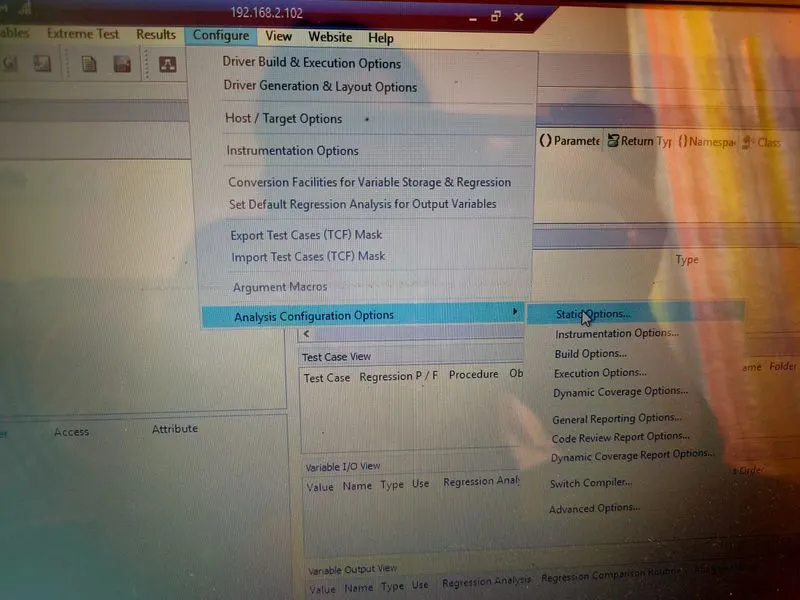
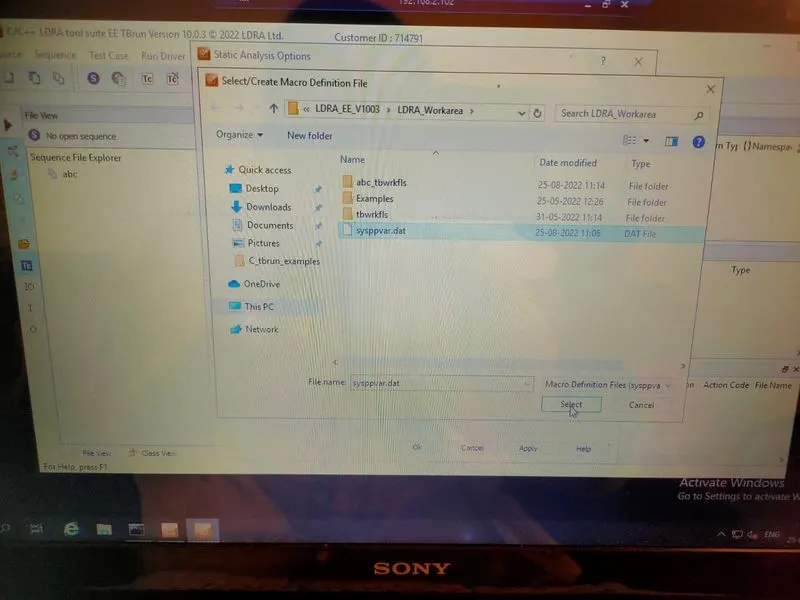
- configure->analysis configure option->static option->again place the path(.dat file will be found)
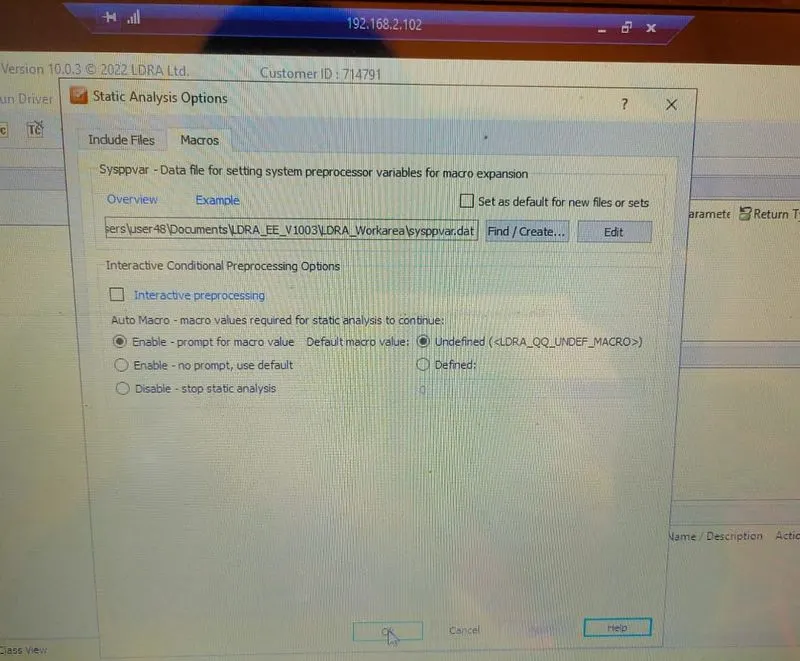
- in same window click macros->again add the path->apply->ok
- source->run static analysis.
- result->test manage report.
Create test case and upload the result in .tcf file:manual& automatical
manual:
- test case->new test case.
- from the list i have selected one particular file->select whether std/repitation&continue.
- now the selected box moved from blue to red(it denoted that we are going to create test case for it)
- right click the box->procedure code(where we can see the code of the particular block)
- then by observing the code change i/p&o/p at
- then run driver-run driver option.
- at the test case view, we can observe the particular test is whether passed / failed.
- Go to source->save tcf/set to tcf->file saved as tcf.
Automated:
- In sequence file->set as black box.
- Extreme->select run tabular extreme test->once the test is completed
- Go to source->save tcf/set to tcf->file saved as tcf.
Pictorial steps to do test: