Project 2 - V&V SW Analysis II
LIVE BATCH 14 EMBEDDED SYSTEMS [PREETHI]
1) Static code analysis
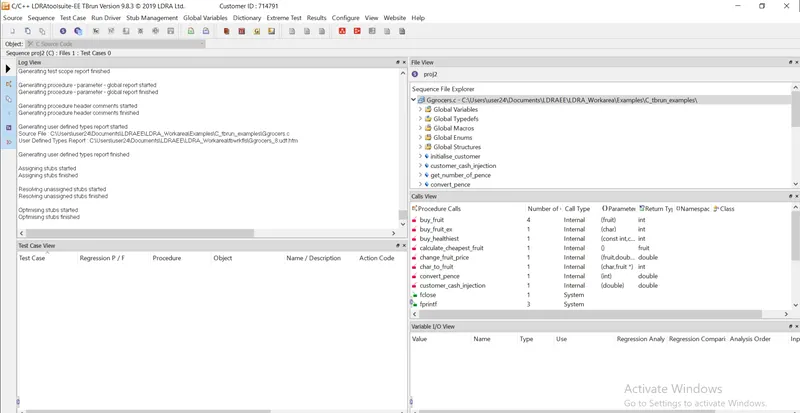
- Open LDRA tool and load the file Ggrocer.c through source-> single file.
- Select the Ggrocers.c file and click ok.
- Create a sequence and give a name for the sequence.
- Enable code coverage for the sequence and click ok.
- For static analysis go to source and select run static analysis.
- After completion of static analysis get the test manager report from Results.
2) A)
Integration Testing
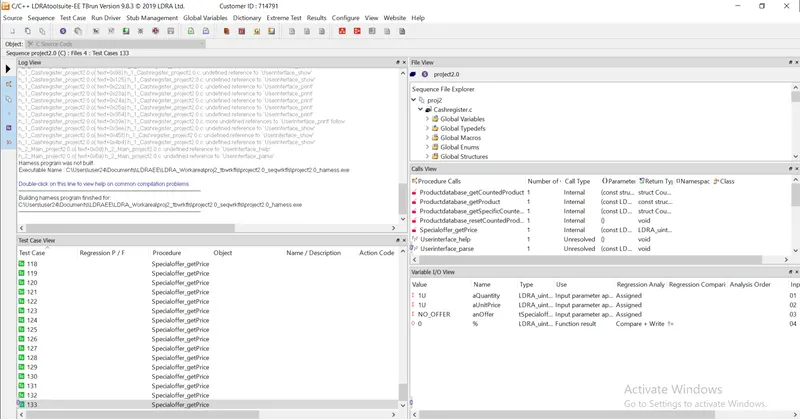
- Open LDRA tool and choose source-> multiple files.
- A window will popup and give a name and choose system.
- Add the files to be tested under integration test from the new window.
-
Add->LDRA_workarea\Examples\Toolsuite\Cashregister_5.0\ src->select all .c files in cashregister.c folder -> ok.
- Test bed analysis window will open and choose no.
- Create a sequence and give a name for the sequuence.
- Enable code coverage and click ok.
- Make the files as under black box testing.
- Run static analysis.
- After completion, go to configure and select analysis configure option under which select static option.
- In the new window, click on find/create and select the path of .dat file.
- Under Macro, click on find/create and select the path for the file.
- Click apply and then okay.
- Go to extreme test case and run tabular extreme test cases.
- After completion get the test manager report from results.
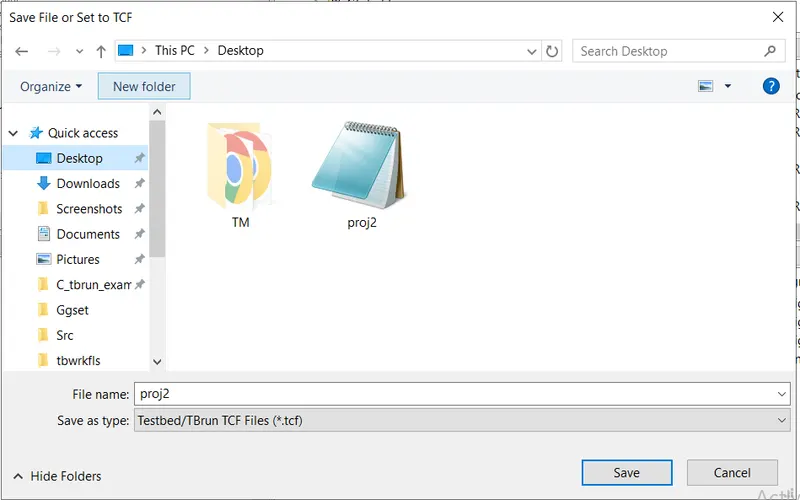
B) After performing automation test on cashregister.c
- Go to source
- Click on save as or set as tcf.
- Select the path
- click save.