Project - 2 - Meshing on the Rear-wheel suspension Assembly
OBJECTIVE:
1. Segregate the parts on the basis of thickness. Parts with thickness > 5 need to be volume meshed using Trias >> Tetras
2. Parts less than 5mm needs to be meshed using midsurface with shell elements.
3. Meshing quality criterias are different so meshing needs to be done accordingly.
THEORY:
Segregation of parts are to be done using !Not with PART
Meshing needs to be done to cover entire feature. Make use of "unmeshed" option in Hidden mode.
Identifying the parts for midsurfacing and shell mesh using quads.
GEOMETRY:
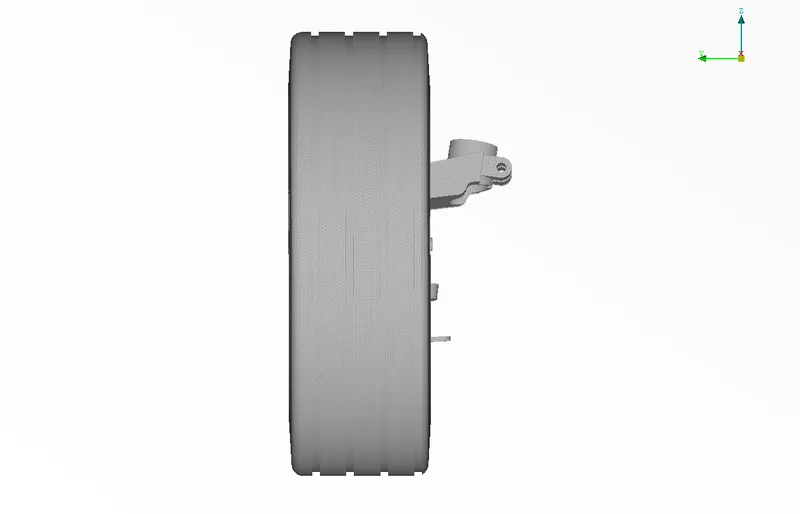
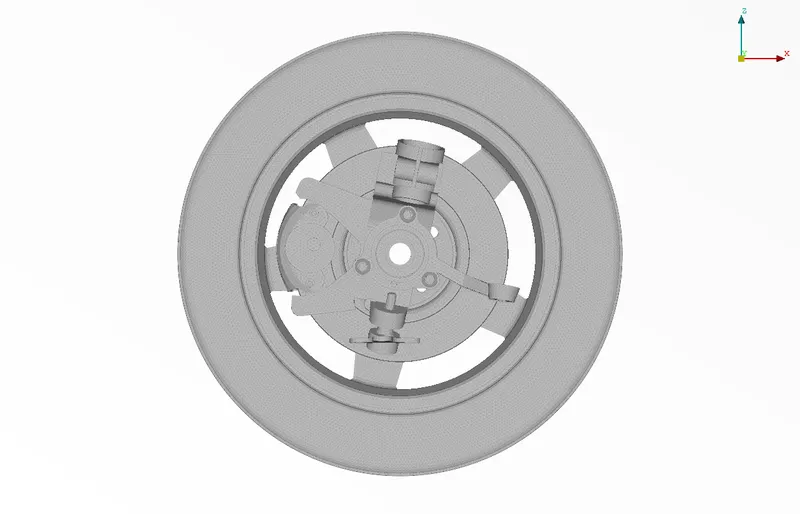
CAD is for Rearwheel
It is half part and comprises of:
- Wheel
- Rim
- Brake hub
- Brake disc
- Wheel hub
- Intermediate parts
- 1 coil.
APPROACH:
1. Volume mesh for parts other than Tyre and Rim
- Segregation of parts for volume mesh(other than Rim and Tyre)
- Mesh quality parameters settings for those parts
- Shell mesh. (Tria)
- Volume mesh
2. Volume mesh for tyre and Rim
- Segregation of parts for volume mesh(Rim and Tyre)
- Mesh quality parameters settings for those parts
- Shell mesh. (Tria)
- Volume mesh
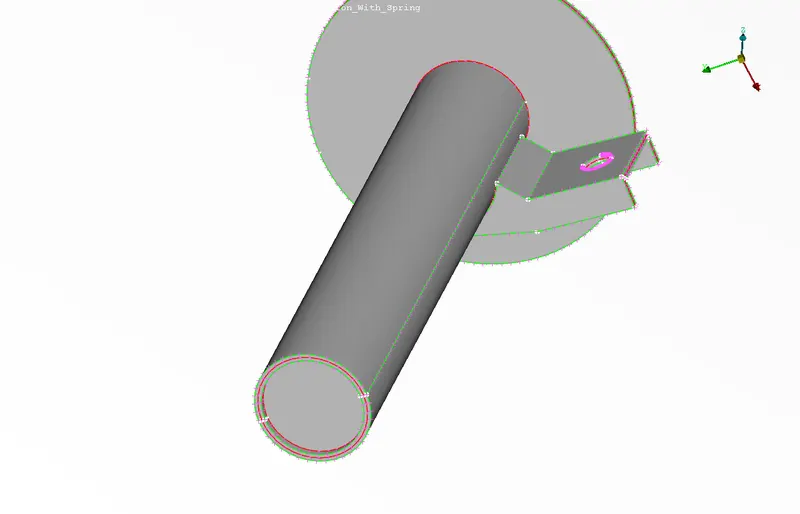
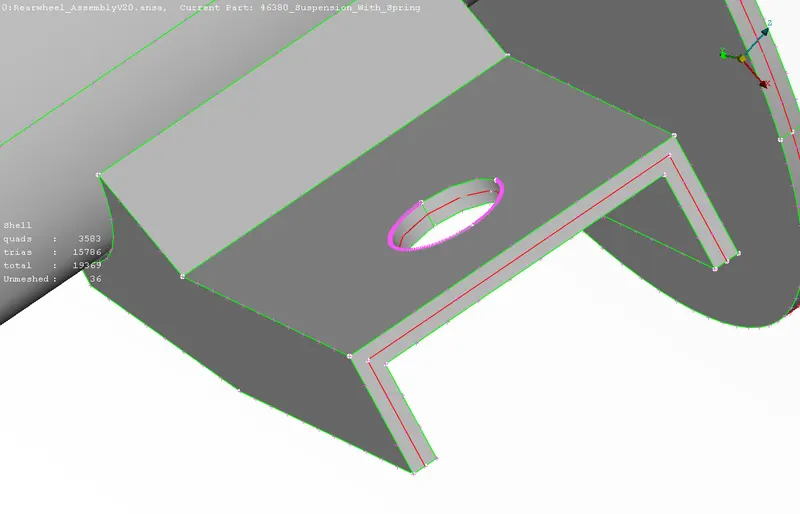
3. Midsurface for appropriate parts
- Segregation of parts for mid surface extraction.
- Extraction of mid usrface
- Mesh quality parameters settings for mid surface.
- Shell mesh(mixed)
- Set PIDS
4. CBAR elements to mesh spring
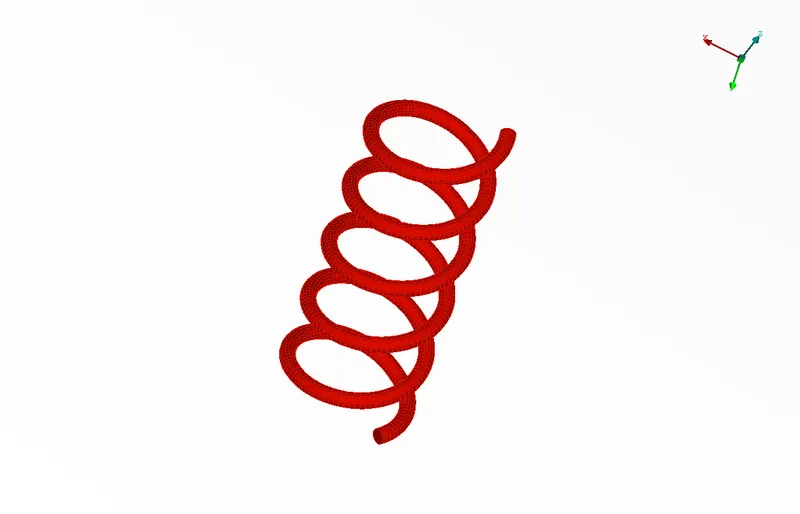
All the springs are meshed using CBAR element.
5. Connections
RBE2 connections to connect the required parts.
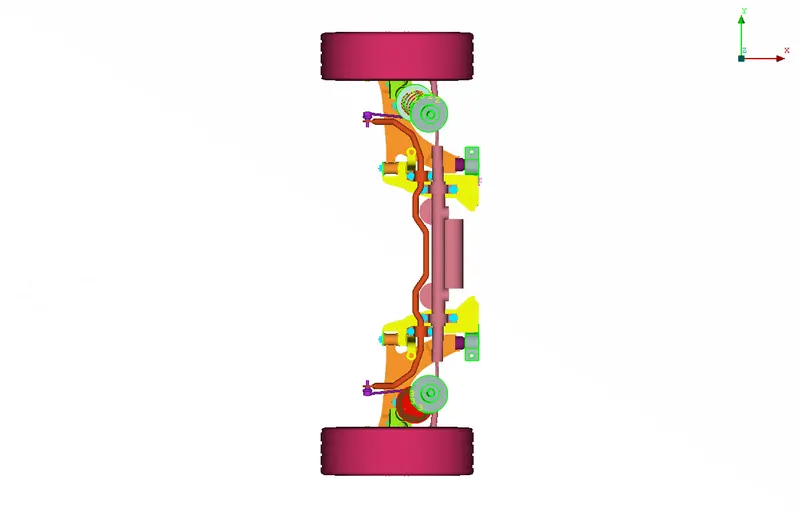
6. Transformation
The given assembly is transformed using Utilities>>Transform>>Copy>>Entities>>Symmetry>>plane with 3 points>>apply>>OK
DETAILED STEPS TAKEN:
1. Volume mesh for parts other than Tyre and Rim
a. Segregation:
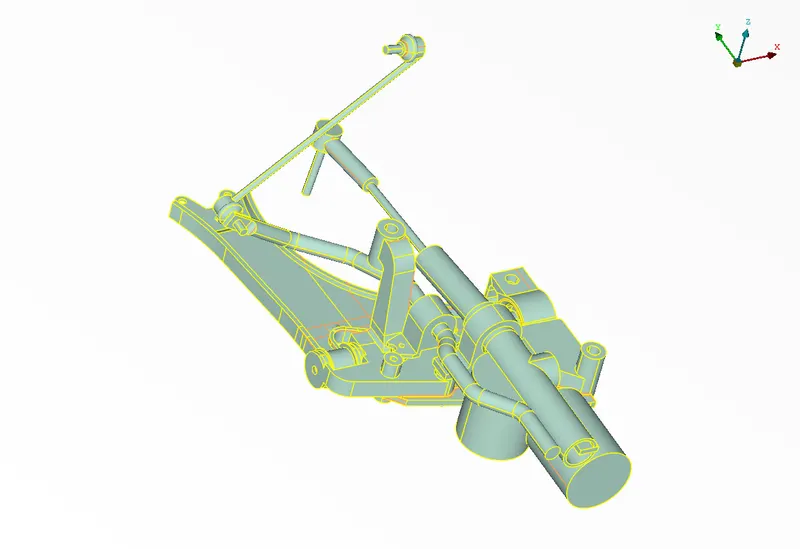
Part 1
(Using !Not with PART)
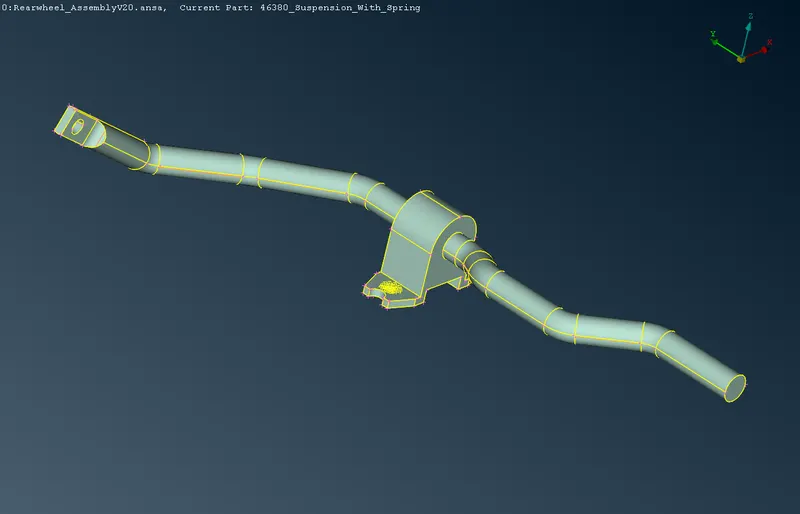
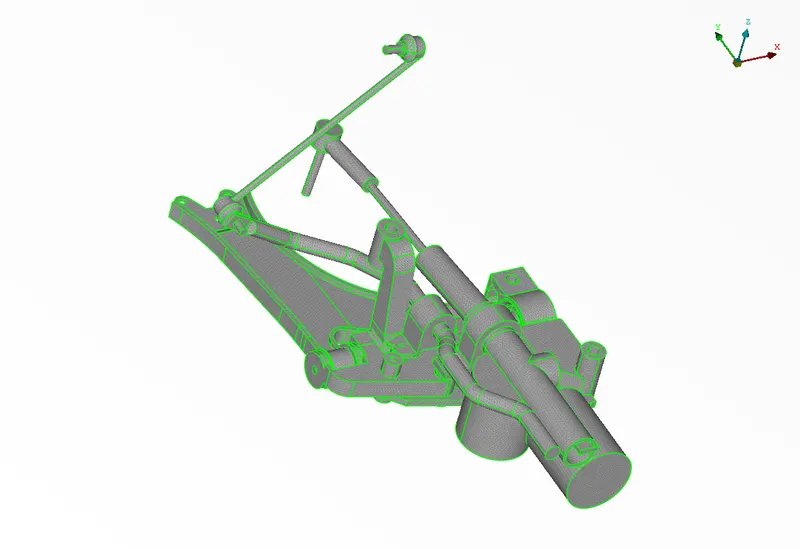
Mesh(Tria)
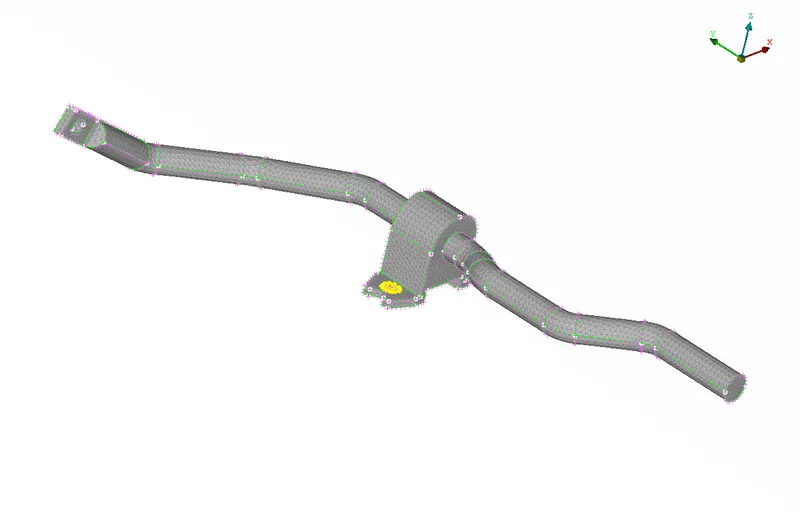
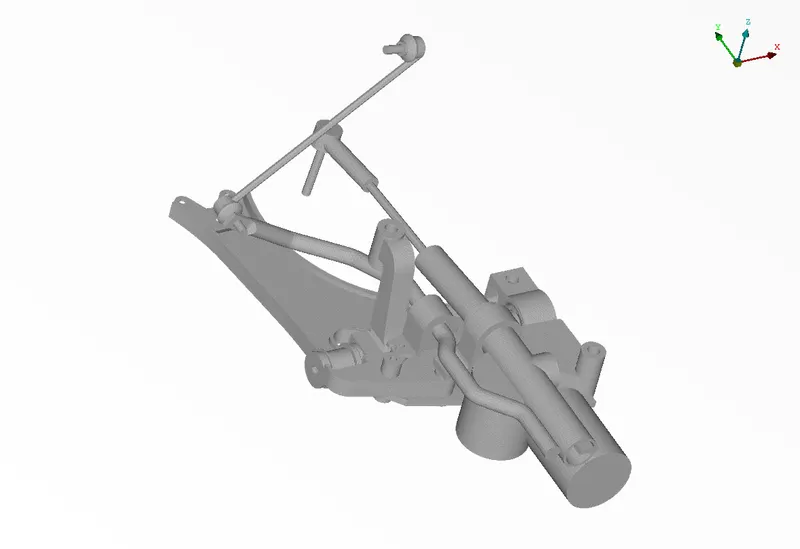
Volume mesh
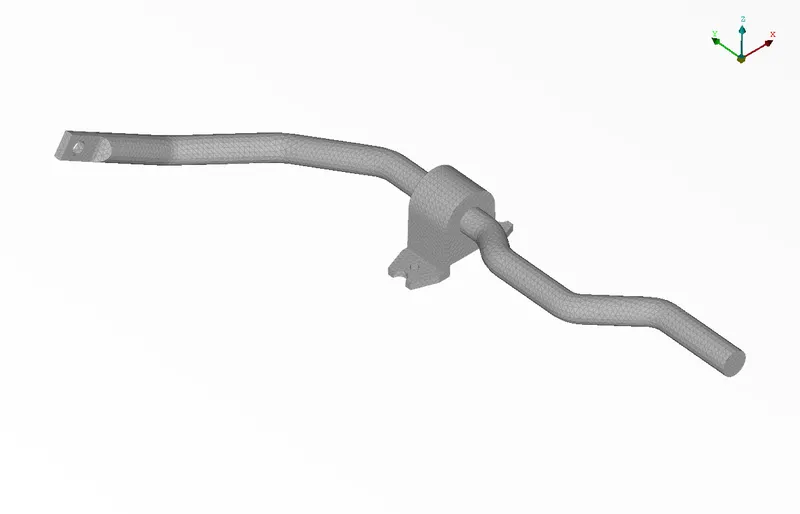
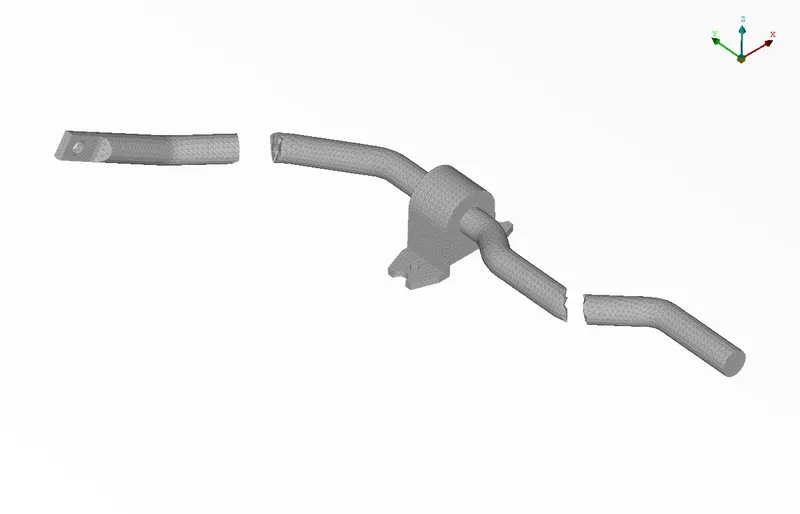
Part 2
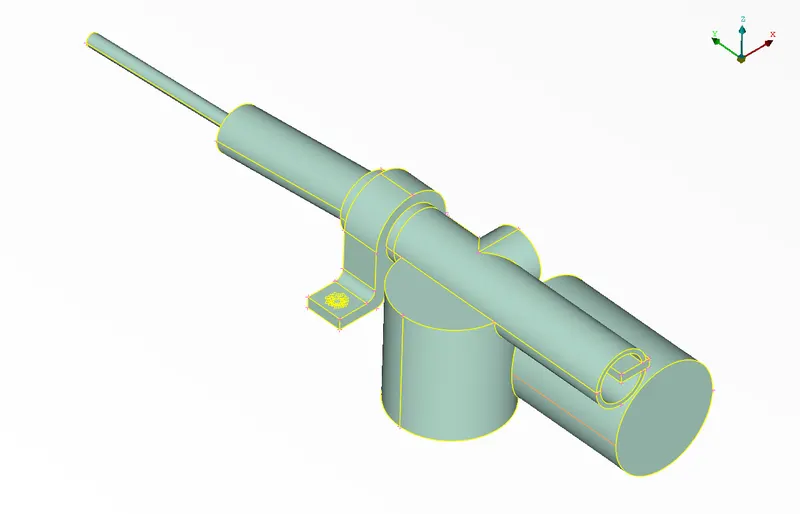
2D mesh
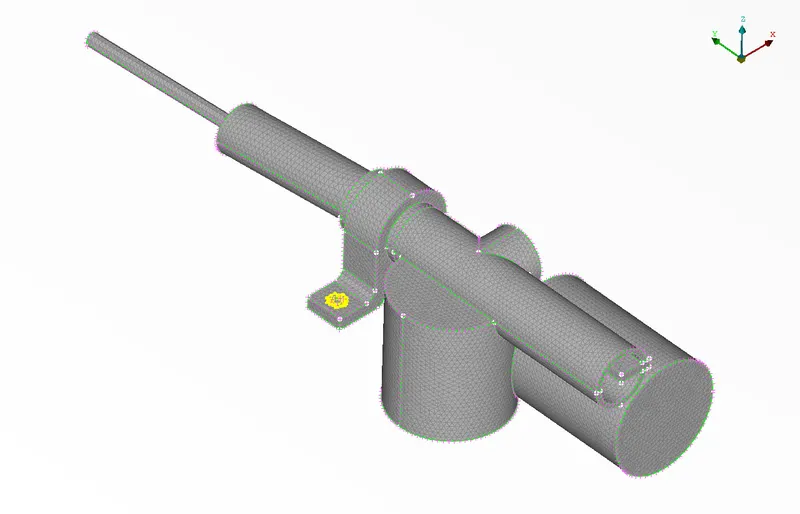
Volume
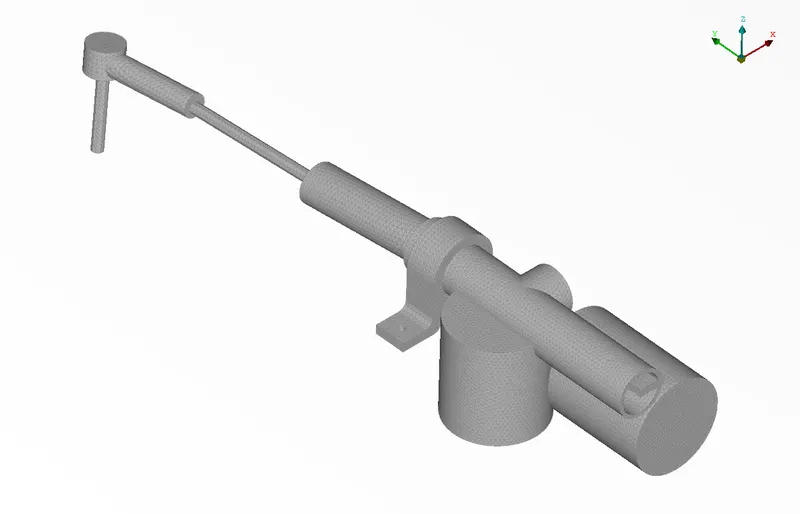
Part 3
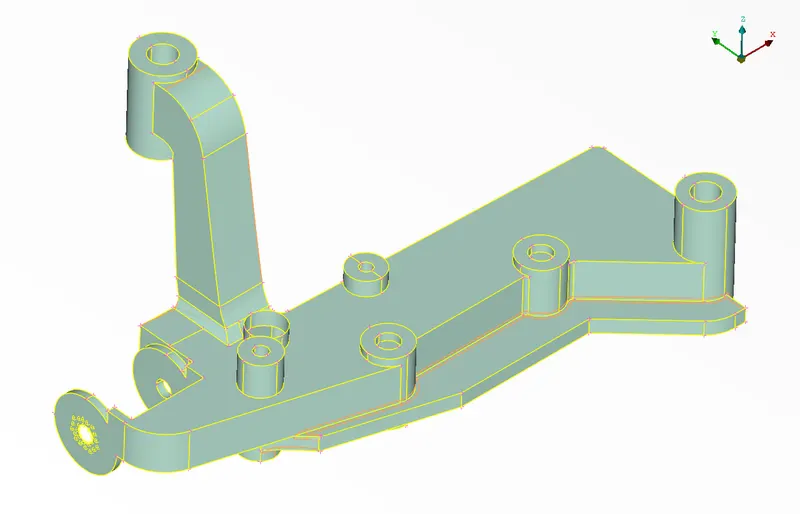
Mesh
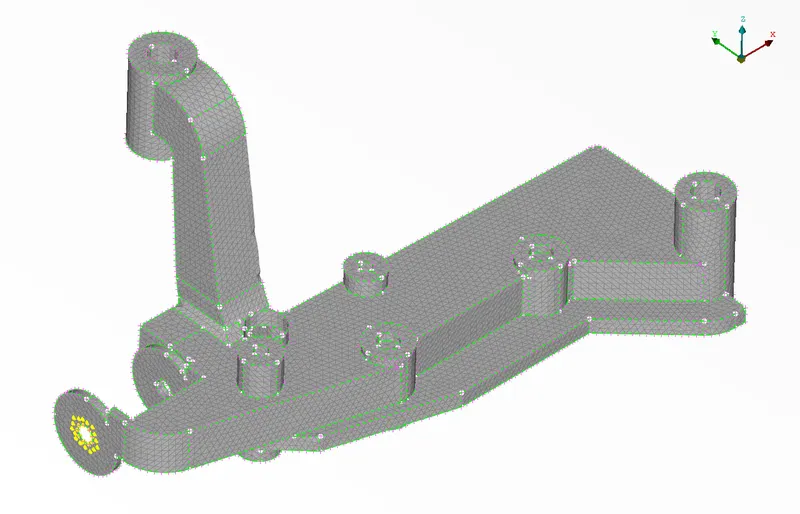
Volume
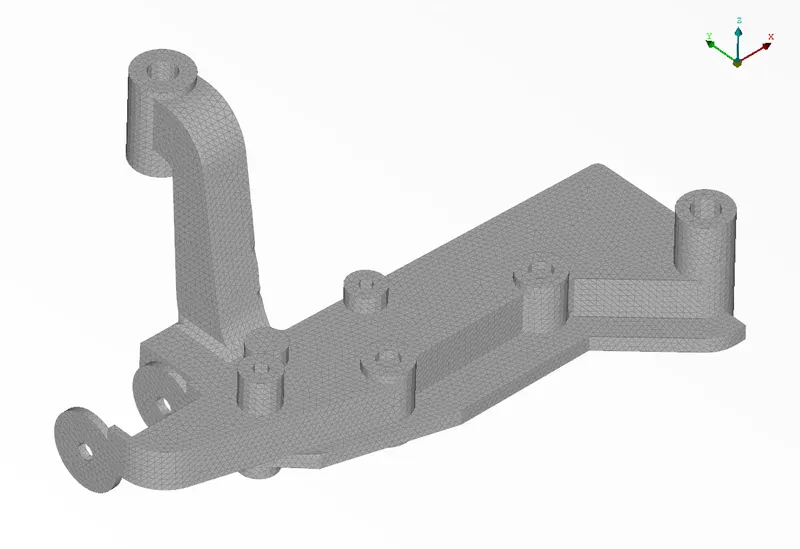
Part 4
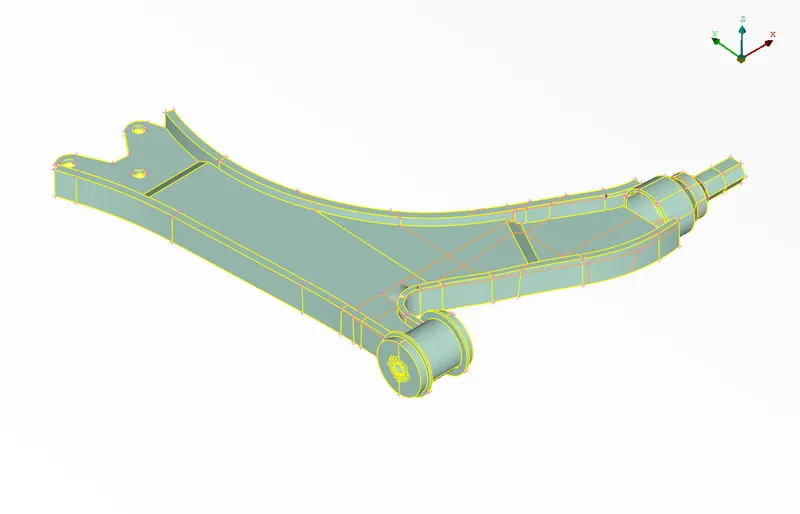
Mesh
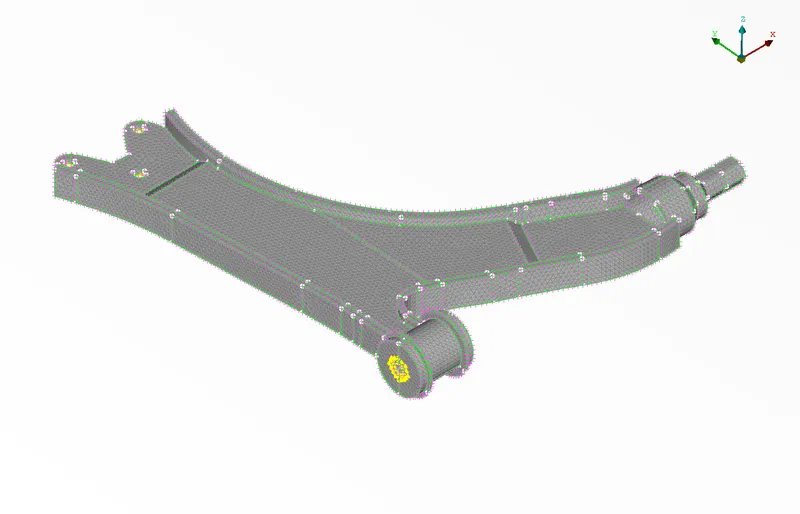
Volume
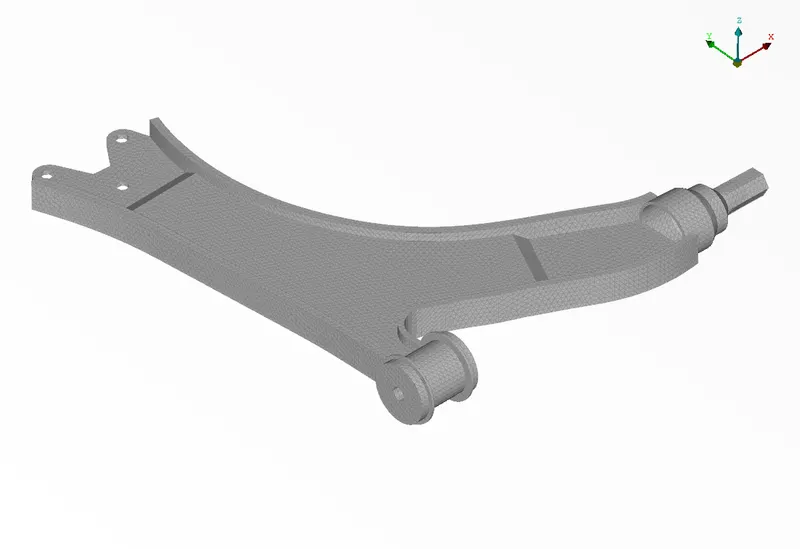
Part 5
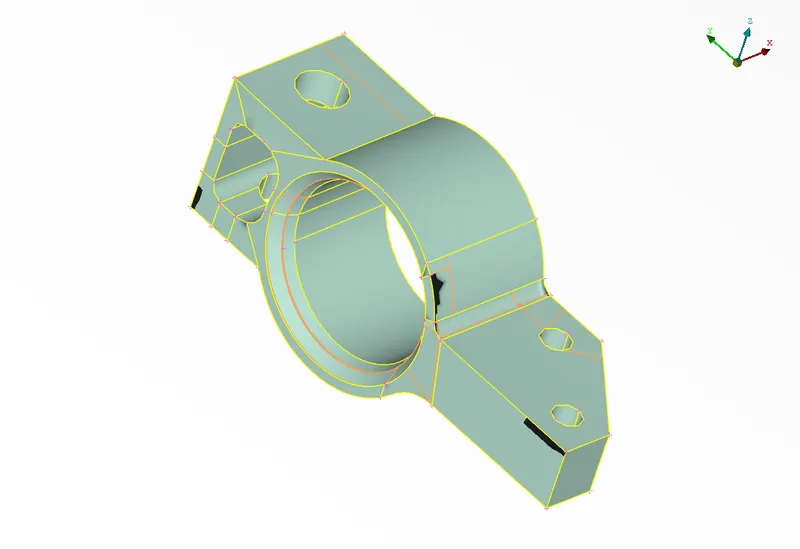
Mesh
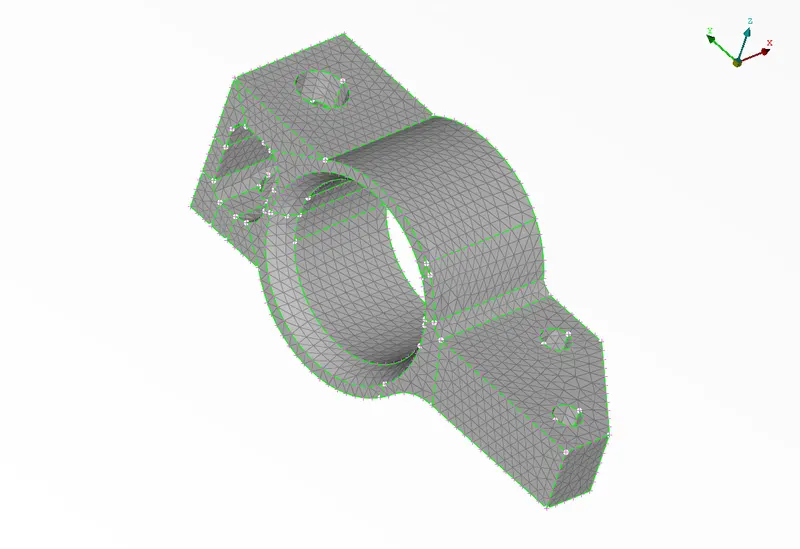
Volume
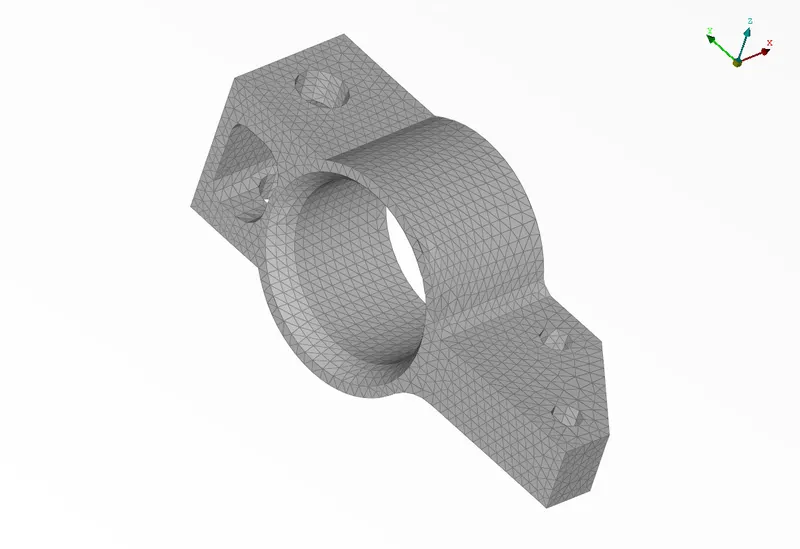
Similarly, other parts are meshed and converted into volume.
Combined:
Parts
Mesh
Volume
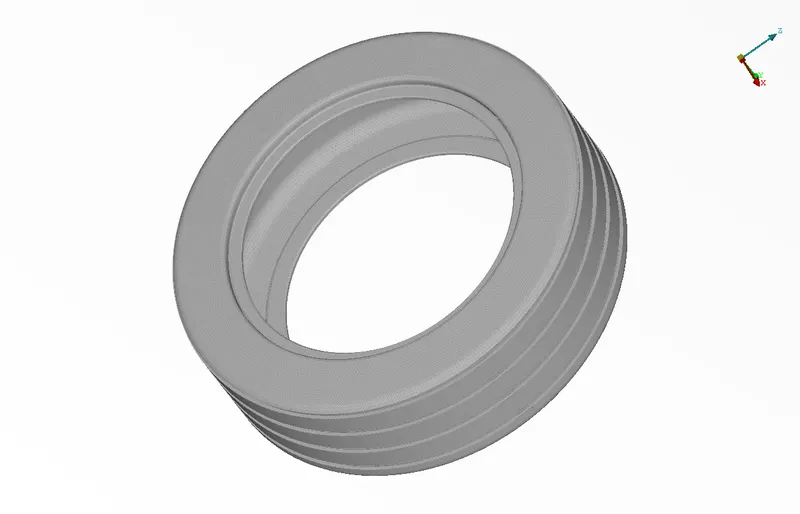
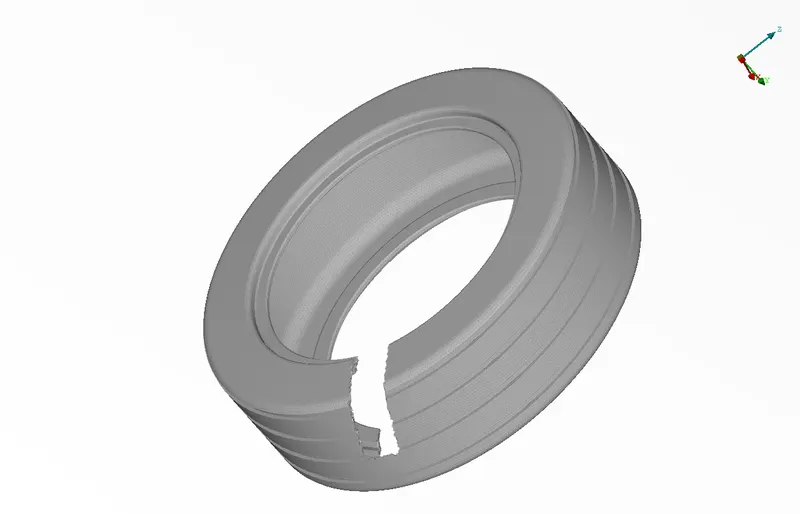
2. Volume mesh for tyre and Rim
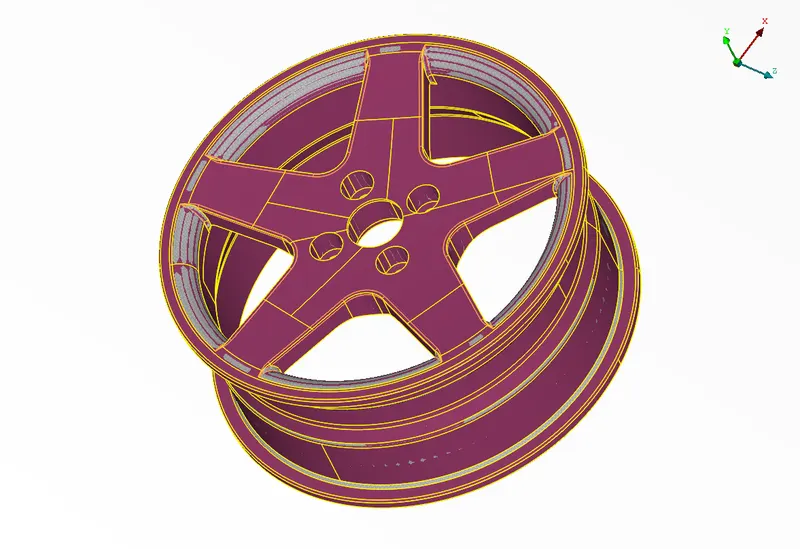
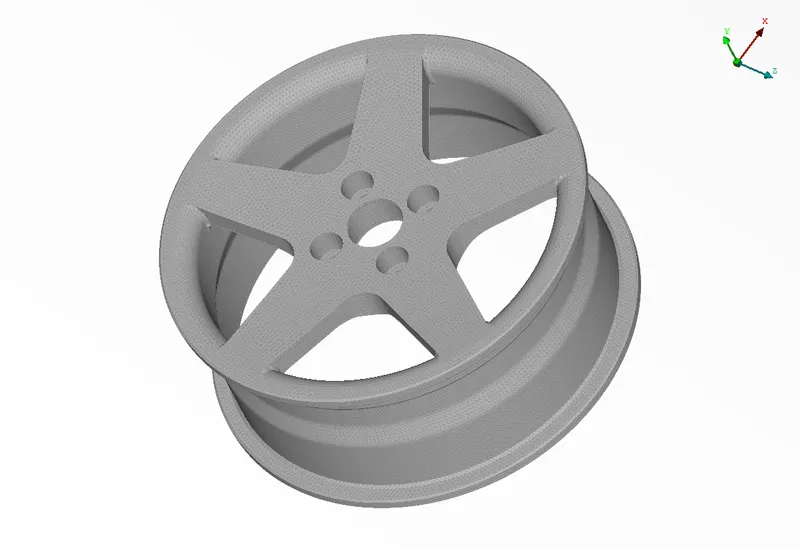
It is further segregated into Rim, wheel and associated assembly
Rim
Mesh
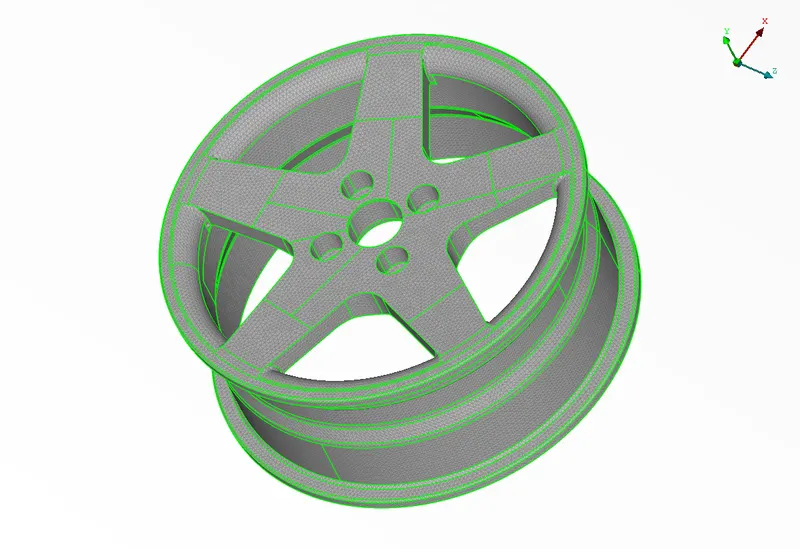
Volume
Tyre
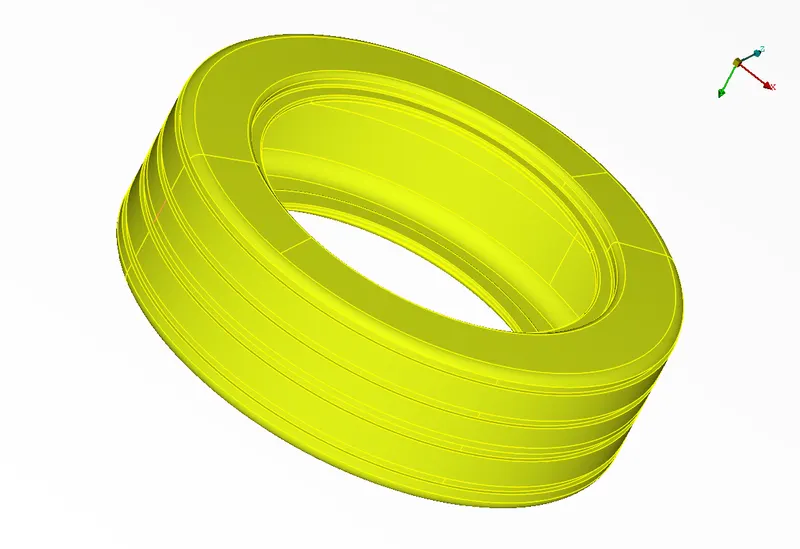
Mesh
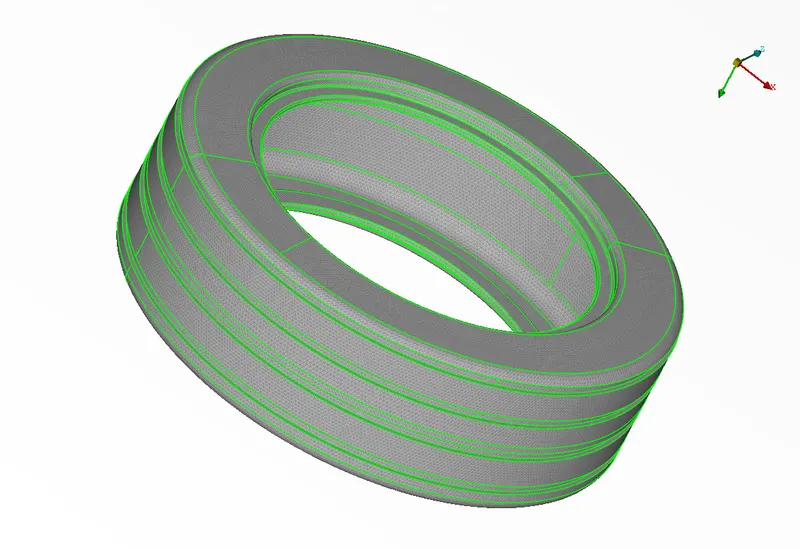
Volume
Associated assembly (disc - brake - connection hub)
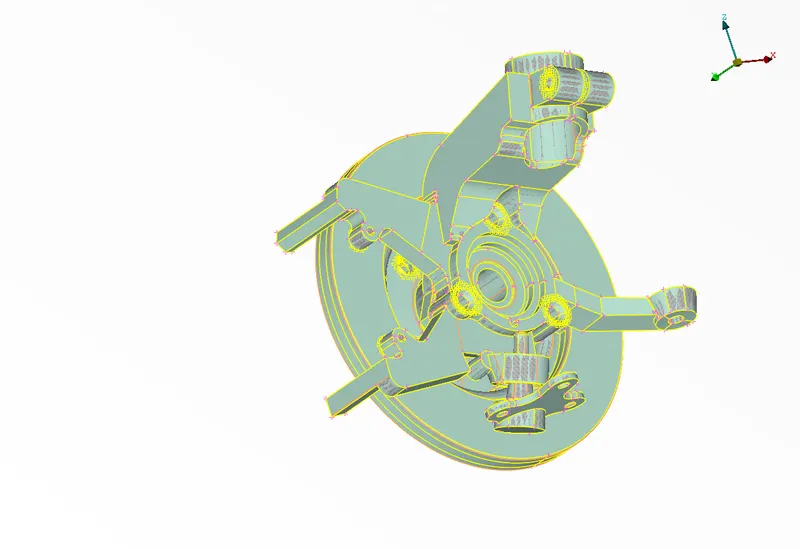
Mesh
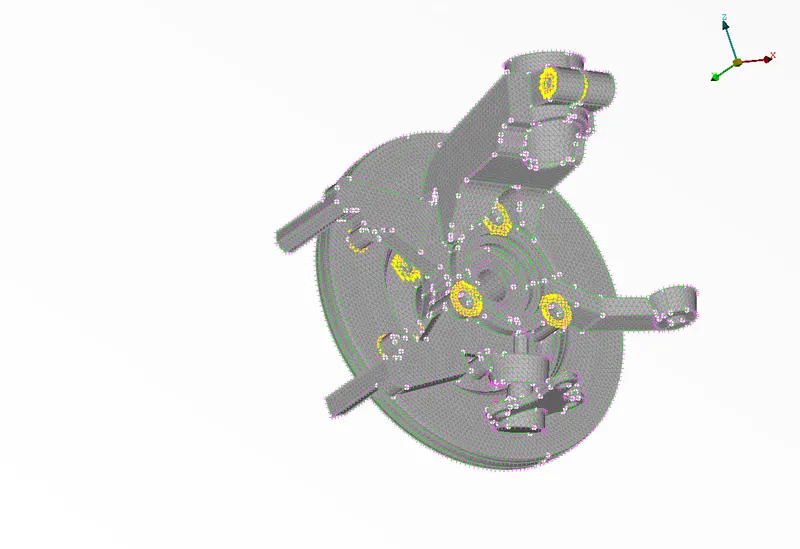
Volume
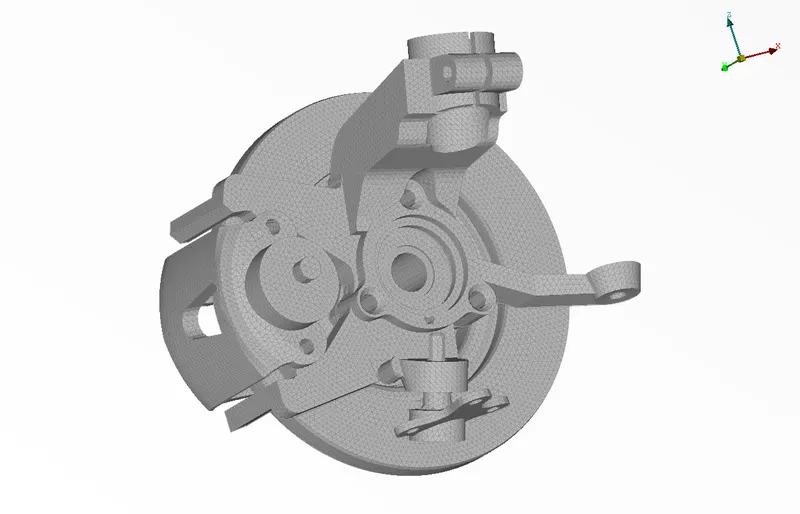
Combined:
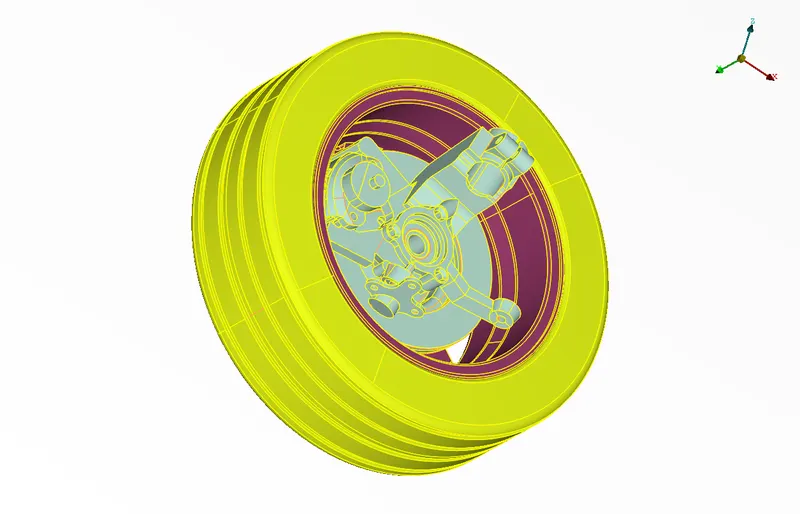
Mesh
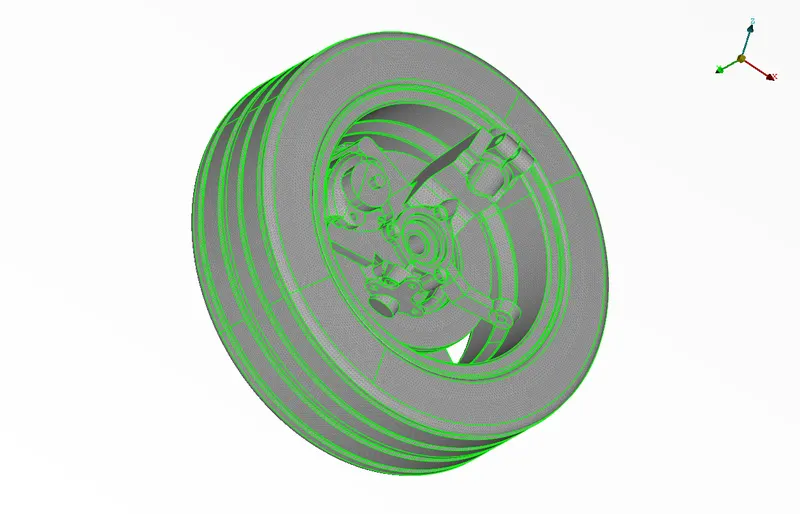
Volume
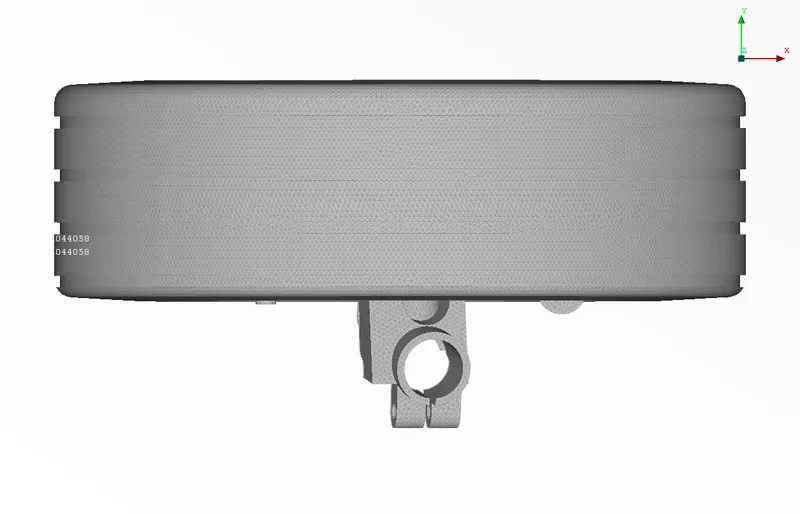
3. Midsurface for appropriate parts
Parts for mid surface
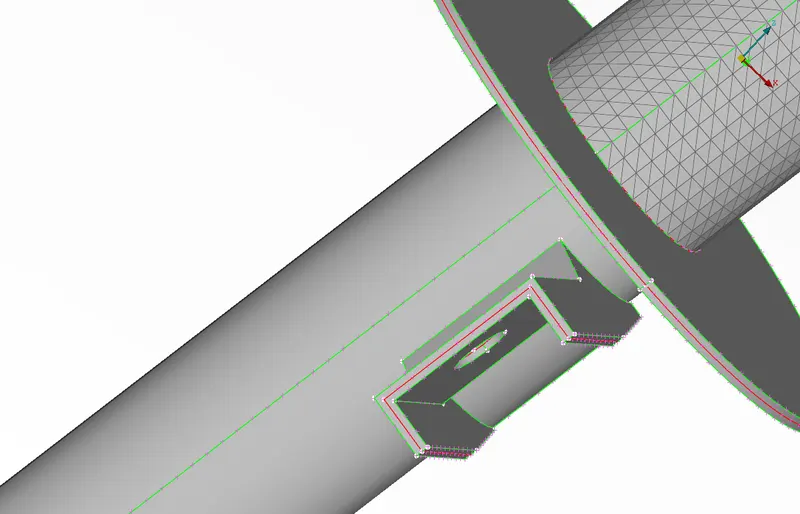
Mid surfaces:
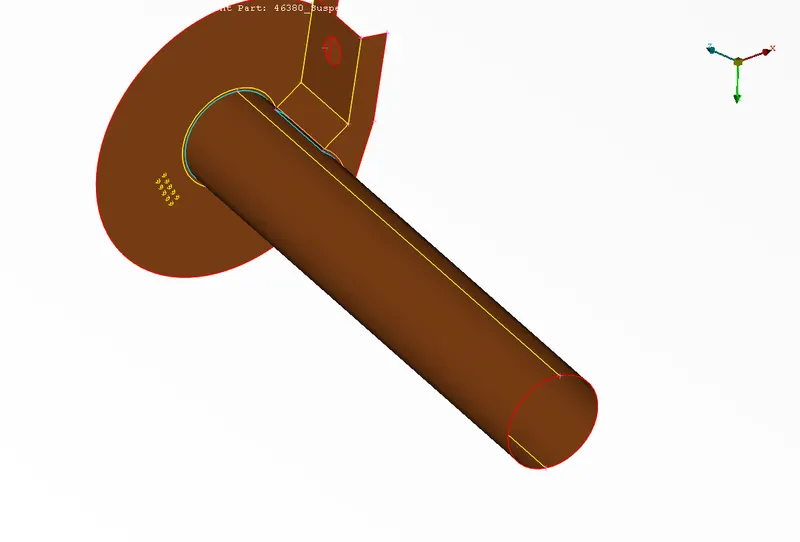
Mesh
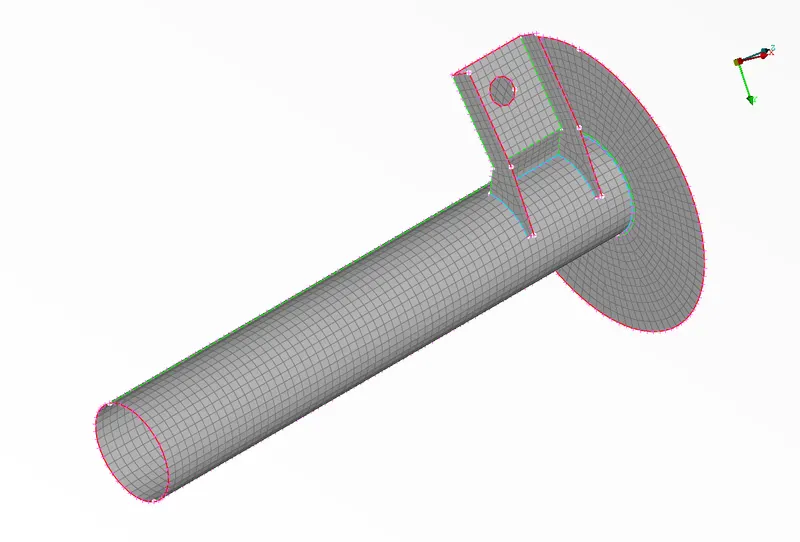
4. CBAR elements to mesh spring
Geometry
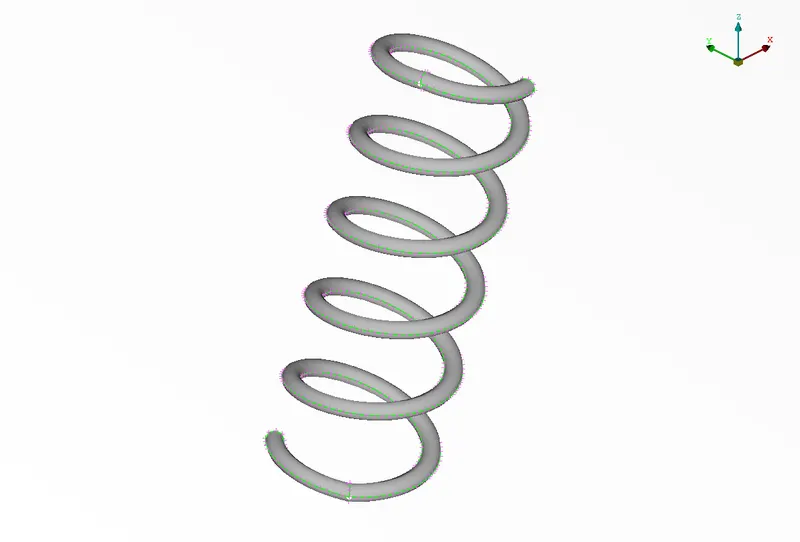
Using Topo>>Curves>>Middle. A curve is generated in the middle of perifery of this coil
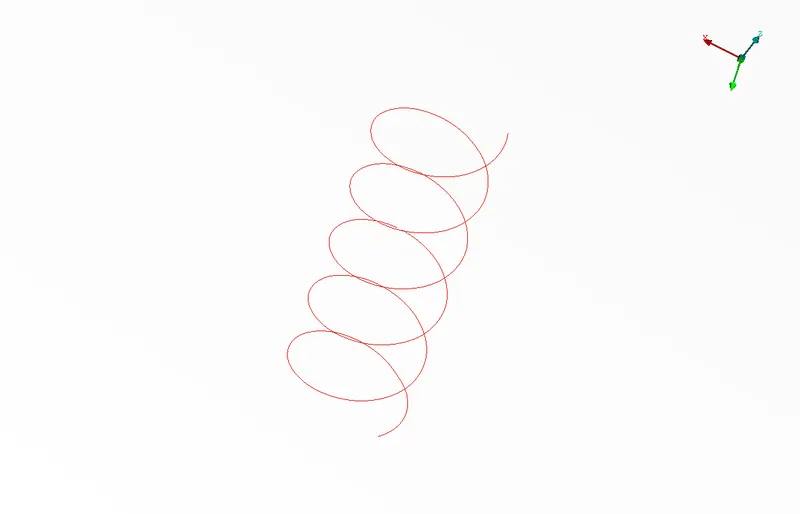
Now under Nastran connection deck >> Element >> CBAR >> curves (above) >> entering area of cross section (via radius)
CBAR element:
5. Connections
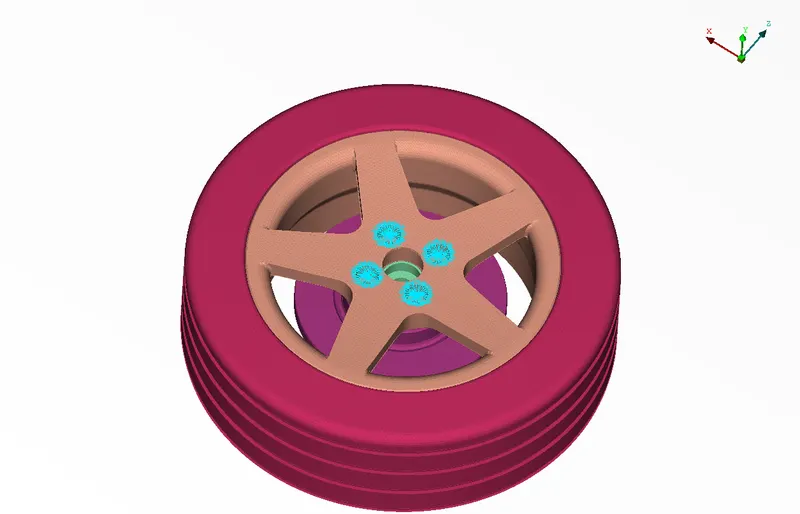
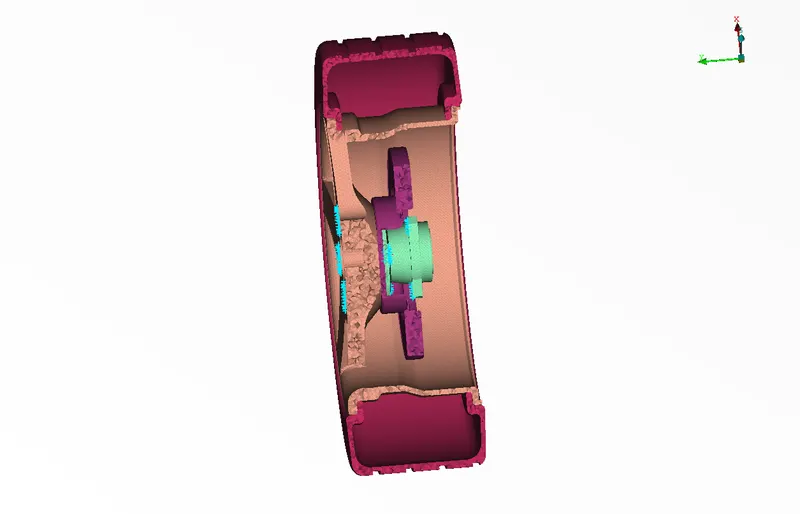
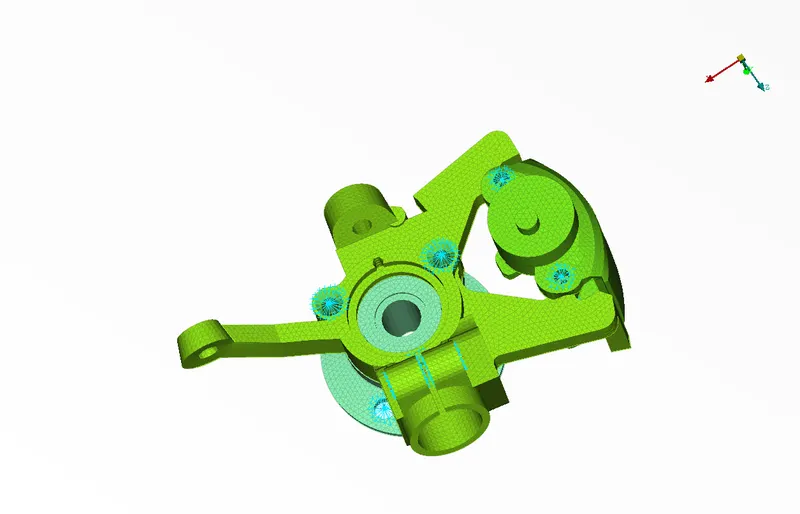
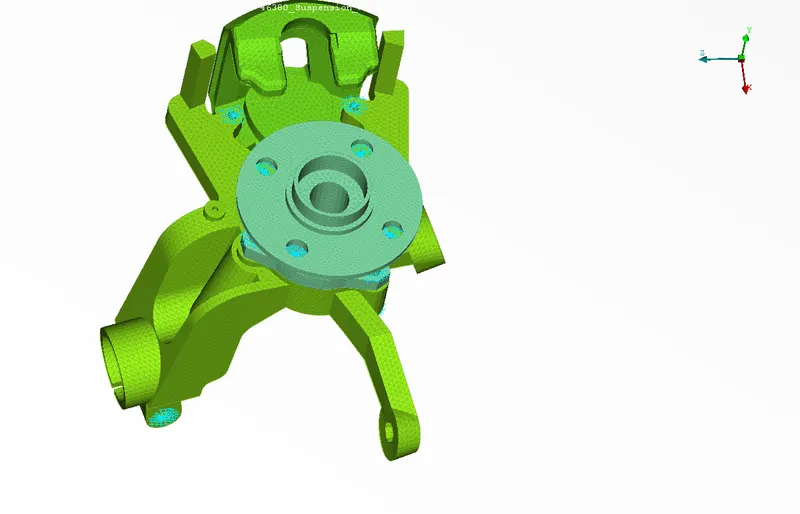
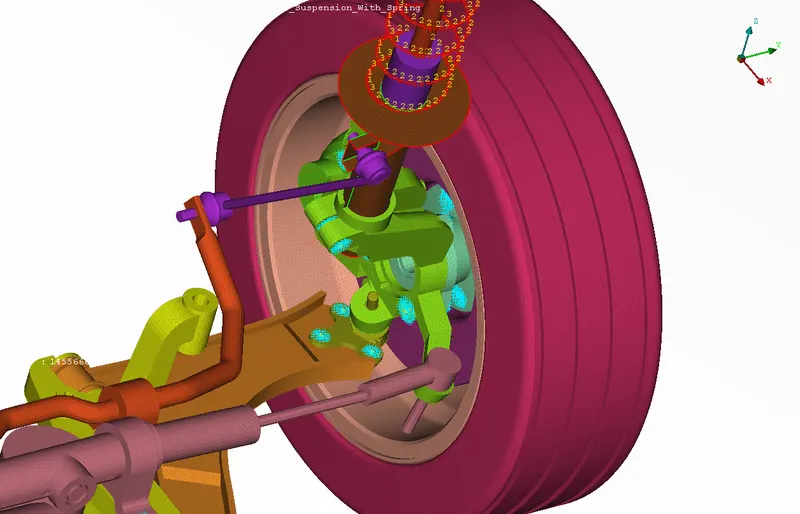
All the meshed volumes and shell elements and 1D bar elements are connected using RBE2 elements
1. Connection of Rim with disc and hub
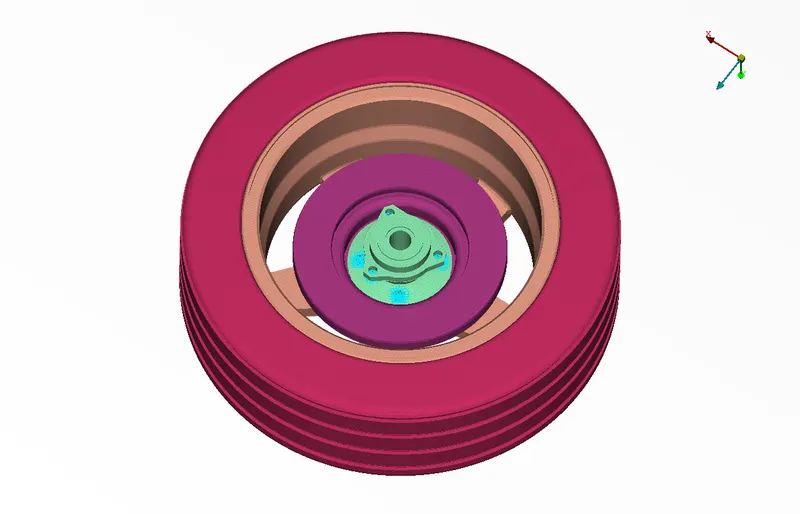
2. COnnection of disc brake with hub and connecting assembly
3. Connection Wheel rim assembly with rest of the parts
4. Connection within rest of the parts
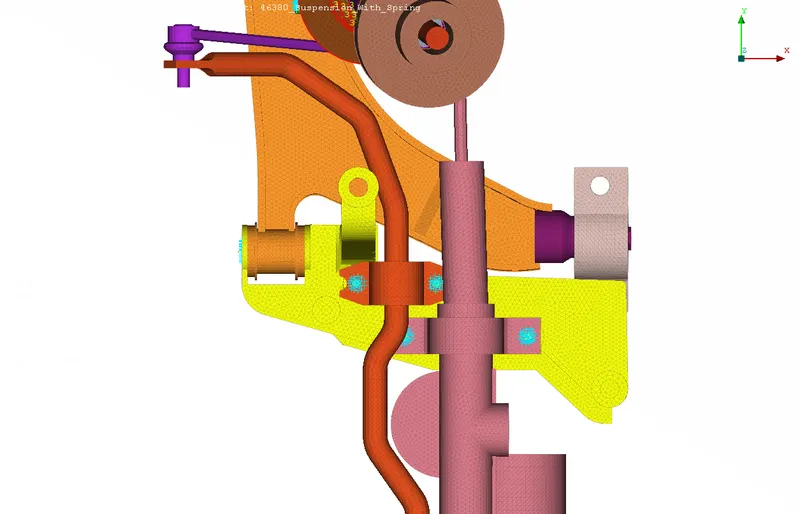
6. Transformation
The geometry on which work is done.
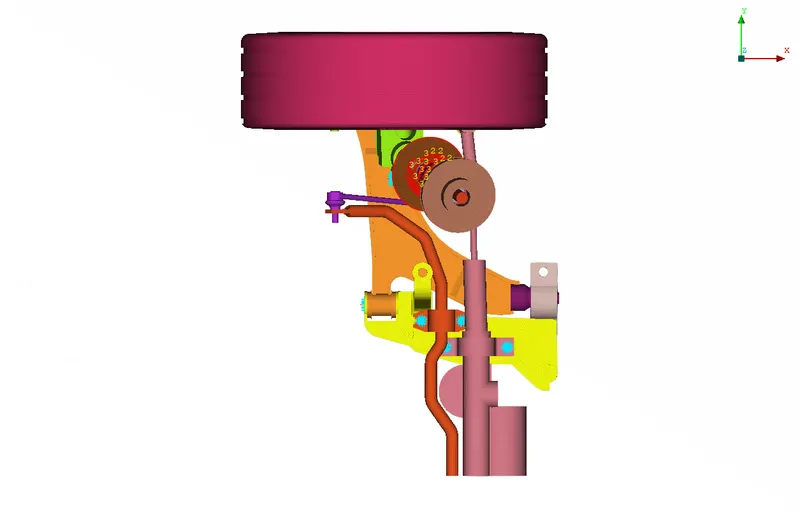
After transformation:
FINAL VOLUME MESH
In lock view>>Final(Mesh only)
It is the final Mesh
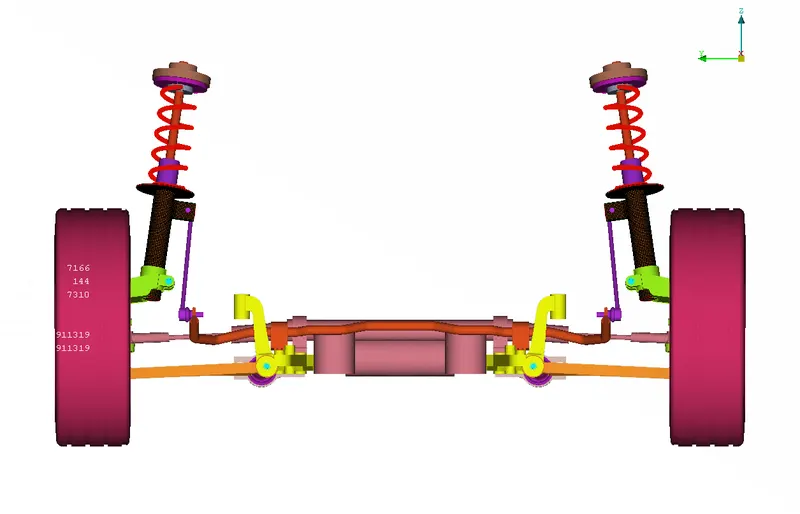
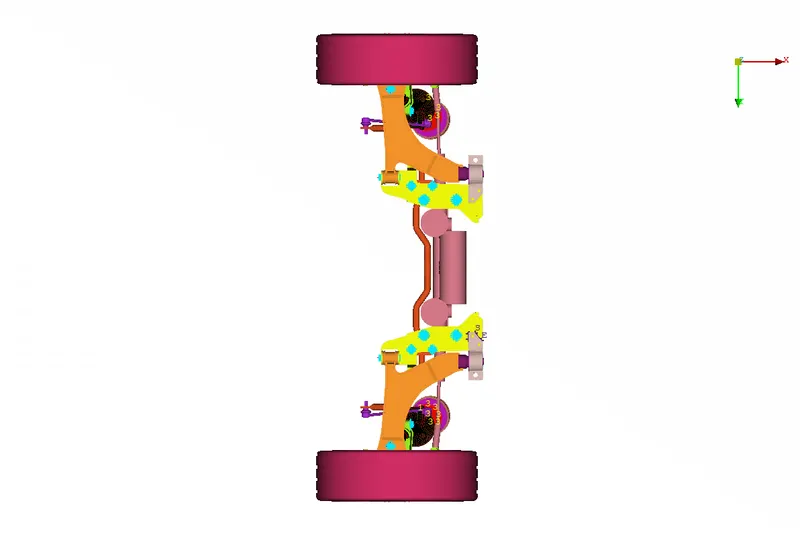
Entity View
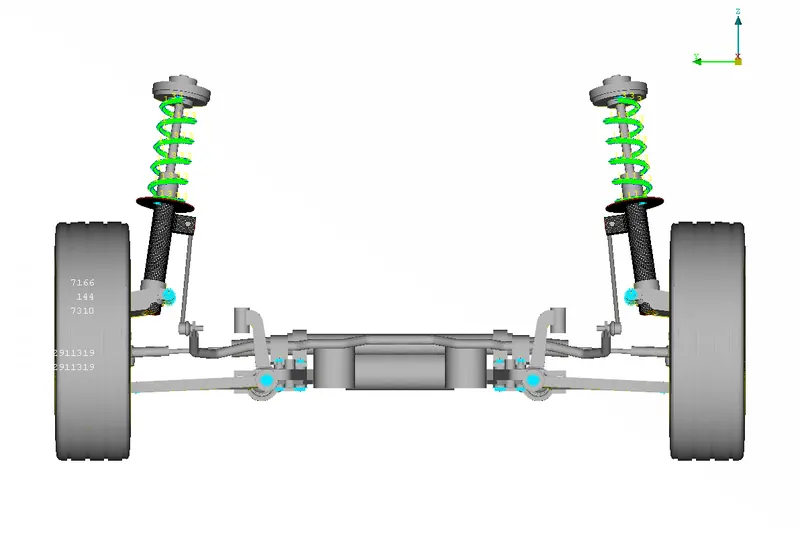
Model is attached in version19 and version 21
The pre-processed file is saved as LS DYNA output file with .key extension.