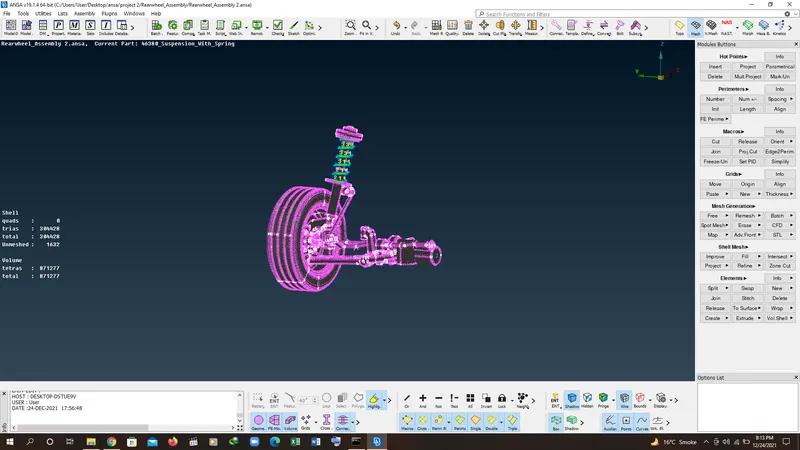
Project - 2 - Meshing on the suspension Assembly
Project-2
AIM:For the given assembly, check for the geometrical errors and mesh with the given element Quality criteria. After meshing the component the thickness has to be assigned for mid surfaces. Use tetra elements to model non-uniform thickness components. Also use Appropriate connections to connect the component as suggested in the Project-2 video (Use PBAR elements to model suspension spring). At last perform Symmetry command to reflect the half finished model to the other side.
Write a detailed report on your meshing process and also mention which method you used to extract the mid-surface along with the reason.
Common Note:
- Use Volume mesh for Tyre and Rim with below Quality criteria. (Use Tria Element)
- Use mid surface only when the thickness is uniform and less than 5 mm. (Use Mixed elements)
Quality Criteria for Surface Meshing of Tyre and Rim (Element type: Tria) :
|
S.No |
Quality Criteria |
Value |
|
1 |
Target/Average length |
6.5 |
|
2 |
Minimum Length |
5 |
|
3 |
Maximum Length |
10 |
|
4 |
Skewness |
45 |
Quality criteria for Surface Meshing of Non Uniform thickness components other than Tyre and Rim (Element type: Tria) :
|
S.No |
Quality Criteria |
Value |
|
1 |
Target/Average length |
4 |
|
2 |
Minimum Length |
2 |
|
3 |
Maximum Length |
6 |
|
4 |
Skewness |
45 |
Quality Criteria for Volume meshing of all Non Uniform thickness components (Element type: Tetra Elements):
|
S.No |
Quality Criteria |
Value |
|
1 |
Tet-collapse |
0.2 |
Quality criteria for Mid surfacing of Uniform thickness part which has thickness less than 5 mm (Element type: Mixed elements) :
|
S.No |
Quality Criteria |
Value |
|
1 |
Target/Average length |
4 |
|
2 |
Minimum Length |
2 |
|
3 |
Maximum Length |
6 |
|
4 |
Aspect |
3 |
|
5 |
Warpage |
15 |
|
6 |
Skewness |
45 |
|
7 |
Jacobian |
0.7 |
|
8 |
Minimum Quad Angle |
45 |
|
9 |
Maximum Quad Angle |
135 |
|
10 |
Minimum Tria Angle |
30 |
|
11 |
Maximum Tria Angle |
120 |
PROCEDURE AND DESCRIPTION:
1. Open the ansa software load the model first.
2. lets divide the model into two parts
i. tyre and rim
ii. spring ang uniform component
3. for tyre and rim the element size is 6.5 and for other non uniform compoent is 4 and 2d mesh is same element size as non uniform one.
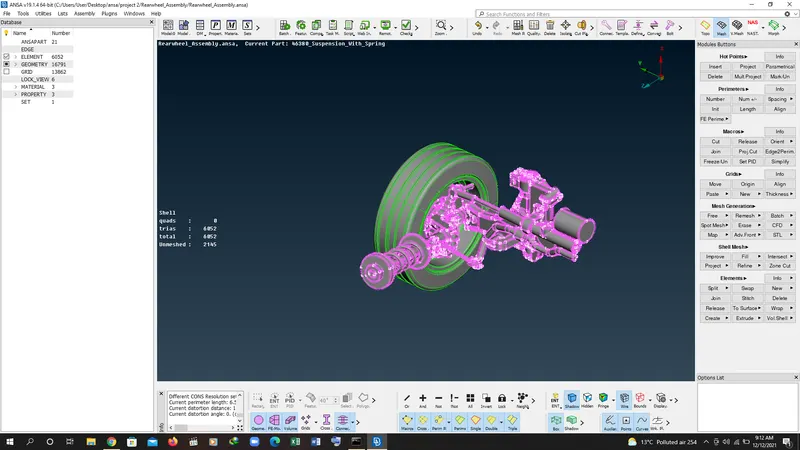
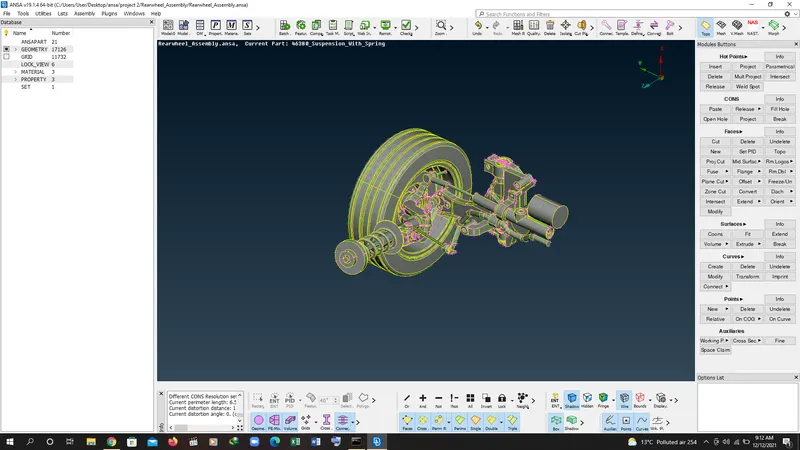
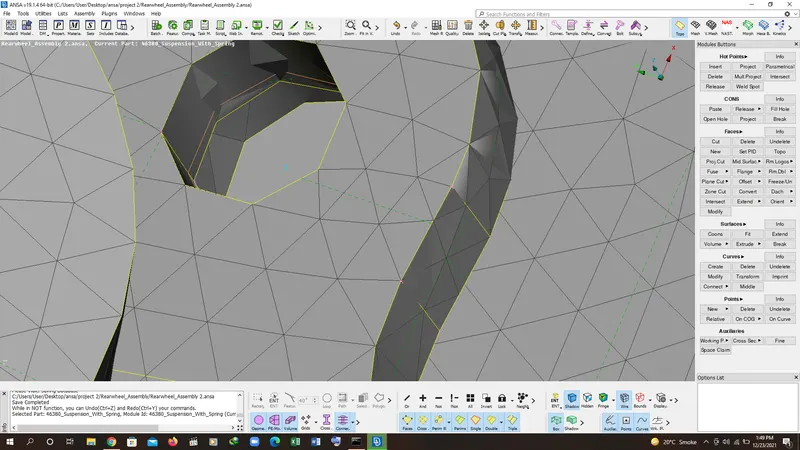
4. first go to not command and select the surface of tyre and click the middle surface and find the neighbour surfaces and check the geometry for any error.
5. after checking geometery go to mesh moudle and select the spot mesh and in spot mesh select visible surfaces and click the mouse middle button after that go to mesh quality paramters and check the quality as asked in the aim.
6. after checking quality go to regenerate command and select all visible element and press middle button and check everything and use the grid and element sub module to improve the mesh quality.
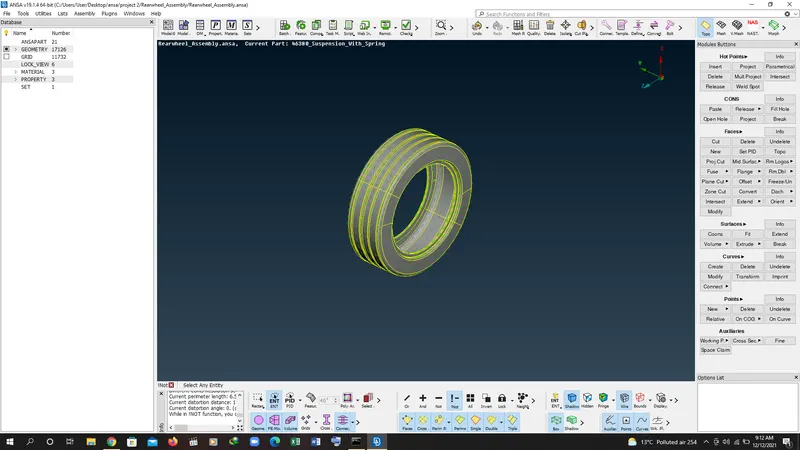
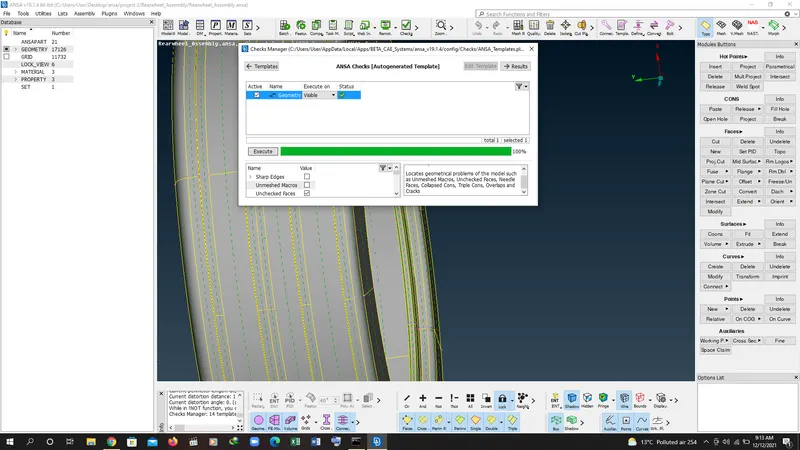
7. after do 2d mesh go to voulme mesh and define the voulme.
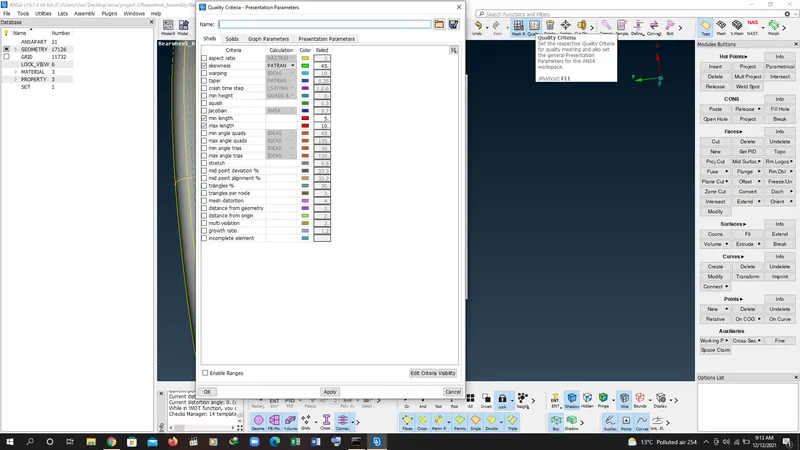
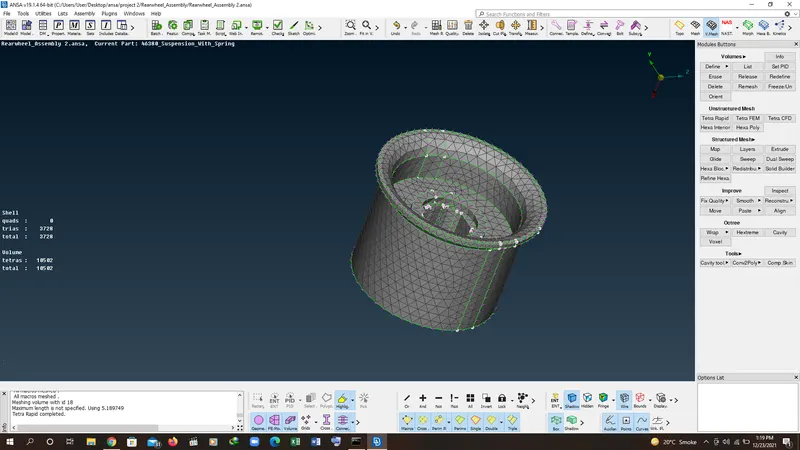
8. after defining voulme mesh go to list command and select the unmeshed surface and select the tertra rapid mesh. after that go to mesh quality check and specify the tet collapase for the component as asked in aim. and fix them.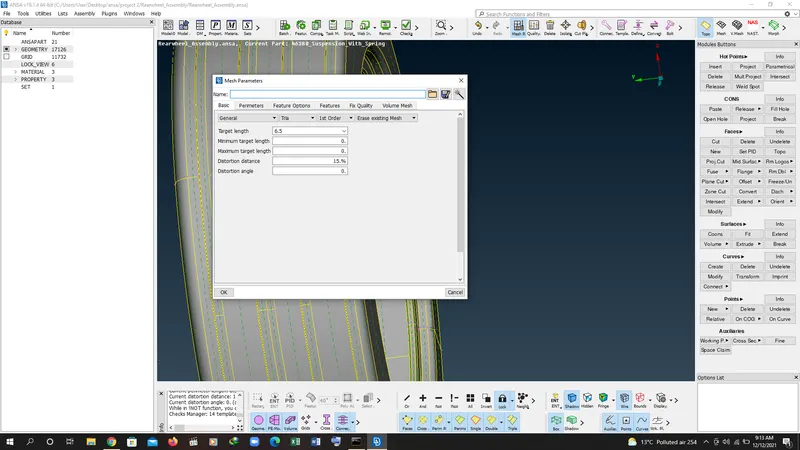
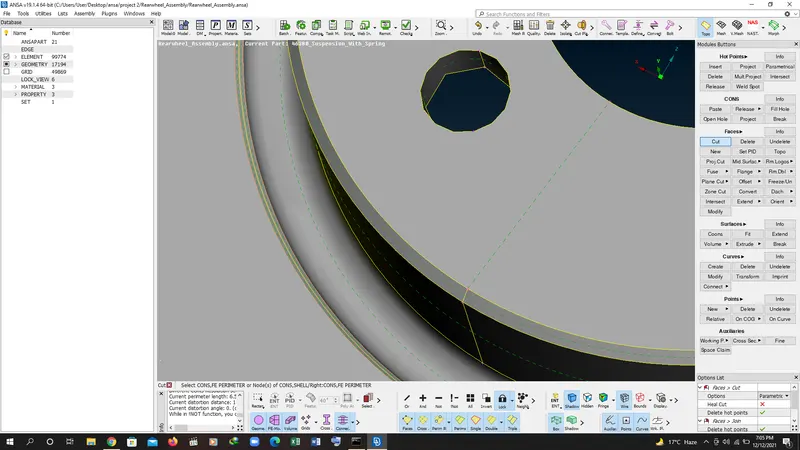
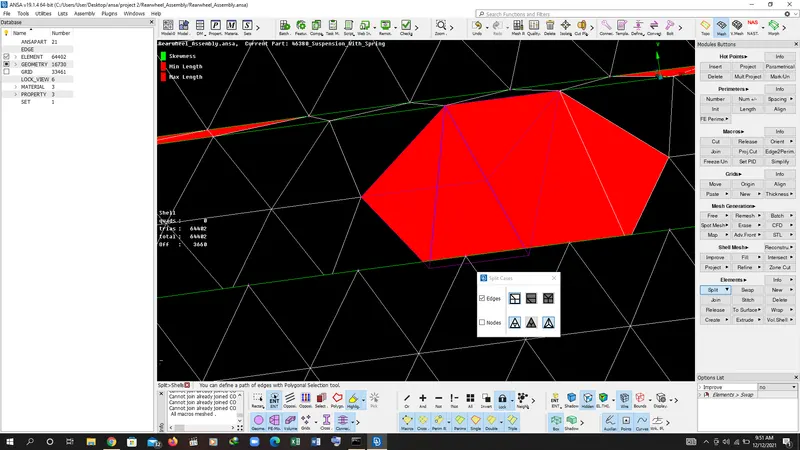
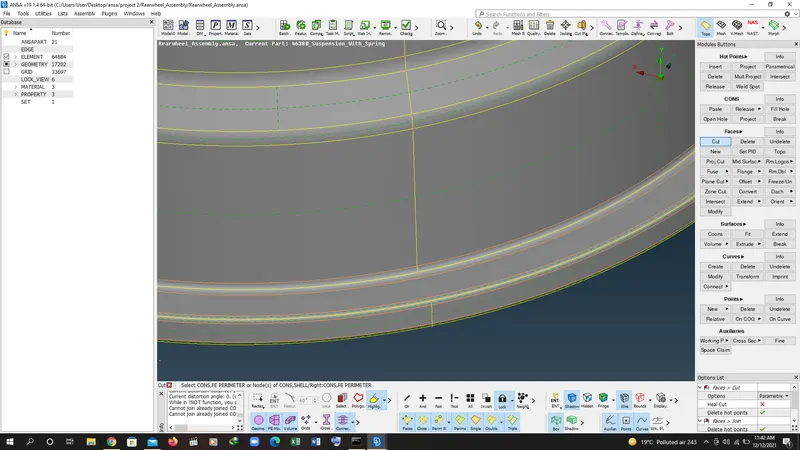
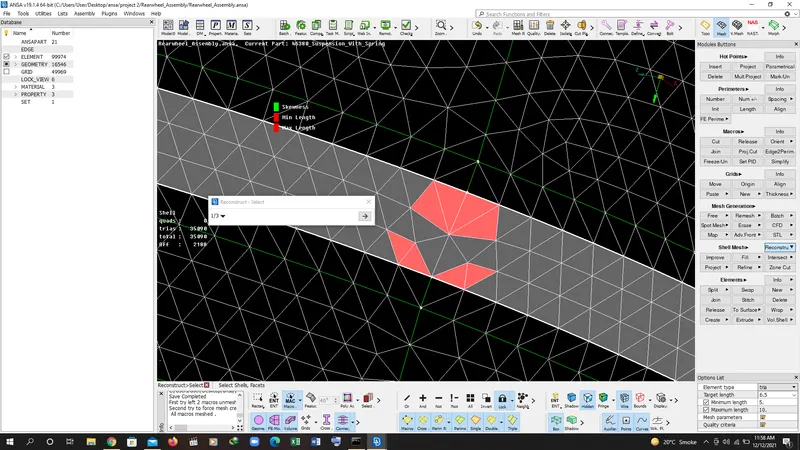
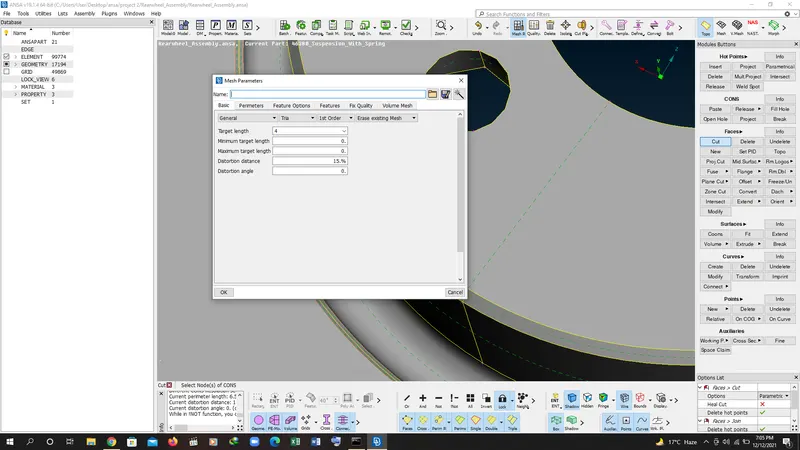
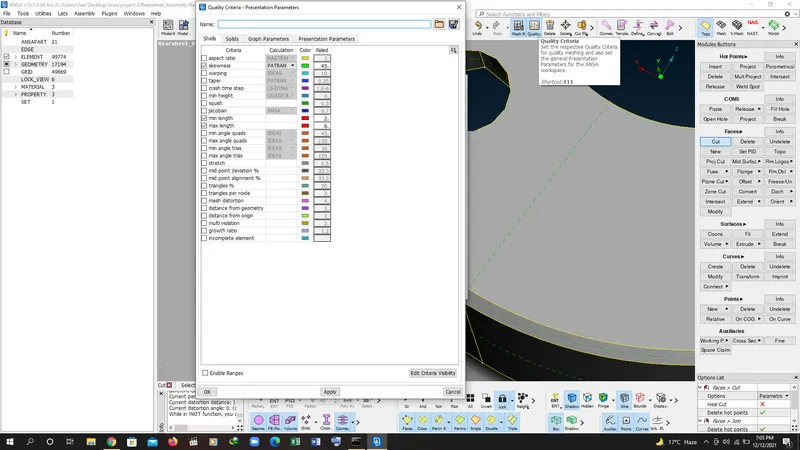
9. same process for other component like rim and non uniform components and do the 2d mesh as asked in the aim.
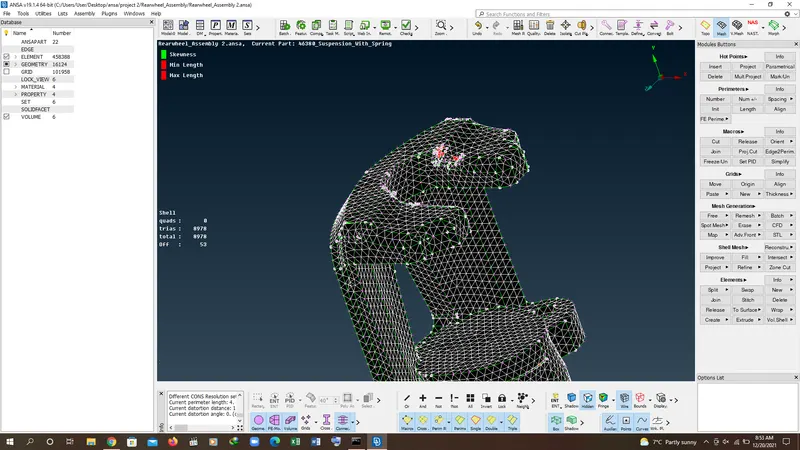
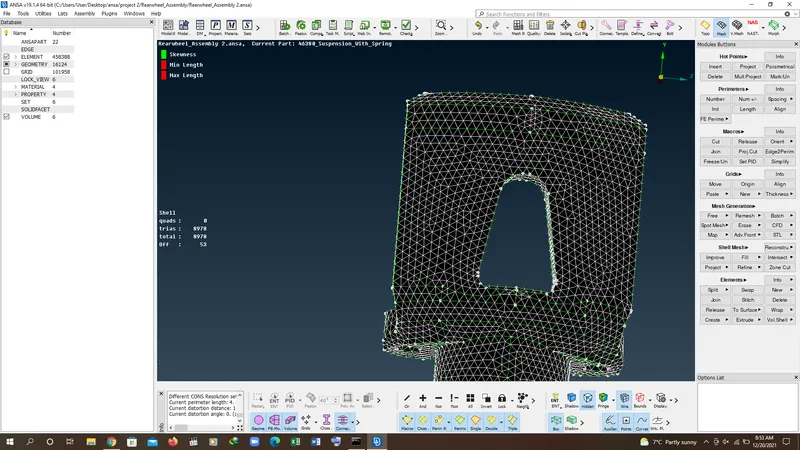
10. for spring we can follow below steps to mesh:
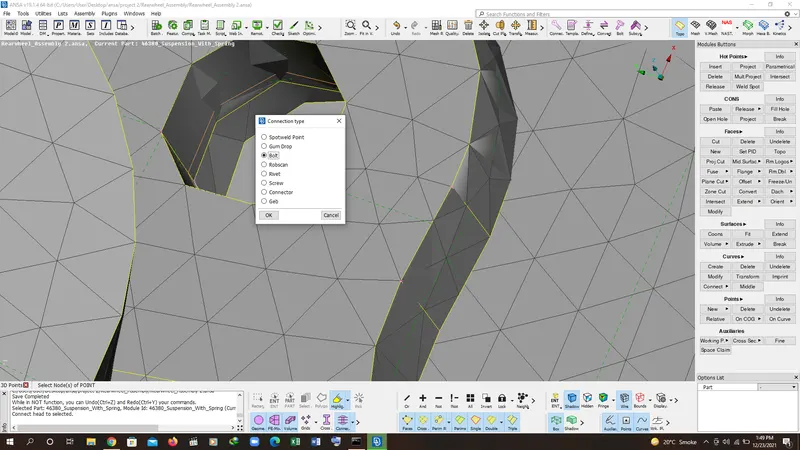
GO TO CURVE OPTION TO CREATE THE MIDDLE CURVE AFTER CREATING MIDDLE CURVE GO TO CONNECT CURVE OPTION AND CREATE A CURVE
AFTER CREATING CURVE GO TO NASTRAN DECK TO CRETE 3 D SPRING
FOR THAT GO TO CBAR OPTION AND SELECT THE CURVE AND GO TO A OPTION TO CREATE THE CROSS SECTION OF SPRING
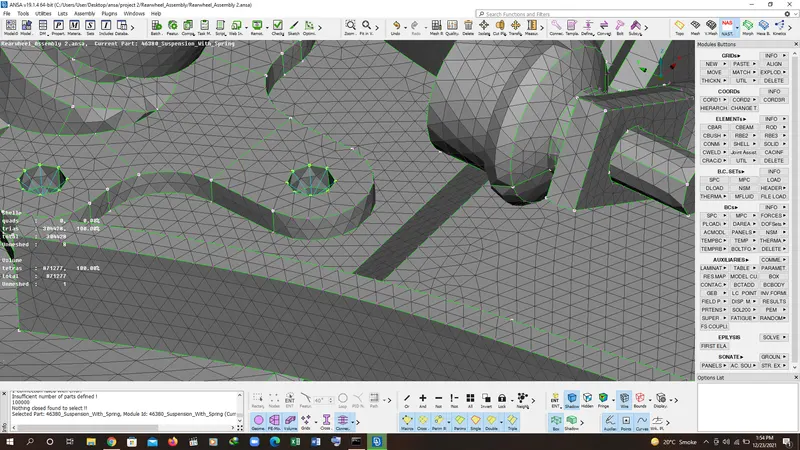
AFTER CREATING C/S GO TO MESH QUALITY LINE SOLIDS AFTER THAT YOU CAN SEE THREE D SPRING.
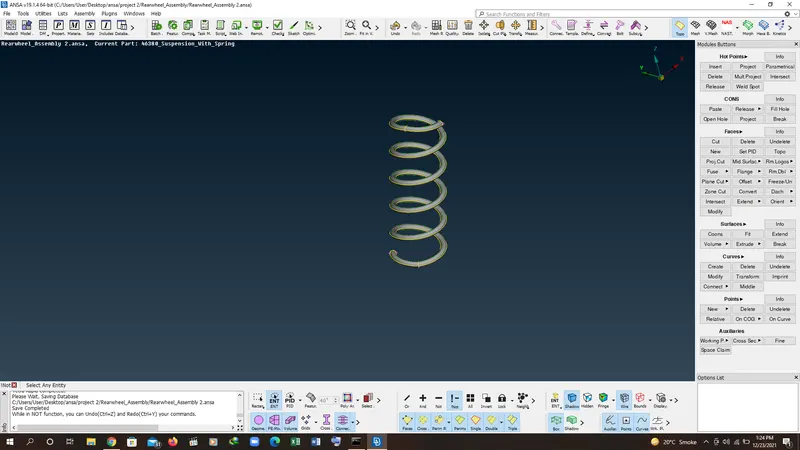
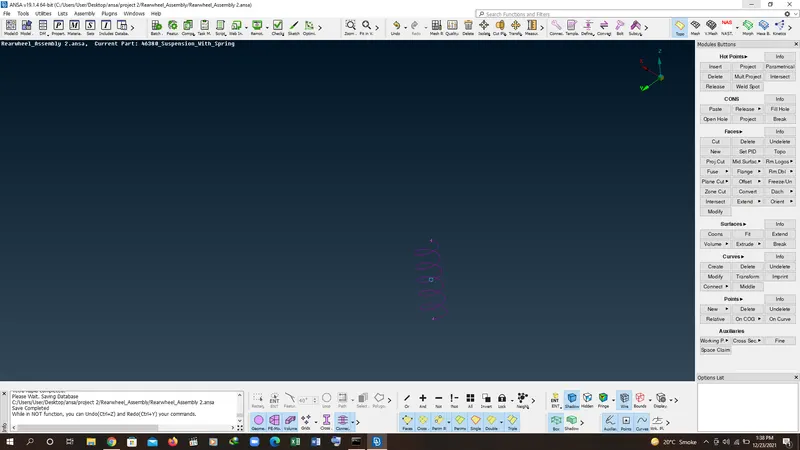
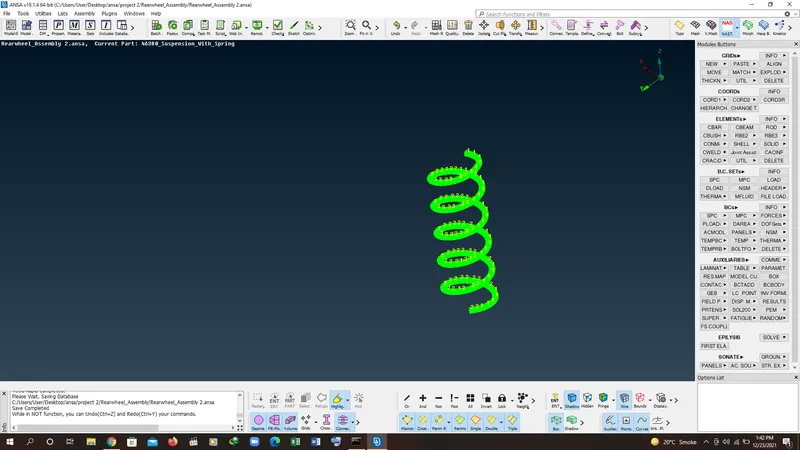
11. SAME RPOCESS FOR ALL THE COMPONENTS AND CHECK THE QUALITY CRITERIA AS AIM AND FOUND EVERYTHING SATISFY.
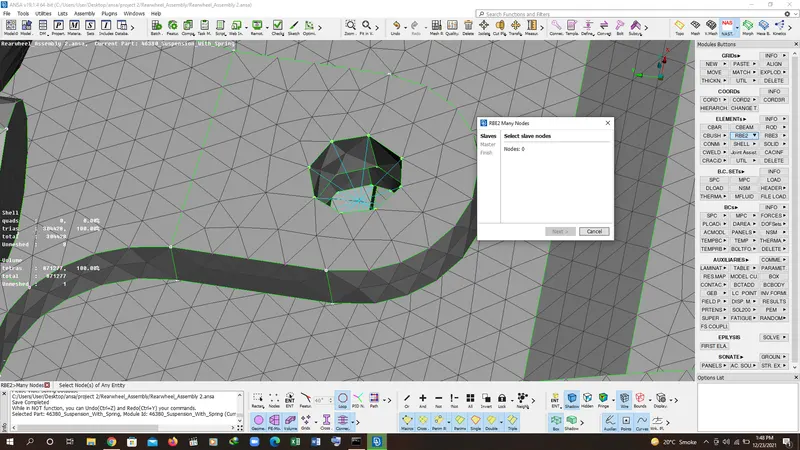
RESULT:
I HAVE LERNED HOE TO MESH 2D TRIA ELEMNT AND SURFACE CLEANUP. IT IS VERY INTERESTING COMPONENT TO WORK WITH AND MULTIPLE BODIES SO I LEARNED ALOT THROUGH THIS COMPOENT.