Project-2-Meshing of Door Inner Panel Challenge
Objective:- Aim of this challenge is to create mesh for inner door panel of car by extracting the mid surface.
Procedure:- To start working with this challenge, first we'll import the CAD model of the inner door panel of car into the hypermesh.
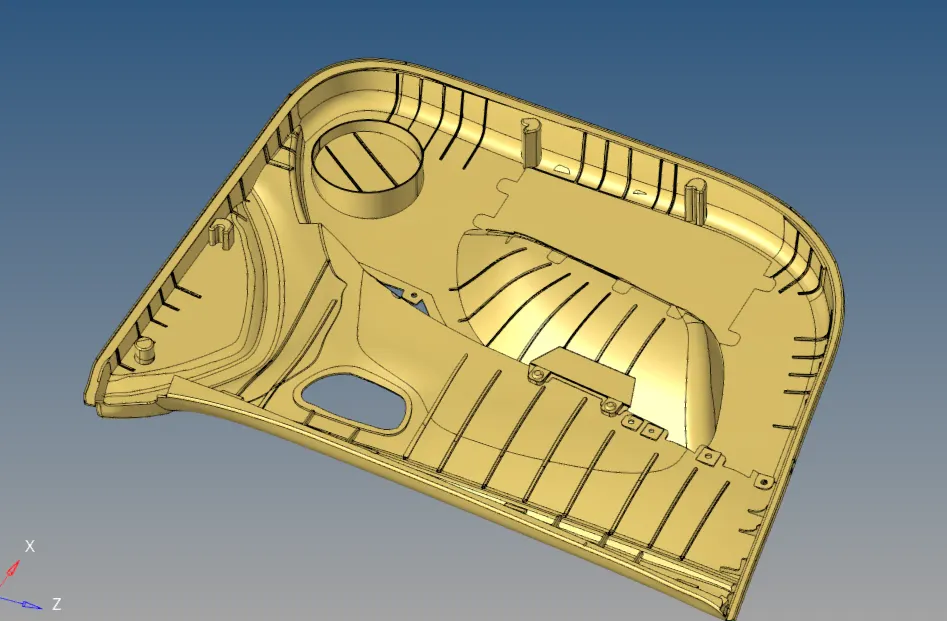
Figure 1: Showing the imported CAD model into hypermesh
After opening the model, we will first visually inspect the model for any defects, such as missing or irregular surface. Addition to this we'll also look for any extra body in the model, which can be excluded from the body.
After fixing all the irregular surfaces or missing surface, our model is ready for the mid surface extraction.
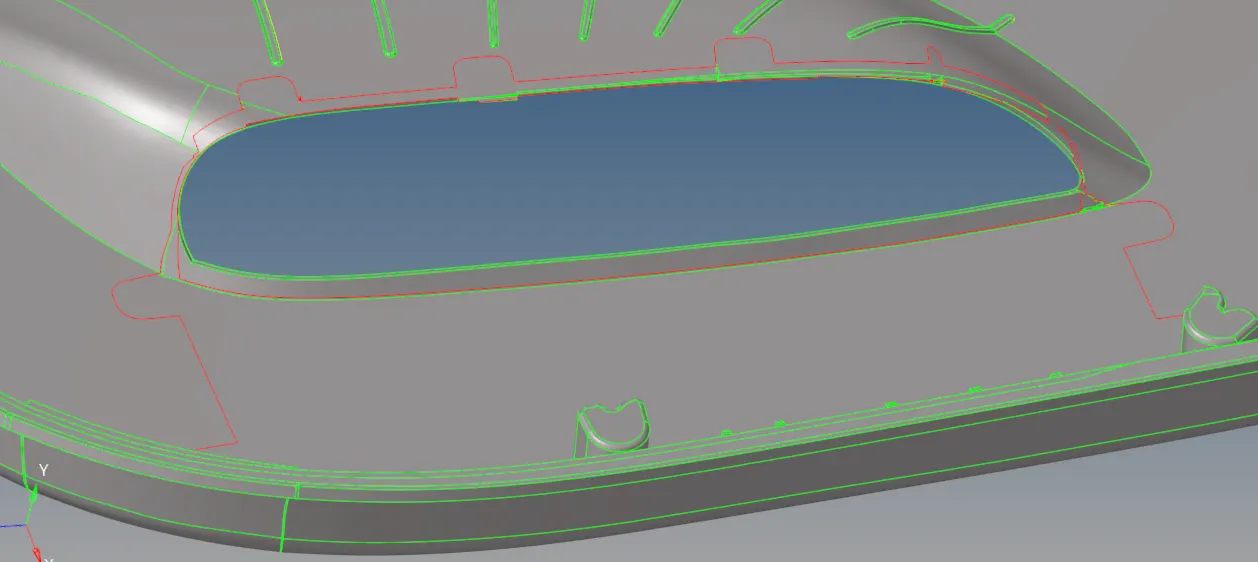
Figure 2: Showing the missing surface between the red lines.
As this is a plastic model of varrying surface thickness across the body, so auto-mid surfacing will not work properly. So we will use manual mid surfacing using surface offset command.
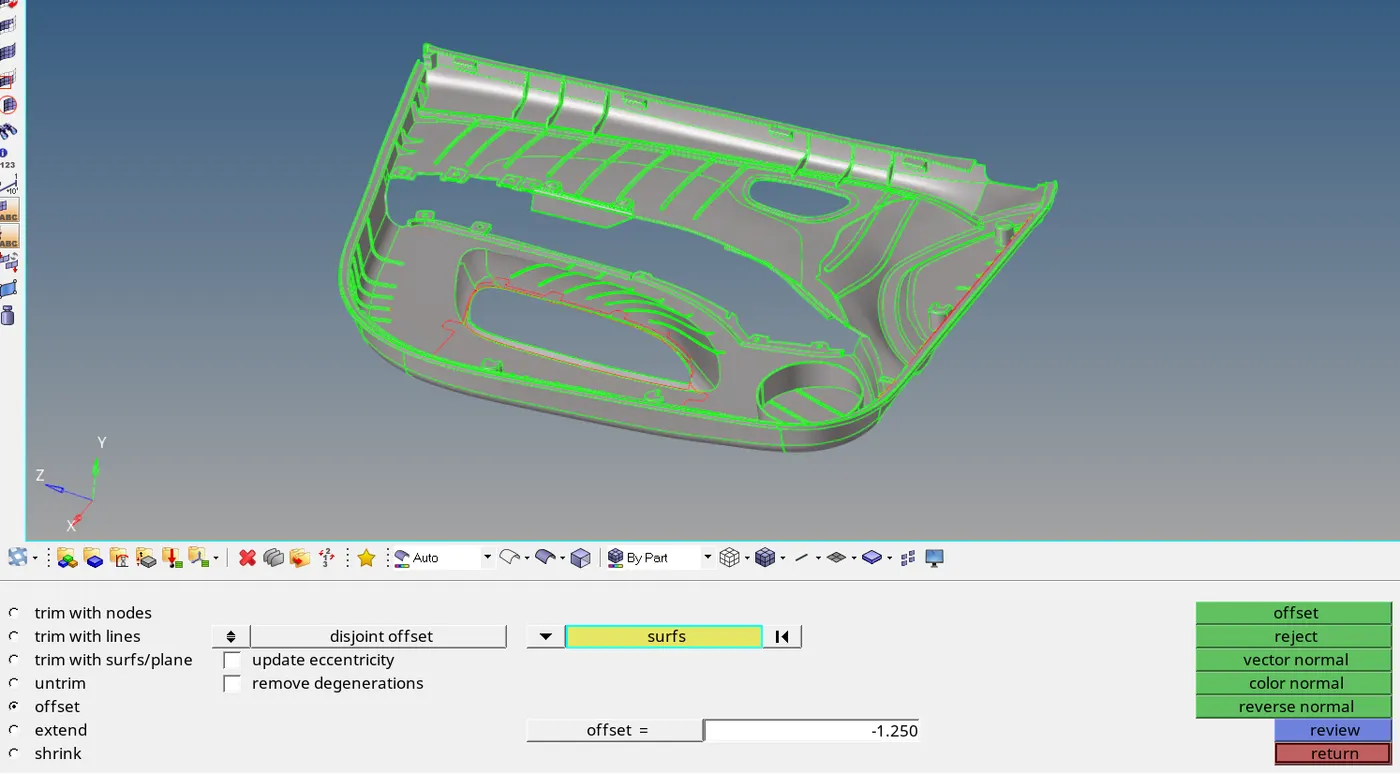
Figure 3: Showing the surface offset command in surface edit option.
By using the offset command, we will extract major mid surfaces of the inner door panel. Along with the major surfaces, there are lot of ribs in the model. To extract the mid surface of the ribs, we will use auto mid surface, on ribs only.
After extracting all the surfaces, we'll join the surfaces of ribs to the main inner panel surface using extend surface command in surface edit command.
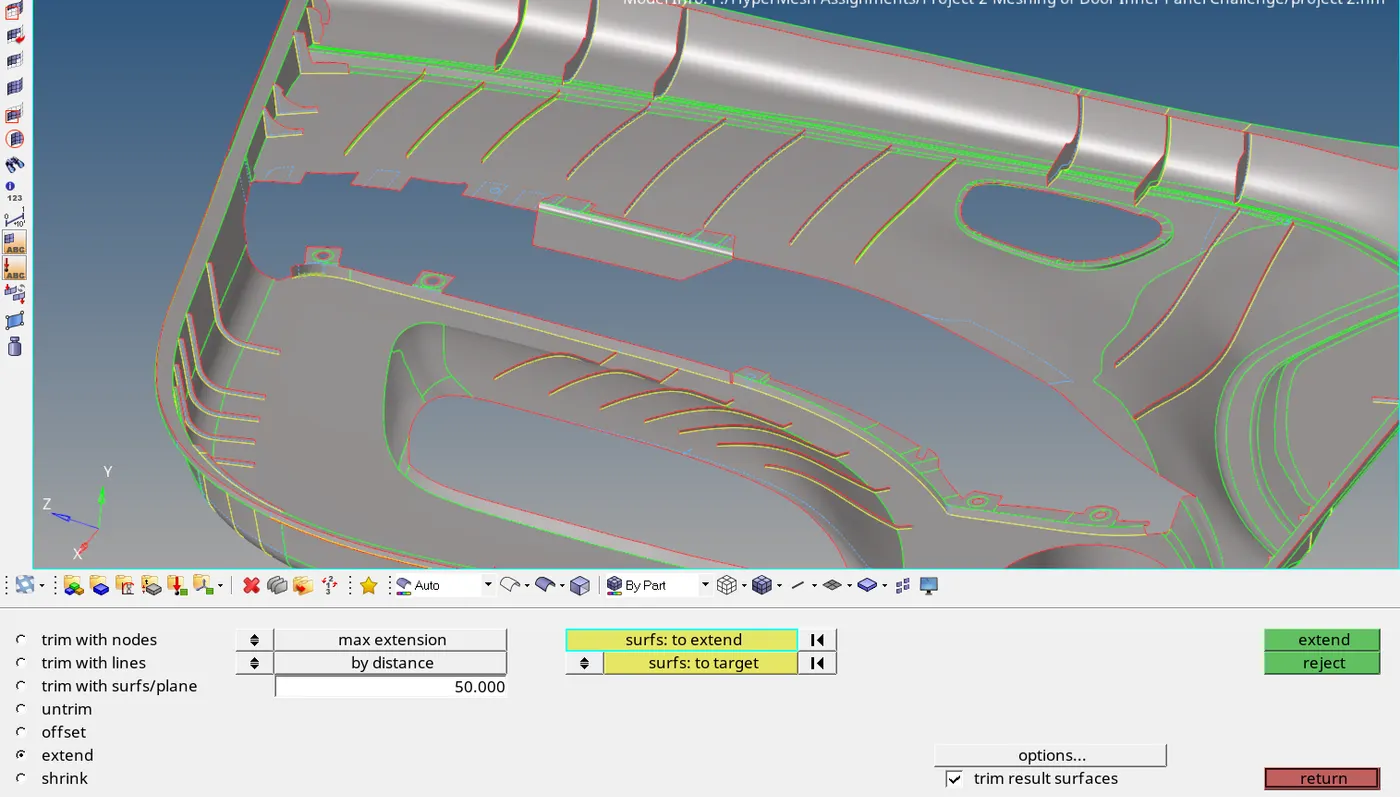
Figure 4: Showing extend surface command in hypermesh
After joining all the surfaces and fixing all the bad offset surface, our model is ready for meshing.
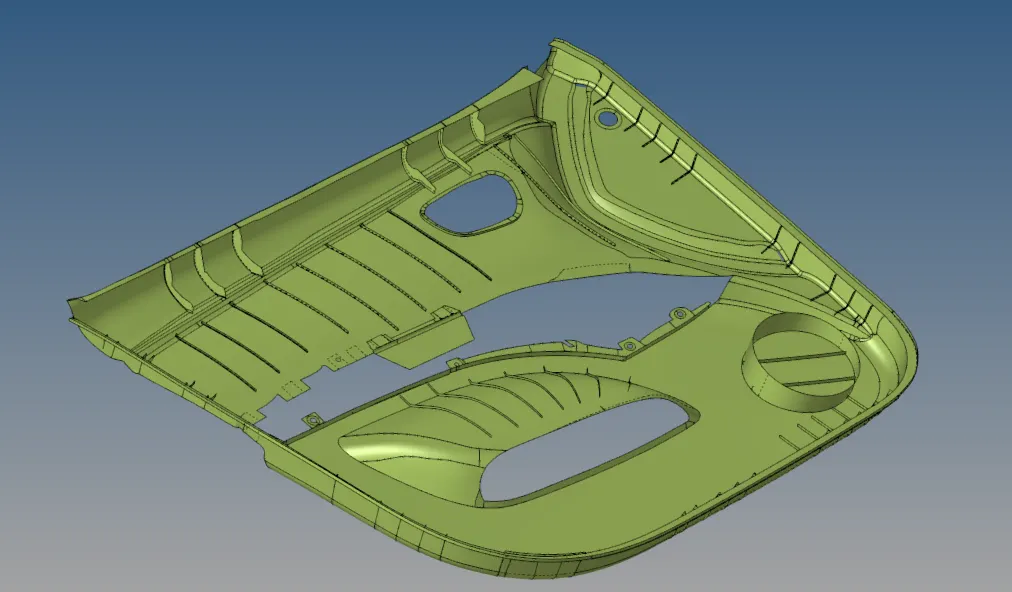
Figure 5: Showing the mid surface ready for the meshing.
To improve the mesh flow, we will add some cuts in the surface to allign the elements along the edges.
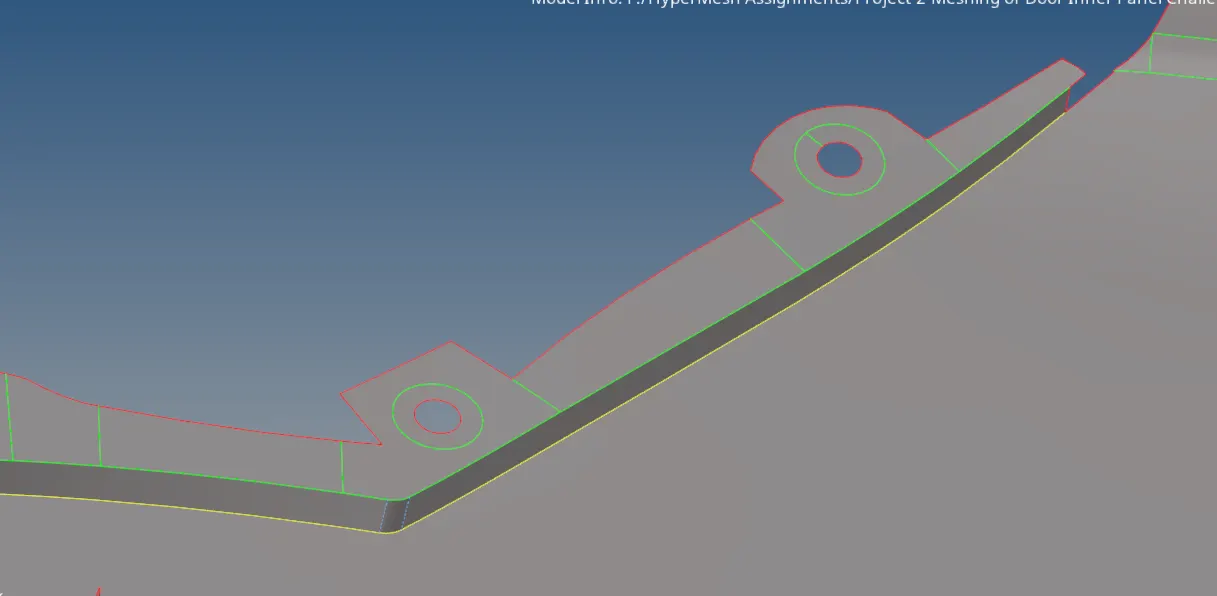
Figure 6: Showing cuts around the holes to improve mesh flow.
To start creating mesh, we use auto mesh command and select surface one by one, untill all the surfaces got meshed. Alongside we keeps on improving the elements quality with the help of smooth, split, joint elements etc. commands.
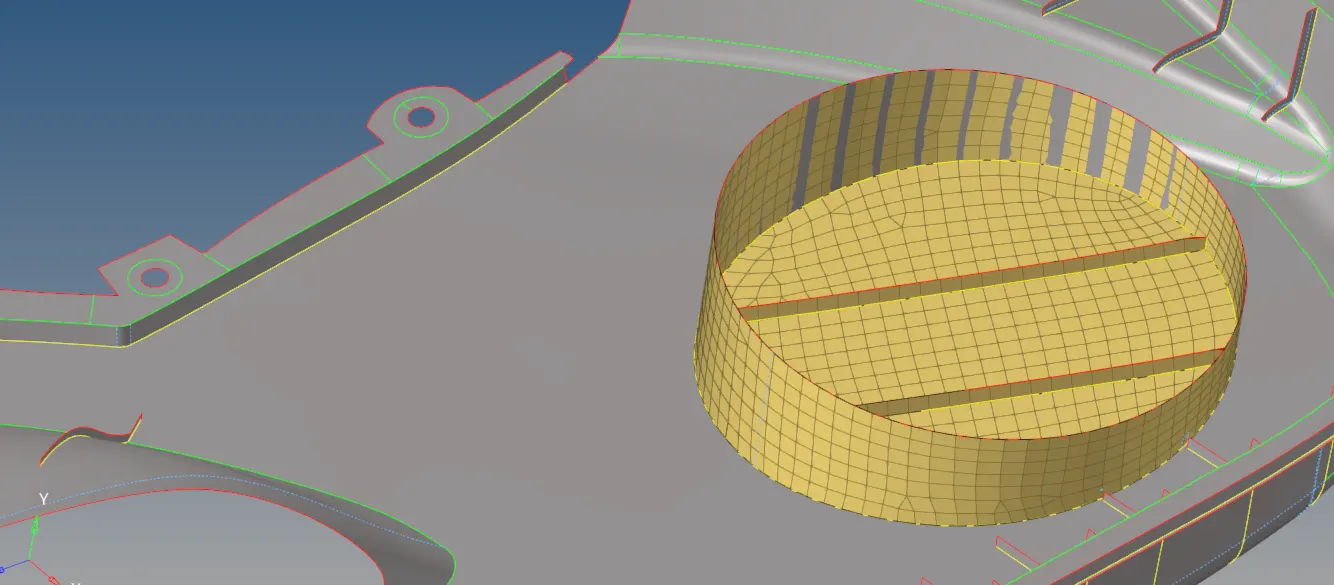
Figure 7: Showing mesh created on surface
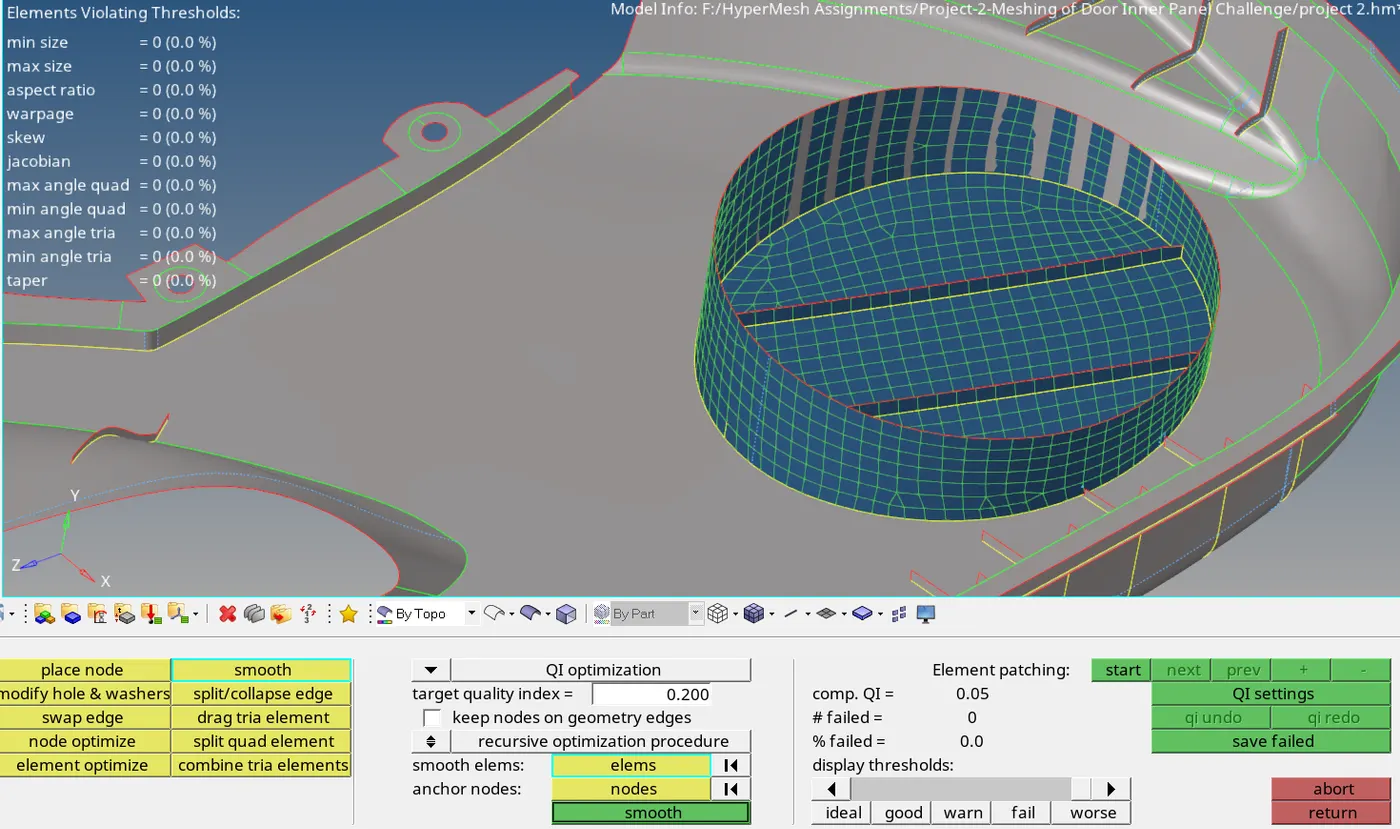
Figure 8: Image showing mesh quality improving commands
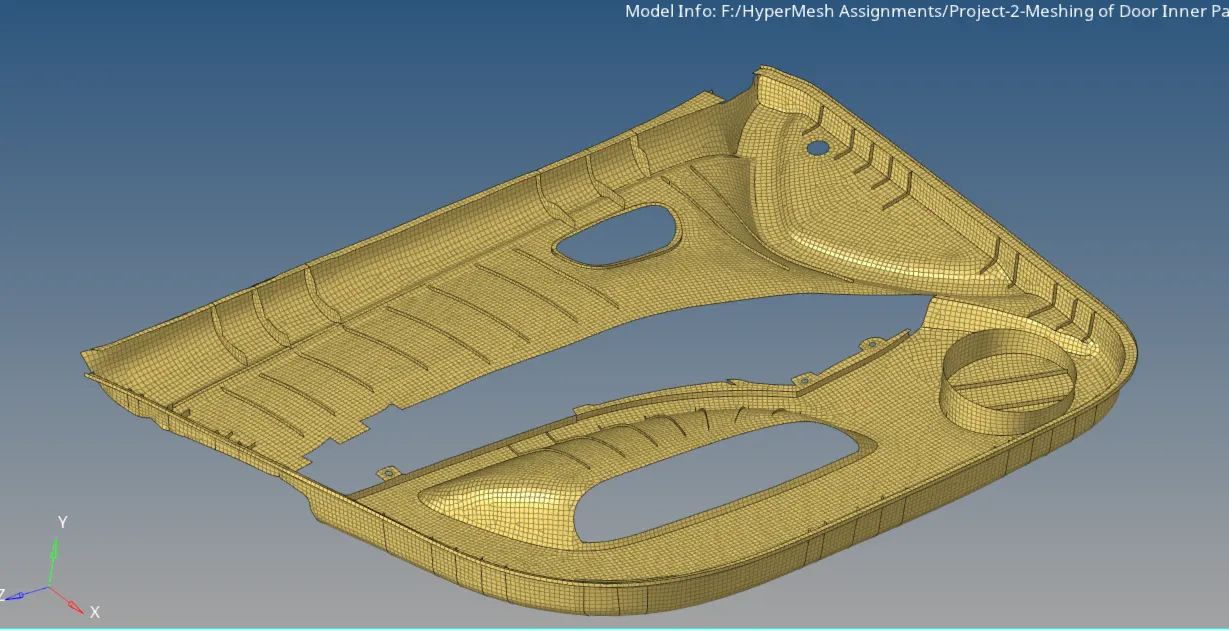
Figure 9:- Showing complete mesh of door inner panel