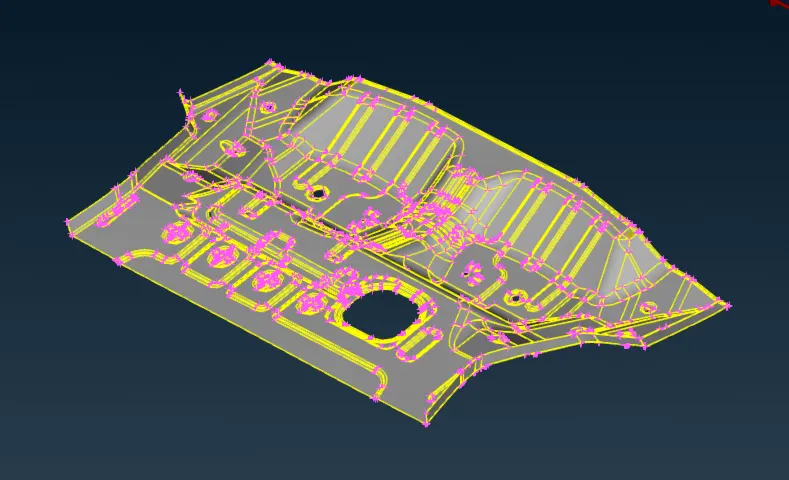
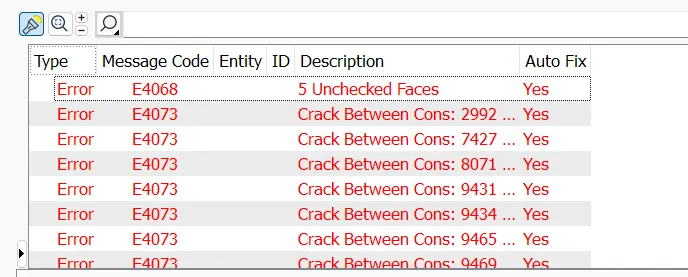
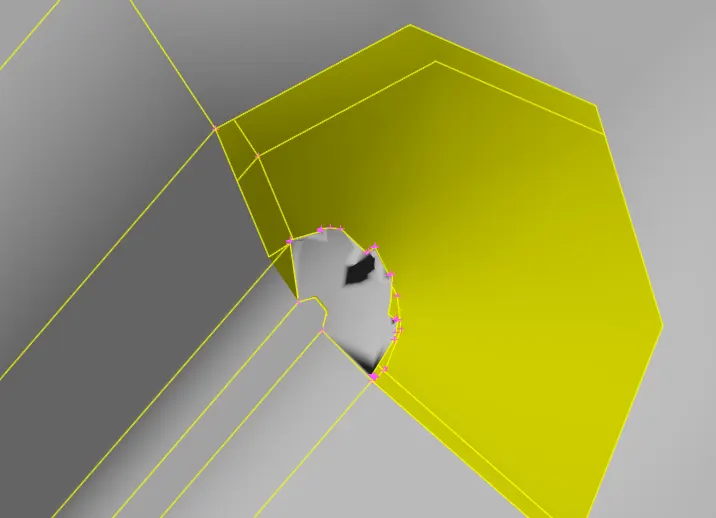
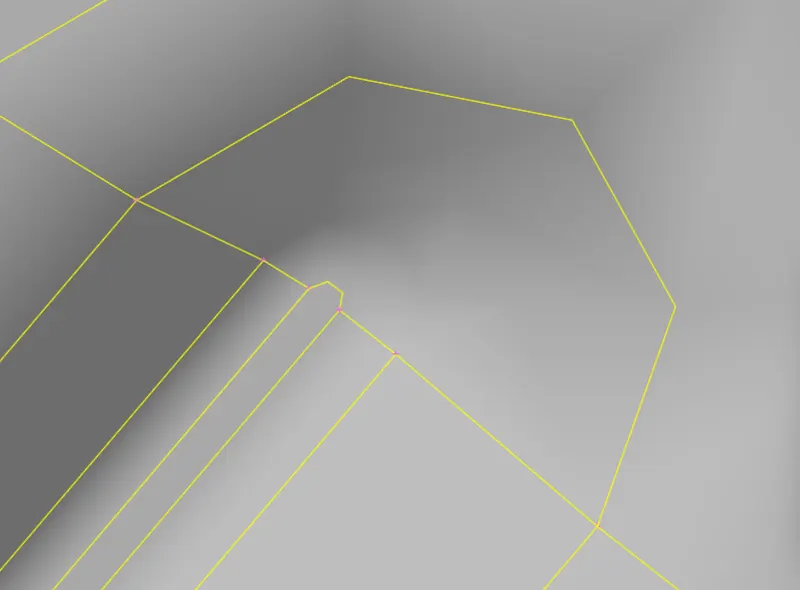
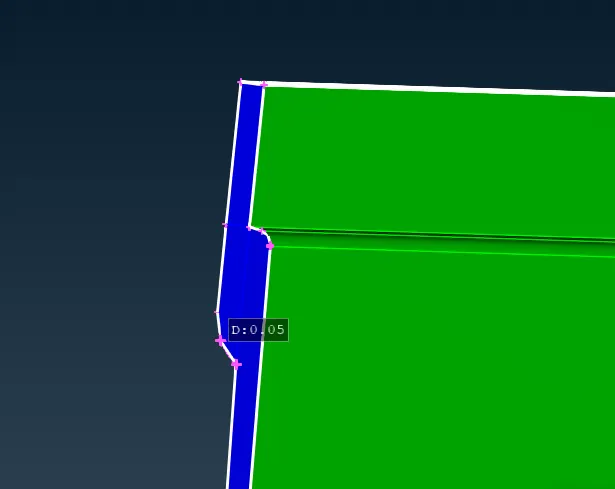
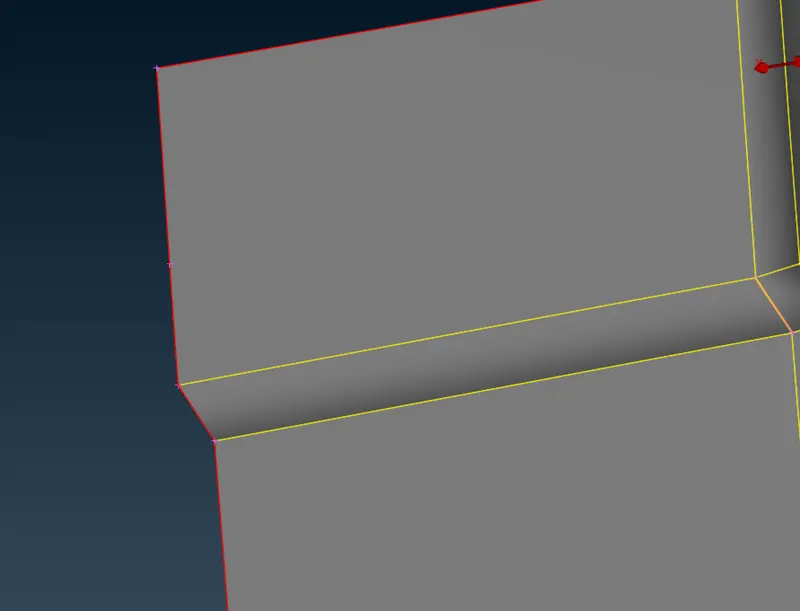
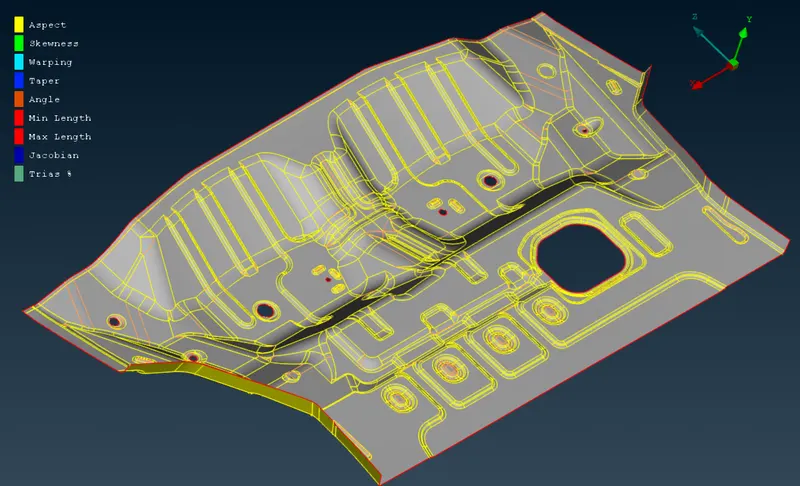
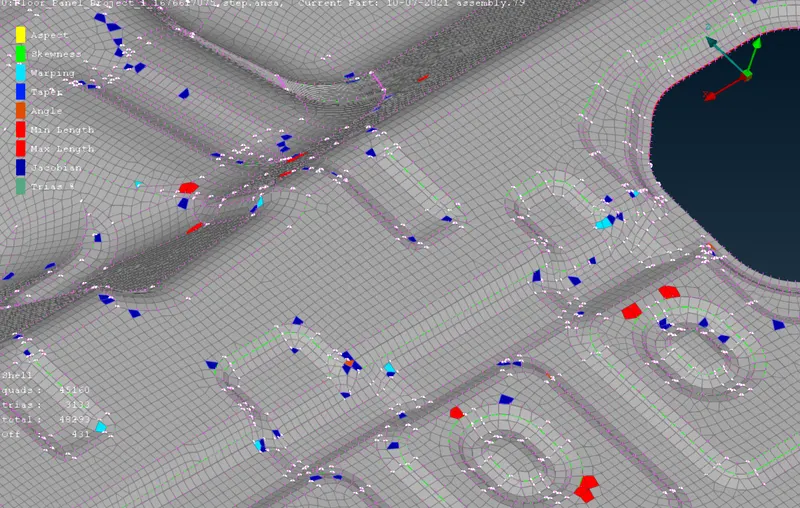
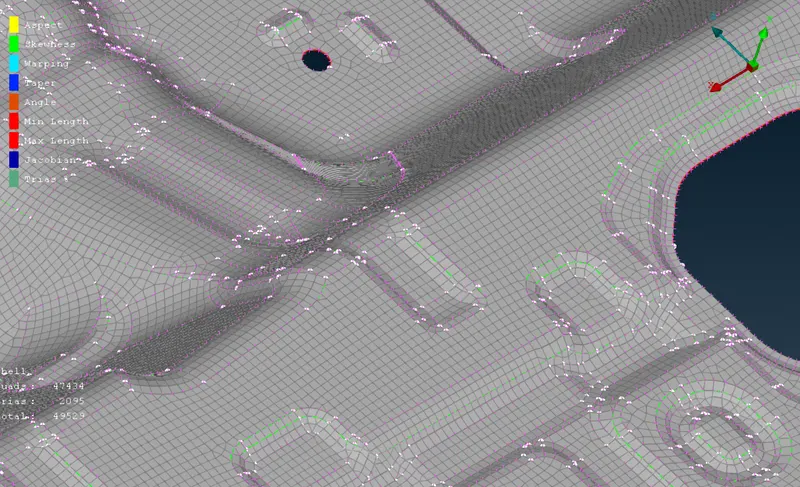
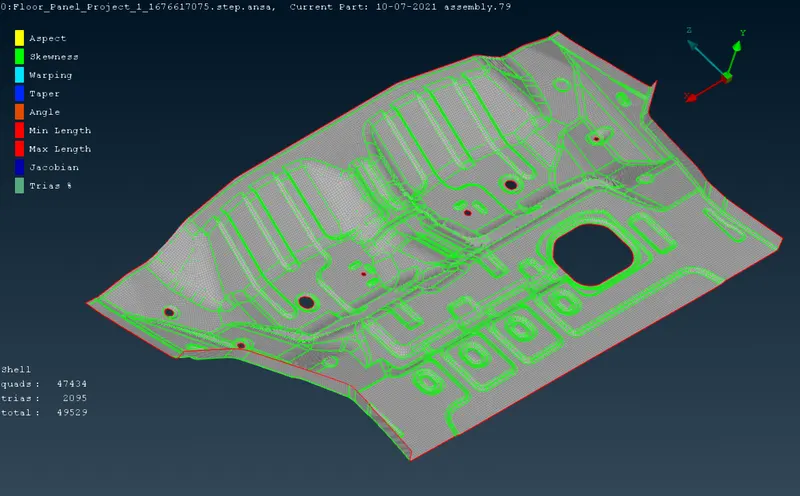
Aim:- Aim of this challenge is to generate the mesh for given Floor pannel, wiith required quality criteria. Proceduce:- We will start firstly by importing the CAD file available in STEP format into ANSA. After that, we will visually inspect the model, like if the part is of sheet metal ot thin surface casting part, so…
Ravi .
updated on 11 May 2023
Project Details
Leave a comment
Thanks for choosing to leave a comment. Please keep in mind that all the comments are moderated as per our comment policy, and your email will not be published for privacy reasons. Please leave a personal & meaningful conversation.
Other comments...
Read more Projects by Ravi . (15)
Week - 2 - Explicit and Implicit Analysis
Aim: To Explain the difference between explicit and implicit solver. Solution:- Finite Element Analysis or FEA is a method of analysing engineering designs by applying simulating forces and other conditions, on the 3D model of object called Finite Element model. The whole 3D model is divided into small elements, which…
21 Feb 2024 07:00 PM IST
Week - 1 - Consistency of Units
Aim: Aim of this challenege is to find the conversion factor, to convert the given values into required unit system. Procedure:- Lets start with the unit system- gm/mm/ms. The value which we have to convert are- MASS 1kg To convert Kg to gm, we have to multiply it by 10^3, so conversion factor will be 10^3 and final…
29 Jan 2024 07:30 PM IST
Week 7-12-Creation of 1D Connectors Challenge
Aim:- The aim of this challenge is to create mesh on the components of the assembly and then make connections between them as per the requirement specified Procedure:- To start working with the model, first we'll import the Model into the hyper mesh environment. This can be done by using import model option. After this…
11 Dec 2023 04:58 PM IST
Week 6-3D Tetra Meshing Challenge
Aim: Aim of this challenge is to create 3D tetra mesh on the provided geometries using different types of 3D meshing methods available in hypermesh Procedure:- To start working with the model, first we'll import the model 1 into hypermesh working enviornment. Figure 1: Showing the model 1 in hypermesh working environment …
11 Dec 2023 04:56 PM IST
Project-2-Meshing of Door Inner Panel Challenge
Objective:- Aim of this challenge is to create mesh for inner door panel of car by extracting the mid surface. Procedure:- To start working with this challenge, first we'll import the CAD model of the inner door panel of car into the hypermesh. Figure 1: Showing the imported CAD model into hypermesh After opening the model,…
11 Dec 2023 09:54 AM IST
Project 1-Meshing of Rear Wheel Holder challenge
Objective: Objective of this challenge is to create the mesh with required quality parameters, after extracting the mid surface of the given model Procedure:- To start working with the model, first we will import the given 3d file into the hypermesh working window, using the import option. Figure 1: Showing the imported…
16 Aug 2023 06:20 PM IST
Week 4- Meshing of Backdoor Challenge
Objective:- The aim of this challenege is to clean the given back door assembly, and mesh it with given required parameters. Procedure:- To start working with the model, first we open the given model into the hypermesh software by importing the cad file, using import geometry command. Fig 1: Showing the imported 3D file…
26 Jul 2023 06:41 PM IST
Week 6-Meshing of Hood Challenge
Objective: Objective of this challenge is to create the mesh on car hood which satisfies the given quality criteria, after extracting the mid surface. Procedure:- To start working with the challenge, first we will open the given 3D file of the hood in hypermesh window by using import geometry command. Fig 1: Showing the…
19 Jun 2023 06:17 PM IST
Week 4-1D Element Creation Challenge
Aim:- Aim of this challenge is to create mid surface of given component and then assign the required 1D element on the given location in Hypermesh. Procedure:- To start working with the challenge, first we import the igs file of the 3D geometry in hypermesh using import geometry command. Fig 1: Showing the imported geometry…
09 Jun 2023 07:54 PM IST
Project 2 - 2D meshing on the instrumental Panel
Aim:- Aim of this challenge is to 2D meshing of the instrument pannel of car by taking proper mid surface. Procedure:- We will start by importing the 3D file of car instrument pannel into ANSA by open command. Fig 1: Showing the Instrument pannel in ANSA Now we will check the model for geometrical errors. First we will…
21 May 2023 05:19 PM IST
Project 1 - Meshing of Floor Panel
Aim:- Aim of this challenge is to generate the mesh for given Floor pannel, wiith required quality criteria. Proceduce:- We will start firstly by importing the CAD file available in STEP format into ANSA. After that, we will visually inspect the model, like if the part is of sheet metal ot thin surface casting part, so…
11 May 2023 05:07 PM IST
Week 6 - Creating connection for Rear door
Aim:- Aim of this challenge is to perform suitable connections between the various components of rear door assembly. Procedure:- To start working with the model, first we will open the provided model in ANSA workbench using File > Open command. Now we will check the provided FE model for any errors or missing meshed…
24 Dec 2022 09:48 PM IST
Week- 5 - Solid meshing
Aim:- To mesh the given Rear View Mirror component, after checking and fixing for any geometrical error. Procedure:- To start working with the model, firstly we open the 3d IGS file in ANSA workbench window by going to File > Open Command. After importing the geometry, we check the model for any geometrical error first…
26 Nov 2022 08:09 PM IST
Week - 4 - 2D meshing for Plastic components
Aim- The aim of this challenge is to mesh the Plastic bottle cap with given quality criteria by mid surface extraction after checking for geometrical errors. Procedure- To start working with the given model, firstly we open the 3d file provided, in ANSA window by File -> Open command. After that we run a quick geometry…
14 Nov 2022 07:59 PM IST
Week 3 - 2D meshing for sheet metal
Aim:- The Aim of the challenge is to create a shell mesh for car hood including its supporting structure. Procedure:- Firstly we import the stp file into ANSA working window by going to File > Open and then selecting the stp file. This opens the 3D model, which contain 5 parts Hood Top, Hood bottom support sheet, and…
23 Oct 2022 01:26 PM IST