Project 2-Highway Assistant-Lane Changing Assistant
Answer:
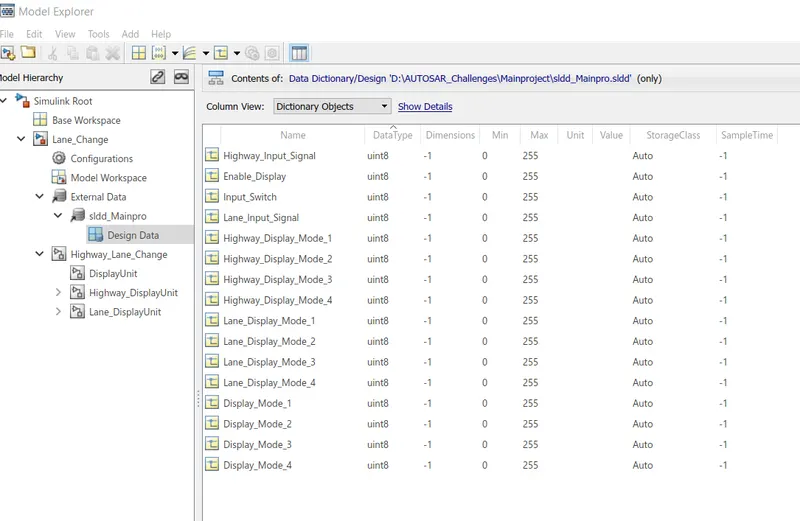
First SLDD is created according to given data as shown below.
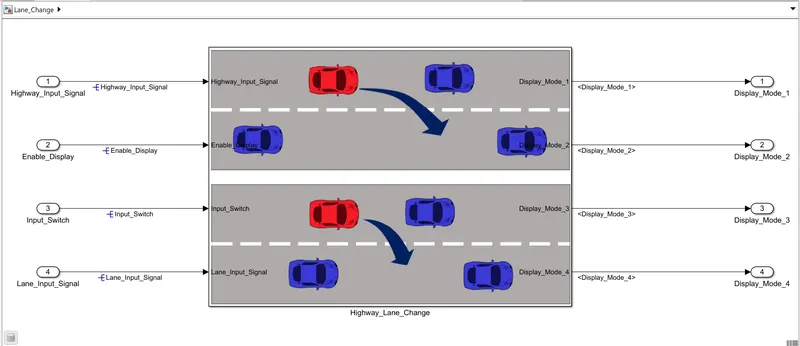
After that Mainmodel is modelled according to given three requirements as below:
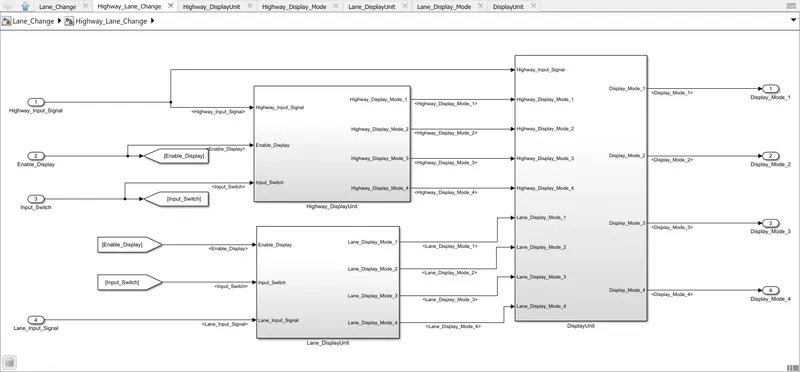
Now the sybsystem for requirement 1 is modelled as below:
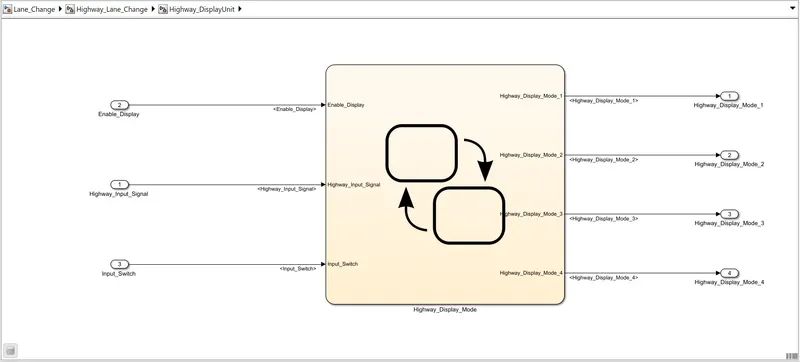
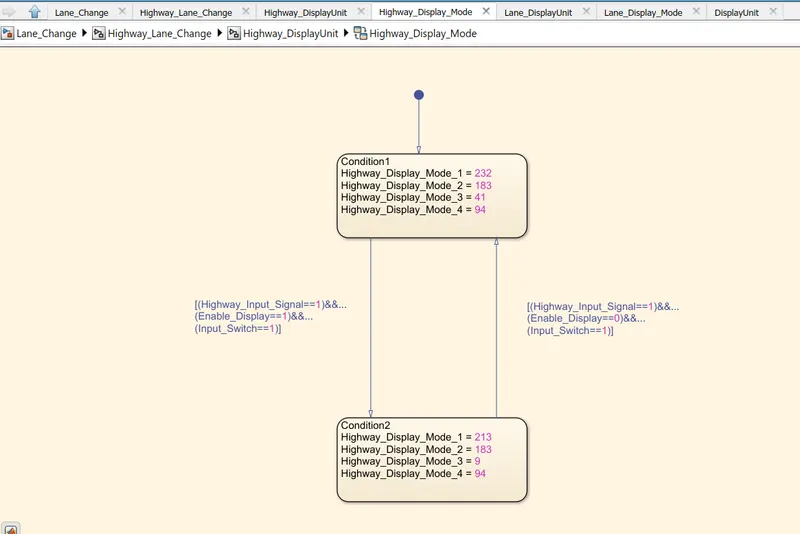
Now, the requirement 2 is modelled as below:
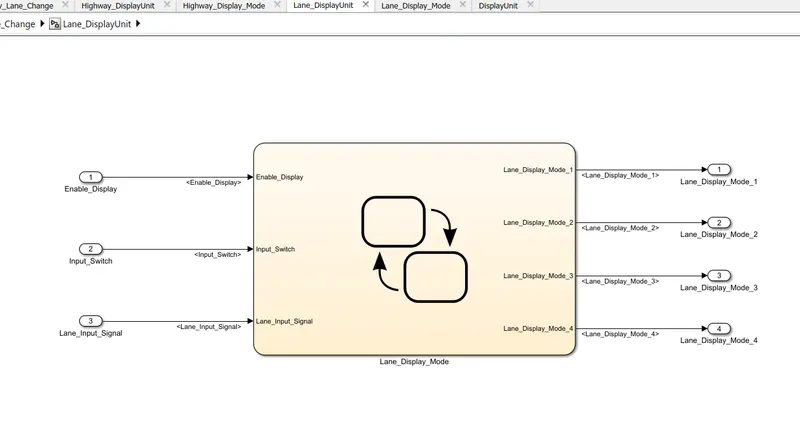
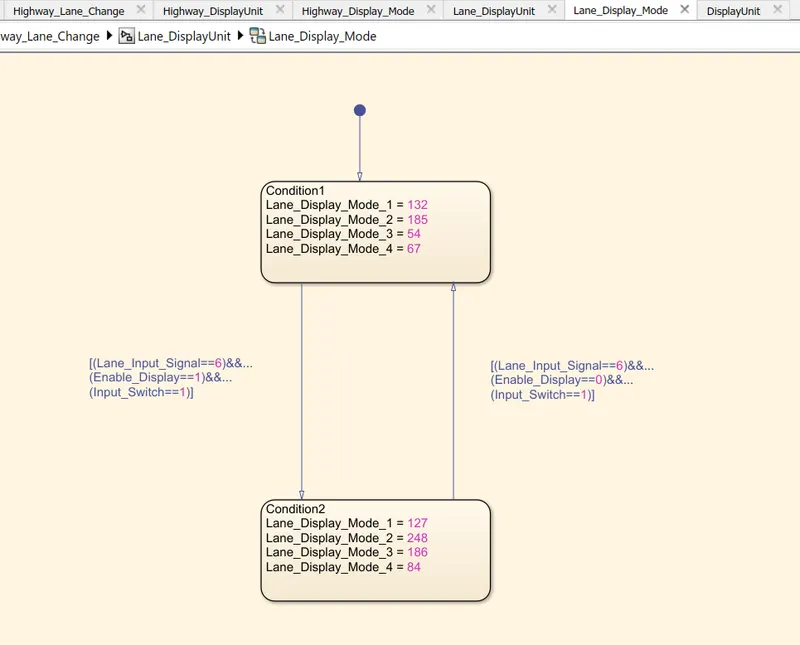
In similar way the requiremnt 3 is modelled as below:
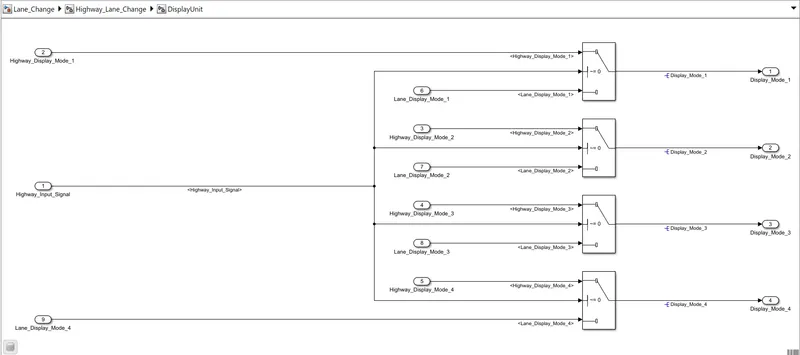
Requirement Tagging:
- Requirement Tagging is done first select the text in word file and then Minimize it.
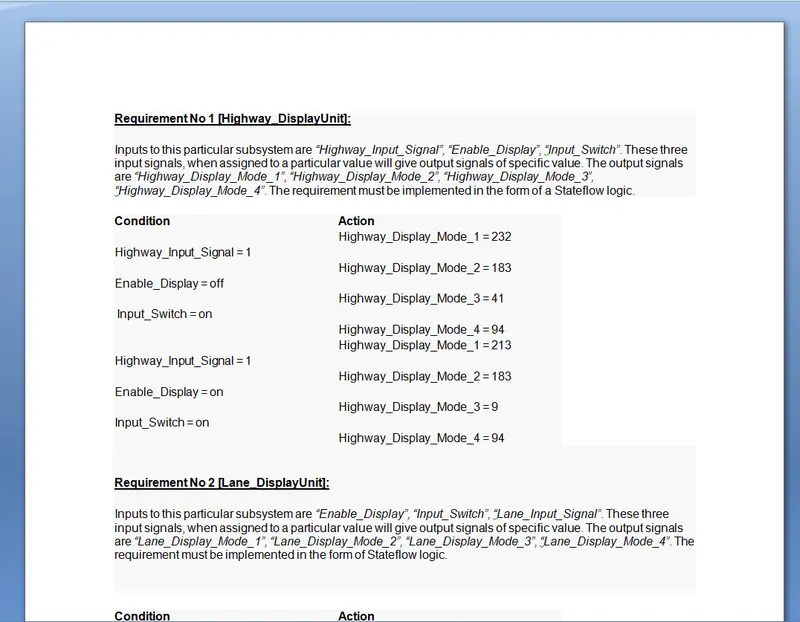
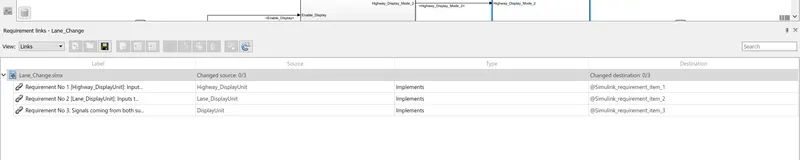
- Now, openmatlab model and select the subsystem for which you want perform requirement tagging,
- And then right click choose selection in word.
- Now, the window will open as below:
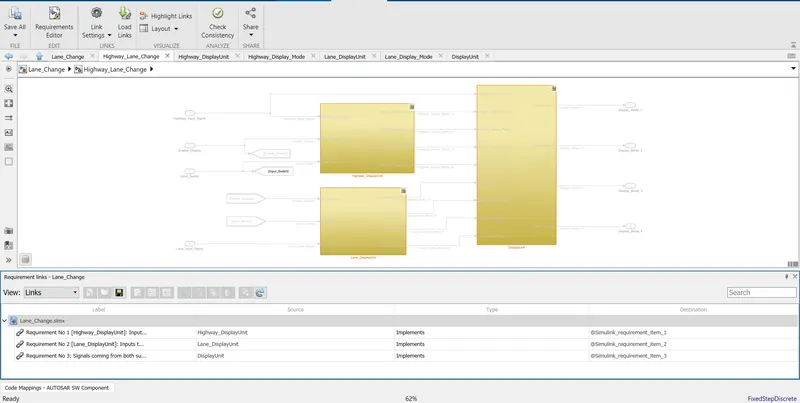
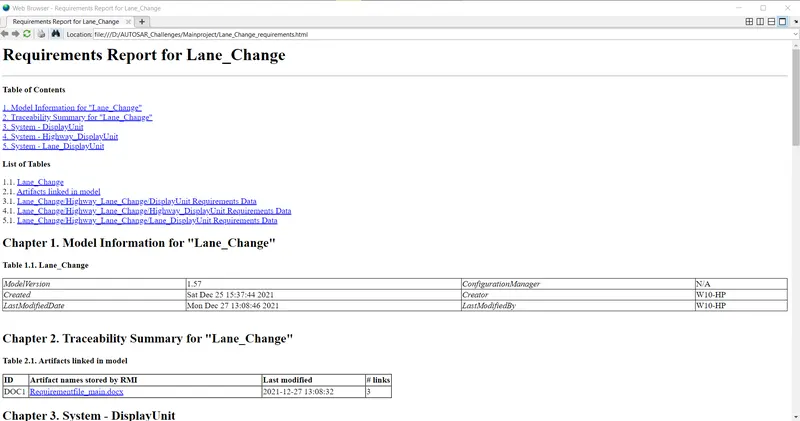
- Now, report will show as below.
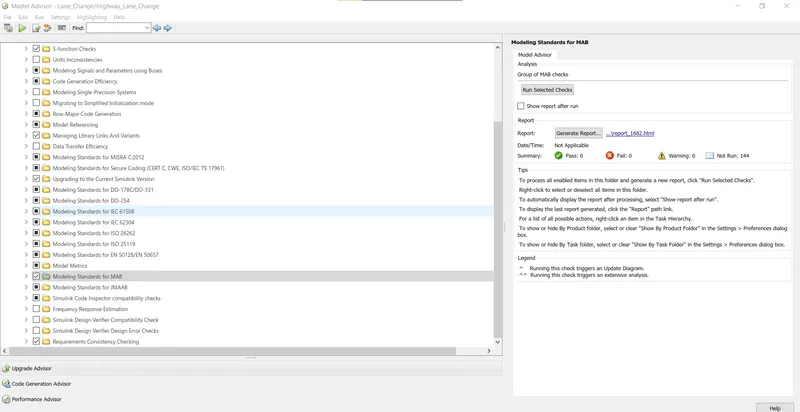
Model Advisor Check:
- Model advsior check performed as below:
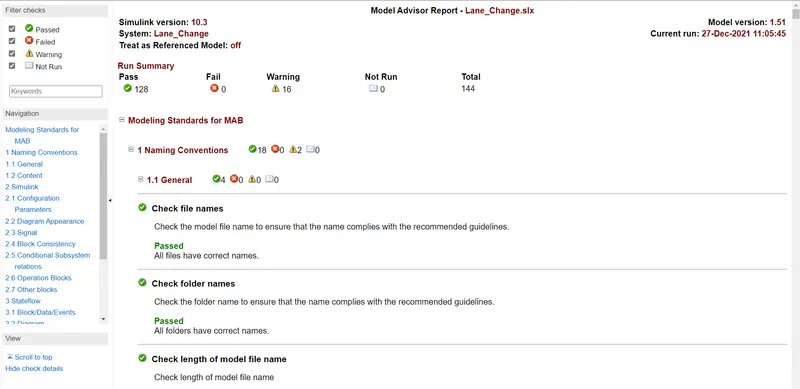
Model advisor check report:
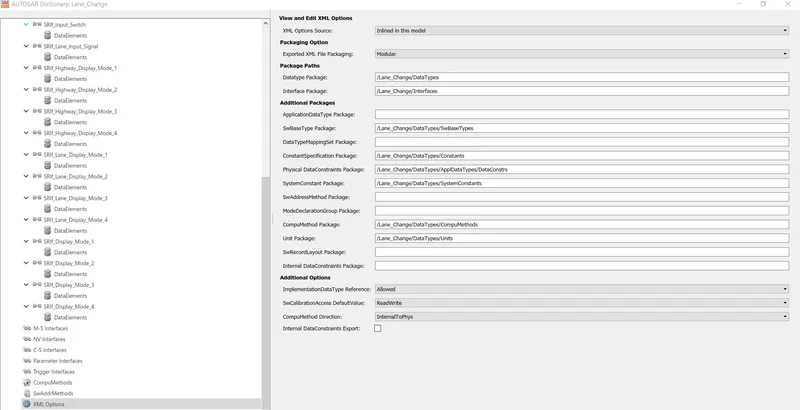
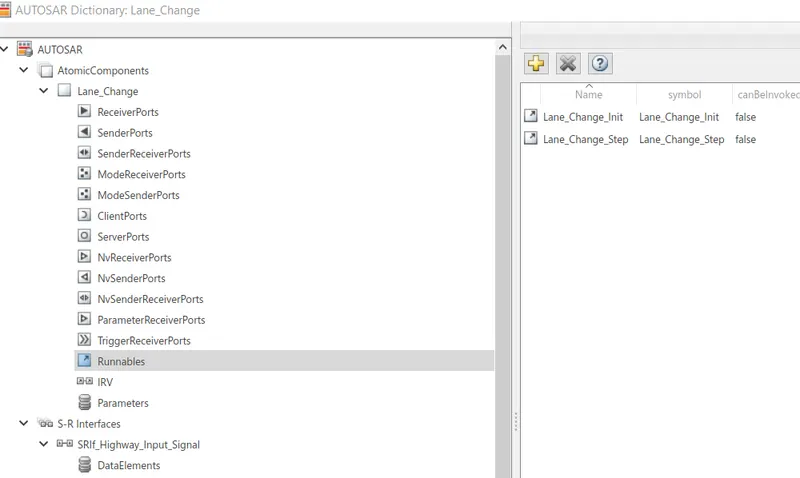
Now we will configure AUTOSAR dictionary as below:
XML options:
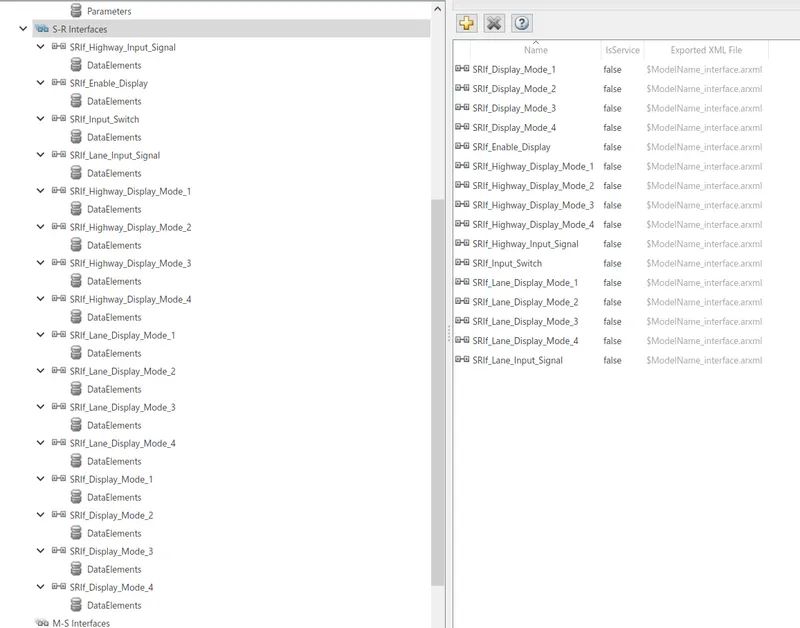
S-R interfaces:
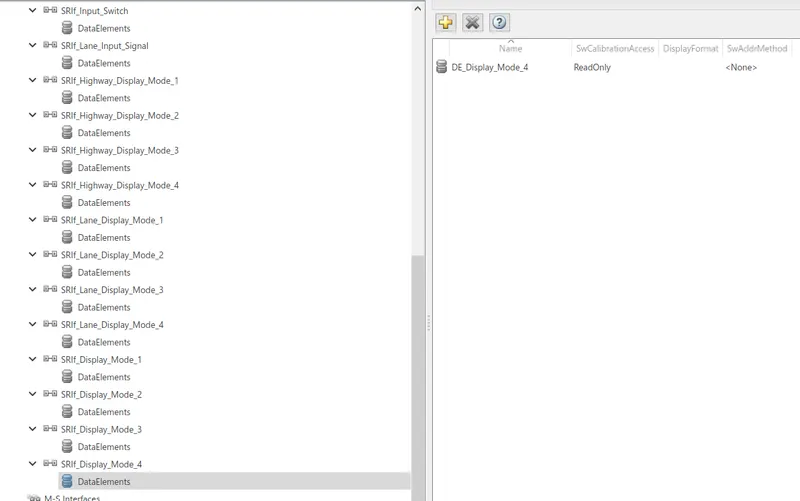
Data elements:





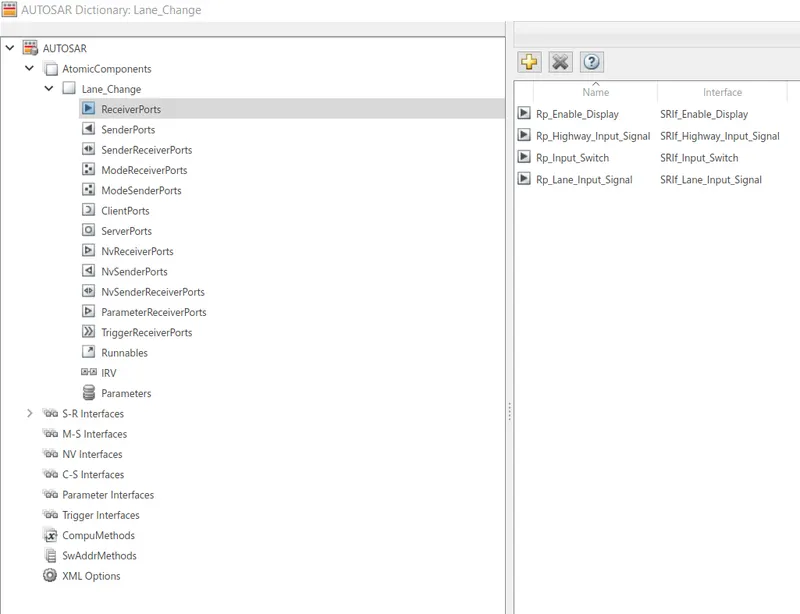
Receive ports:
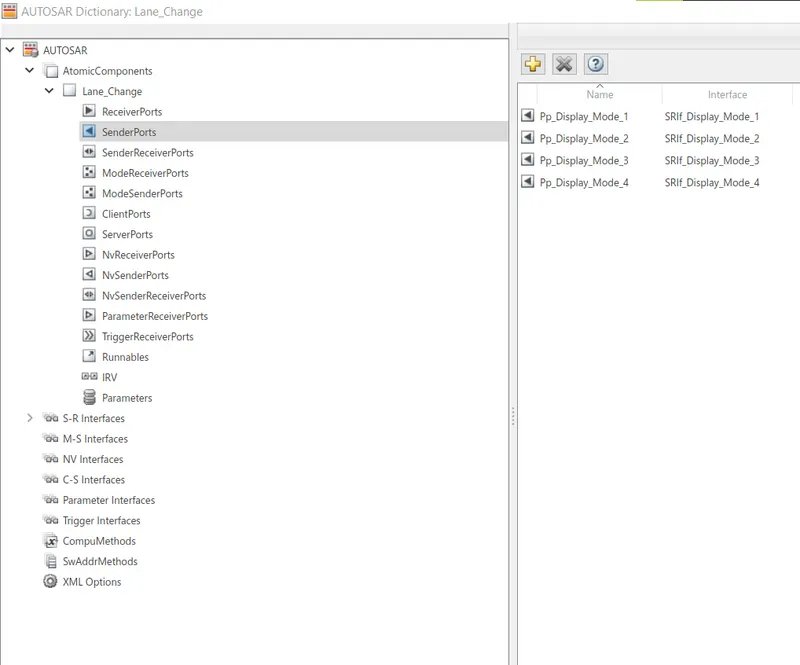
Sender ports:
Runnables:
PORT Mapping:
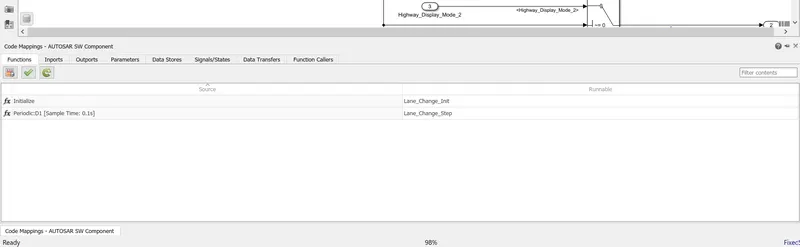
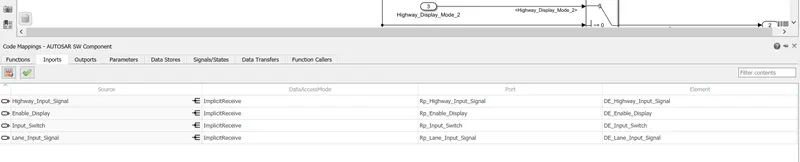
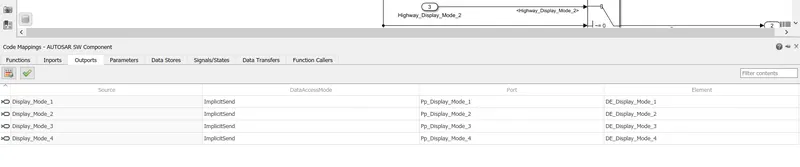
- After configuration of AUTOSAR dictionary, we will do PORT Mapping as shown below:
Code generation:
- First, we will set system target file as autosar.tlc
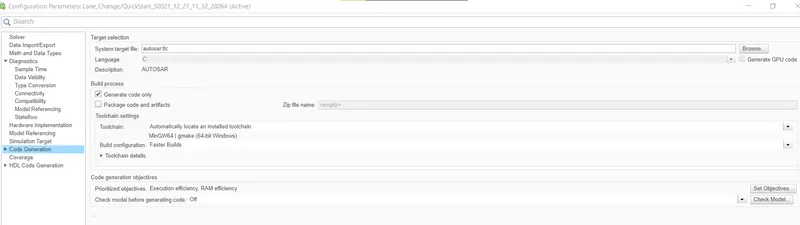
- First goto AUTOSAR and choose Quick start.
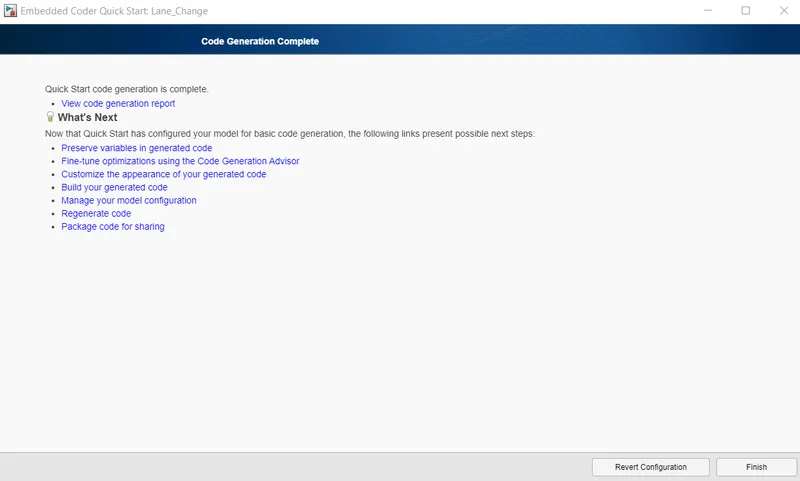
- Now new window will open and configure it.
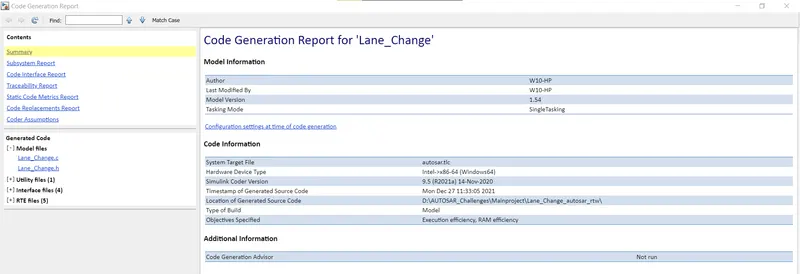
- then Code will generate and it is shwon as below.
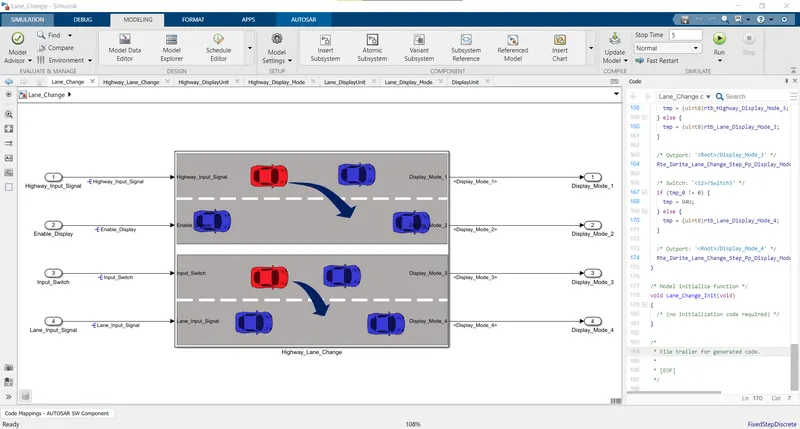
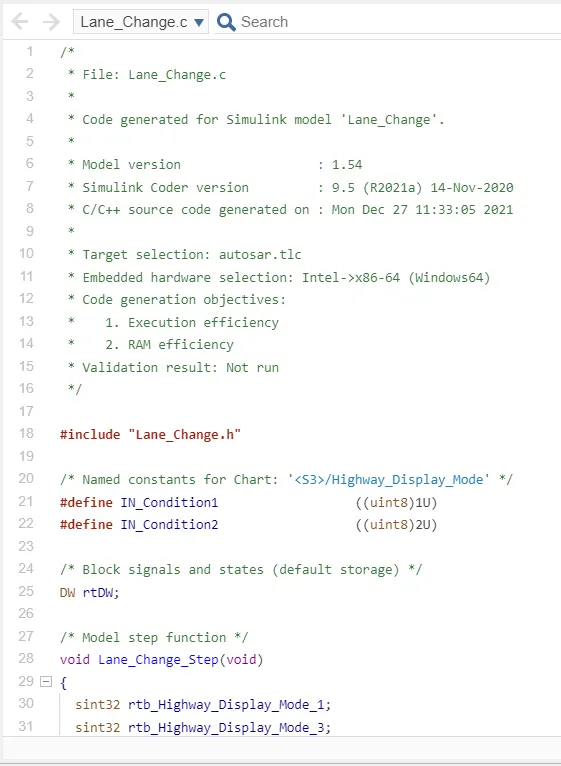
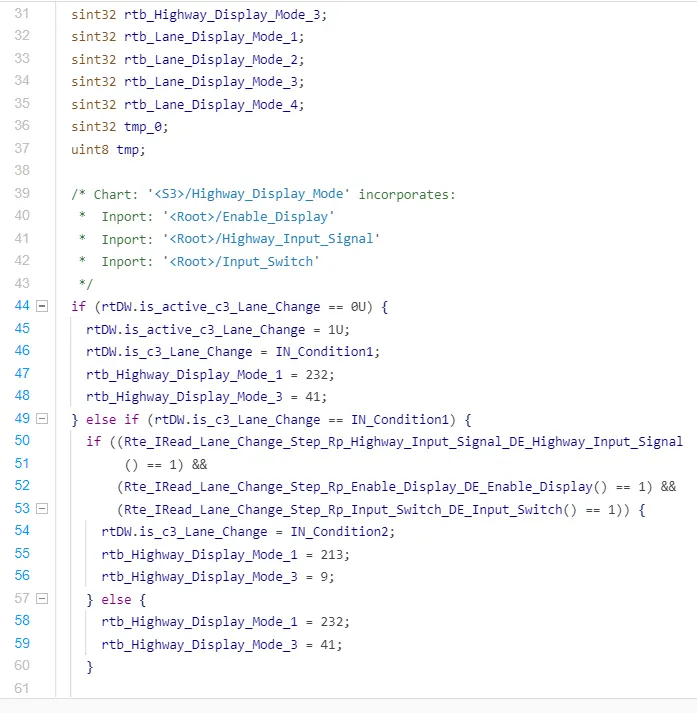
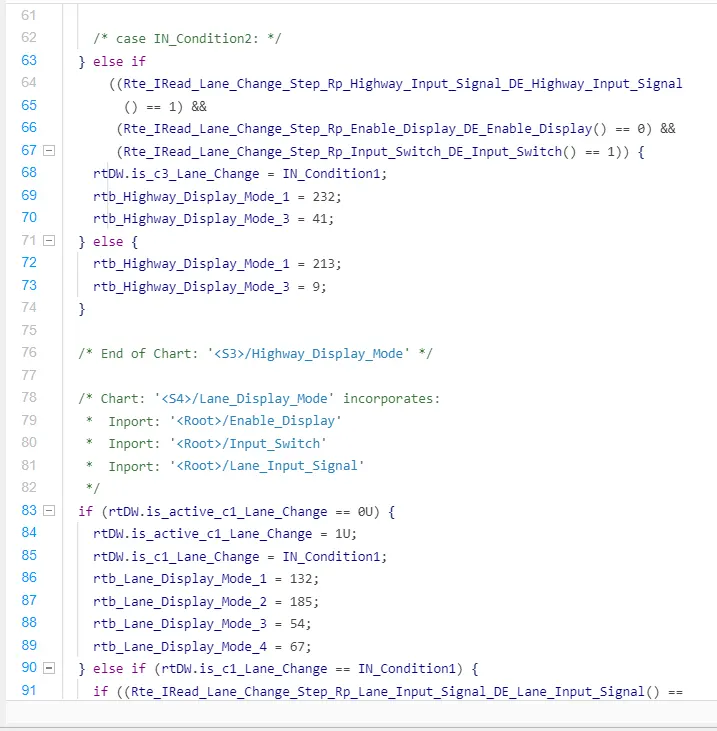
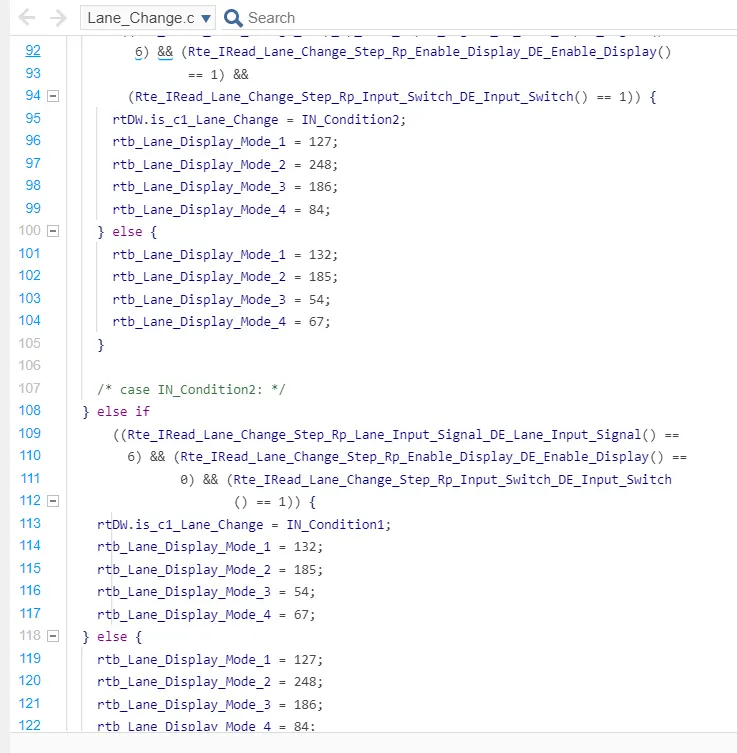
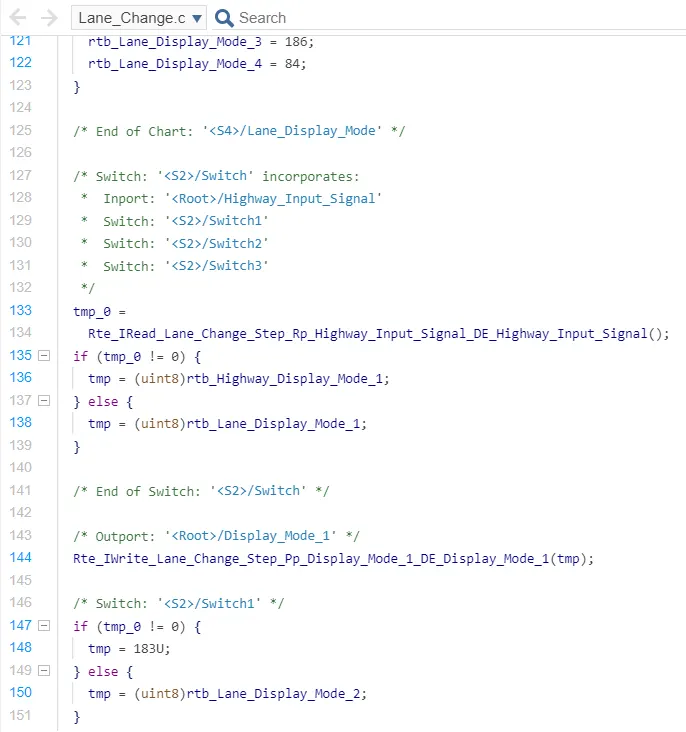
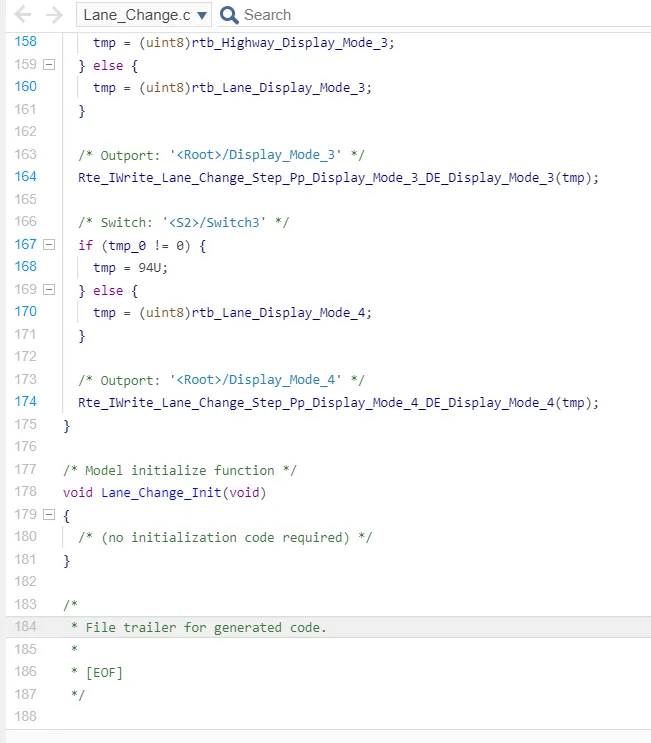
Code Report: